Learn how to change the default email app on your iPhone and iPad to Gmail, Outlook, Spark, HEY, or something other than the default Apple Mail app.
How to set Gmail or another app as the default on iPhone
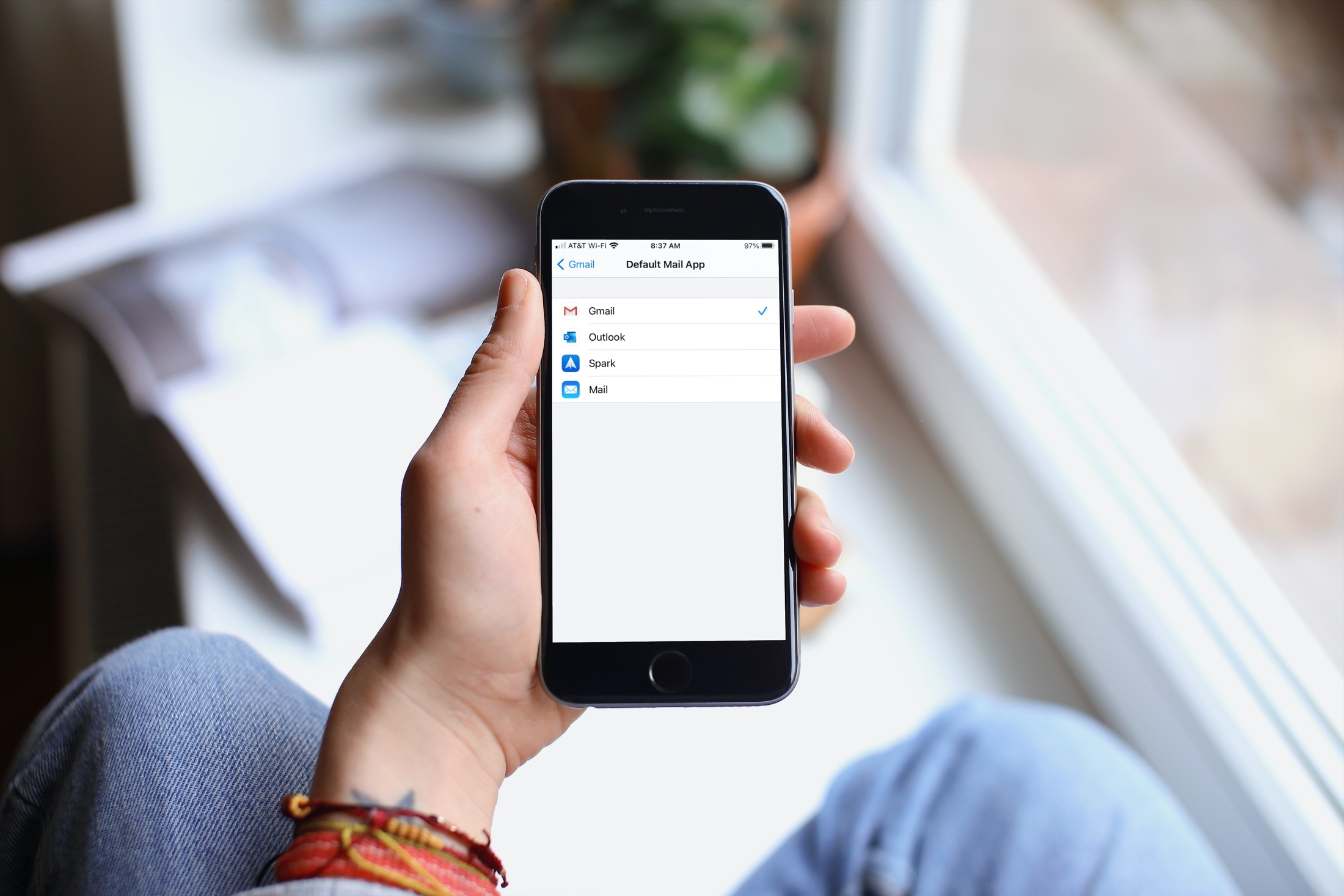
Learn how to change the default email app on your iPhone and iPad to Gmail, Outlook, Spark, HEY, or something other than the default Apple Mail app.
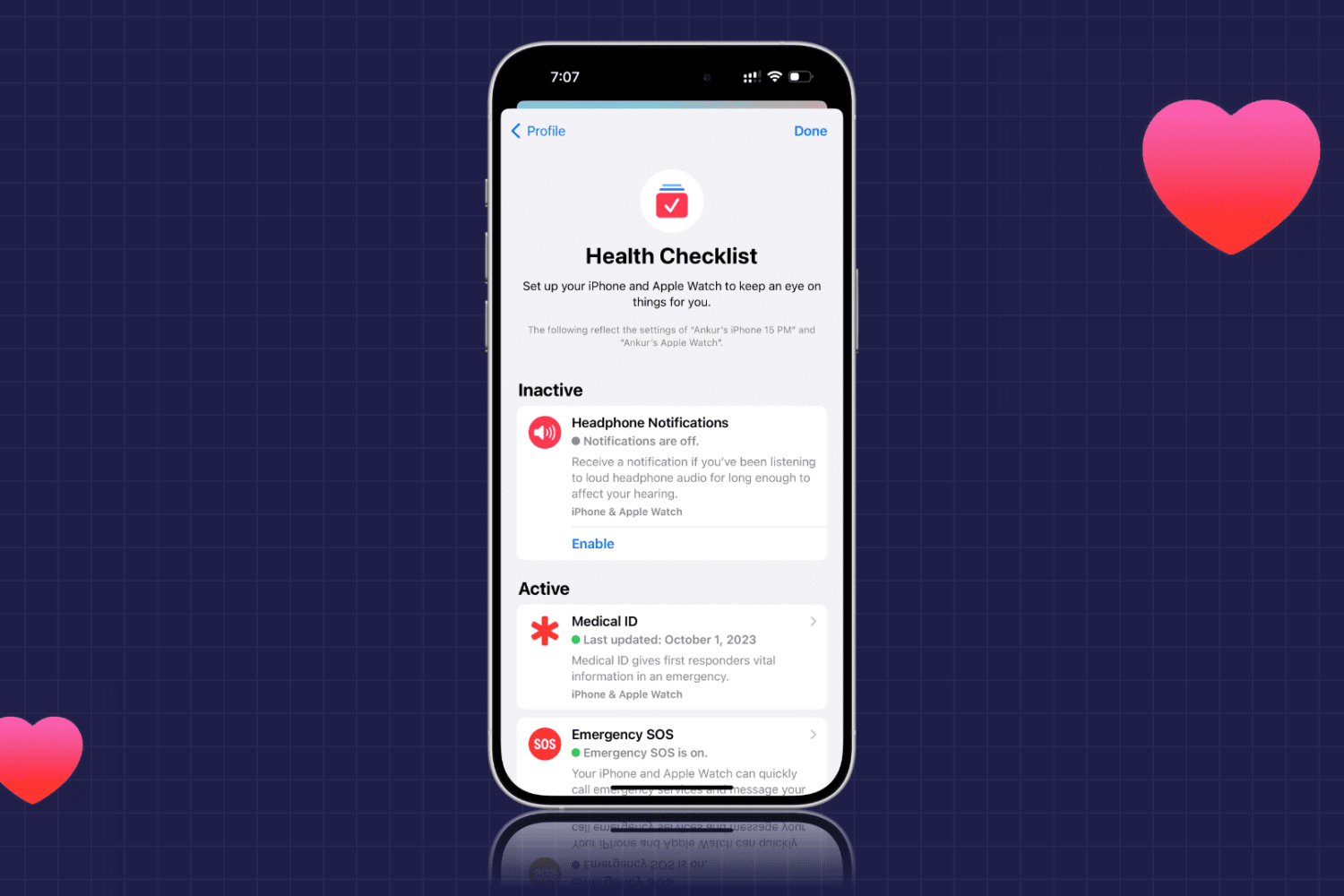
Learn how to use the Health Checklist option for iPhone and Apple Watch to make sure that you’re using the health features you really need.
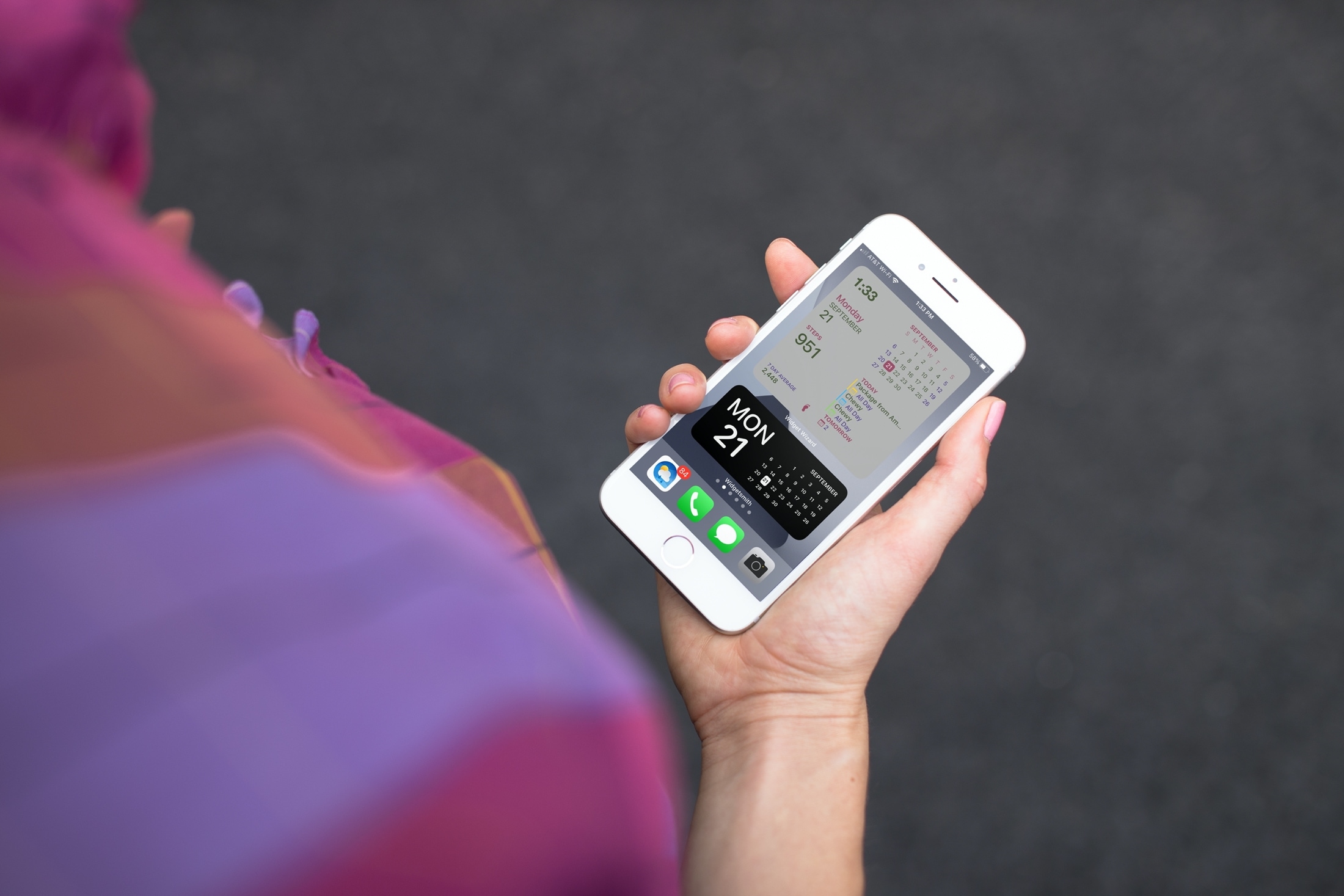
If you’ve been enjoying the iOS 14 and iPadOS 14 feature for adding widgets to your Home Screen, then maybe you want to take that a step further. Among apps with Home Screen widgets are apps that let you customize your own widgets!
You can create your own Home Screen widgets and have them look exactly as you like. This gives you even more flexibility than you probably expected for personalizing your device. Here’s how to create custom Home Screen widgets on iPhone and iPad and tools you can use.
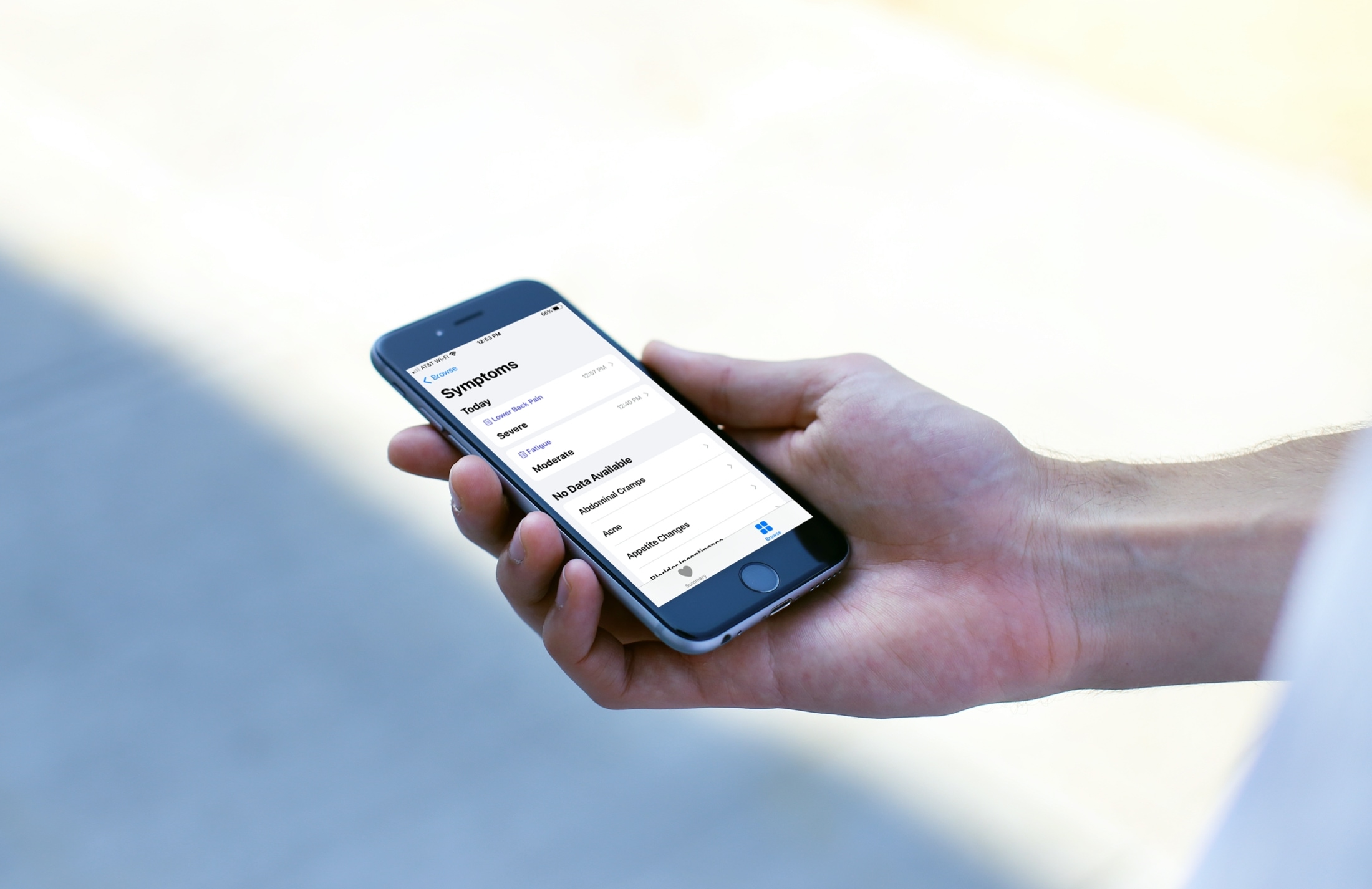
Note symptoms in the iPhone or iPad Health app so you can keep track and use them when diagnosing the problem.
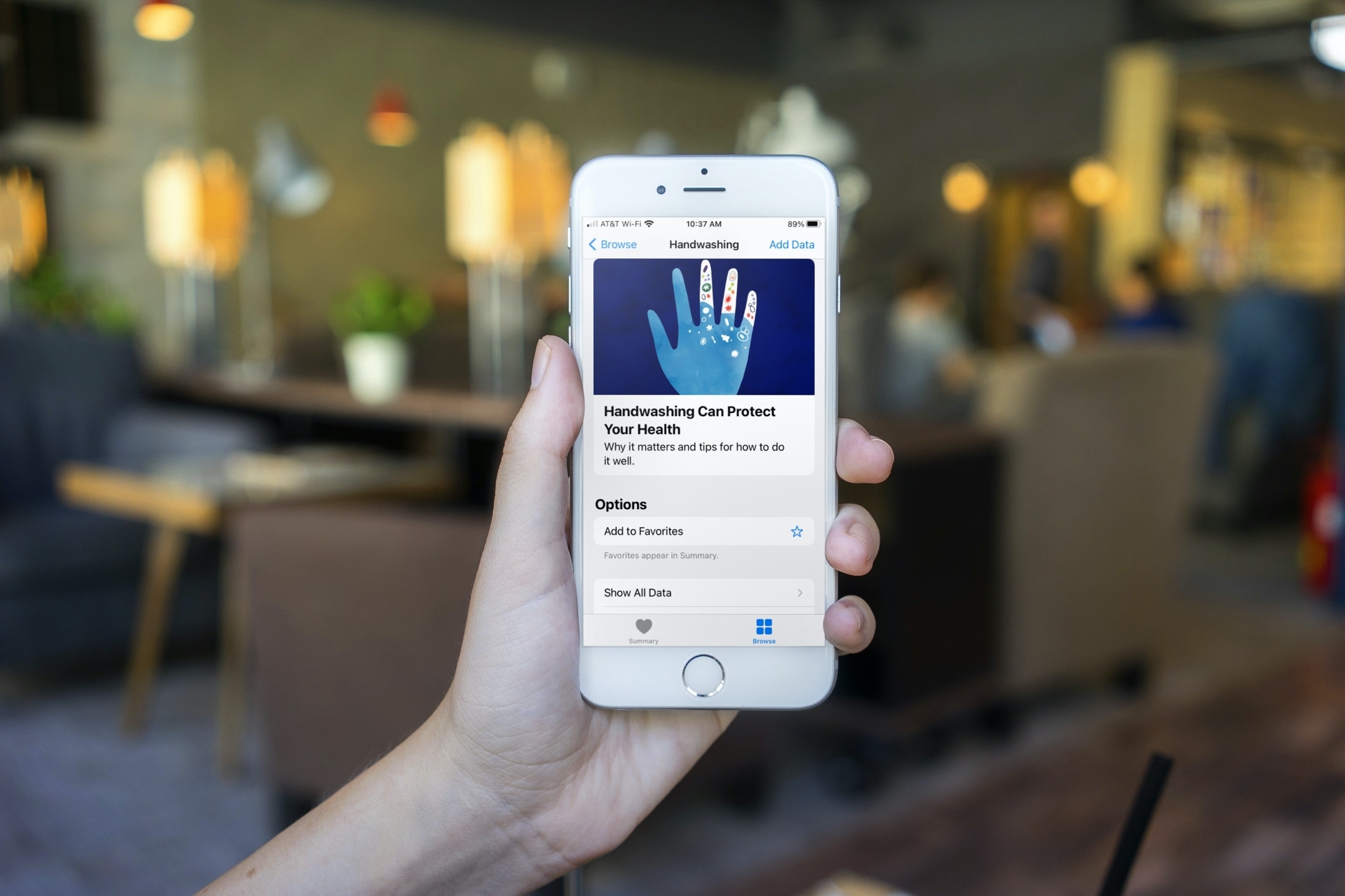
Learn how to get reminded to wash your hands at the right time and for the correct amount of time with the automatic Handwashing Detection feature on Apple Watch.
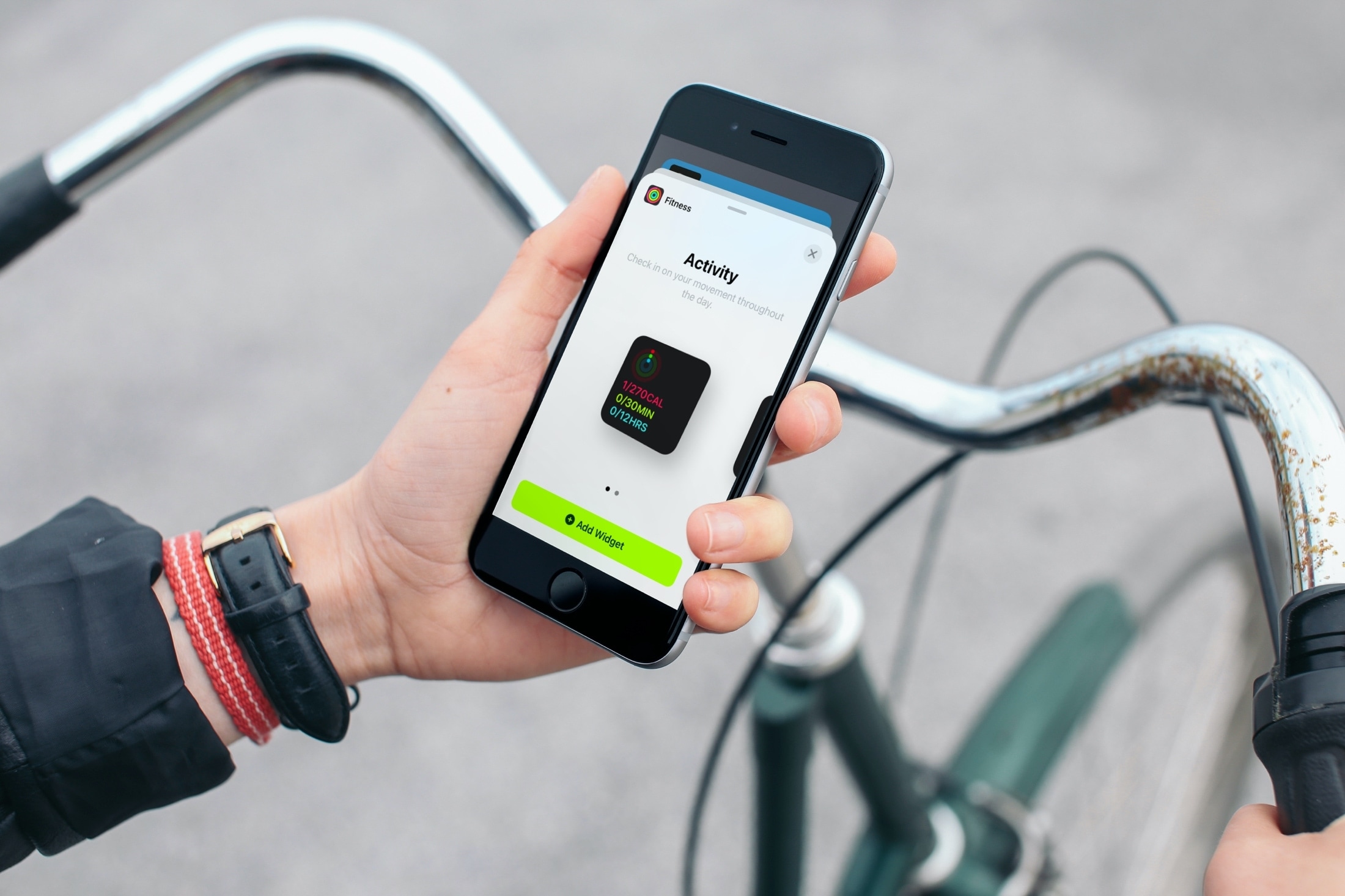
Don’t limit your Home Screen to just app icons! Learn how to add and remove widgets on your iPhone or iPad Home Screen so you can see things at a glance without having to open the app.

Learn how to add or update your Slack username or display name from your iPhone, iPad, Mac, or web browser.
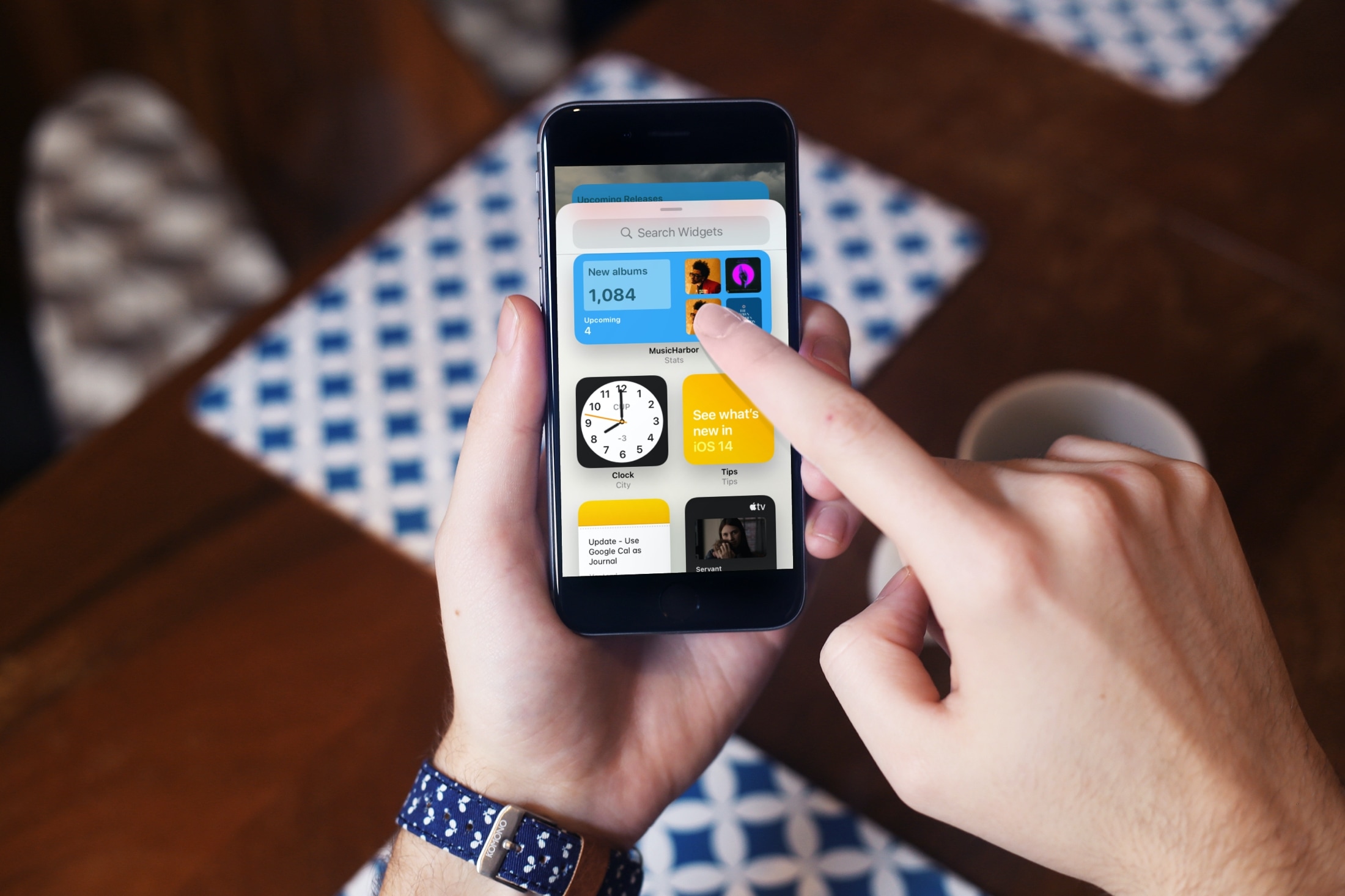
With resizable widgets right on your Home Screen, you can get a bigger picture of all sorts of things. From Apple’s own Calendar, Photos, and Notes to third-party apps for communication, finance, and music, you have plenty of widgets to pick from.
For your iPhone Home Screen, check out our list of the best widgets for iOS 14. Since more and more companies will be providing widgets, we’ll update our list often so that you can see the best ones as they arrive.
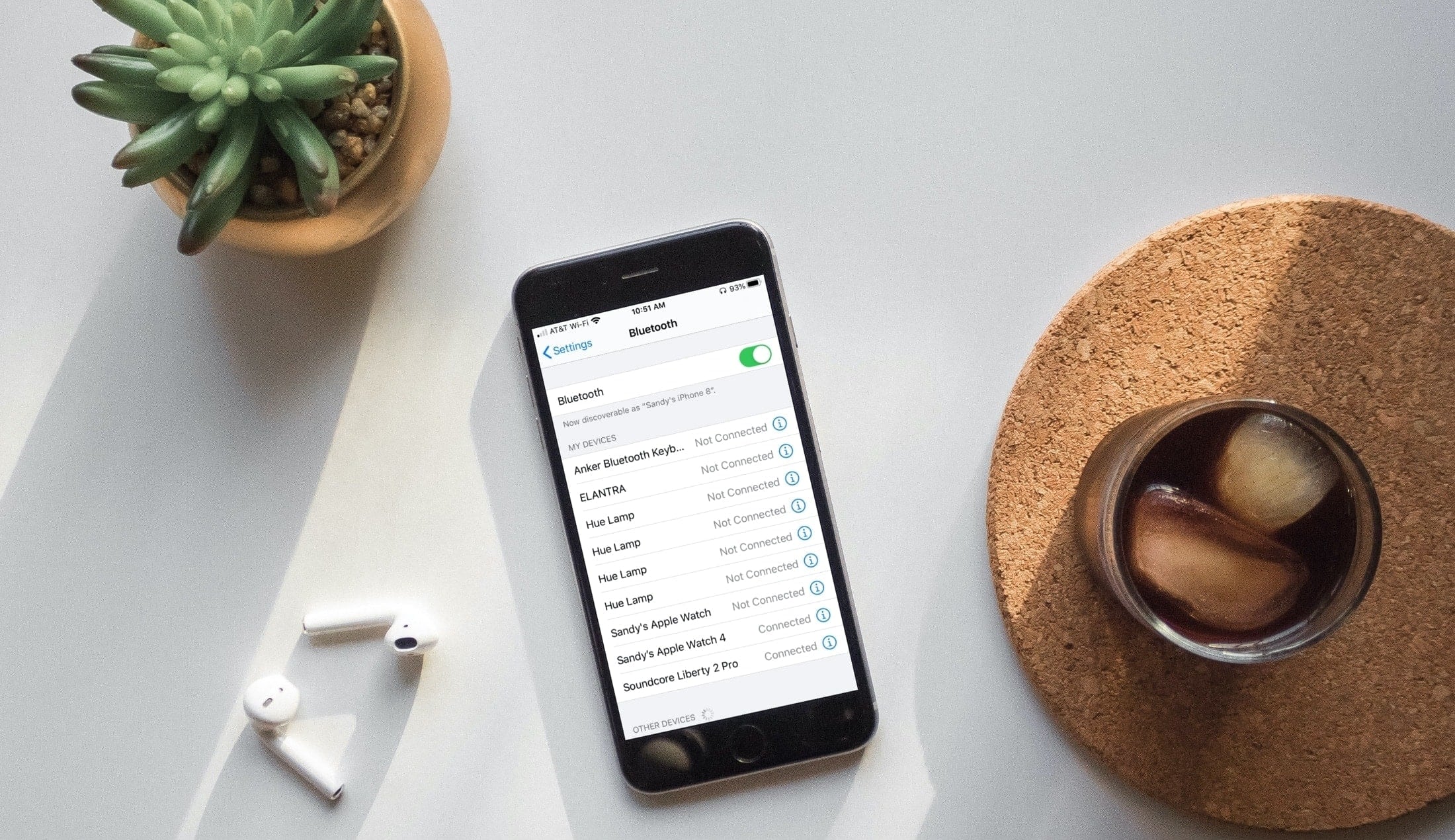
Try these troubleshooting tips to fix Bluetooth issues on your iPhone or iPad running iOS 27 or iOS 26 and resolve connection problems with wireless accessories.
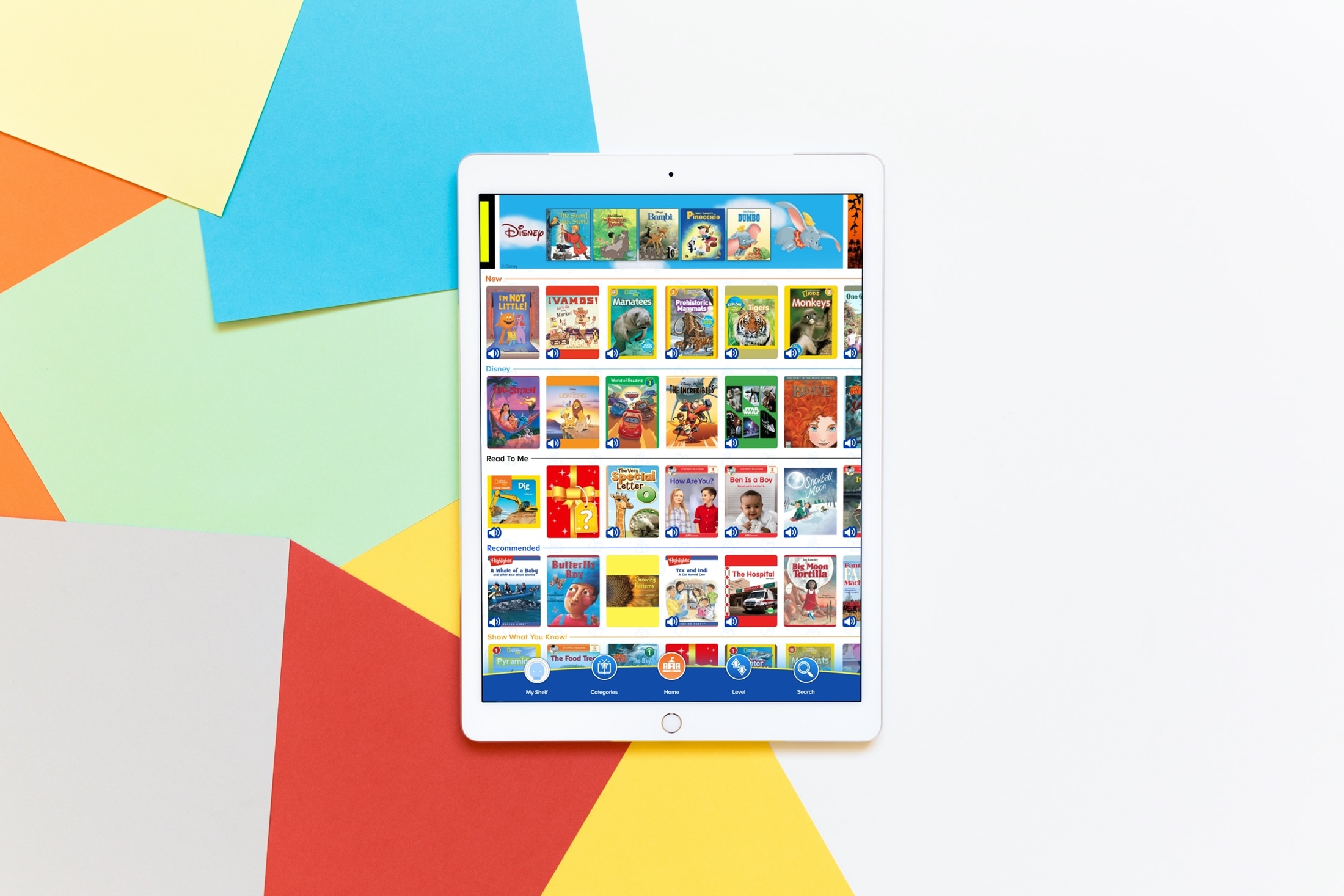
If you have a child who enjoys reading, maybe you're using some of the apps we recommended to help them learn, then you’ll want to take a look at this app list. We’ve gathered some of the best apps for kids’ books for iPhone and iPad.
These apps provide books just for your little one. So whether they’re interested in animals, TV characters, vehicles, or something totally different, you’ll find books for them. This helps to foster their love of reading and keeps them entertained with something they enjoy.
To keep your child interested in reading, improving their reading skills, and show them that a book can be a wonderful tool to encourage their imagination, check out these apps for kids’ books.
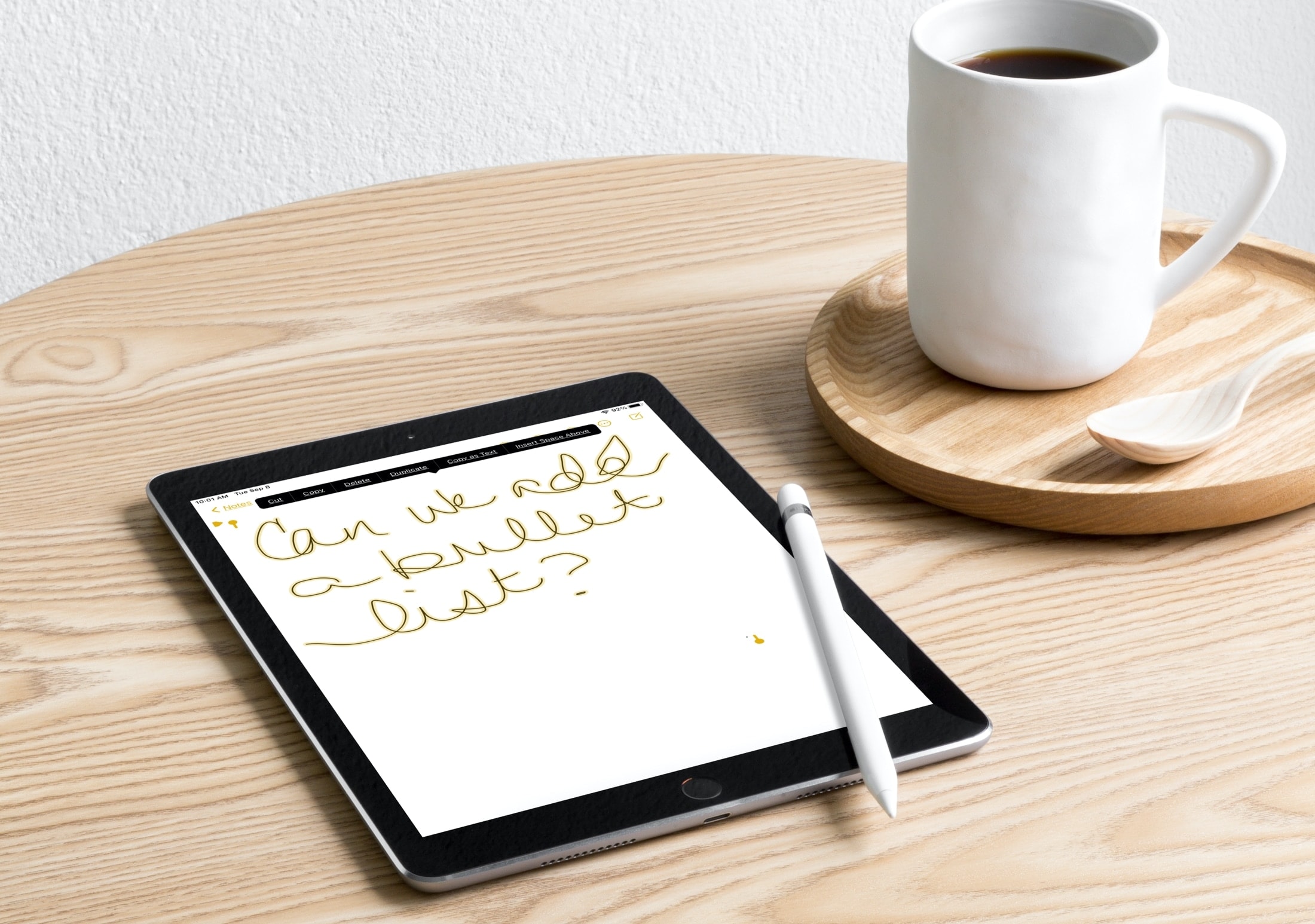
In this brief tutorial, we will show you how to copy and paste handwritten notes as typed text so that the notes you took on your iPad with Apple Pencil appear as actual text ready to be used in other apps.
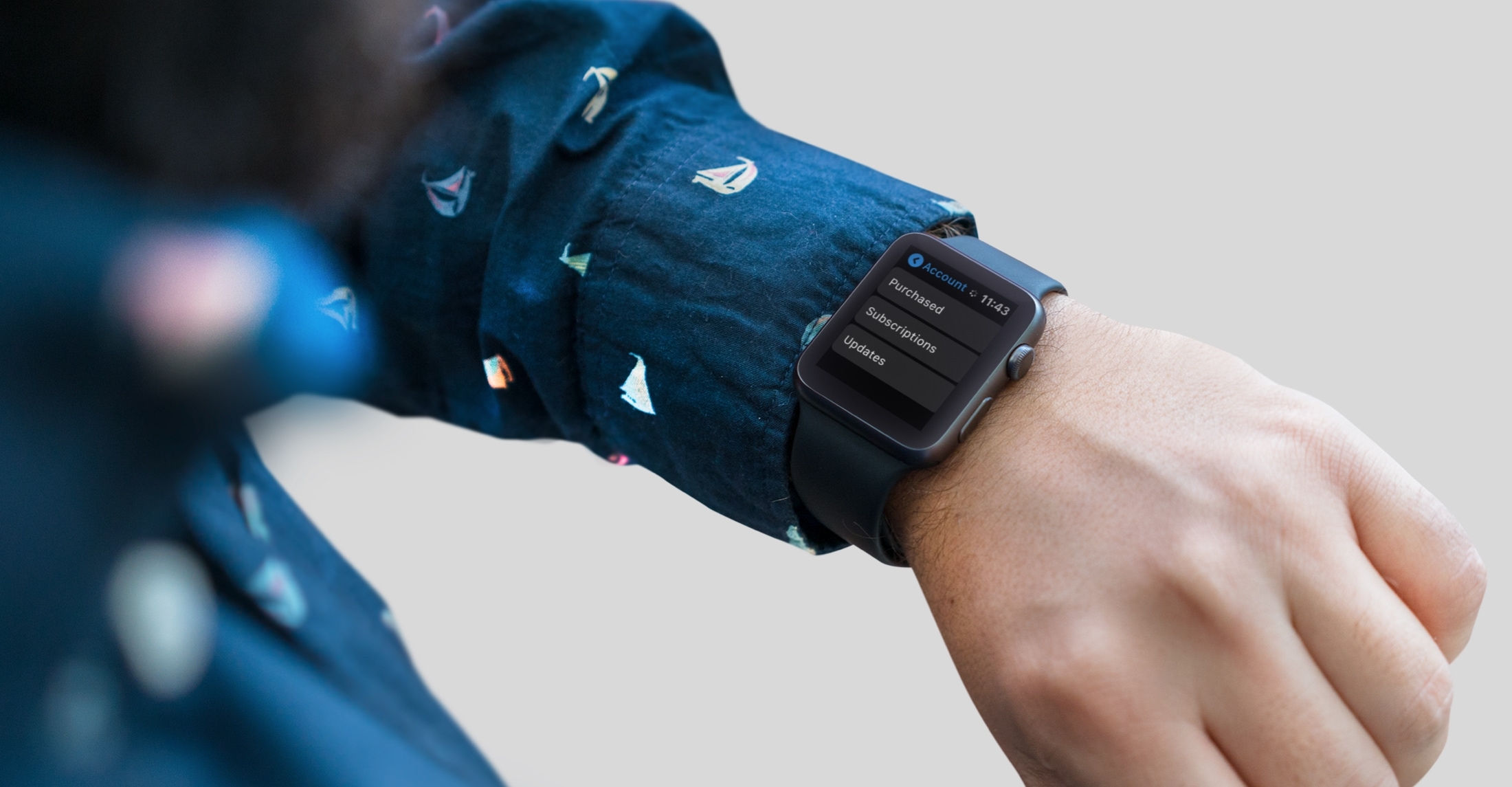
Did you know you can manage your account in the App Store on Apple Watch? Find out how to view purchased apps and manage subscriptions from your wrist.