Jeff Benjamin

Jeff has been with iDownloadBlog since 2010, acting as resident video specialist, and tutorial expert. He earned his degree in Computer Network Systems back in 2001, but decided Cisco routers and the like just weren’t for him. Since then, he’s been heavily involved with online writing. He’s written for numerous tech and video game sites since the late 1990′s, and has a knack for explaining things in a simple, clear, and concise manner. Jeff works primarily from the east coast on his Retina Macbook Pro, and shoots video with a Canon DSLR. During downtime he likes to travel the world, visiting the various Apple Stores across the globe. You can email him at jeff [at] idownloadblog.com and follow him on Twitter @JeffBenjam or on Google+.

Review: Sling TV for Mac and iOS

As most of you guys know, I've been a so-called "cord cutter" for going on three years now, and I haven't looked back. Cord cutting has lots of pluses, but one of the big downsides to doing so is the lack of live content—namely sports.

As someone who loves watching sports, Dish Network's Sling TV, which just officially launched in the US today, provides me with ESPN, ESPN 2, and a whole host of additional live sports content is very appealing to me. In this post, I'll breakdown some of the pluses and minuses about Sling TV, and let you know if it's worth trying at this early stage in its life.

Podcasting basics part II: location, voice, microphones and hardware

In the previous podcast basics post, we talked about some of the preliminary steps that need to be taken before proceeding with creating a podcast. Those steps involved finding the right subject, format, hosts, etc.

Now that you have a good idea about the subject you'd like to podcast about, the show format, the co-hosts, and the scheduling, it's time to start thinking about your podcast hardware. I like to include location as a part of the hardware, because the location where you record your podcasts can play a huge role in how the end product sounds.

In this post, I'll talk about what hardware I use for podcasting, along with other general recommendations on hardware. If you're still mulling about the subject, or co-hosts, then I urge you to read part I of this series; it covers the stuff you should consider before even getting started.


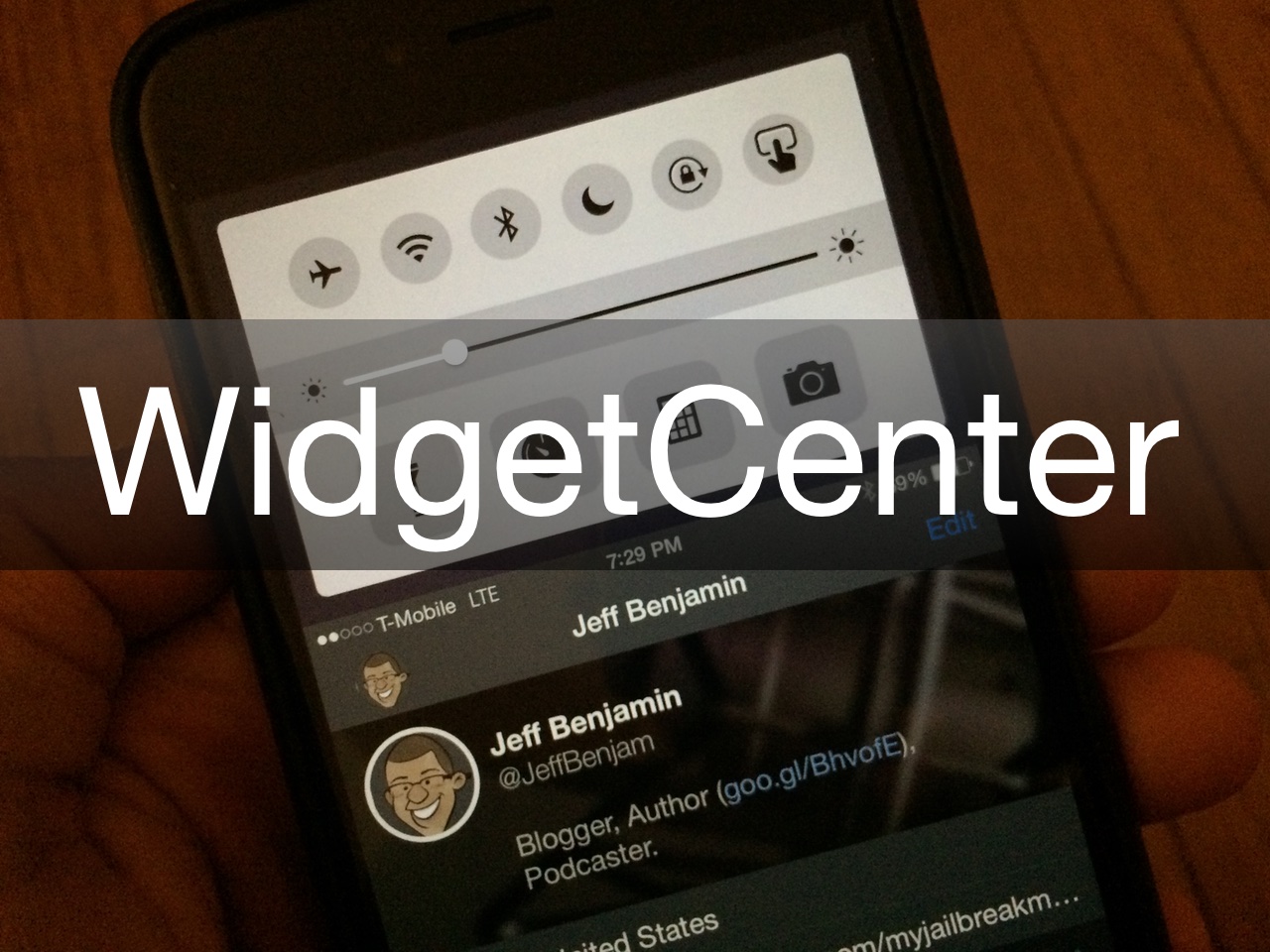
New upcoming WidgetCenter tweak brings widgets to Reachability view

Reachability has been all of the rage for jailbreak app developers as of late, and why not? It's one of the big features for the iPhone 6 and iPhone 6 Plus, and it's an obvious area that can be exploited to provided extra functionality. ReachApp—a tweak that's still in beta—is a good example of a tweak that takes good advantage of Reachability, and now another upcoming jailbreak tweak is in the works that will breathe new life into Reachability as well.

WidgetCenter is an upcoming release that allows users to access widgets directly from Reachability view. This dynamically adjusting tweak provides impressive functionality, animations, and loads of future potential expandability. Developer Mitch Treece has provided iDownloadBlog with a first look at his upcoming creation, and of course, we've created a hands-on video to show it off to you.

Call Enhancer allows you to make phone calls anonymously

Making anonymous phone calls that lack Caller ID credentials has always been possible. In fact, many countries have their own specific prefix codes in order to block your phone number from being displayed on a recipient's Caller ID. For the US, that code is *67, but in iOS, there is no easy way to add the prefix to a contact that you wish to call. Call Enhancer is a jailbreak tweak that makes anonymous calling much easier on iOS, and it brings with it one additional key benefit.

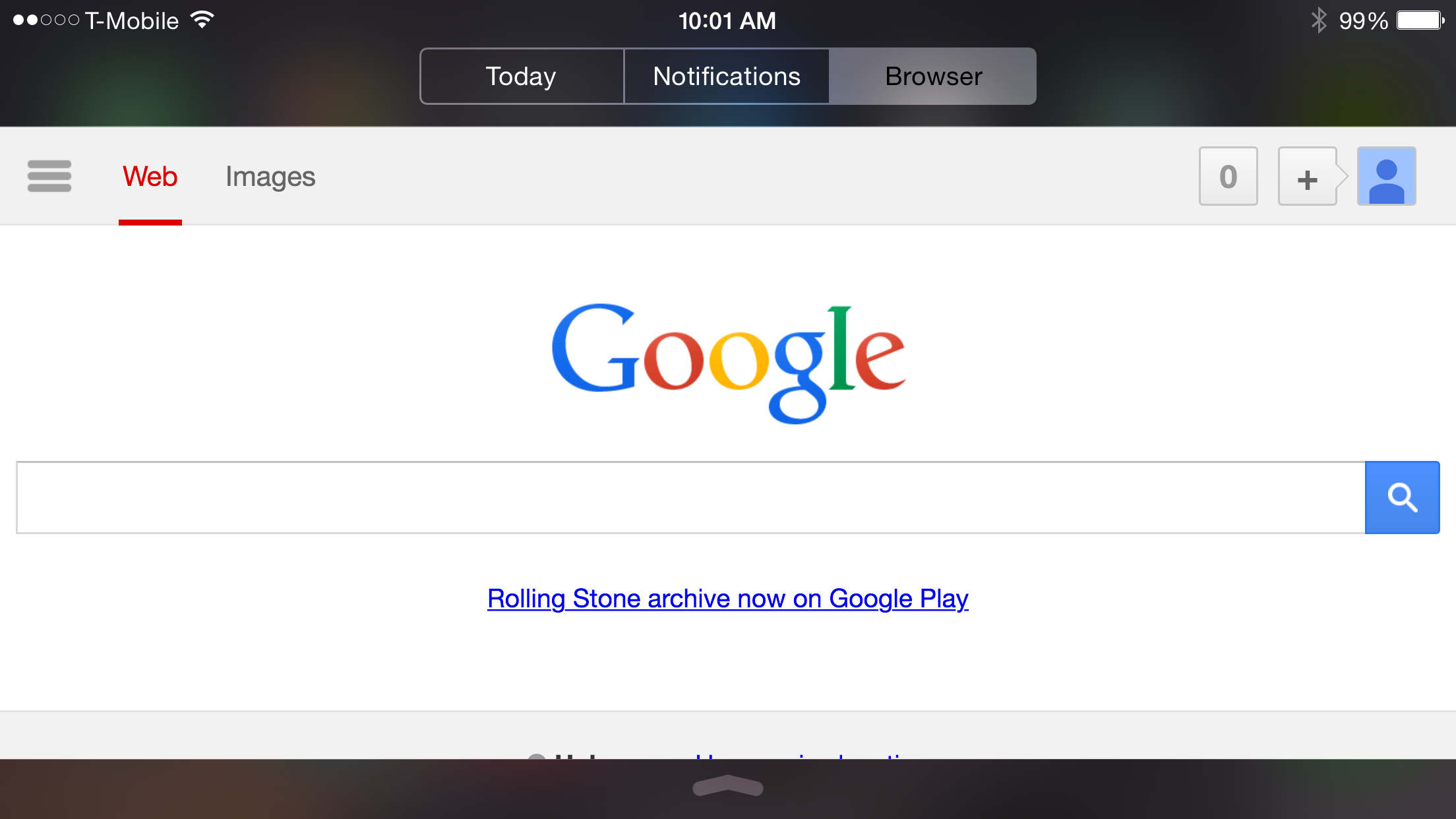
How to browse the web from Notification Center

NCBrowser 8 is a jailbreak tweak that allows you to browse the web via Notification Center in iOS. The most obvious benefit to being able to do this is that the web is now instantly accessible from any app courtesy of the Notification Center pull-down interface. In a nutshell, NCBrowser 8 provides you with pseudo-multitasking ability between an app and the web browser in Notification Center, and it can be customized to your liking via the tweak's preferences.

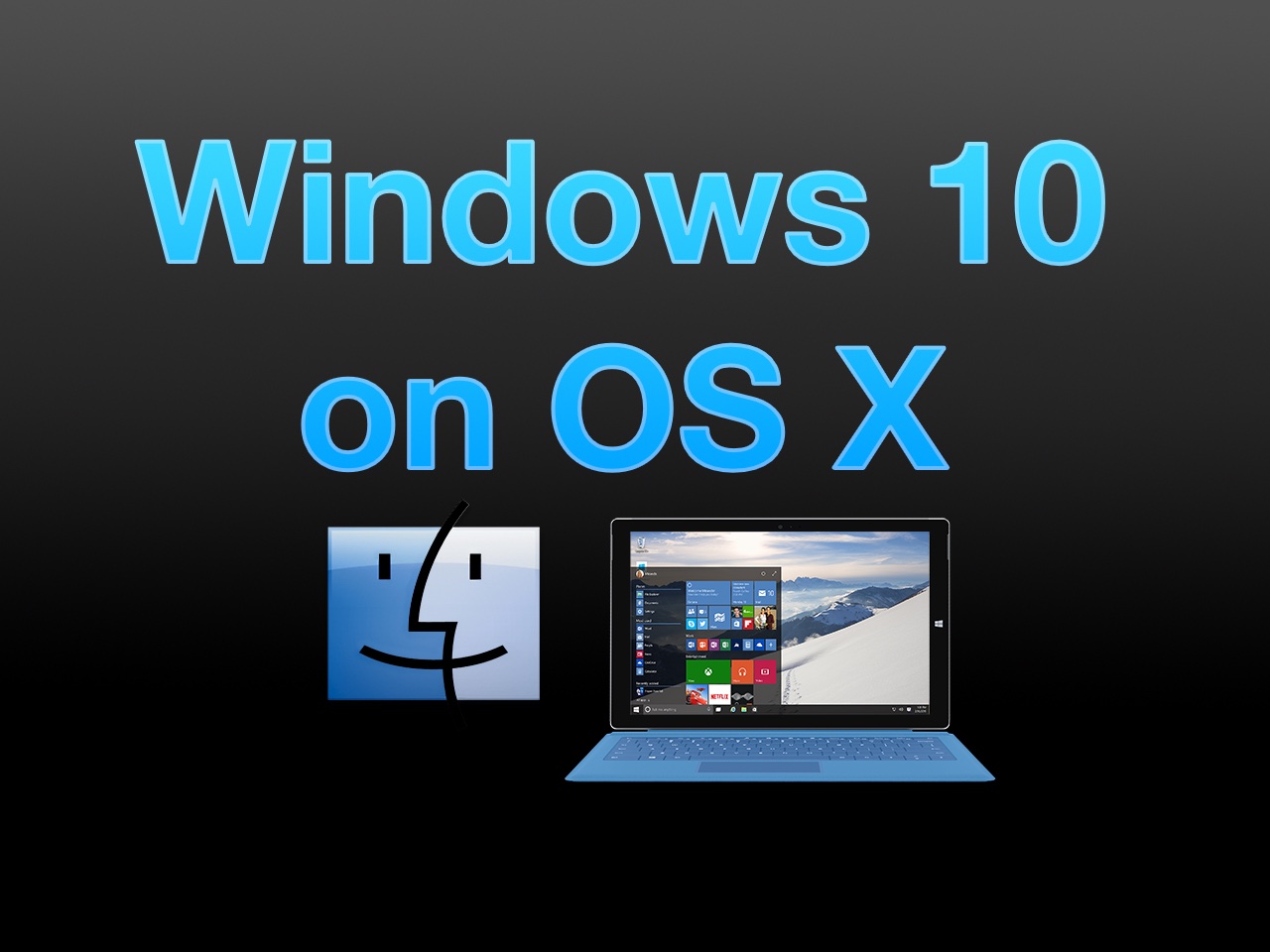
How to install Windows 10 Technical Preview on your Mac with VMware Fusion

The Windows 10 Technical Preview is now available for free download and trial, but just because you're on a Mac doesn't mean you have to be left out of the fun. Windows 10 brings new features to the table like Cortana voice assistant integration, improved multitasking, and more.

In this full tutorial, I'll show you how to install Windows 10 Technical Preview on your Mac using VMware Fusion. In the video walkthrough, I show you how to install Windows 10 on your Mac in less than 15 minutes.

Let’s Talk Jailbreak 93: Way worth it

Episode 93: Comex comes back to the jailbreak community in a big way and saurik responds. We talk about lots of new jailbreak tweaks like Harbor, Pasithea, Anchor, AFVideo, and more.

Subscribe via RSS

Support Let's Talk Jailbreak:

Don't be that guy, and get her some flowers for Valentine's day! Get 100 Blooms of Love and a free vase for just $19.99. Go to ProFlowers.com, click on the microphone icon at the top right corner of the screen, and enter promo code "jailbreak" to get this special offer.

ReachApp continues to improve on its impressive true multitasking initiative

ReachApp continues to impress by bringing a true side-by-side multitasking experience to iOS. Although there's no indication as to when the tweak will leave beta, it's been receiving steady updates over the last few weeks, and continues to improve stability-wise and functionality-wise.

ReachApp is definitely shaping up to be firmly in the running for jailbreak tweak of 2015. Check out some of the details from the last few updates and see why.

SimpleNC streamlines the look of Notification Center

If you're looking to simplify the look of Notification Center, then SimpleNC is probably up to the task. It is a tweak that features tons of switches, which allows you to disable specific Notification Center assets individually. The wonderful thing about SimpleNC is that it gives the user choice. You can go the subtle route, and only simplify bits and pieces of Notification Center, or you can go to extremes, and give it a makeover that you won't soon forget.