Jeff Benjamin

Jeff has been with iDownloadBlog since 2010, acting as resident video specialist, and tutorial expert. He earned his degree in Computer Network Systems back in 2001, but decided Cisco routers and the like just weren’t for him. Since then, he’s been heavily involved with online writing. He’s written for numerous tech and video game sites since the late 1990′s, and has a knack for explaining things in a simple, clear, and concise manner. Jeff works primarily from the east coast on his Retina Macbook Pro, and shoots video with a Canon DSLR. During downtime he likes to travel the world, visiting the various Apple Stores across the globe. You can email him at jeff [at] idownloadblog.com and follow him on Twitter @JeffBenjam or on Google+.

QR Mode turns the stock Camera app into an awesome QR code reader

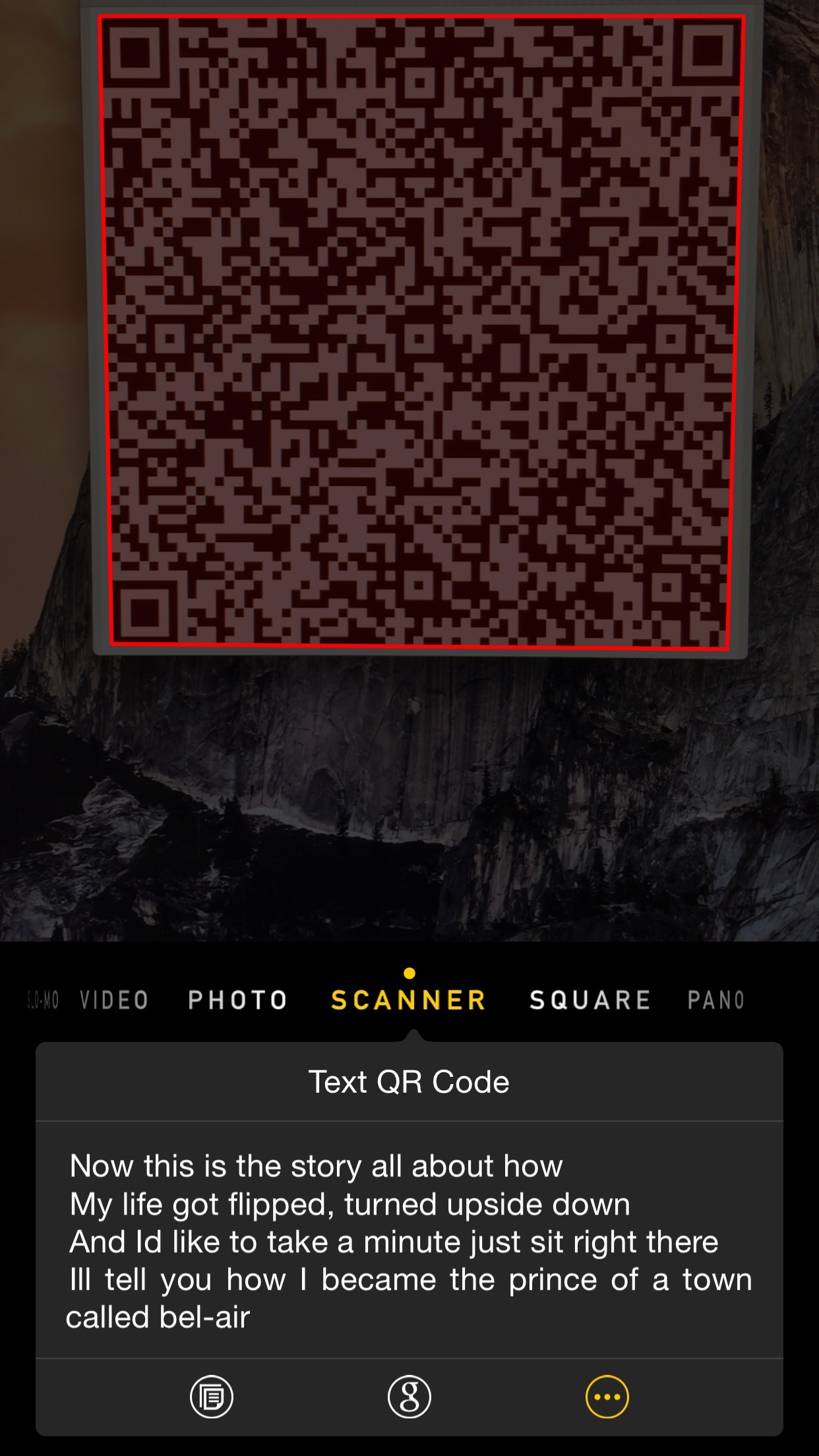
In some countries, like Japan for example, QR codes are prolific and people user them often. Although that's not the case in the United States, and probably never will be, it does seem like there has been an uptick in QR code usage in the last few years. A new jailbreak tweak called QR Mode will certainly help its cause, among jailbreakers at least.

QR Mode is by far the best looking and best functioning QR code reader on Cydia, and it's even better than standalone app offerings found in the App Store. Its feature set is well-rounded, its implementation seriously impressive, and it doesn't feel overly intrusive. Although it suffers from a few bugs, QR Mode is well worth its $1.99 asking price, especially if these bugs can be stamped out.

You can actually hear the Touch ID sensor on the iPhone 6 and 6 Plus

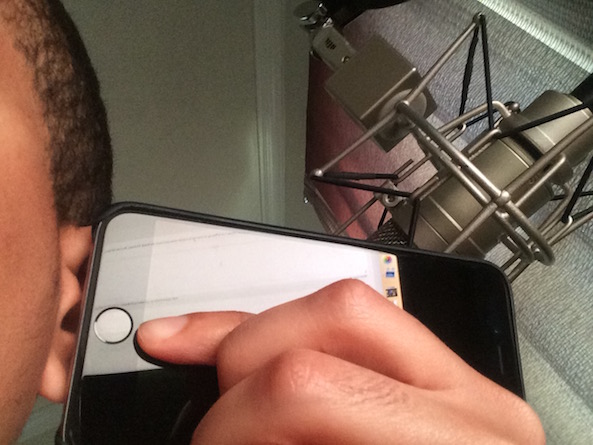
It's odd to think about, but did you know that the Touch ID sensor on your iPhone makes noise? If you hold an iPhone 6 or 6 Plus up to your ear in a quiet room and touch the Touch ID sensor, then you will hear a very faint clicking sound emitting from the vicinity of the sensor. It's just another weird fact gleaned from the /r/apple this morning.

Podcasting basics part III: software

This is the third entry into my podcasting basics series. In part I, I discussed some of the preliminary steps needed before starting a podcast. In part II, I talked about the hardware that I personally use to record shows like Let's Talk iOS and Let's Talk Jailbreak.

After going through the preliminary conceptualizing and picking out the hardware that works for your particular scenario, it's time to mate the hardware with the right software. Software choices for producing podcasts can vary significantly, but I've come up with a formula that works for me.

Of course, your decision to use a piece of software may boil down to your particular needs. For example, if you're not a Mac user, then many, if not all of your software will differ. That being said, the basic recording techniques that I employ will more or less be the same, and can be used regardless of the software you decide on using. In this post, I break down the software that I use for recording and producing our podcasts.

PhotoRes: adjust the aspect ratio of photos taken with the Camera app

Notice the interesting aspect ratio of this photo? This was done on the fly using PhotoRes, a free new jailbreak tweak available on Cydia's BigBoss repo.

PhotoRes allows users to select from over a dozen pre-defined aspect ratios along with adjusting the resolution of photos taken with the stock Camera app. Once the settings are established, you can begin taking photos using the changes immediately, as no pesky resprings are required.

CrazyClock: speed up the Clock app icon animation on the Home screen

Before iOS 7, a jailbreak tweak was required to have an animated Clock app icon on the Home screen. That, of course, changed with iOS 7, as Apple ushered in its own version of the animated clock icon.

CrazyClock takes Apple's animated app icon and does some pretty interesting things with it. It can significantly speed up the animated hands on the clock, and even make the hands move in a counter-clockwise direction.

Let’s Talk Jailbreak 94: I rest my case

Episode 94: Cydia gets a small visual refresh, Apple stops signing iOS 8.1.2, Sling TV features jailbreak protection, and ReachApp gets more new features. Plus, we talk about some brand new tweaks like WidgetCenter, Keyboard Accio, Photo Timestamp and more.

Subscribe via RSS

Support Let's Talk Jailbreak:

Don't be that guy, and get her some flowers for Valentine's day! Get 100 Blooms of Love and a free vase for just $19.99. Go to ProFlowers.com, click on the microphone icon at the top right corner of the screen, and enter promo code "jailbreak" to get this special offer.

Let’s Talk iOS 068: Craptacular

In episode 68 of Let's Talk iOS, the guys discuss the release of iOS 8.3 Beta 1, the potential negative stigma of the Apple Watch, the new Mac Photos app, a review of Sling TV, and what iOS 9 can bring to the table with regard to stability in iOS.

Subscribe on iTunes


Support Let's Talk iOS:

Make your loved one happy, and get her some freshly dipped strawberries from Shari's Berries. Go to Berries.com, click on the microphone icon in the top right corner and enter code "ios" for a special deal.

Jailbreakers beware: iOS 8.1.2 is no longer being signed

iOS 8.1.2 met its end today, as Apple pulled the plug on its signing status. This means that iOS 8.1.2 can no longer be installed on a device, and as such, you can no longer jailbreak if you restore your device. Jailbreakers will need to stay where they are on iOS 8.1.2 if they want to keep their jailbreaks.

Keyboard Accio makes switching between preferred keyboards quicker

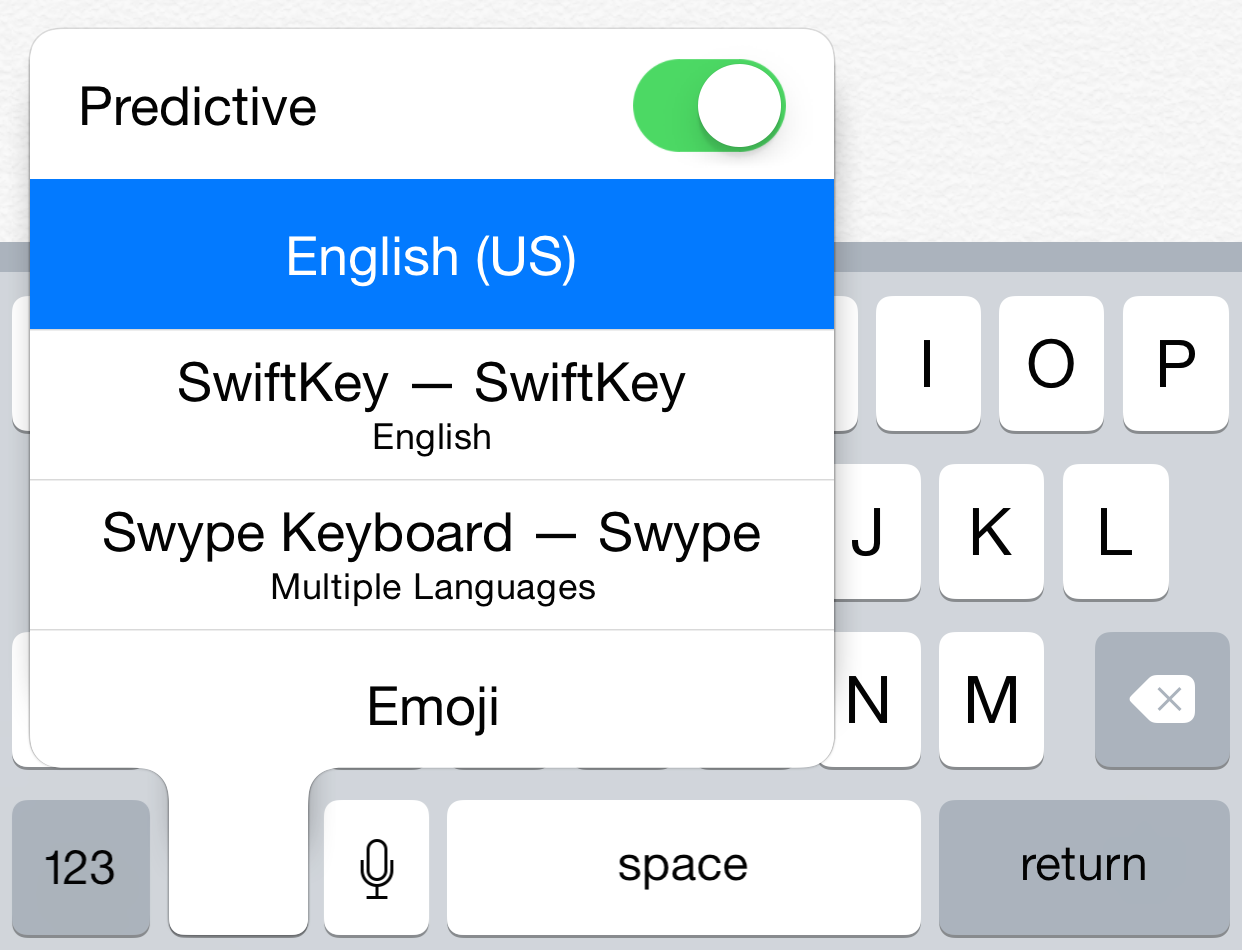
Do you find the iOS keyboard switching mechanism to be cumbersome? If so, then Keyboard Accio is a new free jailbreak tweak that's worth checking out. It makes the globe key used for switching between keyboards toggle between the first and second keyboards configured in your keyboard settings. This provides a way for users to quickly switch between the two most preferred keyboards.