Episode 114: The fun doesn't stop. An in-depth discussion on the new iOS 8.4 jailbreak by TaiG, along with a recap of last week's exciting events.
Subscribe via RSS
Support Let’s Talk Jailbreak
Red Hat. – Different for the sake of better technology
Episode 114: The fun doesn't stop. An in-depth discussion on the new iOS 8.4 jailbreak by TaiG, along with a recap of last week's exciting events.
Subscribe via RSS
Support Let’s Talk Jailbreak
Red Hat. – Different for the sake of better technology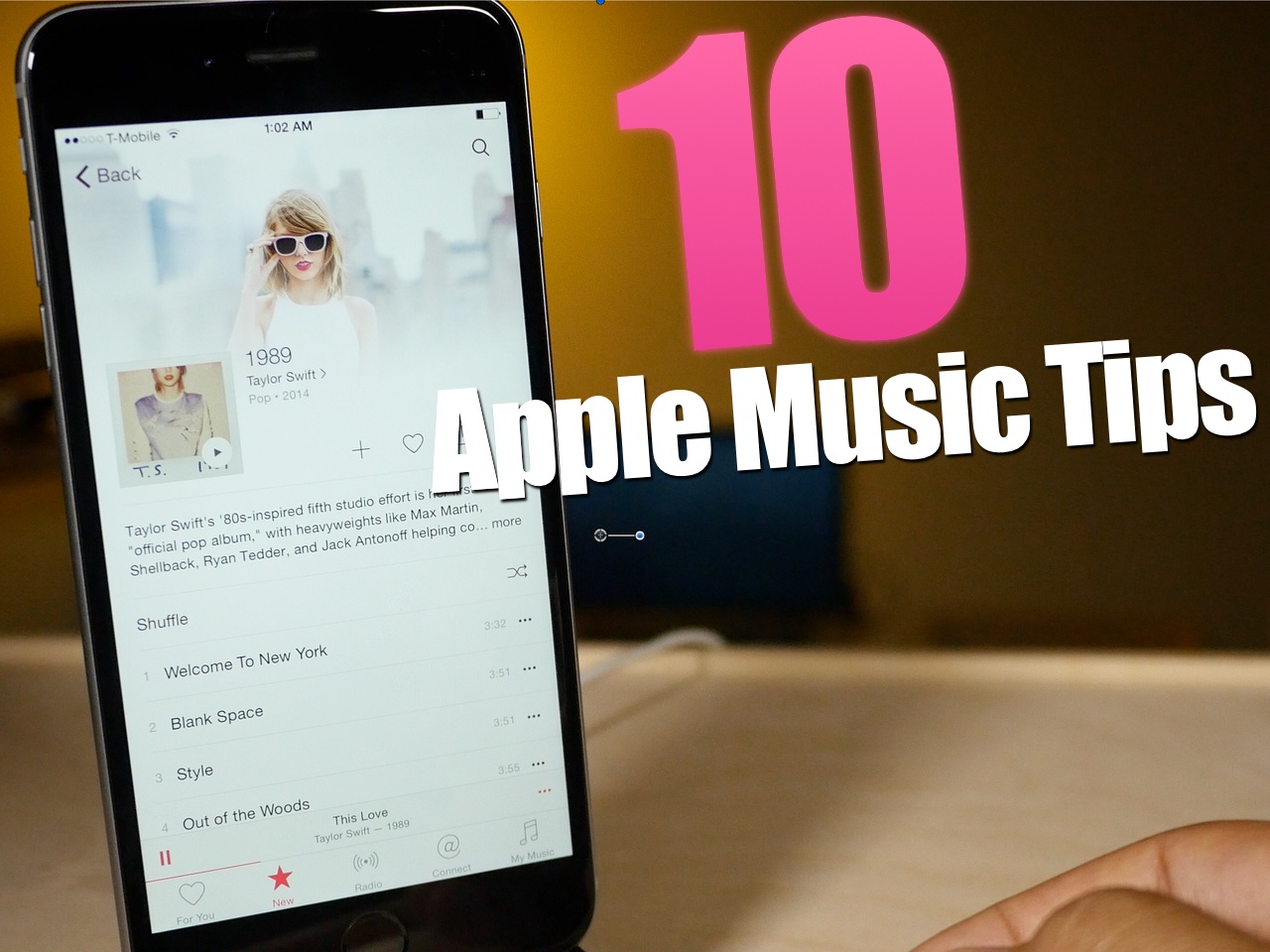
Apple Music is here, and after using it for several hours today, I can attest that it's pretty great. Not only does it live up to the hype, but it's been relatively stable as well.
I think the future for artists on Apple Music is relatively bright. Here is a paid streaming service that I think many will be more than willing to get behind.
To celebrate the launch, here are 10 tips for getting more out of Apple Music.
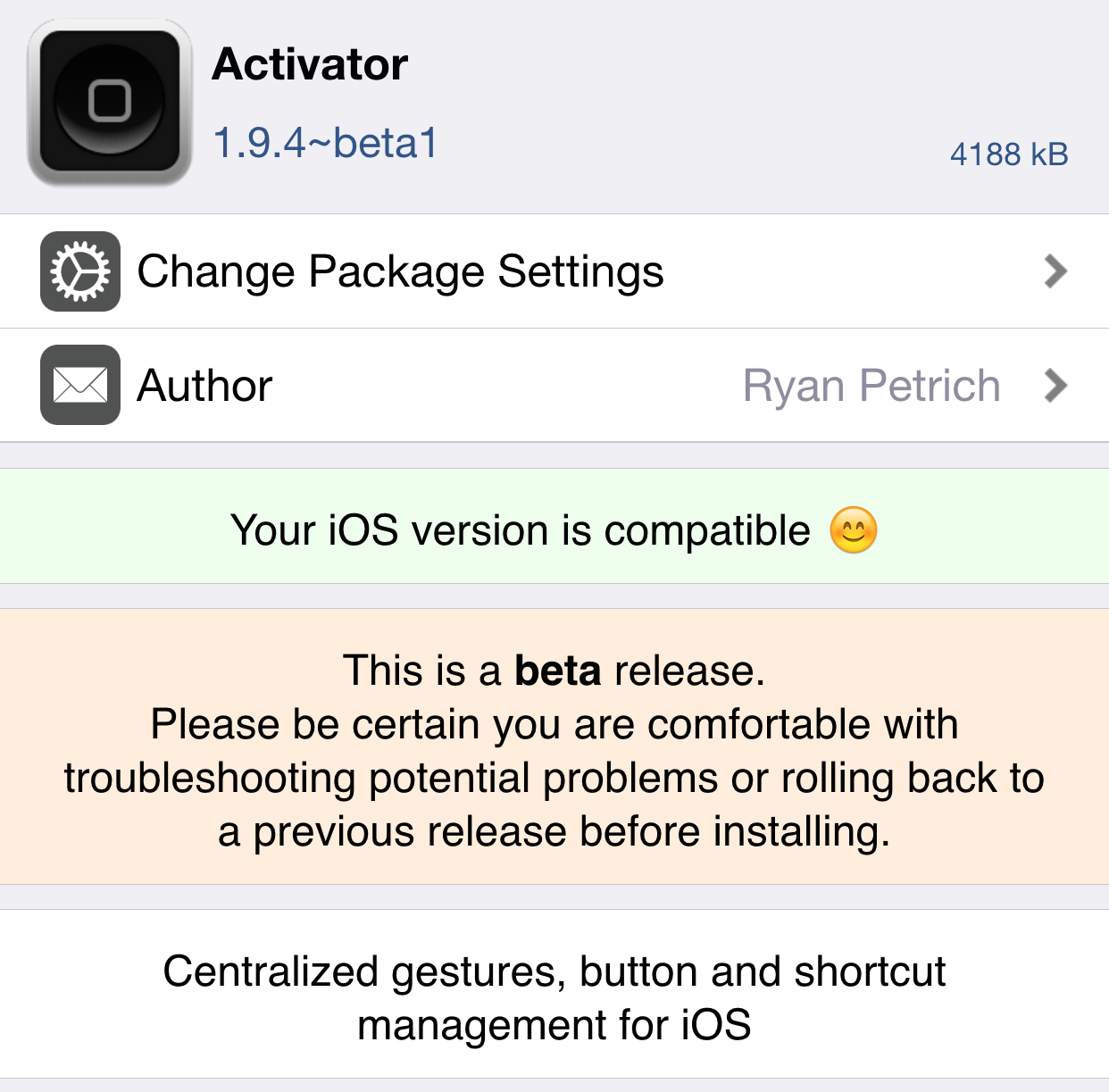
If you're looking to try some of the available jailbreak tweaks for iOS 8, chances are you'll need Activator to support them. Since the current public version of Activator doesn't yet play nice with iOS 8.4, Ryan Petrich has graciously released a beta version on his beta repo. Be sure to grab this Activator update to ensure better compatibility with all of your favorite jailbreak tweaks.
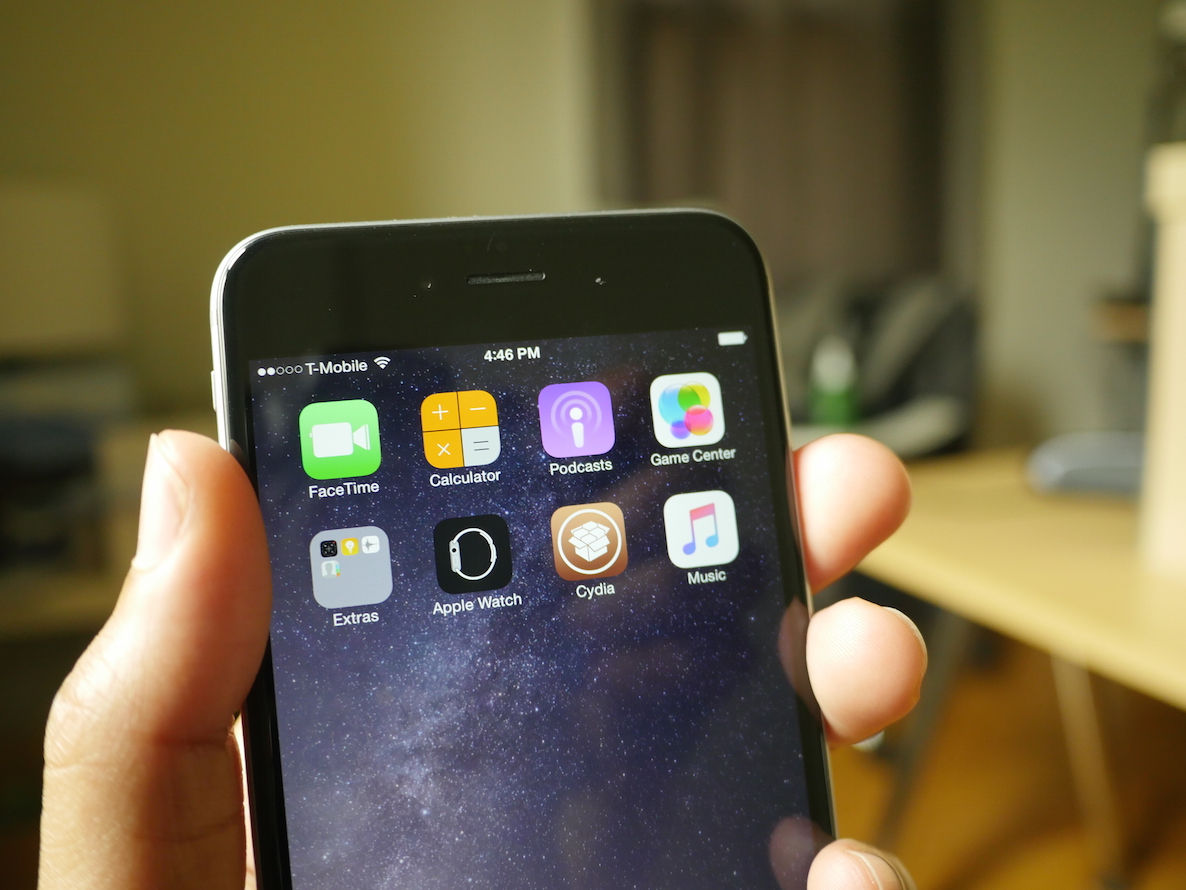
To state that today has been busy would be an egregious understatement. Actually, the last two weeks have been downright insane with releases.
As you're likely aware of by now, Apple dropped iOS 8.4 today with the new Apple Music service. This has proved to wildly popular, and many, including yours truly, didn't hesitate to ditch the iOS 8.3 jailbreak for iOS 8.4. I personally did so knowing that the likelihood of an iOS 8.4 jailbreak was very high given the timing.
Well, not a few hours after 8.4 went live and everyone was enjoying the new Beats 1 radio station, news began to spread that a jailbreak was released. That, as it turns out, was true. The rest, as they say, is history.
Here's our full roundup of the iOS 8.4 jailbreak. As we did with iSO 8.3, anything related to this firmware from a jailbreak perspective will be contained in this post.
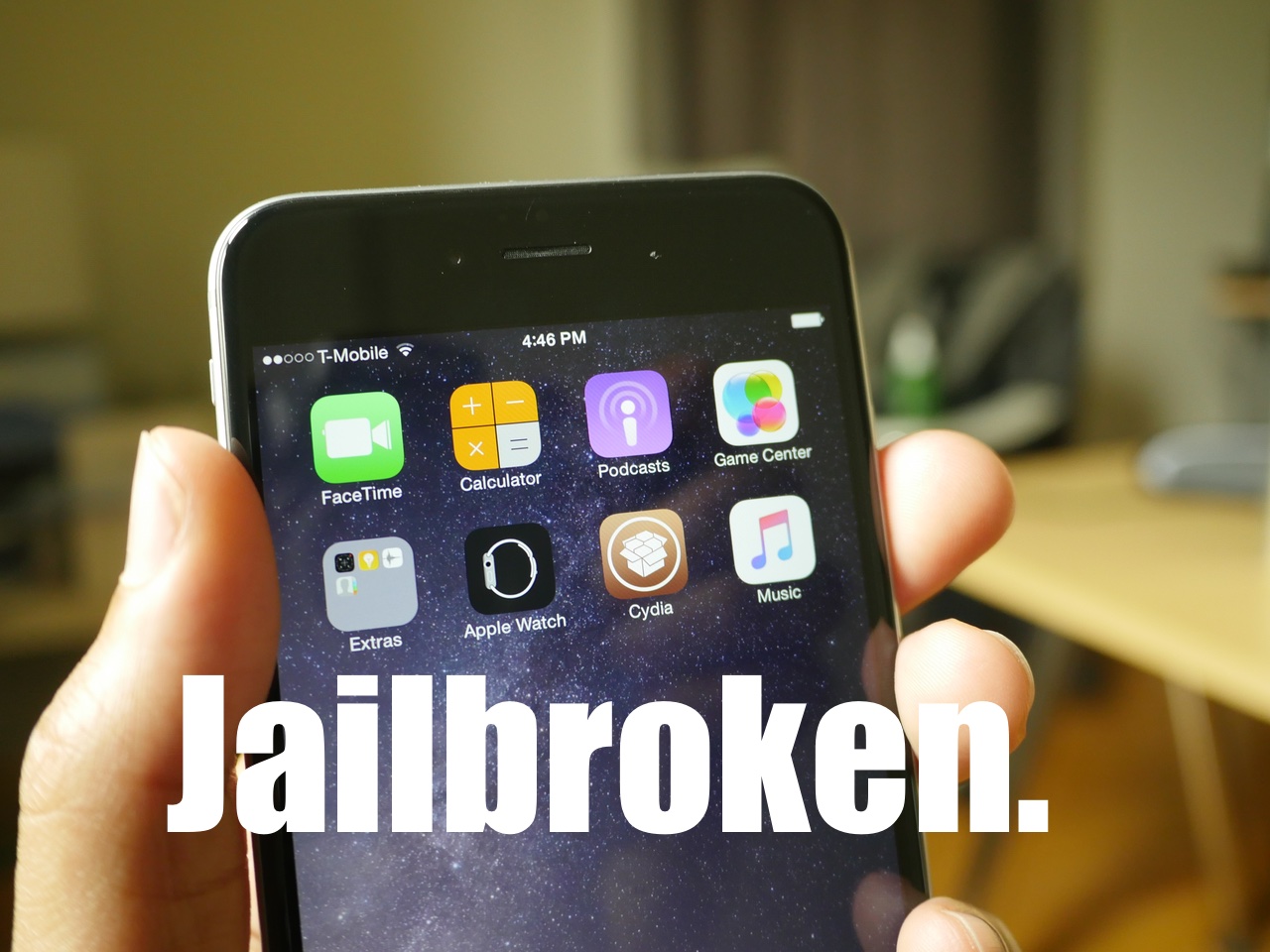
TaiG 2.2.0 was just released about an hour ago, and it brings with it support for iOS 8.4. Like previous versions of TaiG's tool, this version is Windows-only, so you'll need to use a Windows machine or a virtual Machine.
We've created a full video walkthrough and tutorial to show you how to jailbreak your iPhone, iPad, or iPod touch running iOS 8.1.3-iOS 8.4 using TaiG 2.2.0. It's an extremely easy jailbreak that only takes a few minutes if the directions are followed closely.
One of the most popular and well-regarded tweaks available on Cydia has just been updated. Springtomize 3, under the tutelage of another developer, has been updated to work with the latest Apple firmware. I've tested it out personally, and can confirm that it works on iOS 8.4.

As expected, TaiG has released an update to its jailbreak tool for iOS 8.4. Just a while ago, PP released a jailbreak tool, which TaiG claims uses its code. For those of you who didn't want to bother with the PP tool for this reason, you'll be glad to know that TaiG's updated 2.2.0 jailbreak is now available for iOS 8.4 users.

PP, the same team who released a previous iOS 8 jailbreak for Mac, and who was accused of taking code from TaiG, has purportedly released an iOS 8.4 jailbreak. We have been able to confirm that this jailbreak works on iOS 8.4. That said, TaIG claims that PP stole its code, but we are not able to confirm this as of yet.
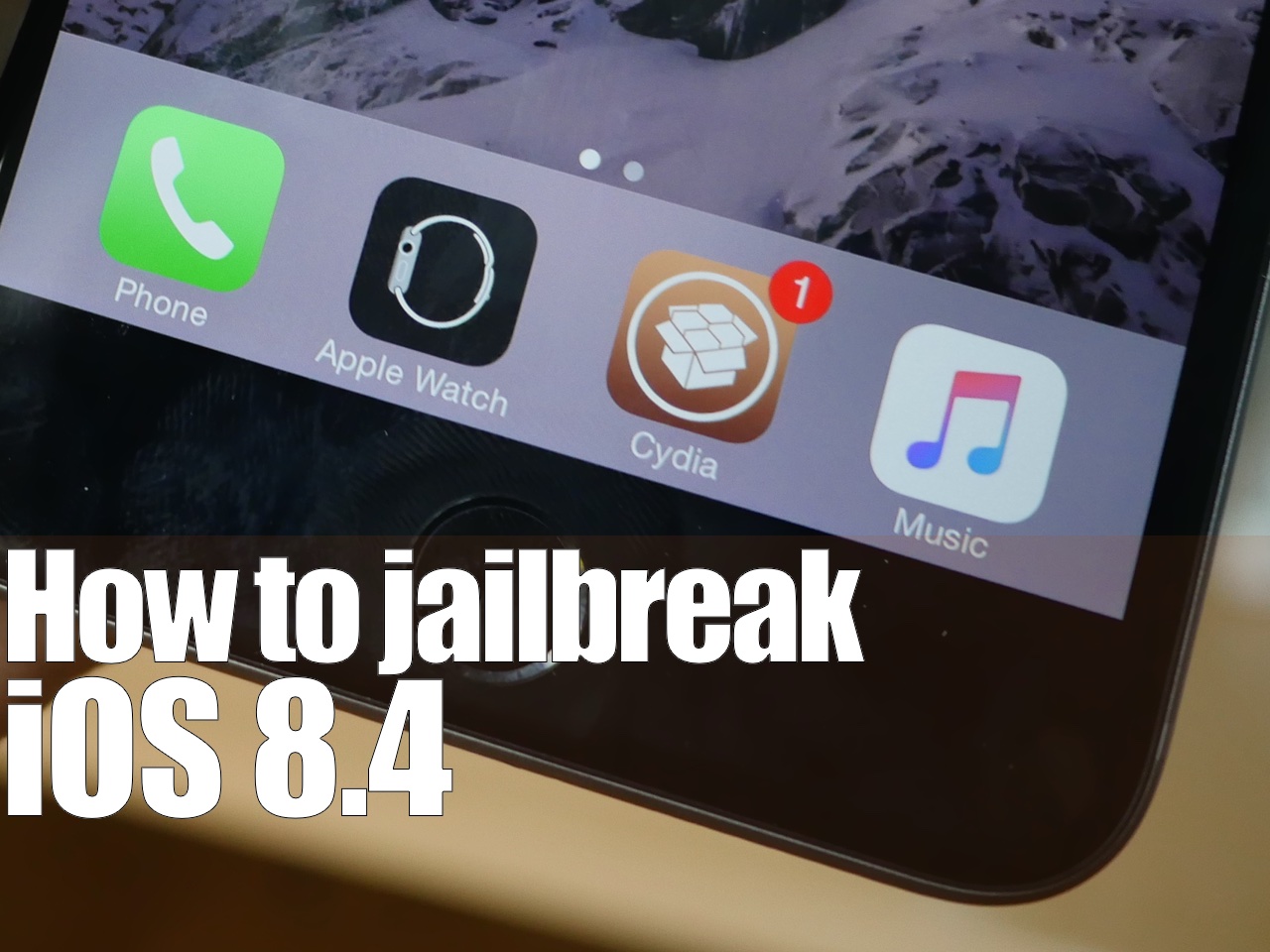
Surprise. Only a few hours after iOS 8.4 released, there is a working jailbreak. The tool, entitled PPGhost, is a Windows only jailbreak tool that works for iOS 8.4. In this tutorial, I'll show you how to jailbreak iOS 8.4 on your iPhone or iPad using the PP Jailbreak tool.
There are some rumblings that PP took the code from TaiG, but we have not confirmed this. As such, you may want to wait for the TaiG tool update to jailbreak iOS 8.4. I personally prefer waiting, as it's wrong to steal code, if the claims are true, which are difficult to prove. When TaiG releases their updated tool, we'll post a tutorial, and deprecate this one. In the meantime...
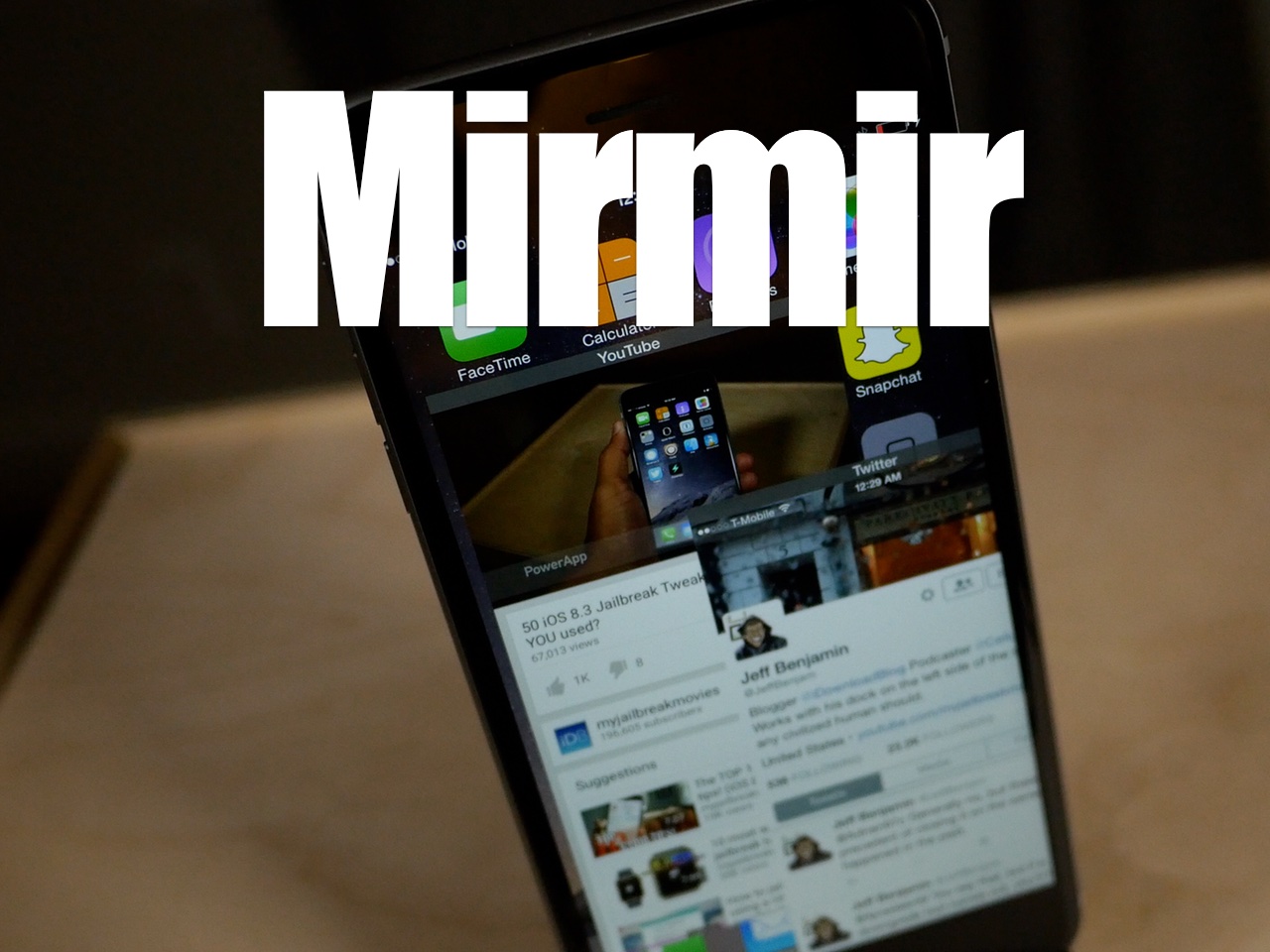
Mirmir (formerly Mimir) is a new jailbreak tweak by Ethan Arbuckle and Liam Thynne, which will allow you to run multiple apps at the same time on your iPhone or iPad. I was able to run four apps side-by-side-by-side-by-side with minimal slowdown on my iPad Air 2. It was quite impressive.
Mirmir uses its own built in gesture system for invocation, but it works with Activator as well. If you're looking for a true-multitasking tweak for iOS 8, then look no further. Watch our full video walkthrough for all of the juicy details.

Episode 88: Last minute thoughts on iOS 8.4, Apple Music, and Beats 1. Force Touch on iPhone. watchOS 2 beta, and Jeff goes back to his iPhone 5s.
Subscribe on iTunes
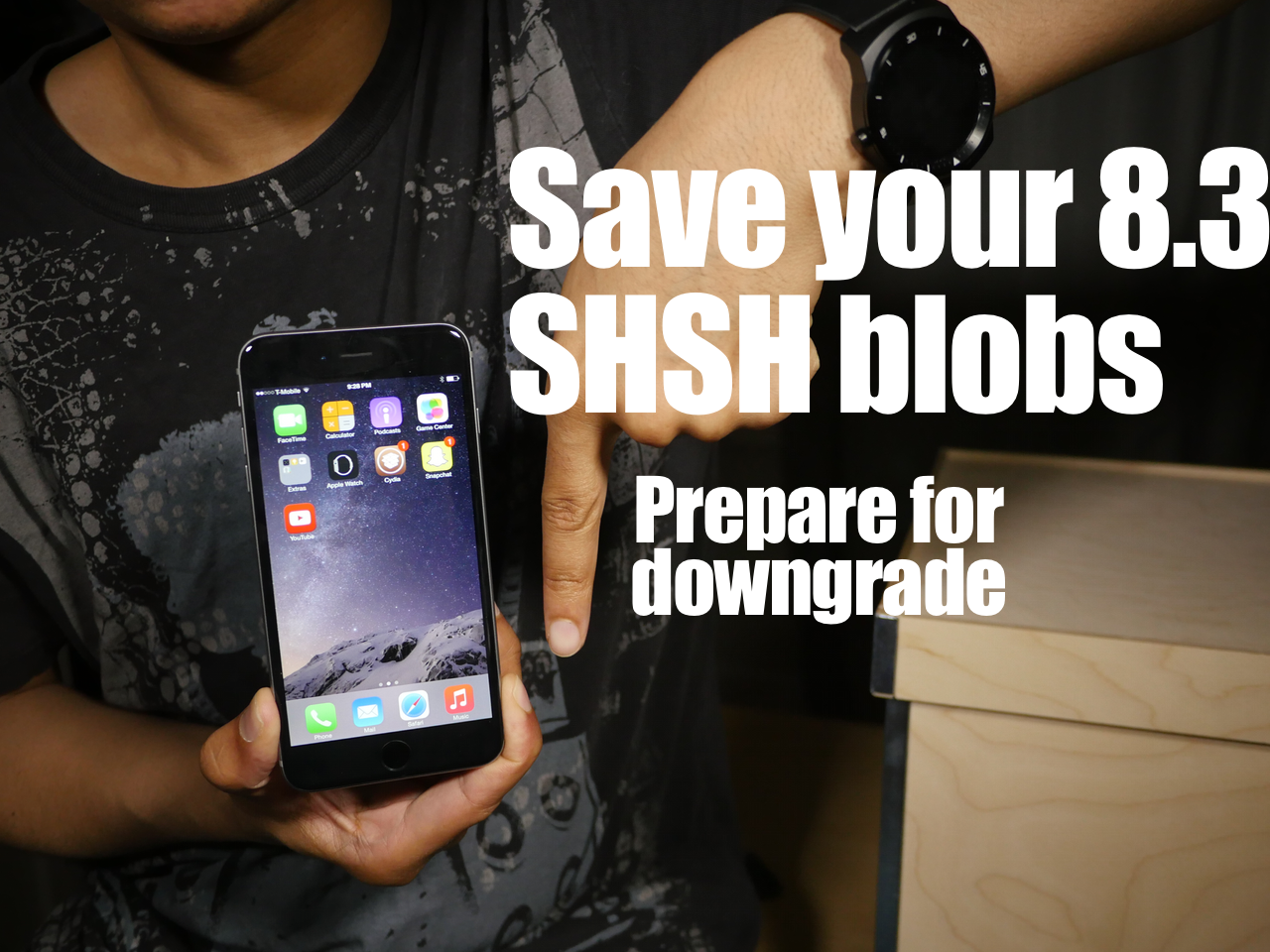
When Apple closes the firmware signing window for iOS 8.3, users wishing to downgrade (or upgrade) to iOS 8.3 won't be allowed to do so. Instead, you'll have to settle for whatever firmware Apple is signing, which is usually the latest and greatest out there.
When that happens, it's quite probable that it could spell the end of jailbreaking for a while—remember we just got out of a significant lull.
With this in mind, the ability to downgrade back to iOS 8.3 is very desirous for would-be jailbreakers. While there is no confirmed downgrade ability just yet, there are some things that you can do to ensure that you have the best chance to downgrade should that ability arrive.
This is accomplished by saving your iOS 8.3 SHSH blobs.
To save your SHSH blobs and prepare for a possible iOS 8.3 downgrade, you'll need to use TinyUmbrella to do so. I'll show you how in this post and video.