Jeff Benjamin

Jeff has been with iDownloadBlog since 2010, acting as resident video specialist, and tutorial expert. He earned his degree in Computer Network Systems back in 2001, but decided Cisco routers and the like just weren’t for him. Since then, he’s been heavily involved with online writing. He’s written for numerous tech and video game sites since the late 1990′s, and has a knack for explaining things in a simple, clear, and concise manner. Jeff works primarily from the east coast on his Retina Macbook Pro, and shoots video with a Canon DSLR. During downtime he likes to travel the world, visiting the various Apple Stores across the globe. You can email him at jeff [at] idownloadblog.com and follow him on Twitter @JeffBenjam or on Google+.

How to Enable Smoother Cover Flow Scrolling in iOS 5

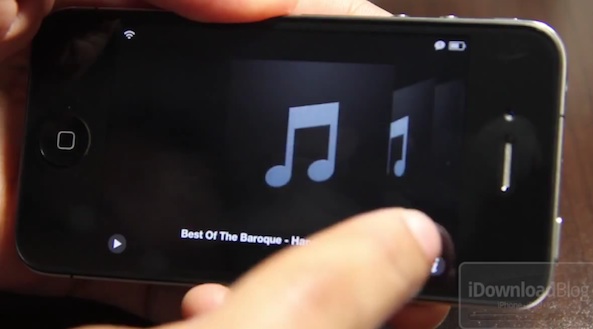
Cover Flow has always been more eye candy than it is useful, but the usefulness it did have has always been hindered by its lagginess.

SmoothCoverFlow is a free jailbreak tweak available on Cydia that aims to eliminate the choppy feel that you get when scrolling through a large Cover Flow library. Does it work? Check out our video demonstration inside for the answer...
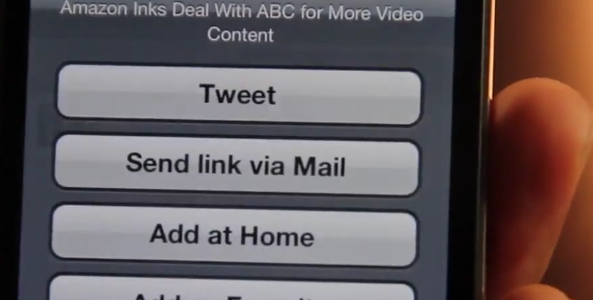
How to Add Sharing Options to Safari’s Reading List

Reading List, the Instapaper-like feature included with iOS 5, is a great way to save web pages for reading later. But what if you want to share some of the content that you've saved to your reading list? What then?

Sadly, Apple has neglected to add any sort of sharing options to Reading List. Perhaps they're saving the sharing features for a future iOS update. With that in mind, one developer in particular thought it would be a good idea to enable Reading List sharing by means of a handy jailbreak tweak, and that's just what he did.

Take a gander at ActionList, a tweak that enables a variety of sharing options for Reading List...

How to Scroll Web Pages Using Only Your Accelerometer

Sometimes you just don't feel like exercising your index finger or thumb to scroll on your favorite webpages. Sometimes your fingers need a break.

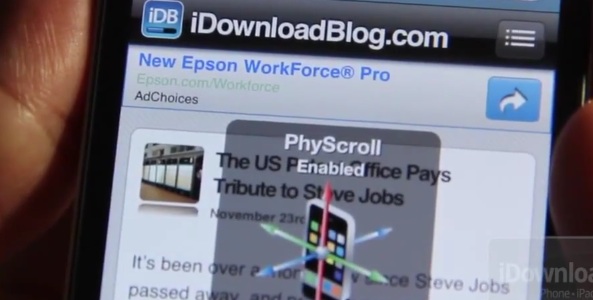
A situation like this calls for a jailbreak tweak like PhyScroll, a tweak that allows you to scroll on any page using nothing more than your iDevice's accelerometer. You've got to see it on video to get a good idea how it works, so check out our hands-on experience inside...

How to Remove the Settings App Badge From a Jailbroken iDevice

With the advent of over-the-air (OTA) delta updates, Apple has brought a significant convenience to the majority of their users. Now, not only do you not need to be near a computer to update iOS, but updates are generally much smaller than they were previously.

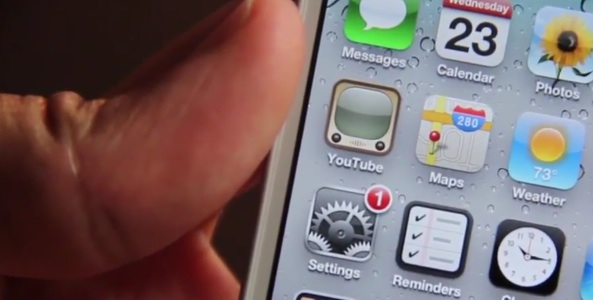
On the flip side, OTA updates make things a bit more annoying for jailbreakers and potential jailbreakers, as you've likely already experienced...

Add Seconds to Your Status Bar With StatusBarSeconds

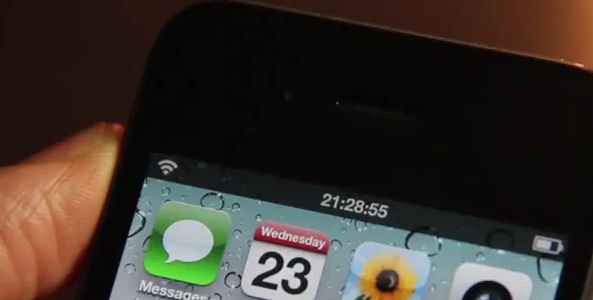
I can honestly say that I think there's a tweak for absolutely everyone on Cydia. Case in point: StatusBarSeconds, a new jailbreak tweak that allows you to add seconds to your iDevice's status bar.

Who needs something like that? Someone, apparently. Check inside for a video walkthrough of StatusBarSeconds in action...

How to Remove Icon Labels in iOS 5

Looking for a cleaner look to go along with your recent iOS 5 installation? If you're jailbroken, then a recently released Cydia tweak might be right up your alley.

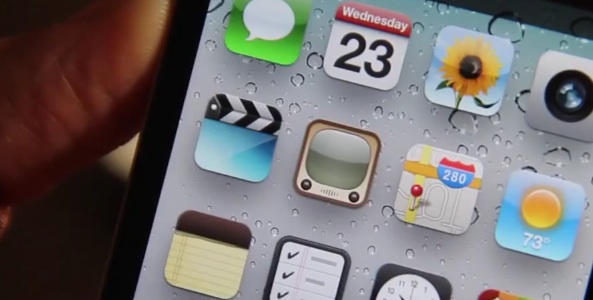
It's called No Icon Label for iOS 5, and, as you may have guessed, it removes icon labels from all of your app icons on your iPhone's Home screen.

Sure, other tweaks have done this in the past, but here's a free, standalone solution for those of you looking for no icon labels with no filler added...

What’s On My iPhone 4S? Gaming Edition

If you're a gamer, then the iPhone 4S upgrade is worth it for that reason alone. Games run much smoother, and in some cases they've been upgraded to take advantage of the new hardware.

The iOS platform is ridiculously good for games, but an iPhone 4S makes playing them even sweeter. Inside, I'll share some of the games I'm playing right now on my iPhone 4S...

Ask Jeff: Episode X

In the 10th episode of Ask Jeff, I tackle questions pertaining to iPhone theming, iPhone 4S battery solutions, Android tablets, how to attach items to emails, and much, much more.

It's hard to believe it's already been 10 episodes, but time flys when you have tons of interesting questions to mull over. Check inside to tune in to episode 10, and be sure to think of some good questions for the next episode...

MyMobileTube Pro is Anything But Professional

This ranks up there with one of the worst Cydia purchases I've ever made. MyMobileTube Pro sounds like it's a professional app, but that couldn't be anything further from the truth.

Obviously, it's not a huge deal for me, because I do these walkthroughs for the benefit of our viewers and readers, but for some reason this one stung a bit more than others have in the past.

Maybe it's the fact that this "app" is even more offensive than Google's Gmail app, in that it's nothing more than a wrapper around a webpage?

Top Jailbreak Videos of the Week

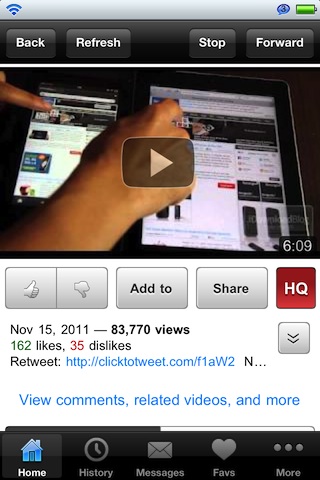
Our top videos of the week roundups include some great iOS related videos that actually aren't technically jailbreak related at all. These include Kindle Fire vs. iPad 2, our iTunes Match walkthrough, and Minecraft for iOS.

As always, please make sure to spread our iPhone, iPad, and iOS video wisdom by sharing our posts on Twitter and Facebook...

Check Out These Beautiful iOS 5 Settings Panel Shortcuts

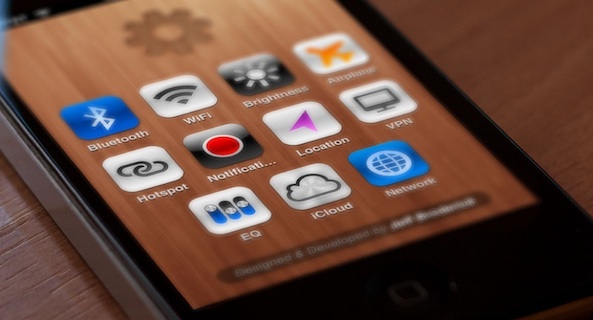
Ever since our initial post that showed how to create shortcuts for some of the most used items in the Settings app, many have taken a lot of interest in the idea.

Considering that there is no jailbreak for the iPhone 4S, and no untethered jailbreak for iOS 5 in general, many are using Settings panel shortcuts as they wait for a jailbreak solution that works for them.

In the meantime, UI designer Jeff Broderick has taken things into his own hands, creating the most beautiful and detailed shortcuts icons we've seen to date...

Who Are You? The Difference Between User, Hacker, and Developer Filters in Cydia

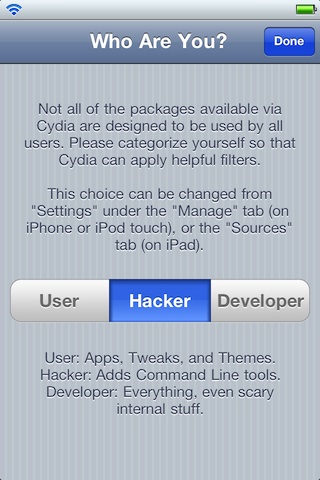
We've all encountered it. Some only a few times in their iOS owning lives, others (like me) virtually every week. Are you a User a Hacker or a Developer?

That's not some question you filled out on an immigration form while headed to your favorite vacation spot, it's the question you answer after you've jailbroken your iPhone and opened Cydia the first time.

Most of you probably select User and keep going without thinking about it, but what is this option really for?