Jeff Benjamin

Jeff has been with iDownloadBlog since 2010, acting as resident video specialist, and tutorial expert. He earned his degree in Computer Network Systems back in 2001, but decided Cisco routers and the like just weren’t for him. Since then, he’s been heavily involved with online writing. He’s written for numerous tech and video game sites since the late 1990′s, and has a knack for explaining things in a simple, clear, and concise manner. Jeff works primarily from the east coast on his Retina Macbook Pro, and shoots video with a Canon DSLR. During downtime he likes to travel the world, visiting the various Apple Stores across the globe. You can email him at jeff [at] idownloadblog.com and follow him on Twitter @JeffBenjam or on Google+.

Review: Touch ID fingerprint sensor

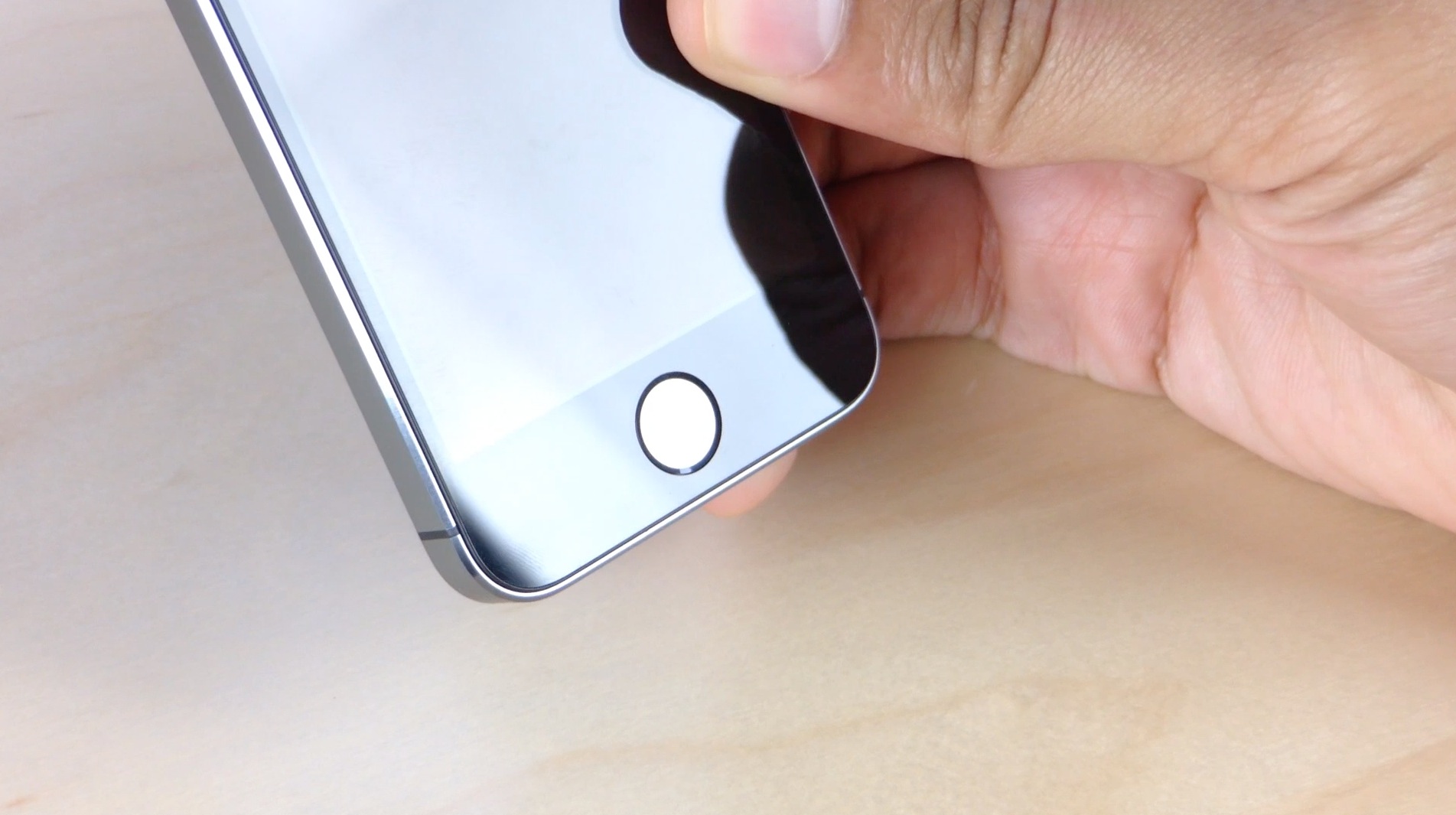
Far and away, the most compelling upgrade worthy feature on the new iPhone 5s is the new Touch ID fingerprint sensor. It was a feature that was rumored for many months, and today the general public can finally see what all of the fuss is about.

I've been putting the Touch ID sensor, which rests inside of the iPhone 5s' redesigned Home button, through its paces all morning. I've come away extremely impressed — not only with its ease of setup, but with its uncompromising accuracy.

After using it for a while, it's readily apparent that this is not something that Apple hastily put into the iPhone 5s. This isn't your father's fingerprint sensor. Touch ID is a feature that Apple has meticulously meshed into the iPhone to make one transparent and cohesive experience. And it just works.

First look: iPhone 5s

I was so angry when I woke up this morning, because I woke up late, and I just knew that meant I wasn't going to get an iPhone 5s. Much to my surprise, my local Verizon store had plenty in stock, albeit, none were gold.

I was able to walk in, say I wanted an unlocked iPhone 5s, and walked out in less than 15 minutes. It was an overall uneventful experience, despite my tardiness.

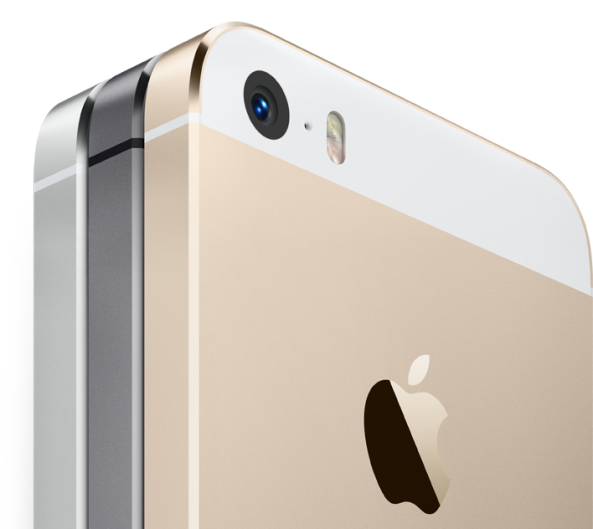
I decided to go ahead and go with the 32GB Space Gray iPhone 5s. While initially I kind of dismissed this color option, it's not half bad when you see it in person. In fact, I think it's safe to say that this is the best looking iPhone ever, outside of maybe the Gold model if that's your thing.

How to hide apps, folders, and place folders within folders on iOS 7

It seems like every time there's a new version of iOS released, users find a way to utilize glitches to their advantage. We all remember the Newsstand glitch found in iOS 6, and various other glitches and tricks to hide folders, apps, nest folders, etc.

Similar glitches were discovered to work in the beta version of iOS 7, and many of them remain in the final build. In the video that follows, I'll show you how to use these glitches to hide apps, hide folders, and to nest folders within folders.

No, it's not the most ideal method for achieving such results, but until we get a jailbreak, or until Apple allows end users to further customize their device, this will have to do.

iOS 7 walkthrough

iOS 7, as you're likely already quite aware of, is an absolute huge departure from the status quo. Apple has completely abandoned the design concepts that it established in the 2007 debut of the iPhone, which have been prevalent up until now. The operating system that was once known as iPhone OS, now resides on numerous devices, from various iterations of iPhones, to iPads to iPod touches. The design language has been fairly consistent across the board since its inception.

So why the big change? After iOS head-honcho Scott Forstall's ouster, Apple decided it was time to go in another direction. Its operating system, looking a bit long in the tooth, was in dire need of an overhaul. With Forstall gone and renowned hardware design specialist/Steve Jobs right-hand-man Jonathan Ive now in control, iOS is headed in a remarkably different direction.

iOS 7 is the result of said new direction, and it's a radical departure from iOS of old. All of the design language, from the biggest feature down to the smallest, has been completely replaced with something new. Even the ringtones and alerts that we've grown to love (or hate) from previous iterations of iOS have been replaced.

What we have now is an operating system that feels slightly familiar, but is basically a completely new experience, at least from a visual and sensory perspective. For that reason, we've deemed it appropriate to go in-depth with many of the various aspects of change in this walkthrough. The goal of this walkthrough is to provide you with a complete and comprehensive look into what makes iOS 7 tick.

iOS 7 represents a bold new direction for Apple post Steve Jobs. It's a huge step for a company that has lived in the shadow of its beloved co-founder since his passing. This is the first footstep out of that shadow. This, ladies and gentlemen, is iOS 7.
Let’s Talk Jailbreak 28: On the eve of two iPhones

With the iPhone 5s and iPhone 5c release mere days away, Sebastien and Cody discuss their thoughts on Apple's keynote, the hardware for both new phones, and various other relevant tidbits of information. The pair also discuss the controversial iPhone 5c case, the hardware's somewhat surprising price point, along with an outlook for its sales potential. Of course, we also talk about our favorite jailbreak tweaks of the week, along with the promising prospects surrounding an iOS 7 jailbreak.

How to change the iPhone’s status bar color using RGB sliders

Jailbreaking is all about customizing your iPhone in a way that you see fit; from the biggest detail all the way down to the smallest detail. With that in mind, Status Color is a recently released tweak that's worth a look.

Status Color is a tweak that allows you to adjust the color of your status bar in real time using simple RGB sliders. The tweak, which is available for free on Cydia's BigBoss repo, allows you to easily match the color of the status bar with wallpaper or other Home screen elements. Check out our video walkthrough inside to see what I mean.

How to quickly move between the first and last page of your Home screen

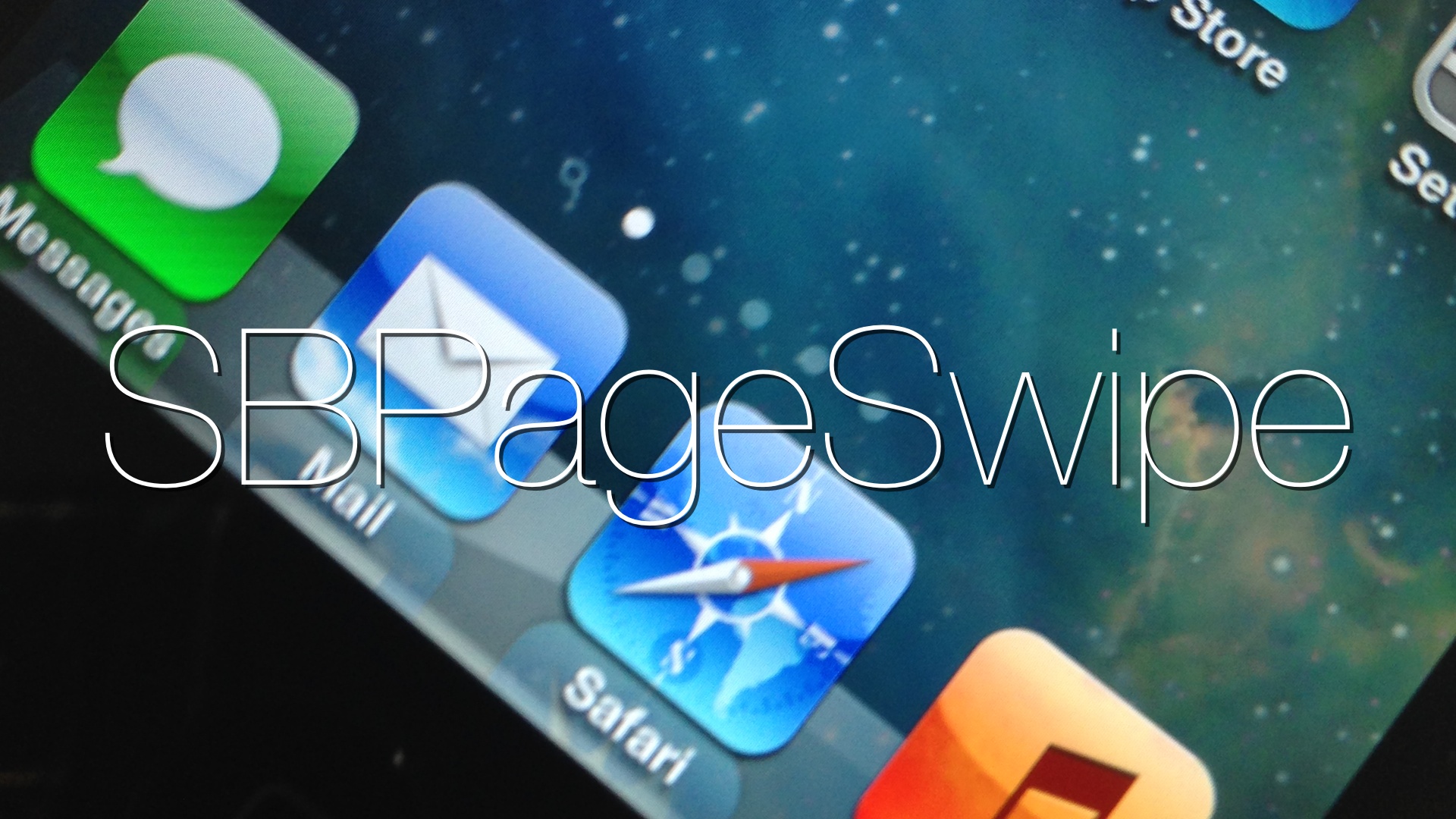
SBPageSwipe is an interesting new tweak that was recently released on Cydia. It allows users to quickly scroll between the first and last SpringBoard page by swiping on the page dots that reside above the Home screen dock.

As you would imagine, this is a very simple and straightforward tweak with zero options to configure. Though it's simple in nature, I did find it pretty handy to have. It's almost like using the Home and End buttons on a desktop keyboard. Take a look inside.

Planetbeing provides update on iOS 7 jailbreak status

Yesterday, the Evad3rs' @planetbeing said that the team behind the Evasi0n jailbreak for iOS 6 was starting some initial investigation into the possibility of an iOS 7 jailbreak. It doesn't look like they plan on wasting much time in the process.

In an update provided via Twitter, planetbeing states that he's achieved unsigned userland code execution using some of the stuff the team has held in reserve. As mentioned yesterday, the Evad3rs are now on a reconnaissance mission to see what exploits still work with iOS 7.

Why it’s an iPhone 5s and not an iPhone 5S

Apple has again changed the way the iPhone's name is spelled out on paper. If you can remember, back when the first incremental upgrade to the iPhone line was released, Apple typed it out like this on paper: iPhone 3G S. Yes, there was a space between the "3G" and the "S" — Thankfully, Apple eventually caved in, or just didn't care enough to make a big deal out of it when we refused to spell it that way. The iPhone 4S lacked the space between the number and letter, and all was well with the world.

Now, on the day of the unveiling of two new Apple devices which both sport a suffixed alphabetical character, debate ensues once again. This time, though, the argument isn't about spaces, it's about cases. And I'm not talking about the hideous swiss cheese cases it's trying to push on unsuspecting iPhone 5c adopters, I'm talking about textual case — the upper and lower variety.

Apple has ditched the upper case call letters in favor of a lower case letter. That means that the iPhone 5C isn't the iPhone 5C at all, it's the iPhone 5c. That also means that the iPhone 5S is now the iPhone 5s. Apple's even gone retroactive on us and replaced the iPhone 4S with the iPhone 4s (same device, different name on paper).

The question is, why? Why would Apple go through the process of confusing us bloggers, (because let's face it, we're probably the only ones who care about this type of stuff) and go and change it again? The answer to that question is probably a lot more straightforward than it first appears.

Hands on with the new iOS 7 wallpaper

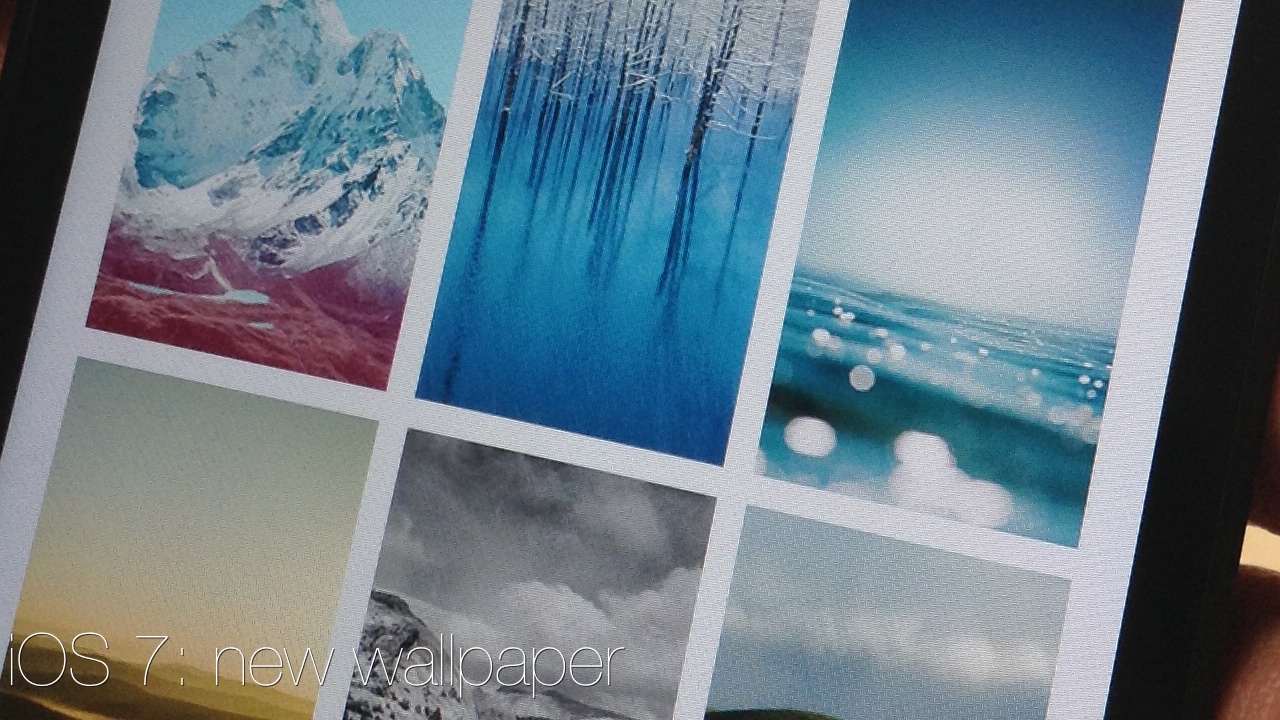
The iOS 7 GM release includes a bunch of new dynamic and static wallpaper for users to enjoy, and we've taken the liberty to showcase all of them in a hands-on video just for you. The final version of iOS 7 includes quite a few brand new wallpapers, and many of them are really well done. Have a look past the fold to check them out for yourself...

The evad3rs are investigating iOS 7 for possible exploits

Now that iOS 7 GM has been officially released, the evad3rs — the team responsible for bringing us the iOS 6 evasi0n jailbreak last winter — have started looking into iOS 7. The team, according to prominent iOS hacker and team member @planetbeing, are now in a reconnaissance phase to see which exploits, if any, still work with iOS 7.

This is being done on existing devices like the iPhone 5, iPhone 4S, etc. The new devices, especially the iPhone 5S with its 64-bit processor, will presumably be another massive hurdle to overcome once they launch later this month. Regardless of what the final outcome may eventually be, this is great news for those of us who would like a jailbreak for iOS 7.

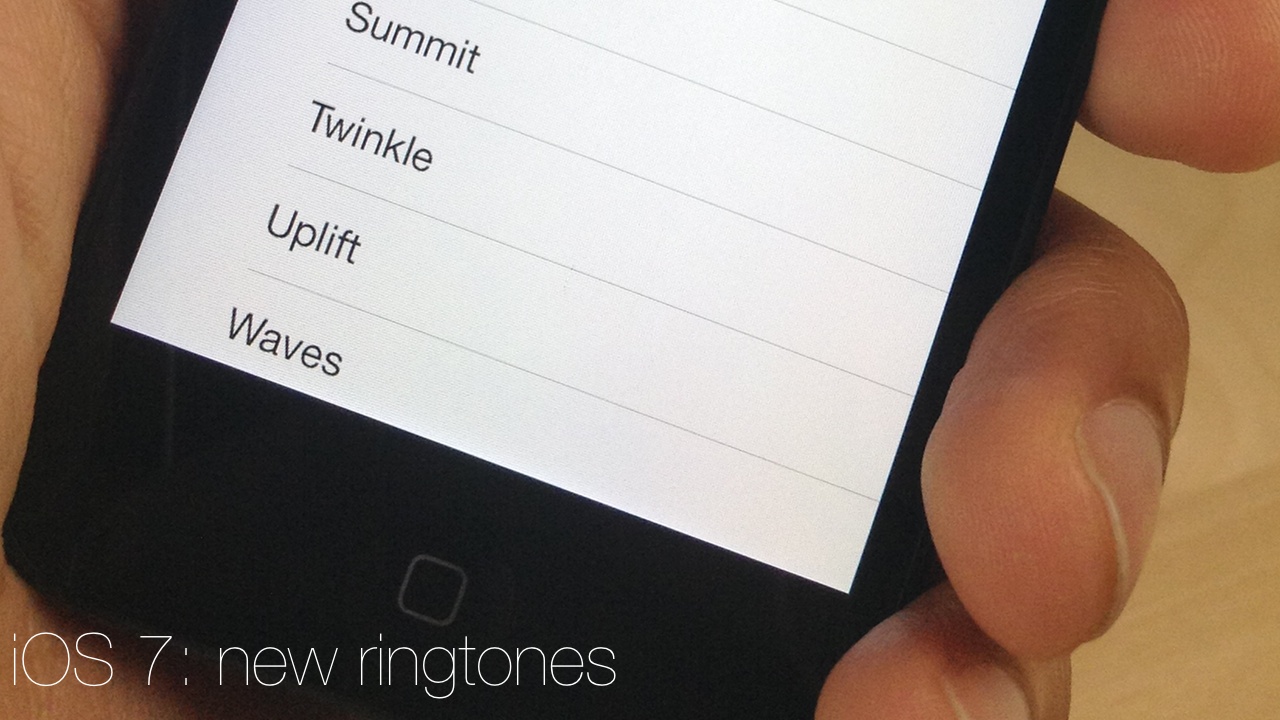
Hands on with iOS 7 new ringtones and alerts sounds

Apple had at least one surprise that wasn't totally exposed prior to its keynote this morning — new ringtones and alerts for the final iOS 7 release. These ringtones and alerts are only available with the GM version of iOS 7 that just went live for developers, so current beta users won't see these yet.

We've taken the liberty to video all of the new alerts for iOS 7 so that you can hear them for yourself. To our surprise, there's quite a few new ringtones and a lot of them are really good. Of course, Apple has kept all of the old ringtones as well, making them available in a new classic folder in the Sounds > Ringtone section of the stock Settings app.

Take a look inside to hear all of the new iOS 7 ringtones and alerts in their glory.