Jeff Benjamin

Jeff has been with iDownloadBlog since 2010, acting as resident video specialist, and tutorial expert. He earned his degree in Computer Network Systems back in 2001, but decided Cisco routers and the like just weren’t for him. Since then, he’s been heavily involved with online writing. He’s written for numerous tech and video game sites since the late 1990′s, and has a knack for explaining things in a simple, clear, and concise manner. Jeff works primarily from the east coast on his Retina Macbook Pro, and shoots video with a Canon DSLR. During downtime he likes to travel the world, visiting the various Apple Stores across the globe. You can email him at jeff [at] idownloadblog.com and follow him on Twitter @JeffBenjam or on Google+.

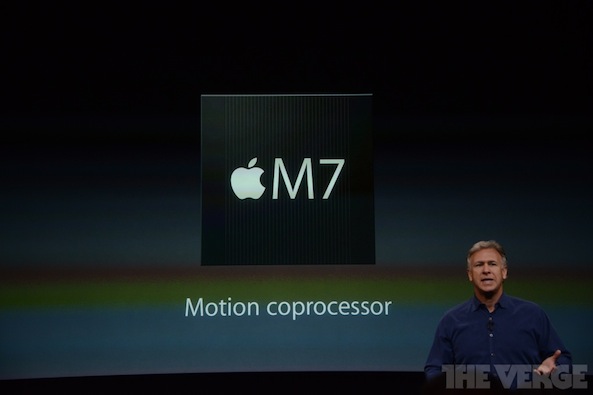
Apple announces new M7 Motion coprocessor

Along with Apple's just announced A7 chip, comes a companion chip called the M7 that serves as a "Motion coprocessor." The purpose of this chip is to constantly measure motion data from the accelerometer, gyroscope, and compass built into the iPhone 5s.

This promises to open up a new playing field for health and fitness apps, in that they can actively track whether or not you're stationary, walking, driving, and more.

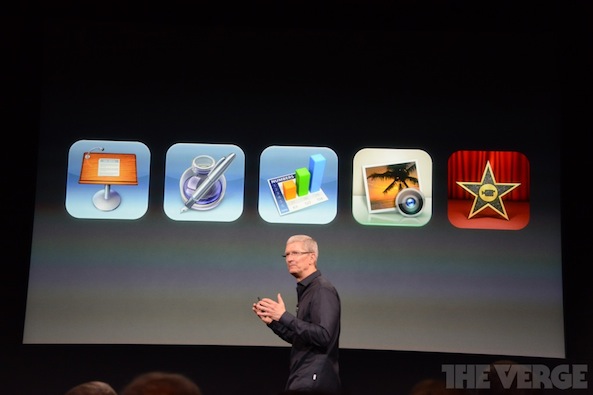
iWork, iPhoto & iMovie apps now free with new iOS device purchases

Who needs Microsoft Office? Apple announced today that iWork — which includes Pages, Numbers, and Keynote — along with iLife — which includes iMovie and iPhoto — are now free with all new iOS devices. That's right, when you purchase a new iPhone, iPad, or iPod touch, you get five of Apple's most popular apps free of charge — a $40 value.

The only thing the package doesn't include is Garageband, which is an integral part of the iLife suite on the desktop. Still, this is an incredible value for new iOS adopters...

Let’s Talk Jailbreak 27: The calm before the storm

Tomorrow is a huge day, so for that reason, we thought it would be appropriate to post this episode of Let's Talk Jailbreak a day early. Inside, Sebastien and Jeff talk about the anticipation surrounding tomorrow's iPhone event in which the iPhone 5S and iPhone 5C should be revealed to the public. The duo also talks about this past week's tweaks, which include TapTapFolder, the Samsung Galaxy inspired WaveOff, and Sentry's new quick reply tweak called Anemo. Of course, that's not all. Listen to episode 27 for all of the jailbreak goodness, which includes our thoughts about the iOS 6.1.4 jailbreak for the iPhone 5.

VoiceChanger brings live voice effects to the Phone app

VoiceChanger is a new jailbreak tweak from Elias Limneos — the same developer that brought us Call Recording, and CallBar for the iPhone. Needless to say, he's a very experienced developer when it comes to getting more out of the average phone call on iOS.

As you've probably already figured out, his latest tweak allows users to change the sound of their voices while on a phone call. VoiceChanger allows callers to select between 4 different voice effects (plus the normal voice), and you can do so while on a live phone call. Have a look inside for more info.

Preview: VideoExplorer

VideoExplorer is an upcoming jailbreak tweak from the same developer that brought us AudioExplorer. As you might expect, the tweak works very much in the same way as AudioExplorer, in that it allows you to quickly identify all valid files stored on your iPhone.

From there, you can play, share, and import any of the video files available on your device. Files can even be taken directly from the apps you have installed. Have a look inside for a sneak preview showing how it all works.

WaveOff: toggle your iPhone’s screen with a wave gesture

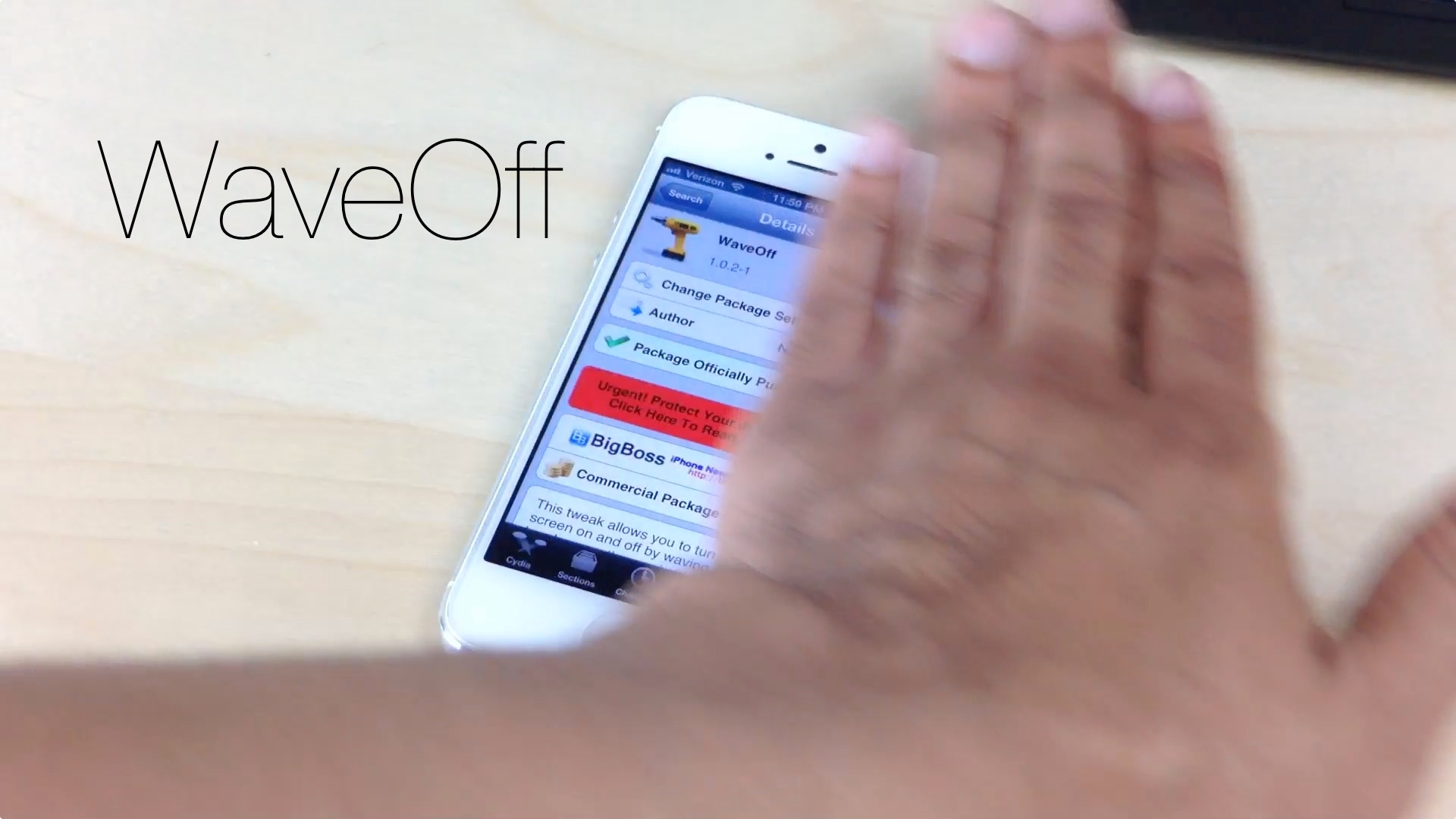
If you own a jailbroken iPhone, you can now toggle its screen on and off using a simple wave gesture. WaveOff, a tweak released yesterday on Cydia's BigBoss repo, allows end users to move their hands to and from across the devices proximity sensor to turn toggle its screen.

It's a bit on the gimmicky side, but WaveOff is a good tweak for those moments when you want to show off in front of your friends and family. Have a look at our video walkthrough inside to see what I mean.

How to enable auto dim without locking your iPhone

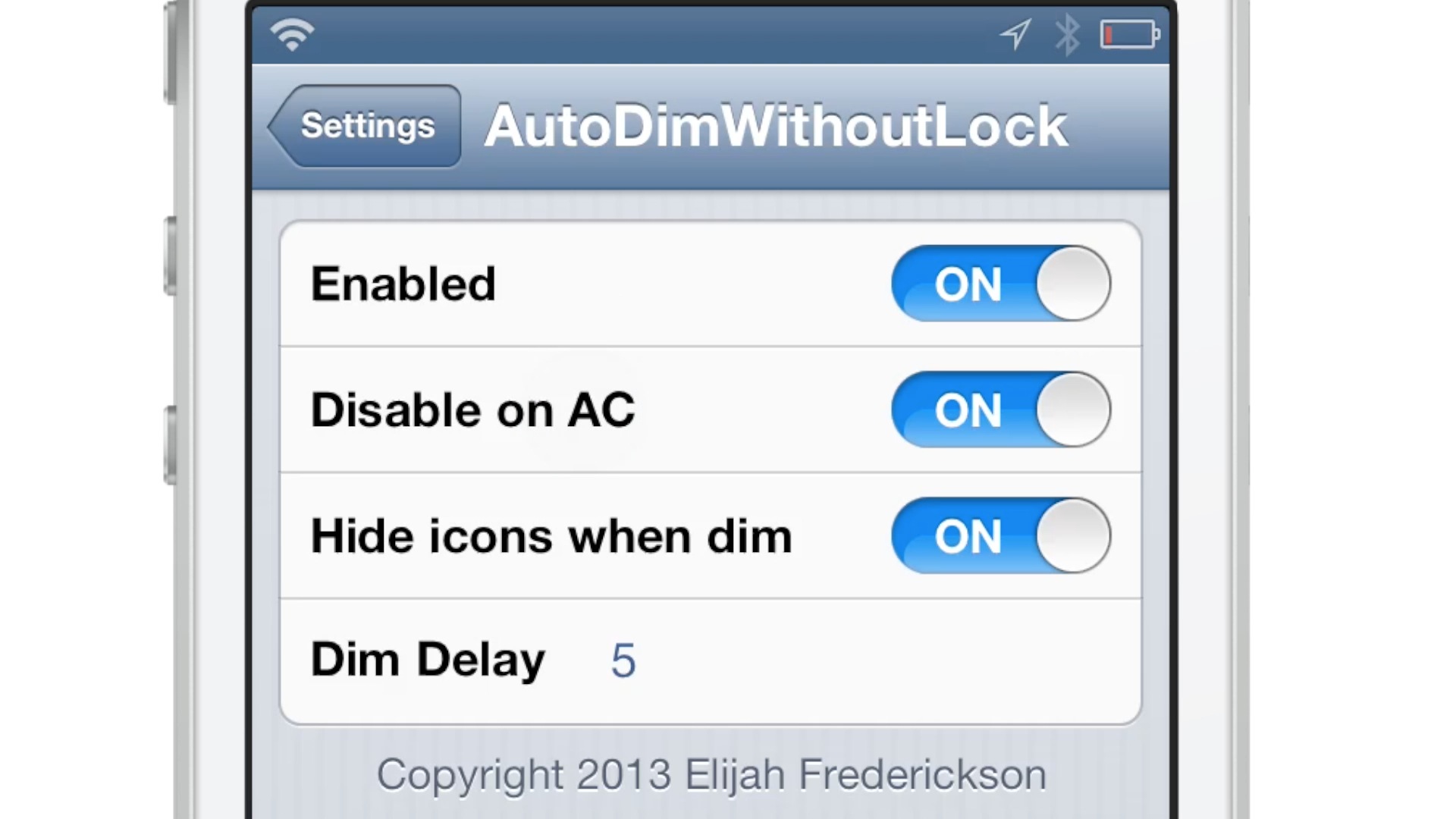
AutoDimWithoutLock is a new jailbreak tweak that does exactly what its name says — allows you to enable auto dim on your device after a certain interval of time, without worry about your device locking.

This is a good way to save battery life on your iPhone, and still keep the device quickly usable without having to unlock your device, enter a passcode, etc.

Anemo: a minimalistic quick reply tool for texters

Anemo — the quick reply tweak that we previewed some time back — is now available on Cydia. It's been a long time coming, but for those of you desperate for a simple quick reply solution, the wait was well worth it.

Instead of a full fledged Message app replacement, Anemo take a more anemic approach. Using existing banner notifications, it provides a simple, yet extremely handy quick reply solution for jailbroken iOS users.

TapTapFolder: launch the first app in a folder with a tap

TapTapFolder is an innovative new jailbreak tweak that just recently appeared on the Cydia store. It's a tweak that allows end users to launch the first app contained within a folder using a single tap on the folder itself.

You may be wondering to yourself: "How do you launch any of the other apps contained within a folder?" It's actually pretty simple: you utilize a double tap gesture on the folder to open its contents.

I really dig TapTapFolder, because not only is it useful, but it does something that, to my knowledge, has never been done before on the Cydia store. Have a look at our full video walkthrough inside.

CopyDock: an iOS 7 inspired dock for iOS 6

If you're looking for a subtle way to imitate some of the features of iOS 7 on your lesser firmware, then CopyDock is a new jailbreak tweak you might want to try. CopyDock brings an iOS 7 inspired dock to iOS 6 devices with no options or settings to configure.

CopyDock isn't a perfect 1:1 match of the dock found in iOS 7, but it's close. Have a look at our brief video inside to see what I mean.

Let’s Talk Jailbreak 26: Cydia on iOS 6.1.3

This week, Sebastien and Jeff talk about the iPhone 4S 6.1.3 Cydia installation. The duo also discusses this week's top jailbreak tweaks, which include Celeste 2, CamBright, NetworkList, and GlyphPatch. The pair then chit chats about cable modem upgrades, the lack of AirDrop compatibility between iOS and OS X, and more. Of course, Sebastien and Jeff both sound off with predictions for Apple's upcoming September 10th iPhone event.

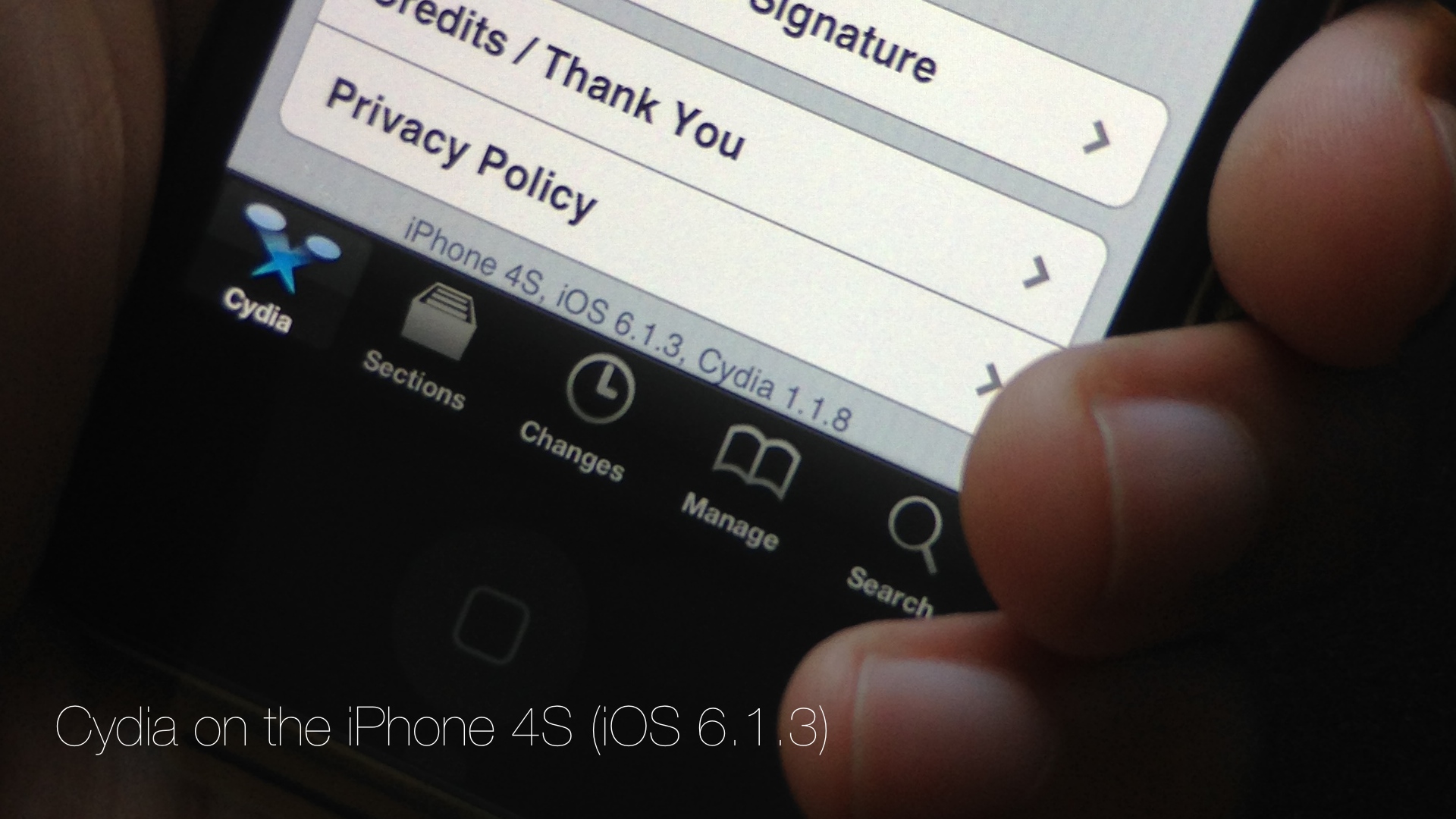
Cydia is installed on my iPhone 4S running iOS 6.1.3

Developer @winocm has been pretty vocal as of late about his intentions to eventually release a jailbreak for iOS 6.1.3 and iOS 6.1.4 devices. Although we generally take such claims with a heaping helping on my favorite seasoning, winocm is, from what I've been able to gather, a respectable member of the jailbreak community.

After all, this is the same developer that worked on an iOS 6.x downgrade, the jailbreak tweak Accentify, and has had various other contributions to the community. Needless to say, when he announced that he had an untether binary that still needed a bit of work, my ears perked up.

A few days ago, winocm reached out to iDB about his progress on the jailbreak. Although the project is still knee deep in its development phase, he did allow us to go hands on with some of his work. Today, with the help of winocm, I was able to install Cydia on my iPhone 4S running 6.1.3. If we're ever going to see a proper tool released for the iOS 6.1.3 jailbreak, he just could be the developer to do so.

Yes, we have video of Cydia running on my iPhone 4S, and yes it's legit. Although he has asked us not to speak about the process involved in getting a working Cydia on my 4S, I was there and watched him perform the process from start to finish. In other words, I can vouch for the Cydia install, and I can certainly vouch for video's legitimacy. Have a look...