Jeff Benjamin

Jeff has been with iDownloadBlog since 2010, acting as resident video specialist, and tutorial expert. He earned his degree in Computer Network Systems back in 2001, but decided Cisco routers and the like just weren’t for him. Since then, he’s been heavily involved with online writing. He’s written for numerous tech and video game sites since the late 1990′s, and has a knack for explaining things in a simple, clear, and concise manner. Jeff works primarily from the east coast on his Retina Macbook Pro, and shoots video with a Canon DSLR. During downtime he likes to travel the world, visiting the various Apple Stores across the globe. You can email him at jeff [at] idownloadblog.com and follow him on Twitter @JeffBenjam or on Google+.

How to add shortcuts to the volume HUD with Volume+

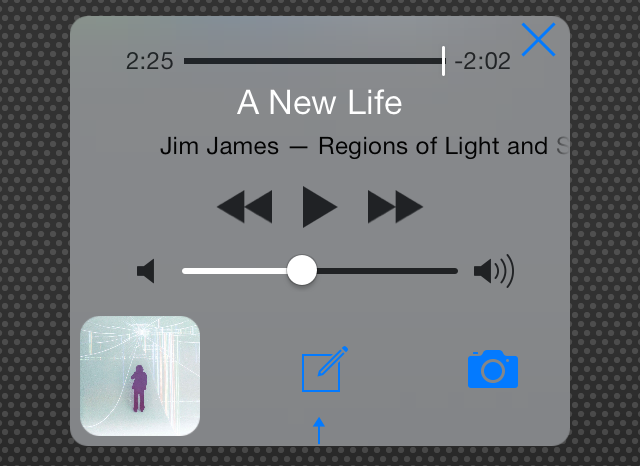
Volume+ is a new jailbreak tweak that infuses the volume heads up display that appears when adjusting your device's volume with new features and shortcuts. It's used to better equip you with handy controls while listening to music from the stock Music app or other music playing applications.

If you've been keeping a keen eye on Cydia over the last few years, you'll know that it's not the first volume HUD altering jailbreak tweak, and it probably won't be the last. Unfortunately, it falls into the lower tier of similar tweaks, because its buggy and suffers from some poor design choices. Have a look at our video walkthrough to see what I mean.


Let’s Talk Jailbreak 61: You’ve been Orangered

Episode 61: We talk about Geohot's latest work on the Galaxy S5, Cydia's big iOS 7 update, new jailbreak tweaks like Genie, MoreInfo, and Orangered for iOS 7, and tons of other quips, observations, and...singing...

Please help us out by taking a few minutes to complete this survey and enter to win a $100 Amazon gift card. The survey takes less than 5 minutes to fill out and will help us greatly. Of course, we will not share your email address with anyone, and we will not email you unless you win.

Let’s Talk iOS 033: Tantrums at the Apple Store

Episode 33: Jeff rejoins Sebastien and Cody for a debate on the look of the iPhone 6 mockups and shell casings, its upcoming size and display changes, Apple store etiquette, sketchy Lightning cable quality, and, of course, the joke(s) of the week.

Subscribe on iTunes

Sponsor: This episode is brought to you by Betterment, the automated investment service built on the idea that investing intelligently should be intuitive, automated and accessible to everyone, whether you have $10,000 or $10 million. For a limited time, listeners can get up to 6 months of free automated investment management by visiting betterment.com/ios.

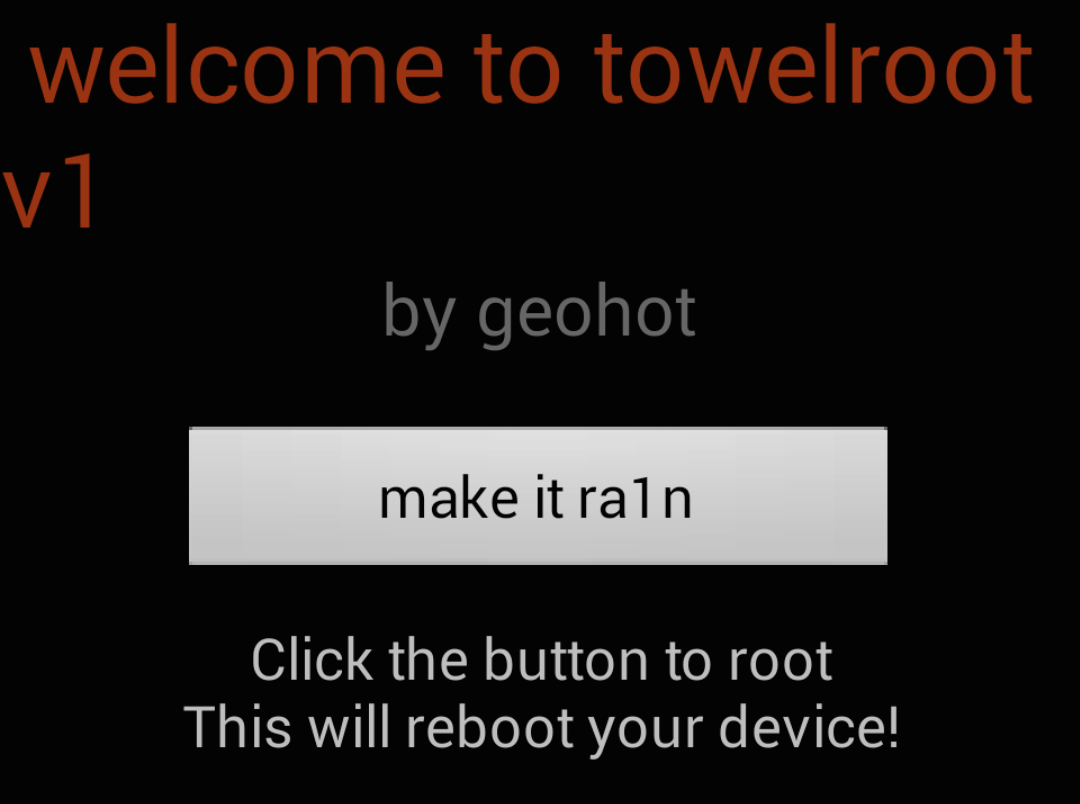
Geohot “makes it ra1n” on Android with a rooting tool for the Samsung Galaxy S5

Geohot—a name that's virtually synonymous with iPhone jailbreaking—has taken up quite a few different ventures since departing from the jailbreak scene. He's dabbled in Playstation 3 hacking, and working at Facebook. He was even rumored to have been on the precipice of an iOS 7 jailbreak, but nothing formally materialized from him.

But yesterday, Geohot (real name George Hotz) made his name known on an even wider scale when he released a new rooting tool for the Samsung Galaxy S5 and other Android devices. The tool, which is called Towelroot, is a downloadable package that allows Galaxy S5 users to quickly root their devices. This is especially helpful for GS5 users on Verizon and AT&T, because those two mobile carriers lock the bootloader.

I've tried out Towelroot on my Galaxy S5, and it works just as described. In fact, it reminds me a lot of Hotz's past jailbreak tools. Check inside for all of the details.

Let’s Talk Jailbreak 60: What’s on our iPhone

Episode 60: Could Apple be opening up iOS even more than we initially thought? Sebastien Page and Cody Lee discuss the recent revelations concerning the potential iOS 8 Control Center customization and iOS UI themes. The guys also talk about the tweaks they have installed.

Please help us out by taking a few minutes to complete this survey and enter to win a $100 Amazon gift card. The survey takes less than 5 minutes to fill out and will help us greatly. Of course, we will not share your email address with anyone, and we will not email you unless you win.

Let’s Talk iOS 032: What didn’t happen at WWDC

Episode 32: Cody and Sebastien discuss some of the things that didn't happen at WWDC 2014, including iOS 8 Maps improvements, the standalone iTunes Radio app, a Passbook-inspired Healthbook app, iPad split screen multitasking, and more.

Subscribe on iTunes

Sponsor: This episode is brought to you by Betterment, the automated investment service built on the idea that investing intelligently should be intuitive, automated and accessible to everyone, whether you have $10,000 or $10 million. For a limited time, listeners can get up to 6 months of free automated investment management by visiting betterment.com/ios.

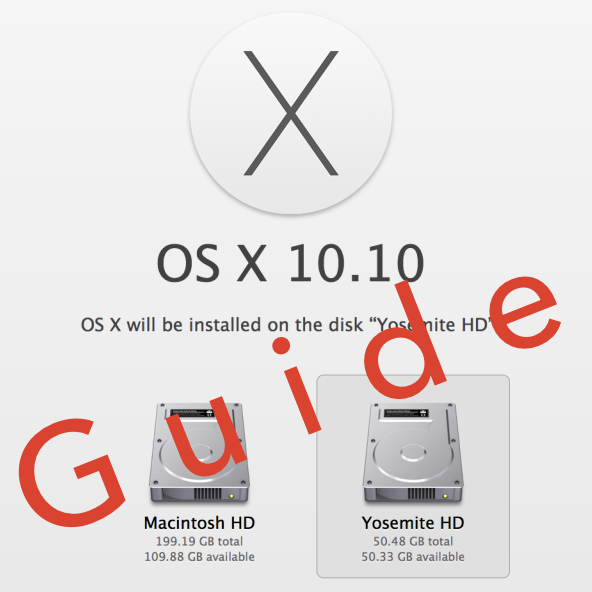
How to install OS X 10.10 Yosemite beta on a separate partition

When Yosemite was first announced with all of its awesome features, I exclaimed on iDB's group chat session that I would be installing the OS as soon as it was available for download. Sebastien quickly rebuffed my excitement and told me how unreasonable it was to install a beta OS on my main machine, and especially so while I'm out of the country. After being a bit disappointed (that wasn't what I wanted to hear at all...I mean, SMS texting on OS X!) I eventually came to the realization that he was right.

But then, I remembered that I didn't need to settle. I could easily create a partition on my Mac and keep Yosemite completely separate from my main (and stable) Mavericks install. It had been a while since I had last messed around with disk partitioning in OS X, but it didn't take long before I was installing the Yosemite beta on the same Mac where my primary Mavericks install lays its head down at night.

The benefits are multi-faceted. Number one, you get to try out Apple's new OS right now. Number two, you don't have to worry about buggy beta software cramping your style; after all, you're still running your main OS on the a separate partition. Number three, it can be done quickly, and with little to no downsides (as long as you have the disk space to spare). Check inside for our full tutorial that shows you how to install OS X 10.10 Yosemite on a separate partition on your primary Mac.

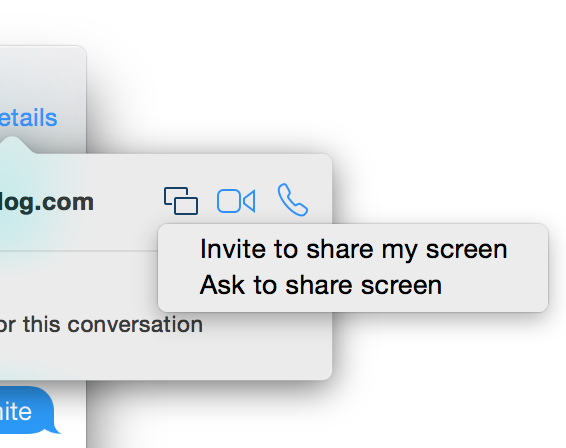
Yosemite includes the ability to initiate screen sharing via the Messages app

There's a plethora of new features to be found in Yosemite, and one of the latest has been found in the Messages app. Along with the ability to initiate FaceTime audio and video calls directly from a Messages app conversation, comes the ability to initiate screen sharing.

Users will be able to either request a screen sharing session from another user, or initiate their own screen sharing session directly from the Messages app. Check inside for more details.

Let’s Talk Jailbreak 59: iOS 8 and jailbreaking

Episode 59: A discussion about the jailbreak tweaks implemented into iOS 8, the potential of an iOS 8 jailbreak, and the future of jailbreaking after iOS 8. We also round up some of our favorite features from iOS 8 with a jailbreaking perspective.

Please help us out by taking a few minutes to complete this survey and enter to win a $100 Amazon gift card. The survey takes less than 5 minutes to fill out and will help us greatly. Of course, we will not share your email address with anyone, and we will not email you unless you win.

Let’s Talk iOS 031: WWDC 2014 recap

Episode 31: Sebastien and Cody discuss WWDC 2014's keynote along with all of the new information released. Topics include iOS 8, OS X Yosemite, and all of the major features revealed for both new highly anticipated operating systems.

Subscribe on iTunes

The best new features from the Messages app in iOS 8 [Video]

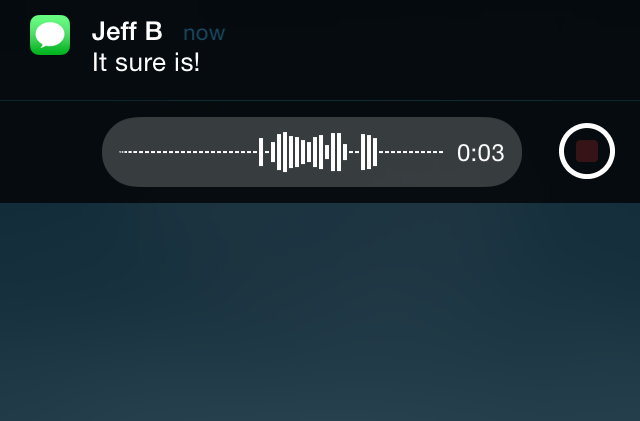
Without a doubt, I believe that quick reply for Messages was by far the most wanted feature of iOS 8 for the majority of long-time users. It's a feature that has been egregiously overlooked by Apple with seemingly little explanation.

This morning's keynote address finally brought an end to the wait, as native quick reply was revealed in all its glory on stage at the Moscone Center in San Francisco. To be honest, the keynote seemed to teeter on the side of fan service, but I'm certainly not complaining, especially when a part of that fan service is the long-awaited quick reply.

After installing the beta of iOS 8, one of the first things I've begun to play around with is the stock Message app, and of course, perhaps the most anticipated feature in iOS 8: quick reply. Have a look at our video walkthrough of some of the most prominent iOS 8 Messages app features.

Here’s what it’s like to install iOS 8 [Video]

I'm in a hotel room Kyoto, Japan right now and it's 5 am in the morning, but I wouldn't miss this for anything. Like you, I just got finished watching the WWDC keynote, and I was blown away by what Apple unveiled.

Of course, there was no new hardware revealed at WWDC, but that was pretty much expected. What we didn't expect, was to have our socks knocked off by iOS 8, as it seemed that this year was the year of OS X Yosemite.

It was, indeed, a big year for Yosemite, but I believe iOS 8 stole the show. Thinks like third-party keyboard support, the Health app, quick reply, and Inter-app communication stole the show.

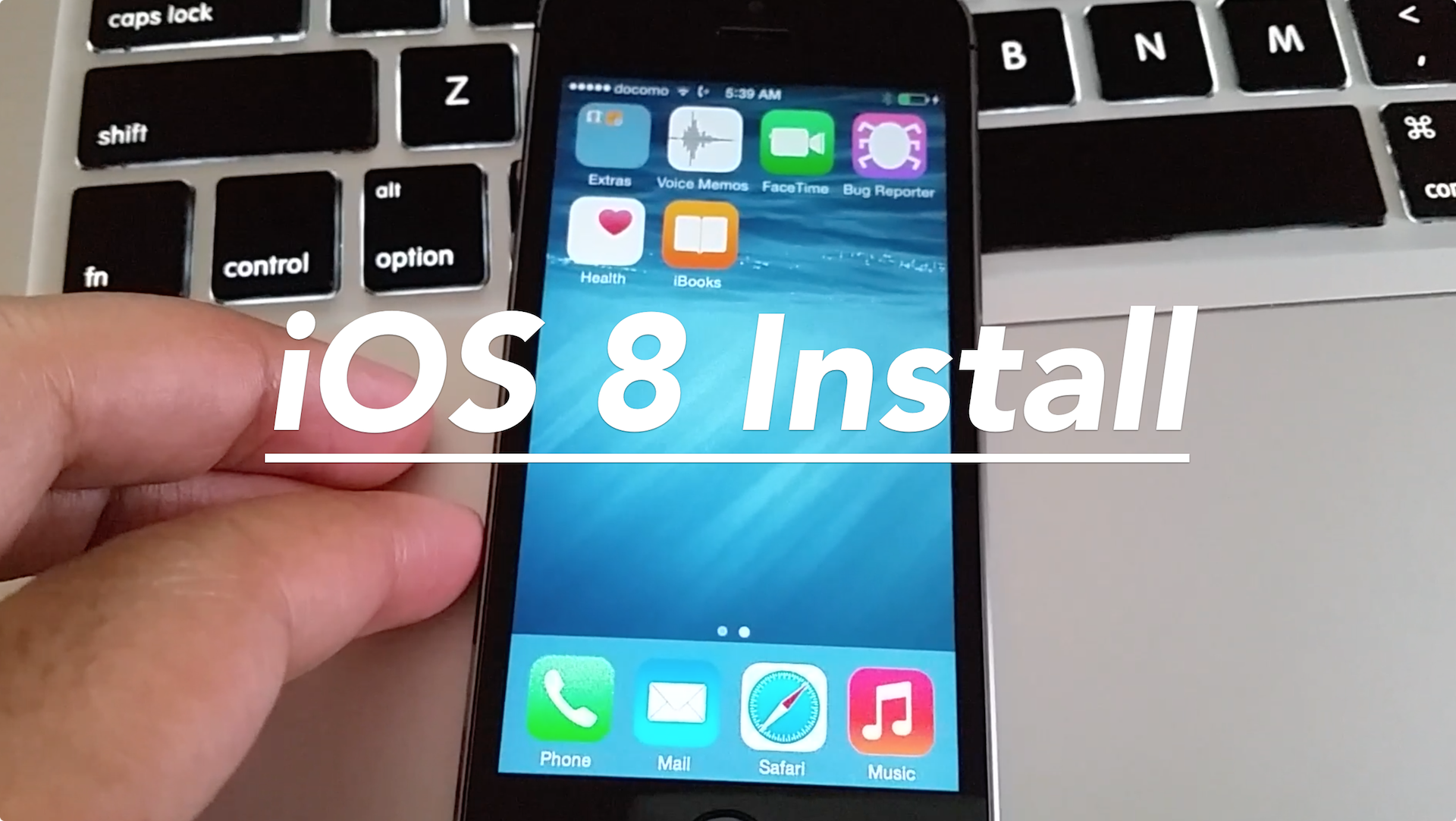
With all of that said, I wanted to bring you a first video showcasing the install process for iOS 8. If you've ever installed iOS 7, then you pretty much know what to expect here, as its very similar. Check out our install video, and check back for more breakdowns of the new features offered in iOS 8.