Jeff Benjamin

Jeff has been with iDownloadBlog since 2010, acting as resident video specialist, and tutorial expert. He earned his degree in Computer Network Systems back in 2001, but decided Cisco routers and the like just weren’t for him. Since then, he’s been heavily involved with online writing. He’s written for numerous tech and video game sites since the late 1990′s, and has a knack for explaining things in a simple, clear, and concise manner. Jeff works primarily from the east coast on his Retina Macbook Pro, and shoots video with a Canon DSLR. During downtime he likes to travel the world, visiting the various Apple Stores across the globe. You can email him at jeff [at] idownloadblog.com and follow him on Twitter @JeffBenjam or on Google+.

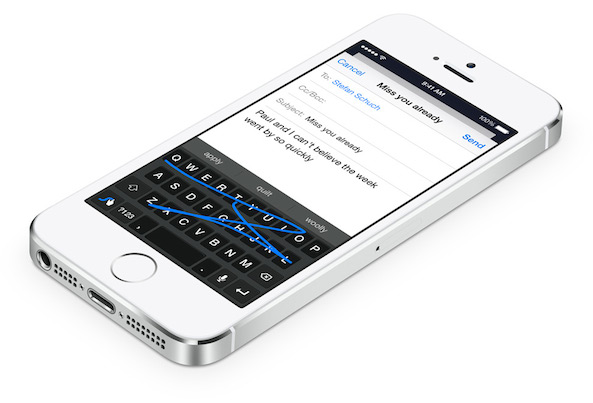
iOS 8 supports third-party keyboards

Yes! I was just talking about this in my Samsung Galaxy S5 vs iPhone 5s post, and it's actually here. As I type this with tears on my keyboard, it's almost hard to believe that Apple has opened up its SDK with the ability to use third party keyboards.

This means that you will be able to use third party keyboards like Swype for faster more sensible input for touch screens...

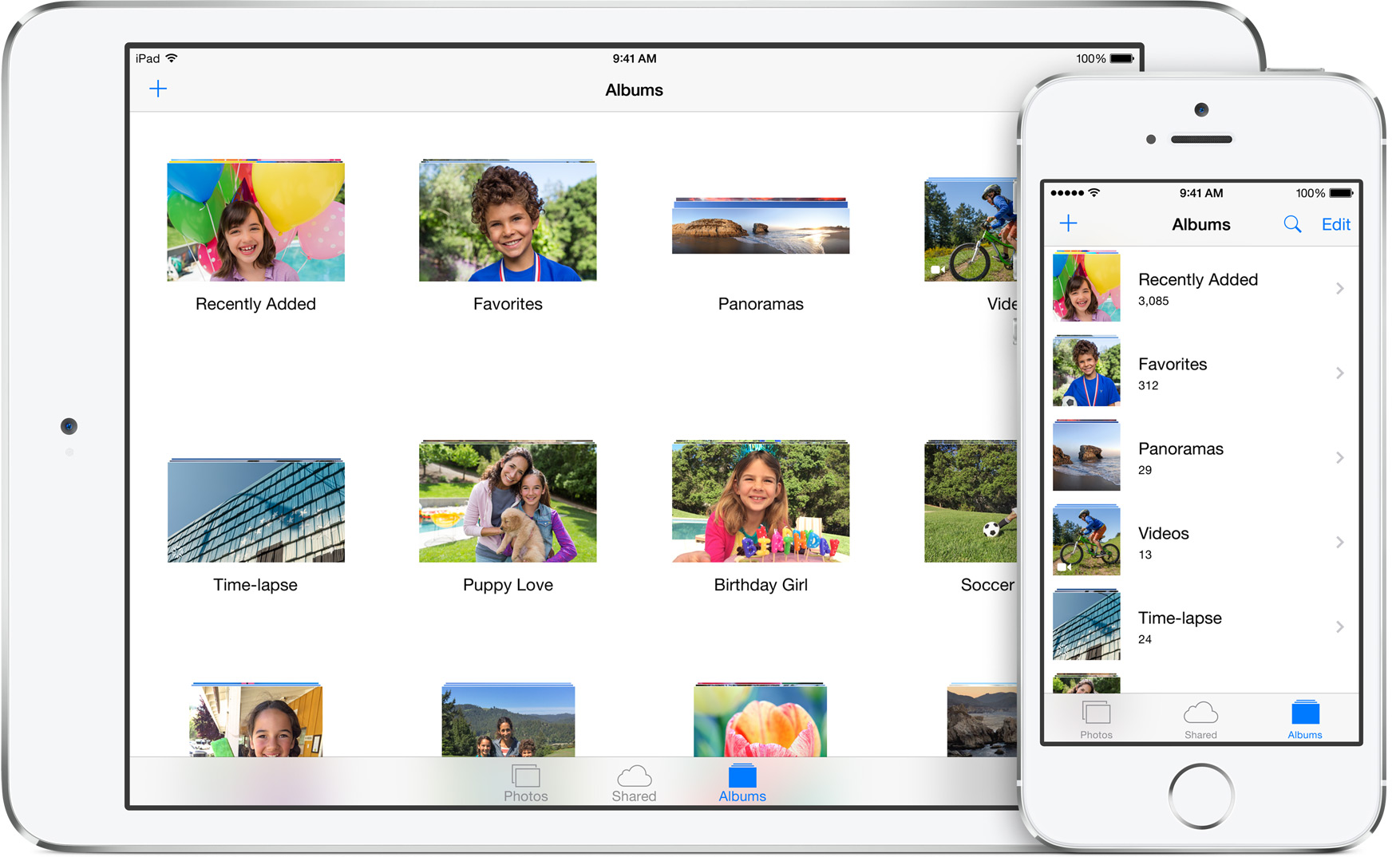
iOS 8 Photos app syncs full libraries across all devices, adds new search and editing tools

Apple has updated the Photos app in iOS 8 with some great changes. Most importantly, Photos now sync with iCloud—a feature called iCloud Photo Library—so that users can access all of their photos from all devices at any time. In fact, iCloud can store more photos on the cloud that your physical device can hold, meaning you can get to all of your photos and any time courtesy of the cloud.

Even the edits that you make on your devices go up live to the iCloud Photo Library, and sync with all devices, including the Mac. Apple is working on a new build from the ground up photos solution on the Mac, which will be shipping later next year.

You can even upload videos, and save the original and full resolution versions of both photos and videos. This is all possible via a new tiered pricing plan, which is detailed inside.

Apple updates Spotlight to be much more intelligent in iOS 8

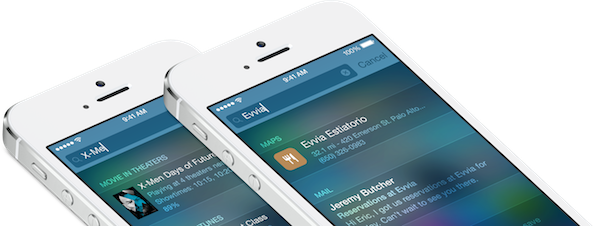
Like its OS X brethren, Spotlight has been updated in iOS 8 to be more intelligent. As it stands now, Spotlight is pretty bland, dumb and can only search for apps and content stored directly on your device.

In iOS 8, Spotlight can provide live search suggestions for apps, Wikipedia entries, movies, songs from iTunes radio, news and more. It's a much more powerful way to perform smart searches on iOS.

Apple introduces iCloud Drive: all your OS X and iOS documents in one place

Apple just announced iCloud Drive, which allows you to store files directly into iCloud and synchronize them in folders across your Macs and iOS devices, and even Windows machines.

iCloud Drive will allow you to access not only the personal files that you wish to sync, but it will also allow you to access files from apps synced with iCloud, even if those apps are from iOS devices.

How to add Alt+Tab functionality to your iPhone

Flipflop is a jailbreak tweak that brings Alt+Tab-esque functionality to iOS by means of a handy Activator action. The tweak can be assigned to any available Activator gesture, but the developer hints that the Home button is best suited as the means of which to activate the tweak.

If you're looking to be able to quickly switch back and forth between two apps, then Flipflop is a jailbreak release that will give you such functionality. Take a gander at our video walkthrough past the jump.

Five things the Galaxy S5 does better than the iPhone 5s… and vice versa

The Galaxy S5 has been my go-to device and my daily driver over the last month or so. I know that may seem like blasphemy since I write for iDownloadBlog, but I have a lot of reasons for doing so.

For starters, I wanted to become more familiar with the competition. I already had a good sense about Samsung's offerings and Android in general, but nothing can replace hands-on usage and the balanced perspective that comes with that.

If I wanted to seriously be able to take an objective look at Apple and at Samsung, and at iOS and Android, then I would need to have a better understanding of competing devices. What better device to help develop such an understanding than what is arguably the iPhone's biggest competitor, the Galaxy S5?

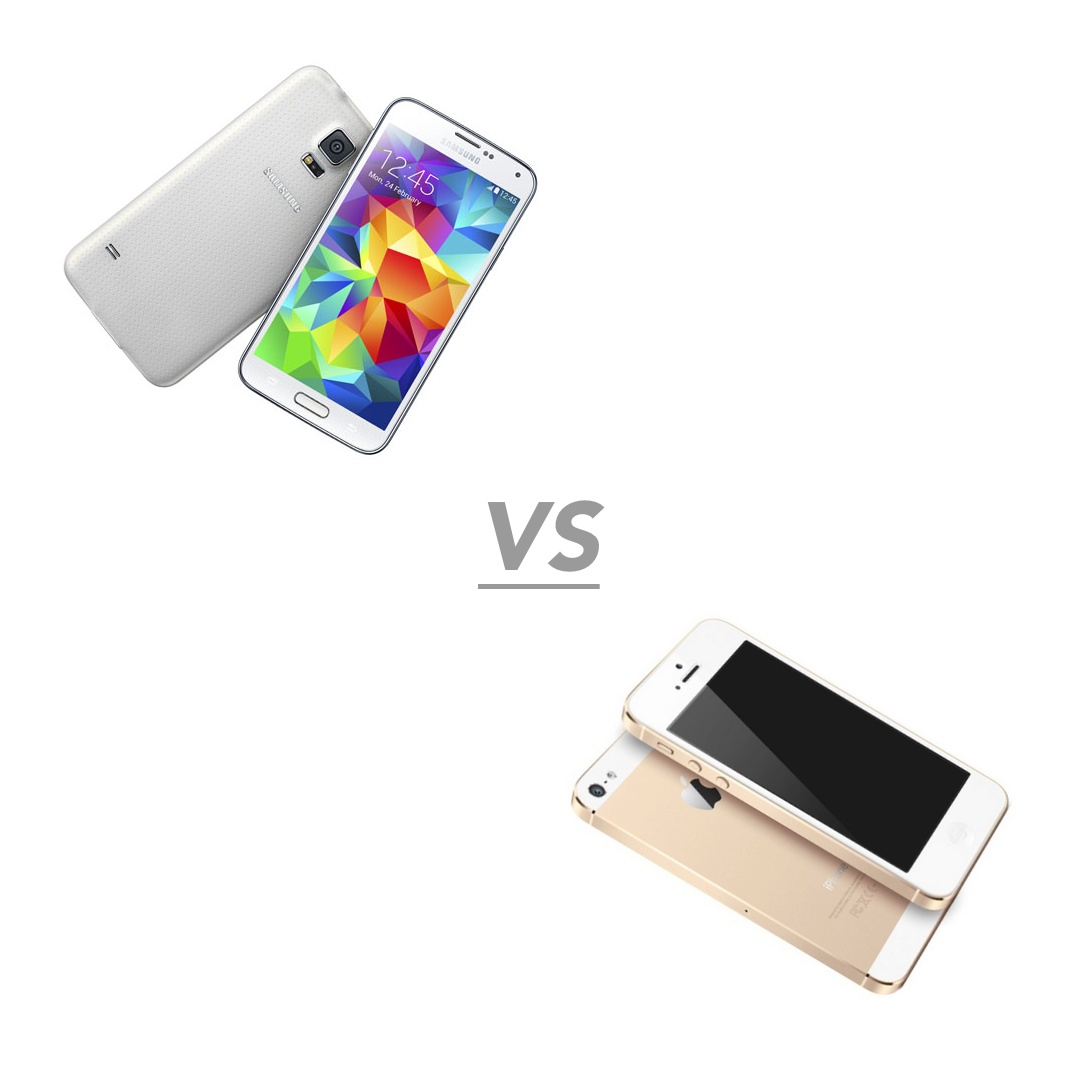
Since I've acquired one, I've mostly been enjoying my time with the GS5. In fact, I've traveled to South Korea, home of Samsung, which has made my perspective about the whole competition even more well-rounded. With all of this in mind, I wanted to compile a list of some of the things that I enjoy about the Samsung Galaxy S5. These are five things that I believe that the GS5 does better than Apple's flagship iPhone 5s. Afterwards, I'll do a reverse comparison, and tell you what I think the iPhone does better. Want to see which items made the cut? Check inside for the details.
FlipCam: a quicker way to switch between the front and rear-facing camera

FlipCam is an extremely simple jailbreak tweak that does one thing and one thing only. FlipCam allows you to quickly switch between the front-facing camera and rear-facing camera using a long press on the camera viewfinder.

At times I find that the button used to switch between views is in a difficult to reach spot, because it's located in the upper right-hand corner of the Camera app interface. FlipCam makes it easy to switch between each camera view, because the viewfinder is always within reach. Take a glance at our video walkthrough after the break for more information.

StatusPeek: replace the Notification Center grabber with the status bar

StatusPeek is an interesting new Cydia release that does something pretty cool. It allows you to replace the little grabber icon—the thing that appears when invoking Notification Center while in a full-screen app—with something useful: the status bar.

In essence, StatusPeek allows you to quickly look at the contents of the stock status bar—the bar the normally resides at the top of the screen, which contains the time, signal strength, etc.—while within a full-screen application.

In a default state, full-screen apps remove the status bar to allow for more screen real estate, so having the status bar more easily at ones disposal makes perfect sense. Check out our video walkthrough inside to see how StatusPeek works.

How to make the stock Camera app more minimal

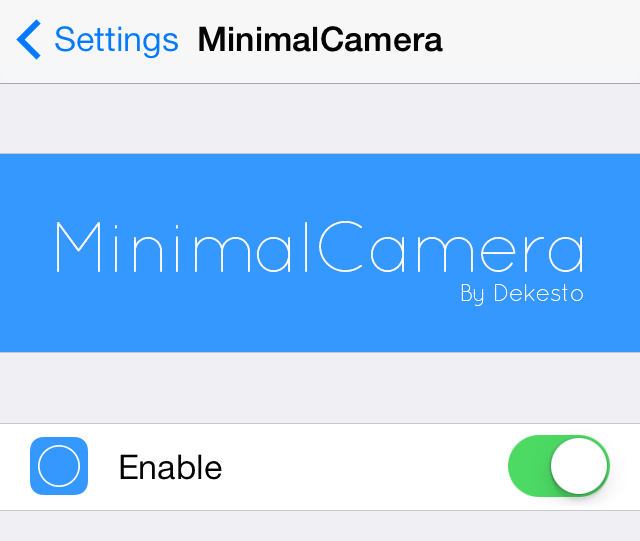
MinimalCamera is a new jailbreak tweak that allows you to remove the UI elements from the stock Camera app's viewfinder. It works in all modes, including photo mode and video modes.

This tweak provides users with a simple and distraction free canvas for composing new shots. Have a look at our video walkthrough after the break to catch a glimpse of MinimalCamera in action.

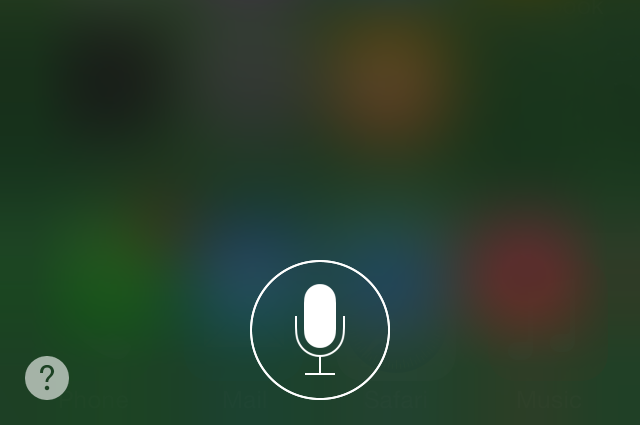
OkSiri: always-on voice recognition for Siri

One of my favorite things about Android is the "OK Google" command that allows you to perform quick voice searches on a whim. Now iPhone users can (sort of) join in on the fun.

OkSiri is a brand new jailbreak tweak that brings always-on voice recognition to iOS 7 devices. Have a look at our video walkthrough inside for a demonstration of how it works.

Complete Me Not: remove the ‘Complete My Album’ button from the stock Music app

The Complete My Album button in the stock Music app is found for incomplete albums that you purchased via iTunes. For example, if you download one or two popular songs from an artist, Apple will try to up-sell you (for lack of a better word) the rest of the album using a convenient button.

I wrote all about the Complete My Album feature in our ultimate Music App guide, so I recommend you check that out to learn more. But if you already know how Complete My Album works, then you know why Complete Me Not would be a handy tweak to have at your disposal. Take a look at our video walkthrough after the break for all of the details.

How to make iOS do a barrel roll

If you're my age (32) then you're probably very familiar with where the "Do a Barrel Roll" meme originated. It was from Star Fox 64, a game for the Nintendo 64. In it, one of the protagonists instructs you to "Do a Barrel" roll, which allowed you to miraculously dodge hails of bullets.

The phrase has since been eternalized by means of the Internet, and even Google got in on the fun with a hidden feature built into its search. iPhone users can now make iOS do a barrel roll as well. It's possible by means of a recently developed tweak by Ryan Petrich.

The tweak, which is appropriately entitled BarrelRoll, allows you to make your iPhone do a Barrel Roll on command. Have a look at our video walkthrough for the full scoop.