Anthony Bouchard

Anthony Bouchard joined the iDownloadBlog.com team in 2016 after originally covering Apple and iPhone jailbreak news at ModMyi.com. As an experienced editor, he brings more than 15 years’ worth of jailbreaking knowledge to our in-depth guides, opinion pieces, and news articles. His passion for device customization and user choice sparks his strong push to empower readers with the tools they need to explore and enjoy the freedom that comes with jailbreaking. Anthony blogs about not only jailbreaking, but also Apple software & accessories, drones & photography, and Nintendo gaming systems. Anthony honed his advanced technical knowledge over the years with hands-on projects ranging from gaming PC builds to engine repair mechanics. His never-ending hunger for knowledge is why you’ll always find him tinkering – tearing things apart and putting them back together to understand what makes them tick.

Jailbreak tweaks of the week: Meteor, QuickClear, and more…

Another Sunday, another opportunity to show you what's new in Cydia for the week!

Ranging from free to paid, this week's jailbreak tweak releases in Cydia have been few and far in between; that is, until the Updates tab blew up over the weekend with tons of new releases. Still, there have been some noteworthy releases that we think some jailbreakers will get excited about; others will improve security, and some are even utilitarian.

In this roundup, we'll show you everything that's new in Cydia this week, and we'll also be pointing out our favorite releases.
This tweak lets you choose whether a message is sent as SMS or iMessage

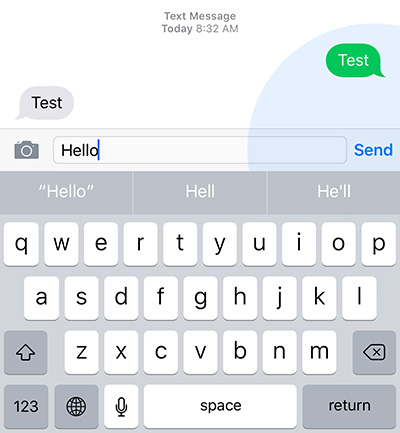
If you've ever wanted to send a message as an SMS instead of an iMessage, or vice-versa, you're in luck, because SwitchService is a jailbreak tweak now available in Cydia's BigBoss repository free of cost that will let you do just that.

Whether you're having problems with one of the services and want to use a different one, or feel that one of the services would better fit your needs at a certain point in time, this tweak will have you covered.

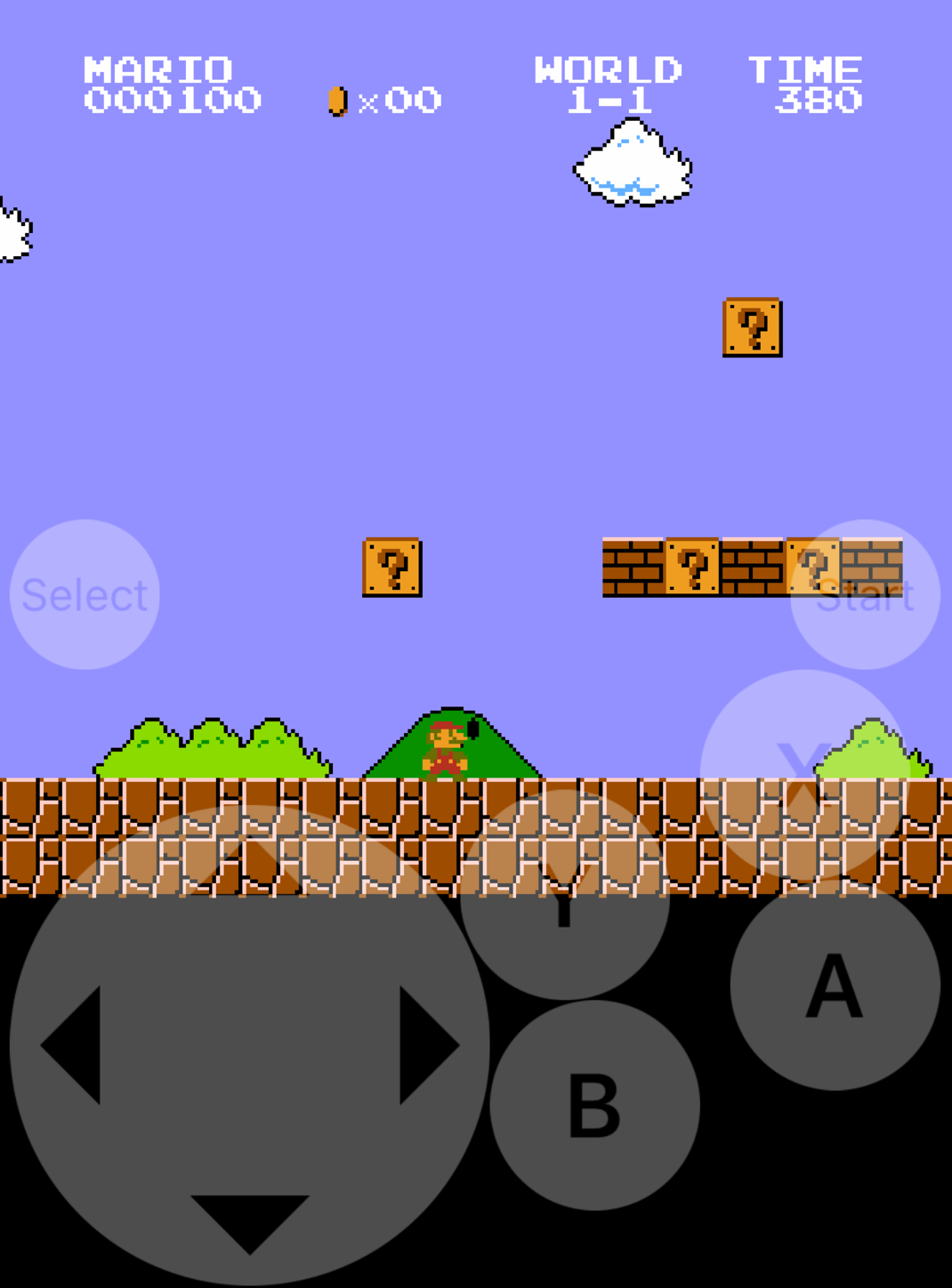
How to install emulators on your iPhone or iPad, no jailbreak required

Emulators are a way to play your favorite childhood games on your iPhone, iPod touch, or iPad without carrying the game disks or cartridges and game consoles around with you. Instead, they sideload the games on your device as a piece of software, and they're given controls that are adapted for the touch screen.

In this tutorial, we'll be showing you a method that still works to this day for getting emulators on your iOS device, and the best part is, you don't even have to be jailbroken to do any of it.

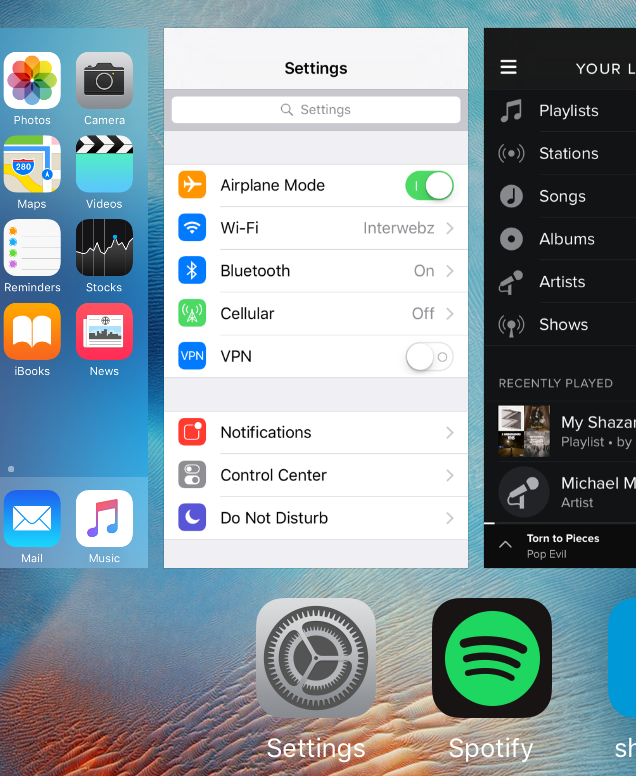
This tweak cures your nostalgia for the iOS 7 App Switcher

Although there are plenty of similarities between the App Switcher in iOS 7 and iOS 8, Apple launched a redesigned App Switcher in iOS 9 focused on improved aesthetics.

The iOS 9 App Switcher isn't always very responsive to upward swipes and sometimes swipes side-to-side instead. Moreover, it can be slower and laggy on older iOS devices that aren't built for the added demands on the system's resources.

If you're missing the fluidity and responsiveness of the iOS 7 App Switcher, and you have a jailbroken device, you're going to love a new jailbreak tweak dubbed AppSwitcher7, which is available for free in Cydia as of today.

Temporarily clear app icon badges with BadgeCleaner

If you're like me, then you probably get several notification badges on your Home screen app icons all the time because people want to talk to you or because apps want to share stuff with you.

Unfortunately, if you launch the app just to get rid of the badge, the notification is gone for good and you might forget to look at it later.

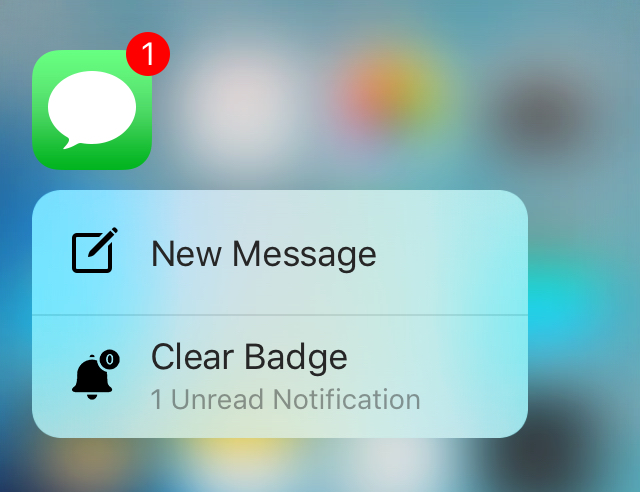
Available now to solve this problem is a new free jailbreak tweak called BadgeCleaner, which can be had from Cydia's BigBoss repository. This tweak lets you easily clear app badges without dismissing the notifications the app might have waiting for you.

5 third-party Mac apps I use every day

Although there are plenty of great apps already built into OS X, I use a lot of third-party apps on my Mac to give it more functionality tailored to my needs, as I'm sure many other Mac users do too. In this piece, I'll be sharing what my five favorite third-party apps to use on my Mac on a daily basis are, and I'll also share why I love using them.

PayPal app redesign adds new start screen, ‘one-click’ cash request, & more

The PayPal app for iOS, which has been long over-due for an update, has finally received its much-needed update on Thursday that adds official support for the retina HD displays of Apple's 4.7-inch and 5.5-inch handsets.

The app, which is still a free download from the App Store, has been completely redesigned with a slew of changes to make using the app not only feel better, but look better.

This tweak lets you control your Home screen with a Bluetooth keyboard

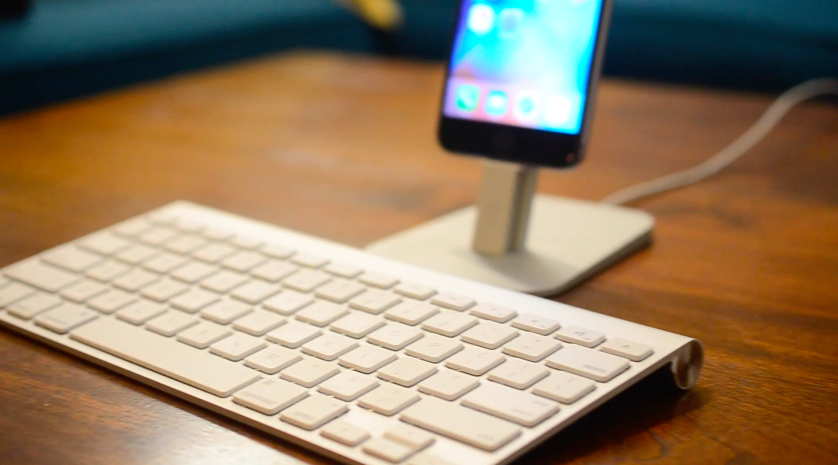
If you use a Bluetooth keyboard with your iPad, or even with your iPhone or iPod touch (although less likely), then you might enjoy a new jailbreak tweak called Keyhook, which is now available in Cydia for $1.99.

Keyhook will allow you to control your Home screen with your Bluetooth keyboard; this includes selecting apps, launching apps, and moving between Home screen pages.

AppSort: quickly sort your Home screen apps based on various criteria

If you've got a lot of apps on your Home screen and hate looking through them all, then check out a new free jailbreak tweak called AppSort, which just hit Cydia, and will let you sort your Home screen app icons with ease.

AppSort is a jailbreak tweak that offers users a quicker way to sort the apps on your Home screen so you don't have to spend any of your time sorting them for yourself. The tweak lets you use Activator to reveal a menu full of options; the options allow you you to choose a criteria for how your apps will be sorted on the Home screen.