Learn how to stop people you’re not friends with from showing up in your Facebook chat and adjust settings to prevent them from showing up again.
How to stop non-friends from showing up in your Facebook chat

Learn how to stop people you’re not friends with from showing up in your Facebook chat and adjust settings to prevent them from showing up again.
While there’s still no public jailbreak for iOS 10 to date, there have been some very convincing demos of personal jailbreaks for it, most of which have come out of the woodwork from none other than well-known iOS hacker Luca Todesco.
Amid the current jailbreak situation, Todesco is now seen warning netizens that if they have any intention of jailbreaking iOS 10 in the future, they should stay on iOS 10.1.1 and refrain from updating to iOS 10.2 when it comes out.
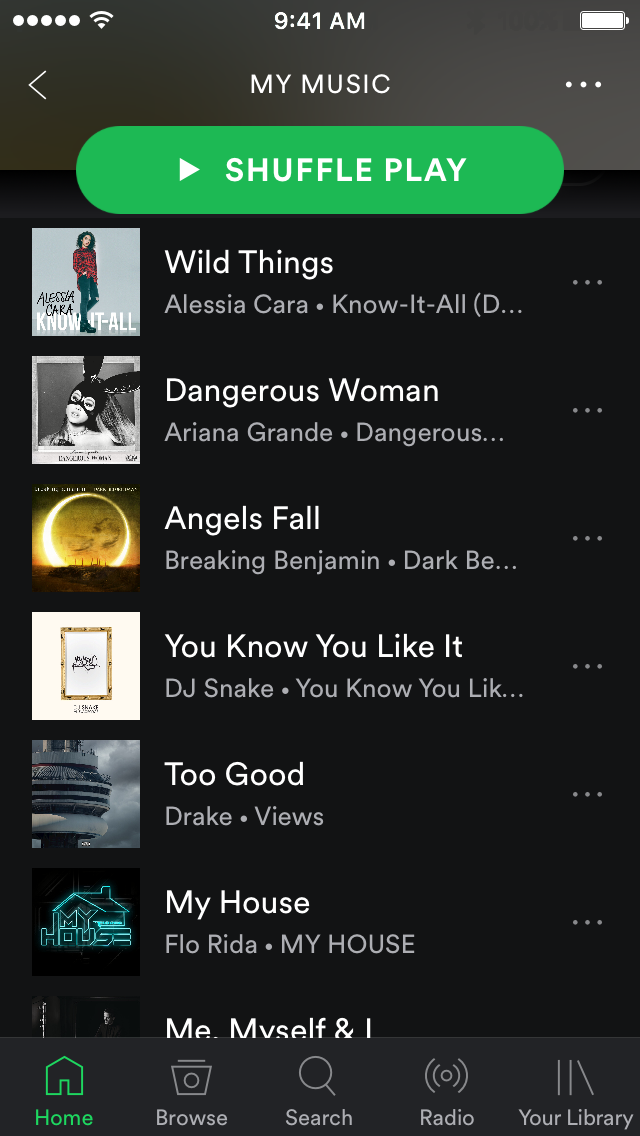
The Spotify app doesn't normally show album artwork illustrations beside your songs in playlist view, but with a new free jailbreak tweak called Spotty, you can force it to.
Not only does it look better after the fact, but it helps make it a lot easier to recognize your music at a glance.

These past few weeks have felt pretty stale for the jailbreak community, but this week has seen a slight resurgence. Unfortunately, with no public announcements from reputable jailbreak teams at this point in time, there's still no news as to when a public jailbreak for iOS 10 may drop.
Regardless, developers continue to make tweaks for iOS 9. In this roundup, we'll show you everything that was released this week, starting with our favorites.
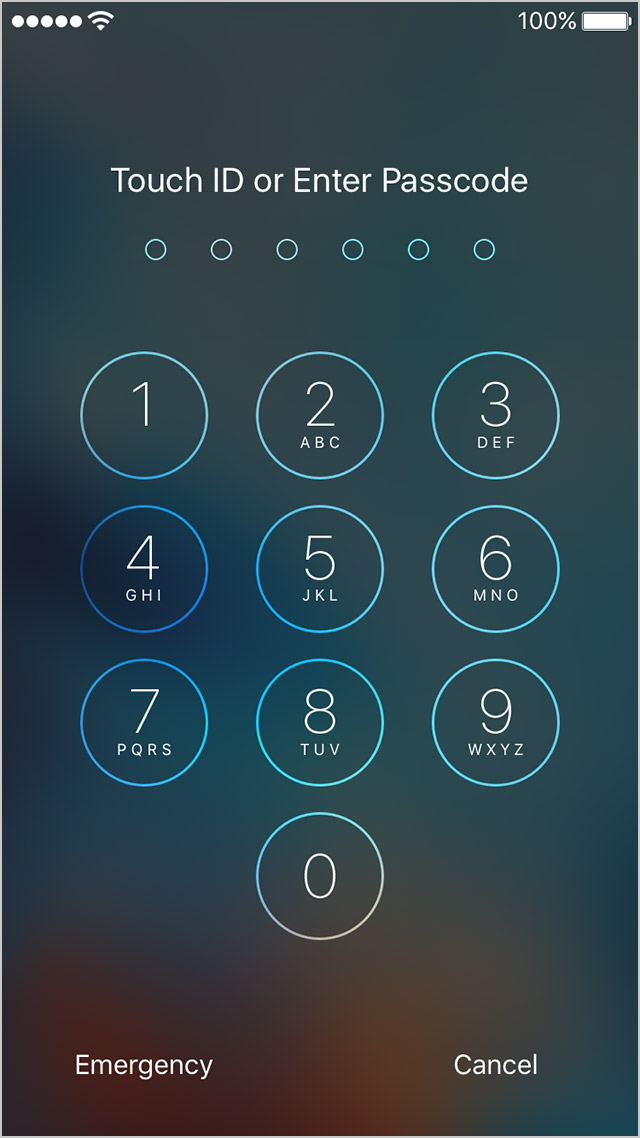
Forgetful people can now combat their inability to remember their iPhone or iPad passcodes with a new free jailbreak tweak called SmallHint.
What this tweak allows you to do is put an inconspicuous hint on your Lock screen, just below the date, that can help jog your memory in the event that you forget your passcode.
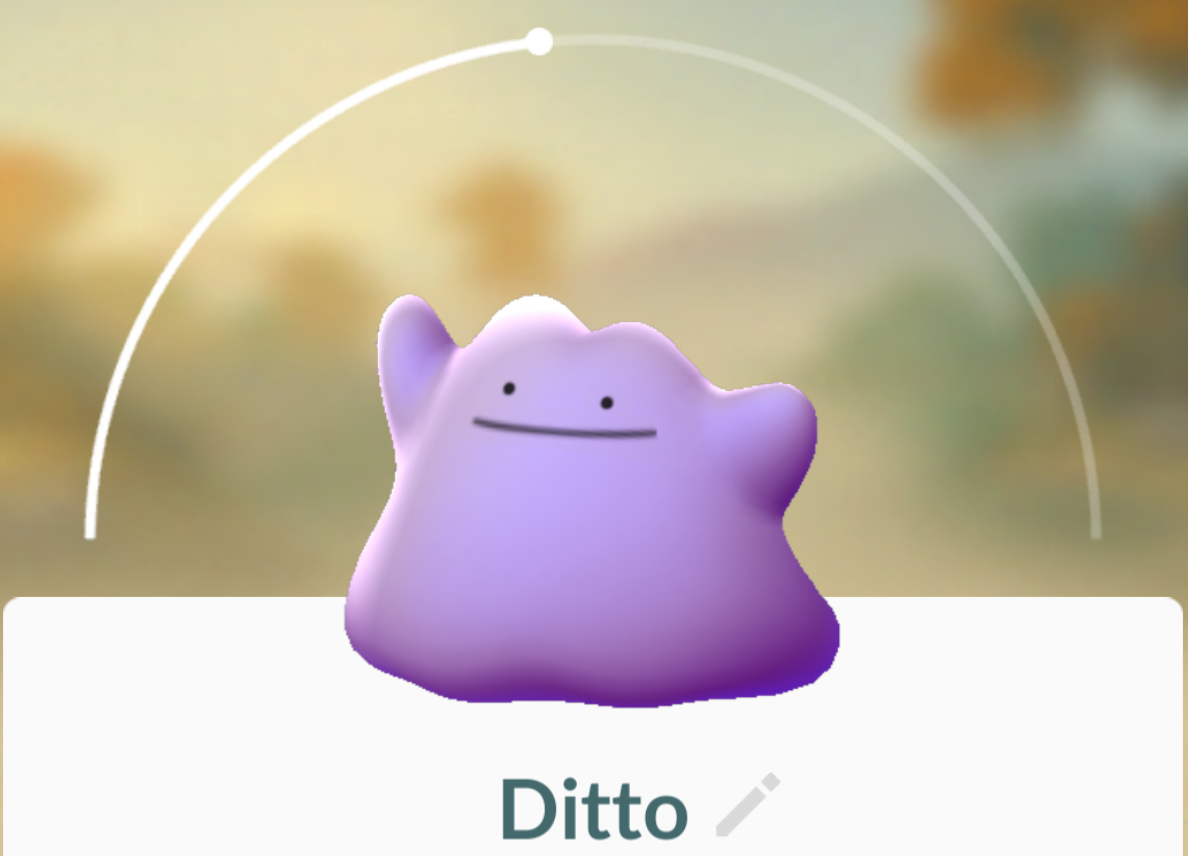
Ditto was released in a server-side Pokémon GO update last week, and while many players have already caught the shape-shifting purple Pokémon, others are still having trouble trying to bag it for their Pokédex collection.
In this piece, we’ll talk about everything you’ll need to know about catching and using Ditto in Pokémon GO.
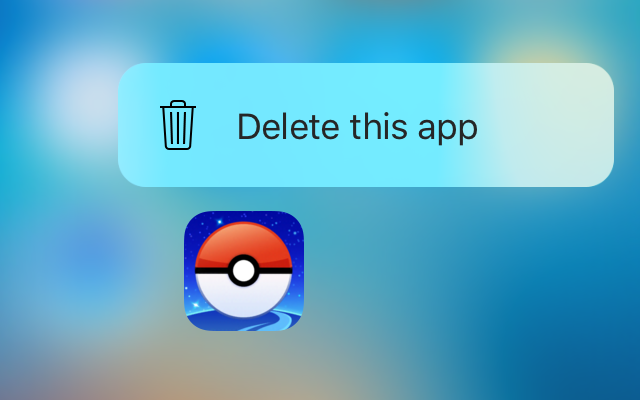
Force Delete is a new free jailbreak tweak in Cydia that lets you utilize your 3D Touch display to delete apps from your device.
While the tweak is designed primarily for the purpose of letting you delete the apps you’ve downloaded from the App Store, the tweak can even hide system apps from your Home screen if you wanted to do that instead.

We’ve all got those special apps on our iPhones that we use more than the others, and a jailbreak tweak called LockLaunchApp intends to make accessing them easier.
As the name suggests, it will put an app launcher on your iPhone’s Lock screen that can support up to six of your favorite apps, and best of all, you can customize the appearance of the launcher too.
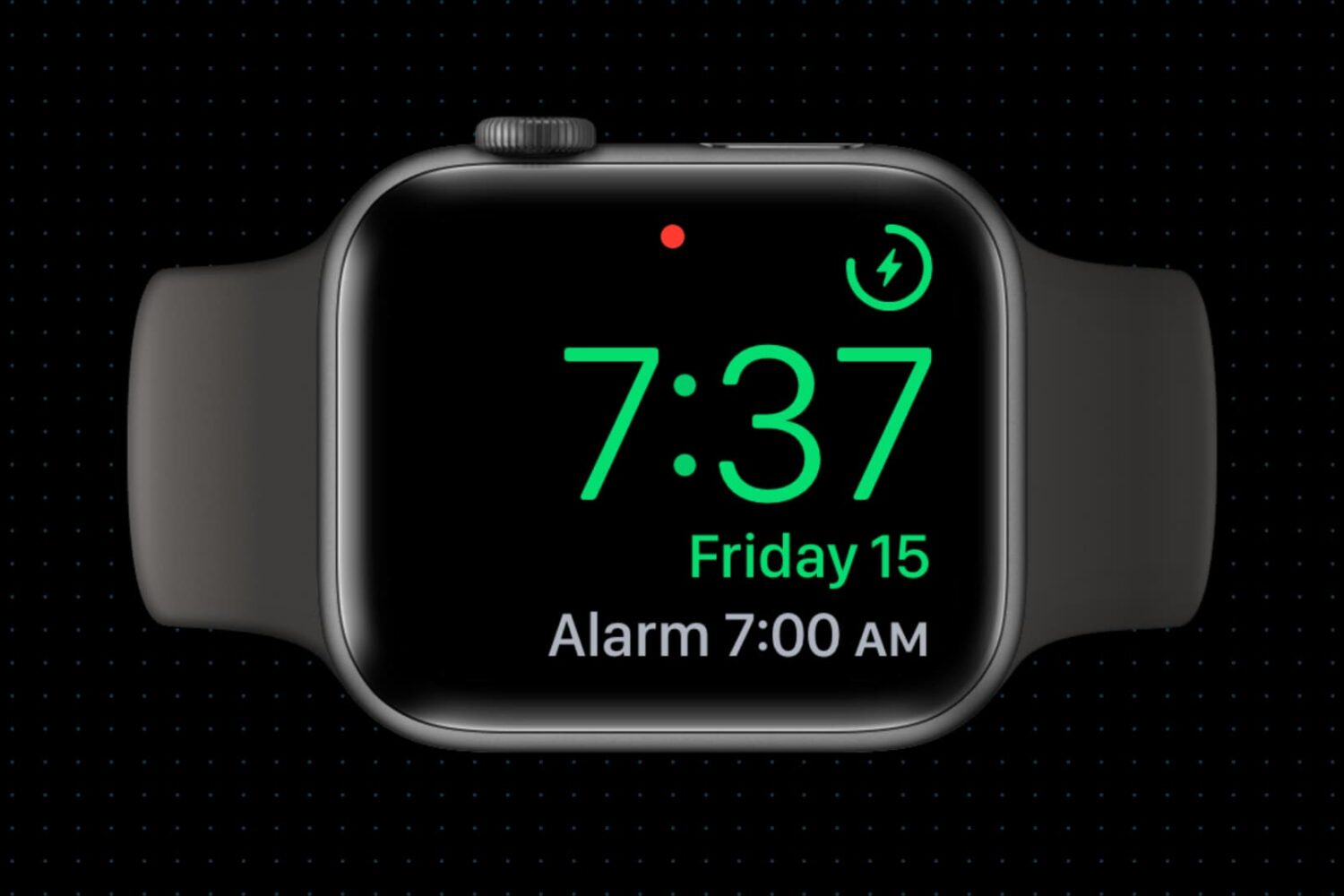
Did you know your Apple Watch can be used as a bedside clock? In this tutorial, we will show you how to use the Nightstand Mode feature to give your Apple Watch a purpose even when you’re not wearing it.
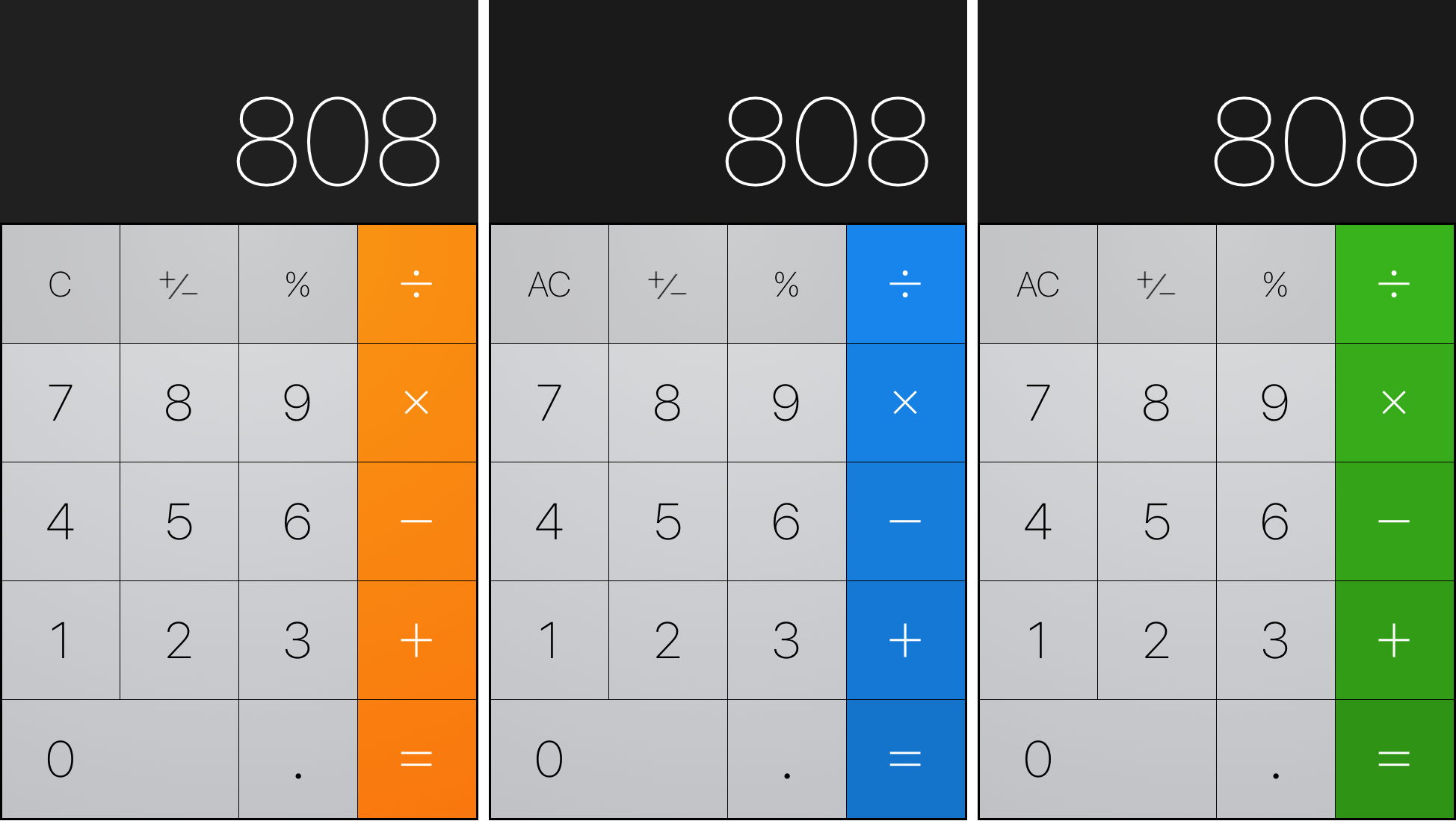
The Calculator app on the iPhone has always had the same orange color scheme for as long as I can remember, but with a new free jailbreak tweak called ColorCalculator, you can tint the app any color you’d like.
With a number of pre-set colors to choose from, ColorCalculator is easy to use and can help you get whatever color scheme you might be going for.

Wouldn’t it be nice if you could just turn on your Mac and start using it without having to log in to it all the time? If you’re someone who doesn’t need Fort Knox-like security to keep people from getting into your computer, then you can set up your Mac to log in to your account automatically when you turn it on, and we’ll show you how to do that.