Anthony Bouchard

Anthony Bouchard joined the iDownloadBlog.com team in 2016 after originally covering Apple and iPhone jailbreak news at ModMyi.com. As an experienced editor, he brings more than 15 years’ worth of jailbreaking knowledge to our in-depth guides, opinion pieces, and news articles. His passion for device customization and user choice sparks his strong push to empower readers with the tools they need to explore and enjoy the freedom that comes with jailbreaking. Anthony blogs about not only jailbreaking, but also Apple software & accessories, drones & photography, and Nintendo gaming systems. Anthony honed his advanced technical knowledge over the years with hands-on projects ranging from gaming PC builds to engine repair mechanics. His never-ending hunger for knowledge is why you’ll always find him tinkering – tearing things apart and putting them back together to understand what makes them tick.

These tweaks remove the page bounce effects from Control & Notification Center

If you’ve been on iOS 10 long enough, then you are probably familiar with the ‘bounce’ animation that occurs whenever you swipe between pages in either Control Center or Notification Center. They’re most pronounced when you hit a dead end and attempt to keep swiping.

Not everyone is a fan of the bounciness, so a developer named Callum Yarnold created two new jailbreak tweaks dubbed CCNoPageBounce and NCNoPageBounce to help negate these animations.

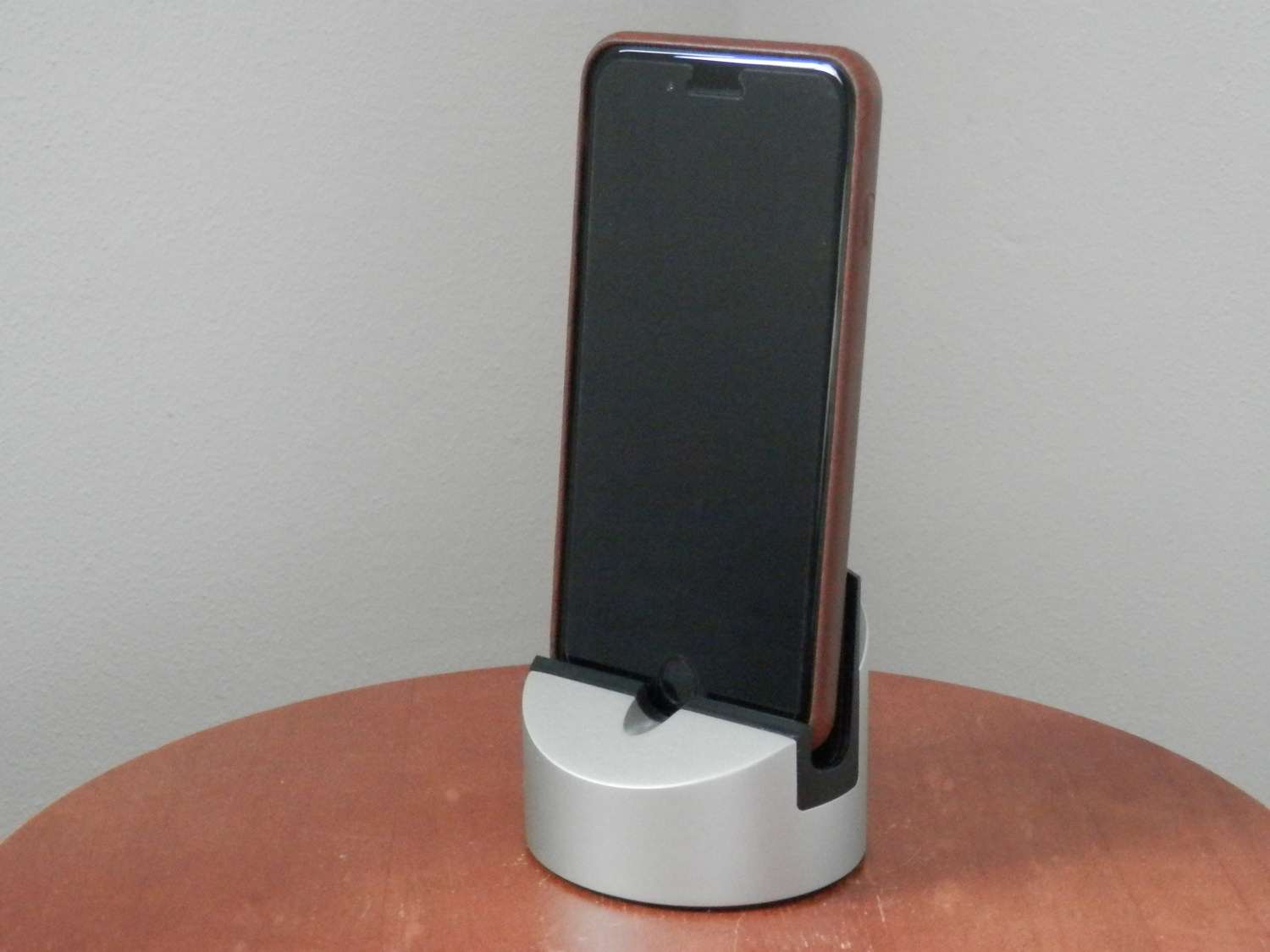
Gravitas iPhone dock by Henge Docks is both hefty and low key

I do a lot of work at my office desk at home, and for that reason alone, I have a love for things that help keep my work space uncluttered. One of the things I like to have that helps with that is a good quality dock that I can use to put my iPhone or iPad somewhere without it taking up much real estate where I’ll be putting my papers or elbows.

The Gravitas dock by Henge Docks is a good choice, and in this review, we’ll give you an up-close look at it.

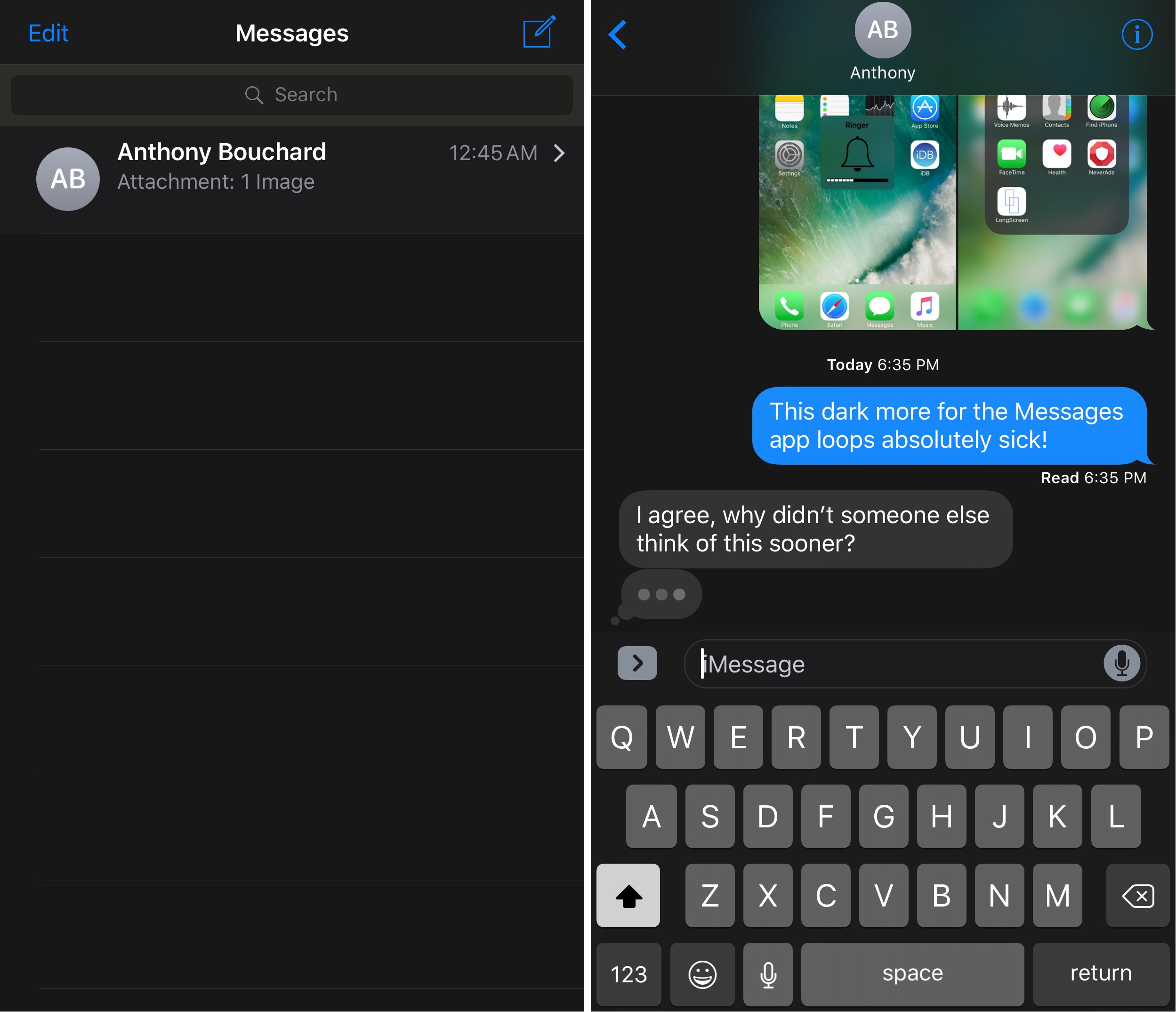
DarkMessages gives your iOS 10 Messages app a dark makeover

Dark mode-based jailbreak tweaks appear to be a pretty hot topic of conversation lately, and it would seem that this trend isn’t going anywhere any time soon.

A new free jailbreak tweak called DarkMessages by Sticktron is now available in Cydia that gives the Messages app on jailbroken iOS 10 devices a dark mode-styled makeover.

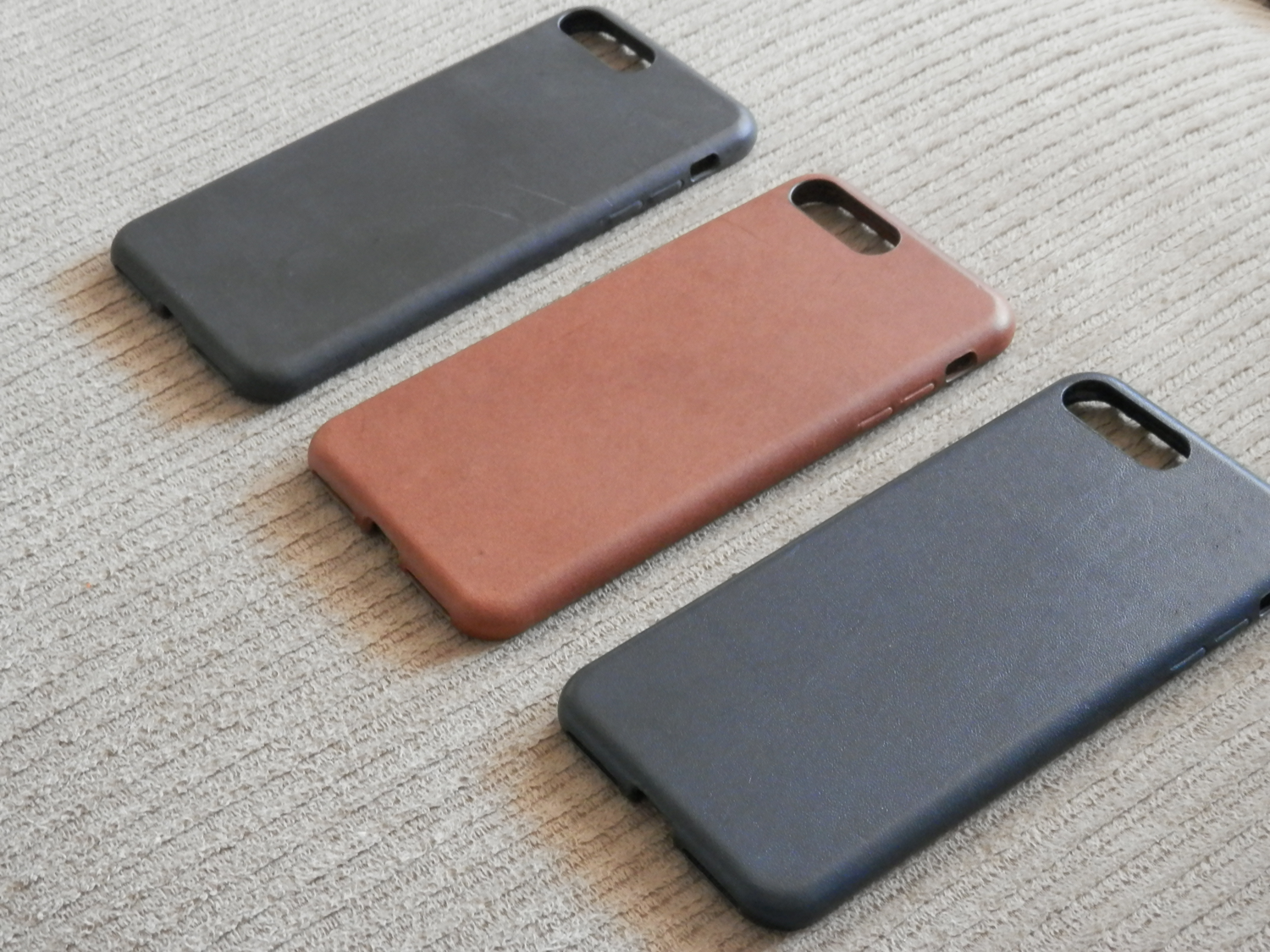
Nomad’s Horween leather case for iPhone crosses luxury with protection

When it comes to choosing the right leather case for your iPhone, the market can be quite congested at times, making it a difficult choice in terms of what brand to go with. After all, you really don’t want to compromise on quality or features, but at the same time, you probably also don’t want to break the bank.

A great option to go with is that of the Nomad Horween leather collection. These cases are made to look and feel fancy, all while keeping your iPhone nice and protected from everyday life. In this review, we’ll be talking all about it and its many color options to pick from.

TweetMuter lets you hide tweets from your timeline based on keywords

If you’re a Twitter user and you’re always finding stuff in your Twitter timeline that you could really care less about, then you might like a new free jailbreak tweak called TweetMuter by Tanner Bennett.

This tweak utilizes the existing Muted Words feature in the stock Twitter app, a feature that normally only applies to your notifications tab; but TweetMuter expands this functionality to even your timeline so that you don’t have to mute people entirely, nor will you have to un-follow people to stop seeing only certain things.

Horseshoe transforms your iOS 10 Control Center into a single-page experience

iOS 10 brought with it an updated Control Center UI, which has two pages (three if you have HomeKit enabled) that you can swipe between on demand. The first is dedicated to all of your controls, shortcuts, and toggles, and the second is dedicated to your music controls.

While the new Control Center design in iOS 10 aims to reduce clutter in Control Center, a new jailbreak tweak called Horseshoe can do the same while still keeping everything on a single page.

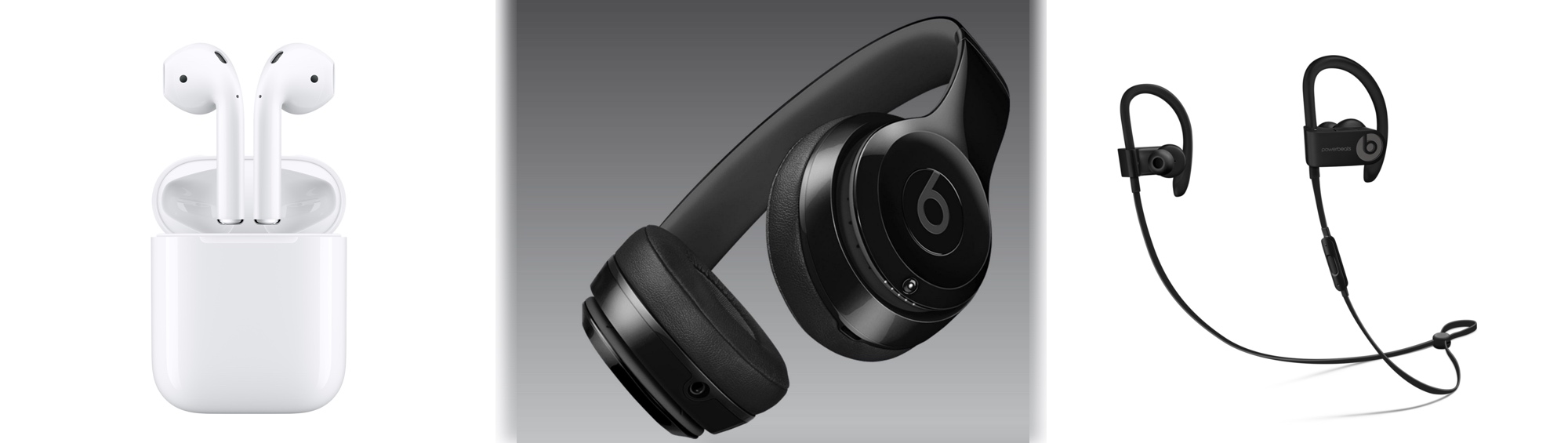
Which W1 chip-equipped audio device should you get?

Because Apple nixed the 3.5mm headphone jack from the bottom of the iPhone 7 and iPhone 7 Plus, you either have to use the supplied Lightning dongle for backwards compatibility with your 3.5mm audio accessories, or you have to kick it up to the new age with a pair of wireless or Lightning-enabled audio devices instead.

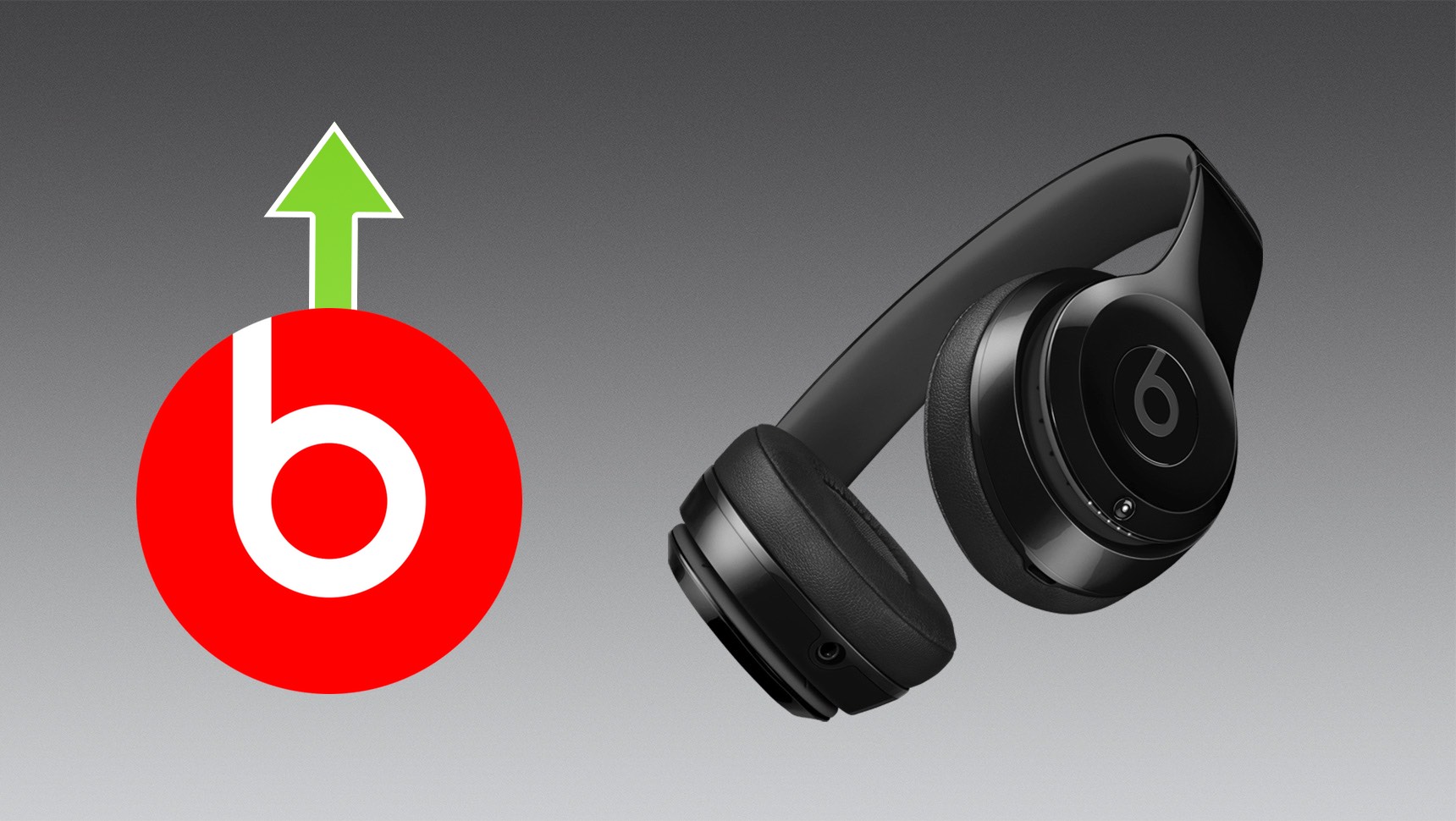
When you don’t want to be bothered with the issue of charging your device at the same time you're listening to audio with headphones or earbuds in, the obvious choice is to go wireless. While there are tons of options, only a few come with Apple’s brand new W1 chip, which supports the slick new Bluetooth pairing process. Among those are AirPods, Beats Solo3, and Powerbeats3.

If you’re in a predicament and can’t decide between the three then you should find this piece helpful, because I'll be comparing the strengths and weaknesses of each from a variety of angles.
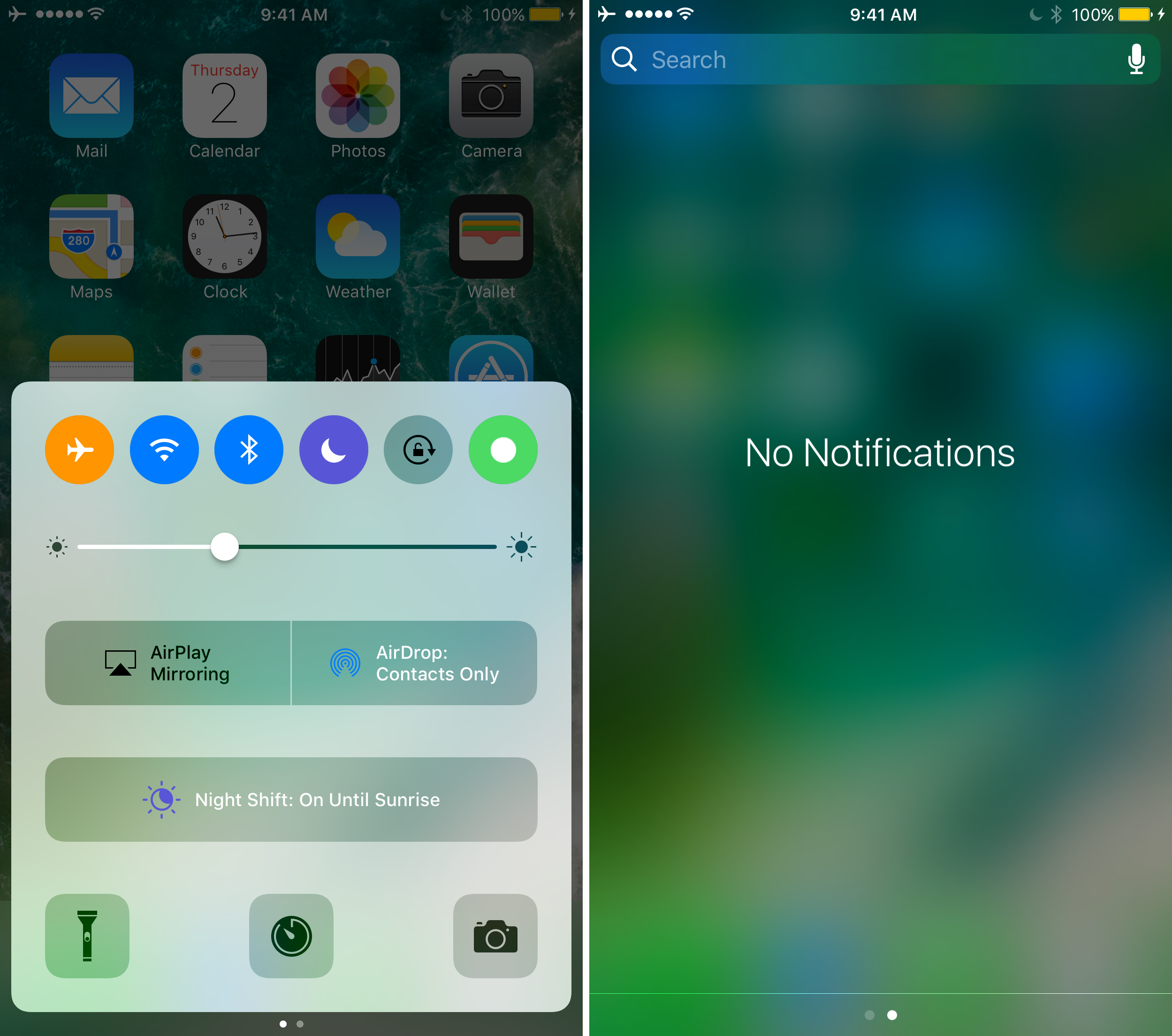
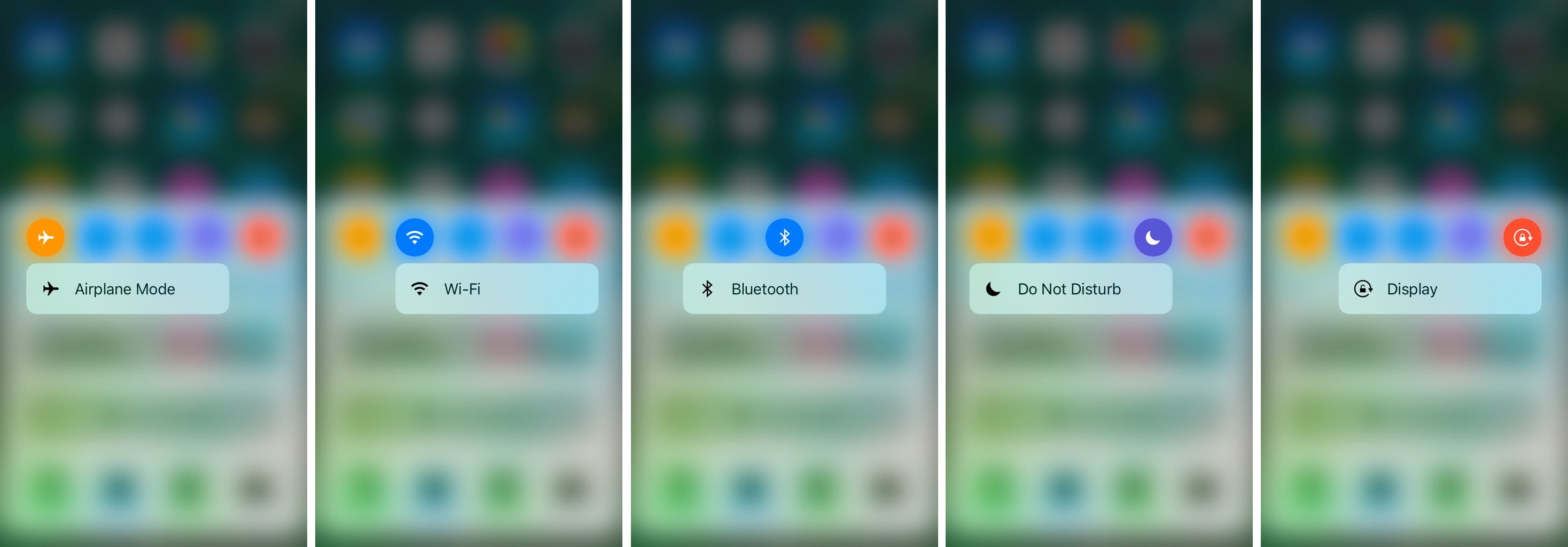
CCTButtonActions lets you use 3D Touch in Control Center to get to specialized settings

Control Center has a lot of useful toggles existing all along the top of it, allowing you do things like turn Airplane Mode, Bluetooth, Wi-Fi, Rotation Lock, or even Do Not Disturb mode on or off.

Of course, one jailbreak developer has found a way to make the toggles into shortcuts for the respective preferences panes in the Settings app, and he’s done so with a new free jailbreak tweak called CCTButtonActions.

Jailbreak tweaks of the week: Noctis9, ReachBoard, & more…

It's that time of the week again, and while things really haven't been that exciting for the jailbreak community these last couple of weeks, some jailbreak tweak developers have still been cranking out their fair share of modifications you can install to trick out your jailbroken iOS devices.

In this roundup, we'll show you all of the jailbreak tweaks that were released in Cydia this week, starting with the ones we consider our favorites, and then moving on to the rest afterwards.

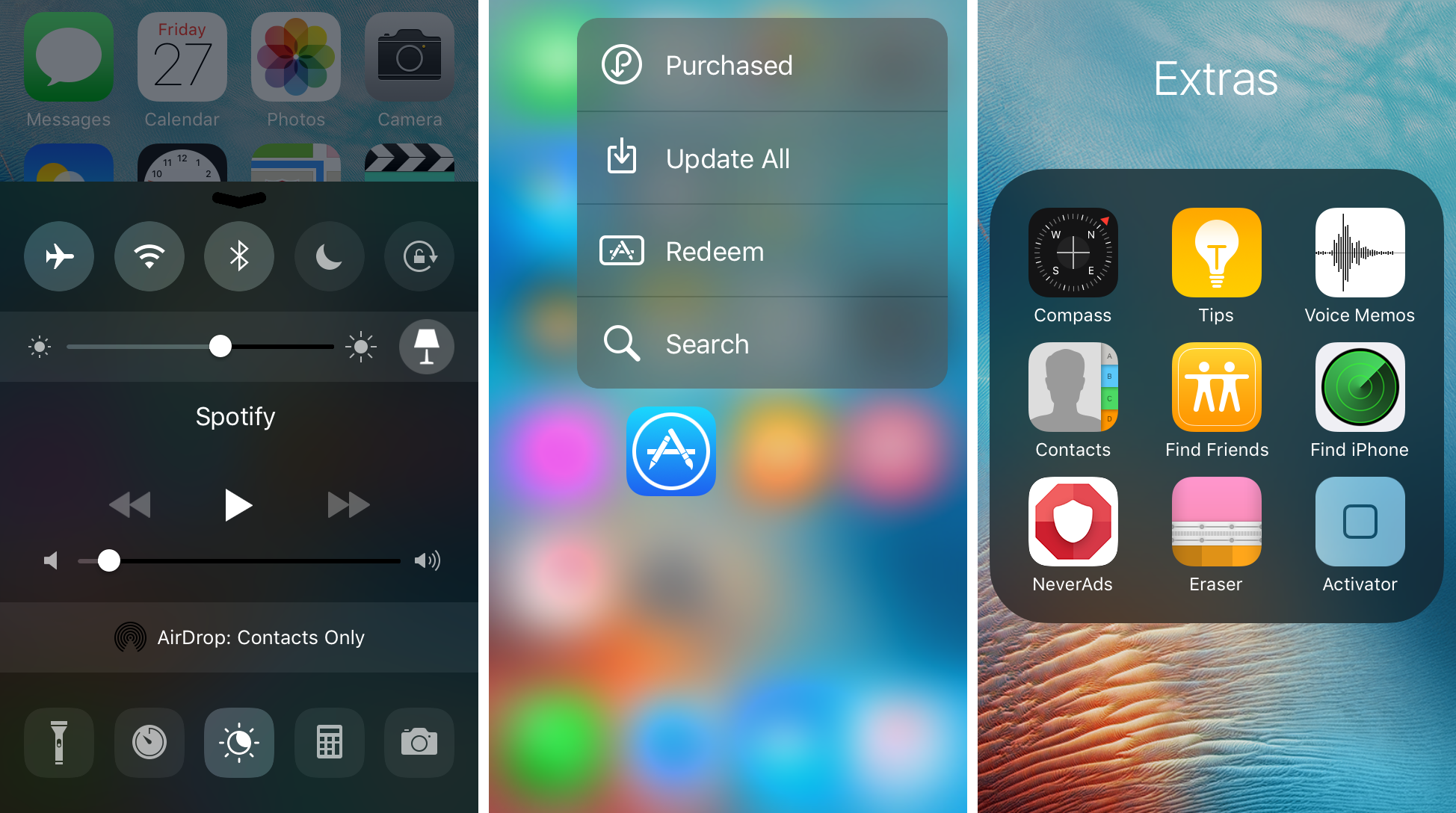
Noctis9 adds a dark mode to many transparent interfaces in iOS

Many iPhone and iPad users have wanted some kind of dark mode setting for ages, and the energy was even more hyped up after Apple debuted dark mode on macOS for the first time.

That’s where a new jailbreak tweak called Noctis9 comes in, as it brings a system-wide dark mode to various transparent elements of iOS, including, but not limited to Control Center and 3D Touch menus.