Anthony Bouchard joined the iDownloadBlog.com team in 2016 after originally covering Apple and iPhone jailbreak news at ModMyi.com. As an experienced editor, he brings more than 15 years’ worth of jailbreaking knowledge to our in-depth guides, opinion pieces, and news articles. His passion for device customization and user choice sparks his strong push to empower readers with the tools they need to explore and enjoy the freedom that comes with jailbreaking. Anthony blogs about not only jailbreaking, but also Apple software & accessories, drones & photography, and Nintendo gaming systems. Anthony honed his advanced technical knowledge over the years with hands-on projects ranging from gaming PC builds to engine repair mechanics. His never-ending hunger for knowledge is why you’ll always find him tinkering – tearing things apart and putting them back together to understand what makes them tick.
We previously showed our readers how to install TrollStore on non-jailbroken iPhones and iPads running iOS & iPadOS 15.0-15.1.1 with Sideloadly and TrollInstaller, but project developer Lars Fröder (@opa334) has since recommended a different method for installing TrollStore that works on all arm64e (A12 and newer) devices running iOS & iPadOS 14.0-15.6.1, 15.5 betas 1-4, and 15.6 betas 1-5 and arm64 (A9-A11) devices running iOS & iPadOS 14.0-15.6.1.
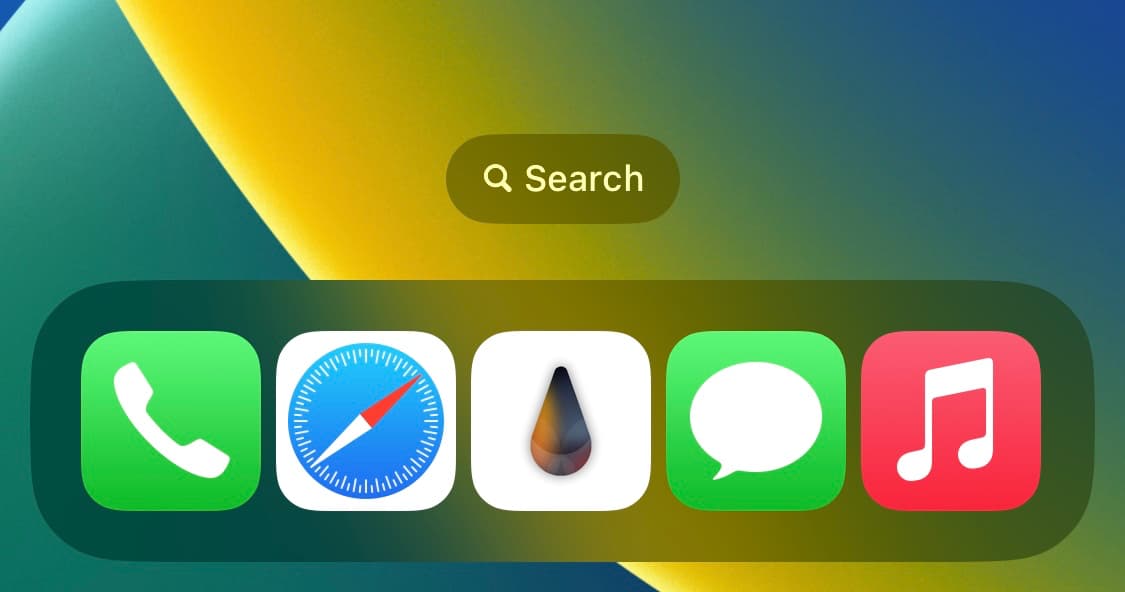
If you’re using a jailbroken iPhone and you’re interested in expanding the capacity of your Home Screen’s application Dock, then you might want to check out a free jailbreak tweak called FiveIconDock by iOS developer Maxiwee.
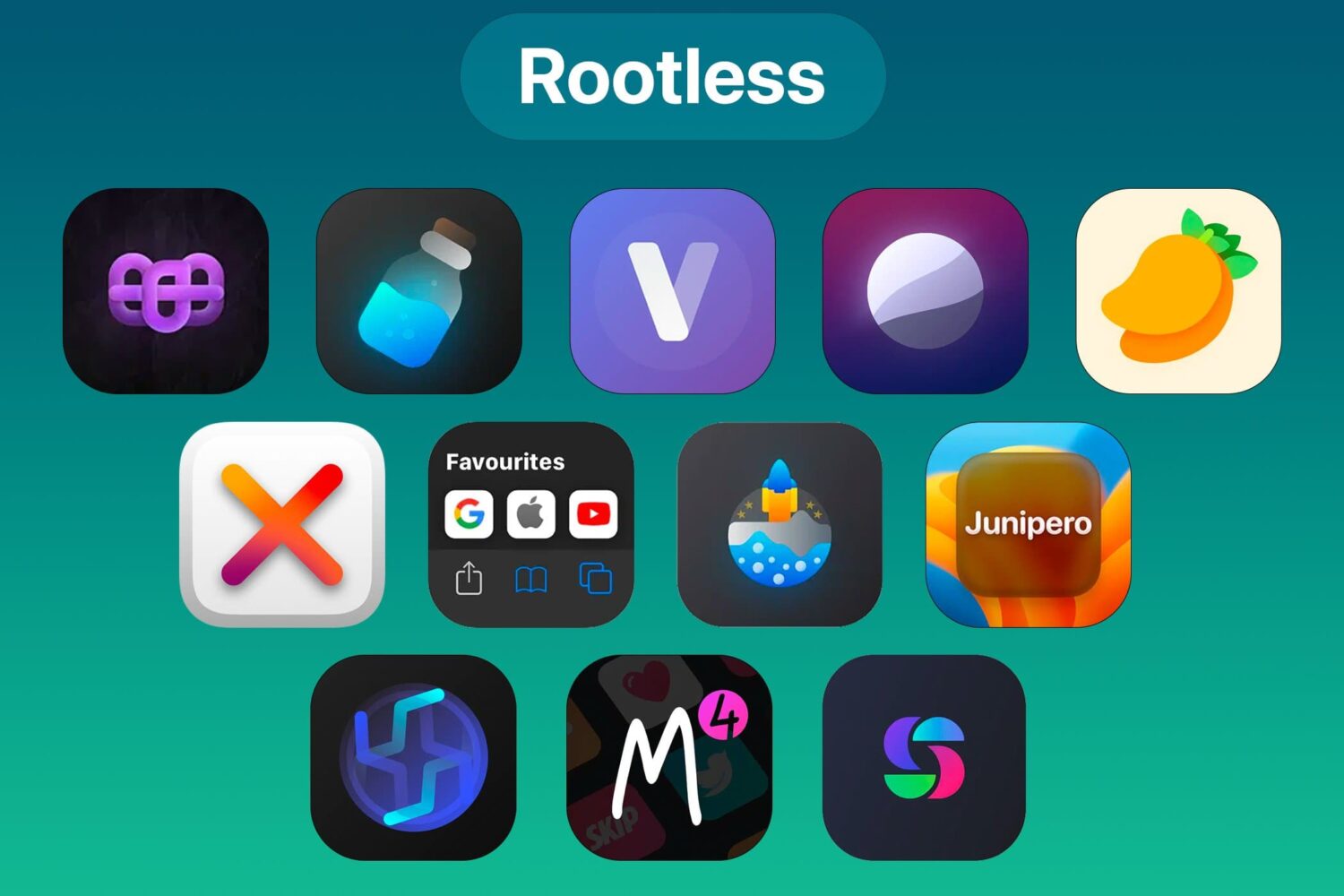
Most of the jailbreak community is starting to move to the rootless dynamic, and for users of rootful jailbreaks in the past, this may cause some growing pains for users of those jailbreak tweaks that haven’t yet been updated to support rootless.
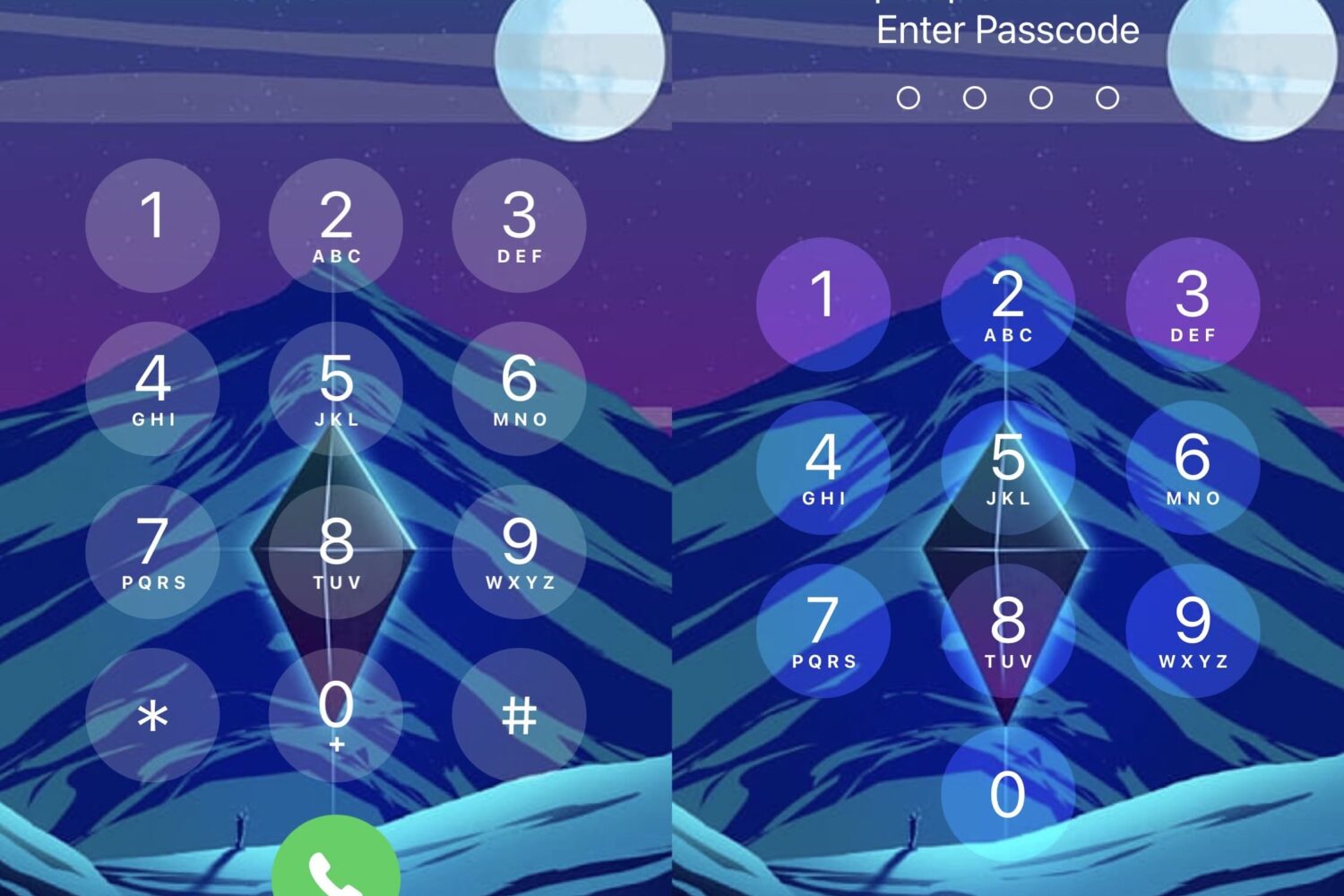
If you’ve ever wanted to do more with the aesthetics are various user interfaces found on your jailbroken iPhone or iPad, then a free jailbreak tweak called Marie by iOS developers Luki120 and Ben216k might be of interest to you.
Have you ever been interested in how long your jailbroken device has successfully managed to stay up and running without running into any random reboots or instability issues? Some jailbreakers take this very seriously, so it’s no surprise to see that jailbreak tweaks underscoring a device’s uptime have become popular.
The Havoc repository began accepting rootless jailbreak-supported packages in mid-March, with the expectation that current and future jailbreaks would be adopting the rootless dynamic. On Sunday, the Havoc repository made another announcement related to rootless jailbreaks.
There’s been a lot going on behind the scenes in the jailbreak community recently. From repositories and developers ramping up for rootless jailbreak tweak support, to the Fugu15 Max jailbreak for arm64e devices (iPhone XS and later) running iOS & iPadOS 15.0-15.4.1 moving closer to completion.
If you’ve ever wanted an effortless way to respring your jailbroken iPhone or iPad, then you’d be hard-pressed to find one more convenient than the method that comes baked into the new and free ShakeSpring jailbreak tweak by iOS developer Luki120.
In a previous tutorial, we showed our readers how they can install TrollStore on various devices using the now deprecated TrollInstaller method, but if you have a checkm8-compatible arm64 device (iPhone X or older), then you may use the SSH Ramdisk method to install TrollStore on your device.
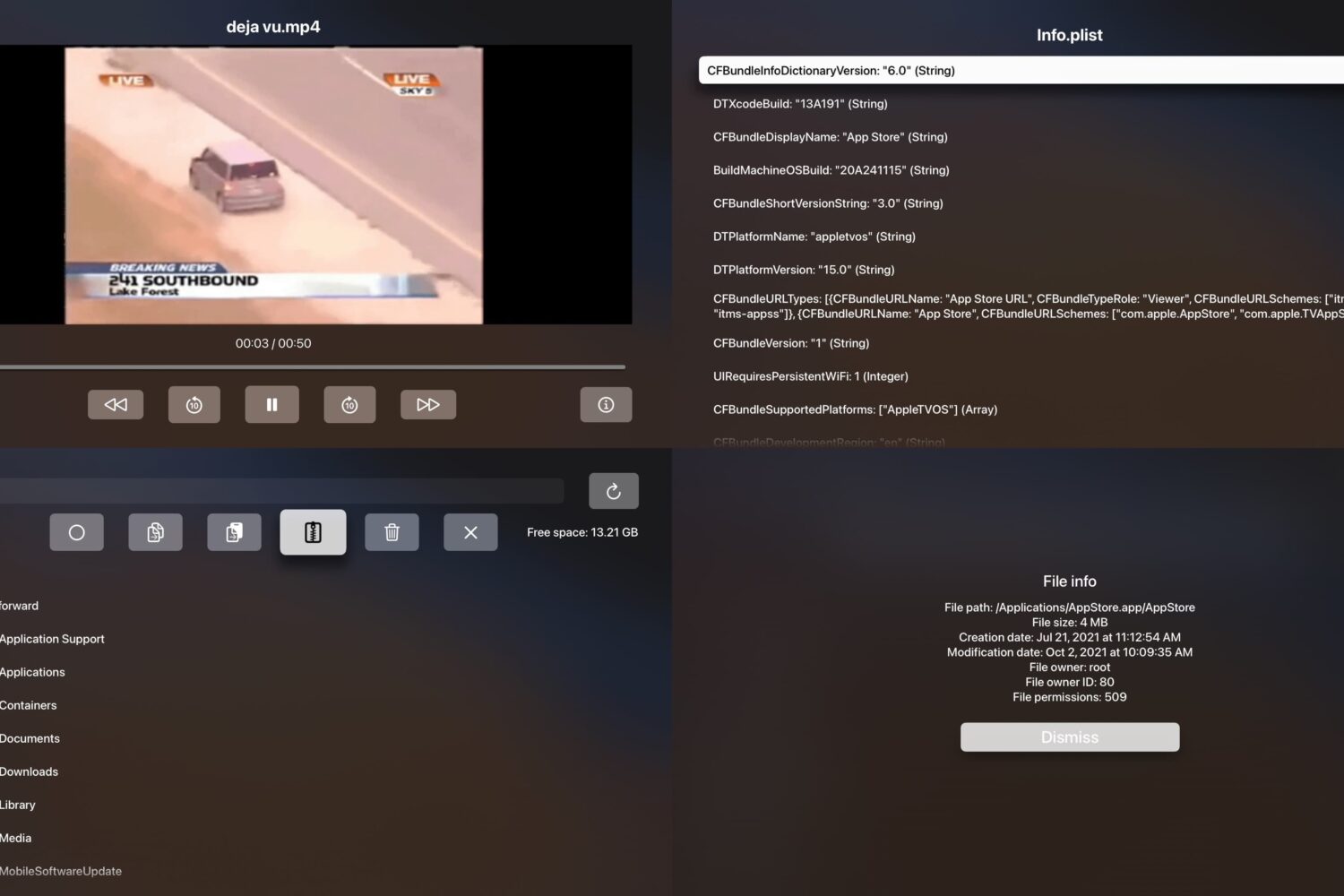
We hardly see as much love for jailbroken Apple TVs as we see for jailbroken iPhones and iPads, but an upcoming project dubbed Spartan is drumming up some attention after being touted as “the first tvOS file browser” in a post shared on /r/jailbreak.
If you’re interested in an application for your iPhone or iPad that can analyze every other app on your device and spit out interesting details about them, then you might find a utility called AppIndex by iOS developer Serena to be of interest.