Learn how to limit your iPhone’s battery charge to less than 100% for a longer lifespan and better battery health.
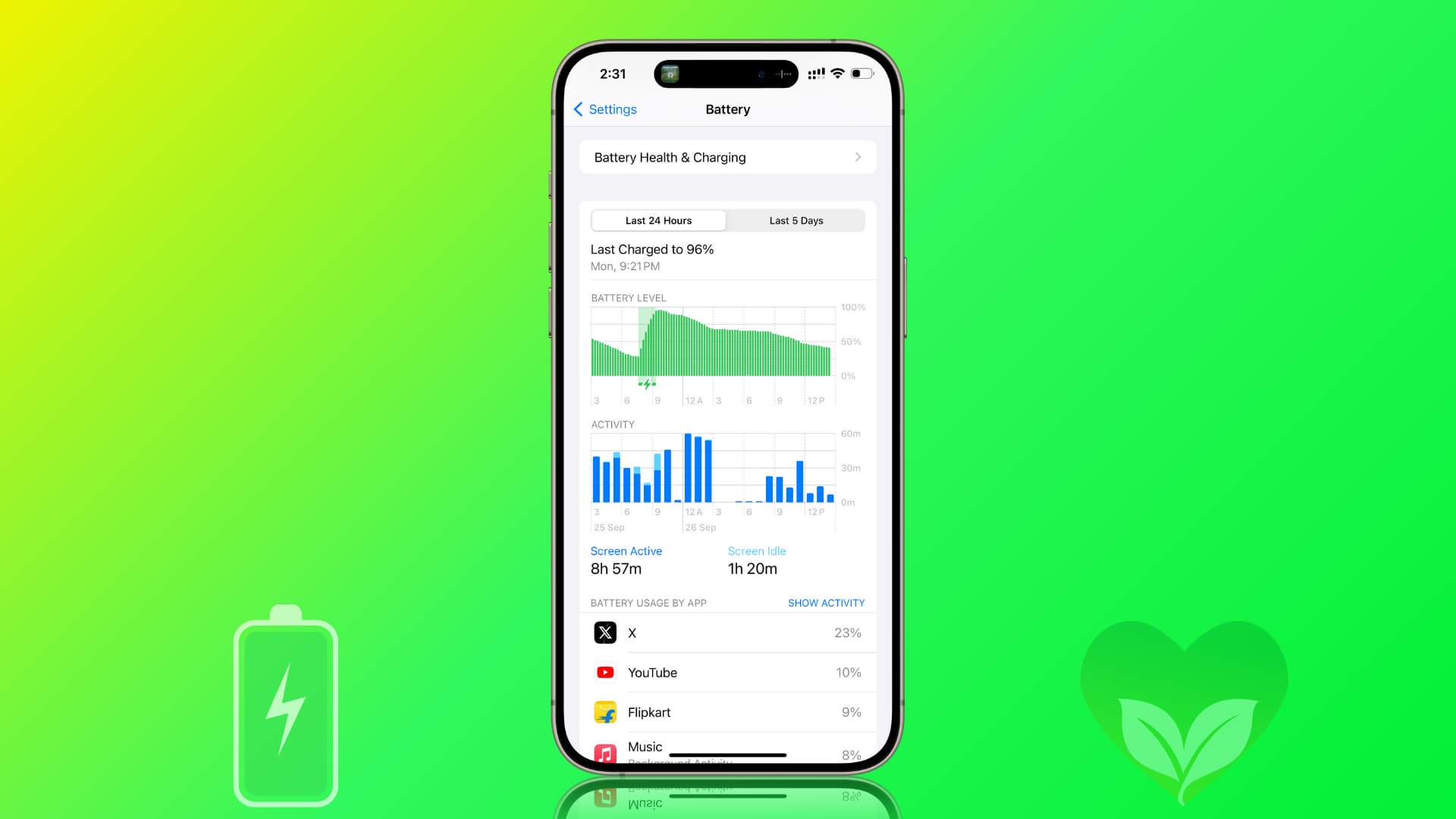
The logic behind charging only up to 80%
The lithium-ion battery in your iPhone and other devices degrades faster if you frequently keep it charged at 100% and let it discharge completely to 0%.
In other words, keeping the battery at both extremes of the charge spectrum is unhealthy. Therefore, to improve the lifespan of your iPhone’s battery, you should aim (whenever possible) to keep it between 20% to 80 or 90% charge.
To ensure your iPhone battery serves you well for a long time, iPhone 15 and later models offer an option to restrict charging beyond 80%.
However, this setting isn’t enabled by default, as the default battery optimization setting, Optimized Battery Charging, has been available on iPhones for over five years. Note that Optimized Battery Charging doesn’t limit charging to 80% but instead delays charging to 100% until you need to use it.
Limit your iPhone to always charge to less than 100%
- Open the Settings app on your iPhone and tap Battery.
- Tap Charging.
- Drag the Charge Limit slider to 80%, 85%, 90%, or 95%.

From now on, your iPhone’s battery will charge up to the set limit and then stop, even if it continues to stay plugged in. However, if you start using it and the battery goes down, then the iPhone will resume charging until it reaches the set percentage.
Does it always limit the charge to 80%?
No. Apple says that even after enabling this feature, your iPhone will occasionally charge beyond the limit and even up to 100% to “maintain accurate battery state-of-charge estimates.”
If you notice that your iPhone is charging beyond 80% regularly, this could be due to the phone still calibrating or bugs in the current version of iOS. Restart your iPhone and check for updates to resolve such issues.
Reasons not to limit iPhone battery charge to 80%
I understand that slowing battery degradation and increasing its lifespan is important, but that shouldn’t come at the expense of your everyday experience.
Therefore, you must take into account your iPhone usage, charging access, and other factors before restricting battery charge to 80%.
Additionally, the bigger iPhone Plus and Pro Max models offer superior battery life per charge and can easily get you through the day, even at 80%. However, smaller iPhones may struggle with this, so keep that in mind.
On a related note: