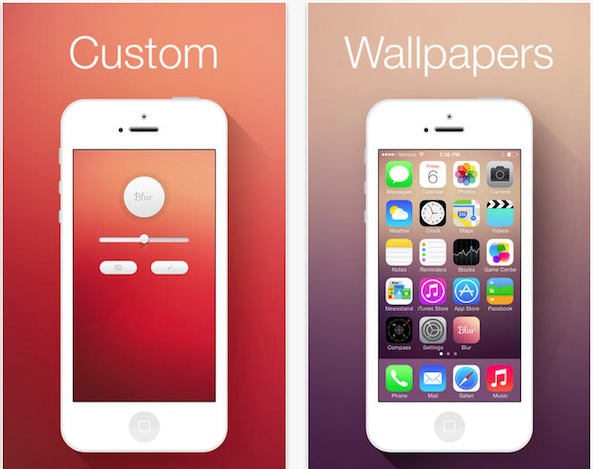
 Now that we all have iOS 7 installed on our iPhones, we are frantically looking for wallpapers that compliment the new design. Sure, Apple’s included Dynamic wallpapers are pretty cool with the way they move around, but you only get one style.
Blur turns any image into an iOS 7 style wallpaper with one simple control. Take a picture of your dog and turn it into cool looking wallpaper for your Home screen and it won’t even look like your dog anymore…
The basic idea of this app is that it blurs your picture to the extreme. Think of it as super tilt shift without any focused spot. No matter what you take a picture of, it will blur and flatten out into a nice background for your iPhone.
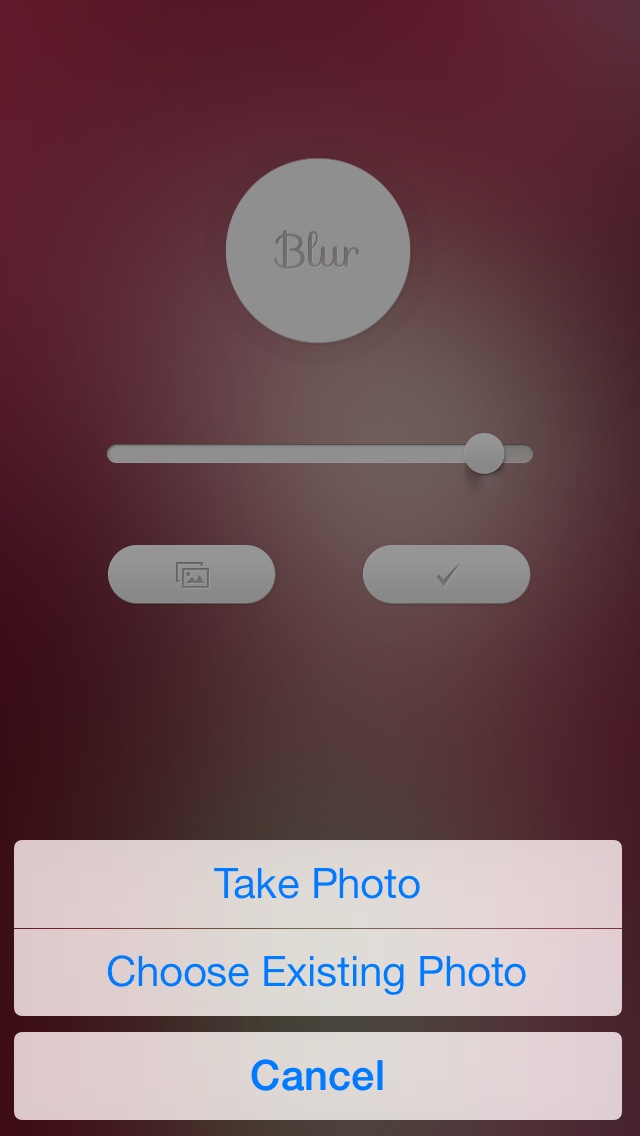
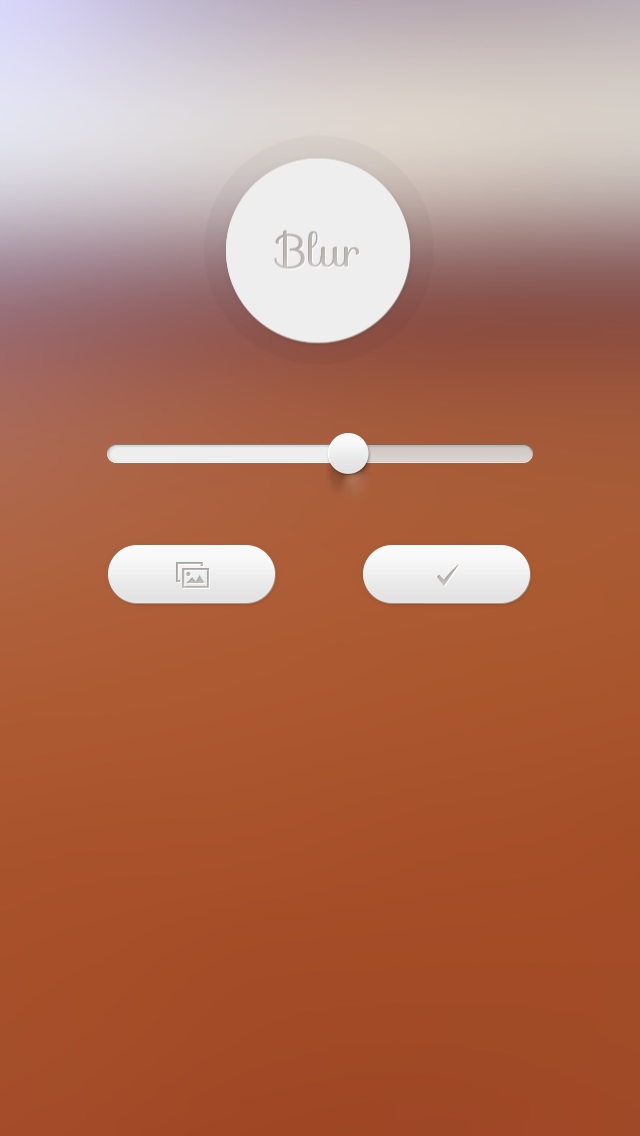 To make a customized wallpaper image, open the app and tap the Photo button that is right below the blur bar. You can choose from an existing photo in your camera roll or take one with the app’s camera feature. Once you have the picture, the app will automatically blur it.
You can then drag the bar to the left or right to increase or decrease the intensity of the blur. The more you use, the flatter the image gets. However, there are times when a background image looks better with only a little blur. Experiment with each photo to see what seems to work the best.
When you have a great looking wallpaper image, tap the check button to save the new picture to your camera roll. Then, you can access it from your Photo app to save it to your Home or Lock screen, or you can go to the Wallpapers & Brightness section in your Settings app and select it from there.
 From my experience, the brighter colored and well-lit photos work best for creating interesting looking wallpaper images. I tried it with a landscape photo of some trees and water and it only looked so-so. I also tried it with a close-up shot of a Strawberry Shortcake doll’s hair and it looked amazing. The brighter the original picture looks, the better the final outcome of the blurred image is. Make sure you have a couple of colors for a more interesting look.
This app is available for the iPhone, iPad, and iPod touch for $0.99. Download it in the App Store today.
Do you like the idea of being able to create your own customized wallpaper images? Or, do you prefer waiting for our Wallpapers of the week articles?