Year: 2016

Apple to live stream this year’s WWDC keynote

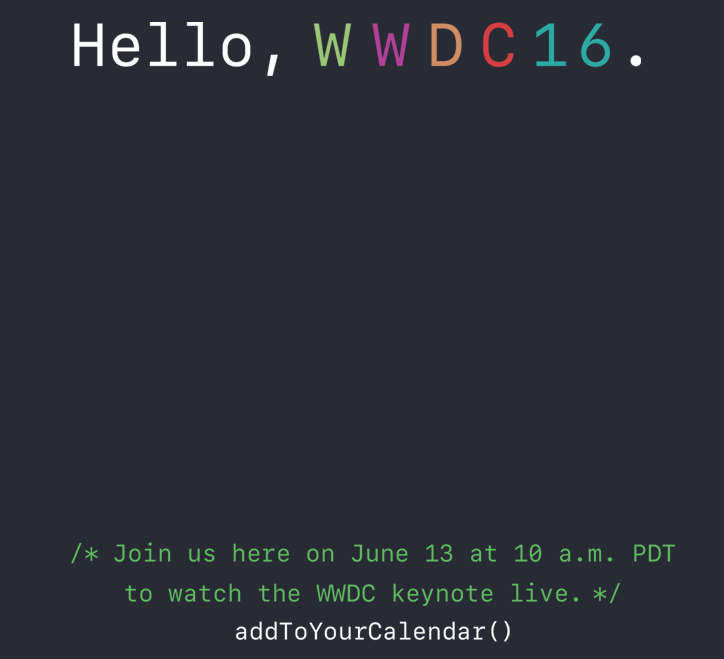
It looks like Apple is going to once again be providing a live stream of its WWDC keynote address this year. On Tuesday the company updated its event website with a note that a stream of its keynote will go live on June 13 at 10:00 am (PST).

Users will be able to tune in on their Mac and iOS devices, via Apple's Safari web browser, and on Apple TV. Second and third generation ATVs will feature an Events channel, and fourth generation models with tvOS will get a standalone app.

Why I think Spotlight and Siri should be one

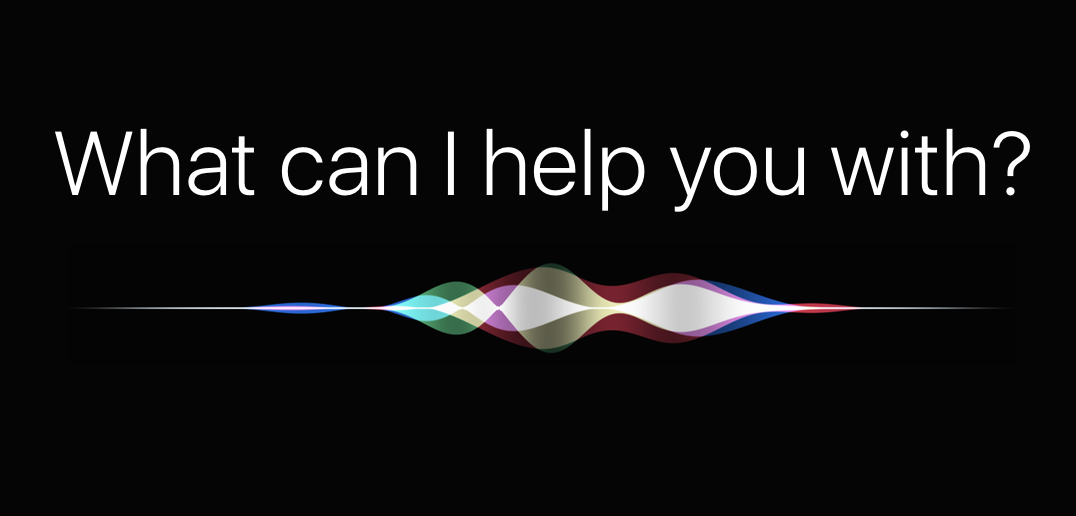
Ever since the rumors of Siri making its way to the Mac began gaining credence, I started thinking about how I would like to use the feature on OS X, and what it would mean for Siri on iOS. As I was toying around with the idea of Siri on my Mac, something became apparent very quickly: Siri and Spotlight Search have a lot in common. So much so that maybe it would make sense to merge then into one feature at some point. Let me explain.

New Google app turns Live Photos into animated GIFs and movies with cinematic backgrounds

Google today announced it's launching a brand new iPhone application aimed at those who wish to turn their Live Photos into animated GIFs. Aptly named Motion Stills, the app turns Live Photos into Motion Stills with Google’s stabilization technology and cinematic backgrounds.

These Motion Stills can then be shared as looping GIFs on social media. Motion Stills is available free in the App Store.

Foursquare’s Swarm app now offers real-life perks

If every day is a game, then there should be prizes, right? Foursquare's Swarm app has started offering just that, real-life perks depending on where and how often you check in. Called Swarm Challenges, this is yet another feature that Foursquare has brought back to Swarm from its main mobile application, which is now focused on places reviews while Swarm is all about the check-in game.

Apple posts public betas of iOS 9.3.3 and OS X El Capitan 10.11.6

After seeding iOS 9.3.3 beta 2 and OS X El Capitan 10.11.6 beta 2 to the registered members of the Apple Developer Program yesterday, these new betas are now available to public beta testers who are signed on the Apple Beta Software Program.

Public beta testers can apply these updates through the Software Update mechanism on devices enrolled into the Beta program that run a prior iOS/OS X beta.

Apple Pay rumored to be expanding to Switzerland next Monday

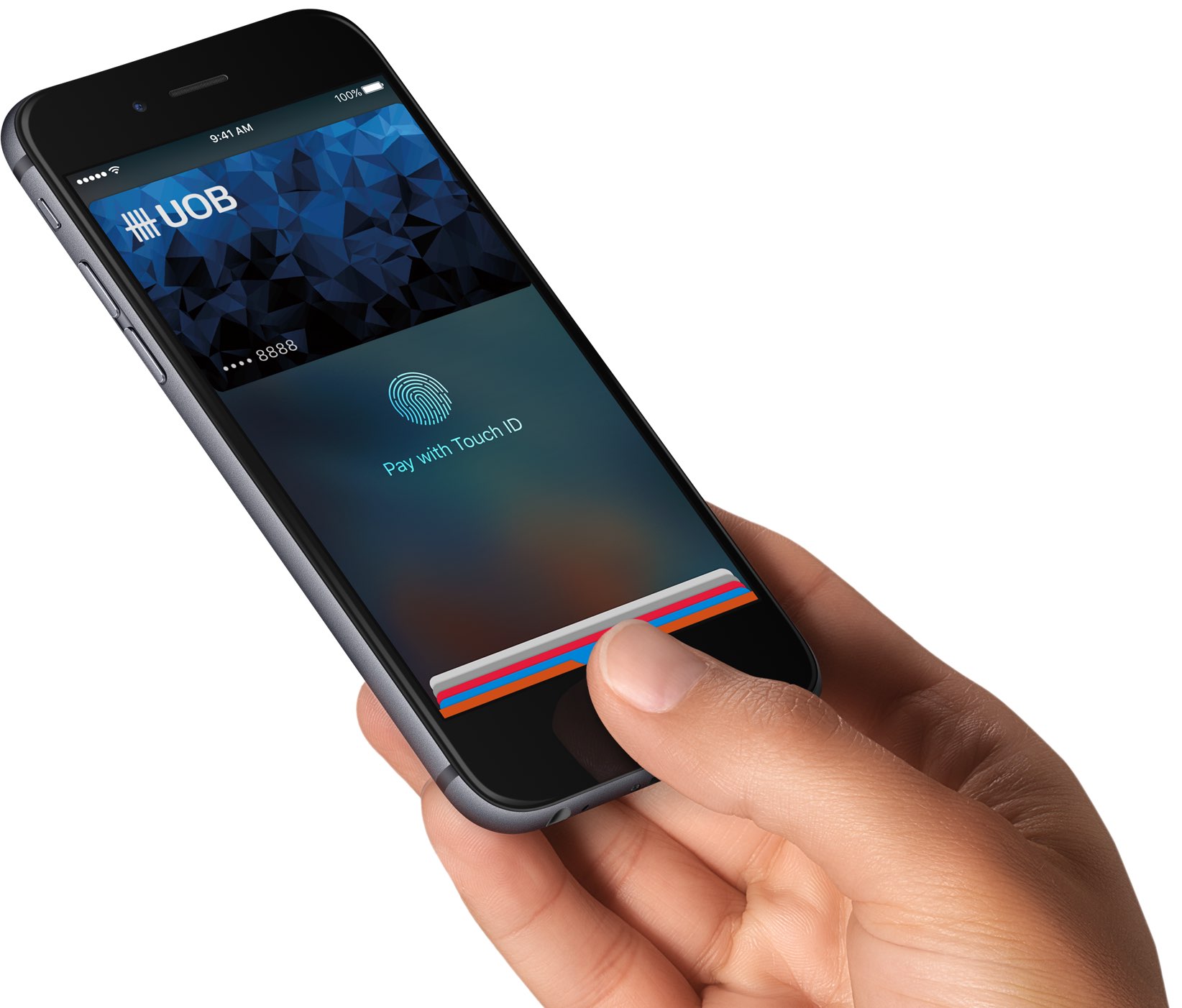
After launching in the United States, the United Kingdom, Canada, Australia, China and Singapore, Apple Pay is about to make its debut in Switzerland on Monday, June 13, German-language financial outlet Finews reported this morning.

It will reportedly be supported at launch by Swiss private bank Corner Bank but it's unclear from the report whether major banks UBS and Credit Suisse will work with the service beginning next Monday.

George Hotz’s $1,000 kit will transform your car into a self-driving one

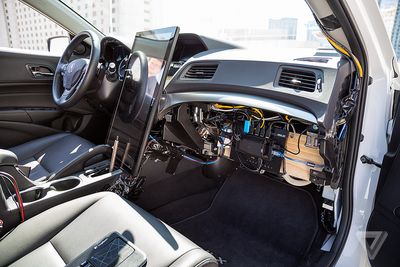
George Hotz aka “GeoHot” is one of the pioneers of the early jailbreak scene. In December 2015, Bloomberg Businessweek ran a lengthy profile focused on Hotz's new project: a self-driving car kit. He's since secured funding for the project, Forbes reported, and now the kit that promises to transform your car into a self-driving vehicle for just $1,000 seems to be becoming a reality, as The Verge reports.

How to access your Mac remotely from your iPhone or iPad with Screens VNC

There is a ton of VNC software options out there, but Screens by Edovia has by far been my favorite for a number of years because it looks and feels like software Apple could have created themselves.

In this tutorial, I'll show you how you can use the Screens app from your iPhone, iPod touch, or iPad, in combination with Edovia's free Screens Connect software for Mac, to access your Mac remotely.

Let’s Talk iOS 138: The pre-WWDC 2016 episode

WWDC is right around the corner, so Cody and Sebastien talk about the latest rumors surrounding the event, including hardware (or lack thereof), and software.

Subscribe on iTunes

Support Let’s Talk iOS: Get $50 towards any mattress purchase by going to Casper.com/ios and using code iOS.

Math students: how to use your Mac as a graphing calculator

Although your Mac comes with a Calculator app, you will find that it only supports basic, scientific, and programmer modes.

Unfortunately for those who are in advanced math courses in school, be it grade school or college, or for those that just need a hand in tutoring their children, the Calculator app doesn't come with graphing functionality and it leaves you to fend for yourself.

A little known feature of your Mac, directly out of the box, is that it does have graphing functionality built into its default software, and in this tutorial, we'll show you how to unleash it.