Month: March 2015

New TinyUmbrella 8.2.0.41 beta released

TinyUmbrella, the tool that allows users to save SHSH blobs to be used for potential downgrades, has received another update. As we reported a few weeks ago, TinyUmbrella has made a significant comeback, and its developer, semaphore, is hopeful that downgrades to iOS firmware will be a real thing in the not so distant future.

With this in mind, semaphore is continuing to improve TinyUmbrella, and this latest beta version contains numerous fixes and iterative enhancements. If you still haven't saved your SHSH blobs, I advise you to stop what you're doing, download TinyUmbrella, and do so today.
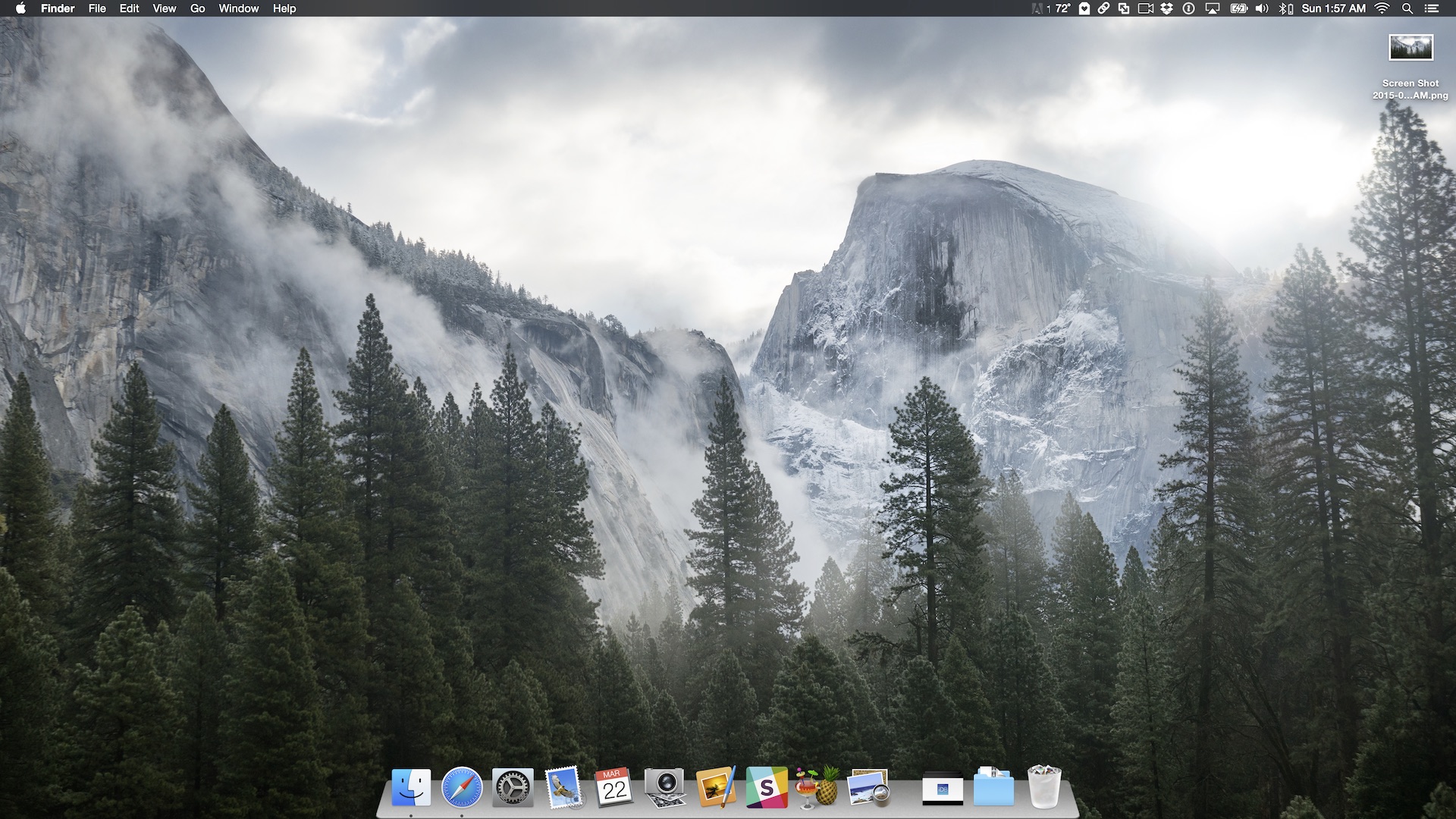
How to get a 3D dock on OS X Yosemite

Do you miss OS X's 3D dock? OS X Yosemite finally did away with the 3D dock that's been present since the release of OS X Leopard, but you can get it back by using a simple application called cDock.

cDock includes, among a host of other features, the ability to theme the dock with over a dozen built-in themes. There are night themes, fullscreen themes, pink themes, and, of course, 3D themes. If you've been reminiscing about the "good ol' days", then you can easily relive the past with this handy little application.

DockWare for iOS 8 brings enhanced dock features to the iPhone

Looking to add special enhancements to the dock on your iPhone? If so, then look no further than DockWare for iOS 8. The follow up to the original DockWare for iOS 7 devices, the sequel brings the ability to access the dock while within apps, hide the dock while on the Home screen, and invoke the dock using a handy Activator gesture.

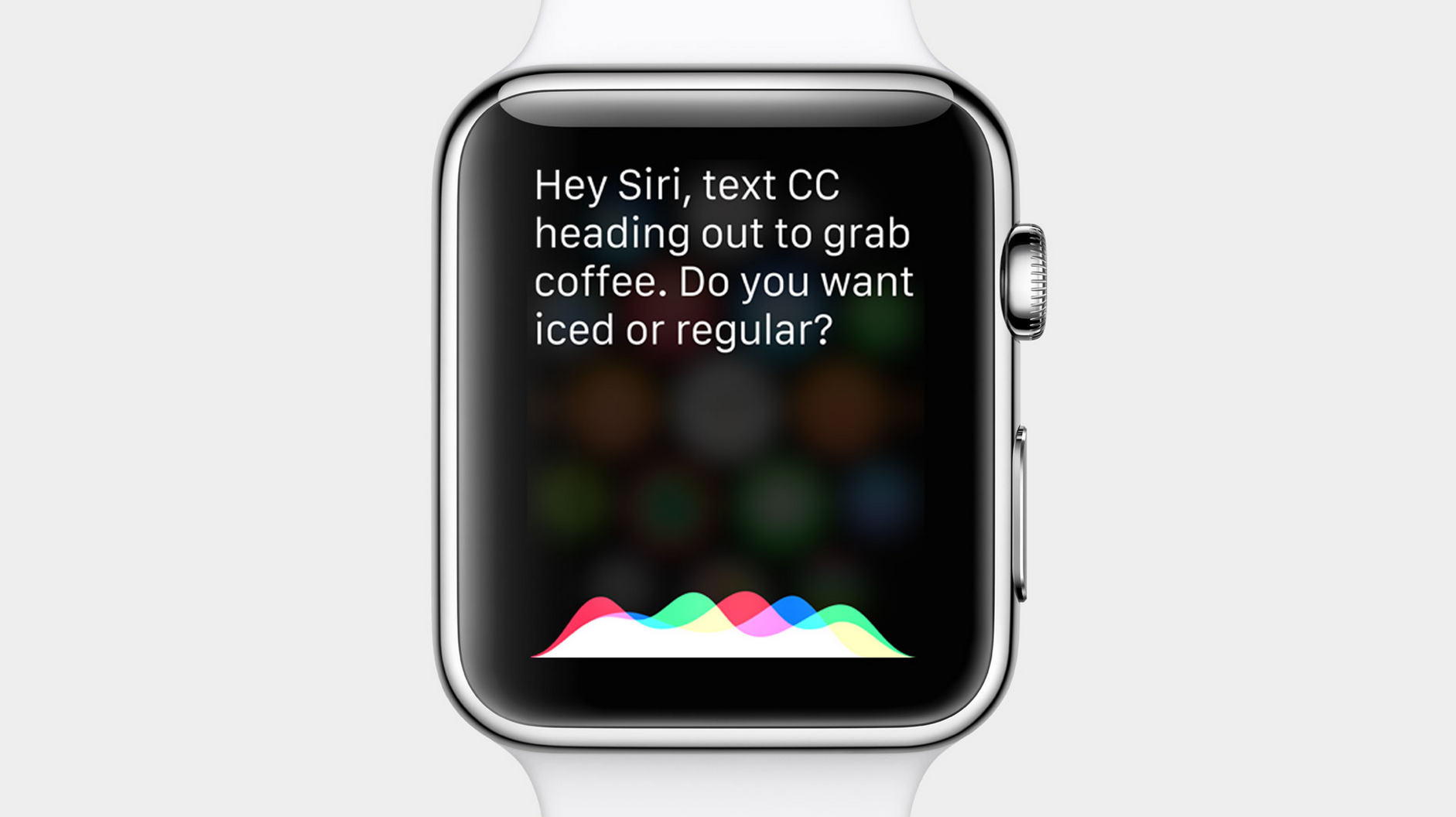
Siri can’t wait for Apple Watch

Jokers as they are, Apple engineers have included Siri in the company's meticulous preparations for April's arrival of the Apple Watch, if the responses the voice assistant is giving to Watch related queries are anything to go by.

As first spotted Sunday by French enthusiast blog iGen.fr, asking Siri about the Watch's release date or simple stuff like what she's doing yields some funny responses and amusing remarks concerning the highly anticipated wearable gizmo.

New in iOS 8.3: placing phone calls through speakerphone via ‘Hey Siri’ command

Users who upgrade their iPhone to iOS 8.3 when it's released next month will be finally able to tell Siri to make a phone call through the device's speakerphone when the 'Hey Siri' option is enabled, reports 9to5Mac.

You can say, for example, 'Hey Siri, call my Mom on speaker' and the call will be automatically transferred to the iPhone's speaker, like it should have always been, may I add.

Again, provided the 'Allow Hey Siri' option is enabled in Settings > General > Siri and the phone is plugged into power.

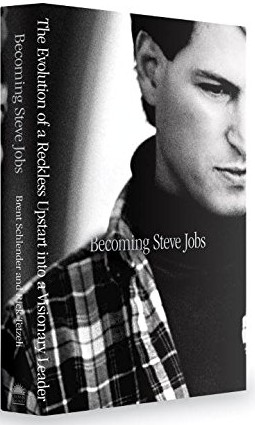
iBooks is offering exclusive sneak peek from upcoming ‘Becoming Steve Jobs’ biography

The new Steve Jobs biography by Brent Schlender and Rick Tetzeli is launching on iBooks this Tuesday and Apple is now offering an exclusive sneak peek into the prologue and first chapter, including Schlender's first interview with Jobs when he moved to NeXT, as noted yesterday be the official iBooks Store account on Twitter.

'Becoming Steve Jobs: The Evolution of a Reckless Upstart into a Visionary Leader' should appeal to everyone who — like CEO Tim Cook — felt that Walter Isaacson's official biography did Apple's legendary co-founder a great disservice.

New in iOS 8.3: download free apps and iTunes media without entering Apple ID password

A new 'Password Settings' section has been discovered in the Settings app of the current iOS 8.3 beta which will permit users to set up their iPhone, iPod touch or iPad so that downloading free iTunes apps and iTunes media won't require an Apple ID password.

The new option is only exposed to users when Touch ID is disabled, reports 9to5Mac. With Touch ID enabled, the new option is unavailable.

This is understandable to an extent, because approving purchases — free or paid — with the tap of a fingerprint is a frictionless experience.

Supercar wallpapers for iPhone

Each week we throw out a set of images in the Wallpapers of the Week section. With a long weekly run of more than 18 months, it continues to be a popular post. However, despite the running record, a single yet popular genre continues to be ignored.

This week, we right our wrong as we feature hand-selected Supercar wallpapers for iPhone. If this proves to be another top performer, along with galaxy images and geometric shapes, expect to see more in the future. Show your approval by sharing via Twitter or Facebook with the buttons at the top or bottom of the post.

Time to catch up on what you might have missed this week

Like every Sunday, we get to take a look at some of the most popular posts that were published on iDB during the week that just ended. Whether it is a news item, a new jailbreak tweak, a tutorial, or an app review, we sum it all up in one convenient place for you.

As always, if you like what you're reading, please feel free to spread the love by sharing our posts on your favorite social network.

We're usually hanging out a lot on Twitter and Facebook, more rarely on Google+.

Don't forget to listen to the latest episode of our new podcast, Let's Talk iOS:

Subscribe on iTunes

And of course, make sure to catch up with the new episode of Let's Talk Jailbreak:

Want to support iDB? Download our iOS 8 Interactive User Guide or Yosemite Interactive Starter Guide in the iBooks Store.

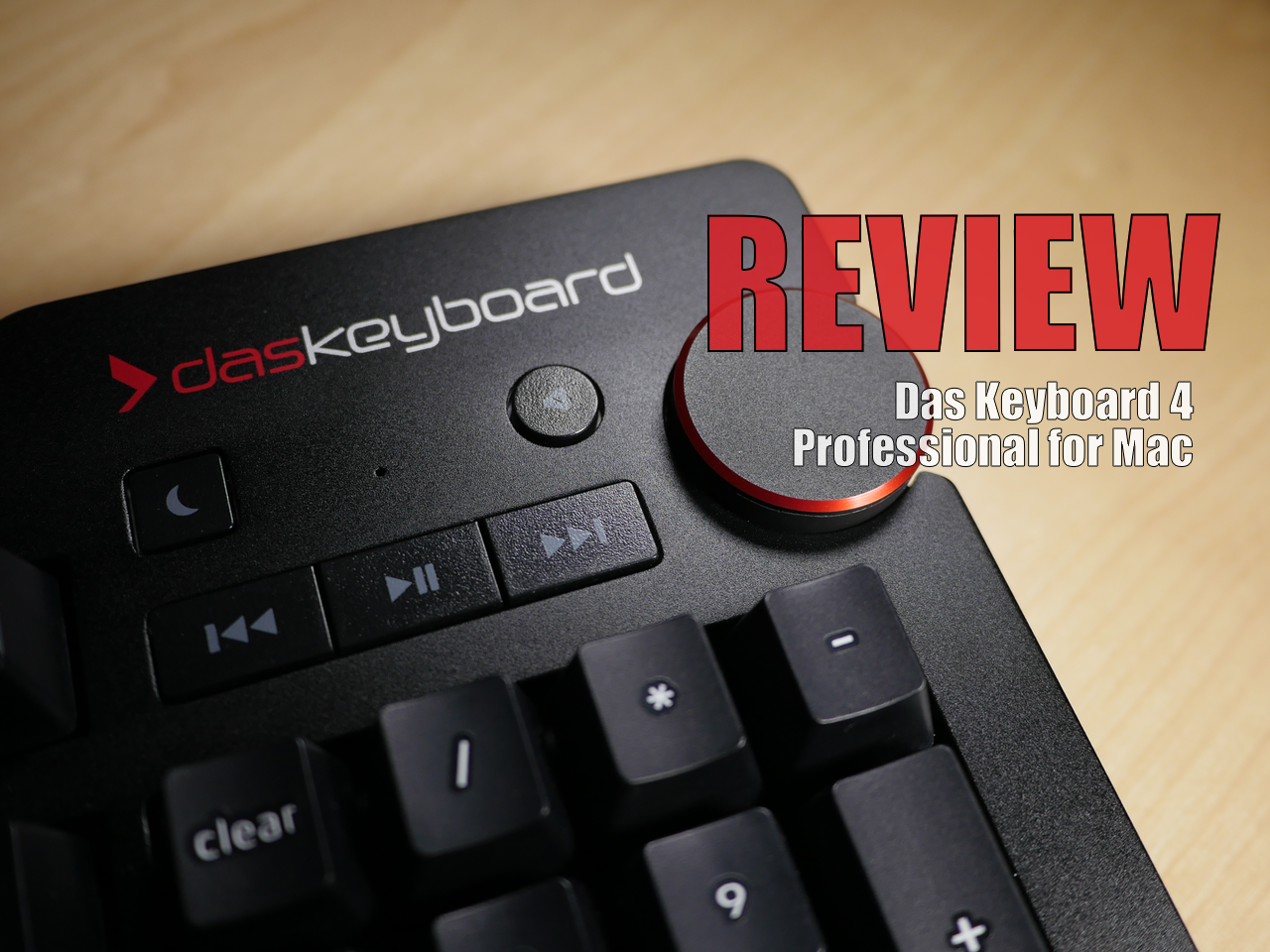
Review: Das Keyboard 4 Professional for Mac

I've been using the Das Keyboard Professional Model S for the last two years, and I've thoroughly enjoyed typing on this mechanical keyboard. If you do any sort of long form typing on a regular basis, then having a mechanical keyboard can make a huge difference in your life.

After typing on my MacBook's chiclet keyboard for years, I began to develop problems with severe wrist pain. Although it was never officially diagnosed, I'm pretty sure that I suffered from some sort of repetitive stress injury, which made it excruciatingly painful to type for extended periods of time. Needless to say, having a mechanical keyboard has alleviated 99% of these issues, and I can never see myself going back to using the MacBook's chiclet keyboard full time.

Earlier this month, Das Keyboard released an updated keyboard for Mac with new features and functionality. The Das Keyboard 4 Professional for Mac, as it is called, brings a similar typing experience to the table. Is it something you should consider if you're in the market for a new keyboard? Should previous Das Keyboard owners upgrade? Have a look at our video review and walkthrough for the answer.

How to unlock the Apple Watch Activity app on iOS 8.2, no jailbreak required

A few days ago, we showed you a detailed walkthrough video of iOS 8.2's Activity App. Today, we'll show you how you can go hands-on with this brand new app.

In the tutorial that follows, we'll walk you through each step needed to get the iOS 8.2 Apple Watch Activity app running on your iPhone today, even though the Apple Watch is still weeks from releasing. No jailbreak required.