Year: 2014

Review: Springtomize 3

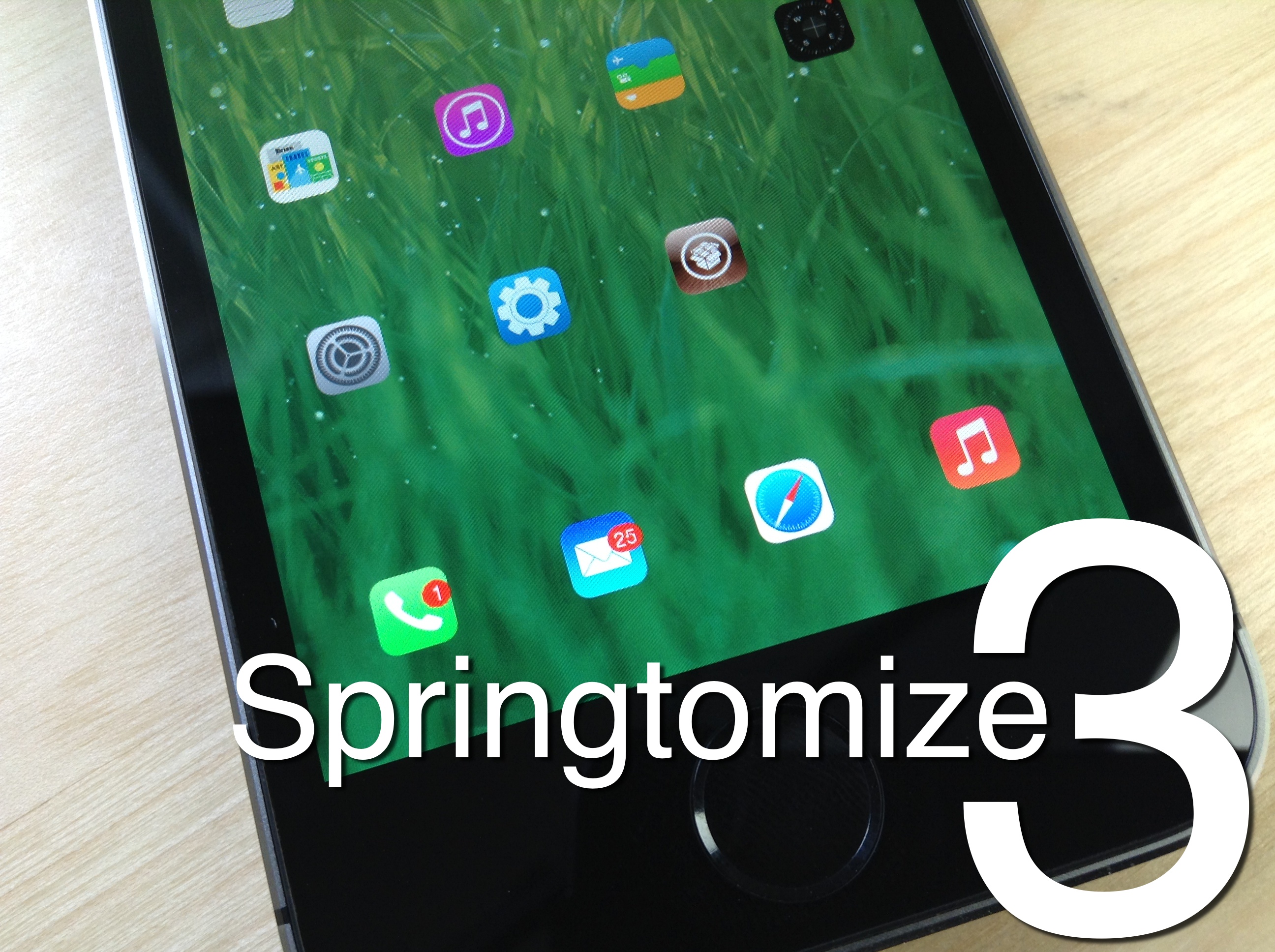
Springtomize 3 is now available for download on Cydia's BigBoss repo, and I'll just get it out of the way and state that I highly recommend it. For those of you unfamiliar with this legendary tweak, Springtomize is basically a way to customize multiple facets of iOS using a single tweak. It's like dozens of tweaks combined into one, and for that reason, many people love Springtomize.

The third iteration of Springtomize is definitely a more evolutionary chapter in the tweak's existence. It's not the game changing tweak that was Springtomize 2, but it still brings more than enough to the table to warrant a purchase without even thinking about it. This is the type of tweak that belongs in the repertoire of every single jailbreaker out there.

Springtomize 3 was built for iOS 7, and it allows you to customize the Home screen, app switcher, Lock screen, folders, and many more areas of iOS 7. Have a look at our full length in-depth video, which covers every section to be found in Springtomize 3.

How to use the PS4 Dual Shock 4 controller to play iOS games on the iPhone, iPad, or iPod touch

Last week I was super excited to bring you a video walkthrough of Controllers for All, a new jailbreak tweak from Ori Kadosh, that brought true PS 3 Dual Shock 3 controller support to games with iOS 7 controller support. The tweak was pretty groundbreaking, in the sense that it meant that you no longer had to pay $100 for an officially sanctioned, and utterly subpar, MFi controller.

Now Kadosh is back at it again, with his first big update to Controllers for All. This time around, he's added support for Sony's latest offering—the much-hyped Dual Shock 4 controller for the PlayStation 4. The awesome thing about using the Dual Shock 4 controller is that you no longer need to use any outside apps, like sixpair, to pair the device with your iPhone or iPad. All of the pairing is done solely between the controller and your iOS device!

To make a long story short, Controllers for All is the ultimate jailbreak tweak for gamers wishing to have have a better gaming experience on iOS. Have a look at our newest video walkthrough for the tweak after the break

FolderEnhancer: the legendary folder tweak comes to iOS 7

FolderEnhancer used to be one of the first jailbreak tweaks that I installed on my newly jailbroken iPhone. Before iOS 7, you could only have one page of app icons in a folder, and I used FolderEnhancer to get around Apple's arbitrary limits.

With iOS 7's release, Apple has relented, and incorporated some of the features, like paging within folders, that made FolderEnhancer such a great release. For that reason, the new FolderEnhancer for iOS 7 may seem a bit underwhelming for those of you whose jailbreaking experience goes back some time.

That said, FolderEnhancer is still worth checking for. In fact, FolderEnhancer (iOS 7) is a free download for those of you who purchased the original version, and it's only $0.99 for newcomers. Have a look at our video walkthrough inside to see what the latest version of FolderEnhancer is all about.

How to make the Lock screen Status Bar match the size of the Home screen Status Bar

SameStatus is a new jailbreak tweak that does something incredibly simple: it allows you to make the size of the Lock screen status bar match the size of the Home screen status bar.

I'm not sure if you've noticed, but the information contained on the status bar on iOS 7's Lock screen is a bit larger than the same info shown on the Home screen status bar. SameStatus is tweak that allows you to "fix" this issue.

With iOS 7, are we seeing a less confident, more malleable Apple?

Time was once when Apple was infamous for not giving its users choice. Steve Jobs himself famously said that consumers didn't know what they wanted, and that it was Apple's job to tell them, and he was often right. It was this confidence, some may say arrogance, that made Apple so sure of its designs. So absolutely convinced that it was on the right path. And arguably, it's why it has been so successful over the last ten or so years.

But things are changing inside Apple. Since Steve Jobs' death and the handing over of the reigns to the unflappable Tim Cook, Apple has been going through something of a metamorphosis, and everyone has seen how the company has changed. Countless people have written about how Apple isn't the same company since its co-founder and visionary left it to somewhat more pragmatic minds, and the evidence that they're right simply keeps on mounting.

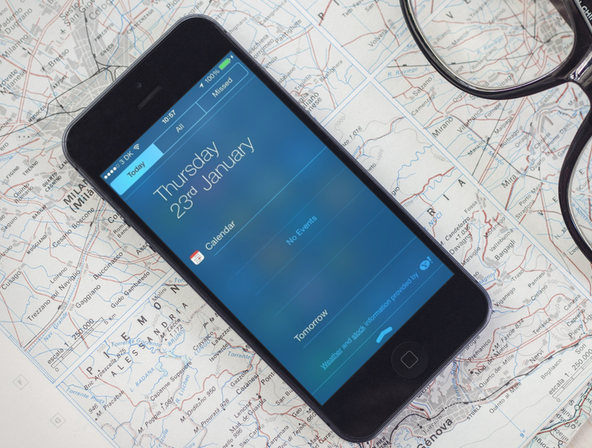
Problems with Notification Center not properly showing Today view? Try this fix

Jailbreaking has so many benefits that we often forget the drawbacks of it all. When you jailbreak your device, you basically put yourself at risk of breaking little things here and there. That's exactly what is happening with the recently released evasi0n7 jailbreak for iOS 7. On the surface, everything is ok, but when you start digging, you might notice that a few elements aren't working the way they should.

One problem that I and many others have experienced is an issue with Notification Center not showing the Today view information properly. In some cases, it won't show any weather or calendar data. If you've been affected by this issue, read on for a short tutorial on how to fix it...

Apps of the Week: Orbsorb, Beats Music, Ninja Village, and more…

Remember when I told you last week that California was on the verge of experiencing a drought? Well, the Governor actually had already declared a drought emergency earlier in the week. My contribution to reducing water consumption: I’ve stopped taking showers.

If you are stinking up your house with your unwashed feat, bundled up to battle the freeze (is it really snowing on the East Coast?), or taking this weird winter weather with ease, we’ve got a list of apps and games to make the sun shine on your insides…

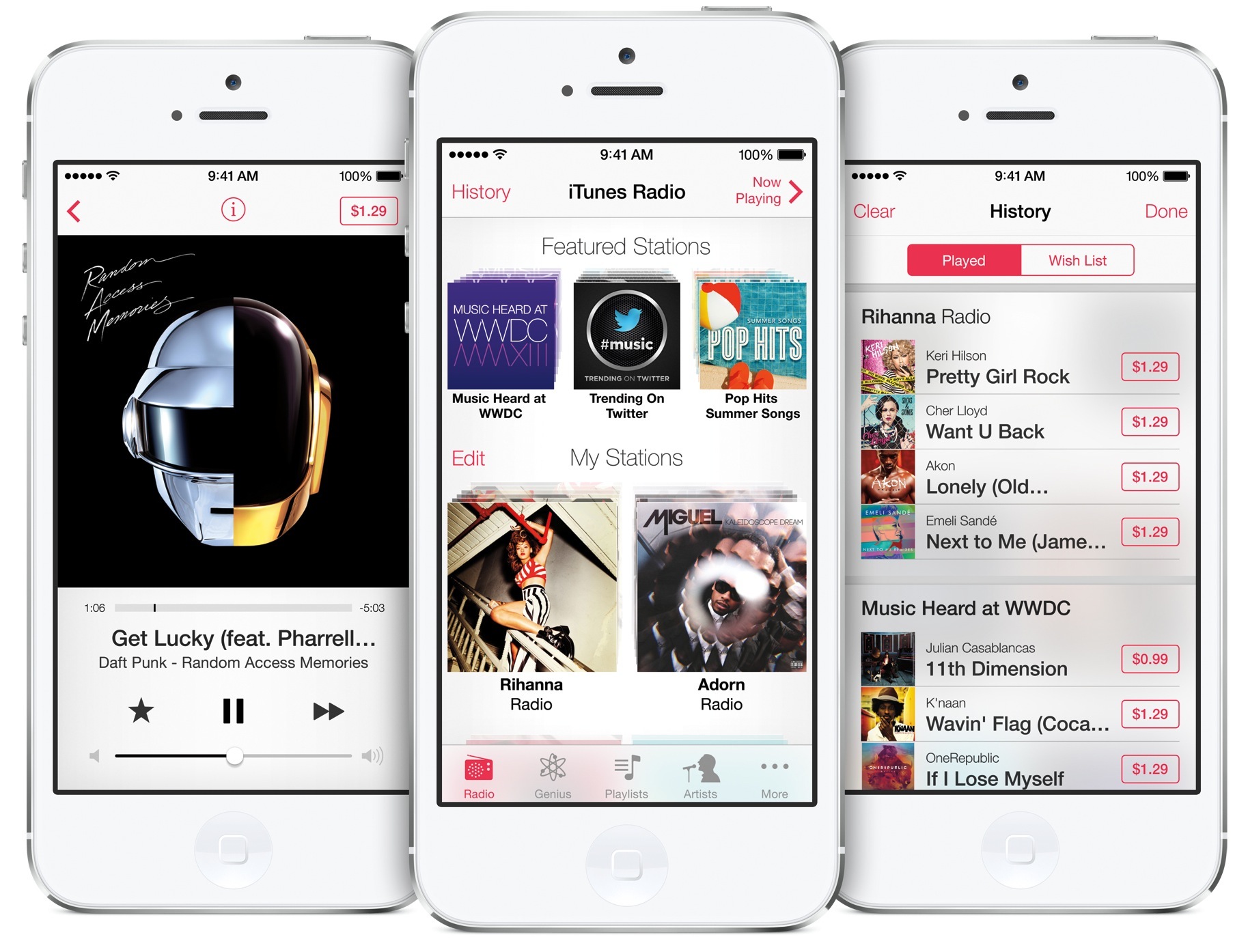
iTunes Radio reportedly working for some UK users

Good news for all of you folks across the pond. There have been reports coming in for the past several hours that [some] iTunes users in the UK and other countries have been able to access and listen to iTunes Radio on their iPhones.

Since its launch last fall, iTunes Radio has been limited to users in the United States. But Apple has said that it is a top priority to get the streaming music service into other countries this year, and it looks like they're preparing a roll out...

WSJ: Apple looking to push deeper into mobile payments

The Wall Street Journal is reporting tonight that Apple is looking to develop a new mobile payment service. The outlet says that SVP of Internet and Services Eddy Cue has met with other companies regarding Apple's plans to use its iOS devices to handle payments.

With hundreds of millions of active iTunes accounts, Apple has one of the largest credit card banks in existence. And pundits have been saying for years that the company could leverage its mega user base by coming up with some sort of mobile payment system...

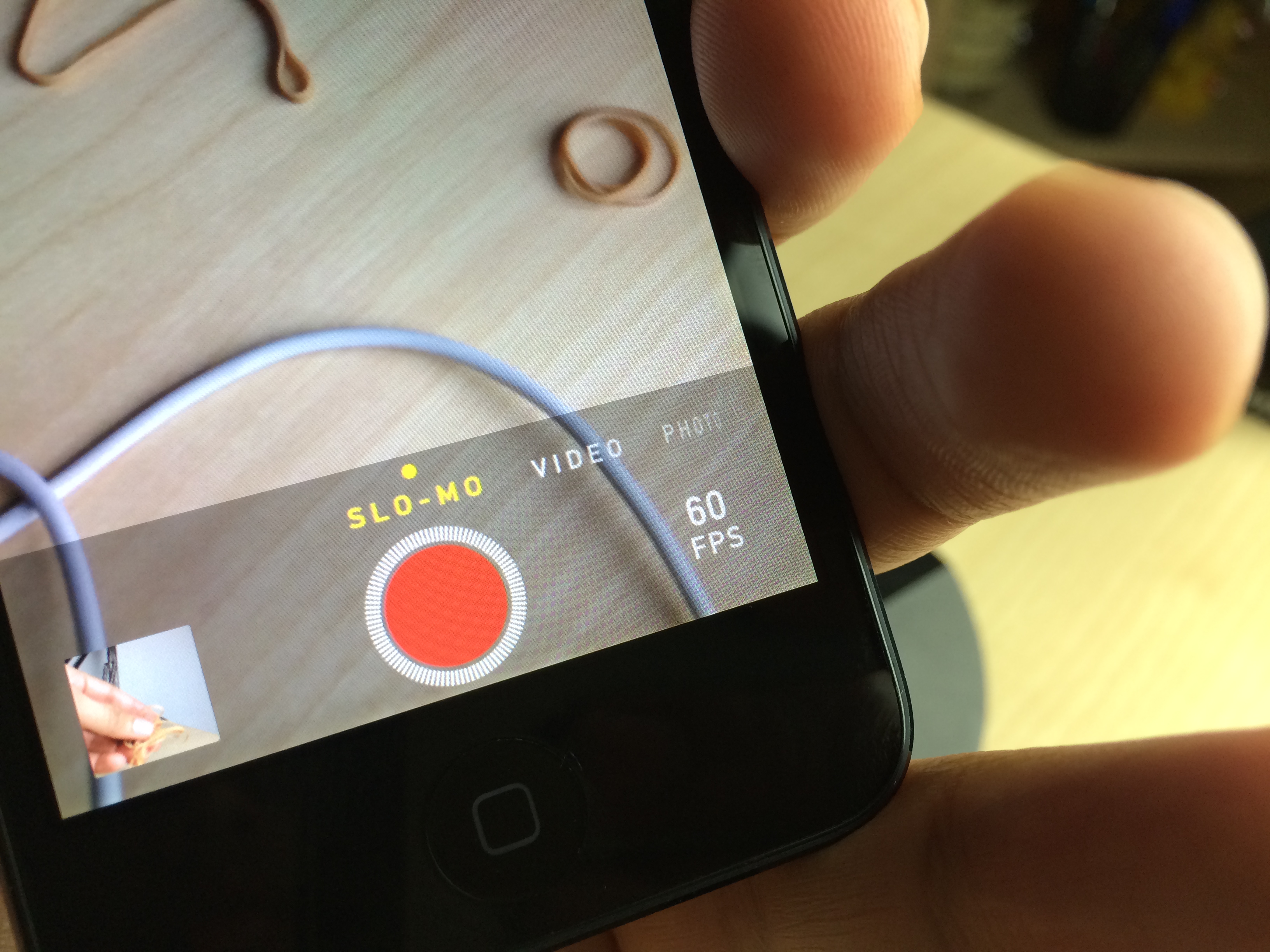
Slo-mo Mod: enable slow motion video capture on unsupported devices

One of the iPhone 5s' flagship features, the Camera app's baked-in slow motion mode, is now available to owners of older devices like the iPhone 5, and the iPod touch 5th generation. Slo-mo Mod is the jailbreak tweak that makes it so that slow motion mode is no longer an iPhone 5s exclusive.

I have to admit, I was a bit skeptical when I first heard of this tweak, but after giving it a shot, I came away thoroughly impressed. No, it doesn't allow you to have 120 fps video capture, but it will do 60 fps on the iPod touch 5th-gen hardware, and that's more than enough frames to come away with some excellent looking slow motion video.

Alkaline: theme the status bar battery indicator without WinterBoard

Sometimes you just want to alter one simple piece of iOS without going full blown and installing WinterBoard. For times like these, a release like Alkaline is just what the doctor ordered.

Alkaline is a brand new jailbreak tweak that makes it super easy to theme the status bar battery indicator. The best part about Alkaline is that you don't need WinterBoard installed to use it.

We've put Alkaline to the test and we've created a video walkthrough for you to see as well. Have a look inside to see how Alkaline works in action.

Password-management firm names Apple most secure out of top 100 sites

With high profile hacking incidents making headlines now on what seems like a weekly basis, people are starting to think more about their online security. And one of the first questions they tend to ask is: how safe is my password at [insert name] website?

Password-management company Dashlane just released a report that may help answer this question for many users. The firm has conducted a comprehensive study of the top 100 e-commerce websites, based on 24 criteria, and here's what they found out...