How to downgrade iOS 7 to iOS 6.1.3

By Jeff Benjamin on Jun 11, 2013

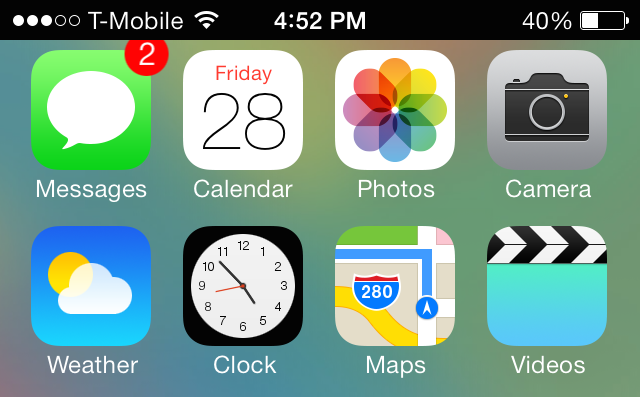
Apple makes it sound like a life or death scenario when developers decide to install iOS 7 beta on a test device. In fact, it’s always done so with its beta releases. In the notes for iOS 7, Apple states that “Devices updated to iOS beta can not be restored to earlier versions of iOS.”

The thing is, that simply isn’t true. I’ve always been able to successfully downgrade my firmware in the past for a beta test device, and I’ve confirmed that the process still works perfectly fine on iOS 7. In fact, it’s extremely easy to downgrade your firmware from iOS 7 to iOS 6.1.3; it doesn’t even require any special tricks or techniques like some downgrades do. Check inside as I walk you through the extremely simple step-by-step process for downgrading iOS 7 back to iOS 6.1.3. Read More


AssistantLove receives an iOS 6 update

By Jeff Benjamin on Feb 18, 2013

One of my favorite jailbreak tweaks, AssistantLove, just received an update for iOS 6 compatibility. AssistantLove was featured in our top jailbreak tweaks of 2012 list, and would have been added to my “perfect iPhone” feature, if it had iOS 6 compatibility at the time.

If you’re a Spotify user like I am, then you will really appreciate what AssistantLove brings to the table. Along with allowing you to integrate GPS apps with Siri, and launch apps using shortcut names, AssistantLove meshes Siri with Spotify. This means that you pretty much search for any song or artist you can think of using your voice. Read More


3 steps to protect your iOS 6 jailbreak

By Jeff Benjamin on Feb 12, 2013

When you consider the amount of hard work that went into providing the public with an iOS 6 jailbreak, and how long it took for that solution to come to fruition, protecting the jailbreak is of paramount concern. Recently BigBoss added a section to each page of its highly visible repo addressing the concern, that’s how important it is.

There are some basic fundamental steps that you should take for the sake of preserving your device’s iOS 6 jailbreak. That’s simply because, as you know, you never know how long it will take for the next jailbreak to come around. Once Apple inevitably addresses the exploits used in the evasi0n untethered jailbreak, chances are we’ll have to wait deep into iOS 7′s lifecycle before we get another jailbreak, if we do at all.

So again, it’s of real concern for those of you who love your jailbroken device, to read the following 3 tips and strategies, and implement them. Read More


How to jailbreak iOS 6 using evasi0n [Mac tutorial]

By Jeff Benjamin on Feb 4, 2013

As we just told you, the evad3rs have released their jailbreak tool called evasi0n, and it allows you to easily jailbreak iOS 6. As we always do, we’ve created an easy to use written and video walkthrough to show you how to jailbreak iOS 6 on your iPhones, iPads, and iPod touches.

The good news is that evasi0n works with all flavors of iOS 6. That includes iOS 6.0, iOS 6.0.1, iOS 6.0.2, and of course, iOS 6.1. The evad3rs have worked hard to create easy to use tools, which allow you to jailbreak iOS 6 using Mac OS X, Windows, and even Linux.

We have personally confirmed that this tutorial works on every iOS 6 compatible device outside of the Apple TV 2 and Apple TV 3. This includes the iPhone 5, iPhone 4S, iPhone 4, iPhone 3GS, iPad 2, iPad 3, iPad 4, iPad mini, iPod touch 4G, and iPod touch 5G. This first tutorial will show you how to jailbreak any of those devices using evasi0n on Mac OS X, and we will shortly follow up with Windows and Linux tutorials.

Read More


How to jailbreak iOS 6 using evasi0n [Windows tutorial]

By Jeff Benjamin on Feb 4, 2013

We’ve already shown Mac users how to jailbreak iOS 6 using evasi0n, and now it’s your turn Windows users! Inside, you’ll find a step-by-step tutorial that shows how to jailbreak your iOS device on your operating system of choice.

In this example, I’m using Windows 8, but this should work on virtually any version of Windows, including Windows 7, Windows Vista, and even Windows XP. Take a look inside for our guide… Read More


How some of our favorite jailbreak apps look like on the iPhone 5 [Video]

By Jeff Benjamin on Feb 4, 2013

The just released evasi0n jailbreak is remarkable for a few reasons. For starters, it’s the first untethered jailbreak released for iOS 6. Secondly, it’s the first time that iPhone 5 owners have had the luxury of experiencing Cydia, and all of the jailbreak apps that come with it, on the larger screen.

We’ve seen a few folks tease us in the past with Cydia running on the iPhone 5, but never have you had the ability to experience it for yourself, firsthand. Inside this post, we’ll showcase a few of our favorite jailbreak apps and tweaks, and show you how they look on the iPhone’s 5 larger screen. Read More


5 tweaks that you must download after jailbreaking iOS 6

By Jeff Benjamin on Jan 31, 2013

Once the iOS 6 jailbreak is released, there are a few tweaks that you absolutely must download. Thankfully, Cydia will be better equipped to handle the barrage of users so that you will be able to download all of your favorite apps and tweaks with little issue.

While we wait, why not consider a few of my must-have jailbreak tweaks for iOS 6? Post jailbreak, we’ll follow up with more recommended apps and tweaks, but we think this list would be enough to wet your appetite… Read More


Auxo now available on Cydia

By Jeff Benjamin on Dec 24, 2012

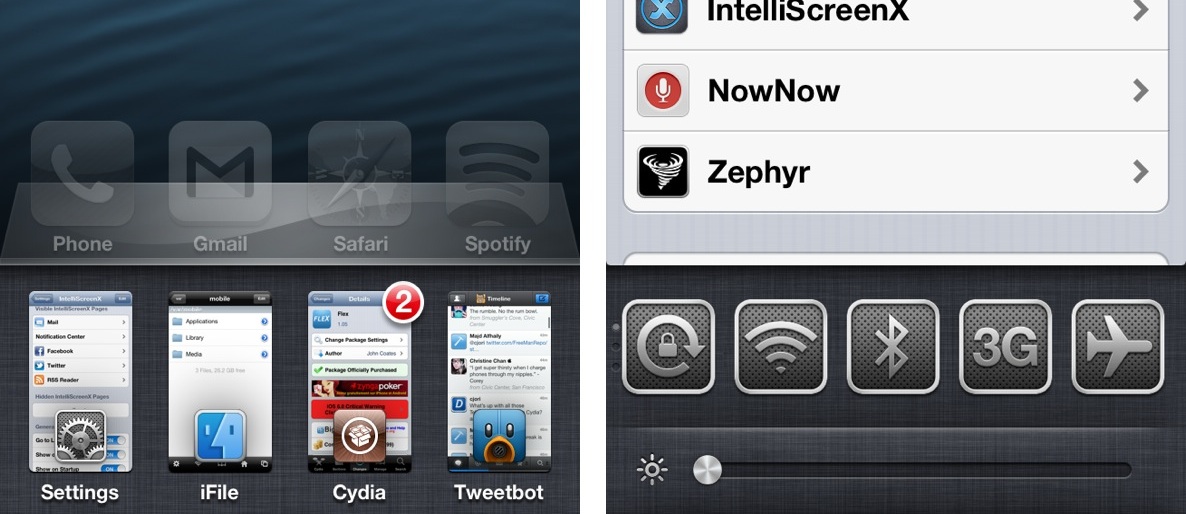
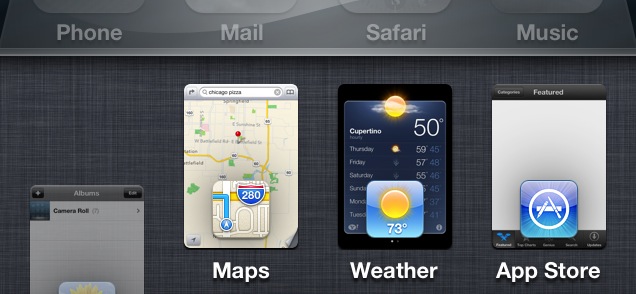
Ladies and gents, it has landed. Yes, Auxo, the highly anticipated jailbreak tweak that reinvents the iOS app switcher has gone public on Cydia.

Last week we brought you an exclusive first look at the tweak in action, and needless to say, nearly 200,000 views later, many of you are looking forward to trying it out for yourselves. If you have a jailbroken iPhone running iOS 6, I’m happy to report that you can now download Auxo from Cydia’s BigBoss repo for just $1.99. Read More


This jailbreak tweak allows you to fake certain statistics on your iPhone

By Jeff Benjamin on Dec 21, 2012

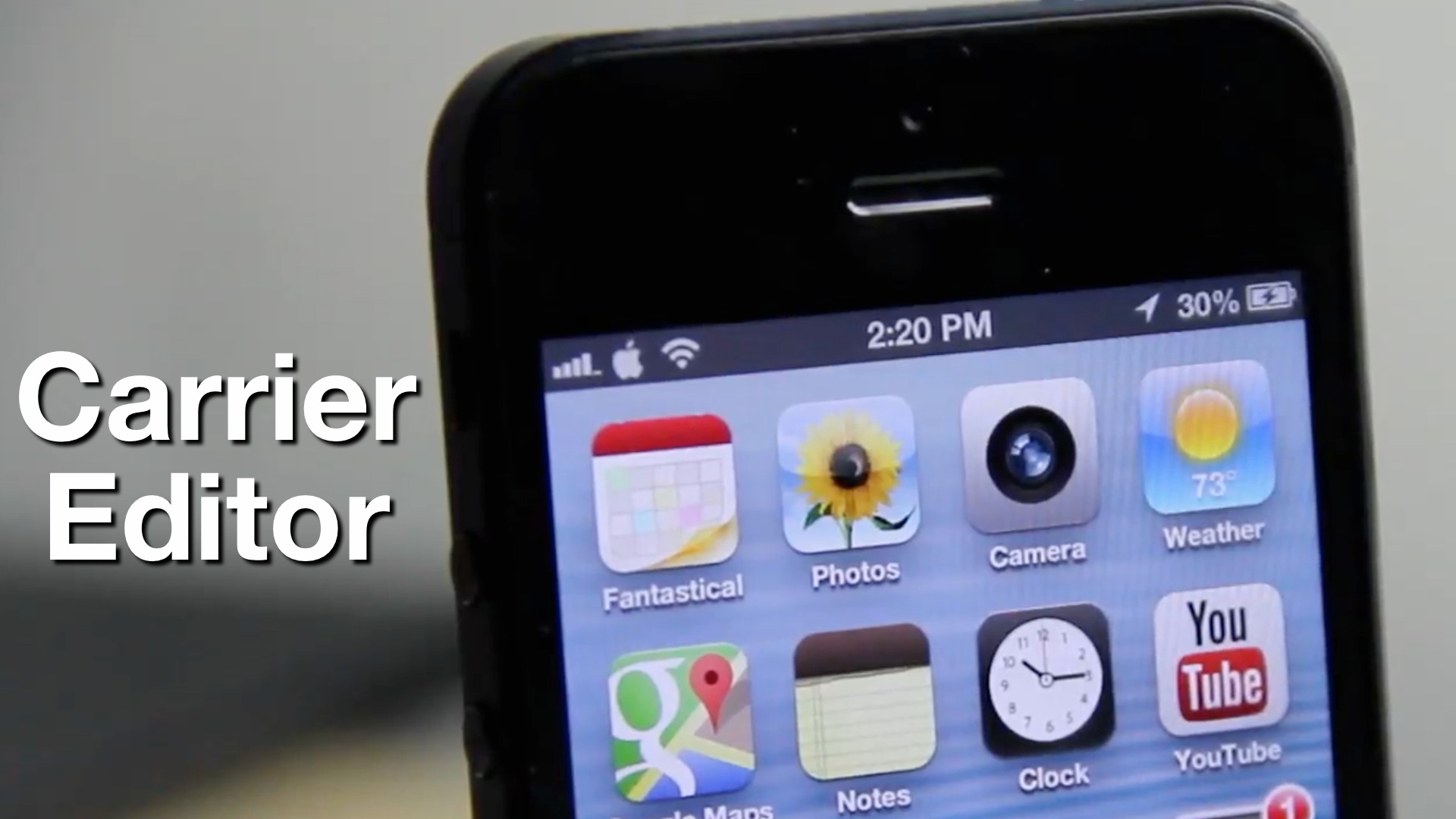
I’ve been known to give jailbreak developers a pass when it comes to developing what many deem as “worthless” tweaks, because I know that there is always someone who will find a tweak to be useful. The latest such item to teeter upon this fine line is Fake iOS 6 About — a jailbreak tweak that allows you to fake statistical information about your device.

If you’ve ever wanted to pretend that your device could hold a million songs, or that you reside on a carrier not available in your country, then Fake iOS 6 About is the tweak for you. In most cases, many will feel that such a tweak is worthless. I’ll be totally honest with you; this time, it’s hard not to agree with those sentiments. Read More


NoNewApp removes “new” badging from newly installed apps

By Jeff Benjamin on Nov 11, 2012

Do you find yourself hating the “new” badge that appears on newly installed apps from the App Store? I must admit, that even if I have no intentions of using a newly downloaded app right away, I’ll at least open it once to rid it of that ugly badge.

If you happen to jailbroken, there’s an even easier way to get rid of the eyesore, and it’s called NoNewApp. NoNewApp is a recently released jailbreak tweak that prevents the “new” badge from appearing on newly downloaded apps.

Want to see how it works? Take a look inside for our full video walkthrough… Read More


How Apple planned for the iPad mini with improved Multi-Touch in iOS 6

By Jeff Benjamin on Oct 23, 2012

It’s always good to think two or three steps ahead to prepare for any situation, and that’s obviously what Apple’s been doing when it comes to the iPad mini, and iOS 6.

As we told you about earlier, improvements needed to be added to iOS’ Multi-Touch in order to accommodate the smaller bezel of the iPad mini. With the mini, you no longer have the luxury of a half-inch bezel wrapping around the screen like the bigger iPad models.

That means that fingers and thumbs will now rest on the actual screen of the device instead of the bezel, and this would in turn result in a litany of false positive finger inputs. If the iPad mini shipped with iOS 5, such an issue would be a major problem.

Fortunately, as iPhoneinCanada points out, Apple planned well ahead in advance for such a scenario. As it turns out, the iPhone and iPod touch versions of iOS 6 shipped with improved Multi-Touch out of the gate. Take a look inside as we compare iOS 5′s Multi-Touch detection, with the improved and iPad mini ready iOS 6. Read More


How to jailbreak iOS 6 with RedSn0w 0.9.15b1

By Jeff Benjamin on Oct 14, 2012

As we reported a couple of days ago, RedSn0w 0.9.15b1 is now available to jailbreak A4 devices and below running iOS 6. This latest version is a pretty massive update with a lengthy change log, but the most important aspect about the update is the ability to jailbreak iOS 6 and install Cydia.

Previous iOS 6 jailbreaks required users to install Cydia manually, but the latest public version of RedSn0w works just as you might expect it would. Take a look inside for our full tutorial. Read More


How to install Siri on iOS devices running iOS 6

By Jeff Benjamin on Oct 9, 2012

Would you like to use Siri on your old iPod touch 4th generation or iPhone 4 running iOS 6? The first thing you need to do is jailbreak your device, and then install Cydia.

Once you’ve jailbroken your device and installed Cydia, you can then add the necessary Cydia repo to install the package needed to configure Siri on these devices.

Check inside for our full tutorial. Read More


How to downgrade iOS 6 to iOS 5.1.1 on A4 devices

By Jeff Benjamin on Sep 28, 2012

Have an iPhone 4, iPod touch, or below running iOS 6, and would like to downgrade back to iOS 5.1.1? Doing so is easy is you have your SHSH blobs saved for iOS 5.1.1 and can follow the steps inside. Unlike the beta period of iOS 6, you must have your SHSH blobs for iOS 5.1.1 save for you device now, because Apple has stopped signing iOS 5.1.1.

To downgrade, you will need the latest public version of RedSn0w. We will use the SHSH Stitching feature to combine the appropriate IPSW file for 5.1.1 and your corresponding SHSH blob for the device you wish to downgrade. It may sound a bit confusing, but it’s extremely easy if you follow along carefully.

Take a look inside for the full walkthrough and video how-to. Read More


How to unlock the full iOS 6 Maps app on older devices

By Jeff Benjamin on Sep 28, 2012

iOS 6 Maps is stepped in controversy, but not everyone hates it, including yours truly. I’ve never personally experienced any navigation issues with the iOS 6 Maps app, and for me, it’s a huge upgrade over the stock Google Maps app of yesteryear.

One problem that I do have with iOS 6′s Maps, however, is how dumbed down the feature is on older devices. Devices like the iPhone 4 get left out when it comes to true turn-by-turn navigation and Flyover (3D) support.

As usual, the jailbreak community comes to the rescue with a new tweak that unlocks iOS 6 Maps on older devices. It’s appropriately titled: Unlock iOS 6 Maps, and it’s a free download on Cydia’s Big Boss repo. Take a look inside for a video walkthrough… Read More


AntiTint removes the status bar tint in iOS 6

By Jeff Benjamin on Sep 27, 2012

AntiTint is a recently released jailbreak tweak from Ryan Petrich that sets out to do one thing — remove the status bar tint found in iOS 6.

New with iOS 6 came the ability for a developer to tint the status bar to match or accent the color of the rest of their app. Many people have found this to be annoying, and would like to go back to the black status bars predominately featured in iOS versions prior to iOS 6.

If you’re jailbroken, then doing so is as easy as installing this tweak. Take a look inside to see how it works… Read More


Ryan Petrich gets Google Maps working on iOS 6

By Cody Lee on Sep 23, 2012

Apple’s new Maps application, which replaces Google Maps in iOS 6, has caused quite a stir in the tech community over the past few days. It’s been described as “inaccurate,” and “glitchy,” and many feel that it’s extremely inferior to its predecessor.

But the good news is, there may be light at the end of the tunnel. At least for jailbreakers anyway. Well-known jailbreak developer Ryan Petrich announced earlier today the he was able to get Google Maps working on iOS 6. And here’s the video… Read More


How to use the new Find My iPhone app

By Jeff Benjamin on Sep 20, 2012

Yesterday, buried amongst updates to a slew of Apple developed apps, was an update to Find My iPhone. With the update comes a new look and feel, that’s similar to Find My Friends, and a new Lost Mode to help track down lost iCloud enabled devices.

Apple has made it really simple to go about tracking a lost device, protecting the data from prying eyes, and communicating with whomever may have found said device.

Check inside, as we go hands-on with the new Find My iPhone, along with a detailed video showcasing the new Lost Mode. Read More


Keyboard Shortcuts now sync via iCloud in iOS 6

By Jeff Benjamin on Sep 19, 2012

One of the more under the radar items in iOS, is the TextExpander inspired Keyboard Shortcuts feature. Keyboard Shortcuts allow you to create quick shortcuts, which then expand to larger words or phases. It’s a feature that’s best used for stuff that you tend to type over and over again, which helps reduce repetition, therefore making you more productive.

In the past with iOS 5, these shortcuts resided independently on each device, meaning you had to setup all of your shortcuts on each device individually. If you do a lot of blogging or other forms of writing on your iOS device, then chances are, you can benefit from having a decent array of shortcuts. With that thought it mind, it’s a headache to have to setup each device manually with the same shortcuts.

We already knew that iOS 6 would feature custom dictionary iCloud syncing, but it was never really clear whether or not Keyboard Shortcuts fell within that area. It’s been one of the features that I’ve been saying would benefit from iCloud syncing for a long time now, and thankfully, it looks like Apple took care of that with iOS 6. Read More

 
Page 1123