Learn how to sync all your iCloud contacts, calendar events, and emails from your iPhone, iPad, Mac, or Vision Pro to your Windows PC for a seamless experience across all your devices.
How to get iCloud Contacts, Calendar, and Mail on Windows PC

Learn how to sync all your iCloud contacts, calendar events, and emails from your iPhone, iPad, Mac, or Vision Pro to your Windows PC for a seamless experience across all your devices.

Learn how to view iPhone notifications and reply to text messages right from your Windows PC using Microsoft’s free Phone Link app.

In this comprehensive tutorial, we explain how to set up iCloud Photos on a Windows computer, allowing you to view and manage your iPhone pictures and videos on your PC.

Learn how to transfer photos, documents, audio, video, and other files between your Mac and a Windows computer using a Bluetooth connection.

Learn about the ways to show YouTube's dislike counter on iPhone, iPad, Mac, Android phone, and Windows PC that Google no longer displays publicly.

Learn how to enable and use the Find My Device feature on your Windows computer to track its current or last known location, and remotely lock it.

In this step-by-step tutorial, we explain how to completely uninstall the Honey browser extension and app from your iPhone, iPad, Mac, Windows PC, and Android phone.

Learn how to use the built-in editor in Firefox on your Mac or Windows PC to add text, signature, images, and highlights to a PDF file right from your browser.
In this tutorial, we will show you how to secure your Google Chrome bookmarks behind a password on your Mac or Windows PC.
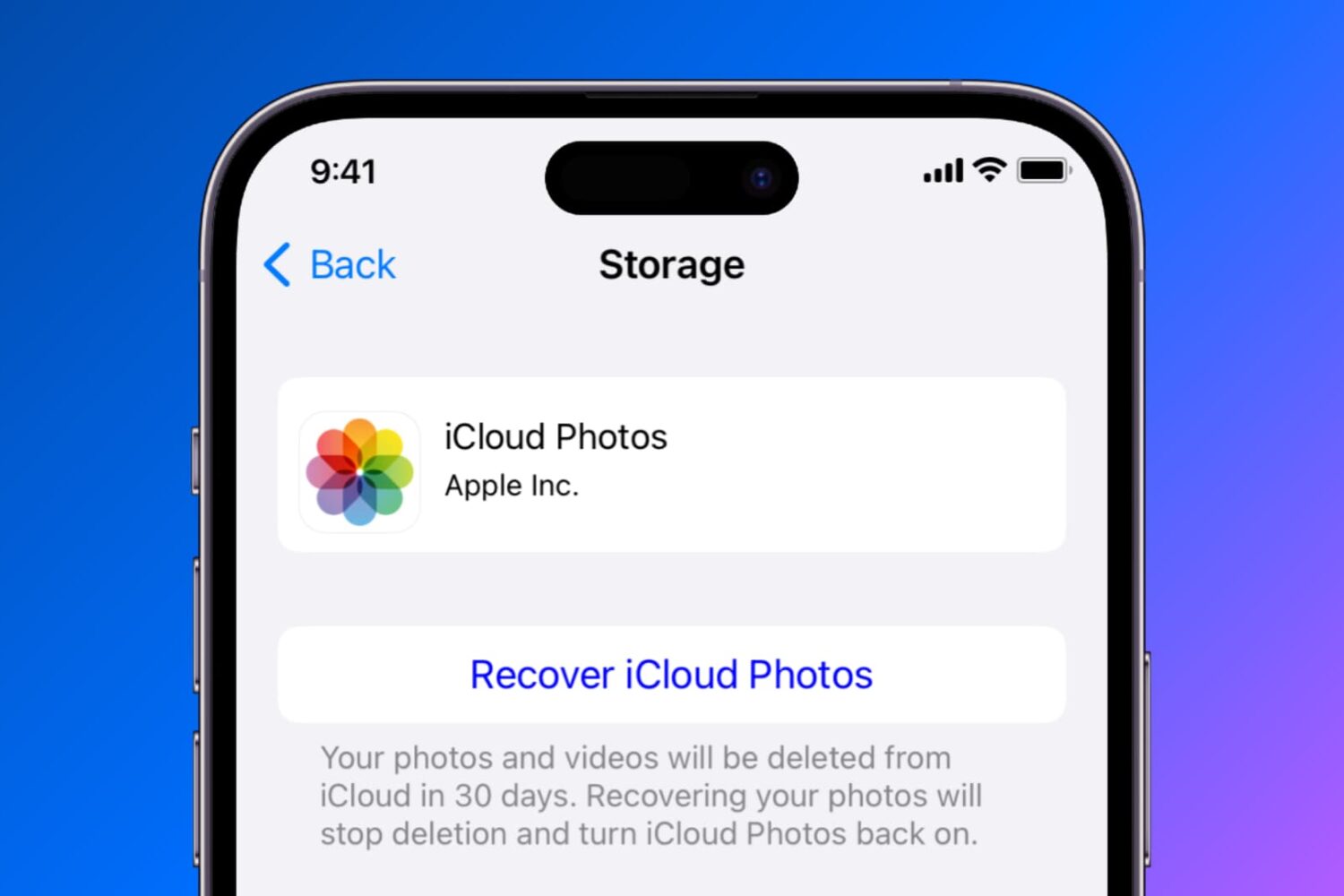
Find out how to temporarily disable or permanently delete iCloud Photos on your iPhone, iPad, Mac, Apple TV, and Windows PC if you no longer want to back up your pictures and videos to Apple’s cloud storage.
In this tutorial, we'll guide you through the easy process of transferring your purchased music, movies, television shows, ringtones, podcasts, and books from an iPhone or iPad to a Mac or Windows PC.