Web

Changing your router’s DNS settings to increase speed and security

At times, you may experience slow hiccups while trying to use the internet from your home. Sometimes, these problems can be attributed to your router's DNS settings because your ISP may not always have the best DNS server speeds.

Your DNS server settings can also affect your security as you use the internet because some DNS servers come with built-in firewalls and security measures to prevent you from opening malicious or phishing websites, while others don't do anything at all to protect you.

In this tutorial, we'll show you how you can edit the DNS settings on your wireless router if you're experiencing slower internet speeds than you should be.
How to fix IP address conflicts on your Wi-Fi network

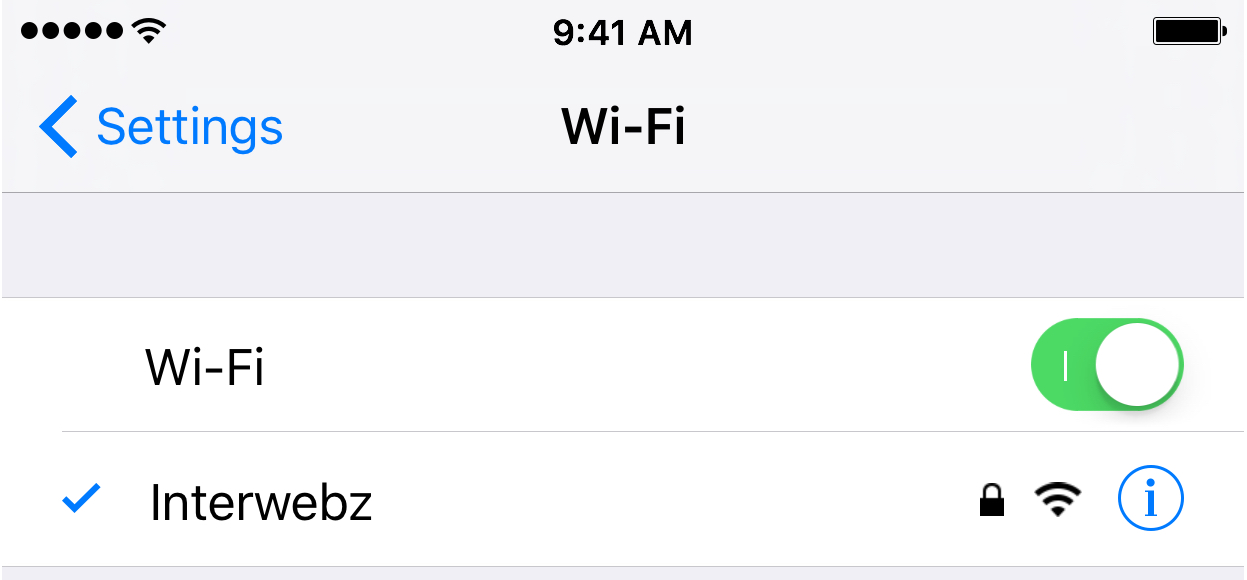
Every so often, you might end up with two devices on your Wi-Fi network that have the same IP address. This conflict can cause a plethora of problems with trying to use the internet on any of the devices affected.

Fortunately, there's a really easy to way reset your IP addresses on your iOS devices or Macs, and in this tutorial, we're going to show you how!

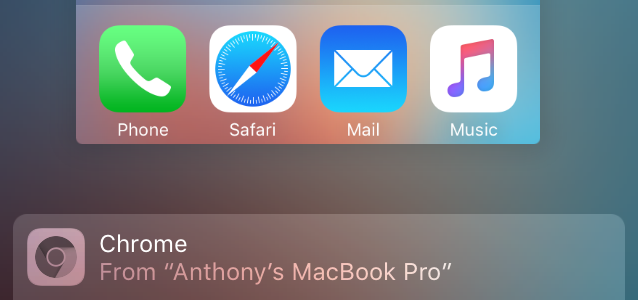
Chrome Handoff: a new tweak that enables Handoff for Chrome

Google Chrome fans that enjoy using Handoff to create a seamless experience between their iOS device and their Mac have been long disappointed in the third-party web browser's inability to support such a feature.

Fortunately, those sporting a device with a jailbreak can now take advantage of a new free jailbreak tweak called Chrome Handoff, which will enable Handoff for Chrome between your iOS device(s) and Mac. In this piece, we'll show you how it works!

Why and how to use custom DNS settings on your iPhone, iPad, and Mac

DNS Settings on Mac

When you visit a website on your computer, such as iDownloadBlog or Google, you're using domain name system (DNS) protocol to exchange information between your computer and the server providing you with that website.

Depending on the DNS server you're using on your Mac or iOS device; you might not be experiencing the best speeds and web securities that you could be.

In this piece, we'll tell you why you may want to consider switching to a new DNS and show you how to use a custom DNS on your Mac, iPhone, or iPad.

Reclaim your productivity from distractions with Focus for Mac

If you're like me, then you probably have a hard time focusing on what needs to be done and you often multitask with fun activities when you should be focusing on homework or work. For example, instead of writing those essays due for your next class or finishing work, you might be playing around on Facebook with your friends or watching YouTube videos.

If you're the unproductive or procrastinating type, then a useful OS X app called Focus could be just what you need to stop getting distracted by social media and other fun websites.

Focus will help ensure that you only stick to the task at hand when you need to work or complete homework, and in this piece, we'll show you how it works.

How to enable ‘Show me the best tweets first’ on Twitter

Twitter recently unveiled a new feature that lets you elect to have the service surface new and interesting content at the top of your timeline since your last visit.

Called “Show me the best tweets first,” it's a staggered release so not everyone may have it at the same time although the majority of Twitter's user base should now see this option in their settings.

This post will take you through the steps you need to take in order to enable this feature in Twitter's mobile apps and in the desktop interface, so that you never miss important updates from people you follow.

How to save videos from your Facebook News Feed

It's super easy to save photos that have been shared on Facebook to your computer, but for whatever reason, Facebook seems to be lacking the ability to save videos that are shared by your friends and appear in your News Feed.

Despite the common misconception that you need a fancy web browser plugin or third-party software to download videos from your Facebook News Feed, this simply isn't the case. In this step-by-step tutorial, we'll show you how you can save videos from Facebook that appear in your News Feed to your computer.

Private Internet Access review: a great VPN at a great price

The quest for internet privacy and security is no game these days; hackers with malicious intent are really out there and they want your valuable personal information.

One way to protect yourself is with a virtual private network (VPN), but there are lots of VPN options out there to choose from – both free and paid. Picking a VPN that's right for you can be tough, and many people are concerned about their privacy while online.

In this piece, we'll be giving you our opinion on the Private Internet Access VPN; a paid VPN service that holds a solid reputation among its many users.

Why and how to use a VPN on your iOS device or Mac

A virtual private network, commonly referred to as a VPN, is a type of connection you can use over the internet that helps to secure your identity as you surf the web.

Often times, they're used to improve your security and privacy on public Wi-Fi networks, but they're also used for a wide variety of other reasons. If you've been considering using a VPN on your iOS device(s) or Mac(s), then you've come to the right place. We're going to tell you all about why you should consider using one and how to use a VPN on iPhone, iPad, or Mac to your advantage.

How to stop ‘Up Next’ videos from autoplaying on YouTube

One of my pet peeves with YouTube is how after completing a video, the service shoves a new video down your throat with a feature called "Up Next," which gives you a 15-second time frame to click the "X" button at the top right of the video before the next video starts to play.

Sounds familiar? If you feel the same way, then you've stumbled upon the right tutorial, because we're going to be showing you how you can disable this feature right from the YouTube website without installing any plug-ins, hacks, or other crazy stuff.

AppRecs: a search engine that filters out apps with fake or questionable reviews

One of the things that can be annoying when using the App Store is when you are trying to find a good app and dozens of fake reviews push junk apps to the top of the search results when all you want is to find the best of the best. Since not all reviews are honest, it can be difficult to filter the good from the bad on your own.

To help combat this problem, a new web app called AppRecs has been created that claims to be able to filter good reviews from the bad. This way, you can skip everyone's junk reviews and junk apps and just see the best apps in the App Store that are truly worth checking out based off of honest reviews.

Why you should avoid free VPNs

VPNs are great tools for helping secure your internet access on an unsecured Wi-Fi network, such as those at McDonald's, but did you know that not all VPNs are created equally?

By using a free VPN that you haven't carefully read the terms and conditions of, you might be putting your privacy at more of a risk than it would have been just using the unsecured Wi-Fi network to browse the web in the first place.