Monday, Japanese consumer electronics giant Sony officially unveiled its new Xperia XZ2 and Xperia XZ2 Compact smartphones at Mobile World Congress in Barcelona, Spain.
Sony’s new Xperia XZ2 is the first phone to offer 4K HDR video recording
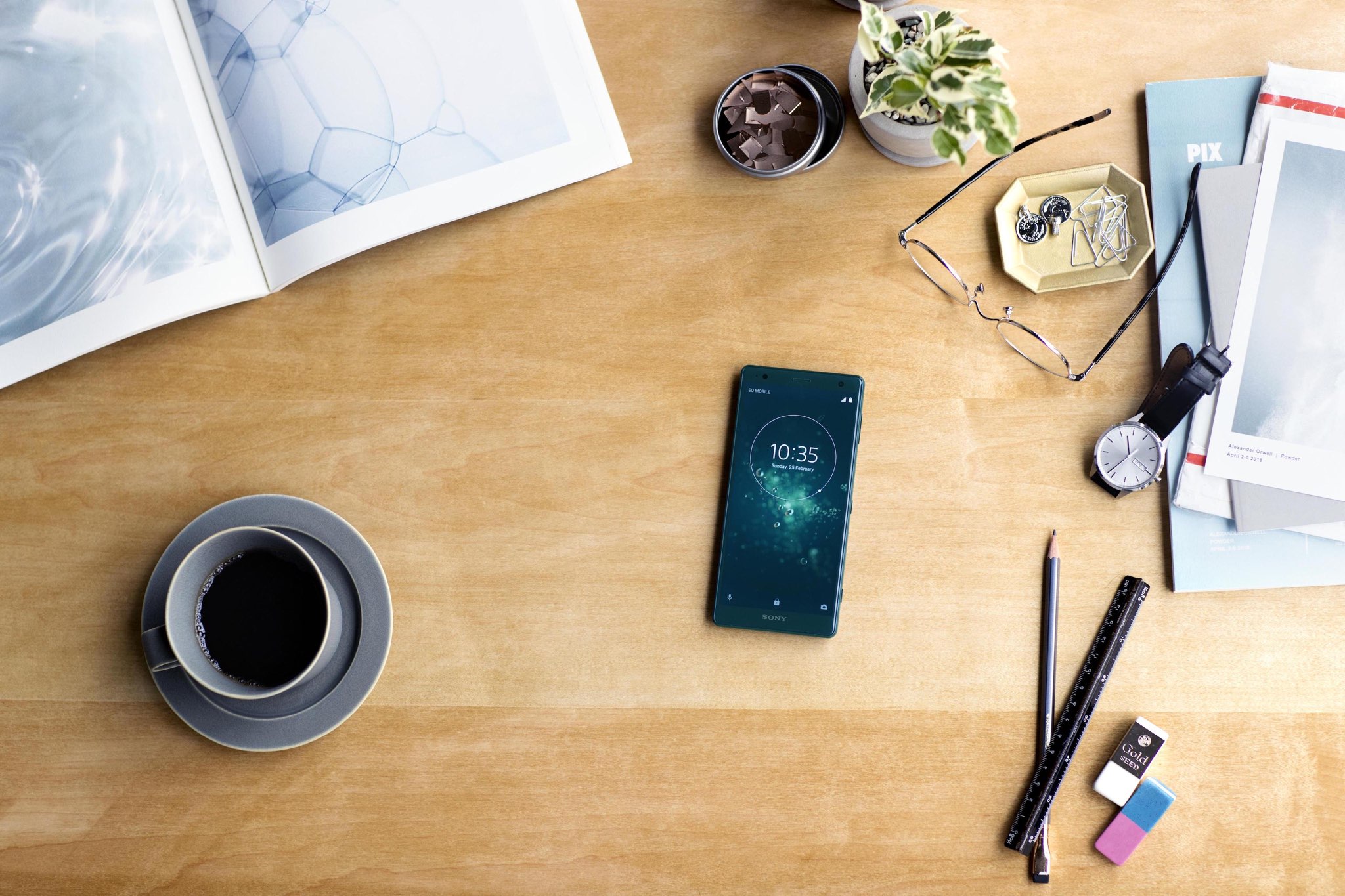
Monday, Japanese consumer electronics giant Sony officially unveiled its new Xperia XZ2 and Xperia XZ2 Compact smartphones at Mobile World Congress in Barcelona, Spain.
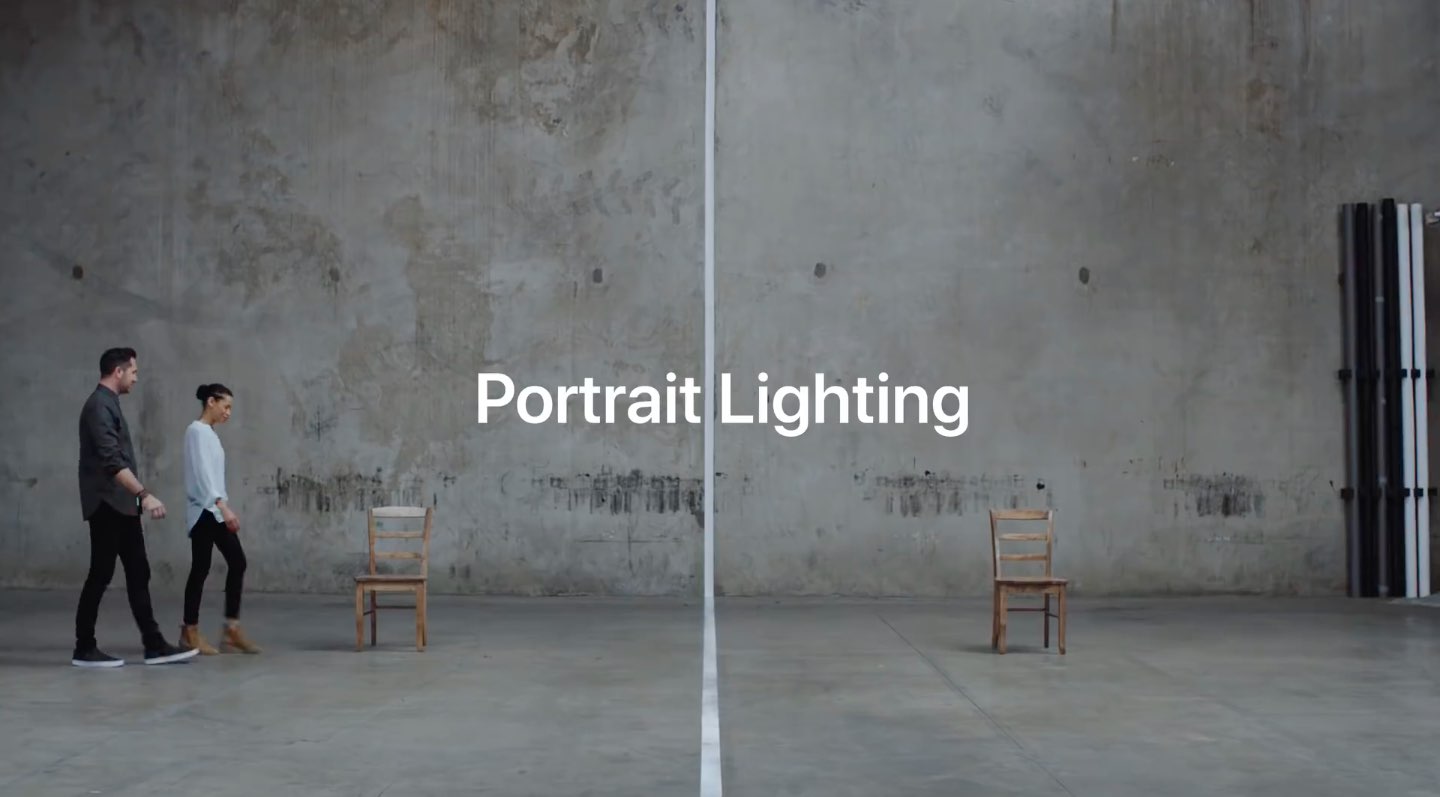
Apple last evening posted a new video to its official YouTube channel, offering a rare behind the scenes look at how the Portrait Lighting effects on iPhone X were created.
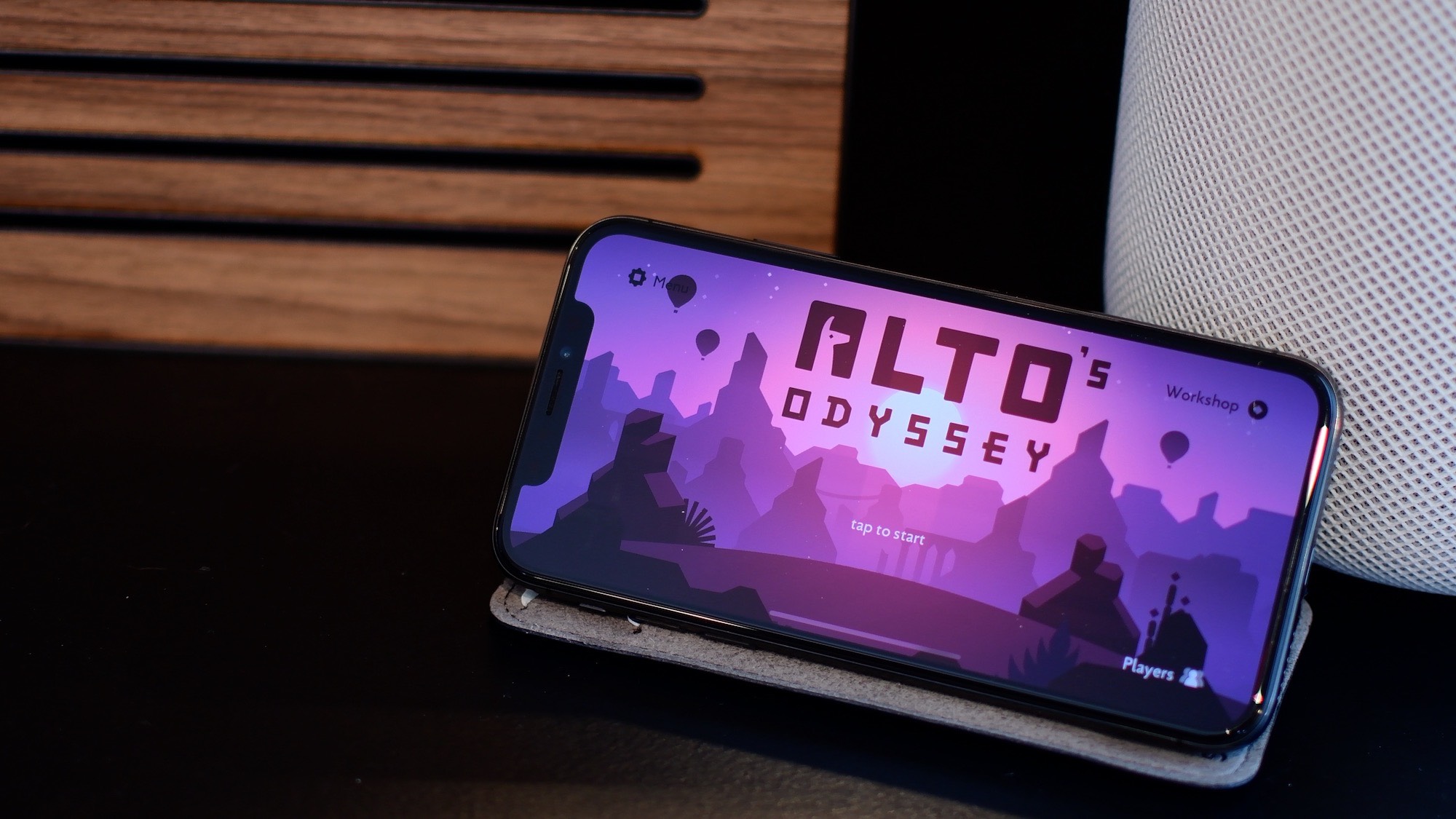
Today, the endless sandboarding journey from Alto's Adventure creators launched for iPhone, iPad and Apple TV a day early. We've had the last few weeks to test it out and while a lot of the mechanics the same, we found it a thoroughly satisfying follow-up to a classic.
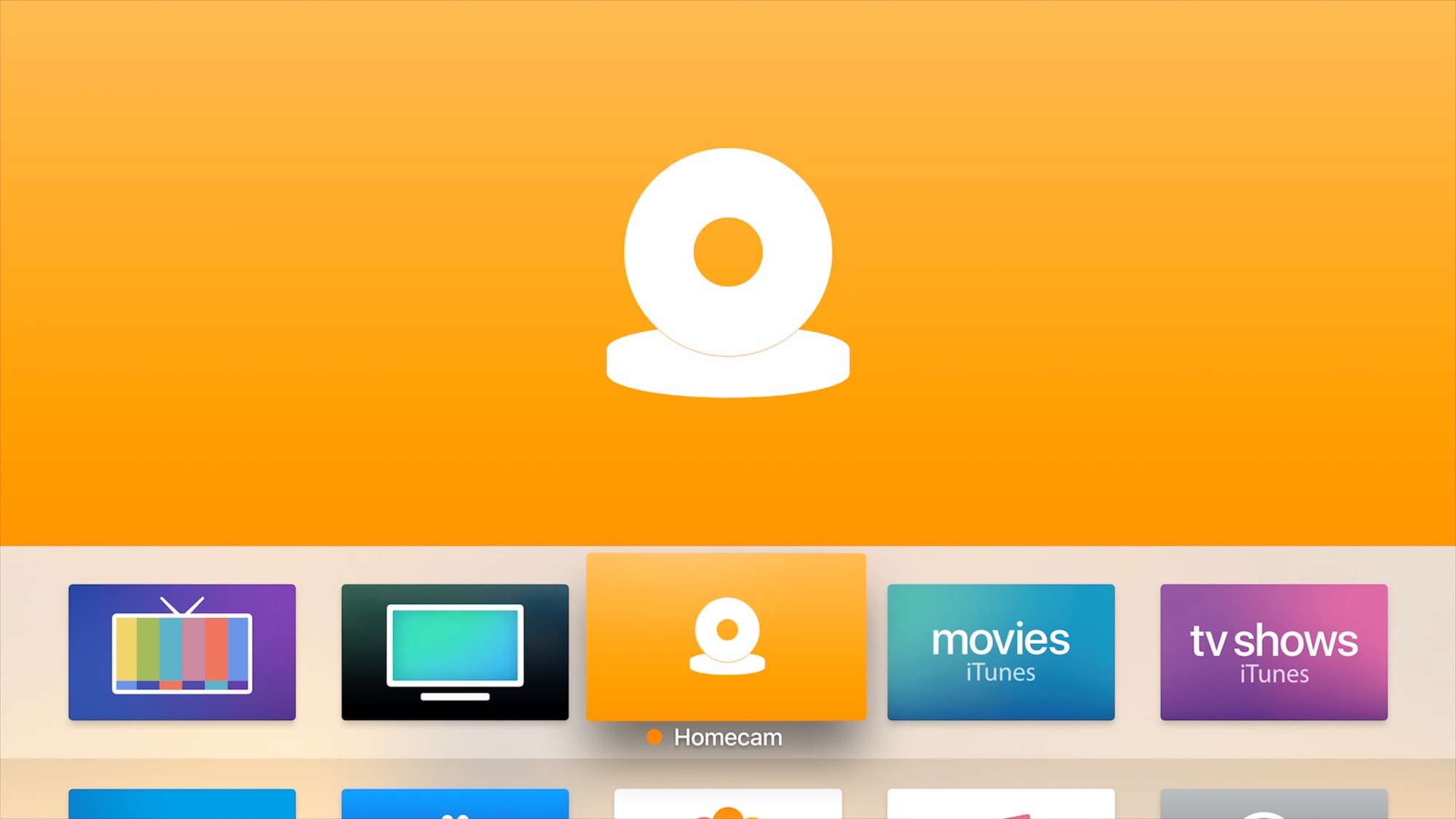
Homecam so far has been the only app that allows you to view multiple HomeKit camera live streams at once. Today, it got a major update on the Apple TV with many new features.
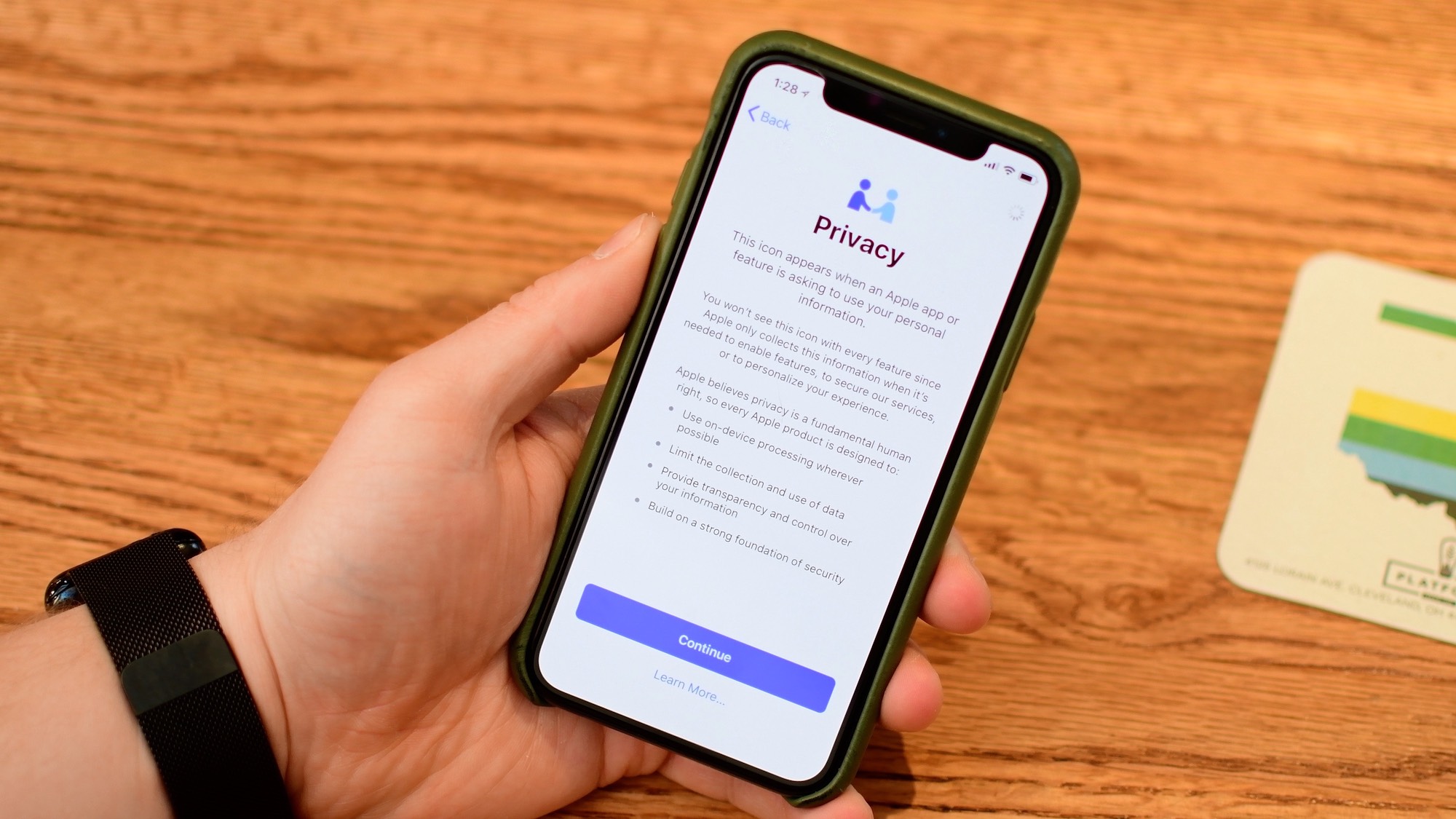
iOS 11.3 is inching closer and closer to release. Beta 3 is out with a few noticeable changes from the last beta, two weeks ago.
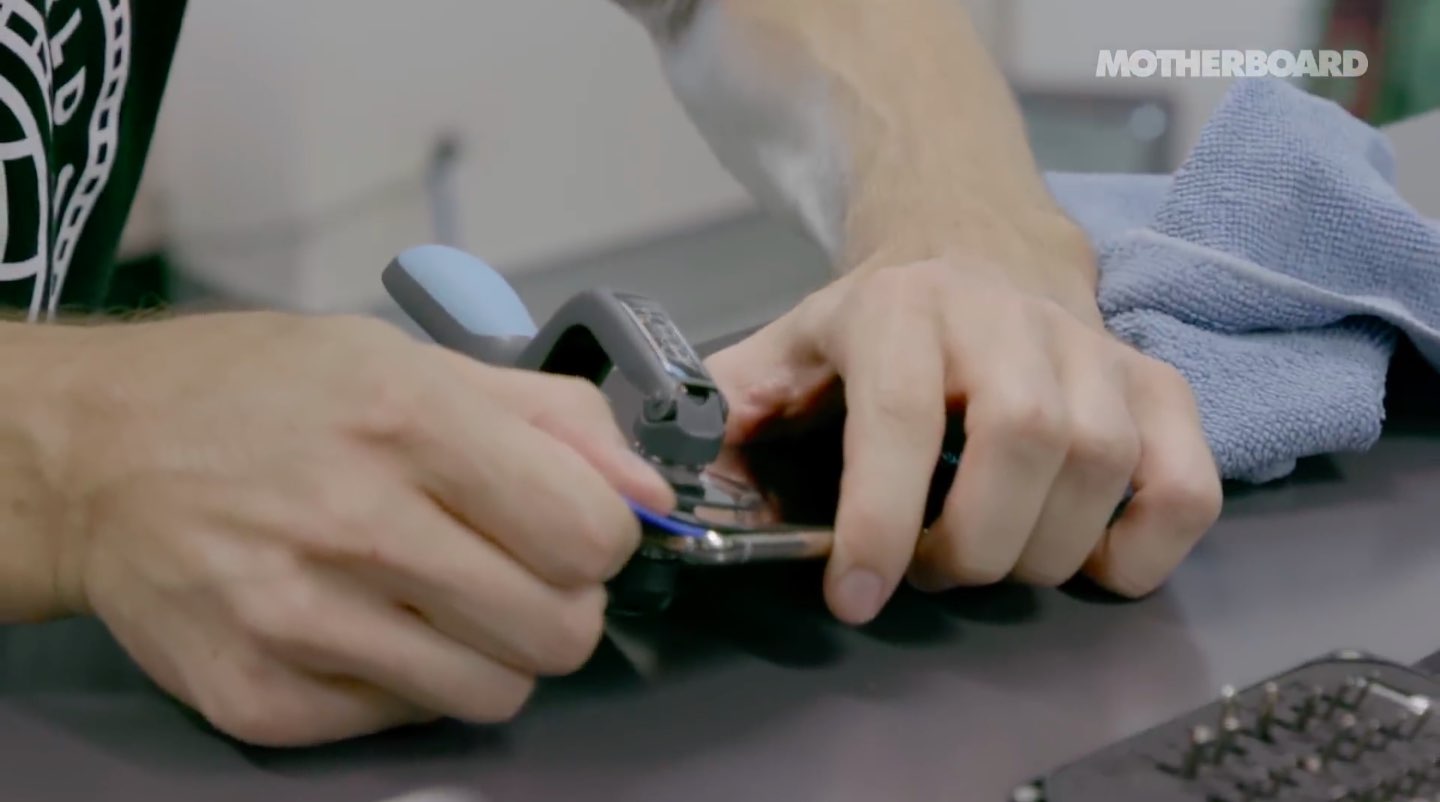
When a new iPhone launches, iFixit goes to work performing its ritual teardown dance so all of us can marvel at Apple's latest technology and peek at it from the inside.
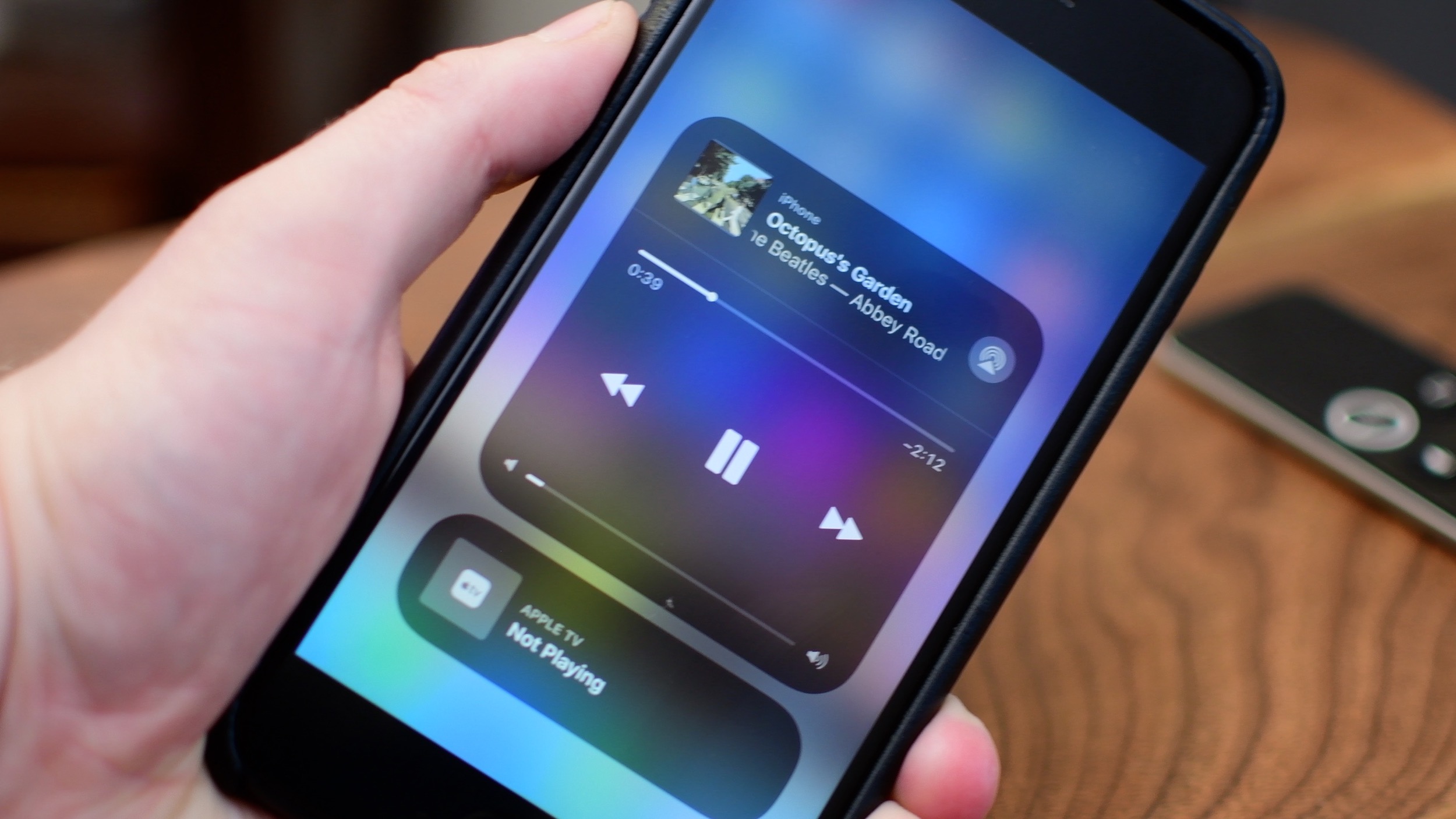
iOS 11 brought a customizable Control Center and also moved AirPlay options around.
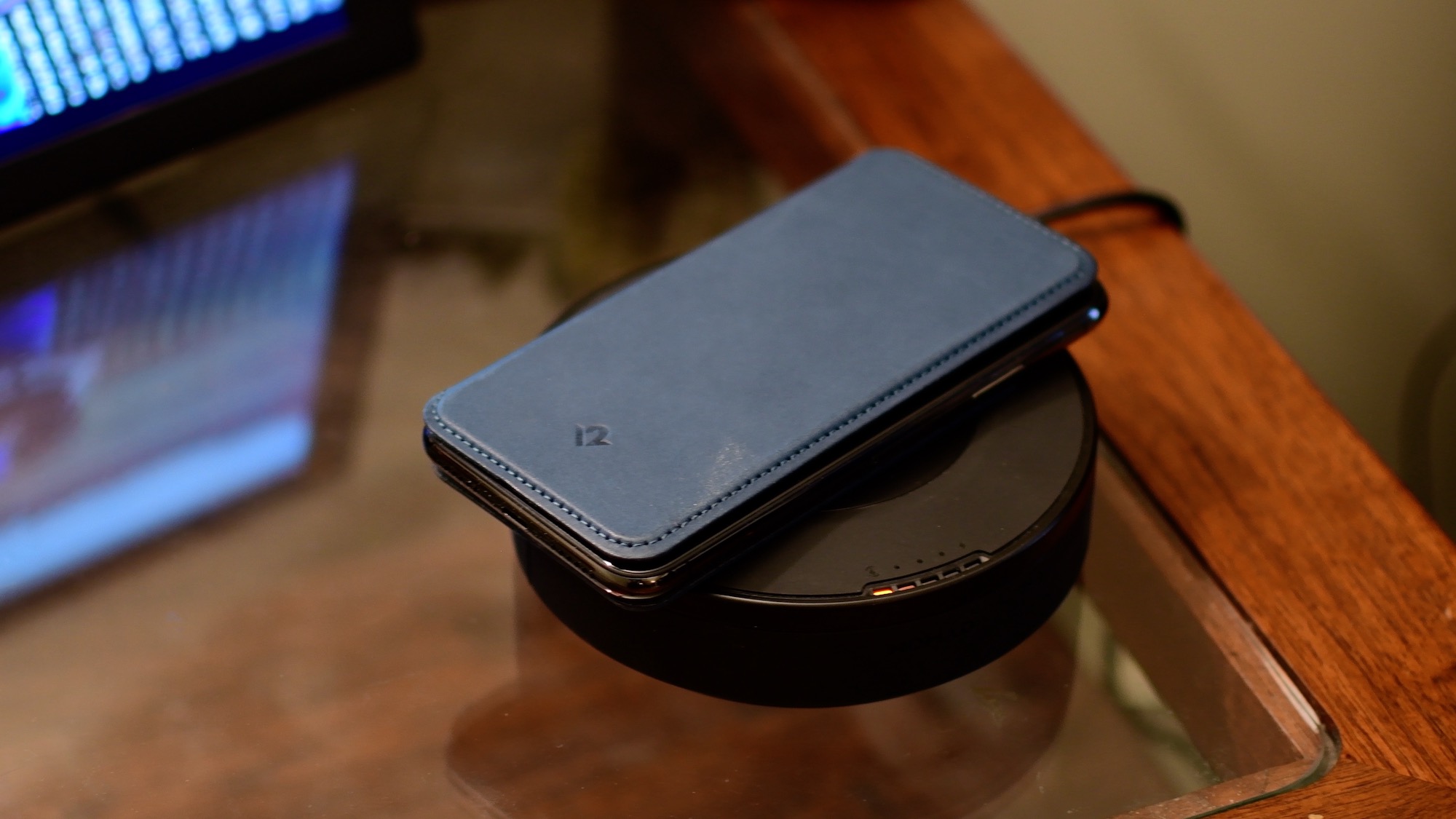
Twelve South has just released an updated version of their SurfacePad cover for the iPhone X. There are several new enhancements in the new version, and I had a chance to test it out the past few days.
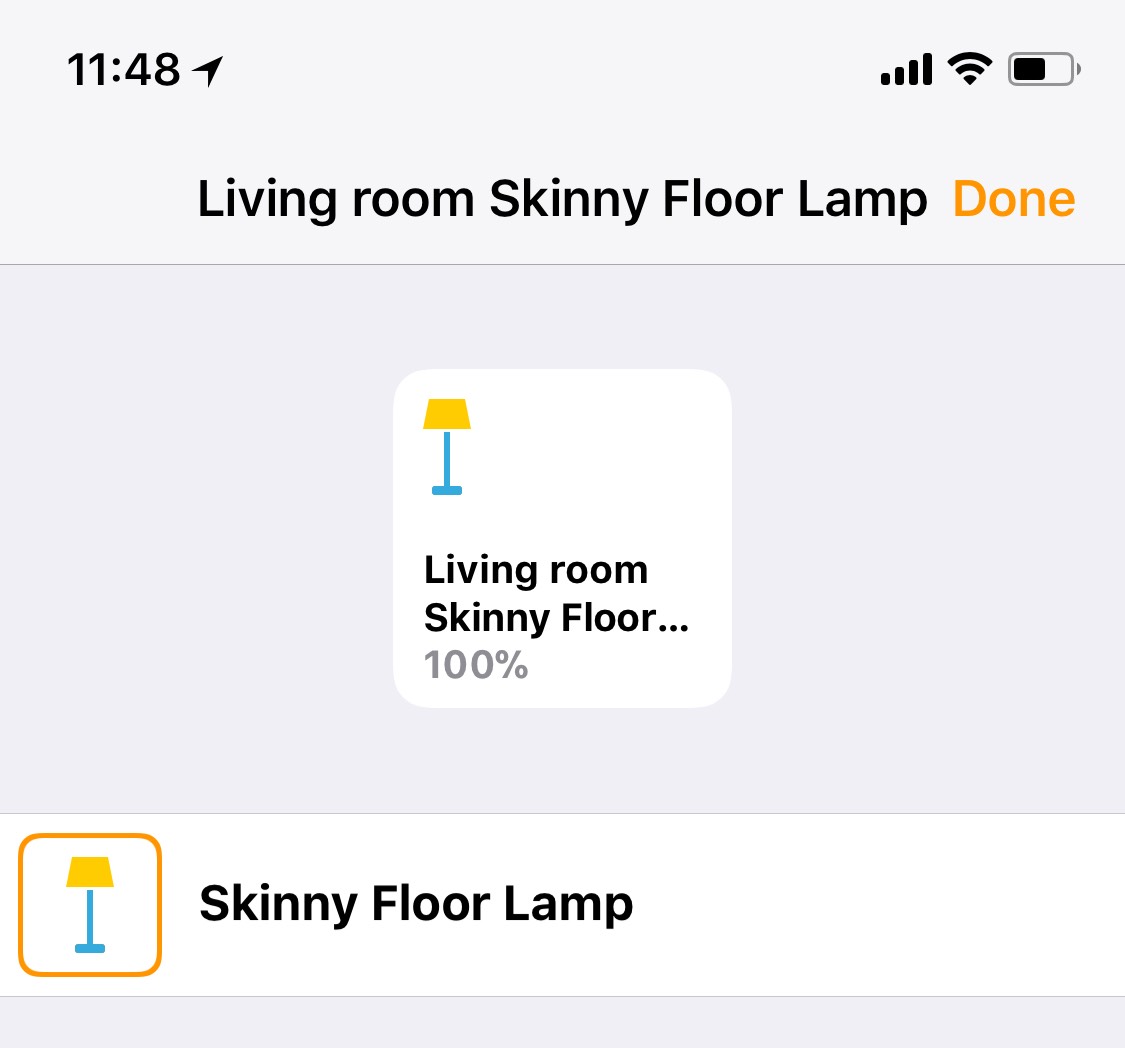
The Home app gives all your HomeKit accessories a default icon whenever you add them. Did you know, there are other icons you can choose from?
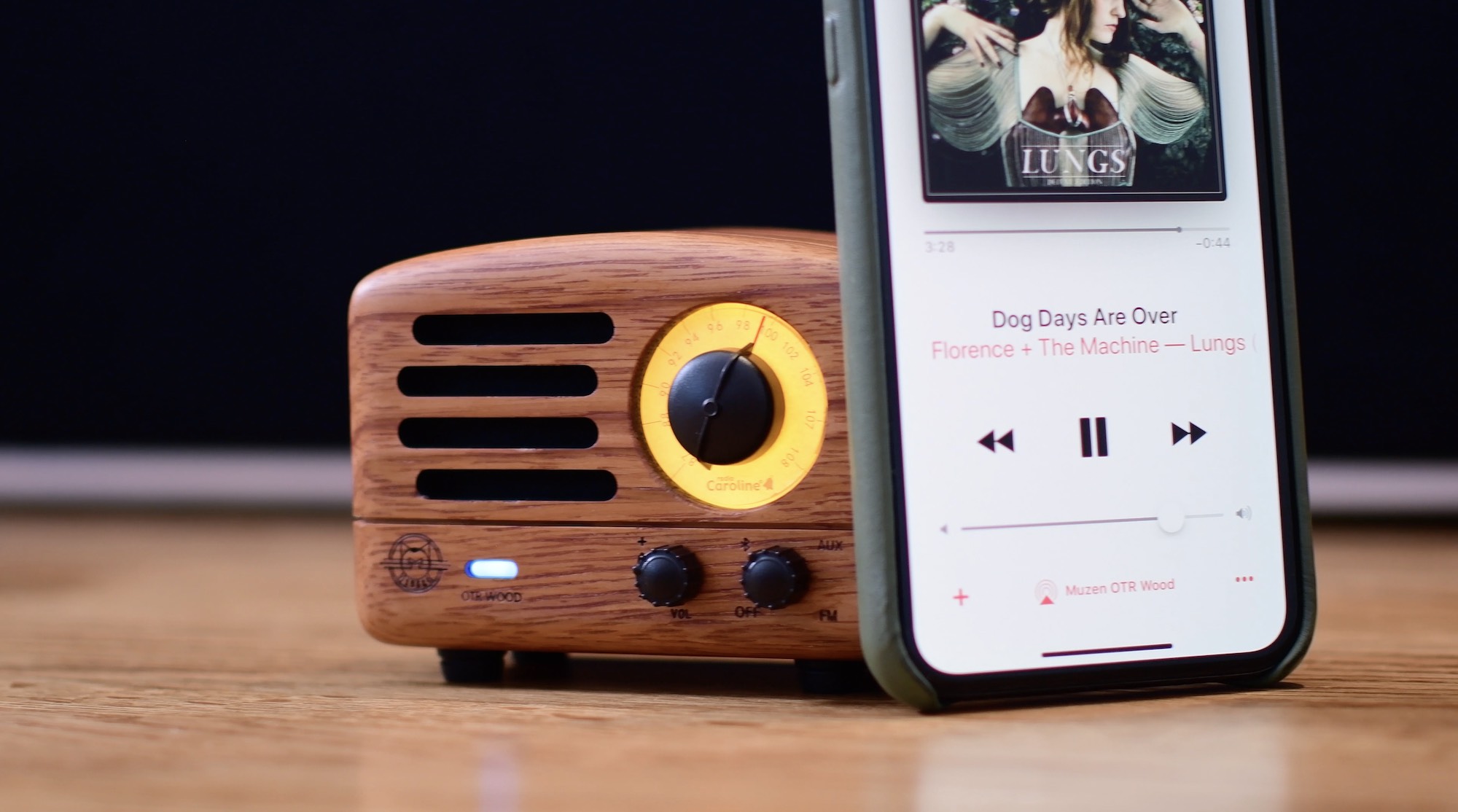
The Muzen OTR Wood is a Bluetooth speaker and radio that not only looks great, but helps support a great cause. Check out our hands-on video review to see how the minuscule speaker holds up.
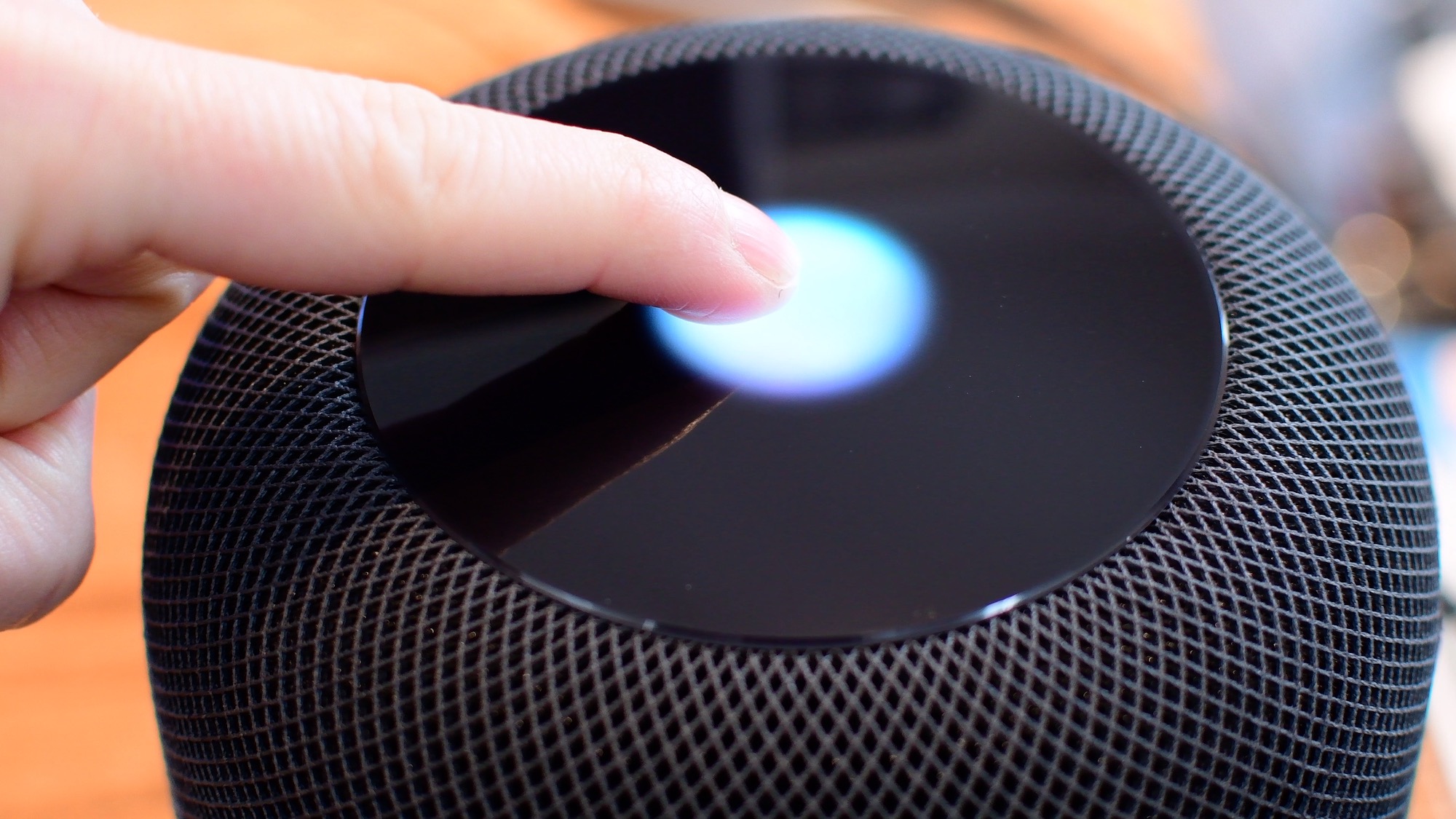
Siri is clearly going to be the best way to control your HomePod or HomePod mini. Everything that you do with touch, you can also do with Siri. However, there are times when it is easier/more convenient to use the touch interface instead. Take a look at this video or scroll down for our written tutorial.
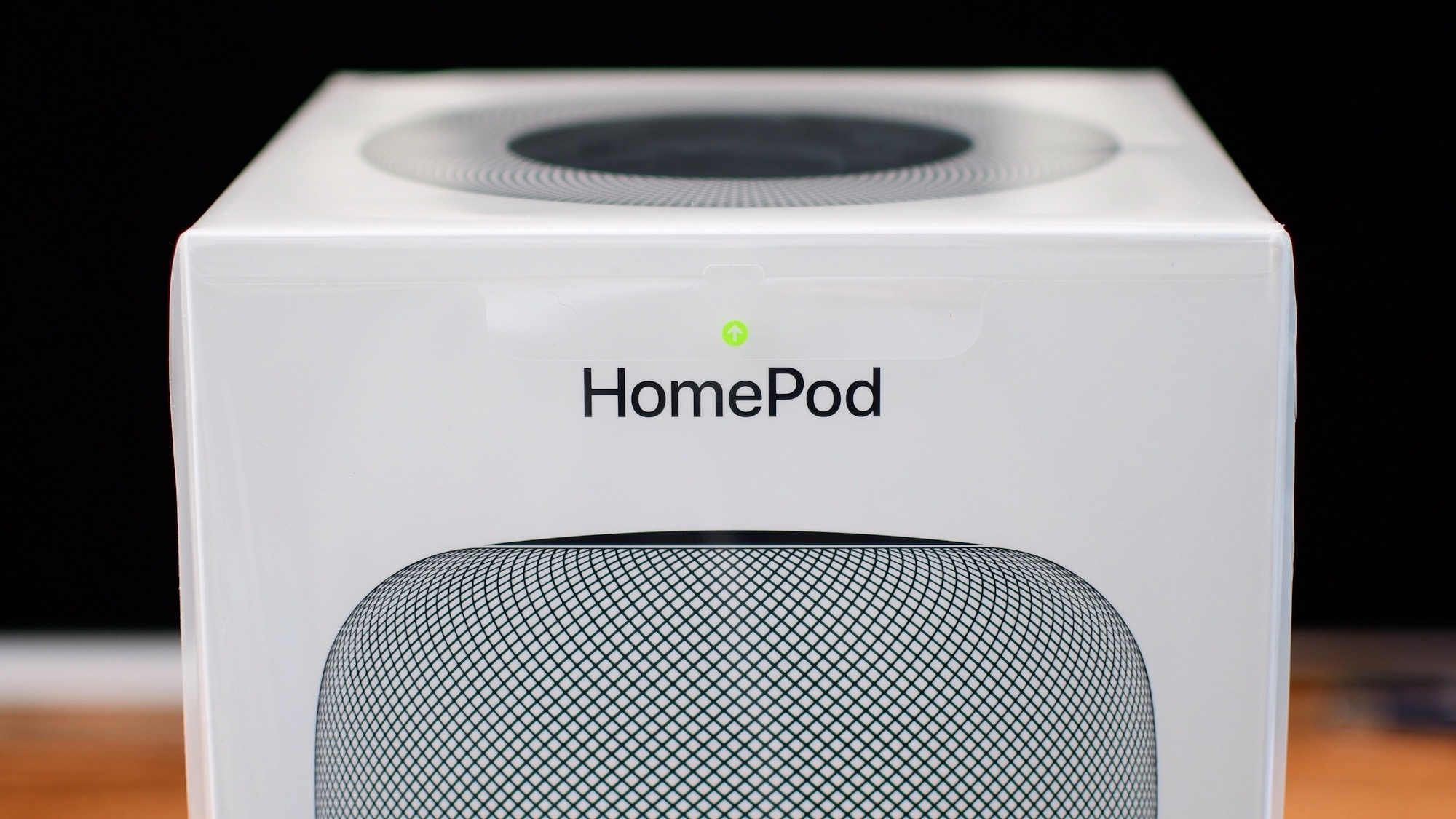
We got our hands on Apple's new HomePod today and were quick to unbox it, and gather our first impressions in our short and sweet hands-on video walkthrough.