If you’re into customizing folders on your jailbroken iPhone or iPad, then you might be interested in a newly released and free jailbreak tweak called FolderX by iOS developer Lizynz.
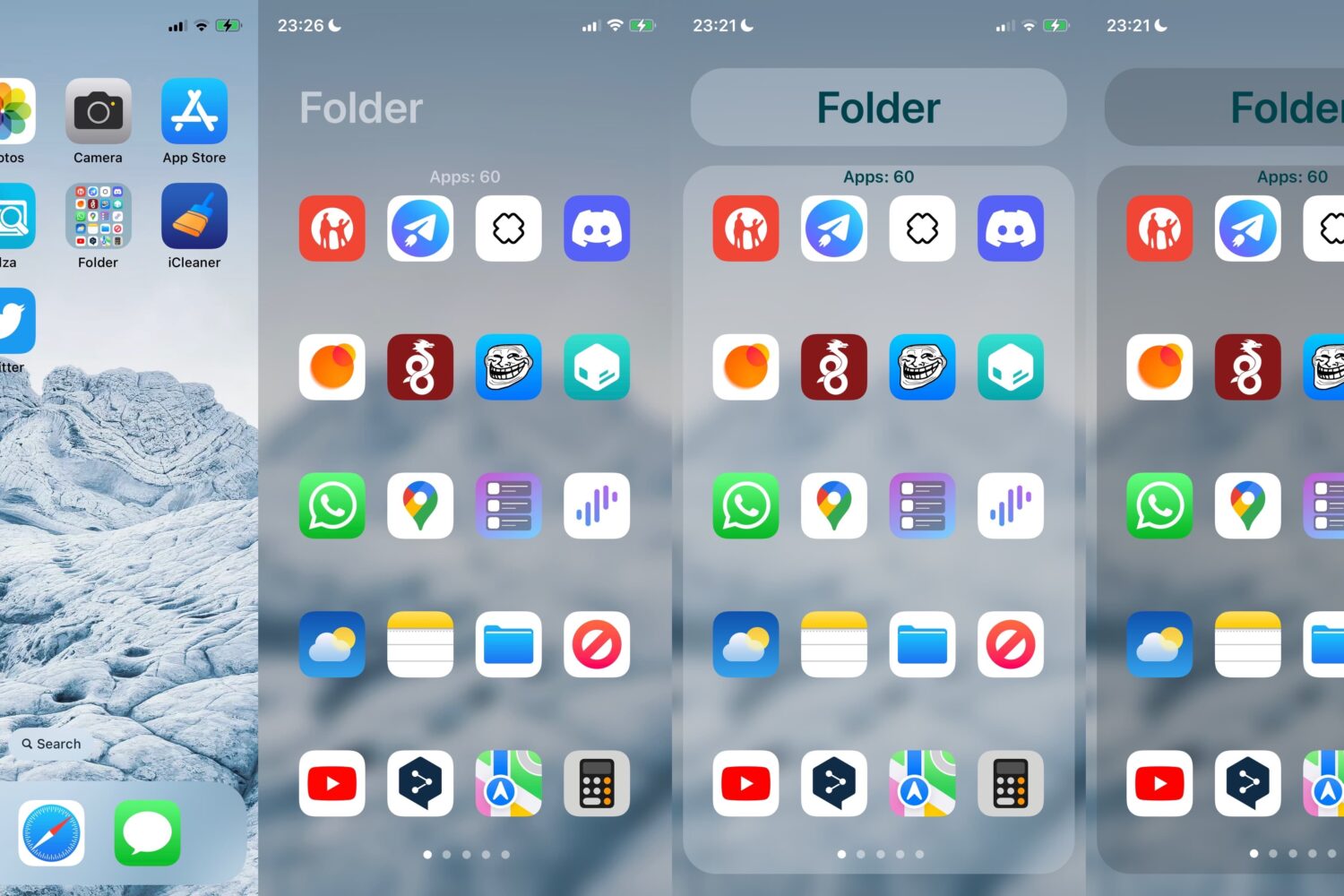
If you’re into customizing folders on your jailbroken iPhone or iPad, then you might be interested in a newly released and free jailbreak tweak called FolderX by iOS developer Lizynz.
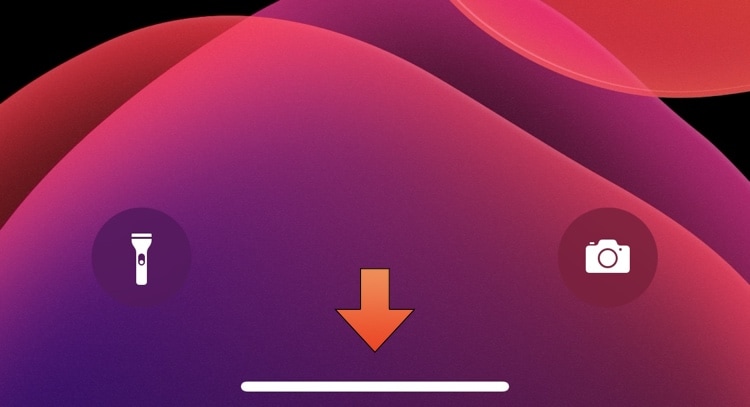
On notched devices that lack a physical Home Button, users instead rely on a software-based Home Bar at the bottom of the display to leave apps and multitask.
The iPhone and iPad's native Translate app incorporated support for more languages starting with iOS & iPadOS 16, which may be a bummer for anyone who’s currently jailbroken on iOS or iPadOS 15 by comparison.
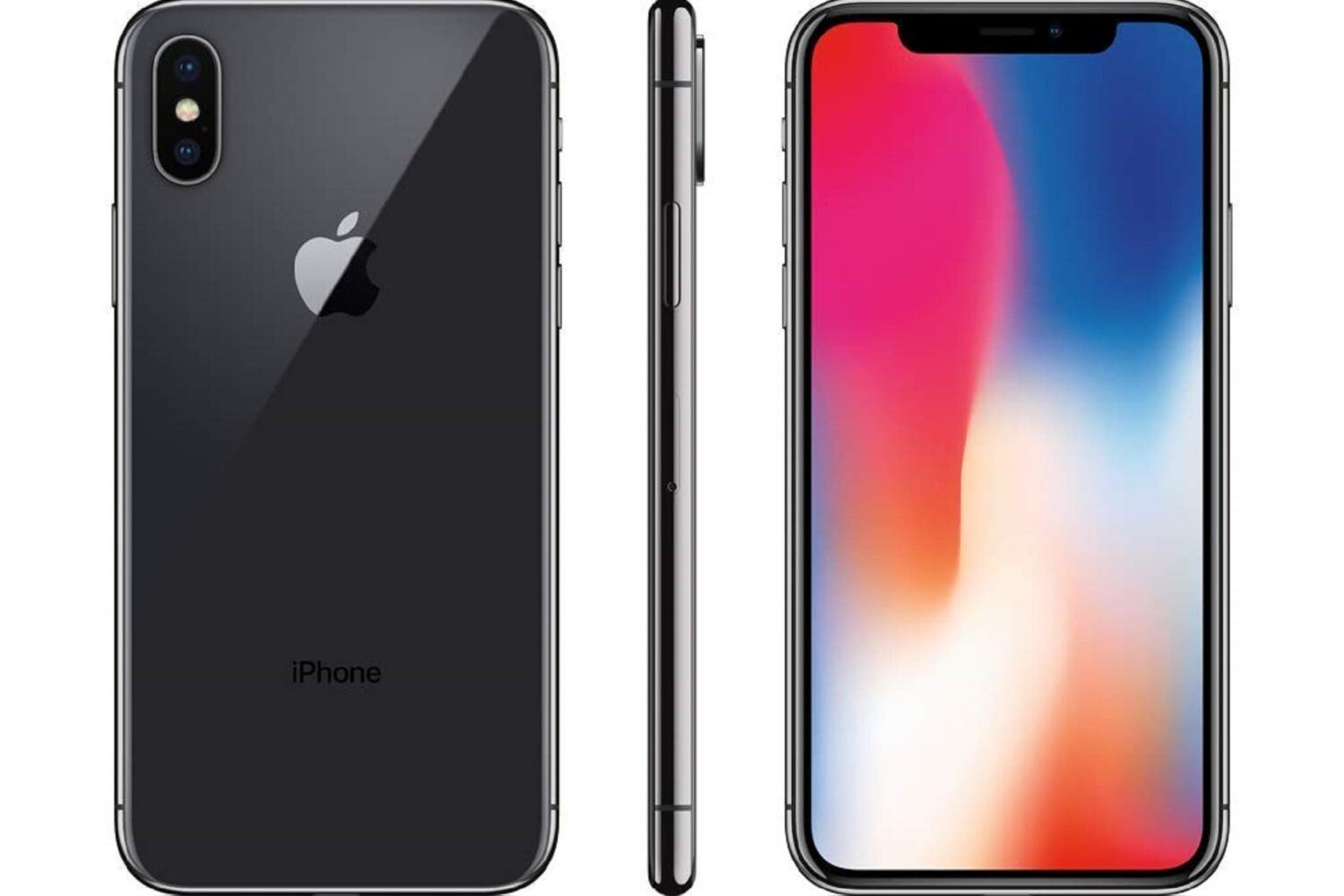
You can always use your iPhone’s sleep/wake button to lock it when you’re finished using it, but what if that button is broken or you want a flashy new way to lock your jailbroken device?
More and more jailbreak tweaks have been adding support for the rootless jailbreaking dynamic ever since Fugu15 Max and palera1n-c made it evident that this would be the future of jailbreaking for iOS & iPadOS 15 and later.
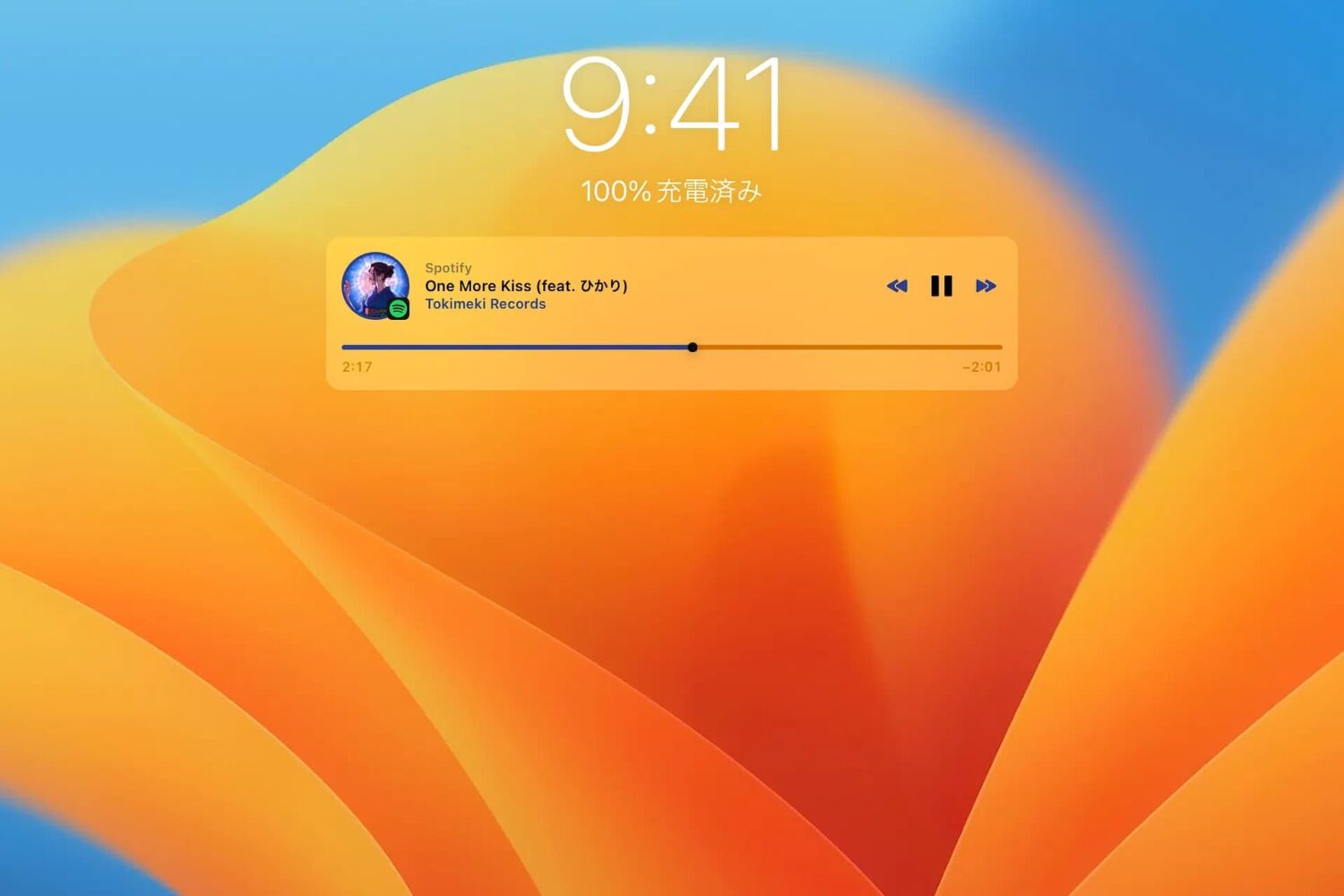
Just a couple of years ago, we showed you a jailbreak tweak called Mochi by iOS developer Sugiuta that aesthetically improved the Lock Screen’s Music player. Not only was it naturally big and clunky at the time, but it lacked the customization that jailbreakers had come to know and love.
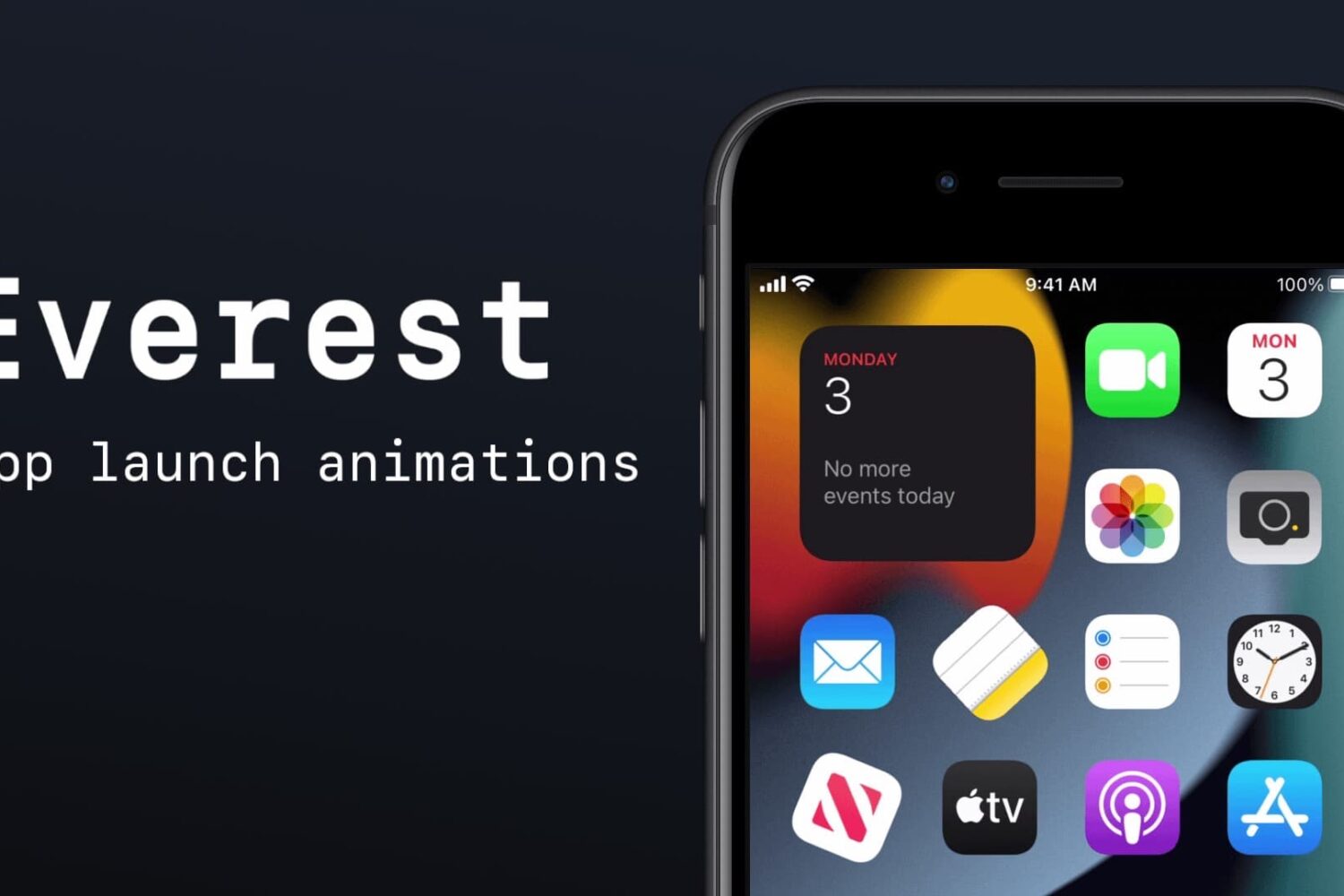
There are several different ways you can spice up your Home Screen to make it more interesting to look at, like the AppColorClose (iOS 12+) add-on we showed you yesterday. But if you want more, then check out another free jailbreak tweak called Everest by iOS developer Christopher Anderson.
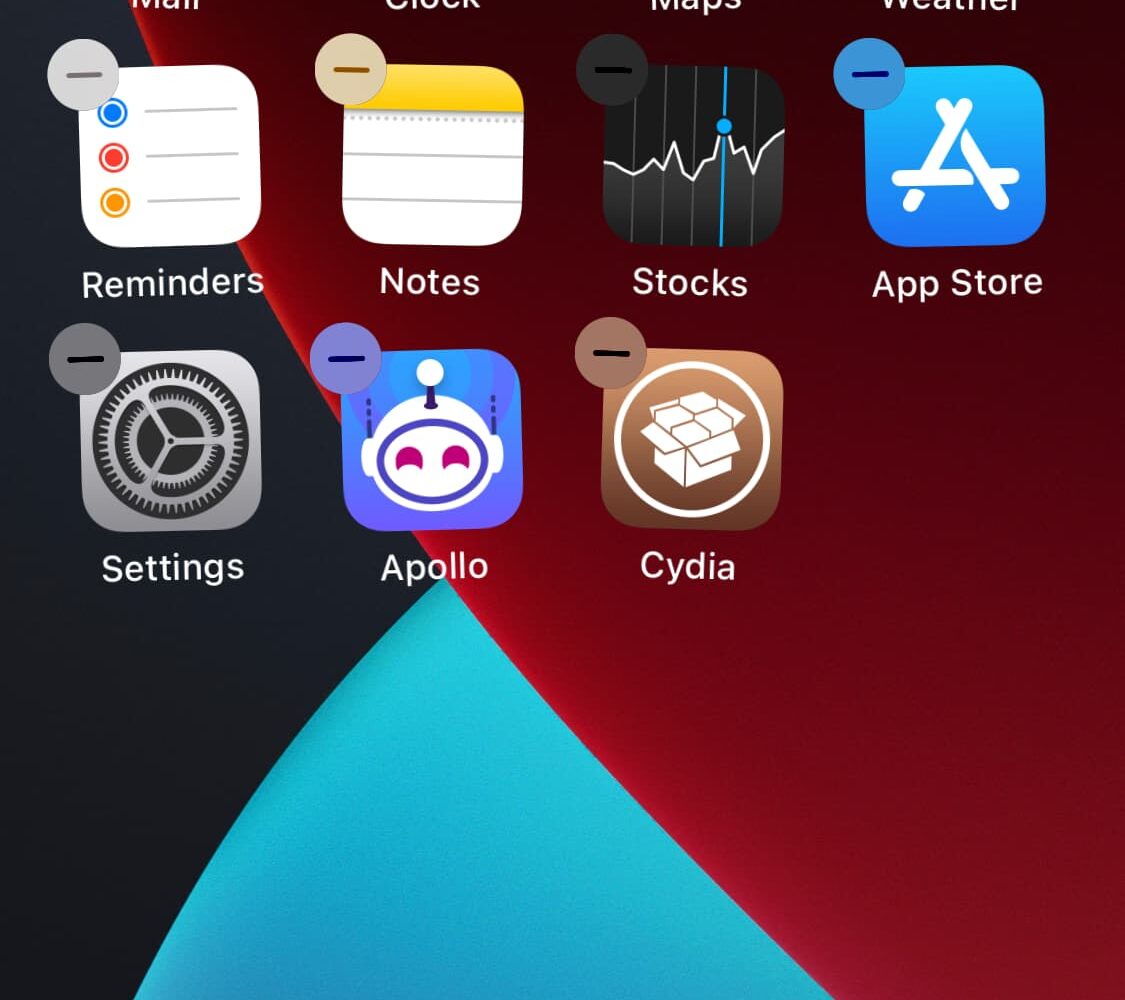
If you’re interested in a dead-simple way to spruce up your jailbroken handset’s Home Screen without going over the top, then you might find a newly released and free jailbreak tweak called AppColorClose (iOS 12+) by iOS developer PoomSmart to be an aesthetically pleasing addition.
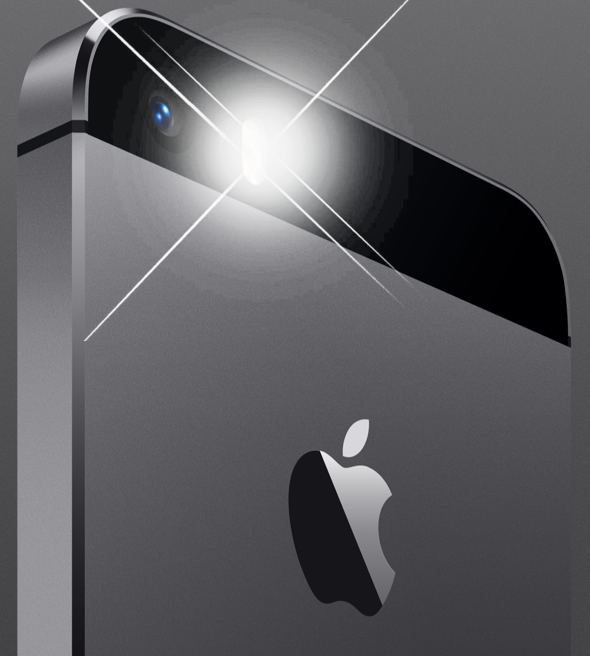
One of the restrictions you might discover when recording video via Apple’s Camera app is that you can’t turn your iPhone’s flashlight on like you normally can via Control Center.
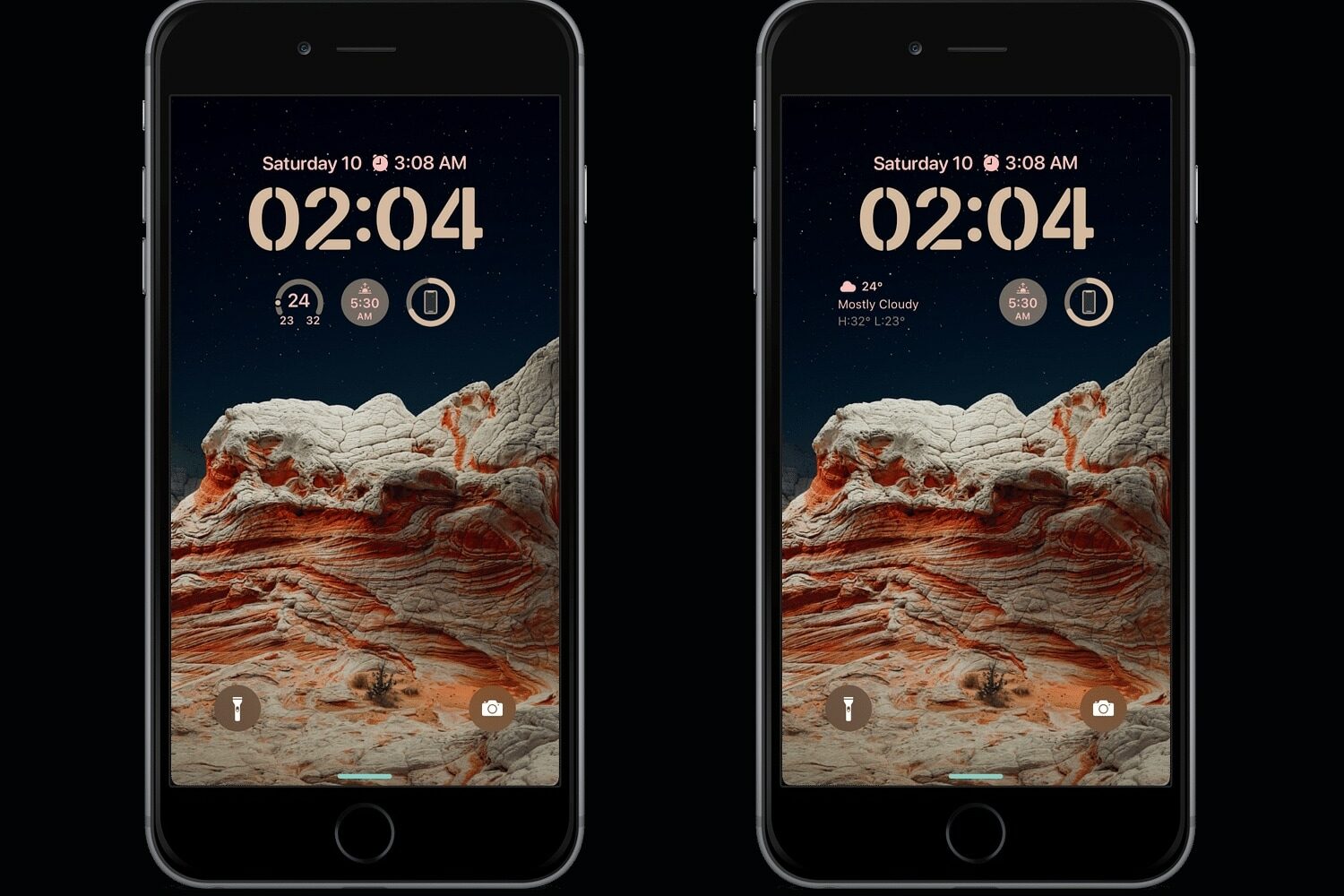
There’s been no shortage of jailbreak tweaks that replicate iOS 16’s Lock Screen editing capabilities on older versions of iOS. Today, we’re excited to show you yet another affordable option that supports jailbroken iOS 14 and 15 handsets.
If you’re interested in a theme that will make your iPhone look like no other, then you might want to check out one called Swika by awezdesign.
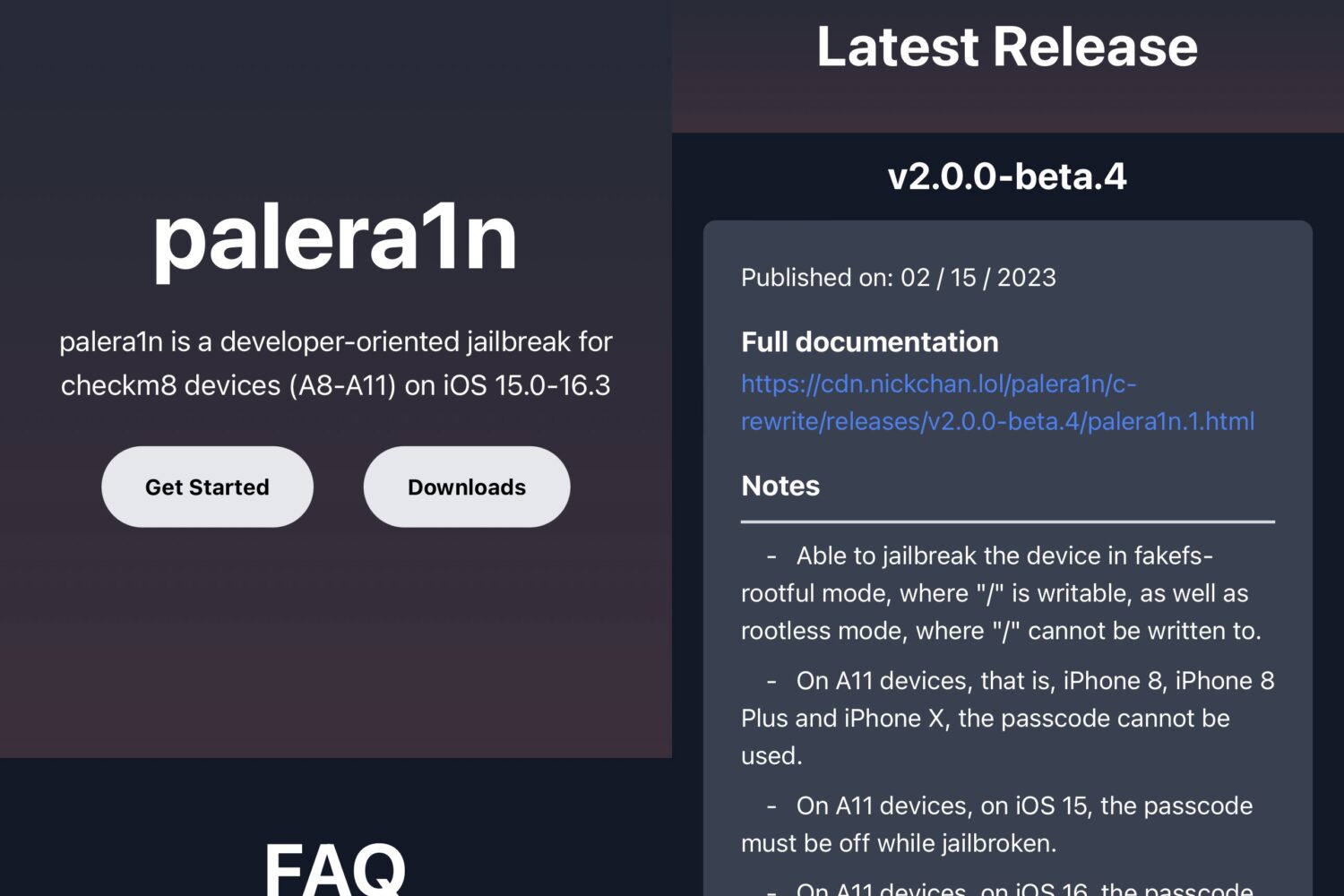
The palera1n jailbreak team made an important step toward making its jailbreak more user-friendly Friday afternoon after updating the official palera.in website to reflect the tool’s latest release(s) and automatically detect the user agent to make downloading the correct tool easier.