UI

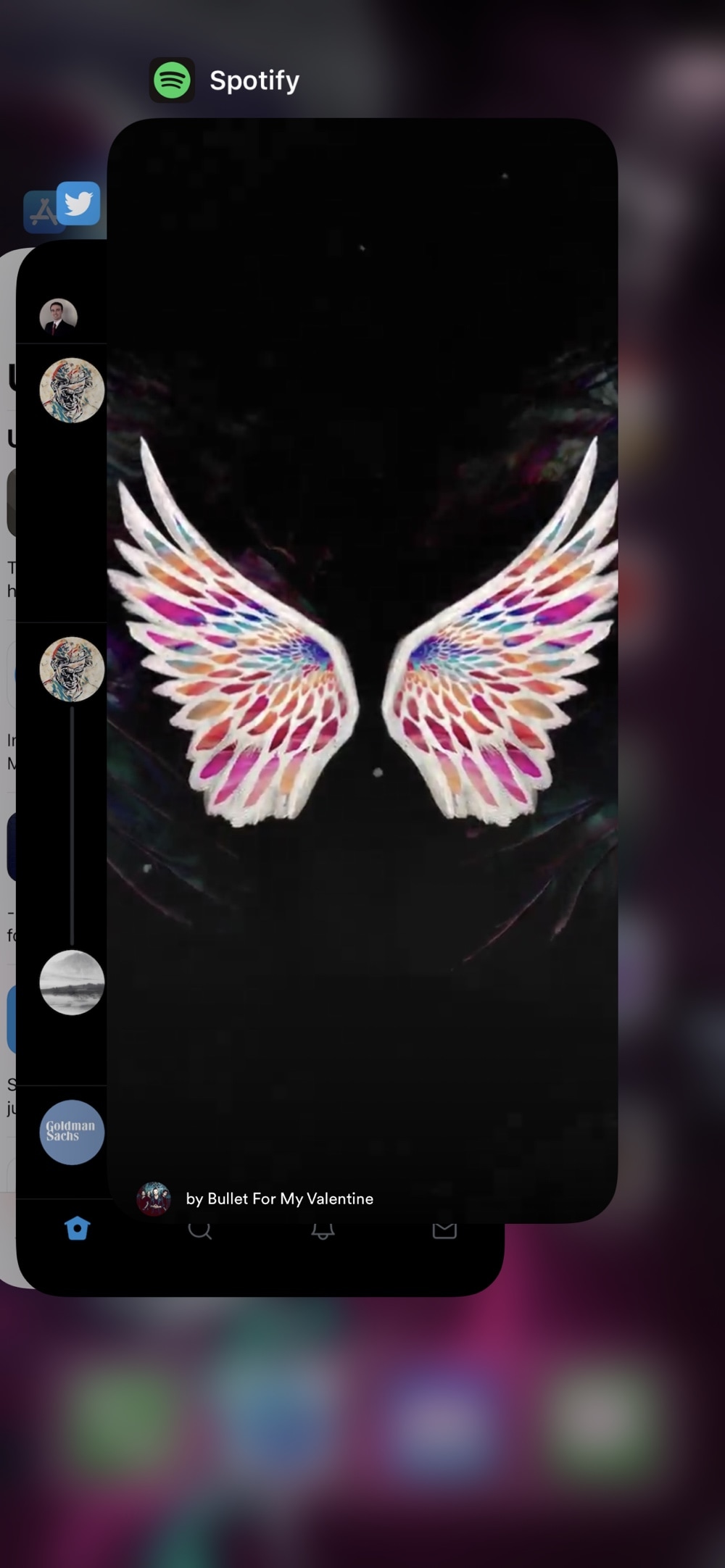
Prevent Now Playing apps from being killed via the App Switcher with DontKillMyMusic

Do you ever launch your App Switcher and start swiping away at apps until there’s nothing left? Despite how unnecessary people claim this to be, it’s common practice for folks to habitually clear apps when not in use. But the real problem manifests itself when you accidentally kill an app that’s playing music in the background. Yeah… frowny pants.

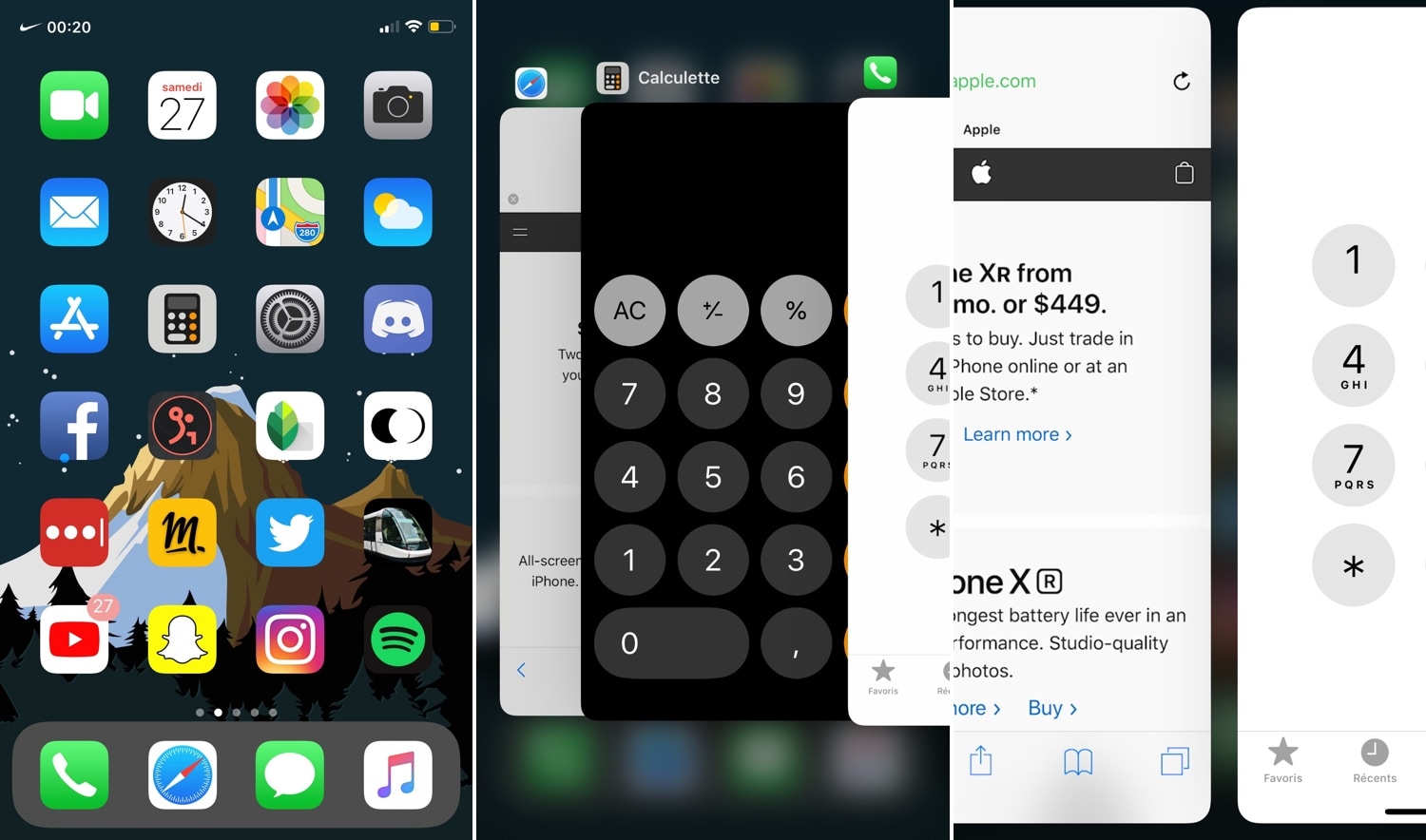
A new free jailbreak tweak called DontKillMyMusic by iOS developer Karimo299 aims to prevent this dilemma by empowering users with the ability to designate which apps can and can’t be killed via the App Switcher.
FolderCustomizerXII provides seemingly endless customization for the Home screen’s folders

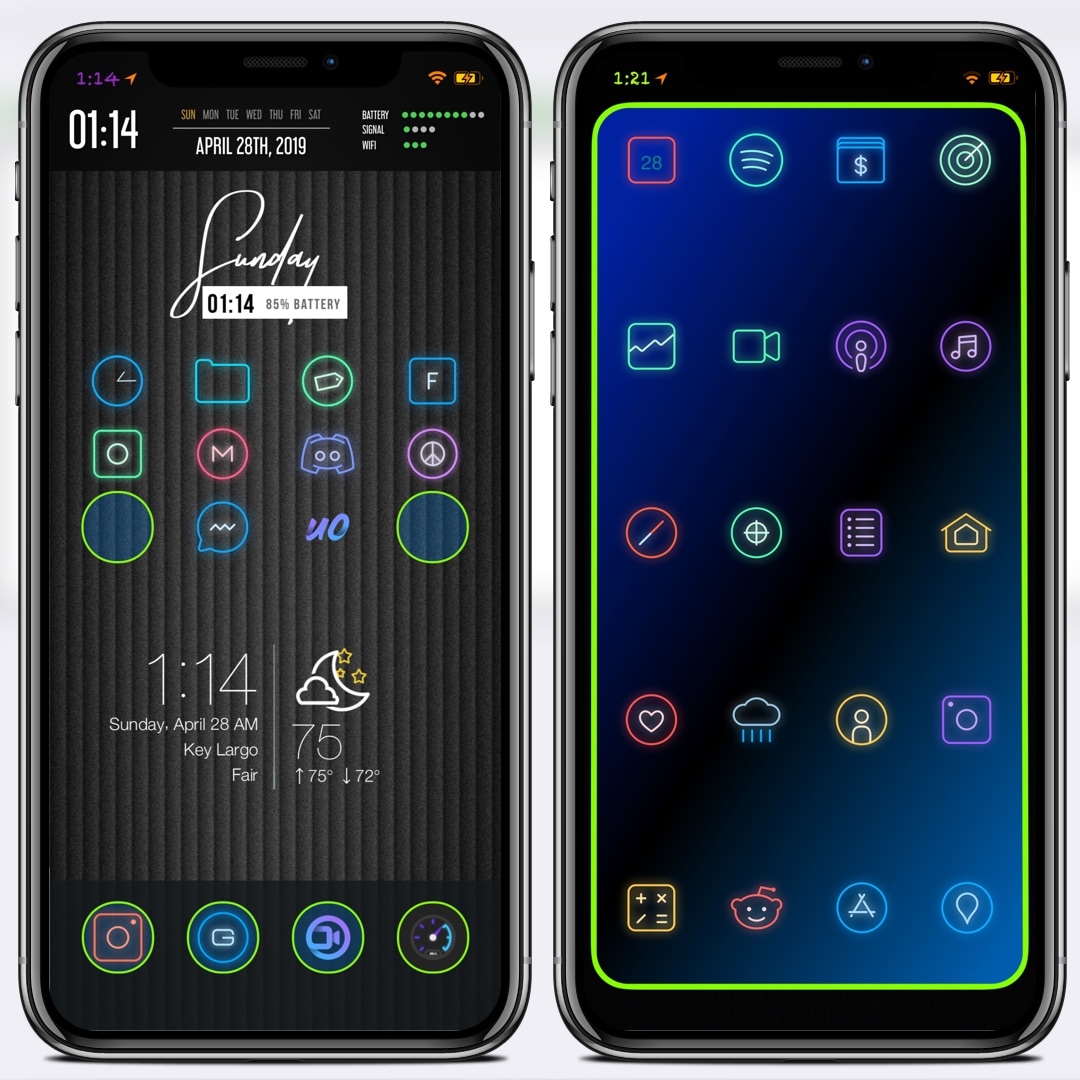
Jailbreakers who are into heavy theming and iOS UI customizations will probably take a liking a newly-released jailbreak tweak called FolderControllerXII by iOS developer i0s_tweak3r.

Just as the name implies, FolderControllerXII can be used to achieve custom aesthetics for your Home screen folders that can go well with third-party themes and other aesthetic customizations. Citing the tweak’s depiction, it lets you do any of the following:

HomeList ports watchOS’ List View-based Home screen to iOS

Apart from some minor modifications over the years, the iPhone’s Home screen has remained ultimately unchanged since the first iteration of iOS; it’s still comprised of a grid of app icons that fill ‘pages’ on your Home screen. But what if we told you that you could replace this with something entirely different?

HomeList is a new jailbreak tweak released by iOS developer Blake Boxberger that takes a watchOS-style approach to organizing your Home screen’s bevy of applications. With it, you can scroll vertically through an alphabetically-sorted list of apps instead of paging from left to right through a traditional grid:

WiCellSwitcher helps your iPhone conserve battery and reduce data usage

Your iPhone uses an assortment of cellular and Wi-Fi-based networks to keep you connected to the internet throughout the day, but as you might come to expect, your iPhone uses more battery and data when it stays connected to both.

WiCellSwitcher is a new free jailbreak tweak by iOS developer Bruno Andrade that automatically disables your iPhone’s cellular radio whenever you connect to a Wi-Fi network, and as you might come to expect, it automatically turns the cellular radio back on again after your handset drops its Wi-Fi connection.

Pagebar transforms your Home screen’s page dots into a dynamic bar

The Home screen’s page dots on the iPhone and iPad have remained mostly unchanged for several generations of iOS. With that in mind, don’t you think it’s time for something new?

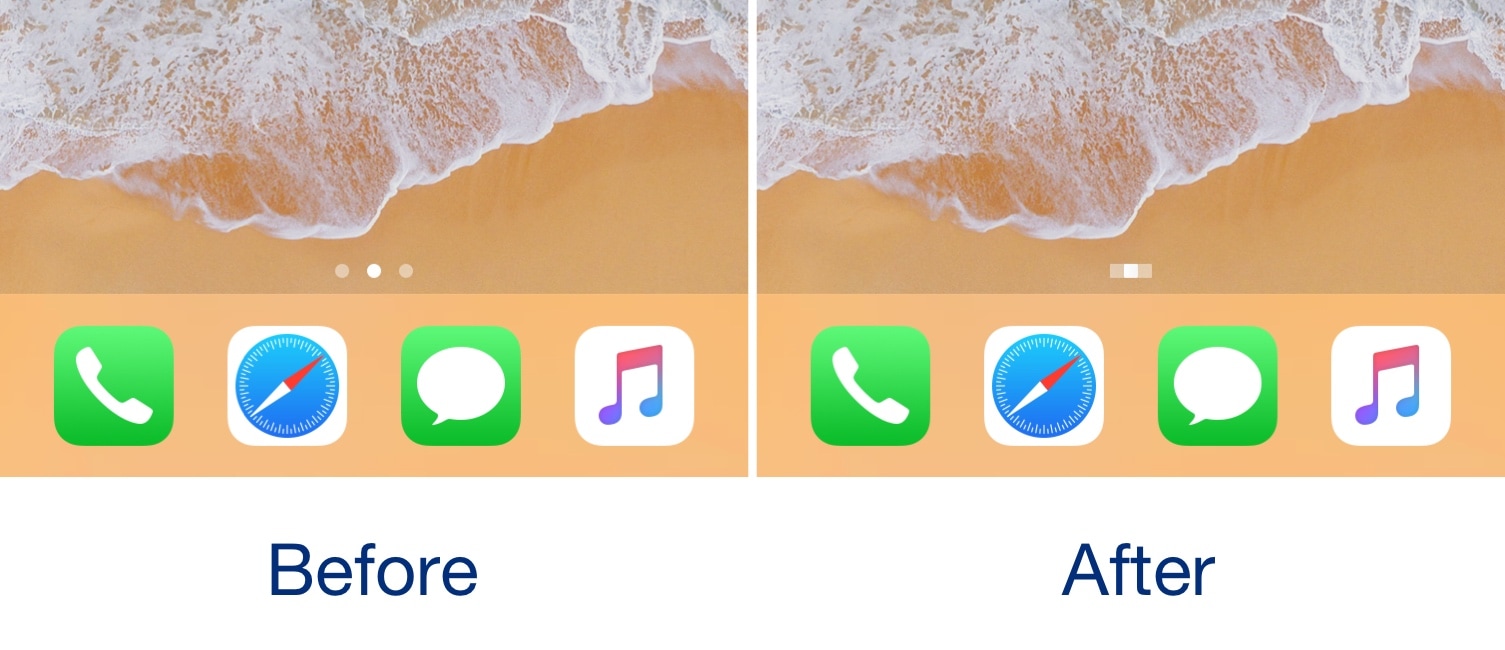
If you answered yes to the aforementioned question, then you just might come to appreciate a new jailbreak tweak release called Pagebar by iOS developer Kritanta. This tweak replaces the Home screen’s traditional page dots with a bar that animates dynamically as you move from one page to another.

This tweak lets you know when your iPhone will finish charging

Sometimes when I’m in a rush to go somewhere, I’ll plug my iPhone into a power source or set it on my Qi wireless charging stand while getting ready to juice it up as much as I can beforehand. But I’ll be the first to admit that waiting for the battery percentage to rise while charging can be a daunting process, especially since iOS doesn’t provide any sort of ETA for a full charge.

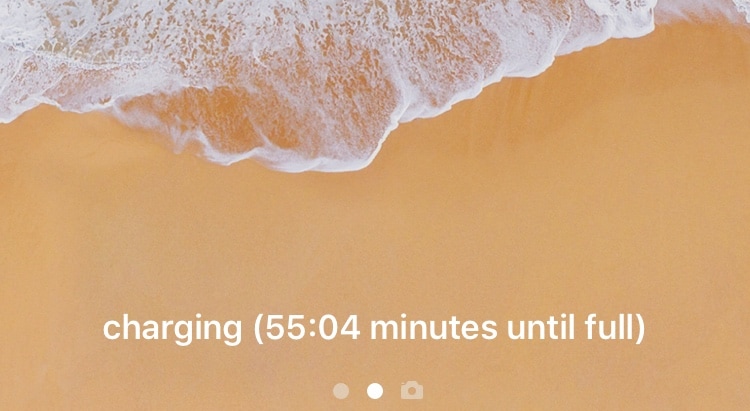
Here to change that is a new free jailbreak tweak called Remaining Charge Time by iOS developer Teun Strik, which adds a charging remainder to the bottom of the Lock screen whenever your handset is charging to let you know (approximately) how long you’ll need to wait before it’s done.

LittleXS ports modern iOS features to non-notched handsets

If you’re an iPhone X, XR, XS, or XS Max owner coming from any older iOS handset without a notch, then you’ve undoubtedly experienced a learning curve while adjusting to the differences between said devices. But what if you could make your older iOS handset more like your shiny new notched iOS handset? Seems far-fetched, right?

If you’re jailbroken, then perhaps not. With a new free jailbreak tweak called LittleXS by iOS developers Ryan Nair and binksalex, you can experience many of the notch-esque features on non-notched iOS handsets.

This tweak can customize Notification Center’s ‘No Older Notifications’ text

Apple designed iOS’ Notification Center to display the text string ‘No Older Notifications’ if you don’t have any pending notifications that you haven’t already acknowledged. But isn’t it obvious enough that you don’t have any older notifications if Notification Center isn’t displaying any?

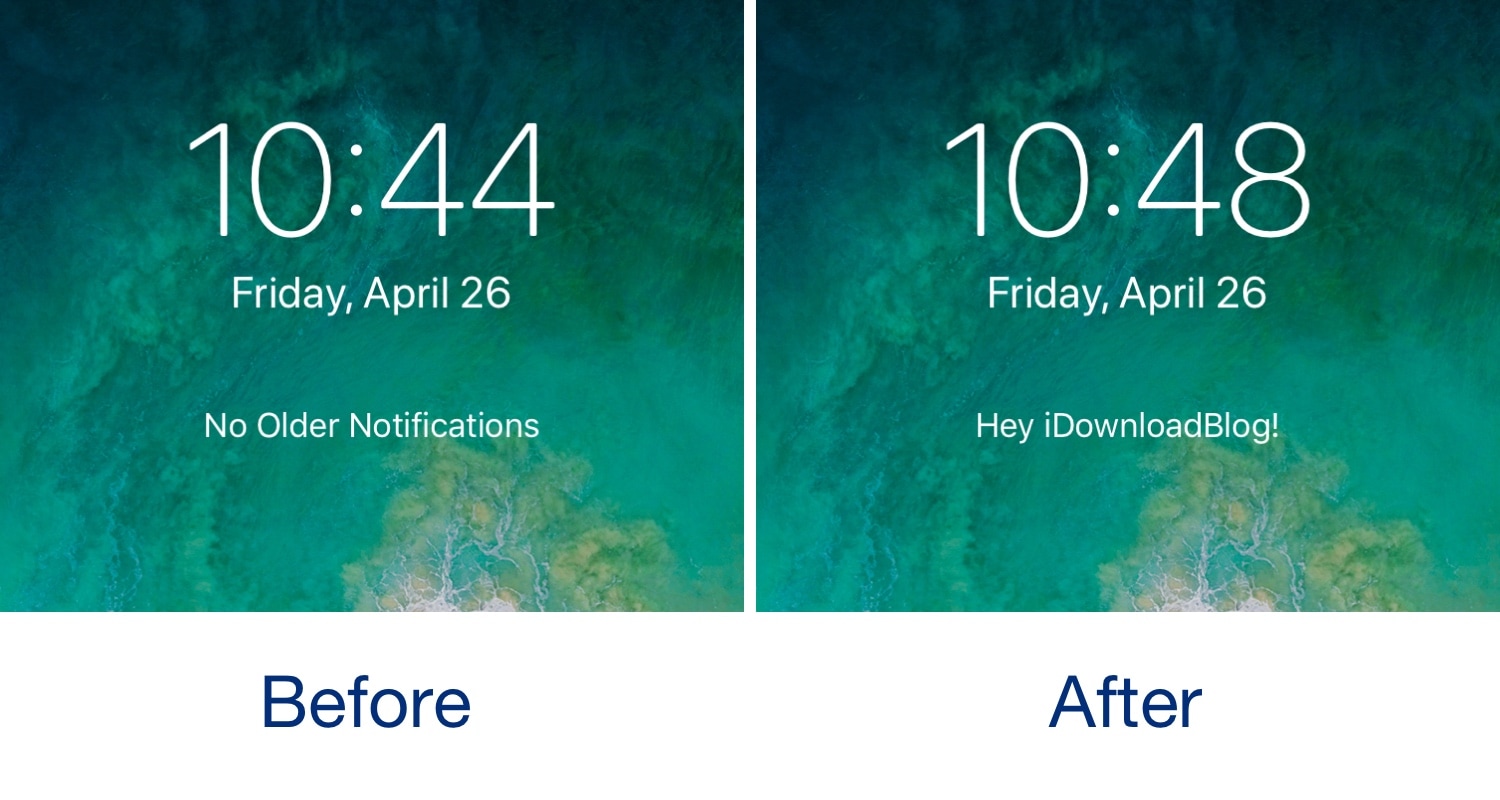
Given the apparent redundancy on Apple’s part, iOS developer YaYPIXXO has released a new free jailbreak tweak called CustomNoOlderNotifications that lets users modify Notification Center’s ‘No Older Notifications’ text string to display anything they want.

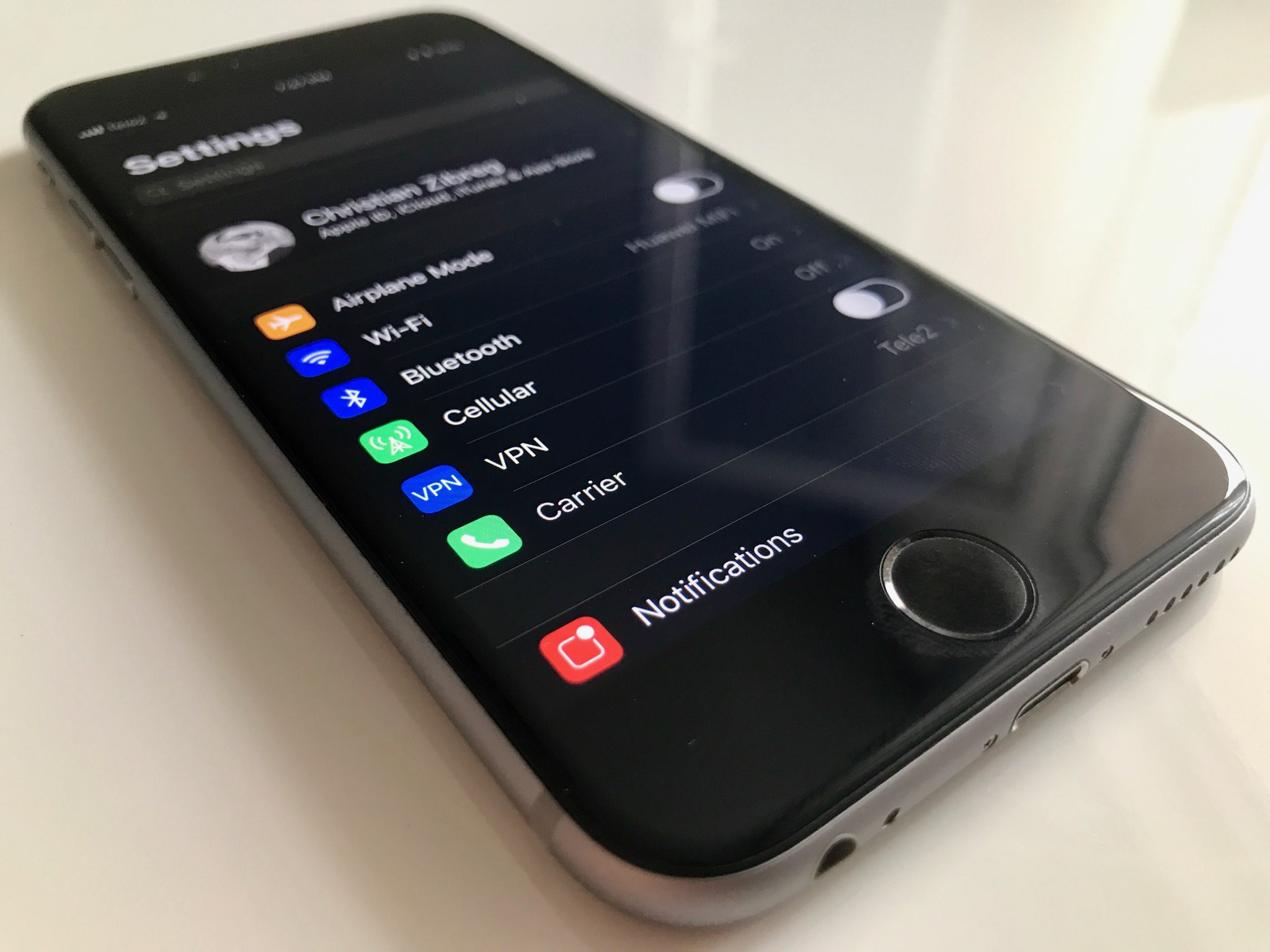
AutoInvert automatically toggles Smart Invert based on your display brightness level

A hidden accessibility feature on your iPhone called Smart Invert lets you enjoy a Dark Mode-like experience on your handset on demand, but you still need to invoke it manually if you wish to use it.

With that in mind, iOS developer Cole Cabral has just released a new jailbreak tweak in Cydia called AutoInvert that automatically facilitates your handset’s Smart Invert feature based on your current display brightness level.

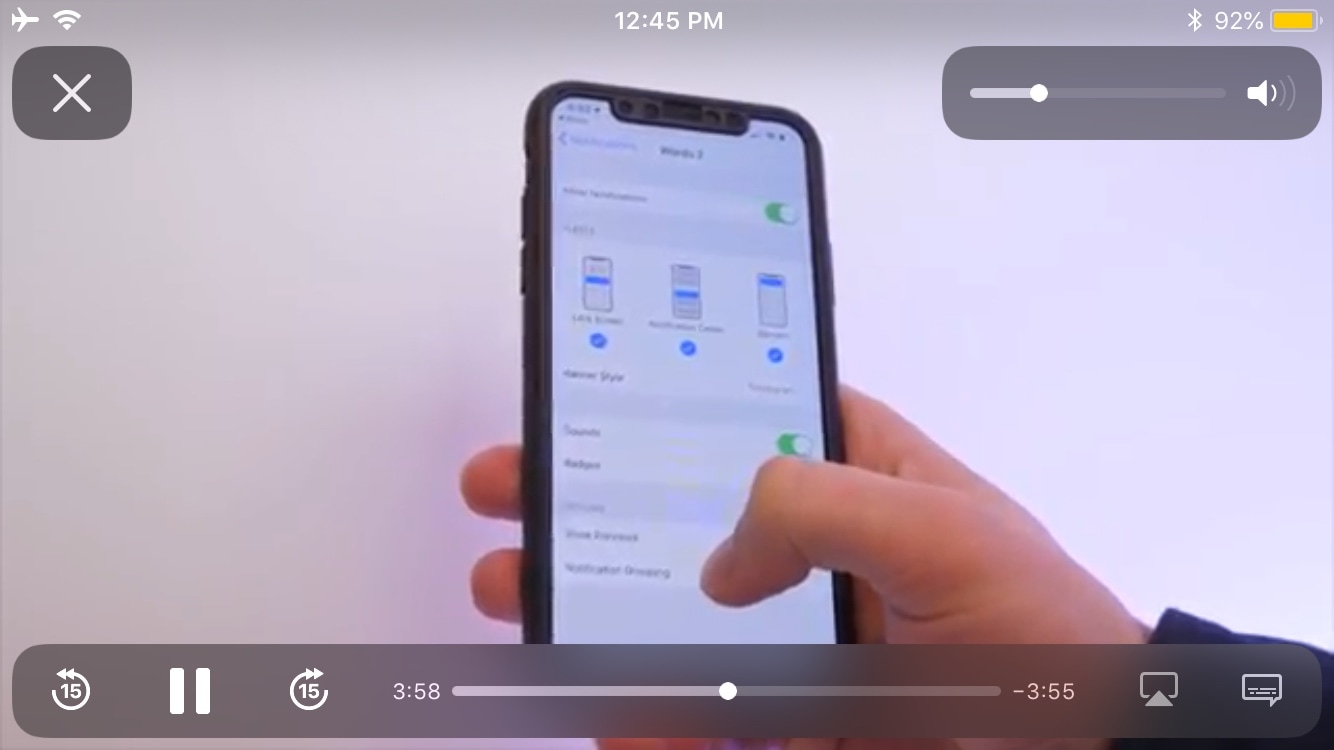
VideoSwipes adds swipe gesture controls to iOS’ native video player

The iOS platform sports a gorgeous native video player interface, but as you might come to expect from Apple, those good looks aren’t coupled with the oodles of functionality that you might find on other platforms such as swipe gesture-based controls.

In response to this apparent shortcoming, iOS developer AnthoPak has just released a new free jailbreak tweak in Cydia called VideoSwipes, and just as the name implies, this tweak brings swipe gesture-based controls to iOS’ native video player.

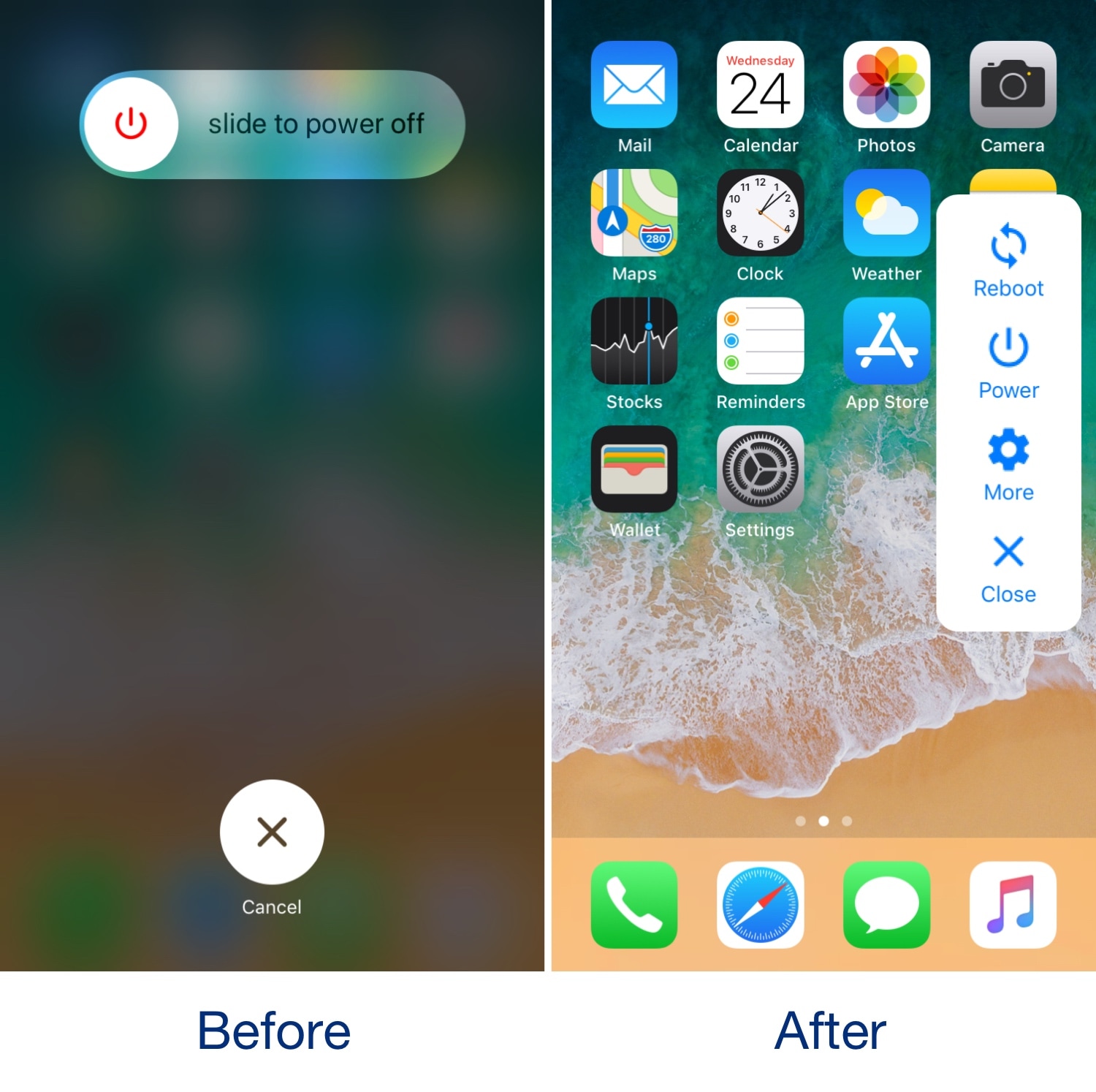
Augment iOS’ native power down interface with ModernPower

Pressing and holding a certain button sequence on your iOS device (the sequence varies depending on the device) invokes the power down menu from which you can easily turn your handset off. Unfortunately, iOS’ native power down menu has an ongoing reputation for being somewhat ‘featureless.’

In an attempt to change that, iOS developer conorthedev released a new free jailbreak tweak called ModernPower, which gives iOS’ native power down menu a modern facelift and supercharges it with additional features that you won’t find out of the box on a stock device.

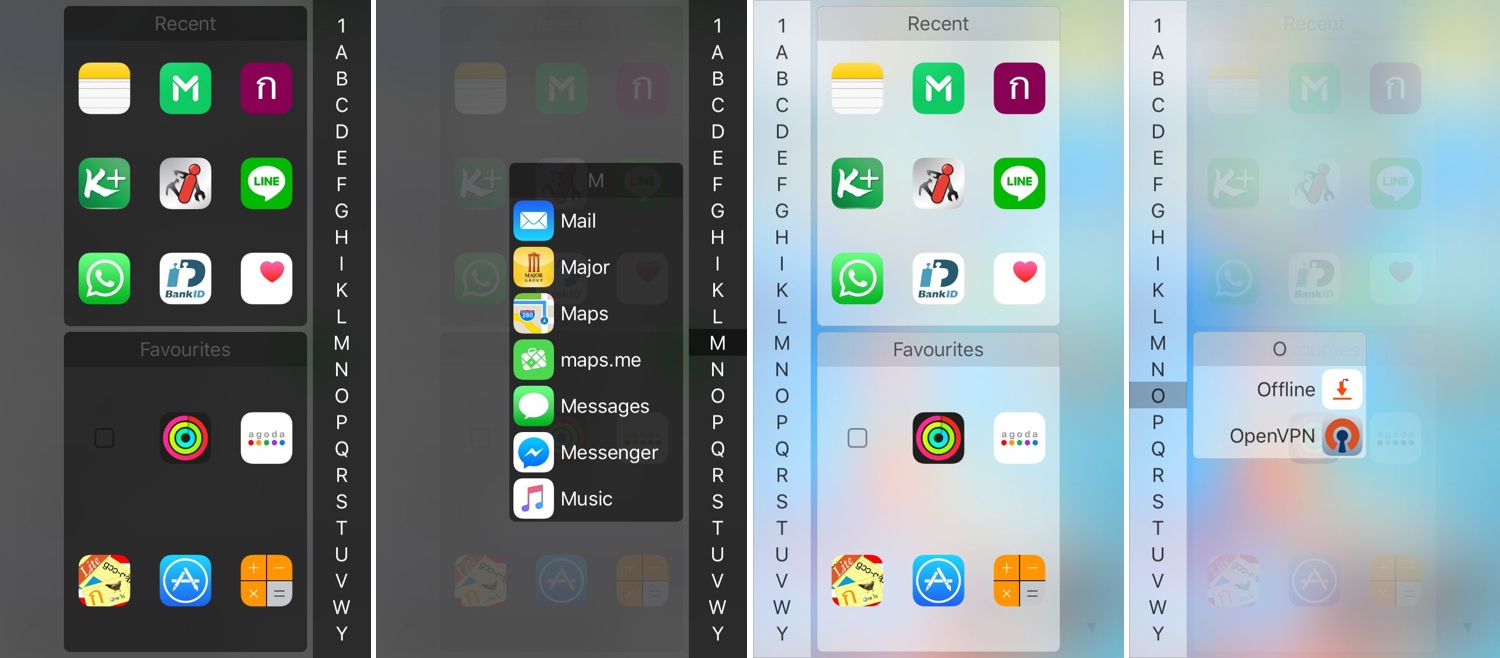
InstaLauncher helps you launch any app on your device in a jiff

One of my favorite parts about jailbreaking over the years has been installing custom app launchers that make accessing my apps easier. There haven’t been that many tweaks of this nature in recent memory, and that’s why I’m excited to show you the rebirth of a classic jailbreak tweak dubbed InstaLauncher by iOS developer Jonathan Winger-Lang.

InstaLauncher has been around for several years, but it was just recently re-released with full support for the latest Electra and unc0ver jailbreaks encompassing iOS 11 and iOS 12. Those who remember the original tweak should see InstaLauncher for what it is: a tweak that lets you launch any app on your device in a jiff without having to scour multiple Home Screen pages.