Tweak

It looks like the SAM iPhone unlock no longer works

Many readers are reporting that — as suggested last night — Apple has fixed its issue with its activation server that the SAM unlock method relied on.

I've tested the tried and true unlock method that I posted yesterday, and indeed, it's not working for me either.

For those that did successfully use the SAM tool to unlock your iPhone before today, congratulations. Now we just hope that you are proactive enough to backup your activation ticket either manually, or via RedSn0w...
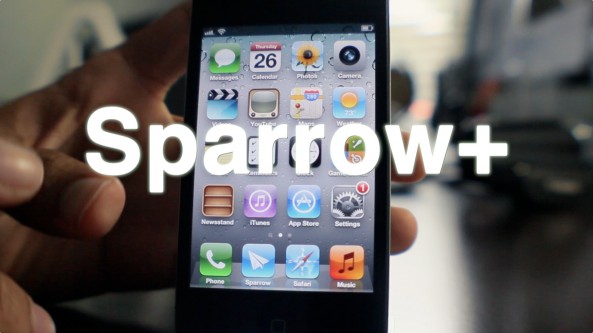
Make Sparrow your iPhone’s default mail client with ‘SparrowPlus’ [Updated]

If you remember my Sparrow review, I said it was a great app that was marred by a few missing features — namely: push notification capability, and the ability to make Sparrow the default Mail app.

In due time the folks at Sparrow will undoubtedly solve the push notification issue, and a few enterprising iOS jailbreak devs have already taken the liberty on that issue as well.

One feature that's not so easy to implement is making Sparrow iOS' default mail client. In fact, unless Apple does a virtual 180 on its current stance, this will never be a feature of Sparrow, or any other 3rd party Email app for that matter.

The only hope to implement such functionality rests with the jailbreak community. In fact, I reached out to iOS developer Majd Alfhaily yesterday, and he graciously accepted my request for such a feature in his upcoming jailbreak tweak coined: Sparrow+.

Want to see it in action? Have a look...

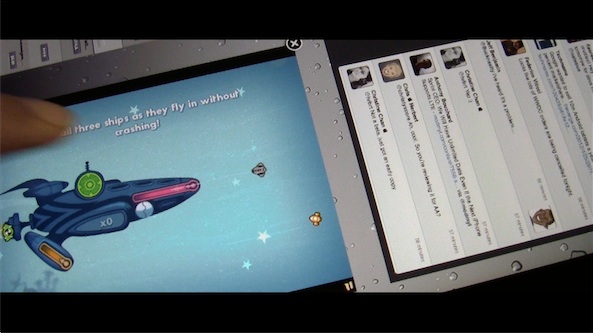
New concept video shows multiple iPad apps running on screen at once

This isn't exactly what I envisioned when I created a concept for MultiLayer iPad app functionality a few weeks ago, but it's certainly a start.

After speaking at length with iOS developer Kyle Howells — the brains behind the awesome jailbreak tweak CardSwitcher — he graciously agreed to compile a specialized version of said tweak, which allows users to interface with multiple iPad apps on the same screen.

This means that it's entirely feasible to play games while watching your Twitter timeline, or check your stock prices while browsing the web via Safari — all from the same iPad.

Running multiple apps on-screen simultaneously has been a dream of many iPad owners. We've seen similar concepts from Kyle in the past, so I'm confident that if anyone could pull this off, it would be him. Check inside for a demonstration video of the concept tweak in action...

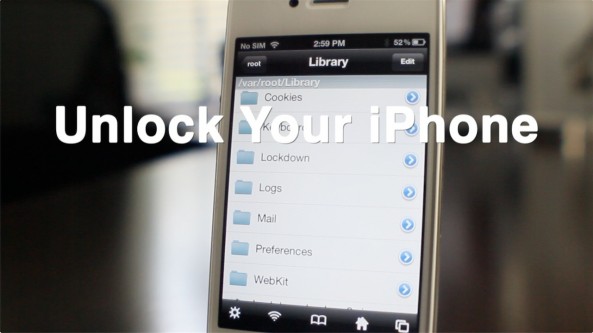
How to reliably unlock your iPhone with the updated SAM tool

If you haven't had much success unlocking your iPhone with the SAM tool, then perhaps this will be of interest to you.

The developer of the SAM tool has updated it to make unlocking much easier than before. In fact, it only takes a few steps in most cases.

You don't need iTunes, you don't need the original SIM that you device is locked to, SIM ID's, or anything like that.

Check out our full how to inside...

Swipebright: adjust brightness by swiping your status bar

This is probably one of the more intuitive ways to adjust your iPhone's brightness from anywhere. Swipebright allows you to adjust your device's brightness by means of a simple swipe of the status bar.

It may not sound all that exciting, but it's a fairly convenient tweak to have, and it only costs $0.99 to add it to your jailbroken iPhone.

Take a gander inside for a full video demo of Swipebright in action...

RedSn0w 0.9.10b8 released to add unlock activation ticket backup support

It didn't take long for the iPhone Dev Team to release an updated version of RedSn0w to support backing up the precious activation tickets resulting from the SAM unlock.

Instead of having to manually go in and backup your activation tickets, you can use a new option found in RedSn0w instead.

The full download for RedSn0w 0.9.10b8 can be found inside, along with the tool's release notes...

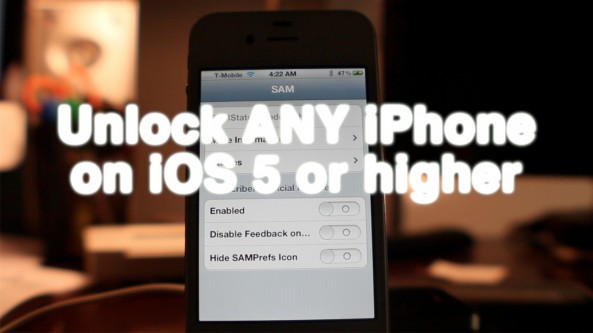
How to unlock any jailbroken iPhone on iOS 5.0 or later on any baseband [Video]

Unlocking the iPhone 4S, and the iPhone 4 just got a whole lot easier thanks to the SAM package unlock revealed earlier this morning.

After alerting you guys to the news, we went into out labs and started testing this for ourselves. After a few failures, we were finally able to come up with a reliable method for making this work every time.

The good news is that this will likely become even easier as time goes on, and needless steps are eliminated. We're already to the point where we can switch back and forth between our AT&T SIM card and our T-Mobile SIM card without having to reconfigure anything. It's pretty awesome.

Check inside for our full tutorial that shows how to unlock any iPhone on iOS 5 or higher (running any baseband) using the SAM jailbreak package...

How to unlock your jailbroken iPhone right now using SAM – confirmed working

Chinese iPhone hacker Loktar_Sun has released a method for unlocking a jailbroken iPhone by yourself using Sam Bingner's SAM (Subscriber Artificial Module) package.

The unlock technique has been verified by iPhone Dev Team member MuscleNerd. He was able to unlock his iPhone 4S and get it running on T-Mobile's network.

This is very big news for iPhone owners everywhere, and means we don't have to wait for AT&T to unlock our phones if we want to use it on another GSM network.

Check inside for more details...

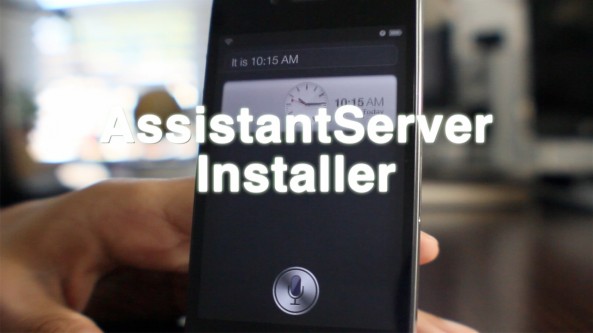
‘AssistantServer Installer’ brings half baked Siri experience to older iOS devices

If you don't have an iPhone 4S, but still want to experience Siri, chances are you've already done so through one of a variety of existing methods.

Since the iPhone 4S was released, numerous methods for providing Siri, or at least some form of her, have appeared for older devices.

AssistantServer Installer is yet the latest way to do so, and the cool thing about it is that it requires minimal configuration to get it up and running at a very basic level...

‘Forecast’ tweak places a weather widget on your iPhone’s Lock screen

LockInfo was one of the first jailbreak solutions for getting more out of your iPhone's bland and boring Lock screen.

Now the same developer behind LockInfo is borrowing one of that tweak's best features and developing it into a standalone release.

The result is called Forecast, and it provides a cheap and simple method for accessing weather on your Lock screen without needing the full version of LockInfo...

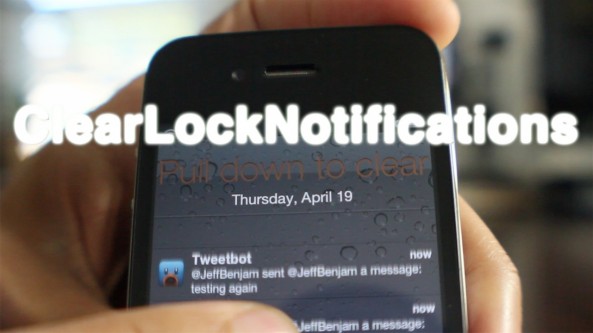
‘ClearLockNotifications’ updated with pull to clear functionality

About 5 months ago we reviewed ClearLockNotifications, and it was pretty good. Now the developer has updated the tweak to make it even better, more intuitive if you will.

ClearLockNotifications now features 'pull to clear' functionality right from the Lock screen. This means that you can clear all of your Lock screen notifications by simply pulling down on the list of notifications.

For a sneak preview of how it works, take a look at our video walkthrough...