Tutorial

Learn how to master your Apple devices with our comprehensive tutorials. From iPhone and iPad to Mac, Apple Watch, AirPods, and more, our expert guides will help you unlock the full potential of your Apple products. Discover new features, tips, and tricks each day to enhance your user experience.

How to permanently delete voicemails on iPhone

Since its inception the iPhone has supported Visual Voicemail, a feature that lets you see a list of your voicemails and choose which one to interact with without having to wade through all of them.

These messages are saved forever until you manually delete them, or your carrier erases them. Keep in mind that your carrier might not support the Visual Voicemail feature at all.

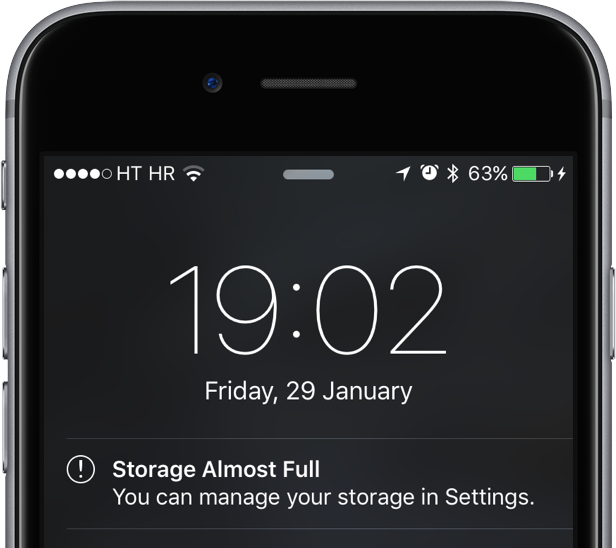
If you have set up and use Visual Voicemail on your iPhone, voicemails people leave in your inbox can quickly pile up, causing not just unnecessary clutter in the interface but also wasting your iPhone's precious storage space.

Follow the instructions provided in this tutorial to delete unwanted voicemails and claim back the storage space they occupy.

How to transition from a phone call to a FaceTime video call on iPhone

Switch phone call to FaceTime video call on iPhone

From the onset, the iPhone has supported common features such as mid-call switching to an incoming phone call, creating a conference call between multiple parties, and more. These features also extend to FaceTime.

In this tutorial, you will learn how to make a quick transition from a phone call to a FaceTime call on your iPhone without hanging up on the current call.

Why pair more than one Apple Watch to a single iPhone? Here’s why…

I've seen so many comments questioning the reason behind Apple allowing more than one Apple Watch to be paired with a single iPhone. Some people think it's silly to have more than one Apple Watch, while others genuinely seem to be confused by the decision.

Why would Apple allow you to have more than one Apple Watch paired at the same time? Let's consider the possible answers.

How to set your iPhone to automatically delete audio messages after you have played them

Audio messages in the iPhone Messages app

When I'm in a hurry, I prefer to send my friends short audio recordings by tapping the microphone icon in the Messages app than pecking away on my iPhone's keyboard. Apple calls this Tap to Talk, and it's even better with Messages' walkie-talkie-like Raise to Listen function, which lets me listen to or respond to an audio message by lifting the phone to my ear.

On the downside, audio messages pile up and can waste precious storage space over time. Therefore, in this post, we're going to tell you about a handy switch to prevent the Messages app from automatically keeping every audio message you receive.

How to quickly email the full text of an article in Safari

Safari on the iPhone, iPod touch and iPad allows you to post article links to social media and share them through third-party apps that have implemented support for iOS's multi-purpose Share sheet.

But sharing a link won't cut it were you to send the full text of the article in an email message. Selecting everything on a webpage and pasting into Mail isn't the best of solutions because all of the images and other non-related webpage elements get carried over, resulting in a messy email.

Thankfully, there's a better way to accomplish such a seemingly simple task. In this tutorial, we're going to discuss emailing the full, richly formatted text of an article in Safari, without all the clutter.

How to stop seeing Frequently Visited websites in Safari on iPhone, iPad, and Mac

Safari on iPhone and iPad

Safari Start Page, which is the first screen you see when you open Apple's web browser, has a section called Frequently Visited. Under this, you'll see websites you often open on your iPhone, iPad, or Mac. However, for privacy and other reasons, you may want to avoid seeing a list of frequently visited websites every time you open Safari or tap the address field.

In this quick tutorial, we'll show you how to stop frequently visited sites from showing up in Safari.