Tutorial

Learn how to master your Apple devices with our comprehensive tutorials. From iPhone and iPad to Mac, Apple Watch, AirPods, and more, our expert guides will help you unlock the full potential of your Apple products. Discover new features, tips, and tricks each day to enhance your user experience.

How to minimize an email draft in Mail app for iPhone

Several email drafts in Mail app on iPhone

Have you ever been composing or replying to an email in Apple’s Mail app when a message comes in that you want to read right away? Or, maybe you want to check another message you received before replying but have already started the draft.

If this has happened to you, you probably saved the email you were working on in your Drafts and then went back to it later. But you don’t have to do this because there is an easier way. You can minimize the message you’re composing and pop it back open quickly when you are ready to finish it, and here’s how.

How to use IFTTT to track App Store apps

IFTTT Setup Screen

IFTTT is convenient app that lets you automate simple to complex tasks. For just some of the things you can do with it, check out our IFTTT section if you are new to the app.

But, if you already take advantage of IFTTT, why not let it help you find the apps or games you want on the App Store? Whether it’s a sale on a game you’ve been waiting for, an update to your favorite email app, or searches for apps in a particular category, you can take care of it automatically with IFTTT’s Applets and here’s how.

Use these 3 cool Spark email features to save time

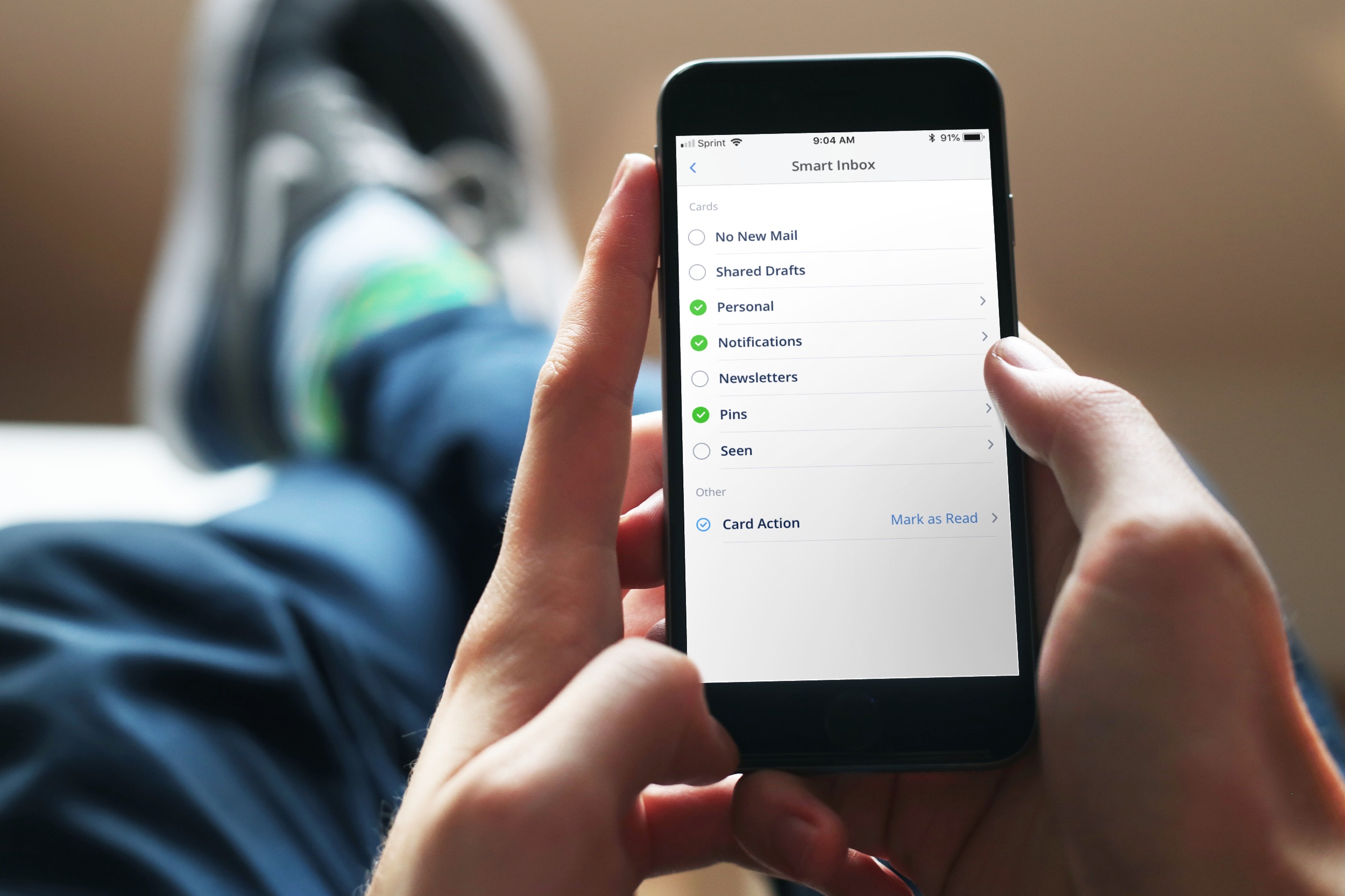
Spark on iPhone

If you are considering switching to a third-party app for email, a terrific app to try is Spark. The application is available for iOS and macOS with Apple Watch support, so you can use it on all your devices. Along with that, Spark offers features such as labels and folder management, custom swipes for notifications, and Touch ID inbox protection.

Three additional features of Spark that are real time savers include Quick Replies, Email Scheduling, and Snoozes. Here are how these features work.