iPhone

Stay up-to-date on the latest iPhone news and learn new tips and tricks with our comprehensive tutorials. From software updates to new features, we’ve got you covered.

How to show, add and edit musical notes in GarageBand

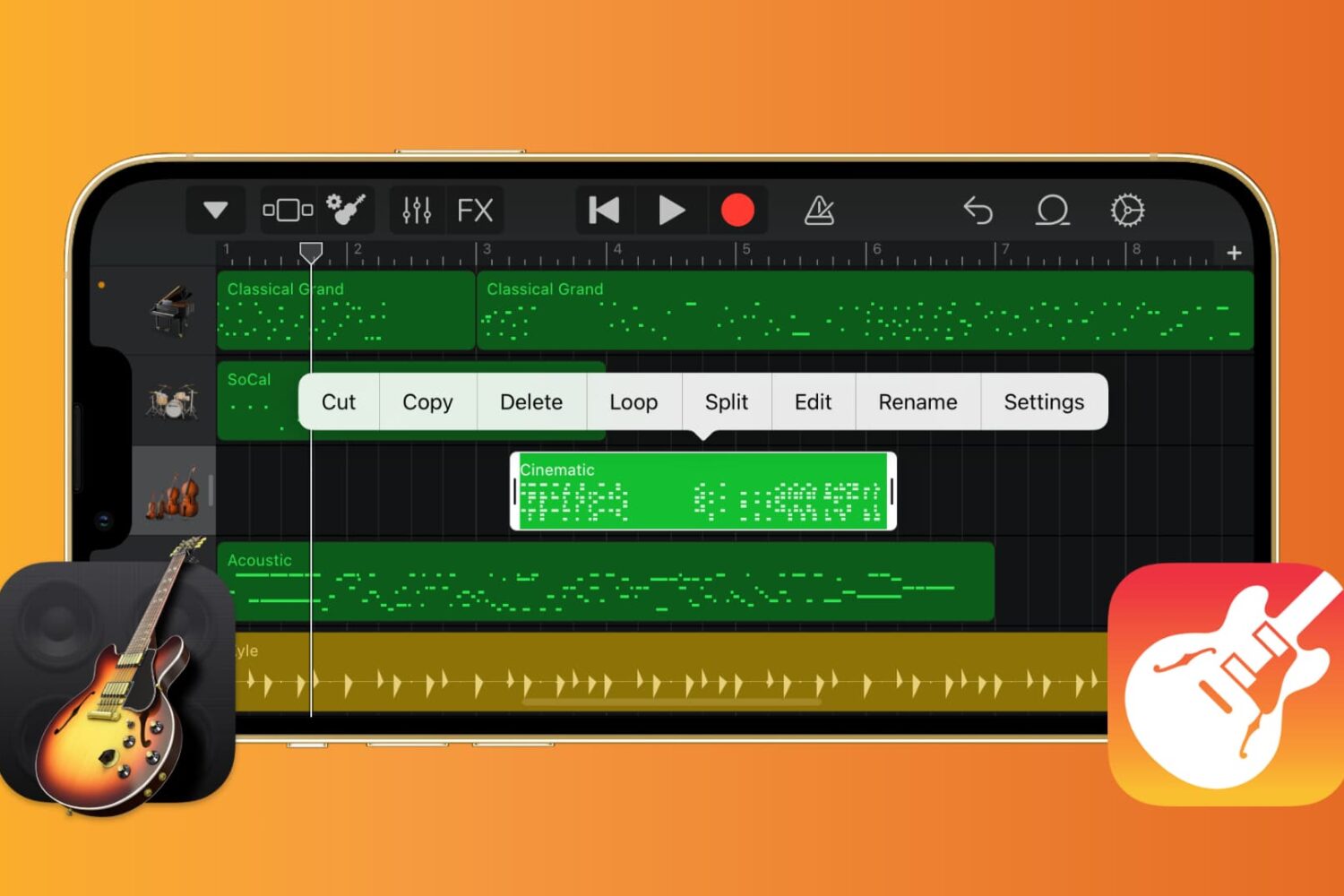
GarageBand editing screen on iPhone

If you want to work with the musical notes in GarageBand for your song, you can show, add, and edit notes. In GarageBand on Mac, you can work with notes for MIDI regions, and on iOS, you can work with them for green touch instrument regions.

Here’s how to show, add, and edit musical notes in GarageBand on Mac, iPad, and iPhone.

How to adjust track volume in GarageBand on Mac, iPad, and iPhone

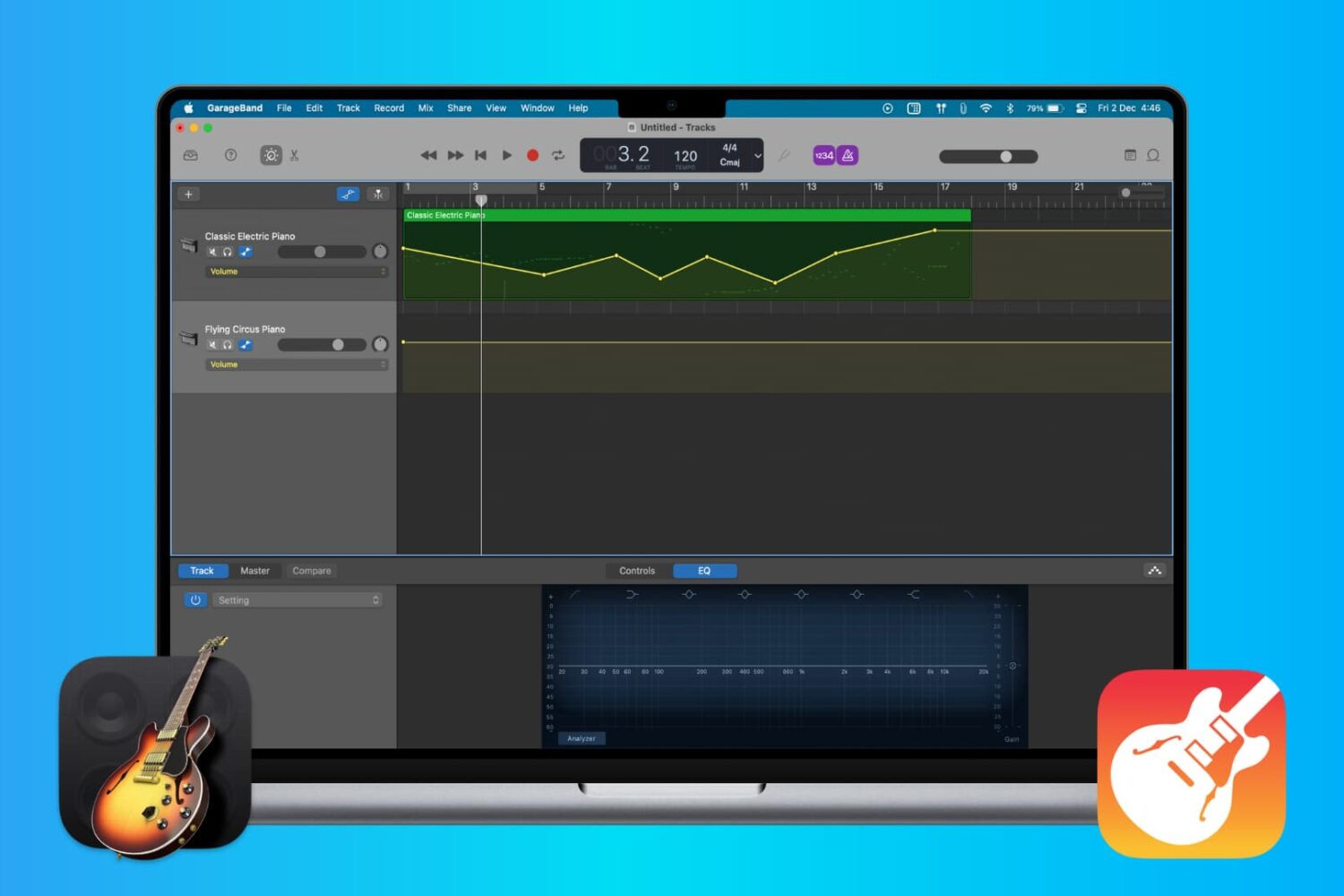
Adjust track volume in GarageBand

When you’re making music in GarageBand, you’re mixing regions and tracks to create your song. Whether you’re using vocals or instruments, not every track needs to have the same volume. You might want an instrument to play subtly in the background while emphasizing vocals, for example. Or you may want the volume of a track to increase and decrease at certain points.

Here’s how to adjust the track volume in GarageBand on Mac, iPhone, and iPad.