Trackpad

How to disable the mouse pointer shake gesture on Mac

Have you ever woken your Mac up from sleep, and couldn't find the mouse pointer among the mess of windows and desktop icons. We've all been there before.

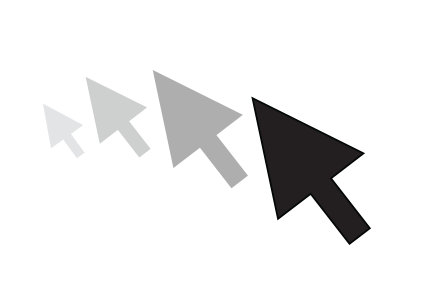
Starting with El Capitan, macOS is hoping to help out with that, courtesy of a brand new addition to the operating system. It's certainly not a headline feature, but macOS can help you quickly locate your mouse or trackpad pointer by simply shaking your mouse or swiping your finger back and forth on the trackpad in quick succession.

Watch our video inside to see how it works. We'll also show you where to go to disable the feature in System Preferences.
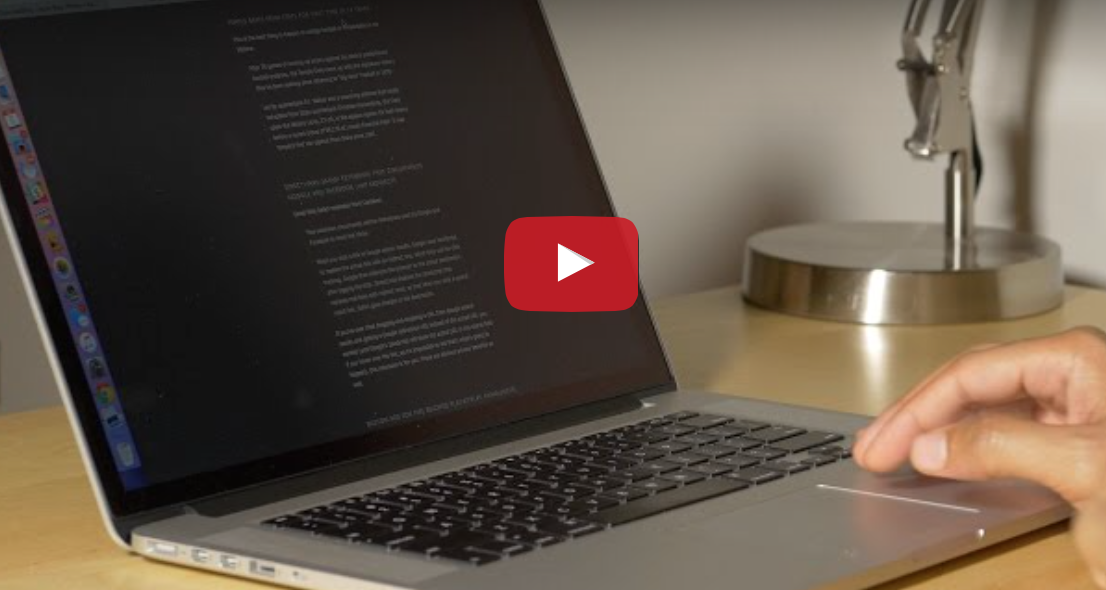
Using BetterTouchTool to cycle through Safari tabs

BetterTouchTool is a free Mac utility that allows you to supercharge your Mac's trackpad gestures. There are literally hundreds of uses for an app like this, but I'd like to share with you one particular use case scenario that I find extremely useful.

I've set up BetterTouchTool to allow my MacBook's trackpad to quickly cycle through all of my open tabs in Safari using a simple two-finger gesture. Have a look at our full demonstration video and tutorial for all of the details.

This app turns your Mac’s Force Touch trackpad into a drawing tablet

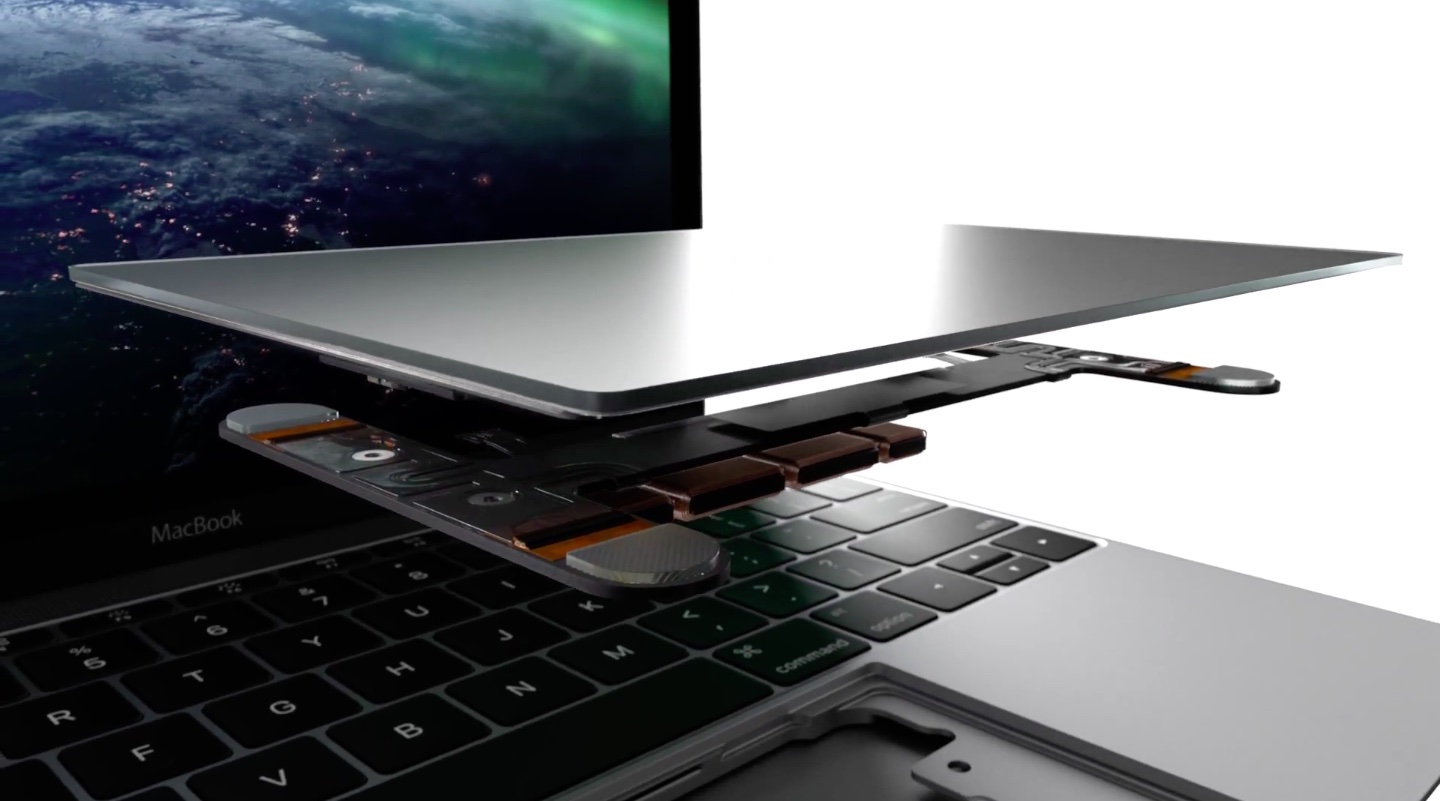
Apple's improved Force Touch trackpad on the new 12-inch MacBook and early-2015 MacBook Pro models has pressure sensors that make possible all sorts of new interactions, among them pressure-sensitive drawing with your finger.

In OS X Yosemite, for example, you can press lightly on the trackpad for a thin stroke or harder for a thick one when marking up a Mail attachment or creating a signature for forms in Preview.

And now, a Mac application called Inklet has been refreshed with superior pressure-sensitive drawing capabilities, basically turning the Force Touch trackpad in your Mac notebook into a powerful drawing tablet.