Learn how to force close apps on your Apple Watch to fix unresponsive apps and improve performance.
How to force quit apps on Apple Watch
Learn how to force close apps on your Apple Watch to fix unresponsive apps and improve performance.
Learn how to permanently delete everything from your iPhone, iPad, or iPod directly from the device or using a computer.
This tutorial shows you the steps to take screenshots on any iPhone and iPad model, including the latest iPhone 17, Air, 17 Pro, and 17 Pro Max.
If Apple Pay Touch ID authentication isn't working on your Intel-based or Apple silicon Mac, this is by design. Here's what you need to know.
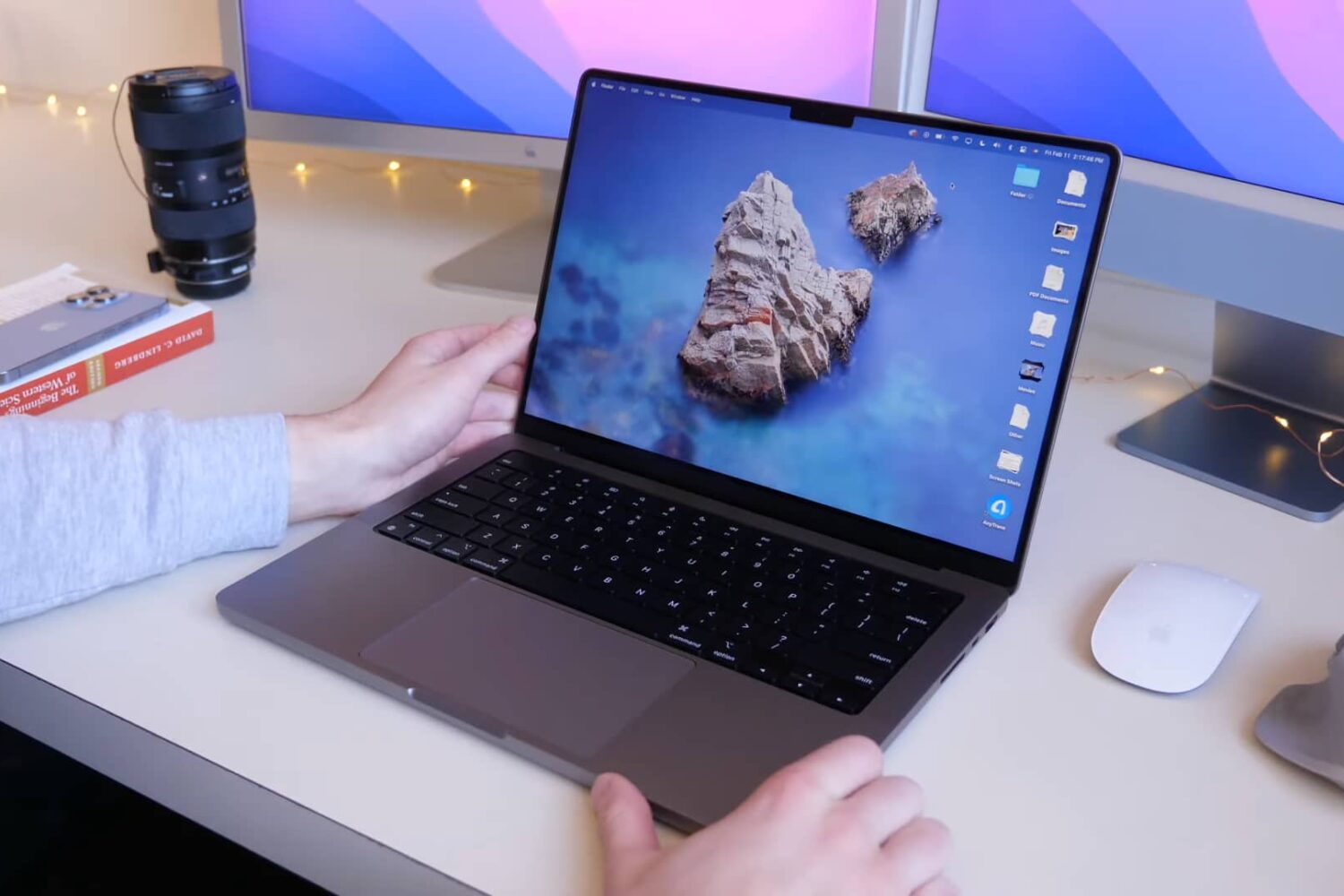
Learn how to enable the Low Power Mode feature on your MacBook Air or MacBook Pro laptop to extend battery life and help it run cooler and quieter.
Watch this video going through some handy AirPods 3 tips and tricks recommended to set up, configure, use and get the most out of your third-generation Apple earbuds.
Learn how to use the X search feature to sift through all of the posts from a specific account and find the ones that match your search phrase.
Check out the quick steps to force-close unresponsive apps on your iPhone, iPad, or iPod touch for smooth performance and to quickly resolve app issues.
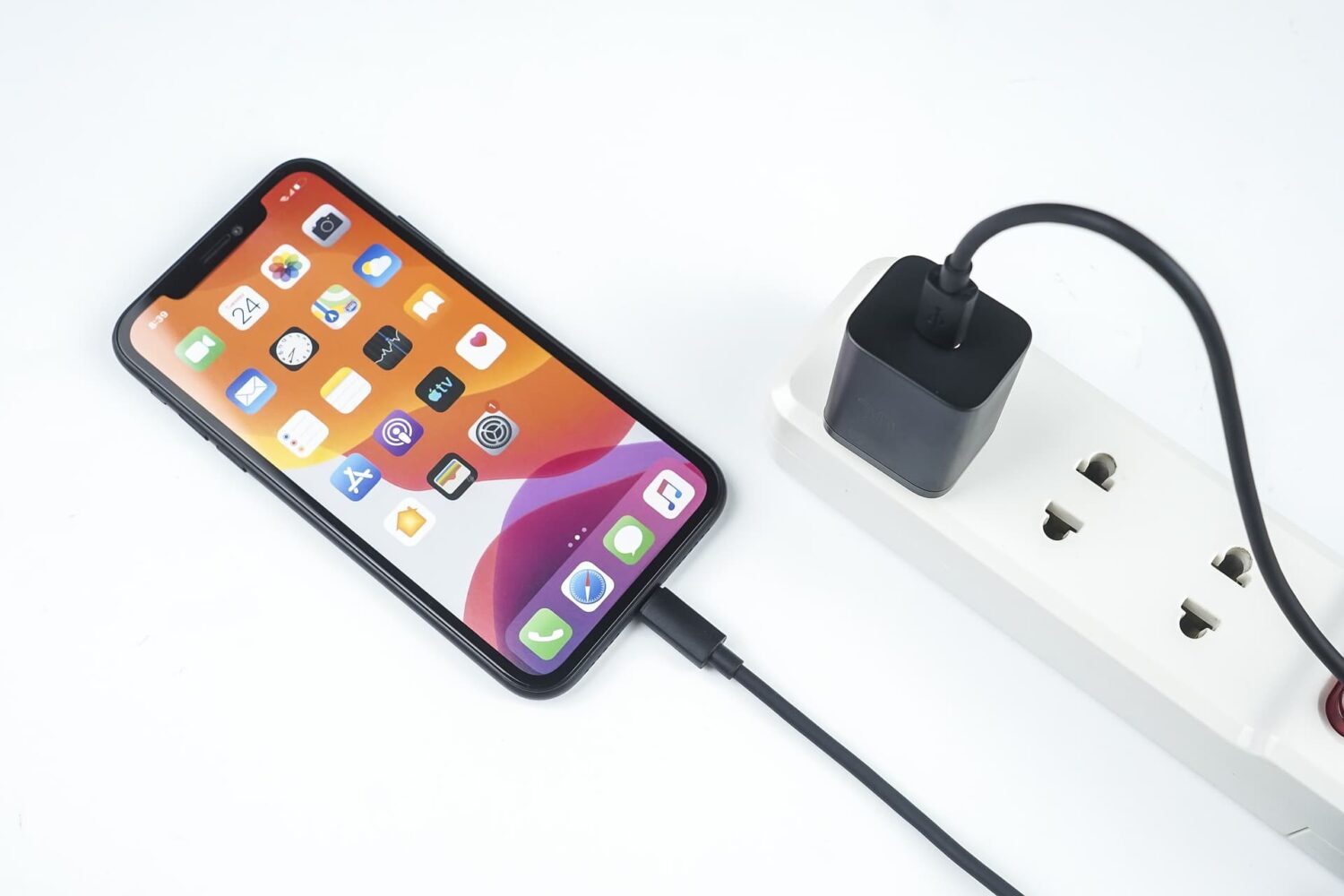
We show you how to fast-charge your brand spanking new 14-inch or 16-inch MacBook Pro from dead to fifty percent battery in about 30 minutes, and tell you about the caveats.
Just got your iPad 9 delivered to your doorstep? Planning on buying one soon, you say... Either case, you'll want to watch our hands-on video walkthrough packed with useful tips and tricks for getting started with Apple's ninth-generation iPad.
In this tutorial, we guide you through the steps to upload an audiogram to your iPhone and map AirPods or other compatible headphones to your personal hearing profile.
Learn how to create an audiogram for importing on your iPhone and iPad so you can map your AirPods or other compatible headphones to your personal hearing profile.