Tips

How to Mark Multiple Emails as Read in iOS 5

For the past few weeks, we've been showing you how to access some handy features in iOS 5. We've shown you how to create text shortcuts, and how to look up word definitions using iOS' system-wide dictionary.

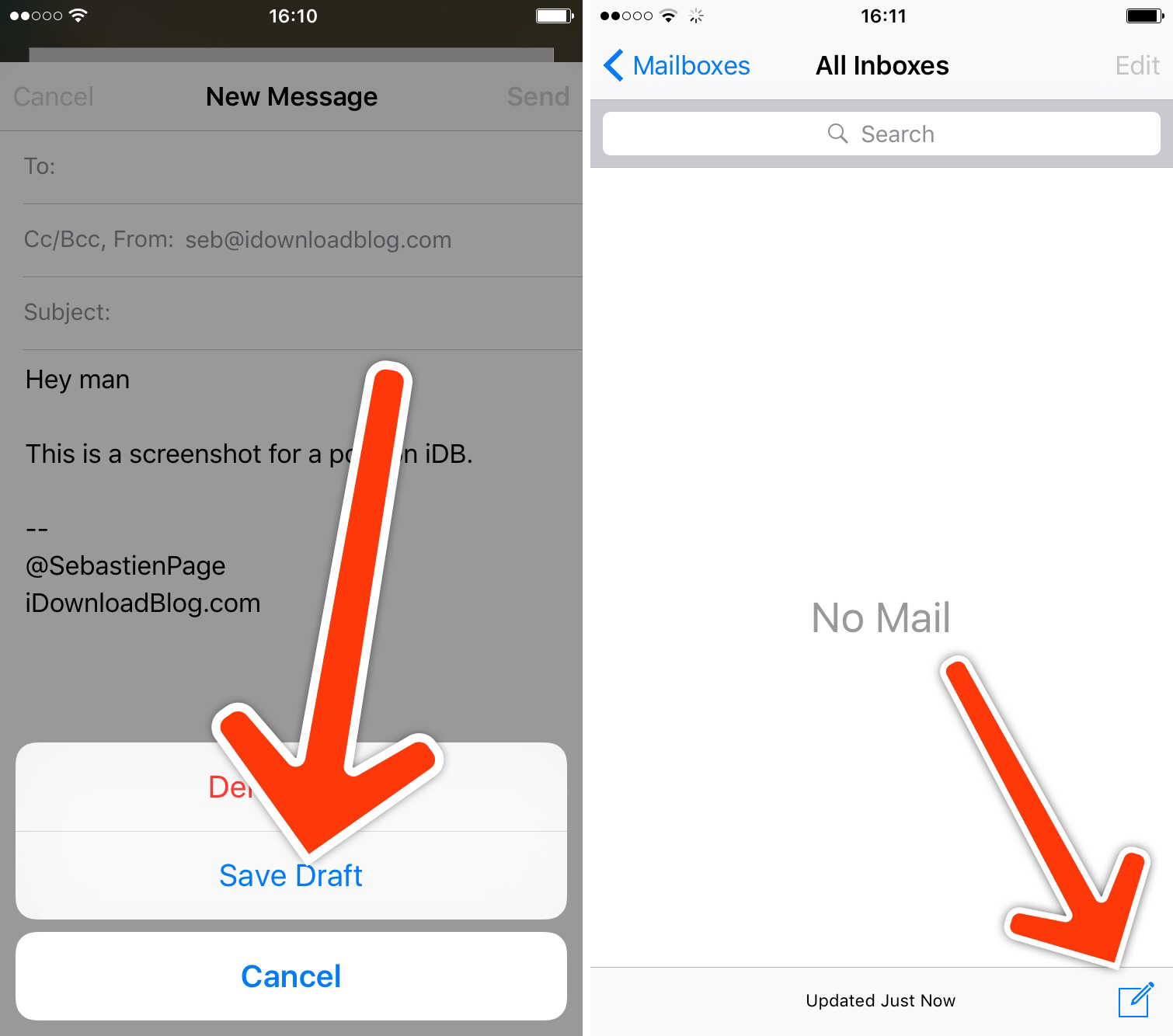
Now we're going to show you how to mark multiple emails as read in iOS 5. This wasn't something you could do before in iOS 4 without a jailbreak tweak, but it's easy to do in the latest version of Apple's mobile OS...

How to Get Emoji Icons on iOS 5 [No Jailbreak Required]

Up until now, the only way to get Emoji icons on your iPhone or iPad was to employ some workaround that either required a jailbreak or an app from the App Store.

Workarounds are great, but native solutions are even better. iOS 5 has made this much easier since it is now letting you use an Emoji icon keyboard on a stock iDevice. No jailbreak and no download required...

Save Video Attachments to Your Camera Roll With iOS 5

After nearly two weeks on the market, people are still finding new stuff in iOS 5. Apple's latest software update to its mobile operating system is loaded with new features — over 200 according to Scott Forstall and company.

The update also includes new capibilities for iOS users. You can activate your device's camera from your lock screen and you can view notifications by swiping down on your status bar. You can also save videos to your camera roll...

How to Rename Your iDevice on the Fly in iOS 5

You've always been able to name your iDevice in iTunes by plugging it in and clicking on its name in the sidebar to edit. With the introduction of iOS 5 and the PC-free mentality, you don't need to do that anymore.

Apple has made it even simpler to rename your device by letting you do it directly from your iPhone, iPod, or iPad...

How to Make Sure You Receive iMessages on All Your iDevices

iMessage is one of my favorite new features in iOS 5. It's simple, fast, and most importantly integrated right into the Messages app, which makes it even more compelling, assuming you have friends with iDevices as well.

If you have an iPhone your iMessages are sent to your phone number by default, which acts like your iMessage ID, if you will. If you have an iPad, you can only receive iMessages sent to your registered email address. But what happens if you want to receive all your iMessages on all of your iDevices?

How to Create Text Shortcuts in iOS 5

One of my all-time favorite jailbreak tweaks is Xpandr, a simple tool that lets you create a library of shortcuts for snippets of text that you use frequently, such as addresses, URLs, and standard replies.

There is no jailbreak for iOS 5 yet, which means no Xpandr for me. Fortunately, Apple has implemented this very same feature in iOS 5. This is how it works...

Pro Tip: How to Put Newsstand in a Folder on iOS 5

Newsstand is a pre-made folder that provides iOS 5 users with an easy way to access digital subscriptions. But it's a bit annoying for the folks who don't use it, as its icon can't be placed in other folders. Luckily, there's a workaround.

There's a nice little tidbit floating around the web from The Coding Massacre regarding Newsstand. As it turns out, there's a small glitch in iOS that allows you to place the icon in a folder without the need to jailbreak...

Quick Cydia Tip: Sharing Links to Your Favorite Apps and Utilities

Have you ever wanted to share a jailbreak app or utility with a friend, but didn't know how to send them a direct link? The App Store has an easy way to share apps with its 'Tell a Friend' button, shouldn't there be something similar in Cydia?

Our friends over at Redmond Pie just passed on this great tip on how to do just that. While it's not as cut and dry as the App Store method, it does allow you to quickly share links to your favorite Cydia packages...

How You Can Save $20/Month on Your AT&T Cellphone Bill in 6 Minutes

Yesterday I saw an AT&T commercial on TV saying that if you're on a family plan and choose to get unlimited text messaging, you would automatically get unlimited calling to any mobile phone in the US.

So this morning, after my delicious grande Caramel Macchiato at Starbucks, I decided to pay a visit to the AT&T store, right next to the coffee shop, and see if they could help me save a few bucks...

How to Override In-App Audio and Listen to Your own Music

I've always wanted a way to listen to my music from the iPod app while I play games on my iPhone. Until multitasking came to iOS, that was just a pipe dream. Yet, even after Apple introduced multitasking, I still didn't really have the ability.

Many iOS games have their own soundtrack and completely turn off your iPod music. Luckily, the folks over at FSM have provided an easy tutorial for a work-around that will allow you to rock your own music while gaming on your iDevice...

How to Make Safari Load Faster on the iPhone

Although Safari may not be perfect, as far as truly native iPhone browsers go, it's all we've got. If one of your major problems with Apple's mobile browser is how long it takes to load, you're in good company.

It's Safari's built-in session saving feature that makes the browser so sluggish. In most cases, it will completely reload you're previous page you were on at launch. iOS doesn't have an option to disable this feature, but there might be a way around it...

Tip: How to Stop Text From Appearing Over Your iPod Album Artwork

Annoyed by text appearing over your album artwork in your iPod app? What about all that description junk that usually appears over podcasts? Whenever you tap on your song/podcast's album cover, the time "scrubber" drops down with other settings like shuffle and repeat.

Depending on your song/podcast's metadata, tapping the album artwork could also result in text being displayed over the artwork. You can download songs with lyric or credit info in the description. Lots of podcasts use this window to display episode descriptions and show notes.

Some people really like this feature of the iPod app. It does have its positives. However, if you find it annoying, we'll show you how to easily hide text from appearing over your album artwork...