See how much cellular data each app or system service has used on your iPhone and reset these statistics to start fresh every month.
How to see how much data your iPhone apps are using
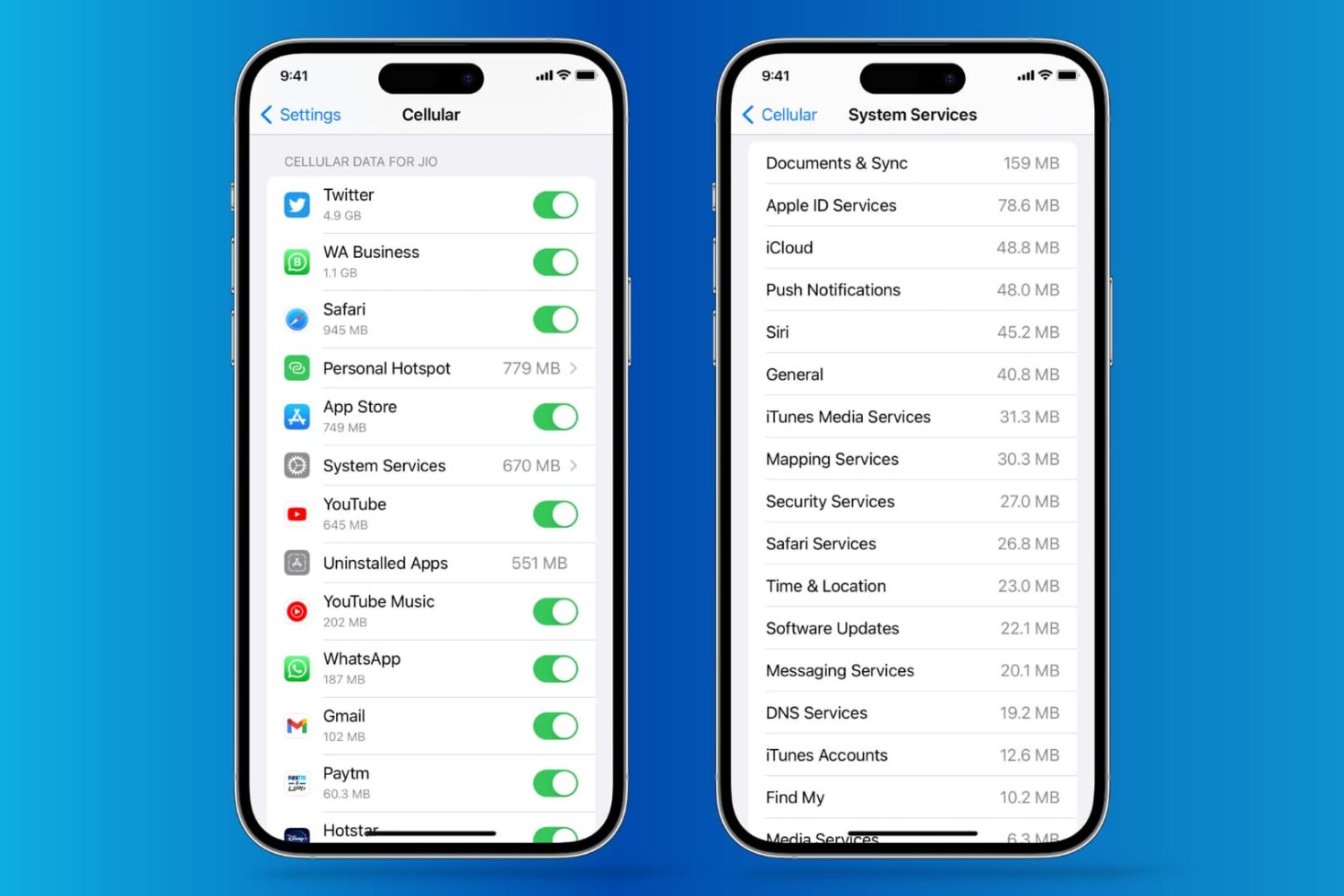
See how much cellular data each app or system service has used on your iPhone and reset these statistics to start fresh every month.
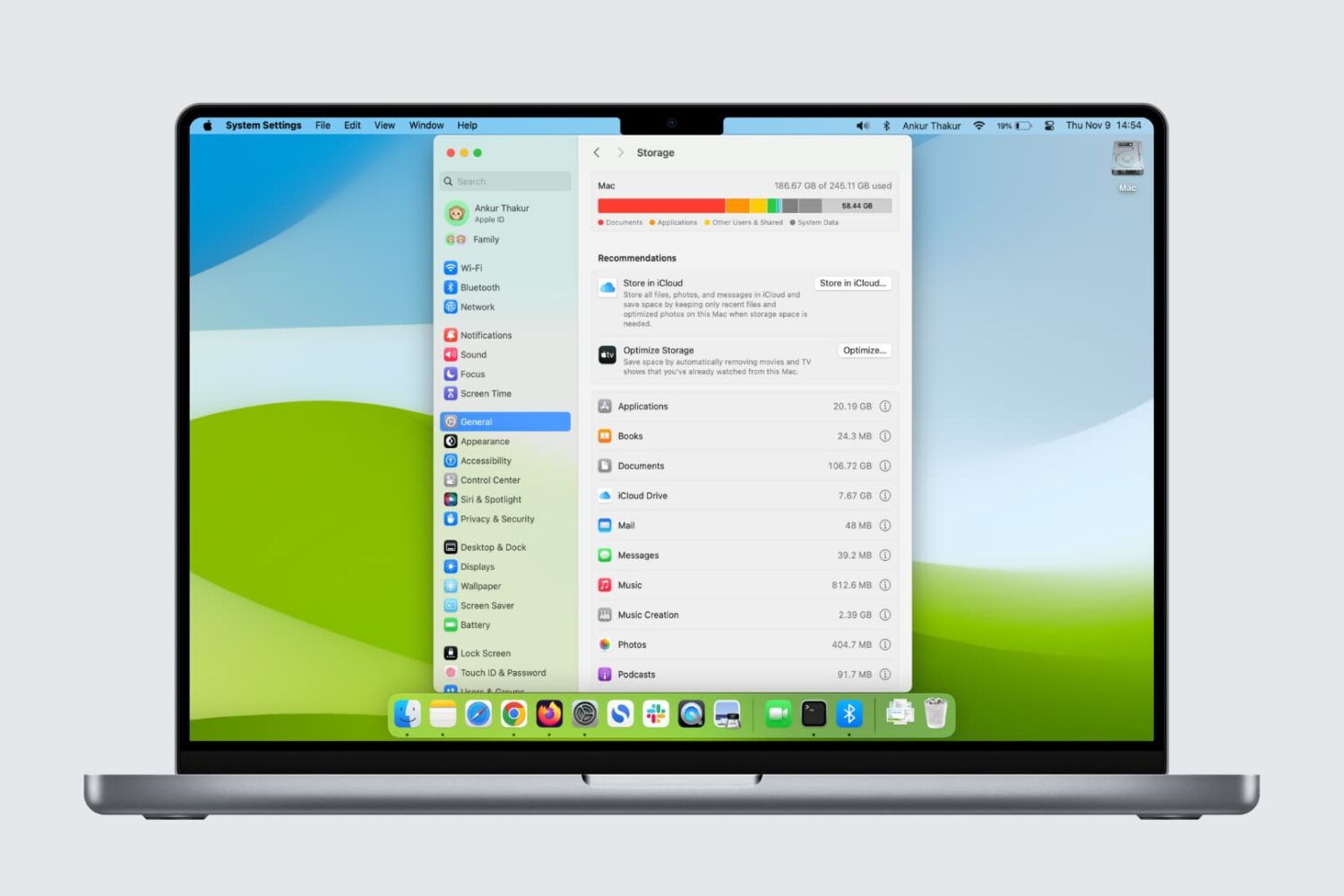
Here are five quick ways to check how much storage space is available on your Mac’s internal SSD or hard drive.
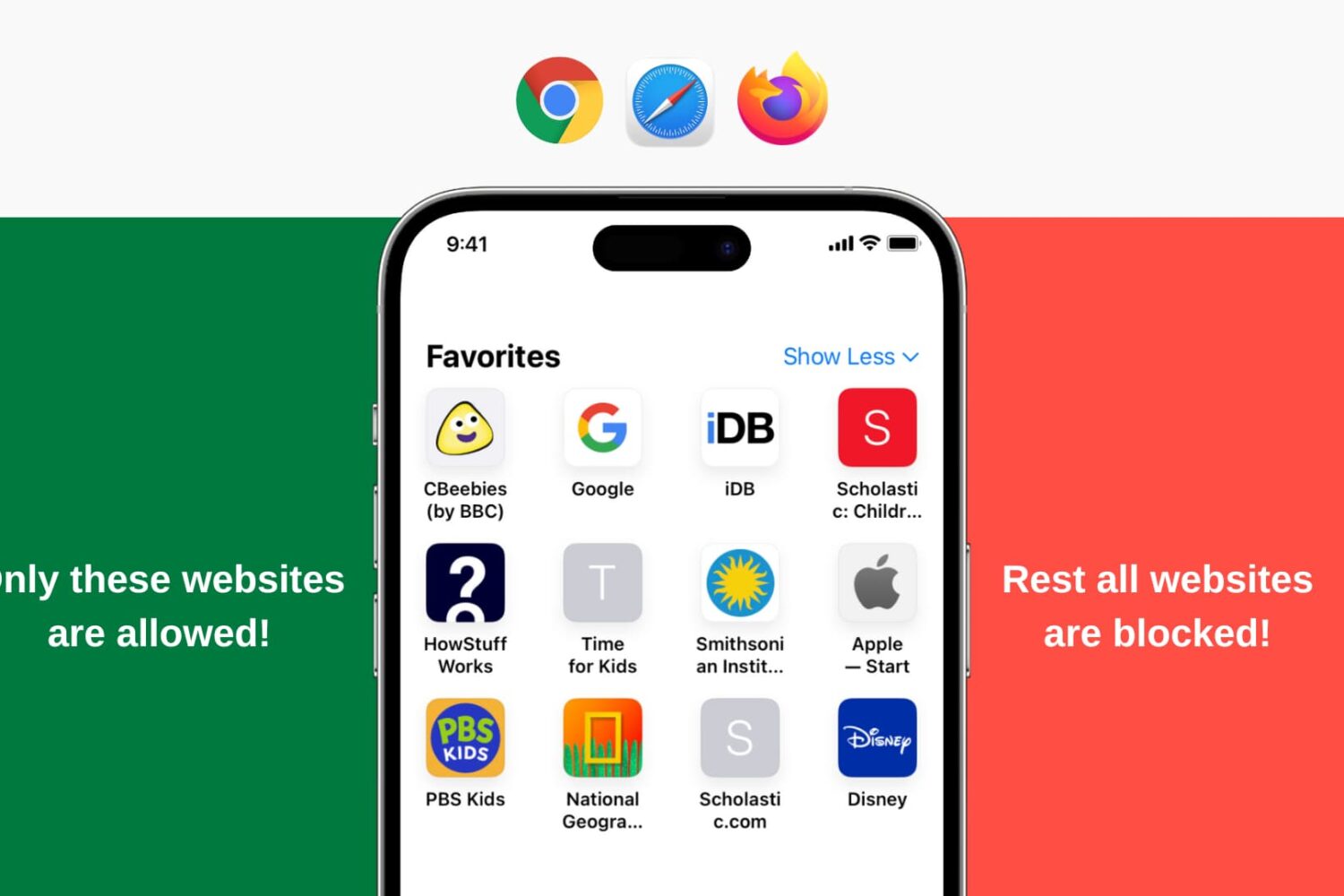
Learn how to restrict all websites except for a few specific ones of your choosing on your or your child’s iPhone and iPad.
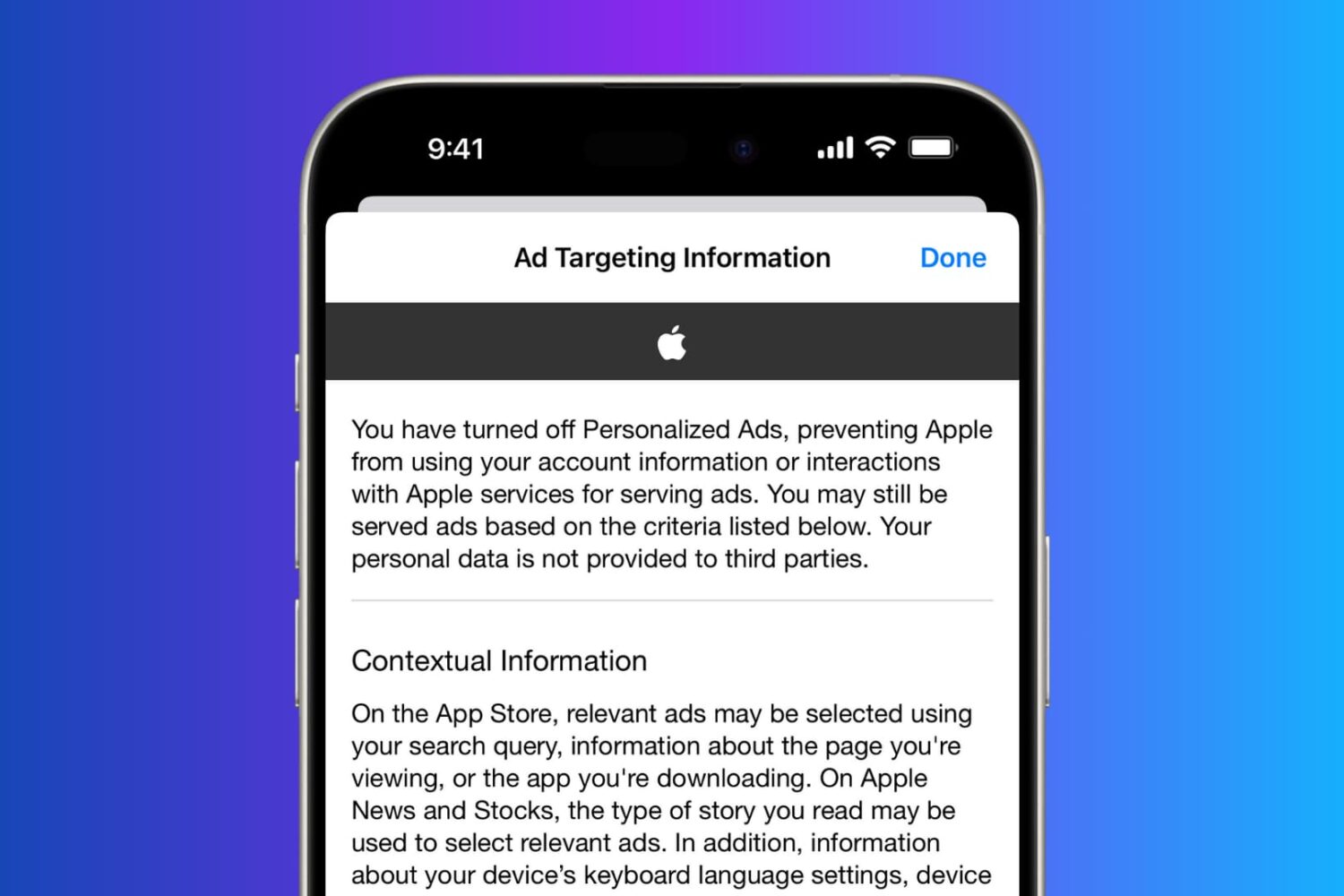
In this tutorial, you will learn how to regain your privacy by turning off personalized and location-based ads on your iPhone.
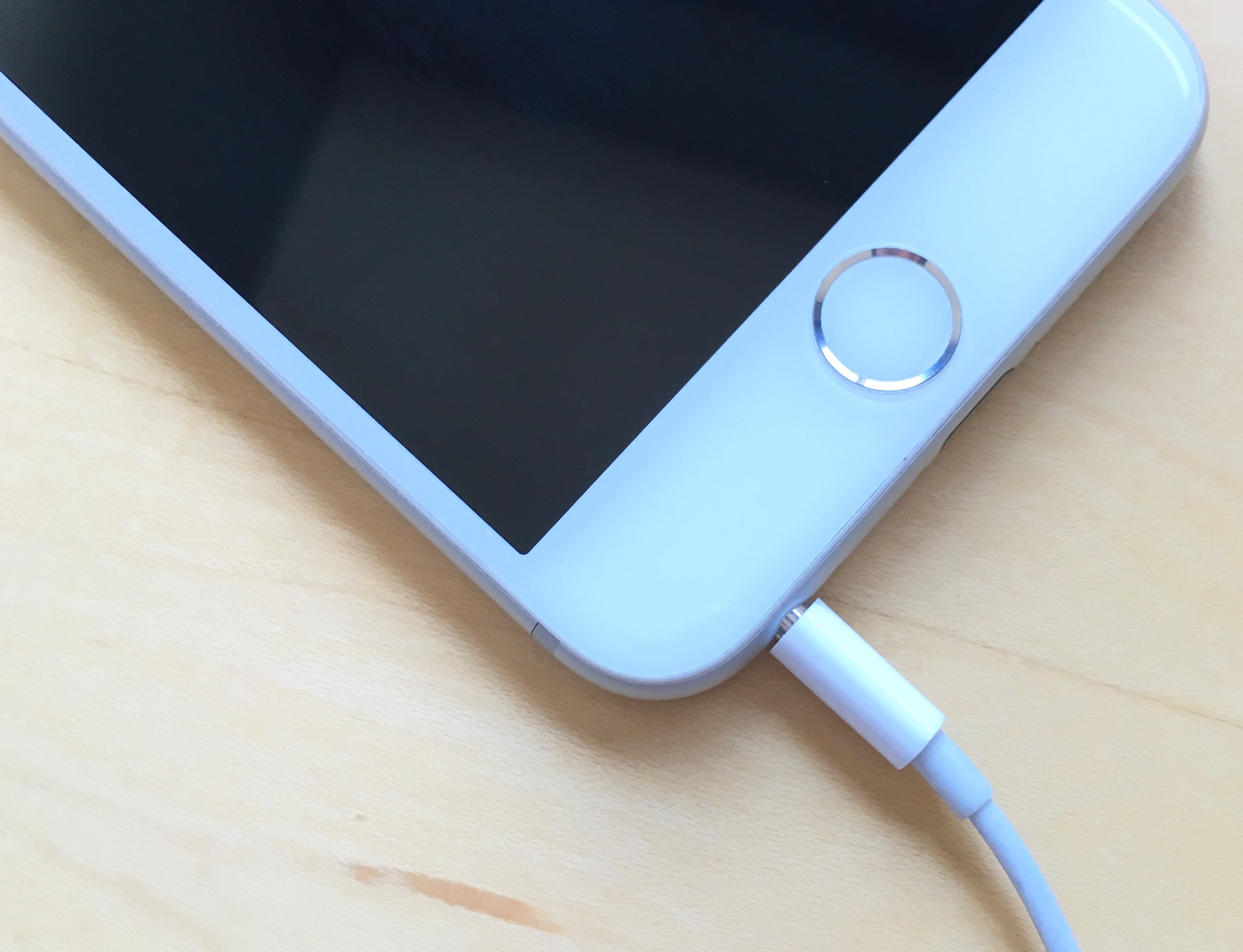
Is your iPhone stuck in headphone mode? In this piece, we’ll discuss why it happens and the troubleshooting steps for fixing it.

Is your iPhone not turning on? In this post, we discuss various reasons why this could happen and potential solutions to get you back into your iPhone or iPad.
Continuity and Handoff are features built into your iOS devices and Macs that allow the devices to work more seamlessly together. With Continuity, you have instant access to a personal hotspot on demand, the ability to send and receive SMS messages and to make and take phone calls from your Mac, and the ability to pick up where you left off on one device from another.
Although they can work well at times, there is always the lingering chance that the functionality may not work right for you or connectivity may be flaky. In this piece, we'll go over several troubleshooting steps you can take if your Continuity and Handoff experience isn't going as expected.

Is your iPhone 17 or older getting too hot? This article discusses what happens when your iOS device overheats and how to solve this problem.

One of the questions I hear a lot about storage space on Macs and iOS devices is why when you purchase a 256GB Mac you only get about 230GB of space to play with, or why when you get a 16GB iPhone, you only get about 12.6GB to use for yourself.
The fact of the matter is, your storage space is used by more than just what you put on your own computer or device, and in this piece, we'll explain how Apple calculates all that storage space that you can never seem to claim on your devices.
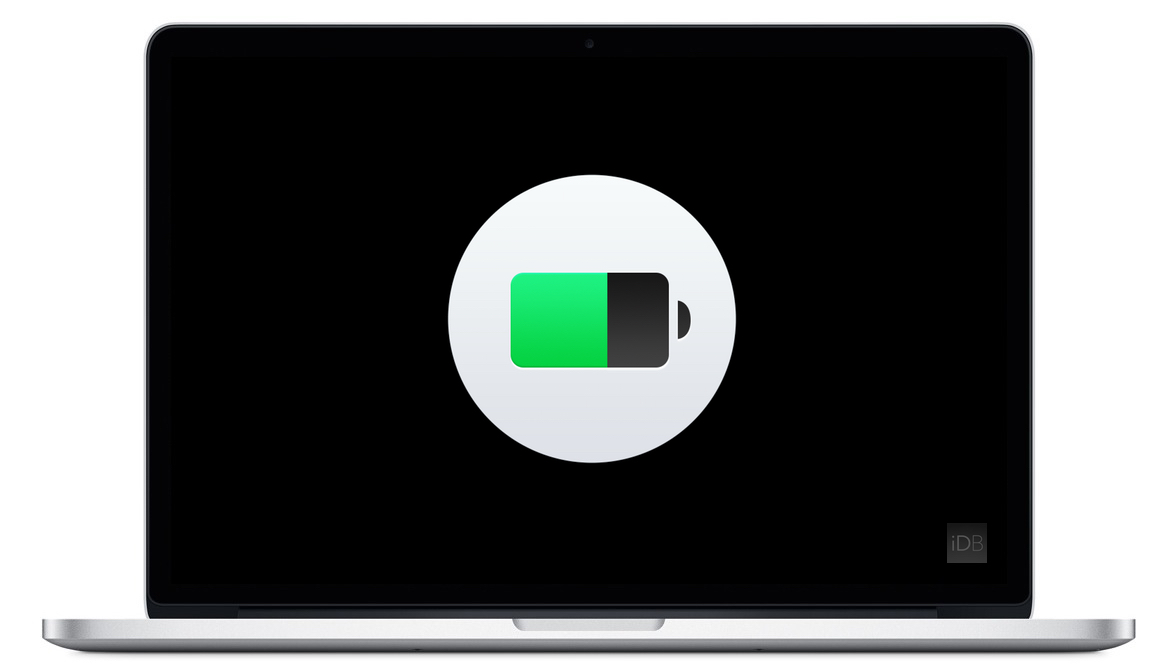
Apple's portable Mac notebooks like the MacBook, MacBook Air, and MacBook Pro are all powered by Lithium-Ion batteries, and these batteries don't last forever. They go through cycles as they're charged up and used over and over. After a number of cycles, batteries tend to lose their effectiveness at storing power, and will eventually need to be replaced.
If you have ever wondered just how close you are to needing a battery replacement in your Mac, then you'll be happy to know that macOS is actively monitoring your Mac's battery and can tell you with a quick keyboard shortcut, which we'll be discussing in this short information piece.
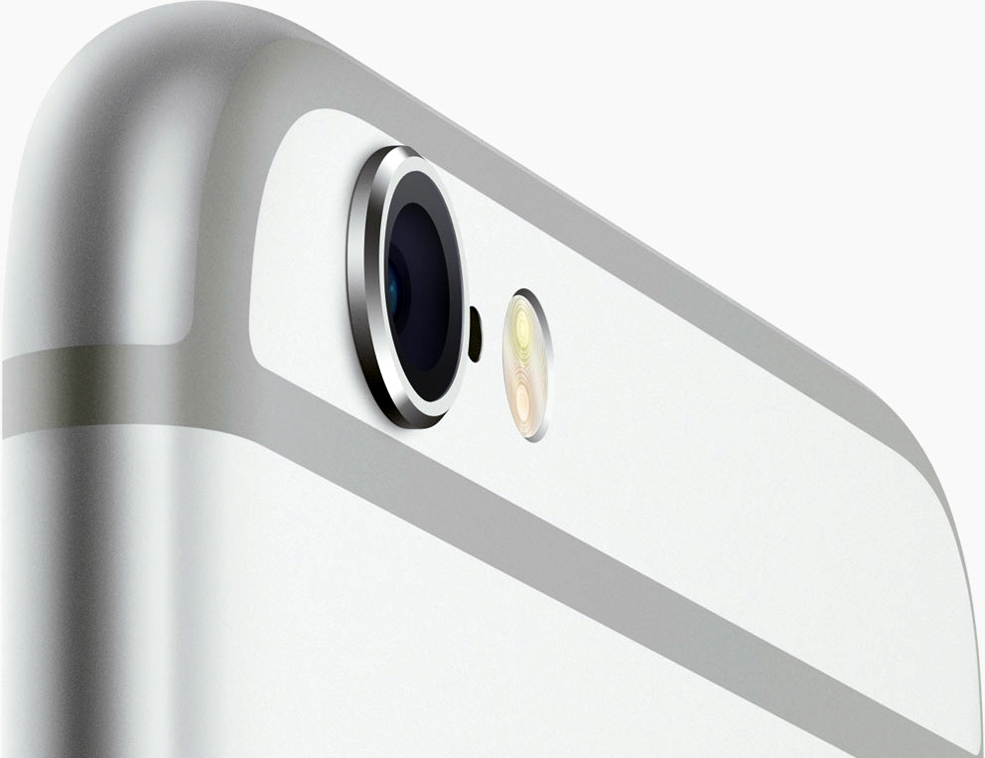
The iPhone's camera may have gotten a lot of upgrades over the years, and it may be one of the most popular point-and-shoot cameras in the world, but that's not to say it's perfect. Just like any other camera, it can be subject to hardware issues and software bugs.
In this piece, we'll go over some of the most common issues related to problems with the camera on your iOS device, whether it's an iPhone, iPod touch, or iPad, and we'll explain some ways to troubleshoot those problems.
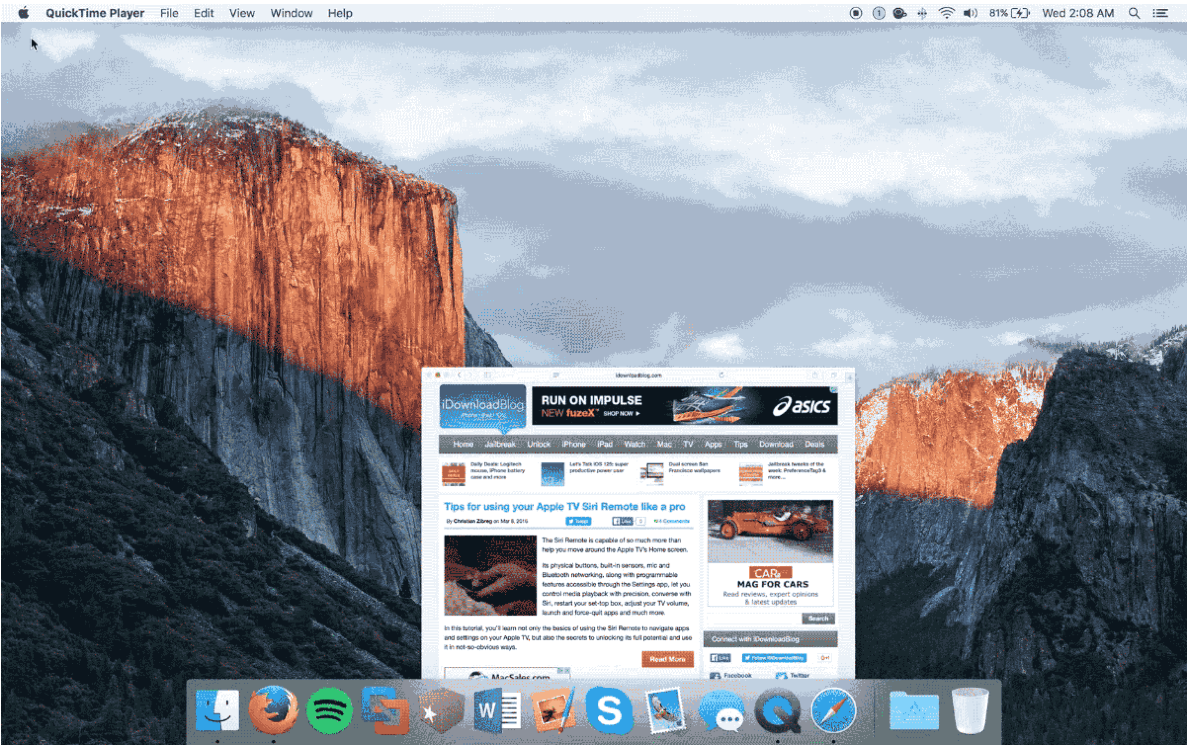
Mac OS X comes with a little-known function that lets you slow down the Dock's window minimization animation just for the fun of it.
Since Apple spends a lot of time creating quality animations with sleek and buttery-smooth transitions, it's only fair that they should give users a way to enjoy them in slow motion.
In this tutorial, we'll show you how you can view your Dock's window minimization animation in slow motion.