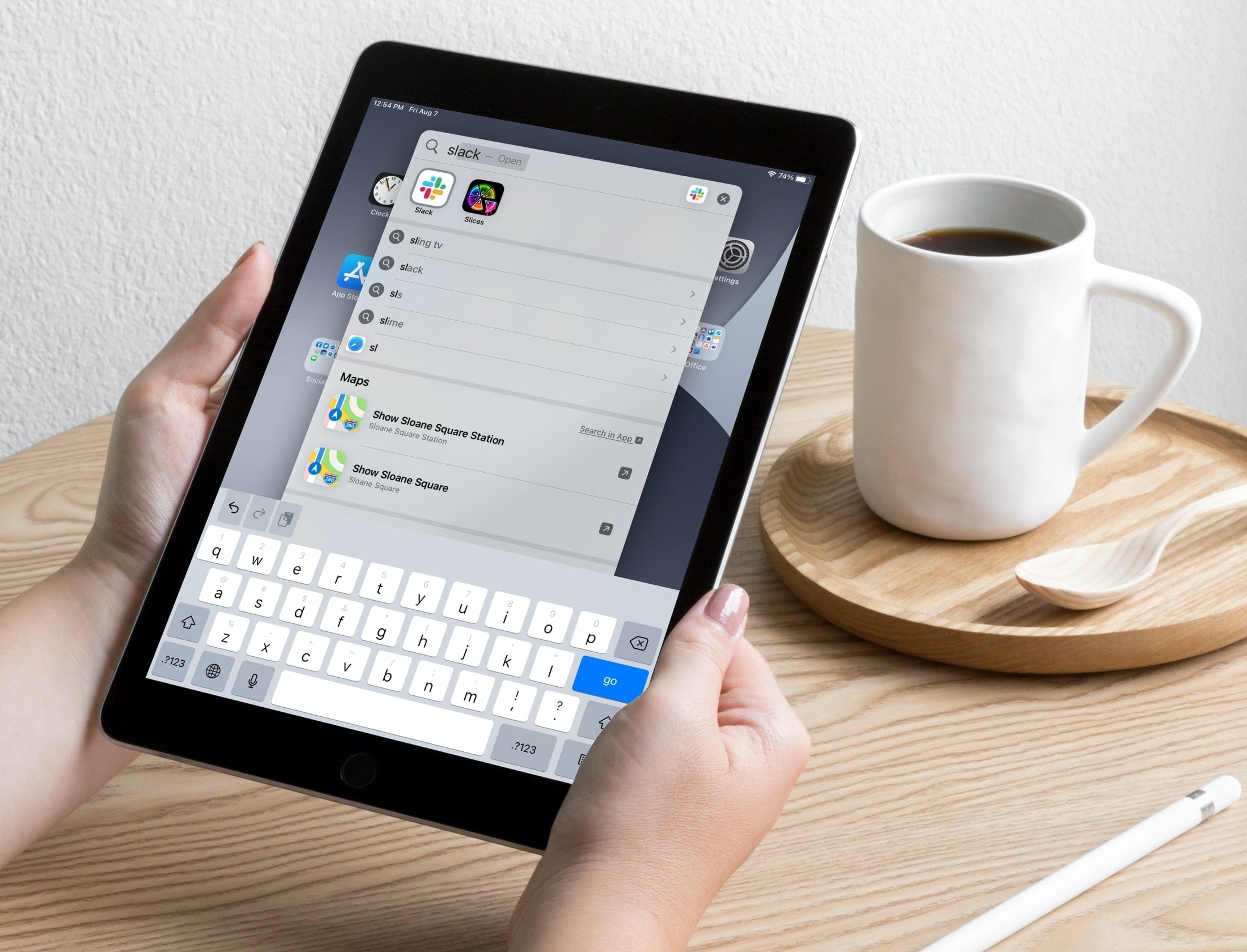
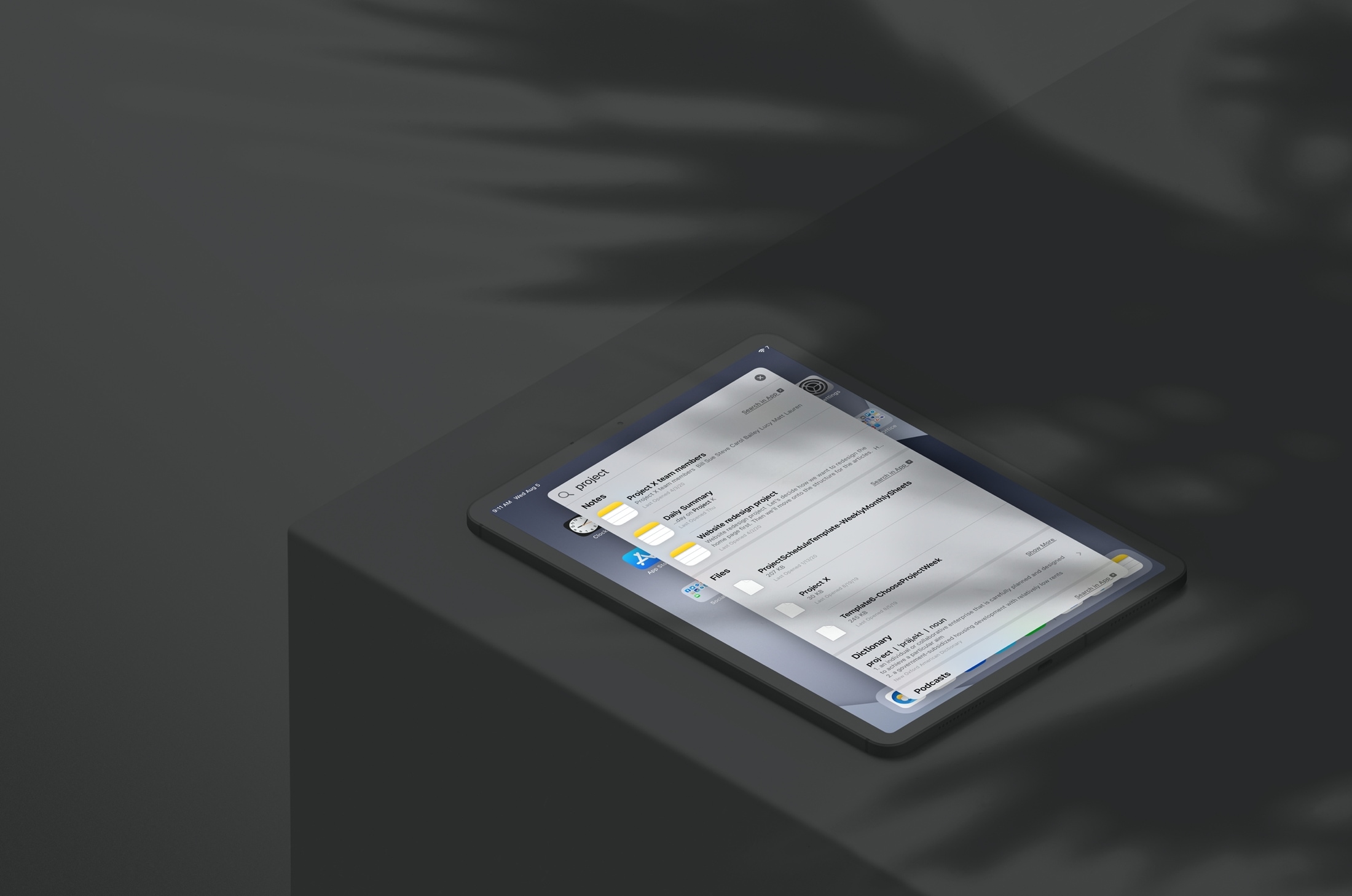
Learn about a couple of simple Spotlight Search tips to open apps and websites in an instant on your iPhone or iPad.
How to quickly open apps and websites using iOS Spotlight Search
Learn about a couple of simple Spotlight Search tips to open apps and websites in an instant on your iPhone or iPad.
Learn how to save time and effort by searching inside apps on your iPhone or iPad directly using Spotlight Search from your Home Screen.
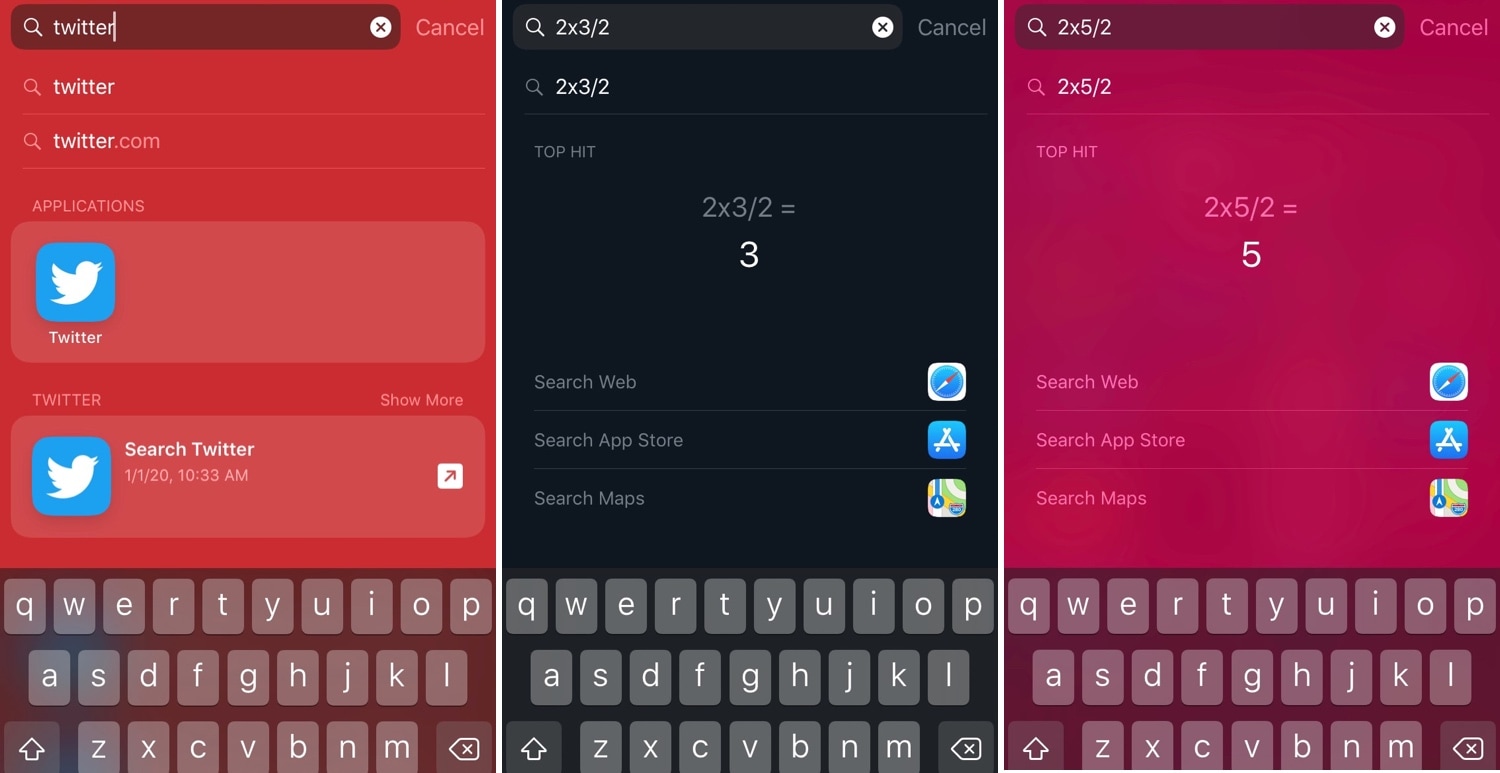
I very seldom use my iPhone’s Spotlight interface for anything now that I can just use Siri to command almost anything I need. Nevertheless, the former still comes in handy when you want to find an app or perform basic math without using your voice.
Niche uses aside, Apple doesn’t provide any way of customizing the Spotlight user interface on a stock device, but jailbreakers can now take advantage of a newly released jailbreak tweak dubbed Spotlightizer by iOS developer 1di4r to bypass this seemingly unnecessary restriction.
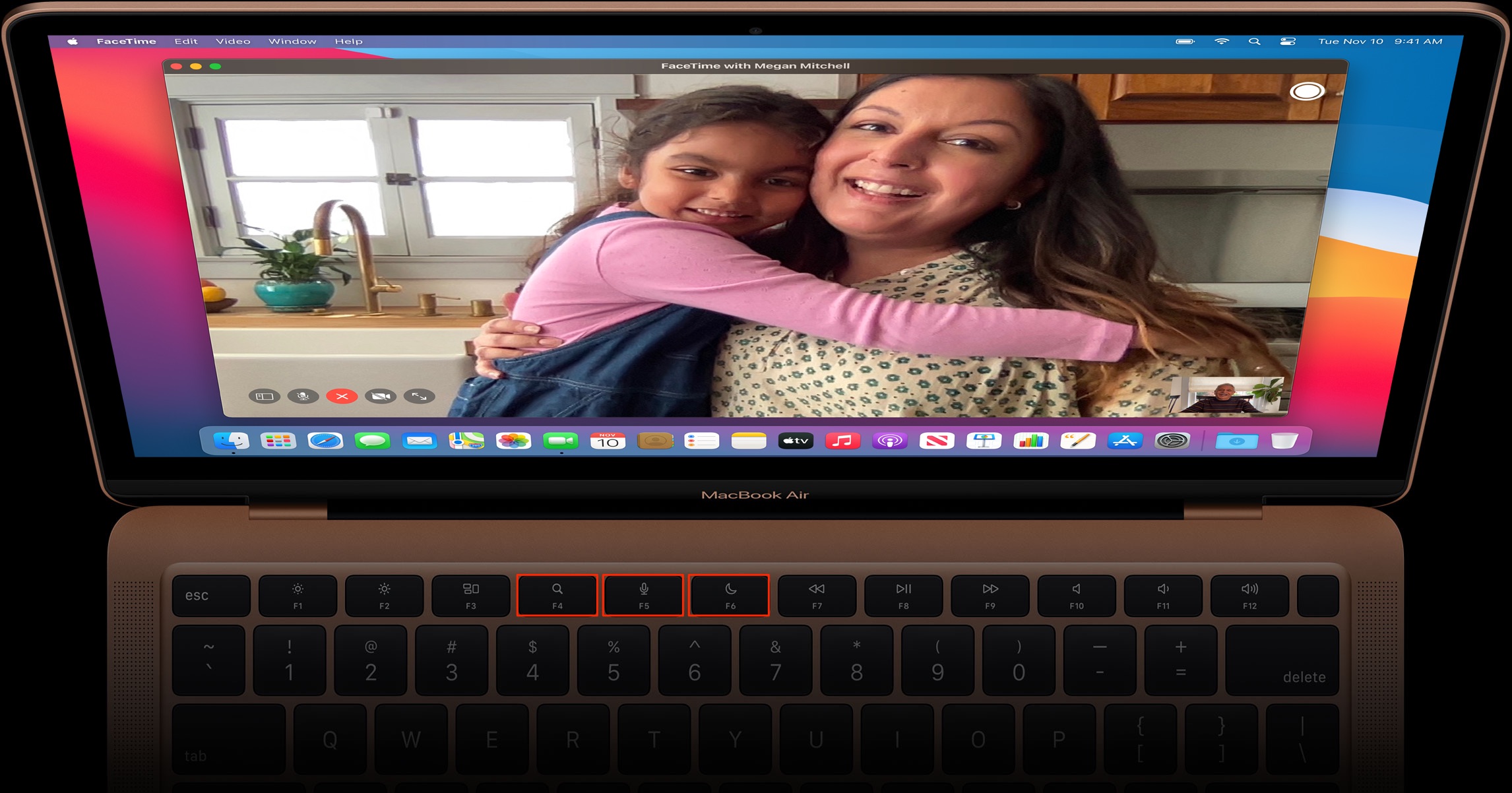
Take advantage of your Mac’s built-in search feature to find things faster and easier than ever with these Spotlight search tips.
After jailbreaking an iPhone or iPad, you might respring the device from time to time, as it can help you save changes made to jailbreak extensions in addition to other things. With that in mind, wouldn’t it be a good idea to have a dedicated shortcut for respringing or performing other boot options in a pinch?
Those in agreeance may want to check out a newly-released and free jailbreak tweak called Spotpower by iOS developer Castyte, as it makes many of these essential functions more accessible to the common jailbreaker. Moreover, it implements these features into a familiar interface that many will use daily: Apple’s own Spotlight search.
iOS’ Spotlight search function is severely underpowered, and with just a bit more oomph, it could be a significantly more powerful tool for both casual and power users alike.
It remains to be seen whether Apple will ever expand upon Spotlight’s seemingly limited search functionalities in upcoming iterations of iOS or not, but in any case, jailbreakers won’t need to wait around for that to happen. With a newly-released and free jailbreak tweak called LuxSit by iOS developer LacertosusDeus, you can enjoy an upgraded Spotlight search experience today.
The Spotlight/Today page can be a wonderful thing, but not everybody uses it. With that in mind, iOS developer Oliver Crespo has created a new free jailbreak tweak called XB-SpotlightScroll that aims to increase the number of things you can do when invoking the gesture that’s typically used to access the Spotlight/Today page.
As it would seem, XB-SpotlightScroll can replace the native Spotlight/Today interface with any one of the following options:
Home screen setups vary from one person to the next, but if yours is more cluttered than most, then perhaps you could benefit from a new free jailbreak tweak release called LeadMeHome by iOS developer LonestarX.
LeadMeHome aims to help you find app icons on your Home screen more efficiently. Whether you want to launch, move, or delete the app in question, LeadMeHome saves you the time and hassle of searching several pages’ worth of app icons with a fine-toothed comb.
If you use Spotlight regularly, then you may be familiar with how the tool remembers your previous search query. Consequently, Spotlight users are then forced to clear the search bar before they can perform a new query.
Albeit a small inconvenience, a new free jailbreak tweak dubbed SpotClearOnClose by iOS developer Kiran Patil can put an end to these shenanigans and save you time the next time you go to use Spotlight search.
Rebuild the Spotlight index on your Mac if Spotlight isn’t working properly or if searching doesn’t show the expected results.
Apple officially announced today that it's replacing Microsoft's Bing with the Google search engine for Siri web searches and within Spotlight for iOS (now called Search) and Spotlight on Mac. Safari on iPhone, iPad and Mac already uses Google search as the default provider.
Siri Suggestions is an iOS widget that keeps track of your app usage and recommends the apps you use the most. While the concept is useful for some, the implementation is a hassle for others because it shows a history of your most frequently-launched apps.
Jailbreakers now have a decent solution to the quarrel without losing out on somewhat useful functionality. A new free jailbreak tweak called HideSiriSuggestions by iOS developer Andreas Henriksson lets you hide individual apps of your choosing from the widget.