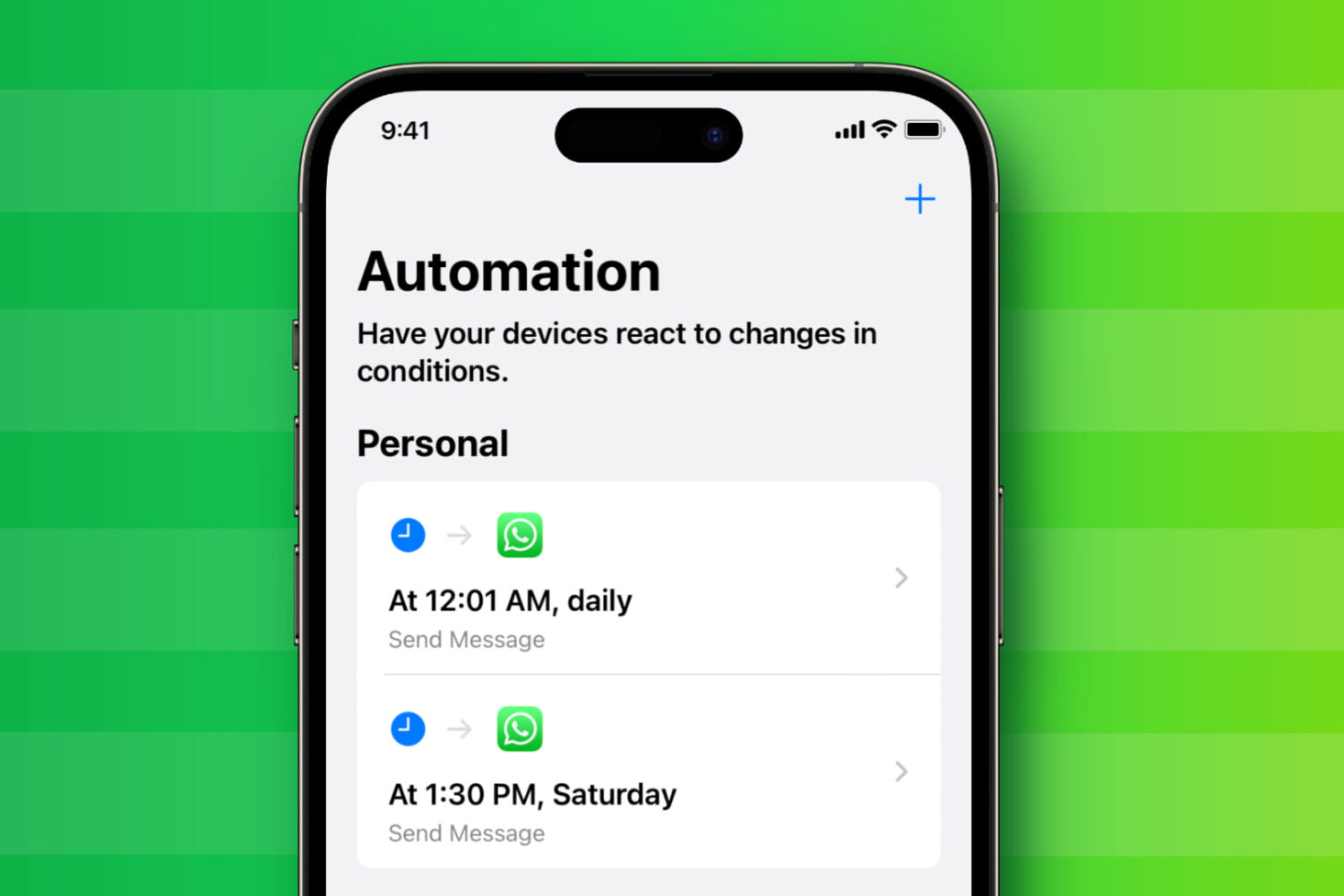
Learn how to set up and use the Action button on your iPhone to quickly perform useful tasks and save time.
How to use and customize the iPhone Action button
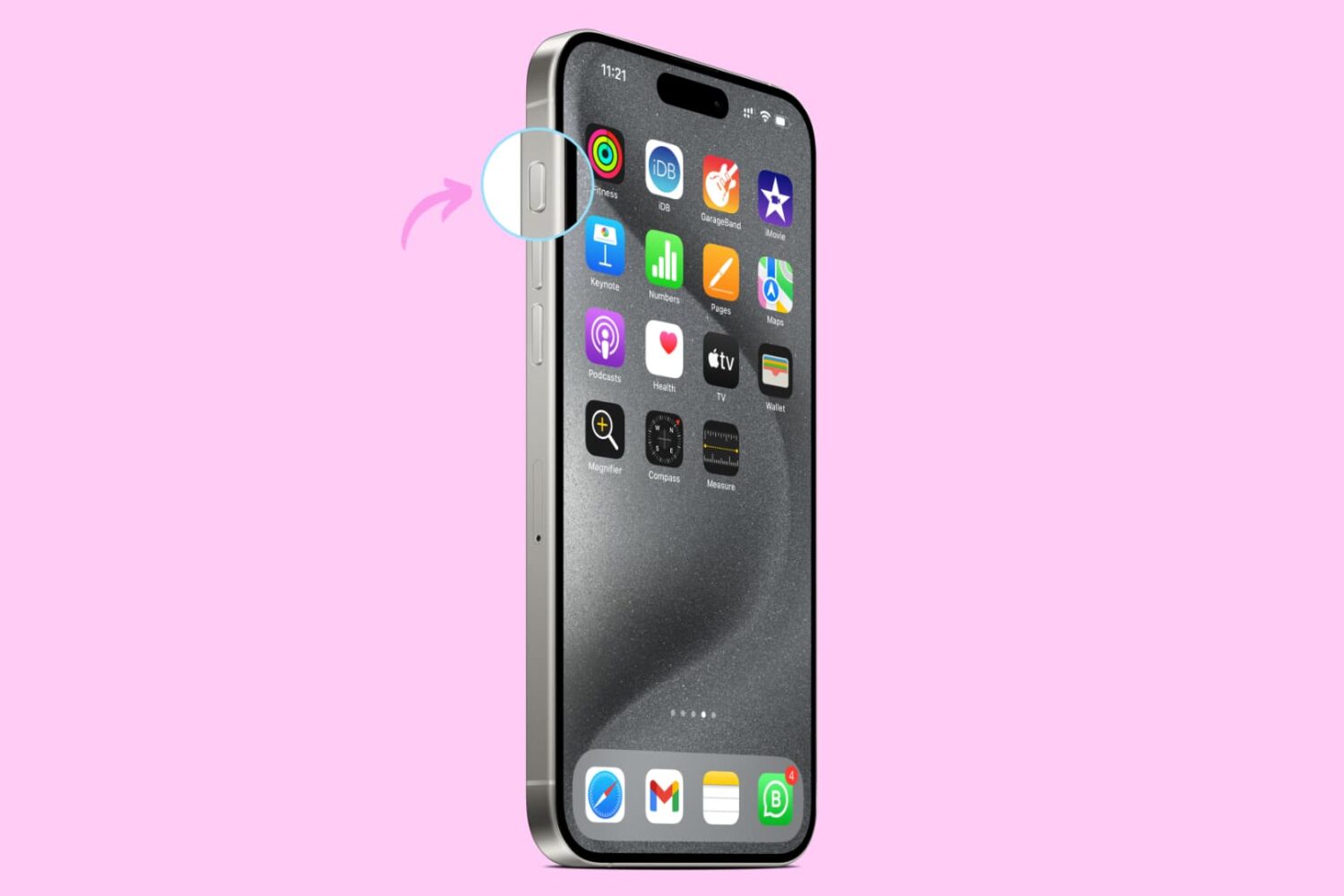
Learn how to set up and use the Action button on your iPhone to quickly perform useful tasks and save time.
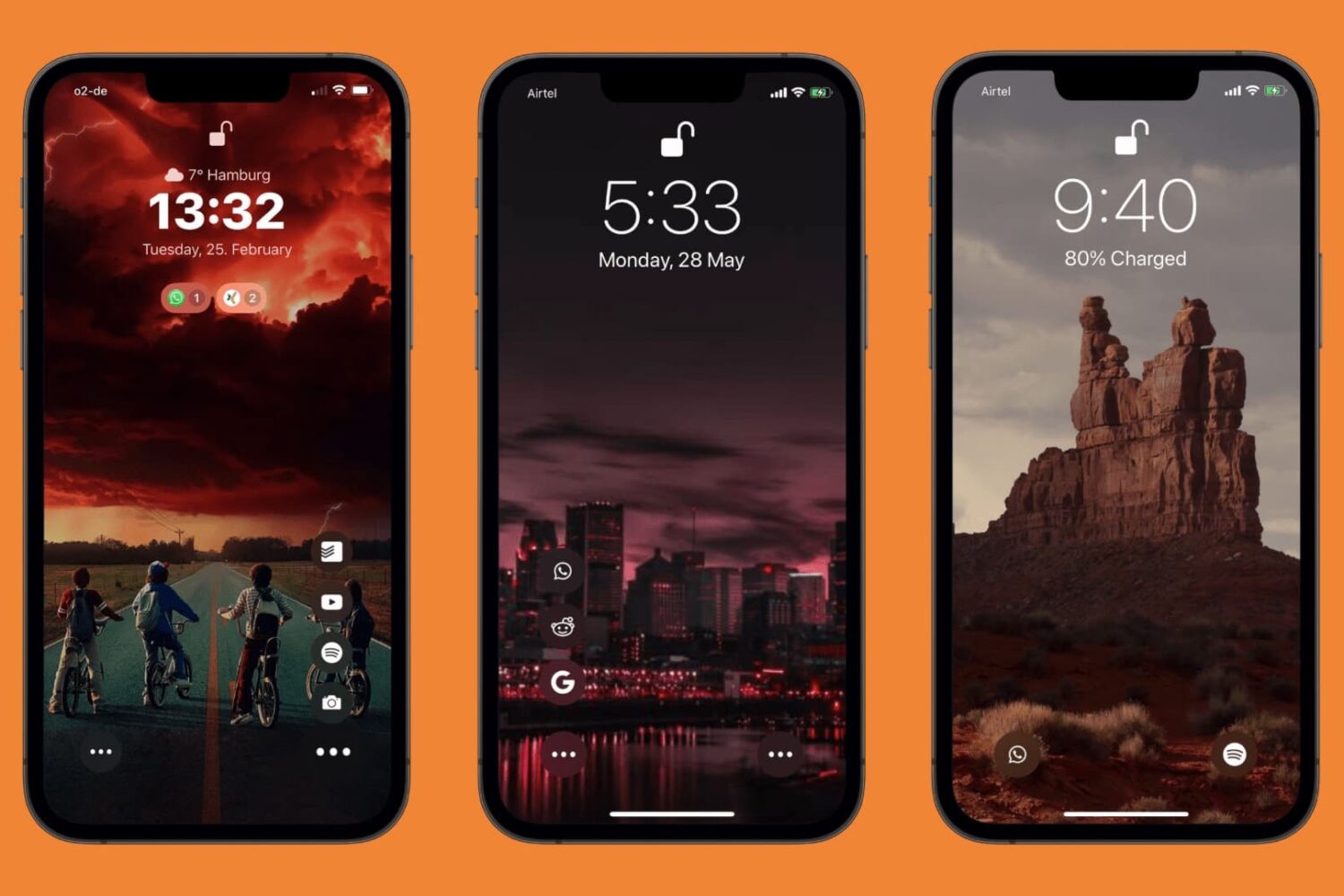
A few years back, we wrote about a jailbreak tweak called Jumper by iOS developer neoish that not only added configurable app shortcuts to the Lock Screen for ease of access but designed them in such a way that they didn’t add unwanted clutter to the interface because they collapse into a smaller space when not in use.
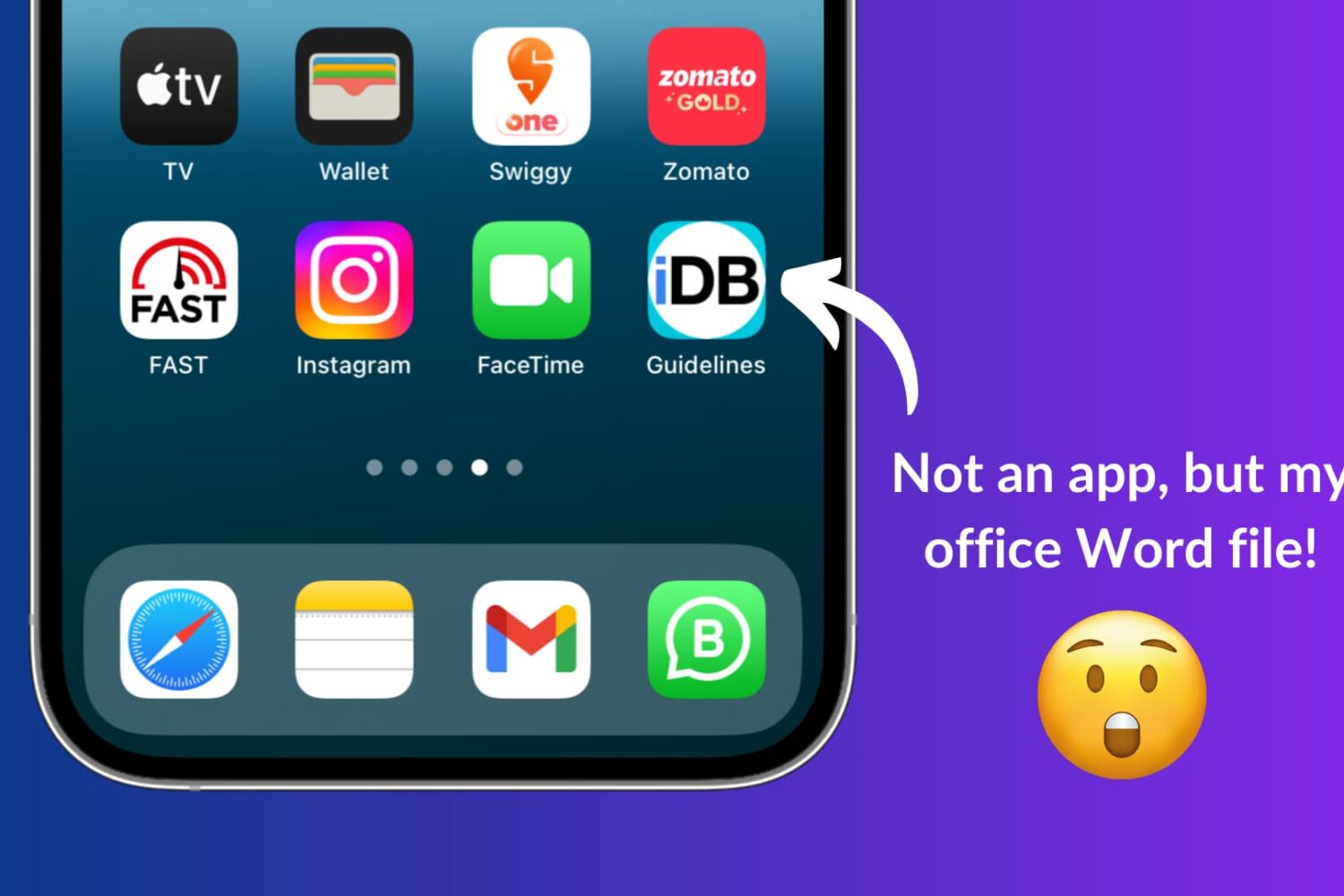
Learn how to use Apple Shortcuts to add a document like a PDF or a Word file to the Home Screen of your iPhone or iPad for quick and easy access.
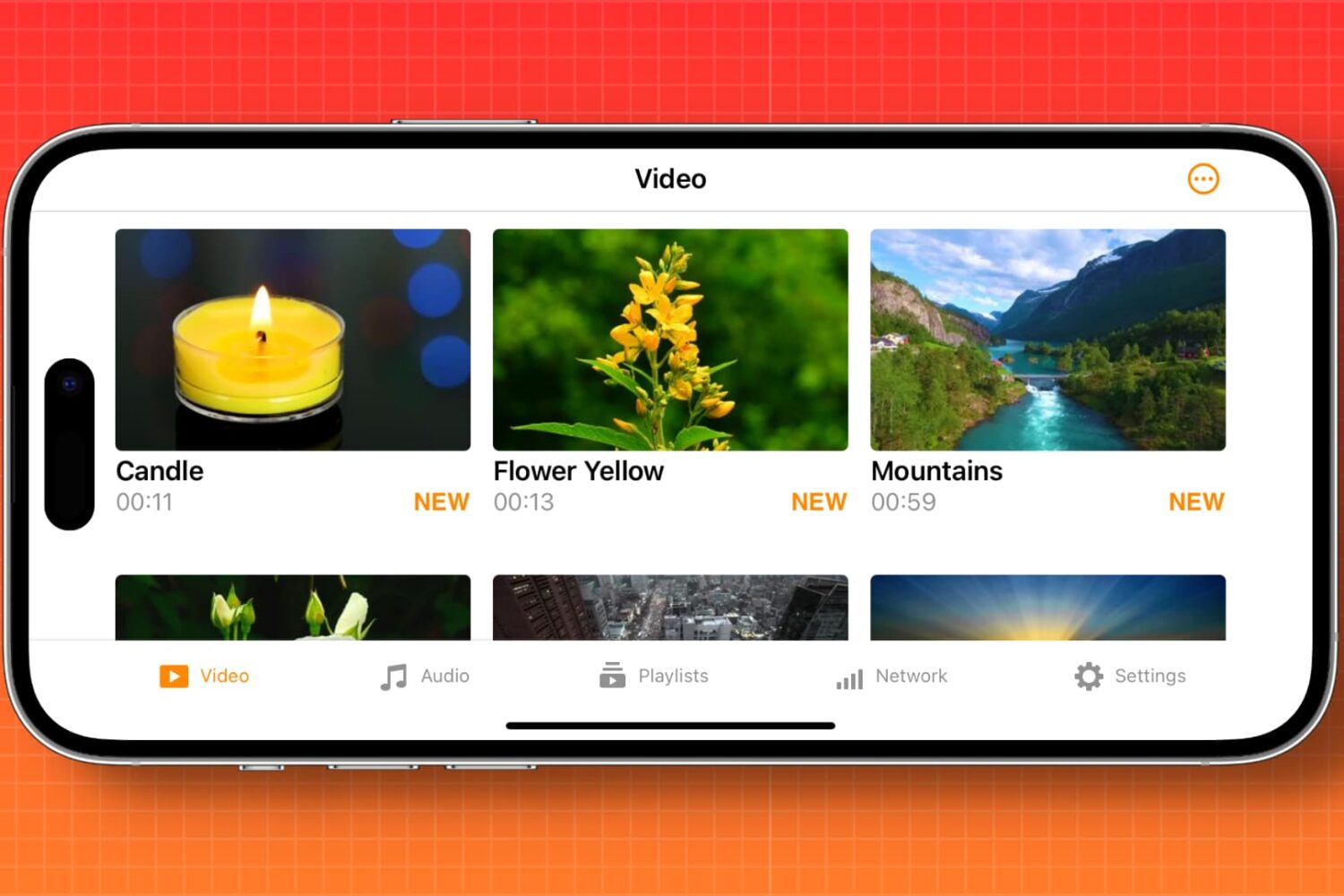
Learn how to automatically enable screen rotation for specific apps like Apple TV, YouTube, VLC, and Netflix on your iPhone.
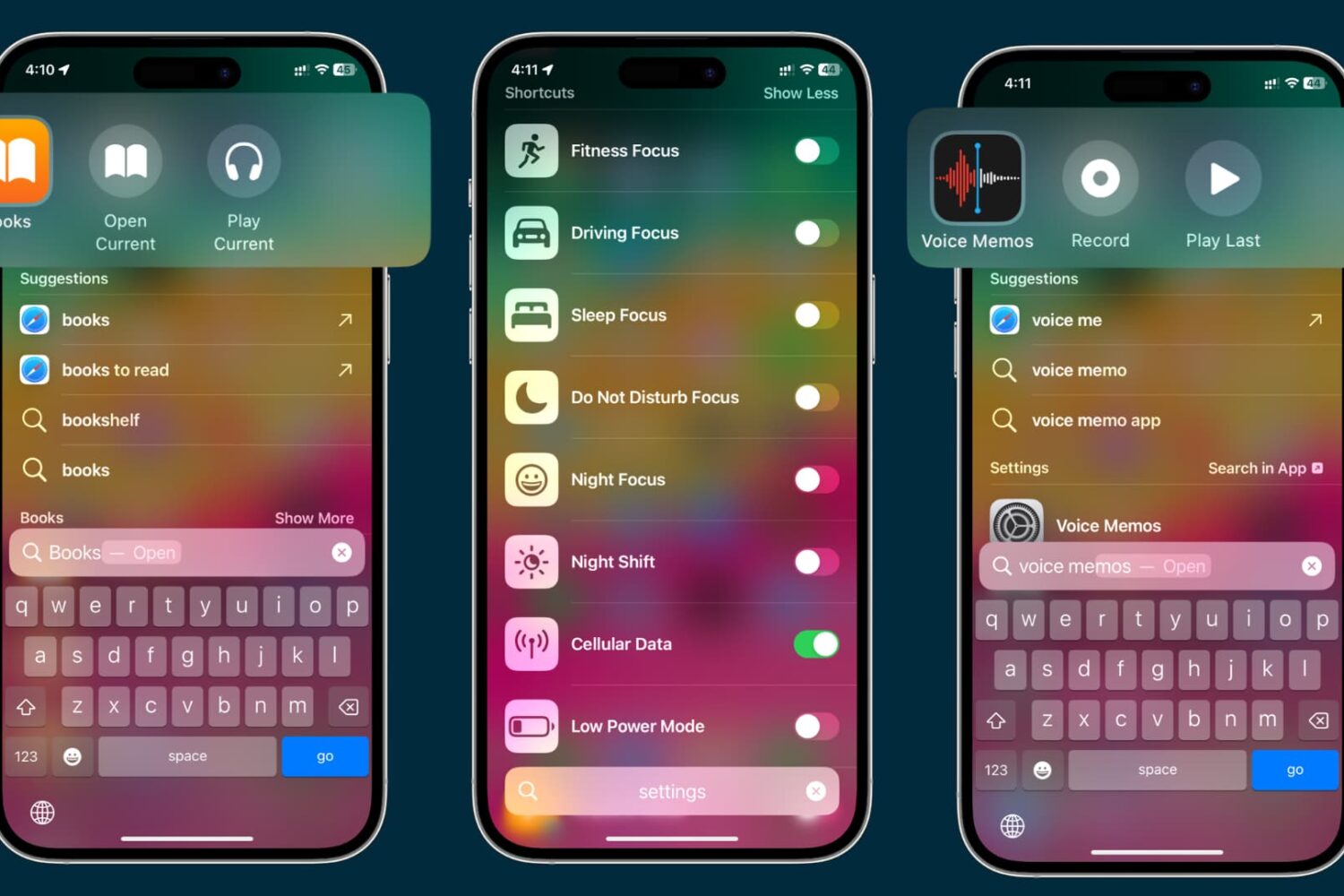
Learn everything about App Shortcuts in Spotlight to enhance your search experience and quickly trigger actions or navigate to specific sections of apps on your iPhone or iPad.
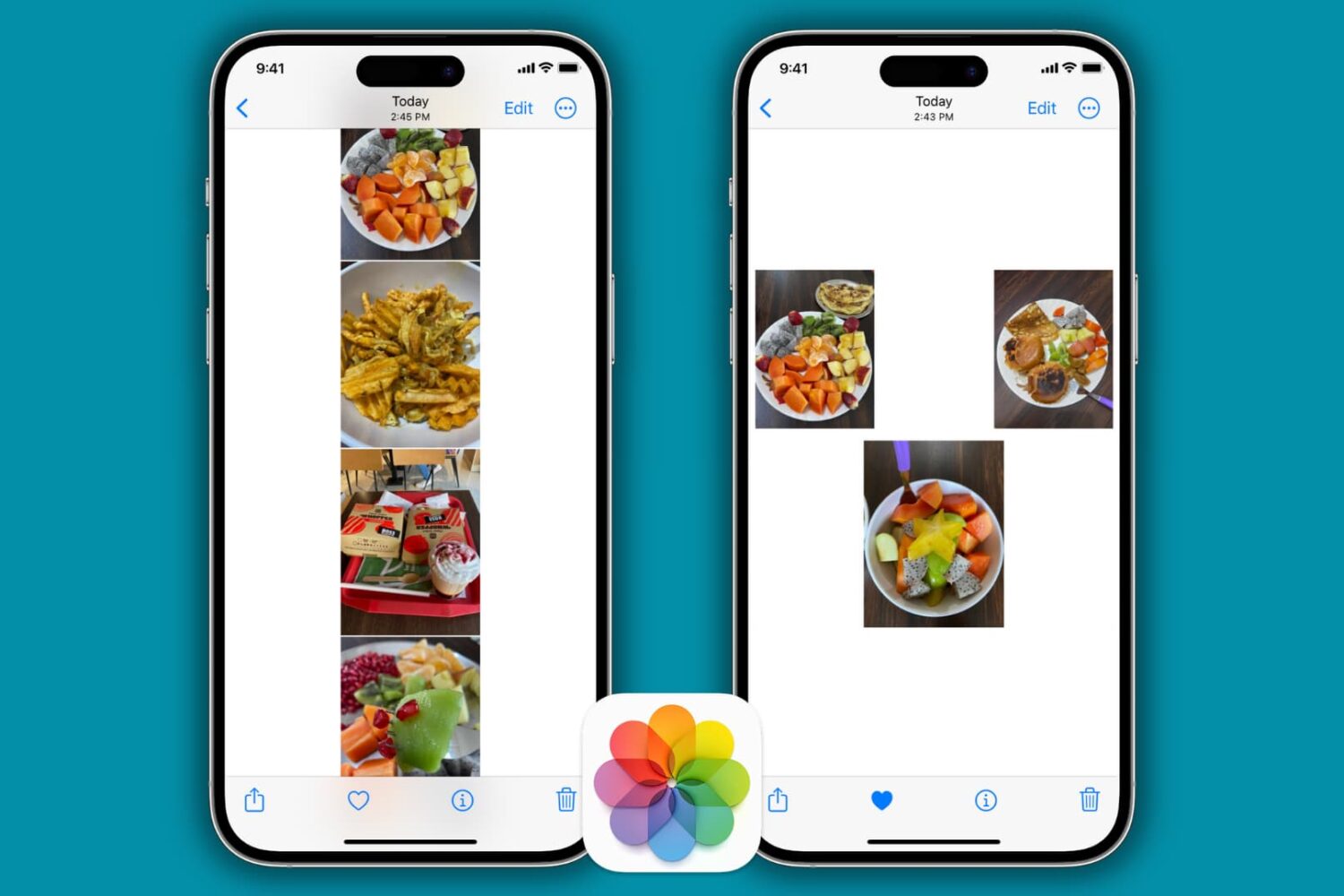
Learn how to stitch multiple pictures together vertically, horizontally, or on a freeform canvas directly from your iPhone and iPad for free.
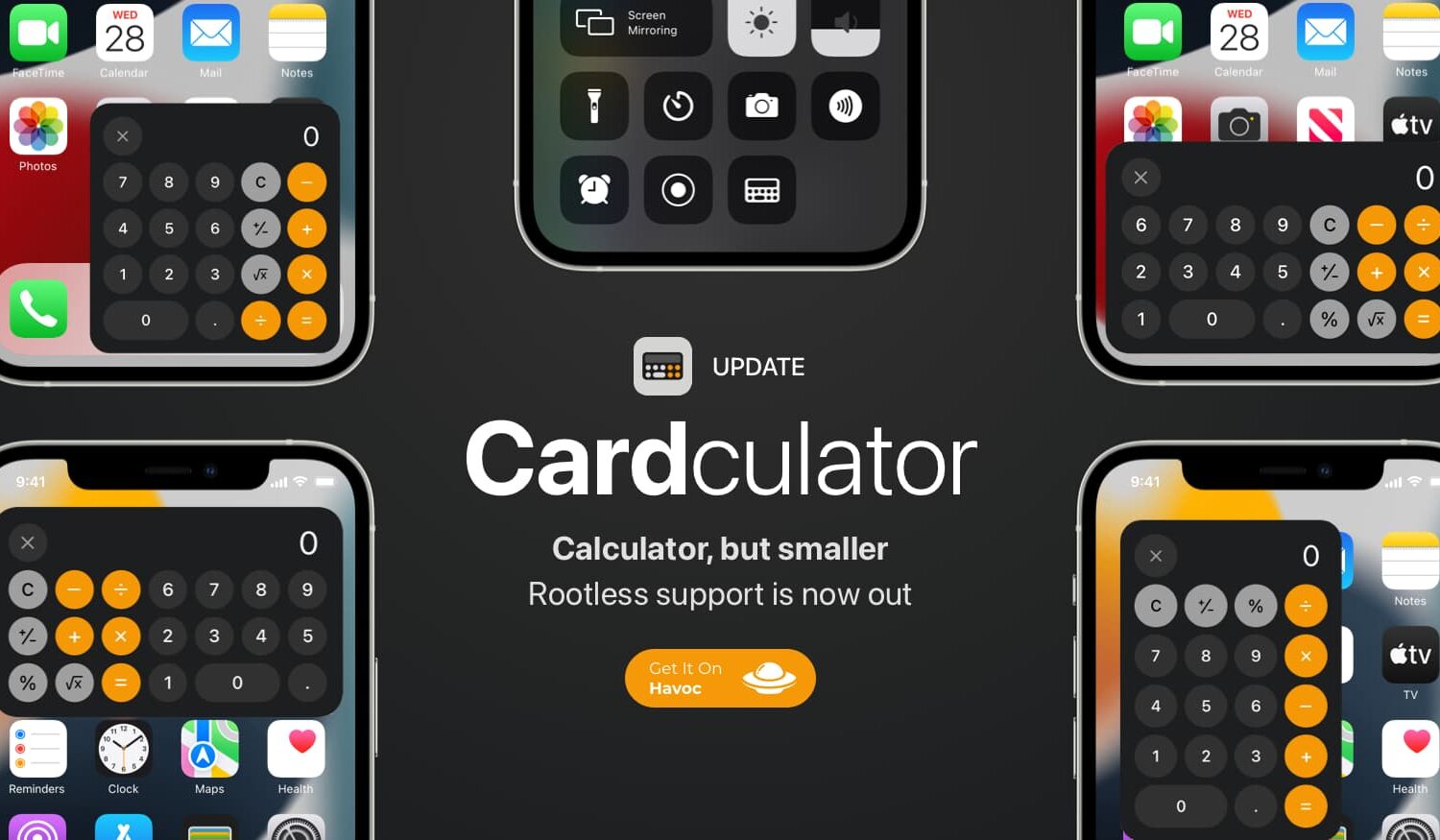
Around a year ago, we showed you a jailbreak tweak called Cardculator by iOS developer sourcelocation, which allowed a user to summon a floating Calculator interface over the top of anything they were already doing on their iPhone.
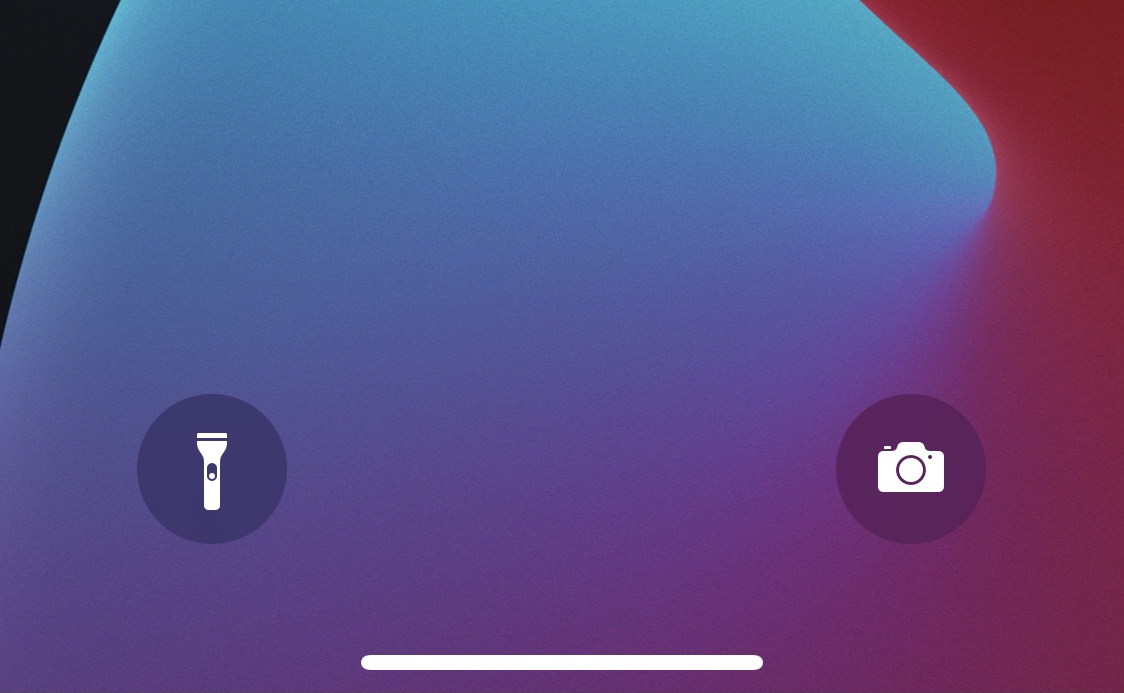
The Lock Screen is a barrier between your smartphone’s contents and the outside world, but it’s also the very first thing you see every time you grab your device. That’s why Apple made Quick Actions to lend fast access to the Camera and Flashlight directly from the Lock Screen.
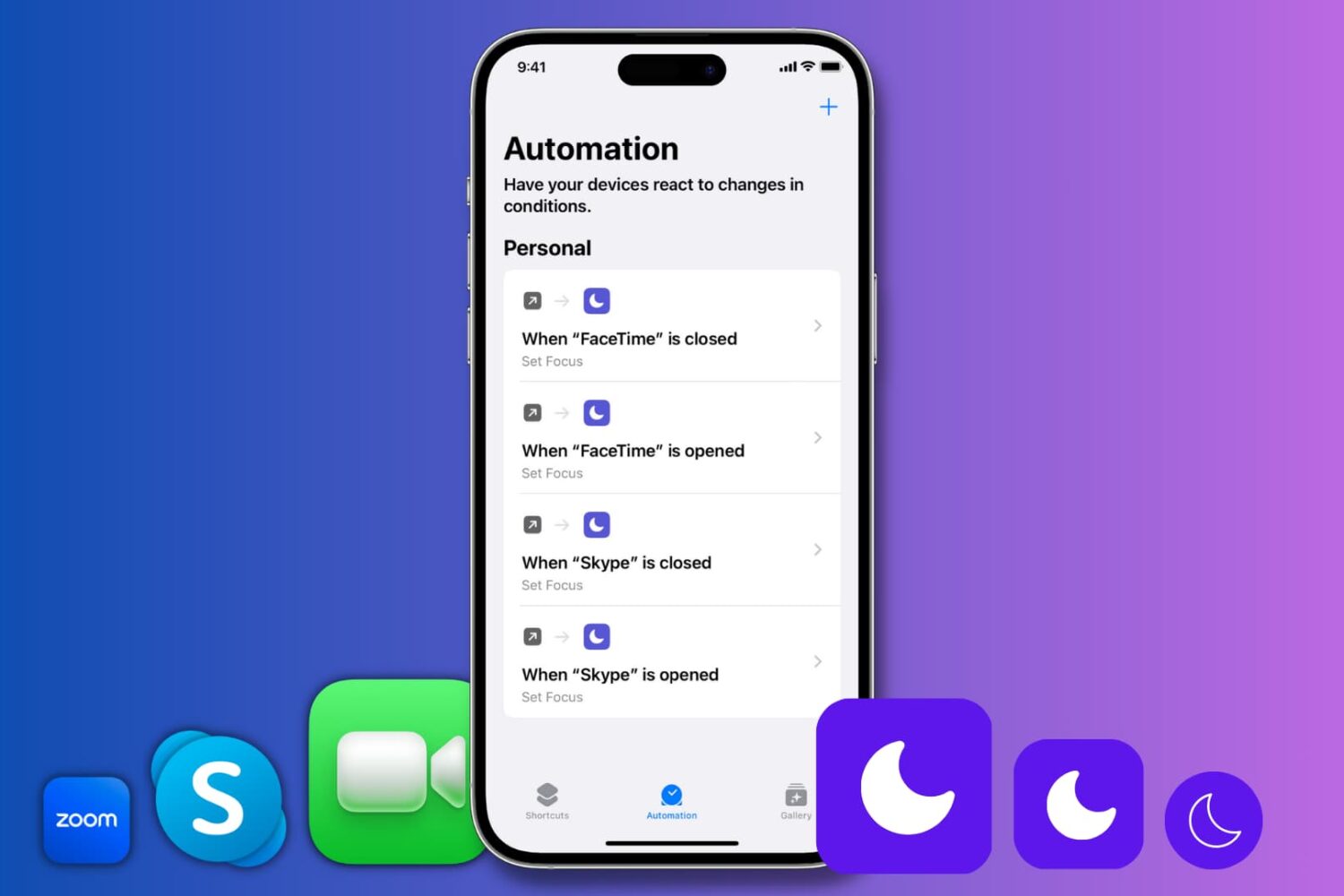
Learn how to automatically enable Do Not Disturb when you open Zoom, FaceTime, Skype, or any specific app on your iPhone or iPad.
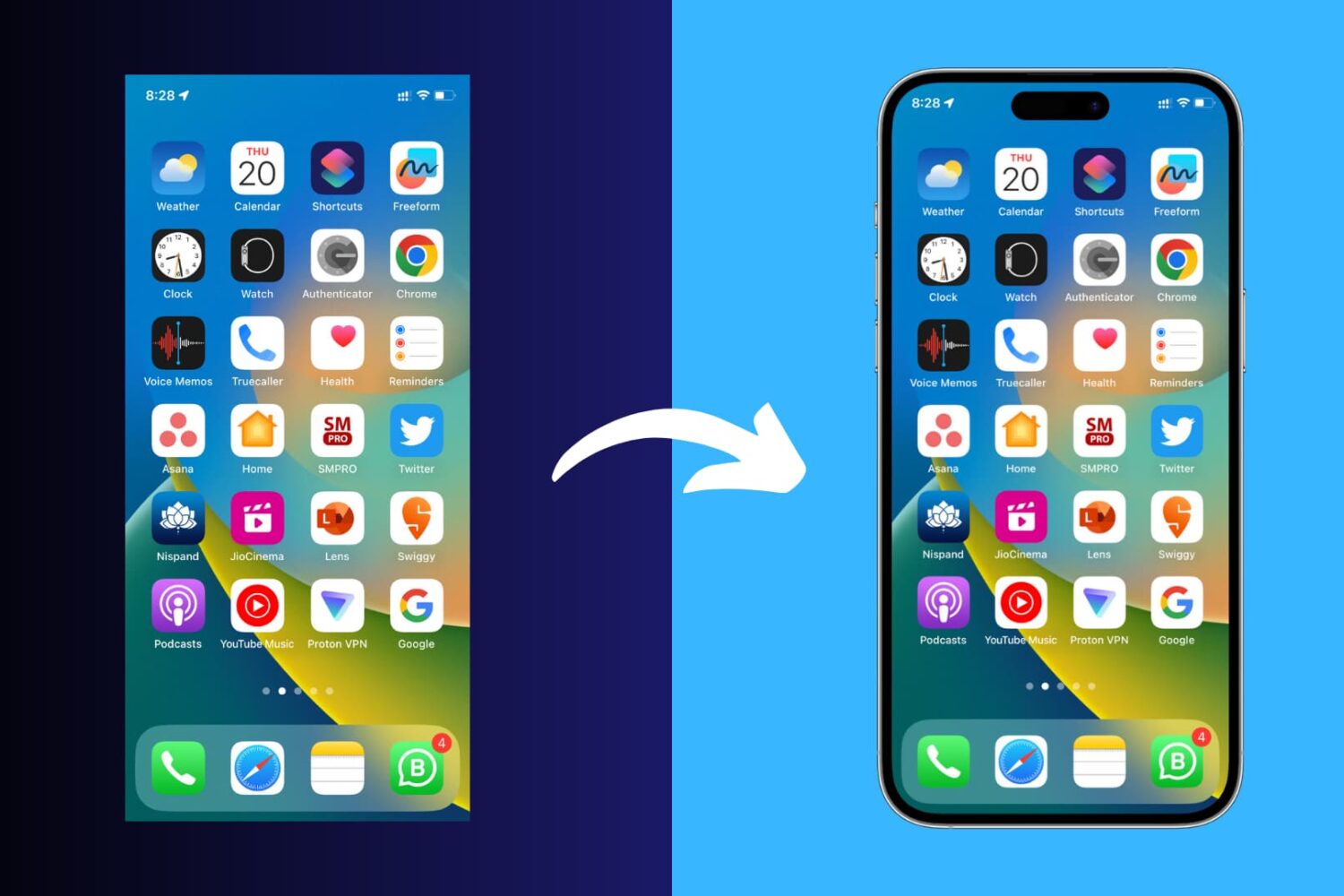
Learn how to add a device frame around your iPhone and iPad screenshots to make them look more polished for presentations, online sharing, and more.
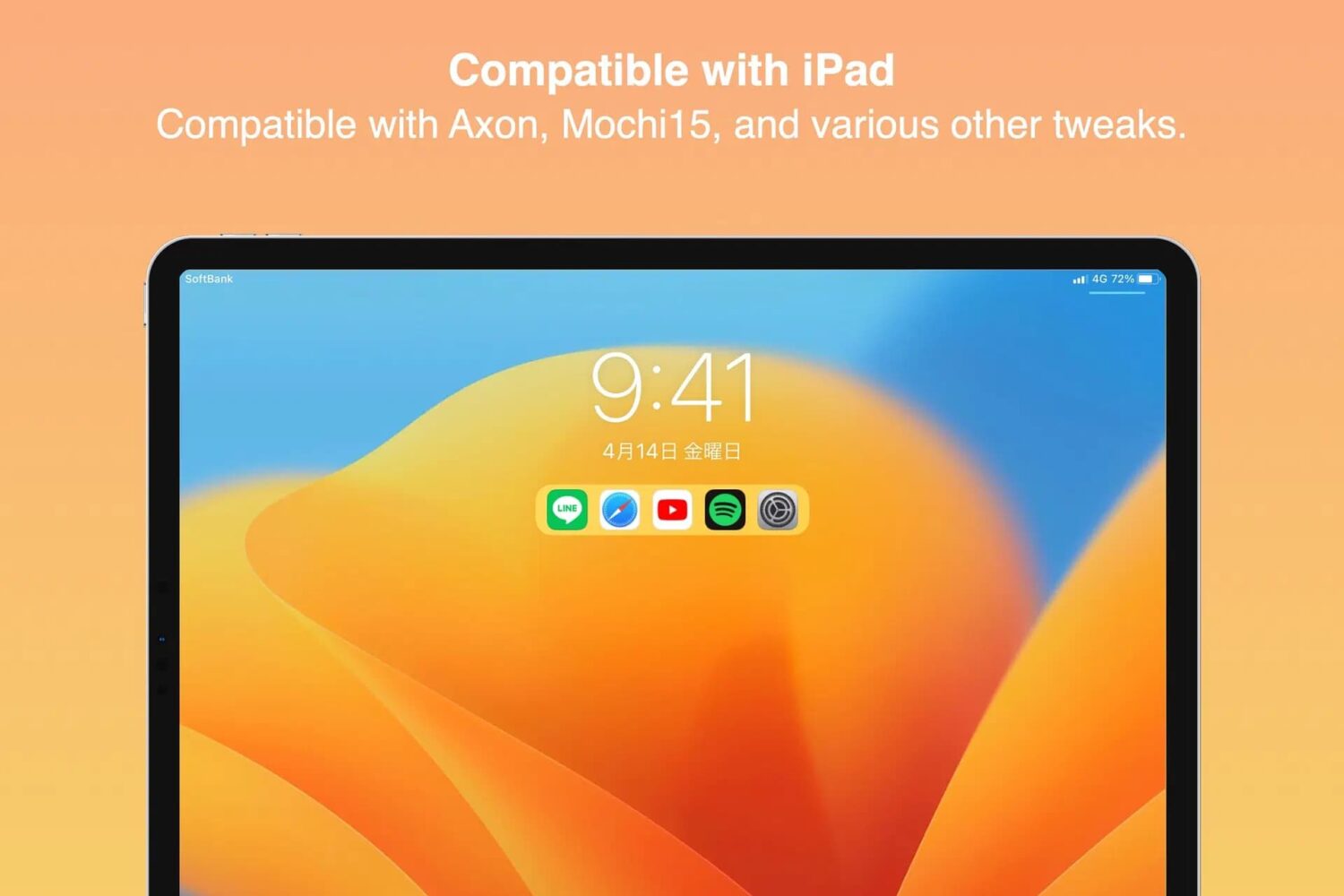
Lots of people would agree that it’s useful to have app shortcuts on the Lock Screen. After all, it’s that sentiment that made older jailbreak tweaks such as Jellyfish so popular back in the day.