Some of the 2027 iPhones could bring an under-screen selfie camera and Face ID for a seamless appearance with no visual interruptions.
iPhone 19 rumored to bring an under-screen selfie camera
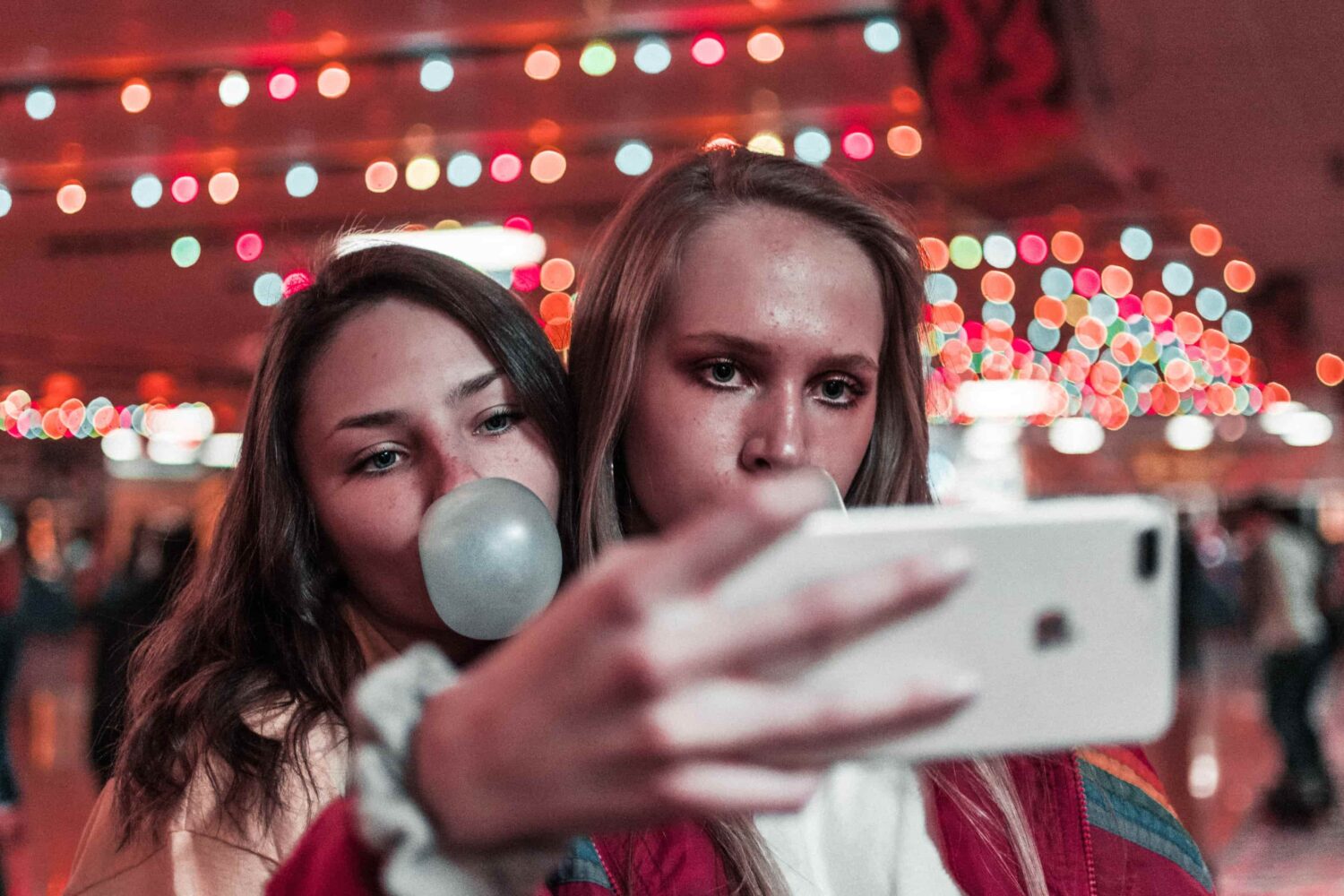
Some of the 2027 iPhones could bring an under-screen selfie camera and Face ID for a seamless appearance with no visual interruptions.
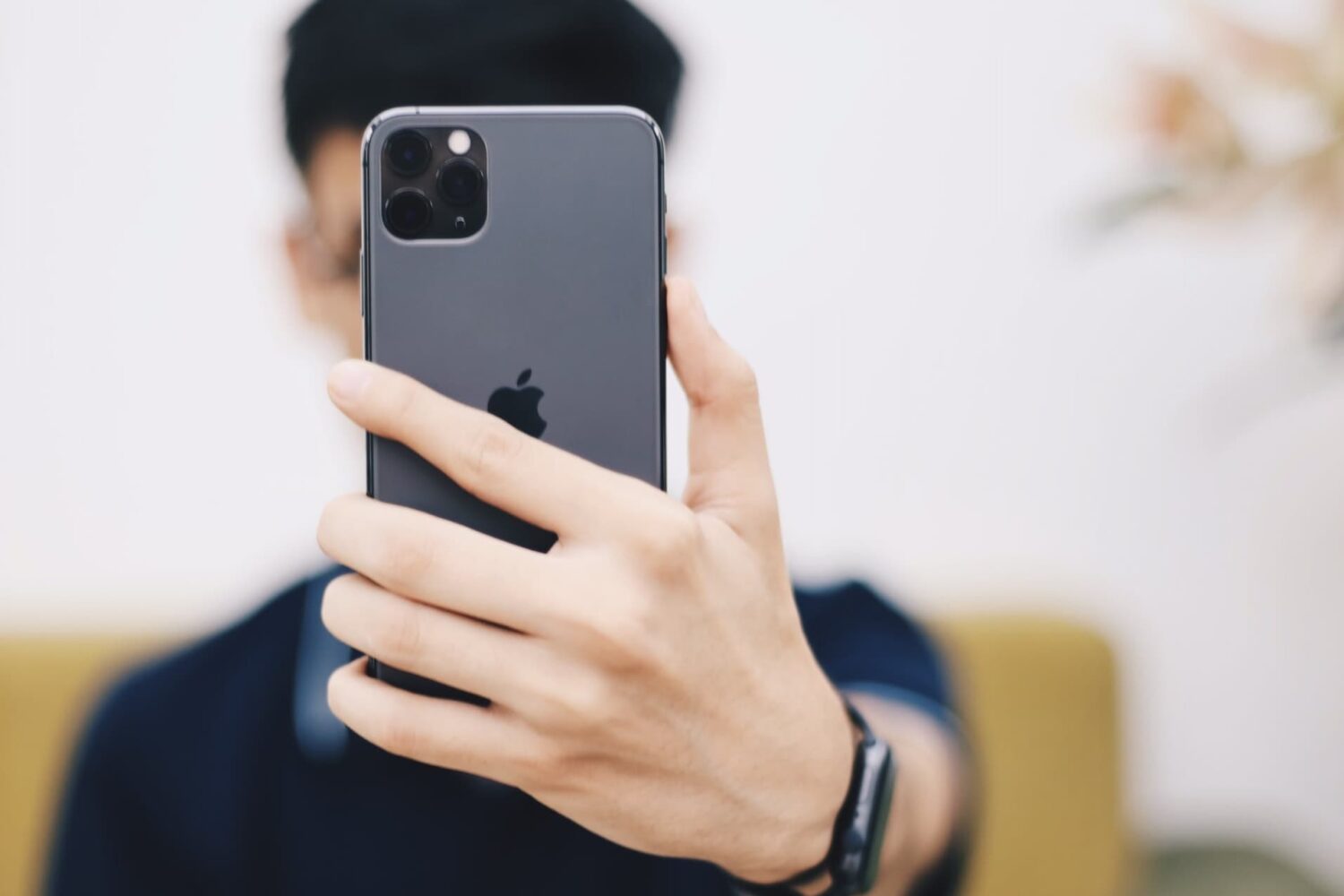
Your iPhone’s front-facing camera captures a mirror image of what you actually look like from your lens’ perspective. For some people, this is no problem; for others, it’s a nuisance that requires immediate remedying.
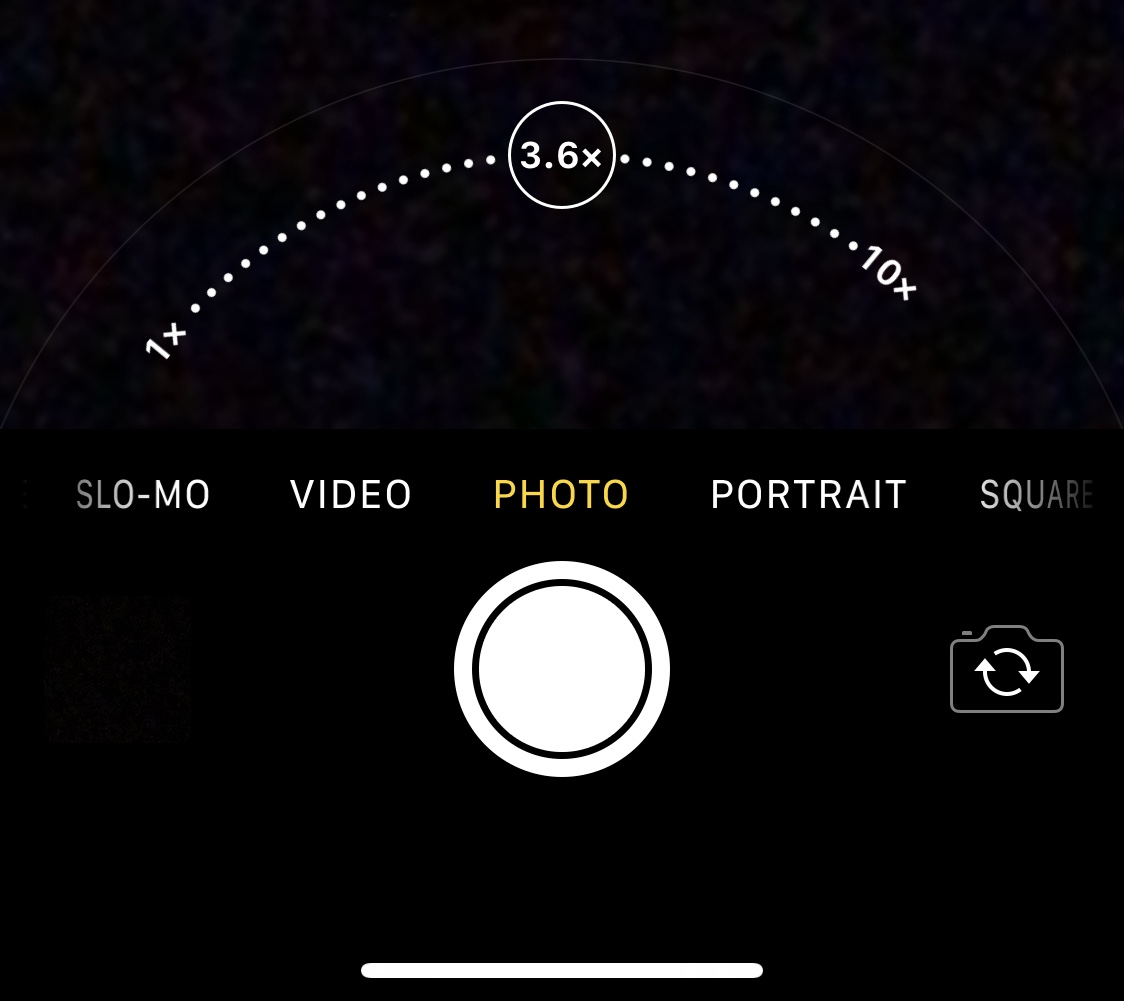
There’s absolutely no question that Apple goes all-in on making the rear-facing camera on its iPhones as powerful as possible through the combination of great hardware and user-friendly software. Unfortunately, it’s blatantly obvious that Apple doesn’t even come close to investing in their handsets’ front-facing cameras, as many seem to lack obvious features such as the ability to zoom while snapping selfies.
Fortunately for jailbreakers, iOS developer Brandon Robinson has released a solution in the form of a new and free jailbreak tweak called Front Zoom Dial. Just as the name implies, Front Zoom Dial adds the familiar zoom capability that we all take for granted from the rear-facing camera to the front-facing camera as well.
Learn how to stop your iPhone from flipping selfies and instead save un-mirrored originals that match exactly what you see in the Camera app’s viewfinder.

If you’re like me, then you probably don’t appreciate it when someone grabs your iPhone and tries to guess your passcode. Fortunately, a free jailbreak tweak called Hidden Cam by iOS developer Baw Apple can help you determine who’s doing this when you aren’t looking.
Hidden Cam works by snapping a selfie every time your passcode gets entered incorrectly. This method is incredibly efficient because it won’t use any system resources if your passcode or biometric authentication succeeds.

Apple has confirmed it’s fixing the controversial “beauty mode” process when taking selfies on the 2018 iPhones. The Verge has learned the feature, which smooths a subject’s skin automatically in selfies, will be no more in the upcoming iOS 12.1 update.

This past weekend, a trio of nicely done new videos appeared on Apple's Brazilian YouTube channel, titled “Selfies on iPhone X” and similar to its larger "Shot on iPhone" series” campaign.
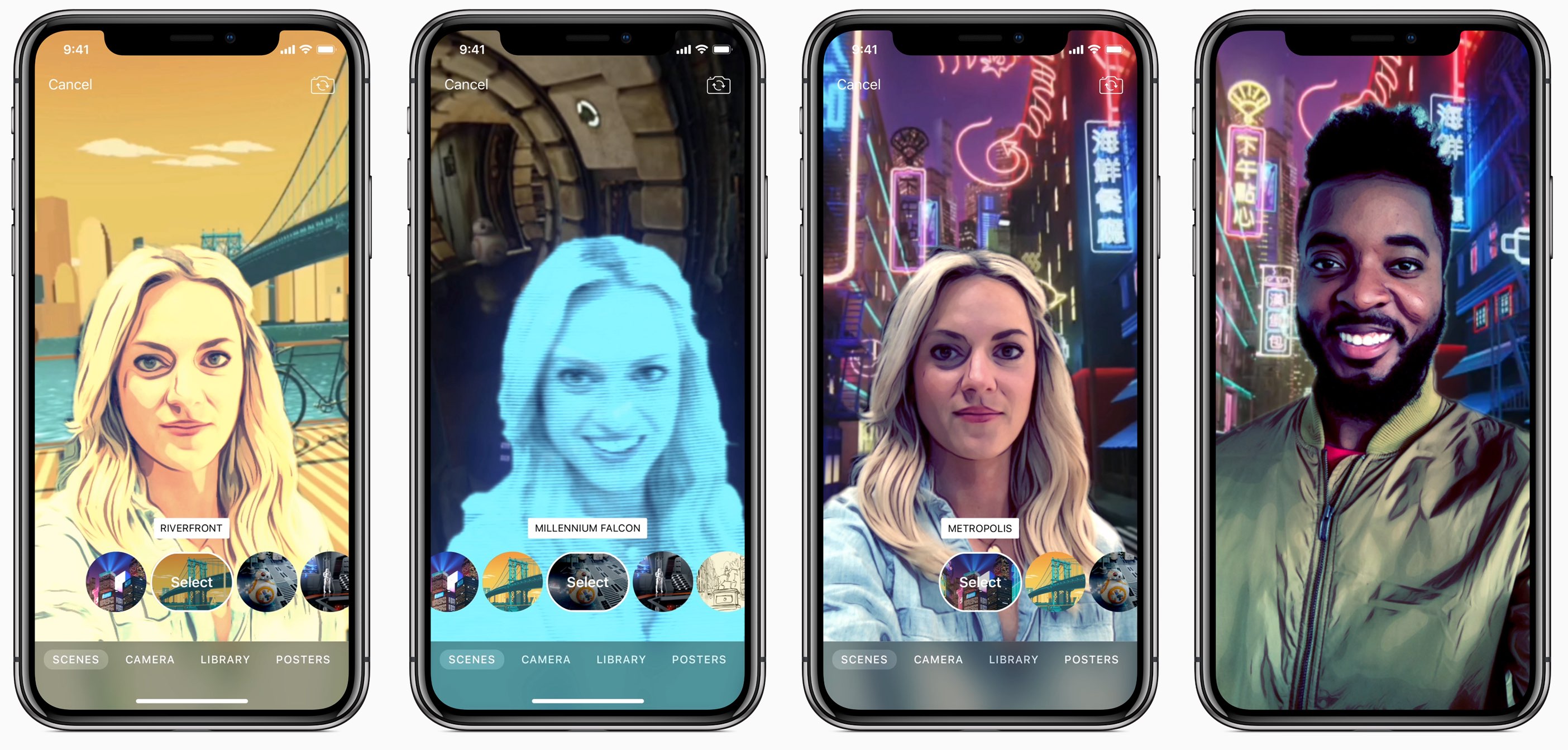
Apple's fixed a bug in its Clips app for making expressive, easily shareable videos on the go.
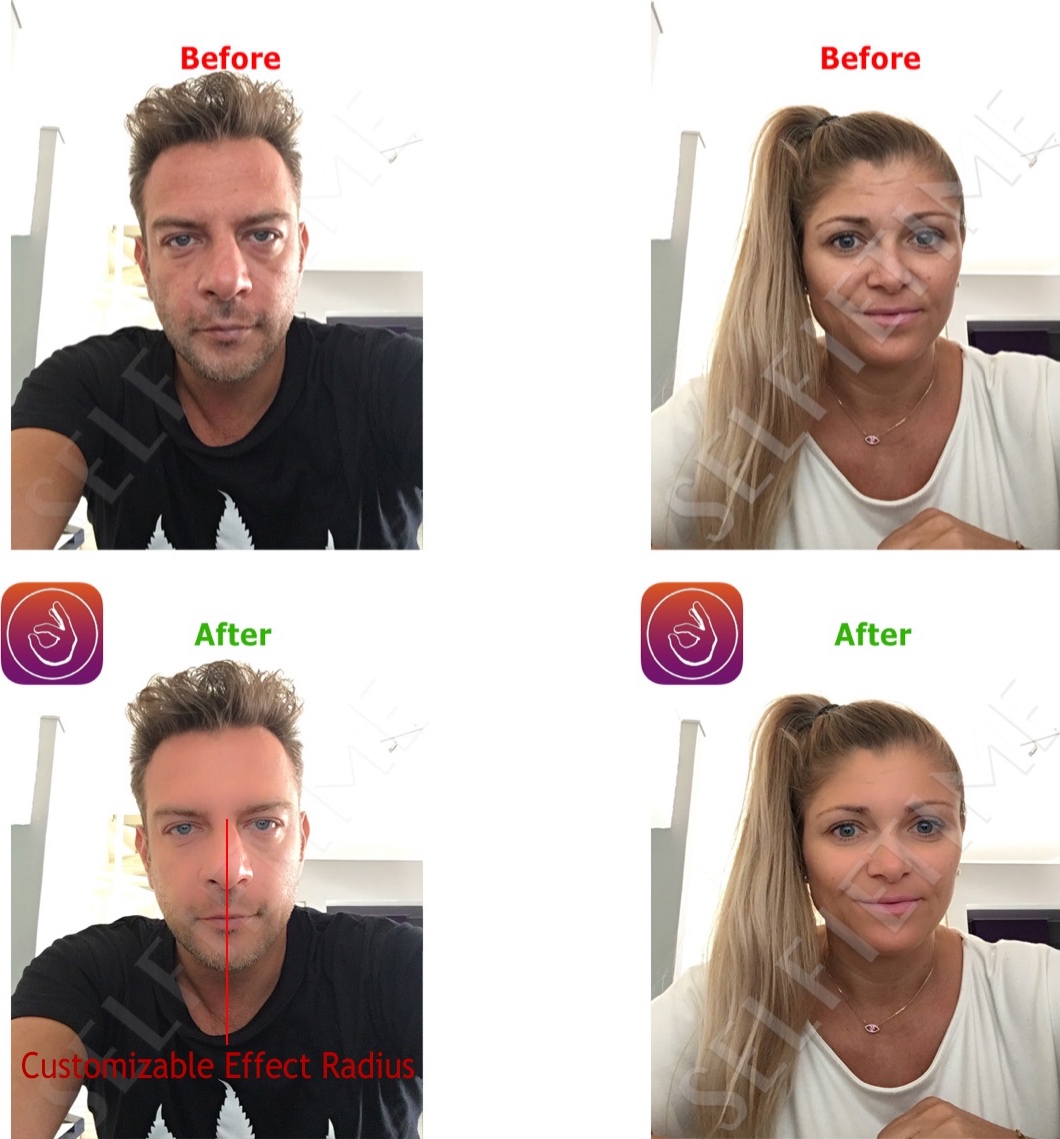
Although some people have no problem with snapping selfies and carrying out FaceTime Video calls with their friends or colleagues, some people simply aren't happy with the way they look and are more self-conscious about how folks will judge their character.
SelfieTime is a new jailbreak tweak by veteran iOS developer Elias Limneos that can help people of the latter group look better for their selfies and feel more confident during FaceTime Video calls.
Apple on Friday added four new video tutorials to the “How to shoot on iPhone 7” series on its YouTube channel. The four new videos were designed to teach customers how to shoot with zoom on their iPhone 7 Plus, convert their photographs to black & white, as well as take a one-handed selfie and edit it on the phone.
How to shoot with zoom on iPhone 7 Plus“Get closer with 2x optical zoom. Or use digital zoom to get up to 10x closer,” says Apple.
https://www.youtube.com/watch?v=wsaA1s7oCKA
If you tend to use the zoom feature while shooting video on your iPhone 7 Plus, it may be a good idea to disable the automatic lens switching feature in camera settings to avoid any glitches that may occur when zooming in and out during video capture.
How to convert to black & white on iPhone 7https://www.youtube.com/watch?v=RQoEsUJpy_Q “The right filter and a bit of experimenting with light levels give you a dramatic black-and-white image,” says Apple.
How to shoot a one-handed selfie on iPhone 7https://www.youtube.com/watch?v=4miX5CNATEI
“The quick-draw selfie in three easy steps.”
How to edit a selfie on iPhone 7https://www.youtube.com/watch?v=UUxahFzjGS4
“Use cropping and auto-enhance to create an even better selfie for sharing,” says Apple.
If you'd like, feel free to explore additional photography tips and techniques at Apple's website.
The clips join Apple's seven video tutorials on using iPhone 7's camera, published last week.
Our own iPhone Photography series is a valuable resource of free tips, tricks and advanced photography techniques, whether you are an experienced photographer or a beginner.
Having been combing through the newly released iOS 9 beta 3 for iPhone, iPod touch and iPad in search of new features, I've stumbled upon something that instantly brought a smile to my face: a pair of brand new dedicated folders inside the Photos app.
One aggregates screenshots taken by holding down the power and Home button at the same time. The other is for face shots you take with your iPhone's front-facing camera, as first noted by The Verge.