Review

This tweak gives you the iOS 13 ringer/silent HUD on iOS 12

One of my favorite upgrades in iOS 13 is the updated ringer/silent HUD. Rather than taking up the entire center of the display, iOS 13’s ringer/silent HUD appears near the top, and it looks much sleeker with its smaller footprint and subtle colorization.

If you’re jailbroken on iOS 12 instead of iOS 13, then you might be excited to learn about a newly released jailbreak tweak called XIIIHUD-Mute by iOS developer XCXiao, as it ports the iOS 13 ringer/silent HUD experience to the older mobile operating system. Examples of the tweak are depicted in the screenshot examples above.
Jailbreakers can now customize iOS 13’s native dark mode with Noctis Neo

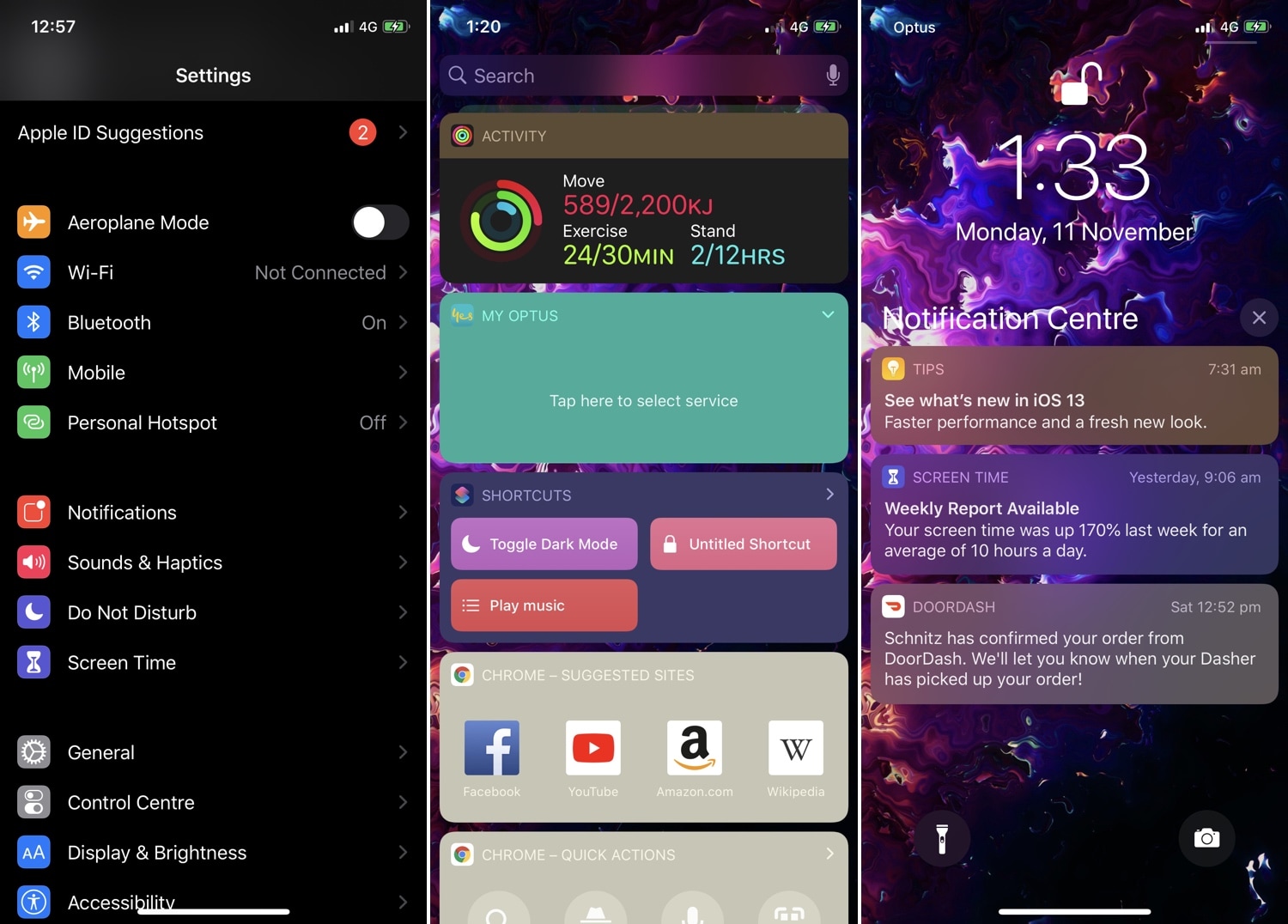
Jailbreakers have had access to dark mode for years, but Apple is just now implementing it out of the box with the launch of iOS 13. Unfortunately, native dark mode in iOS 13 isn’t quite as dark as some users would prefer, and that’s why iOS developer LaughingQuoll has released a new jailbreak tweak called Noctis Neo.

Noctis Neo, much like older iterations of Noctis, lets users enable and configure dark mode with or without custom color accents and tints. You’ll notice in some of the screenshot examples above that Noctis Neo can make iOS 13’s dark mode a truer black than it comes out of the box, but that’s not the only thing it can do.

Re-enable your iPhone’s 3D Touch hardware in iOS 13 with Sunflower

One of the most controversial changes in iOS 13 was the removal of 3D Touch functionality in place of a new feature Apple calls ‘Haptic Touch.’ While this might’ve made sense for handsets that lack 3D Touch-equipped displays, Apple purposefully disabled this hardware with the release of iOS 13 such that even devices with 3D Touch-equipped displays would utilize Haptic Touch instead.

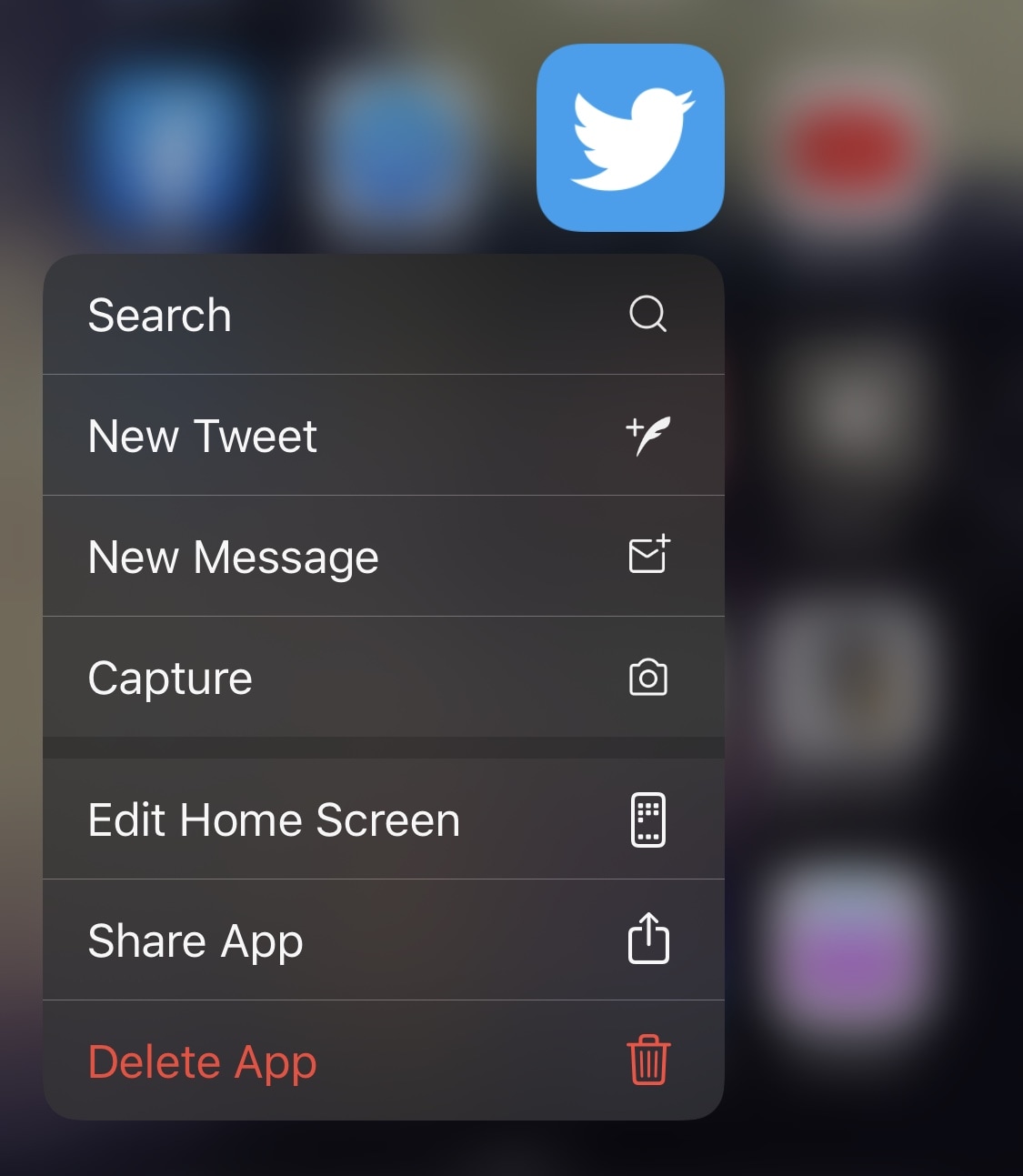
If you were among those disappointed by Apple’s decision to nix 3D Touch, then you’ll be happy to know that a newly released jailbreak tweak for iOS 13 dubbed Sunflower by iOS developer LaughingQuoll can help you get your precious pressure-based 3D Touch gestures back.

Twelve South offers premium charging for iPhone, Apple Watch, and AirPods

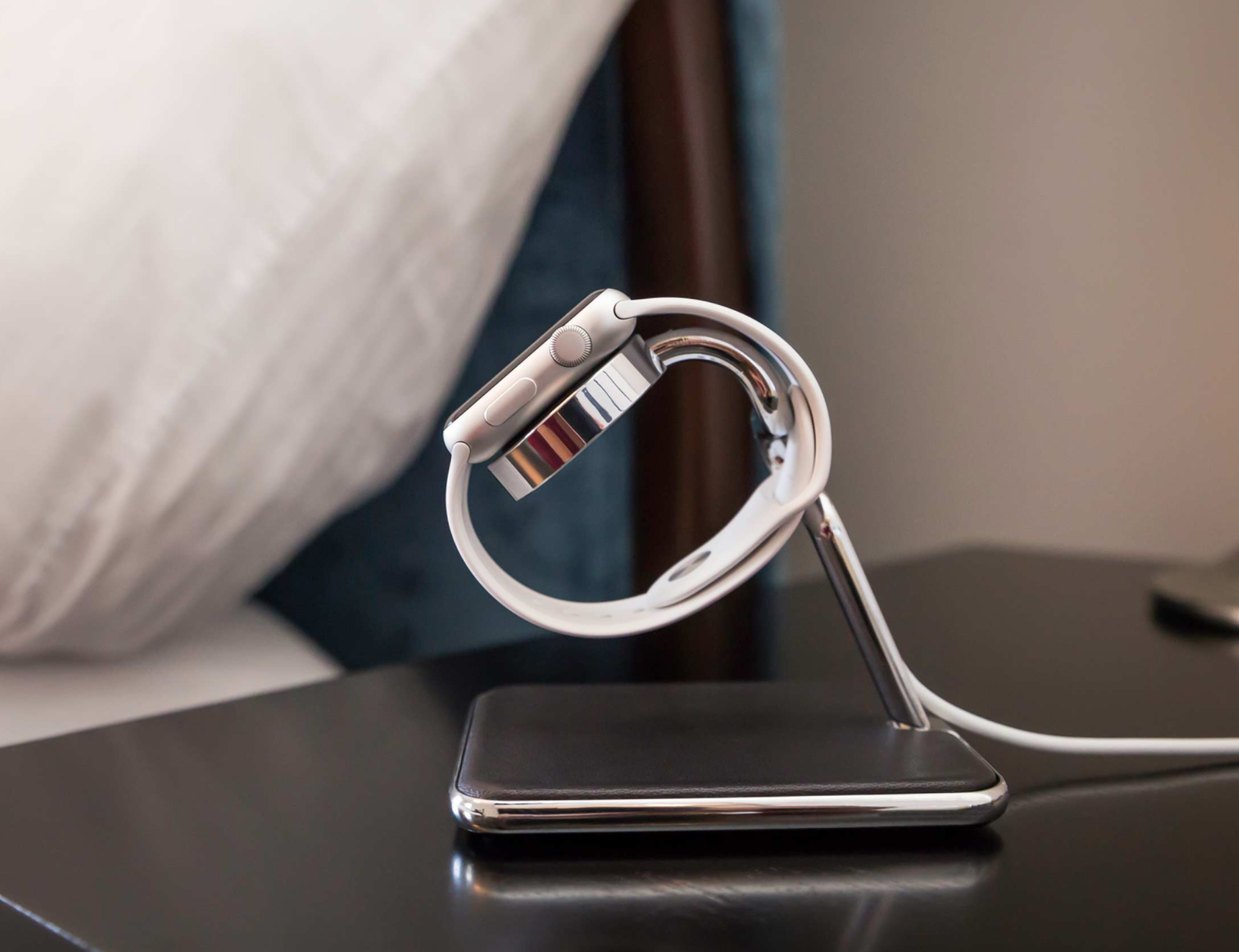
My nightstand is fraught with cables. Other Apple enthusiasts may suffer the same fate. I'm looking at an iPhone, iPad, Apple Watch, and AirPods charging cables, along with a lamp and clock. It's cluttered, at best, and not uncommon to have all devices charging at once. After becoming flustered with the mess, I turned to Twelve South to help solve some of my cable woes. I was also running out of room on the table top. My thanks to Twelve South for sending three of their top chargers for comparison.

My favorite wrist bands for the Apple Watch Series 5

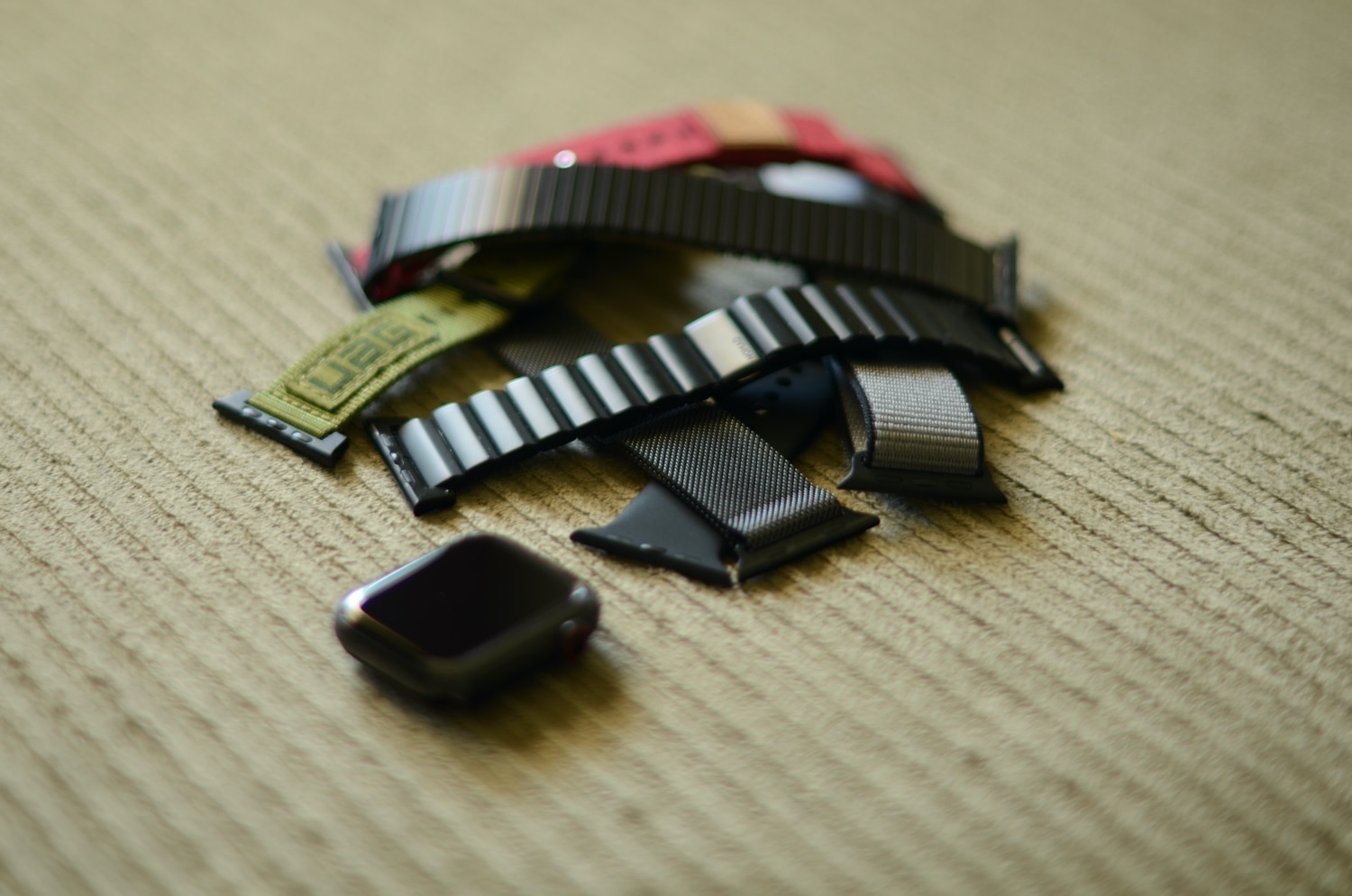
No sooner than Apple’s launch of the Apple Watch Series 5 did I quickly hop online to pre-order my space black titanium Edition model. I’ve since experimented with a plethora of different Apple Watch bands, and with that in mind, I’ve decided on those I like best and use frequently, depending on the occasion.

Since I can’t be the only one with a never-ending hunger for new Apple Watch bands, I’ll be using this piece to delve into my five favorites. I’ll first discuss what it is I enjoy about each one, then talk about the things I don’t like, and lastly, I’ll attempt explain what I think each band is best suited for.

Daisy brings audio route icons to Control Center on jailbroken handsets

If you’re jailbroken on iOS 11 or 12 and actively looking for a fun and quirky way to style up the Control Center interface when listening to music with your favorite Bluetooth headset or speaker, then you’re probably going to enjoy a new and free jailbreak tweak release called Daisy by iOS developer LaughingQuoll.

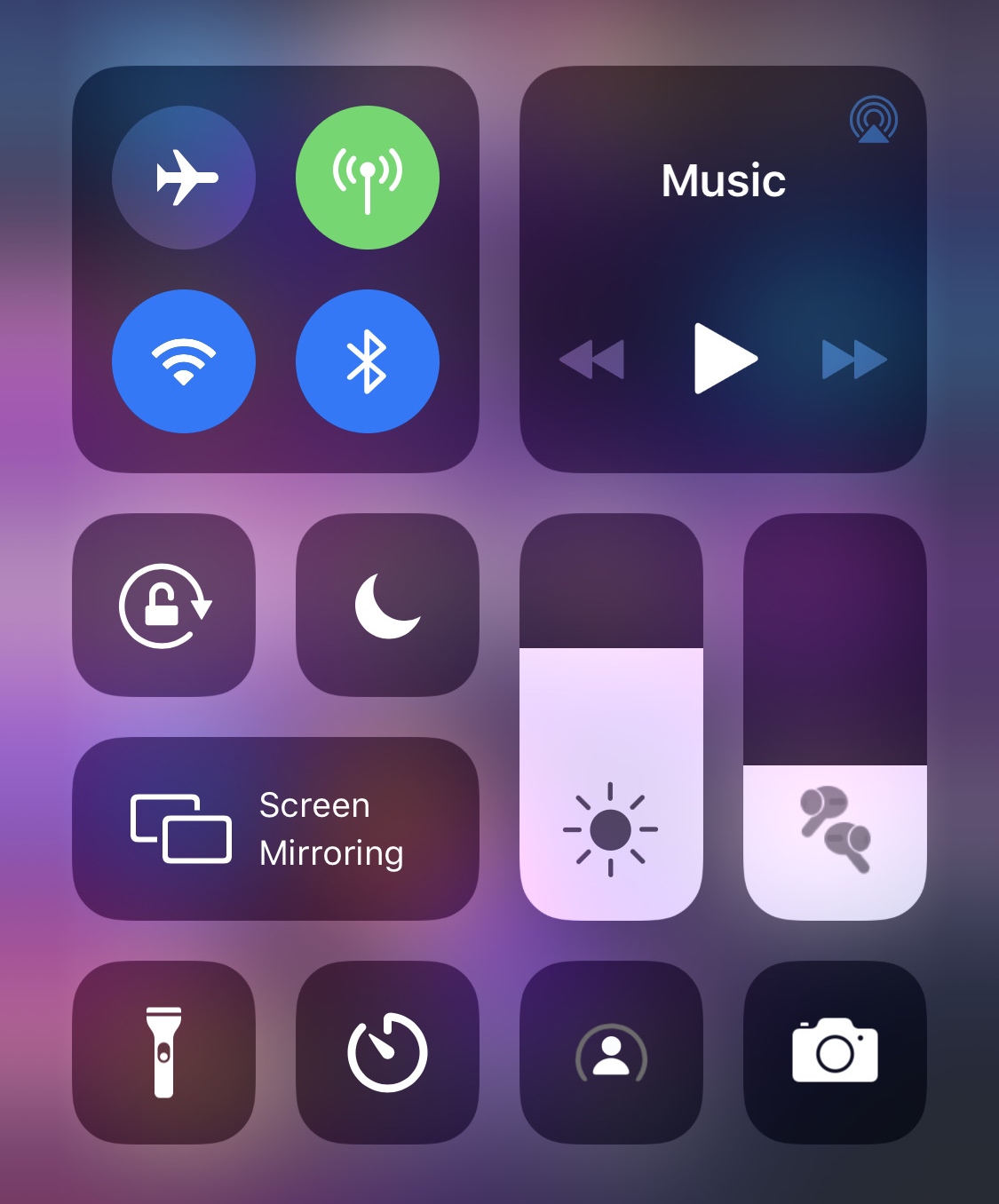
As depicted in the screenshot example above, Daisy populates the volume slider in Control Center with a meticulously crafted glyph that represents the type of Bluetooth device you’ve connected to when listening to audio. Notably, the glyph still appears when the volume slider gets expanded to full screen.

Customize AirPods Pro behavior with the new Siliqua Pro jailbreak tweak

It can be seldom that jailbreak-oriented software supports any of Apple’s latest hardware, but perhaps one of the most renowned exceptions to this rule of thumb lies with that of first-party accessories, much like Apple’s AirPods. One great example of this was a previous jailbreak tweak release called Siliqua by iOS developer LaughingQuoll, which offered deeper gesture customization for AirPods users in possession of a pwned device.

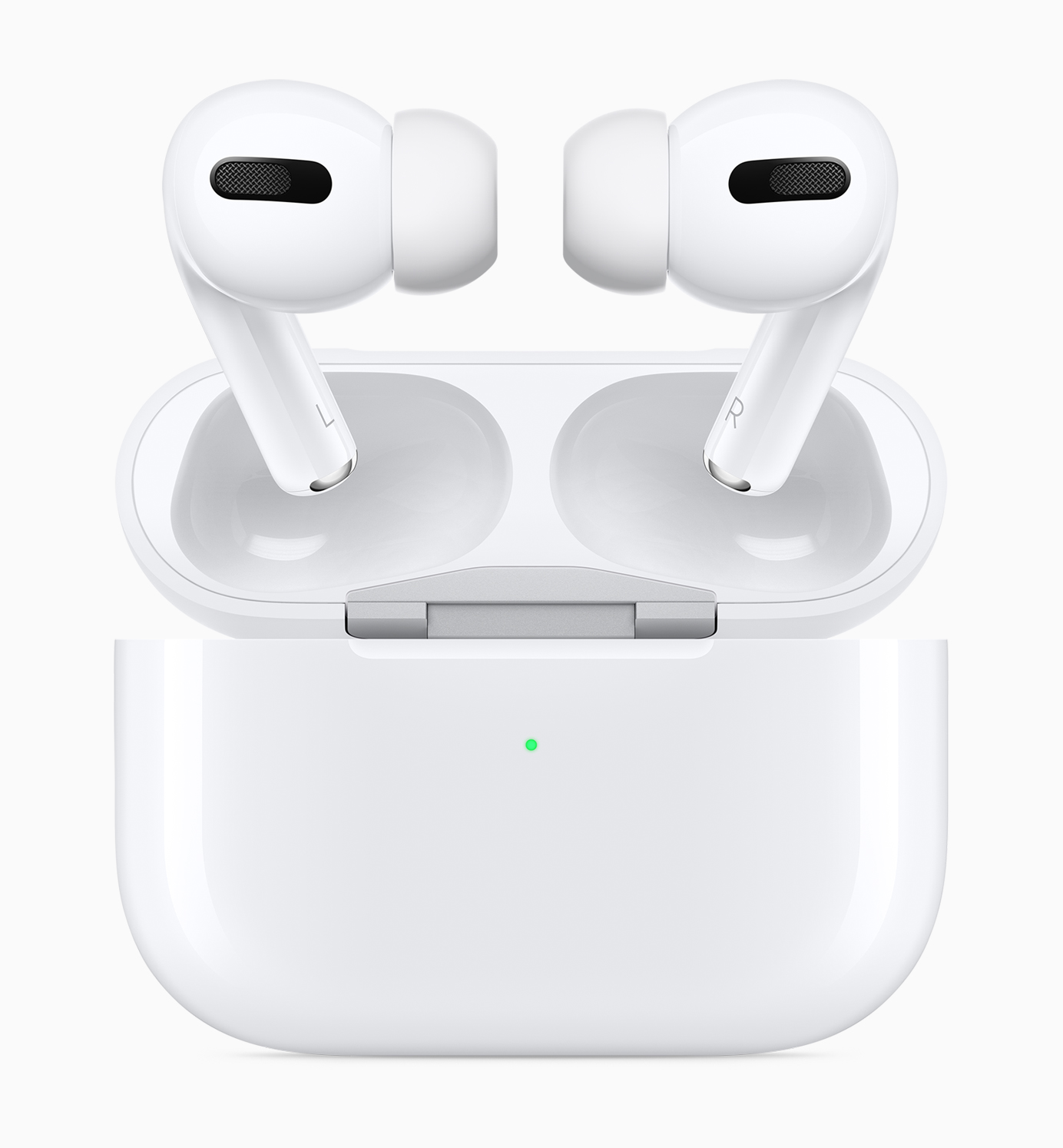
Siliqua has since seen its second iteration, but now that Apple launched an entirely new product called the AirPods Pro, it shouldn’t come as much of a surprise to anyone that LaughingQuoll released a new tweak to go along with it. Enter Siliqua Pro, an add-on just like Siliqua, but designed especially for Apple’s latest and greatest first-party wireless earbuds.

Jailbreak tweaks of the week: BadgeMe, Haptigram, ScreenSafe, and more

There’s been so much excitement in the last couple of weeks with regard to the checkm8 bootrom exploit that we can’t wait to see what becomes of it. On the other hand, those already jailbroken with Chimera or unc0ver will be happy to know that we continuously report on the best of the newest jailbreak tweak releases each day.

In this roundup, we’ll talk about all the jailbreak tweaks released from Monday, November 4th to Sunday, November 10th. As usual, we’ll kick things off by talking about our favorites and then wrap things up with an outline of the rest afterward.

Retro review: Ski Safari

If you've been playing mobile games for a while now, you probably know about Ski Safari. Hands down, one of the best mobile games on the App Store in my opinion. Or at least it was back in 2012 when it first released for the iPhone. This game was praised by its simple gameplay and great graphics and it quickly became the #1 paid app in a lot of countries.

Now it's time to see if this fun little game has survived the test of time. Is it still worth paying the $0.99 for this game? Or are you better off buying its sequel?

Give notification badges a custom aesthetic with BadgeMe

The infamous notification badge has looked almost the same on the iOS platform for more than a decade. The single most significant transformation befell with the release of iOS 7 when Apple nixed skeuomorphism from the bulk of iOS’ user interface, but even then, it didn’t change much.

The circumstances are absolutely astounding, but they aren’t hopeless. Those lucky enough to have a pwned handset in their possession can change how their notification badges look right this very second with the help of a newly released jailbreak tweak called BadgeMe by iOS developer Sirius24.