Review

Ayedapt forces your iPhone’s Home screen icons to obey iOS’ dark mode setting

One of my favorite features that shipped with iOS 13 was a native system-wide dark mode that’s both aesthetically pleasing and easy on the eyes at night. Unfortunately, Apple left the Home screen’s app icons out of the picture when making dark mode a reality for stock iOS devices.

Here to address that issue head-on is a newly released jailbreak tweak/theme hybrid called Ayedapt by Surenix – a renowned graphic designer in the jailbreak community.
Velox Reloaded brings widgets to the iPhone’s Home screen the right way

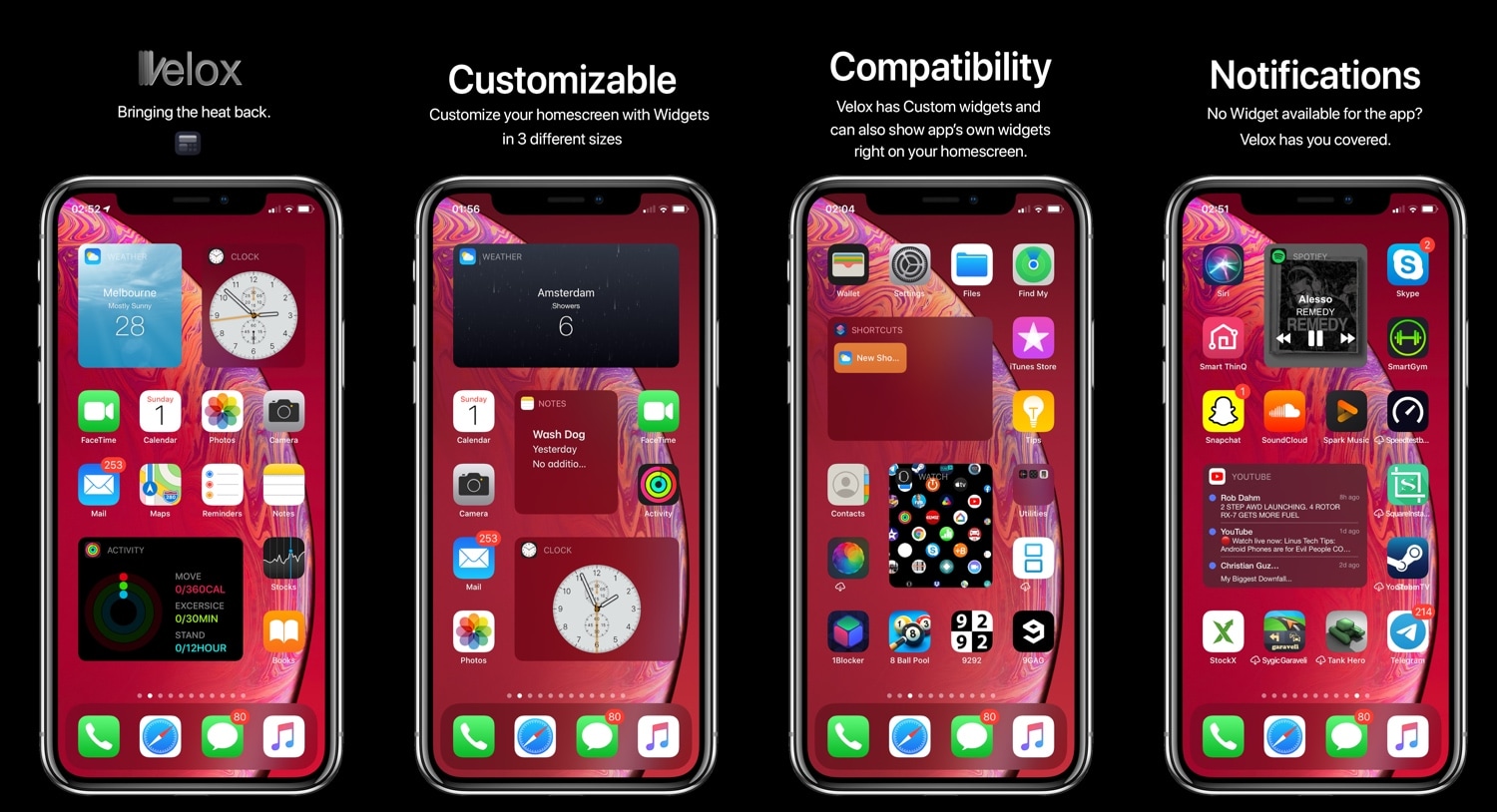
iOS has come a long way in recent years, especially in terms of widgets and information displays. But when compared with a lot of the smartphone competition on the market today, iOS (and even iPadOS) still lag behind.

Enter Velox Reloaded, a stunning new jailbreak tweak by ApexTweaks that introduces quirky system widgets with handy functionalities directly to your iPhone or iPad’s Home screen via the very same grid-space that you use to store application icons.

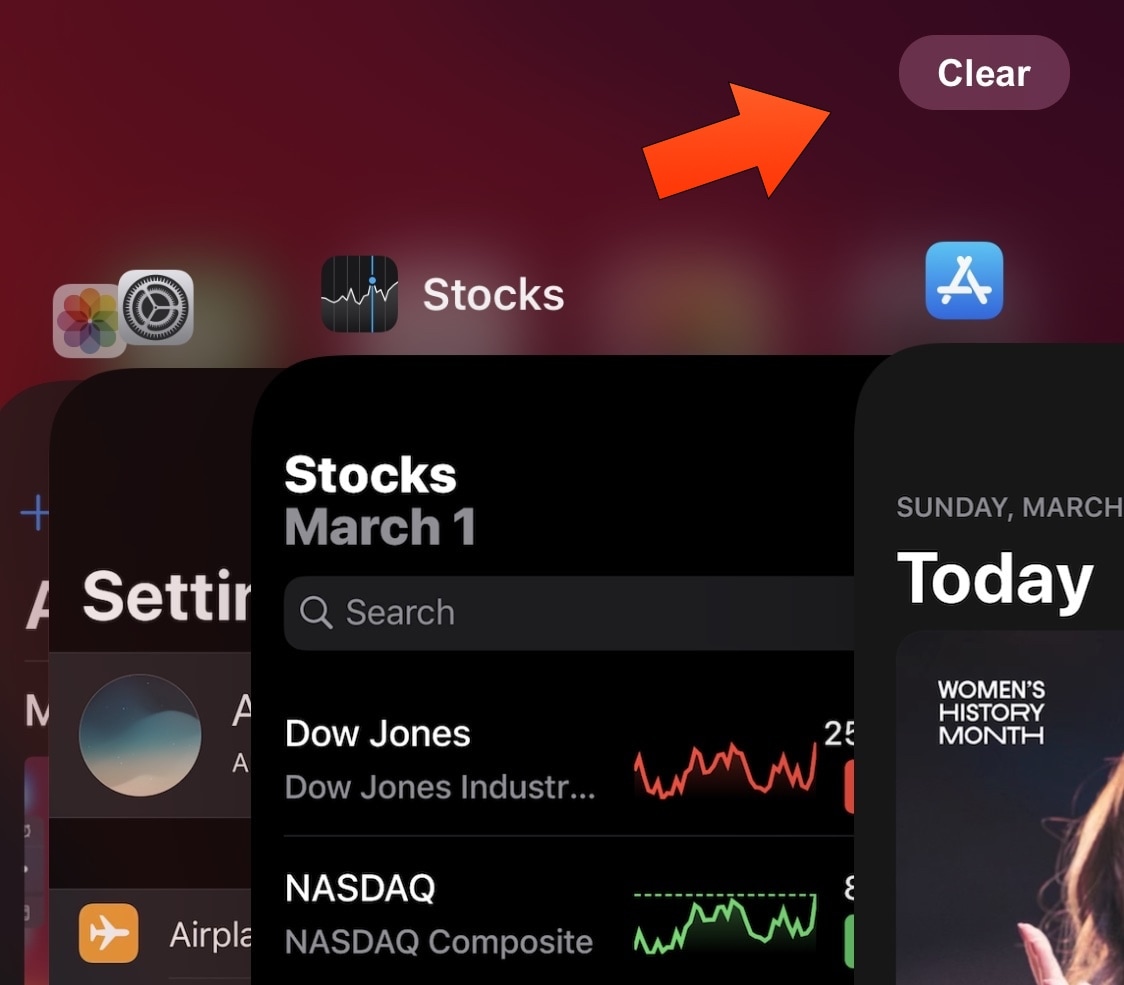
QuitAll lets you force-close all App Switcher apps with one tap

As you use apps on your iPhone or iPad, your App Switcher begins to accumulate a running history of recently used apps in the order you’ve use them. These apps are suspended in a frozen state to make multitasking more efficient, but even suspended apps use some of your handset’s RAM to make relaunching them faster.

iOS automatically manages your device’s memory to ensure smooth operation, but if you’re a RAM nut then you may habitually force-close all your App Switcher’s suspended apps when you finish using your device. QuitAll is a newly released and free jailbreak tweak by iOS developer Dave van Wijk that lets you do this in one fell swoop as opposed to swiping up on each of the App Switcher’s individual app preview cards.

Give your pwned iPhone quirky aesthetics with FireflyX

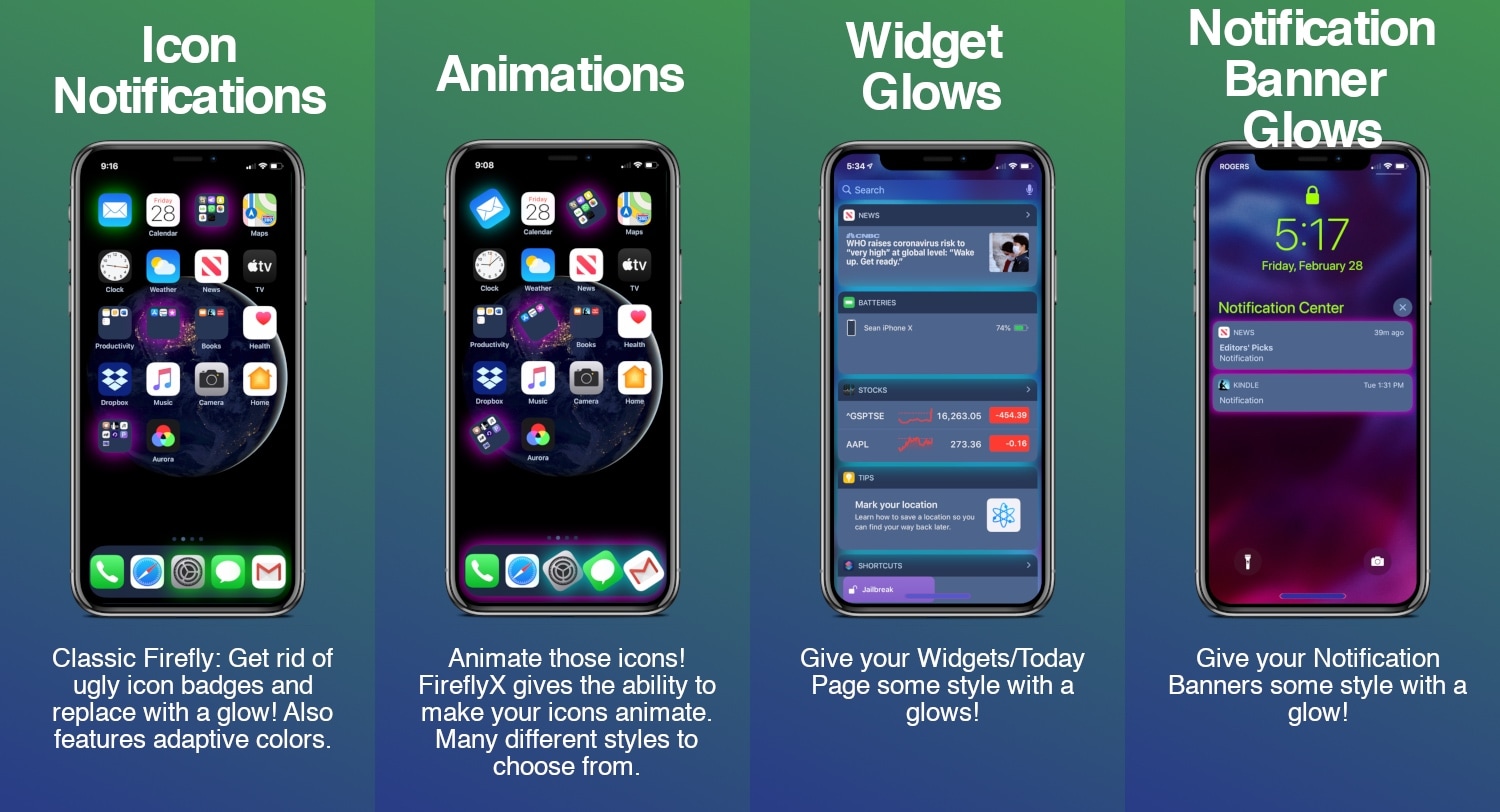
If you’re jailbroken and you’re ready to do away with the same-old boring iOS interface that you’ve been gawking at for years, then you might take a liking to a newly released jailbreak tweak called FireflyX by iOS developer Sirius24.

FireflyX empowers jailbreakers with the ability to customize their device’s aesthetics at the molecular level with colorful borders, underglows, and animations, among other things. These effects are applicable to a several of user interface elements including the Home screen’s app icons, Dock, Folders, and even the notification banners or widgets that appear in the Today view.

Jailbreak tweaks of the week: Winter Mode for Apple Watch, FloatyTab, Prysm, & more…

No matter what jailbreak you might be using, or what package manager you might prefer, one thing we all have in common as a community is the desire to customize our liberated handsets beyond that of Apple’s stock parameters.

Those looking for new jailbreak tweaks will find this piece helpful, as it contains all the latest releases from Monday, February 24th to Sunday, March 1st. As usual, we’ll kick things off by discussing our favorite releases and then wrap things up with an outline of the rest afterward.

Prysm redefines what you’ve come to expect from Control Center

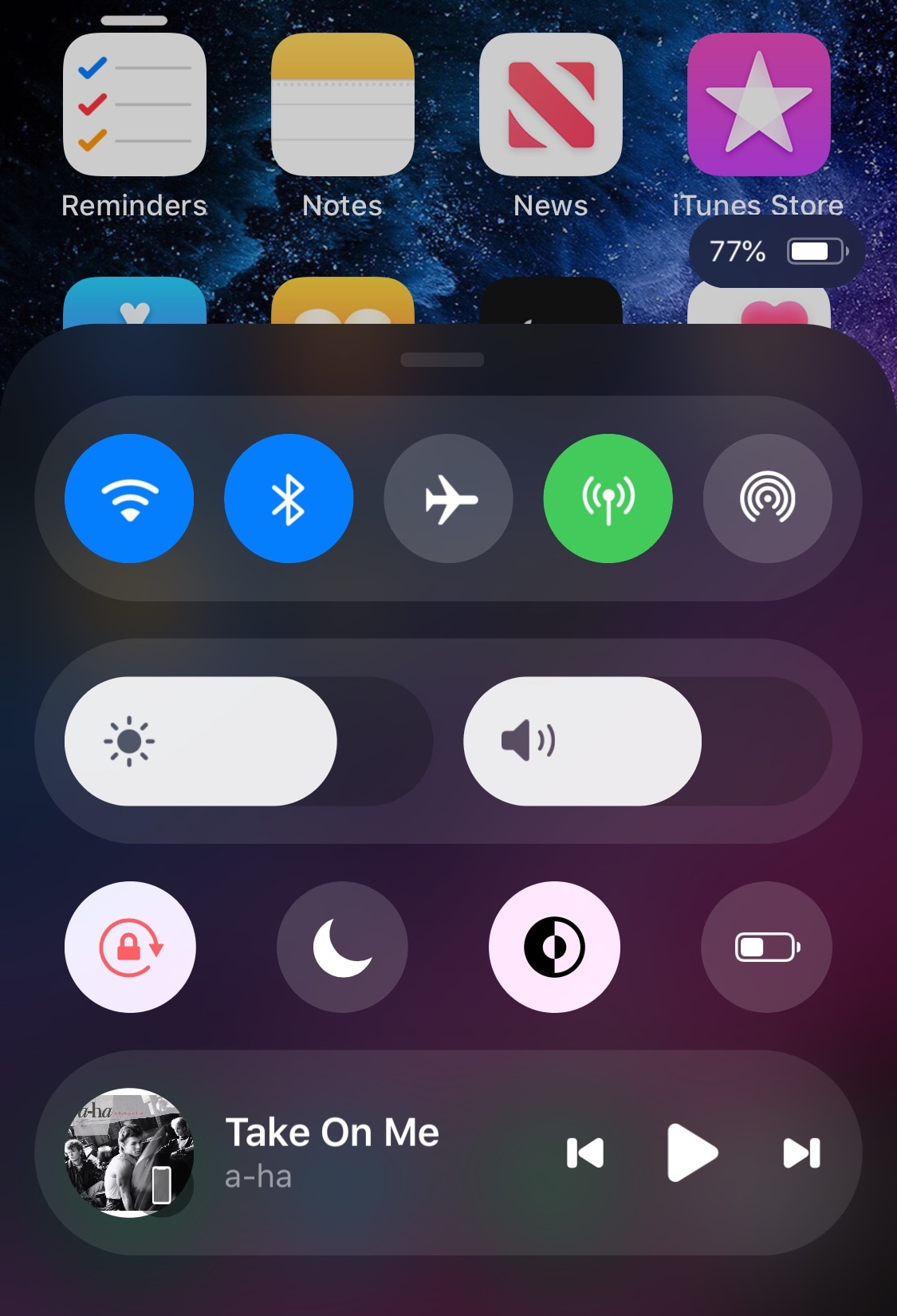
Control Center is one of the interfaces I use the most often on my iPhone, and while I applaud Apple for having an all-in-one command center for toggles and shortcuts, that doesn’t stop me from thinking that the design is beginning to look stale and that it’s a bit light on features.

A new jailbreak tweak called Prysm designed by thetimeloop and brought to life by iOS developer LaughingQuoll aims to resolve some of these gripes by giving Control Center a complete aesthetic overhaul and adding useful features to the interface while maintaining compatibility with other Control Center-centric add-ons for jailbroken handsets.

Take control of your iPhone’s Home screen folders with Foldy

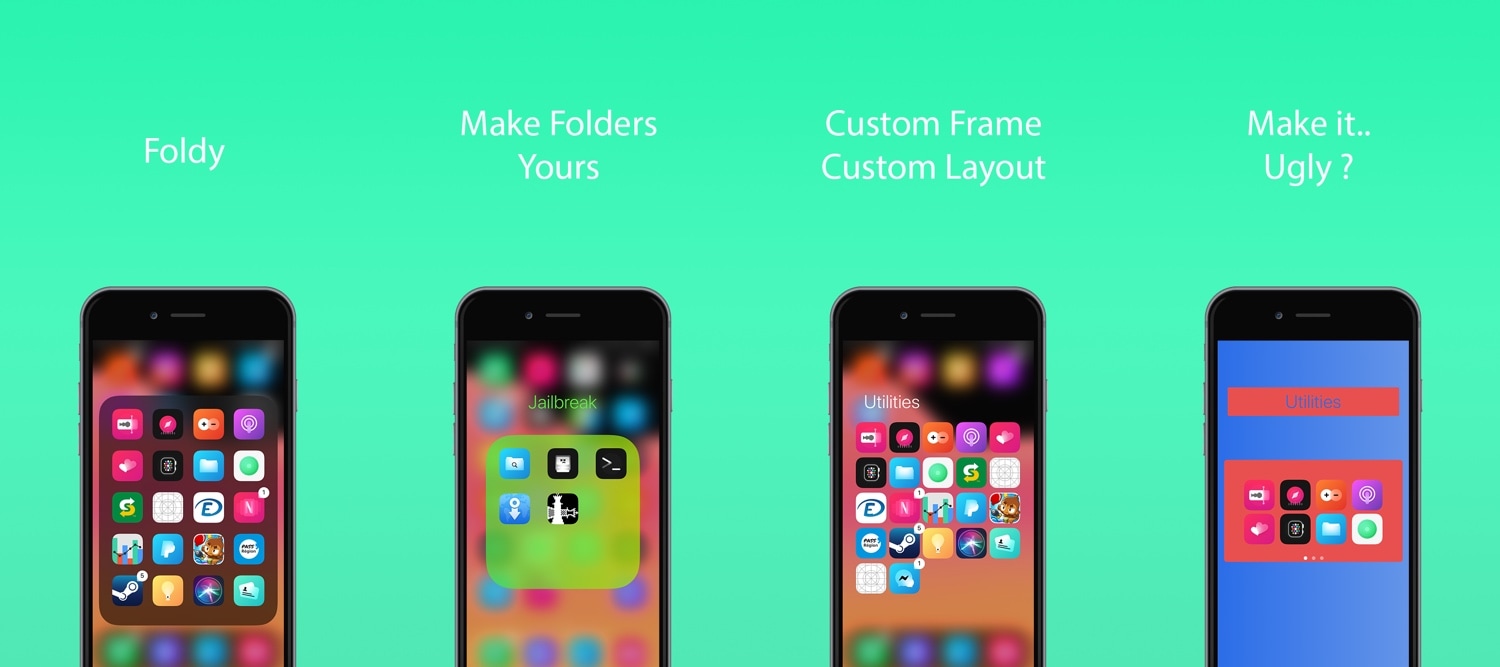
If you use folders to organize the plethora of apps residing on your iOS device’s Home screen, then you’ve likely come to realize just how monotonous they can look, especially in large numbers.

A newly released and free jailbreak tweak dubbed Foldy by iOS developer Thomz aims to resolve this concern by offering jailbreakers novel ways of personalizing the look and feel of their Home screen folders.

ColorfulNotifs makes iOS’ notification banners more colorful

If you’re enjoying the perks of having a jailbroken iOS 13 device thanks to checkra1n or unc0ver and you’re looking for something to get you started in the interface customization department, then one thing you might want to check out is a newly released and free jailbreak tweak dubbed ColorfulNotifs by iOS developer neoney.

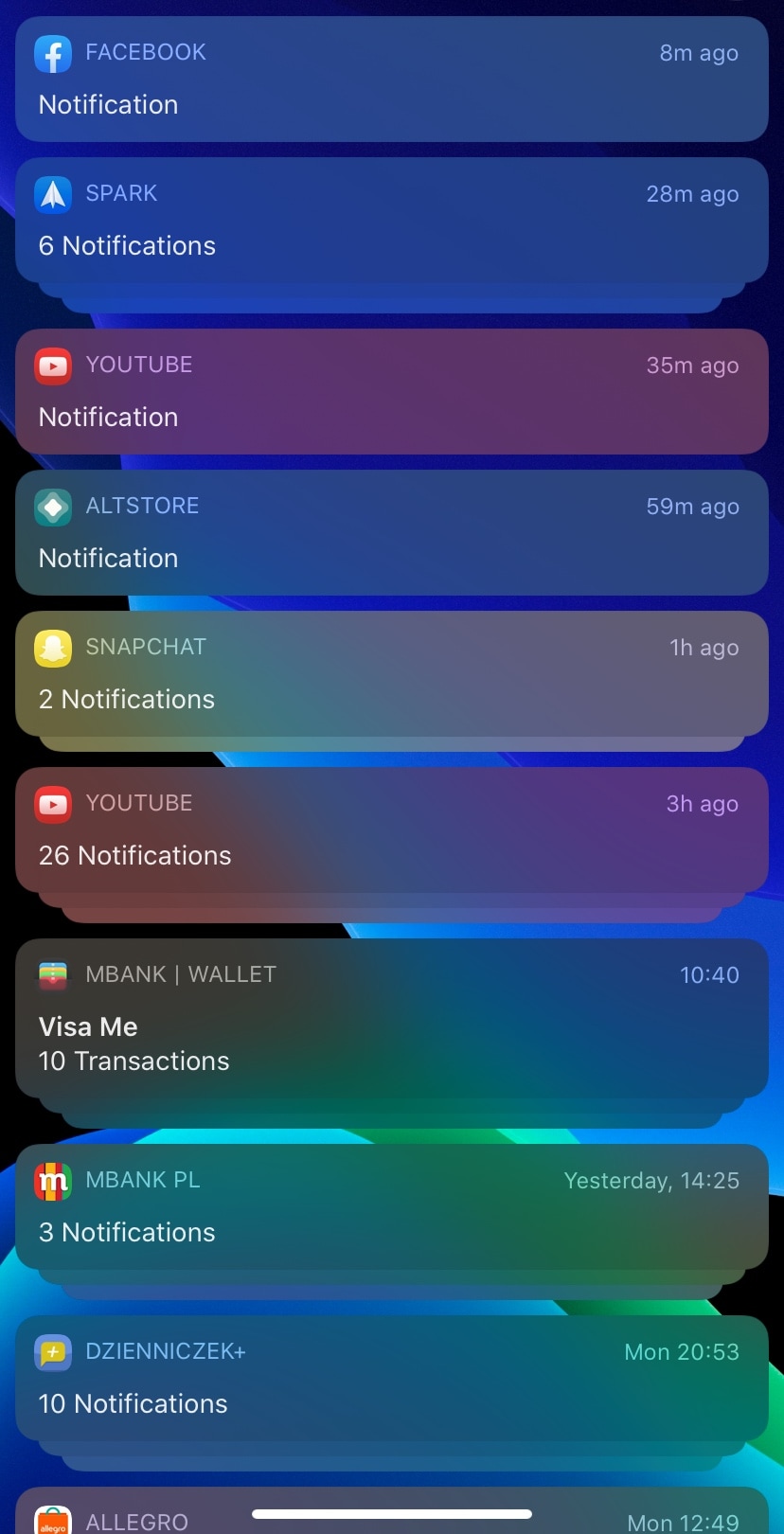
As you may have inferred already from the tweak’s somewhat conspicuous name, ColorfulNotifs applies custom color schemes to your handset’s incoming notification banners.

This tweak prevents you from missing Apple Watch notifications when you’re heavily dressed

One thing I love about having an Apple Watch is being tapped on the wrist when all my important notifications come through. But in certain situations, such as when wearing a winter coat with long and heavy sleeves that cover your wrists, feeling those subtle taps can be nearly impossible.

Spearheading a solution to this problem is a newly released and free jailbreak tweak called Winter Mode for Apple Watch by iOS developer Ayden Panhuyzen. Once installed, this tweak forces both your Apple Watch and iPhone to notify you about any incoming notifications simultaneously.

FloatyTab introduces a customizable floating Tab Bar to your iPhone

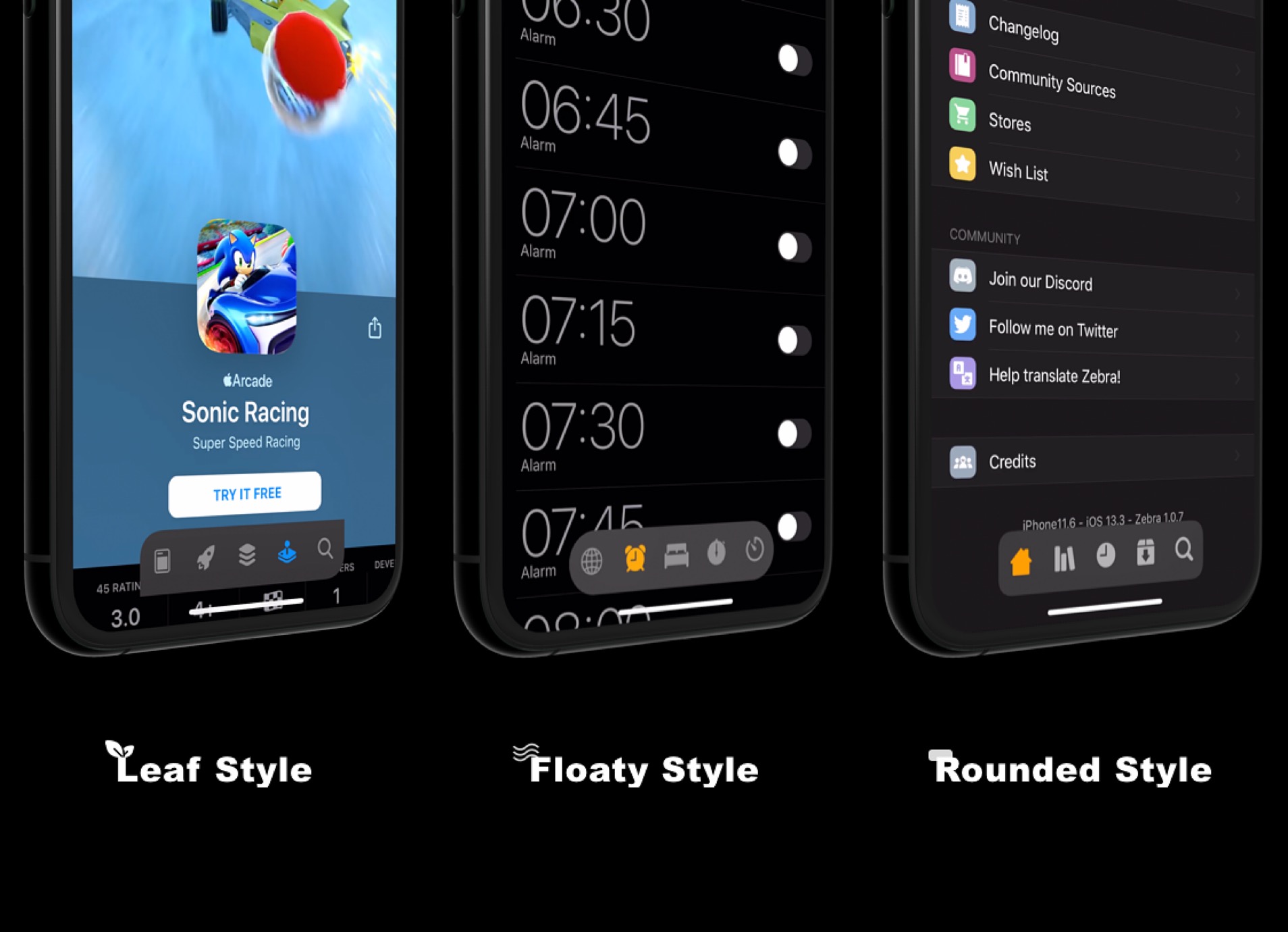
As you use apps on your iPhone, you’ll often notice a bar of tabs at the bottom of your handset’s display. This is generally referred to as the Tab Bar, and it hosts shortcuts to different sections of whatever app you might be using.

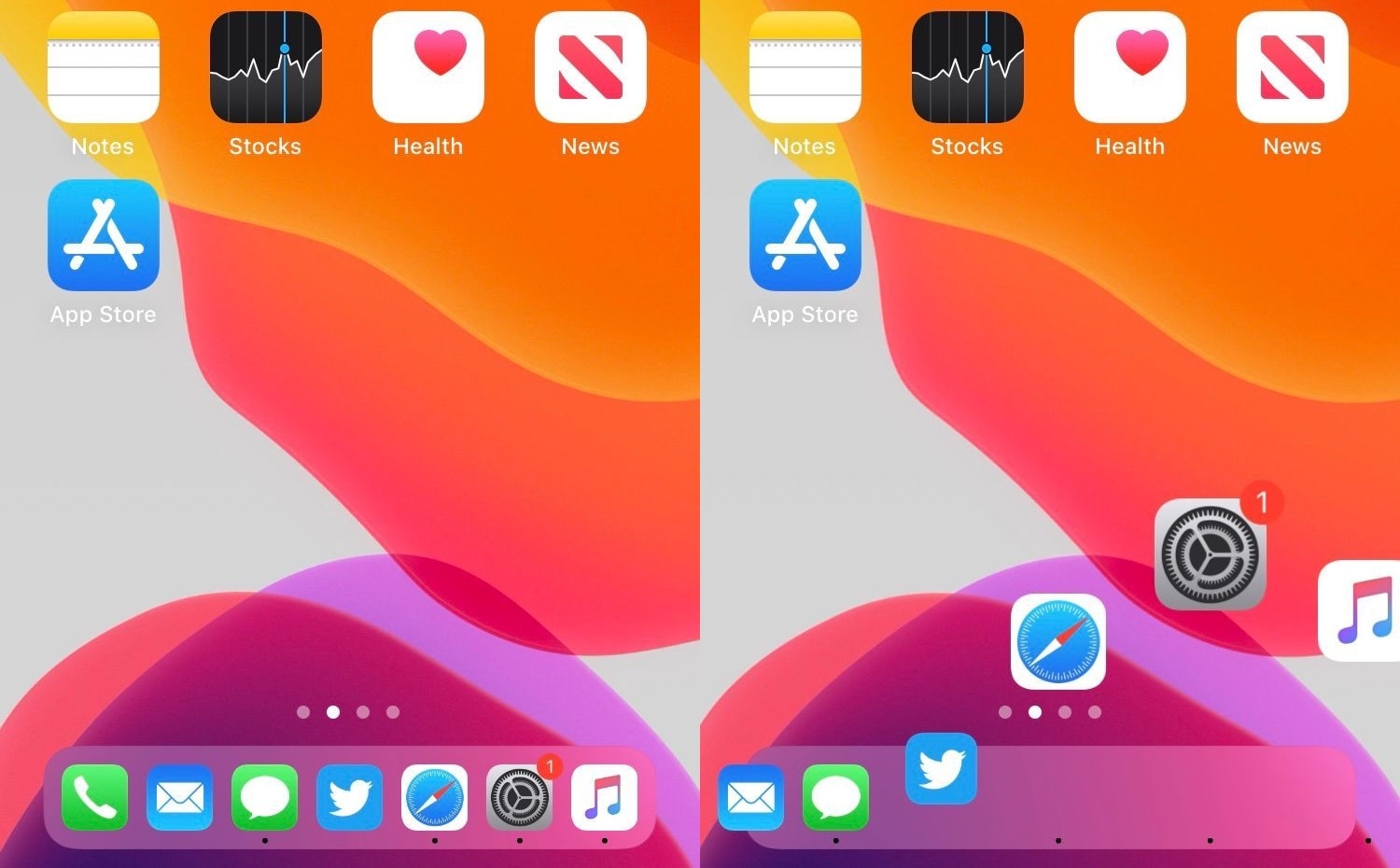
Those who’ve been using the iPhone for several years would be able to tell you that the Tab Bar hasn’t changed much since the original version of iOS. For that reason, a newly released jailbreak tweak called FloatyTab by iOS developer Dylan West aims to bring changes that are both functional and aesthetically-pleasing.

Compactor brings the Apple Watch’s font to your pwned iPhone or iPad

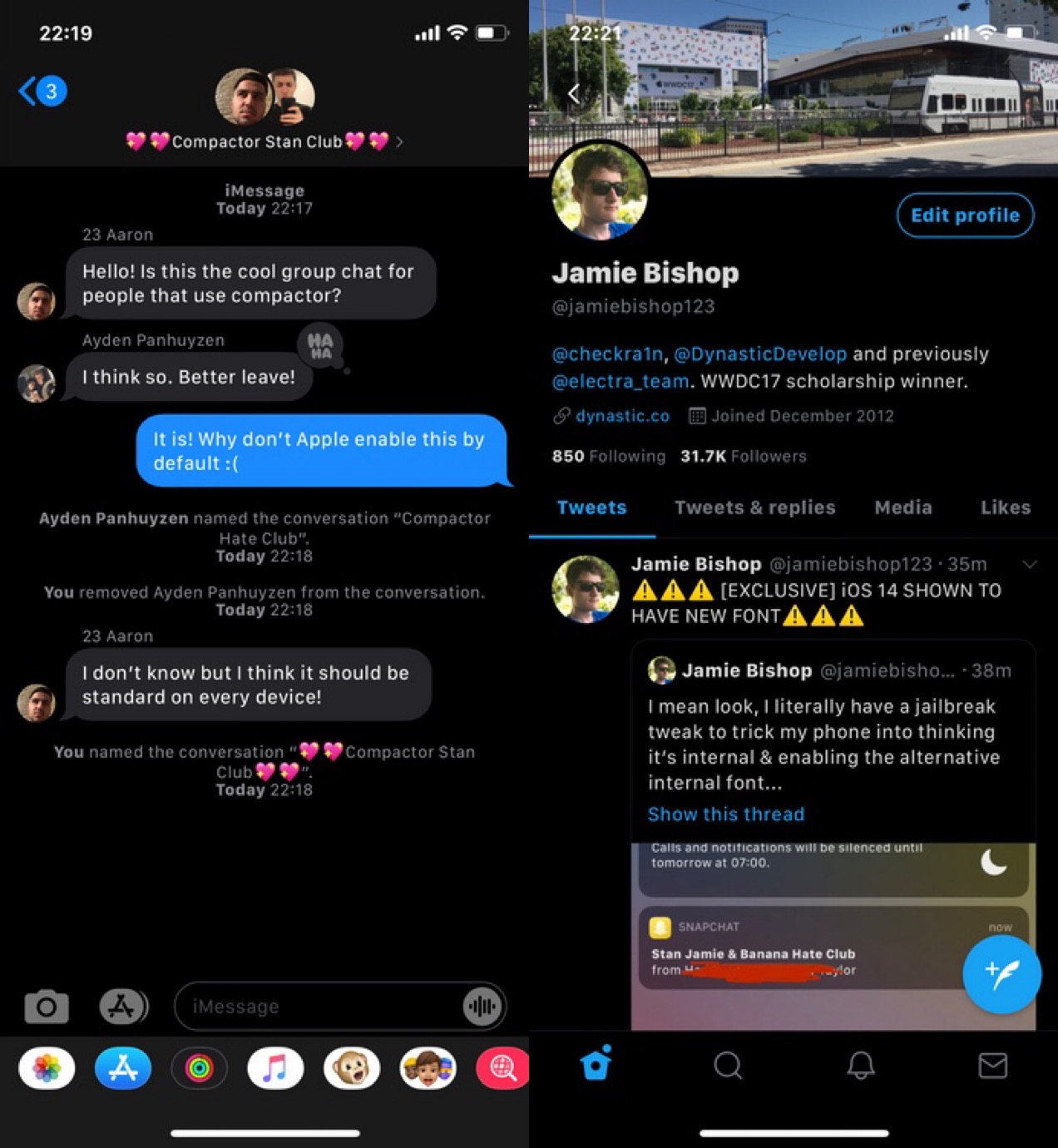
If you have an Apple Watch, then you’ve undoubtedly noticed that it sports an entirely different system font than your iPhone does. Typically, you’d need to install performance-impacting or battery-guzzling add-ons to change your system font, but with a new and free jailbreak tweak called Compactor by iOS developer Jamie Bishop, you can bring the Apple Watch’s native font to your iPhone without these ill side-effects.

As depicted in the screenshot examples above, the Apple Watch’ system font, also known as SF Compact, is both smaller and more legible than the iPhone’s native system font.