Find out how to import or export mailboxes in the Apple Mail app on Mac to back up your emails or transfer them to a new device.
How to import and export mailboxes in Mail on Mac
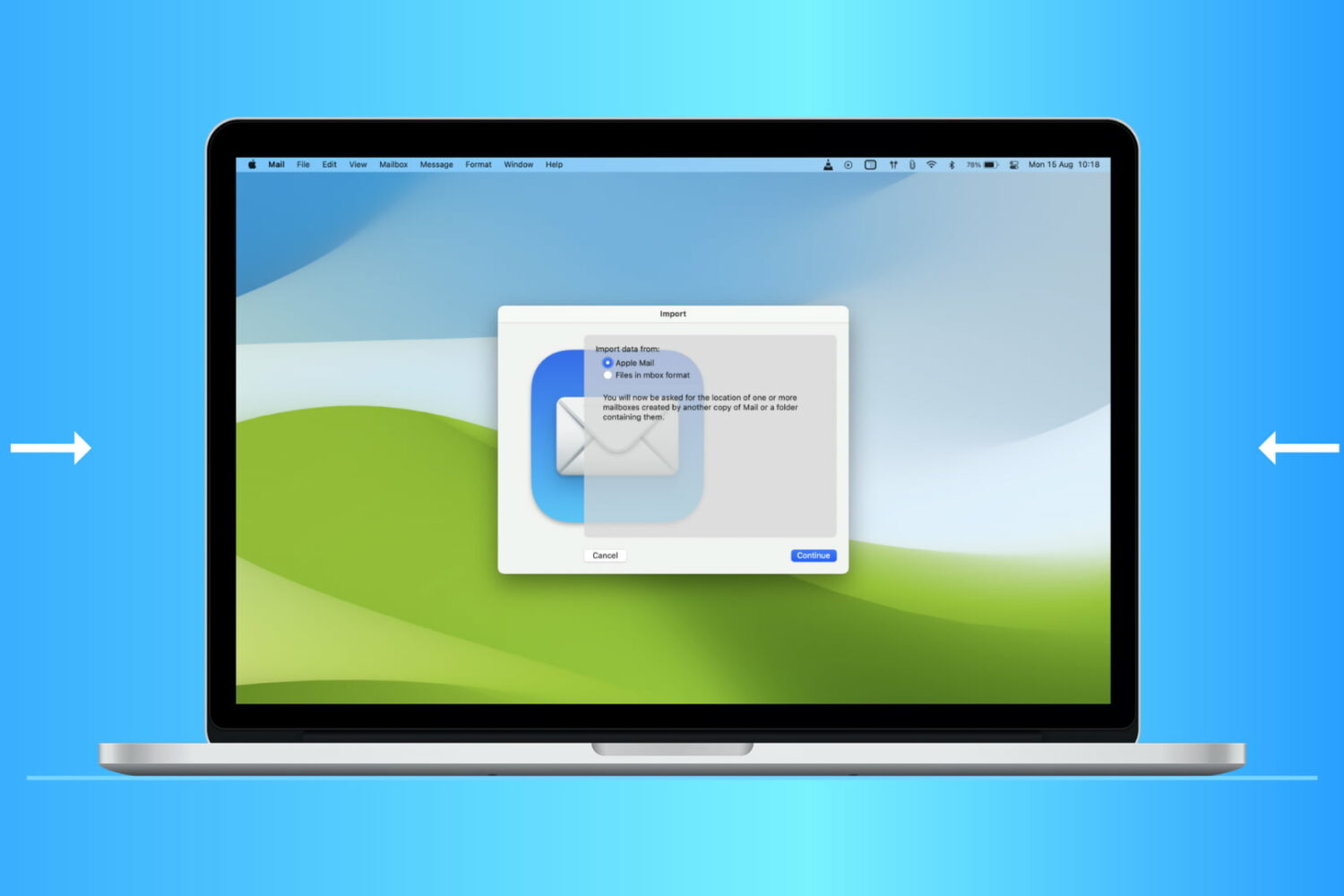
Find out how to import or export mailboxes in the Apple Mail app on Mac to back up your emails or transfer them to a new device.

We’ve been sharing a lot of iMovie how-tos over the past few months. So now it’s time to help you with something you’re sure to find useful: iMovie keyboard shortcuts.
Taking action any app on your Mac can be much quicker and easier with a keyboard shortcut. And when it comes to iMovie, there are plenty of them. Many you’ll remember and many you won’t, but this helpful guide gives you the most common ones.

Check out this list of excellent mind-mapping apps for iPhone and iPad to jot down your thoughts, brainstorm ideas, and make a clear path for your tasks.

Check out these best free iOS text editor apps that allow you to use markdown and work in plain text on your iPhone or iPad for a cleaner document experience.

Learn how to use the built-in Terminal app on your Mac to hide files and folders from prying eyes. And of course, you can also unhide them when the need arises.
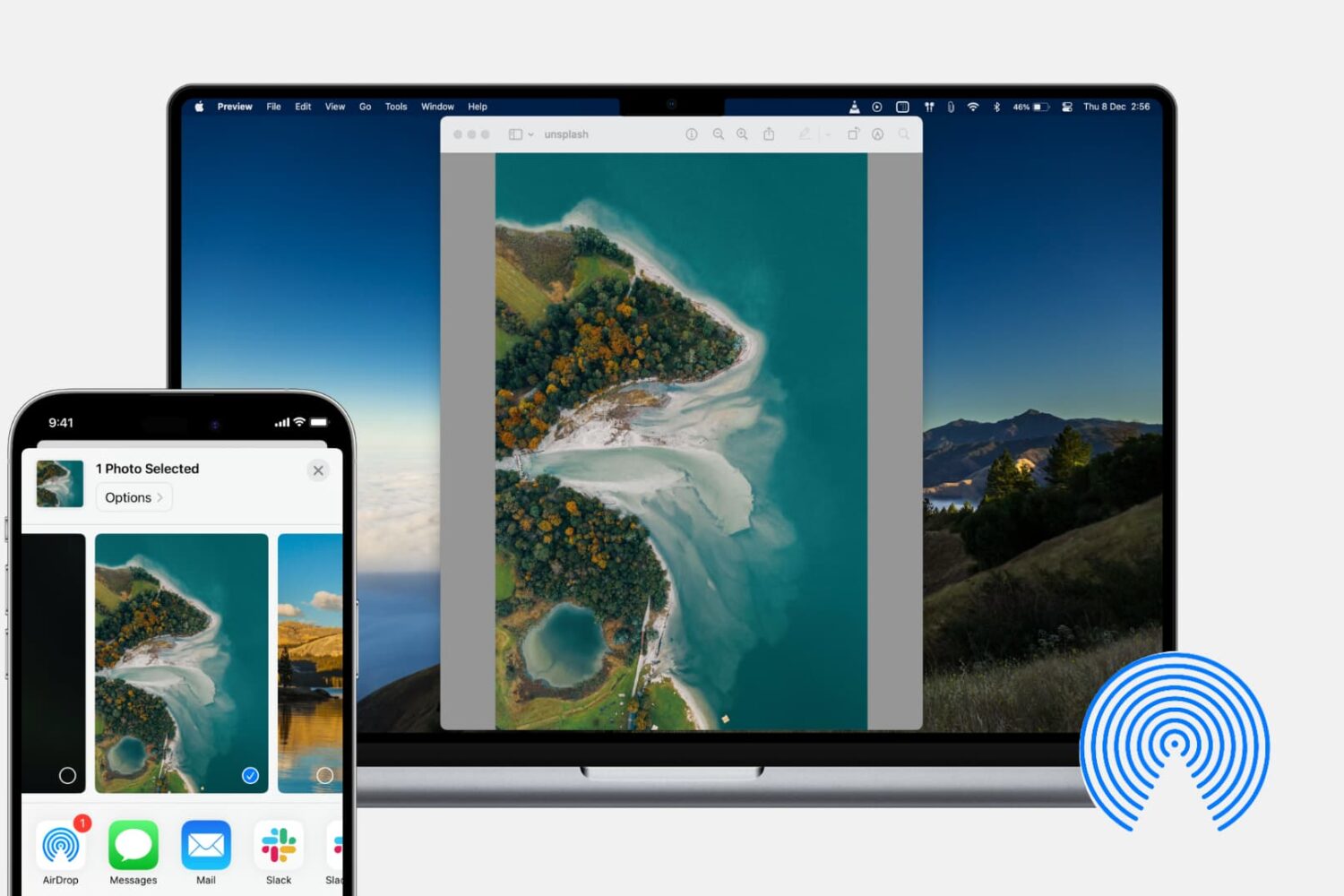
In this tutorial, we’ll show you how to share photos, videos, PDFs, web links, and other files between iPhone, iPad, and Mac using AirDrop.

With the Shortcuts app on your iPhone and iPad, you can do a lot of nifty things. You can add an album to your Home screen, use dark mode on websites, and enforce picture-in-picture for YouTube on iPad. You can also use the app to create Shortcuts widgets for your Today View screen or Home Screen. This lets you do things faster and easier because you don’t have to open an app first. For some ideas and suggestions, here are seven cool widgets that you can create in Shortcuts for your iPhone and iPad.

Learn how to use the Smart Annotations feature in the Pages app on your iPhone or iPad to easily mark up your documents. The annotations you make will stay in the document along with the main text.

Discover some handy tips for using Safari Search on your Mac and find answers more efficiently with just a few clicks.

Learn how to export your document from Pages, Numbers, and Keynote apps as password-protected PDFs on your iPhone, iPad, and Mac to prevent unauthorized use.

In this tutorial, we will show you how to translate an entire document or just the selected text inside the Microsoft Word app on your Mac, Windows PC, and the web.
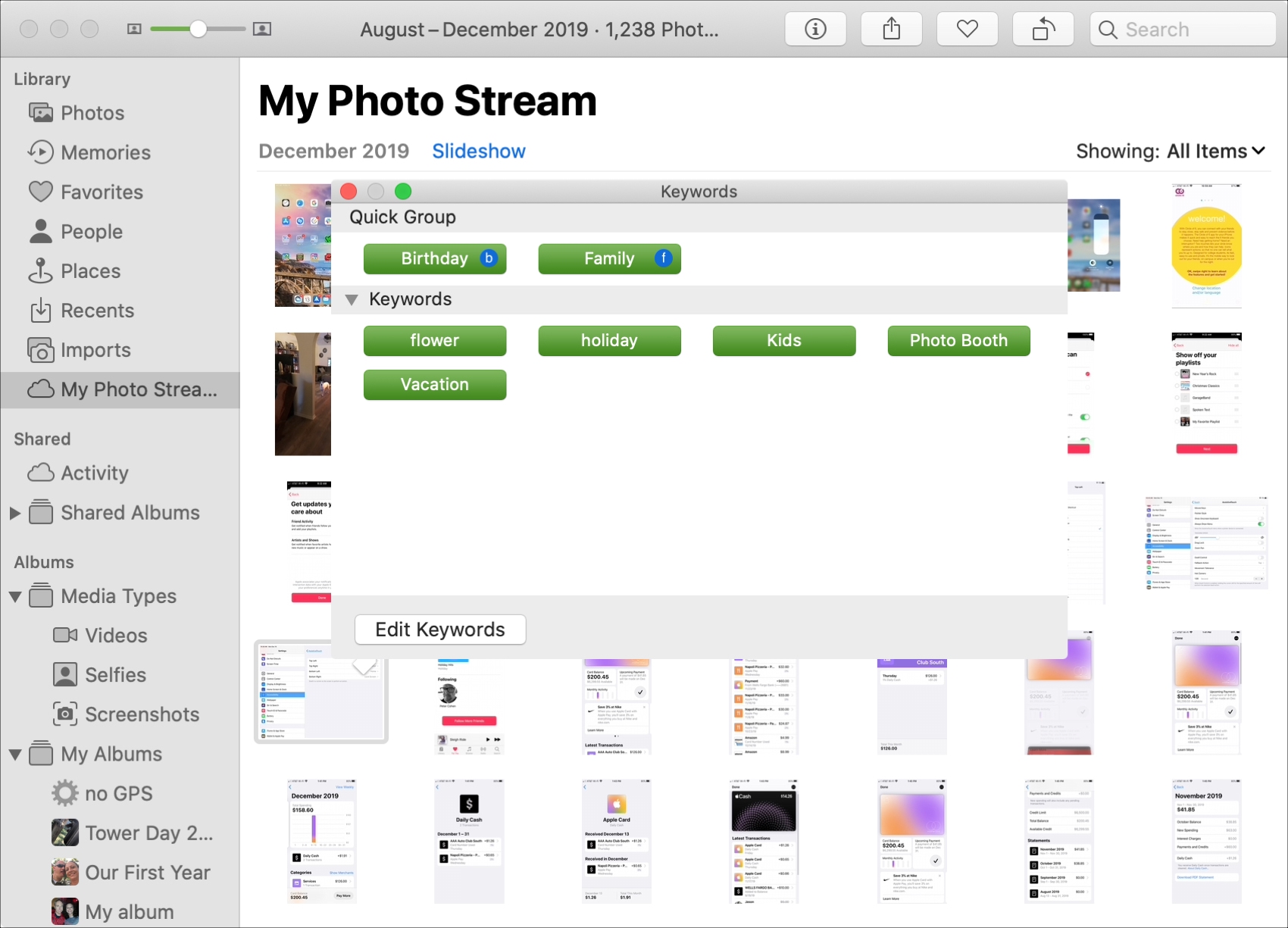
Learn how to add keywords to Photos on your Mac to organize your pictures more effectively and easily find the ones you're looking for.