Do you let other people use your iPhone or iPad? In order to increase your privacy, learn how to prevent pictures and videos in your Photos app from appearing in Spotlight Search.
How to stop images from showing in iPhone Spotlight Search

Do you let other people use your iPhone or iPad? In order to increase your privacy, learn how to prevent pictures and videos in your Photos app from appearing in Spotlight Search.
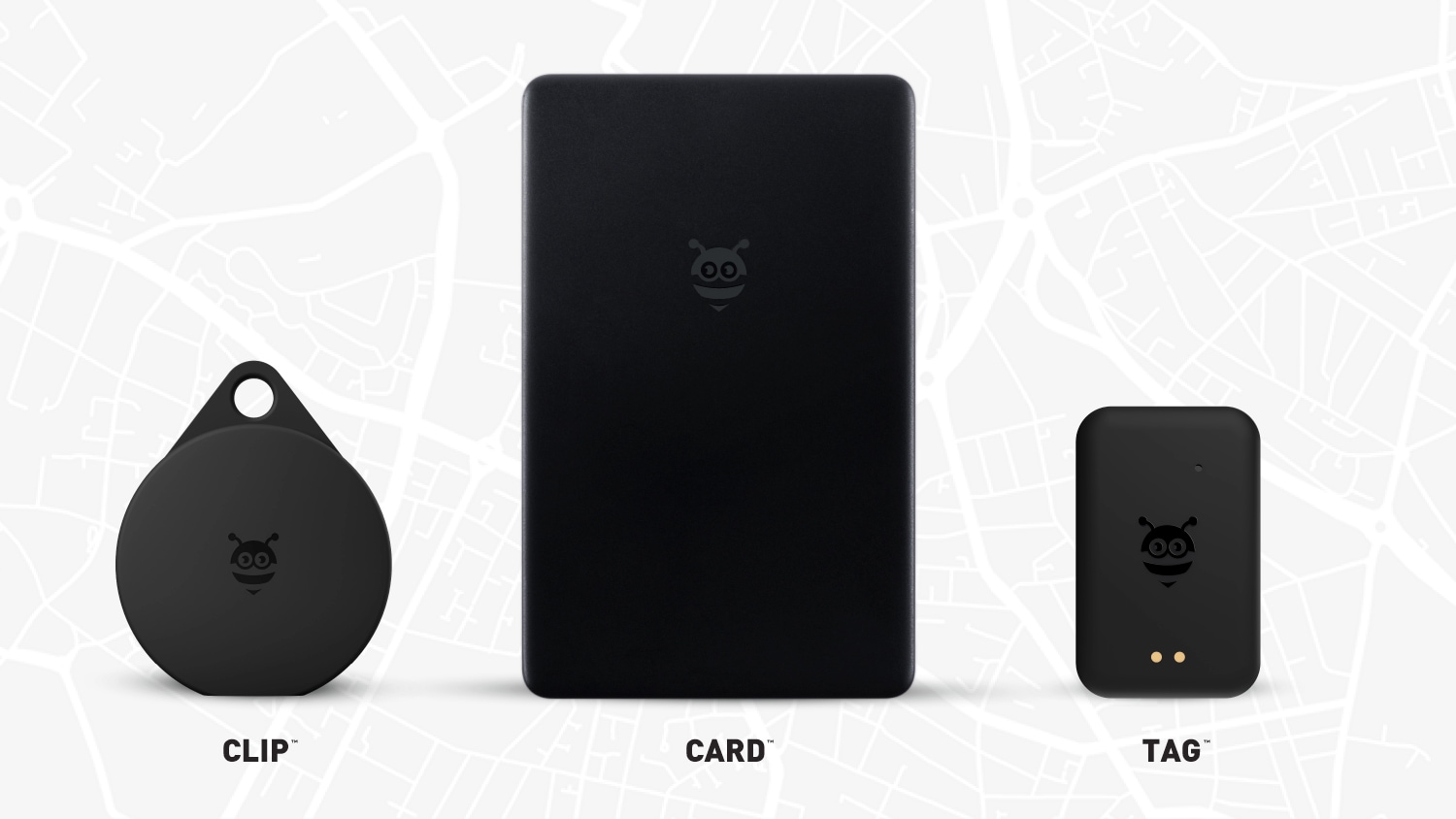
Looking for AirTag alternatives? Pebblebee’s Card, Clip and Tag work on iPhone and Android and will soon support Google’s Find My network globally.
In this guide, we will go over important tips to help secure your Gmail, YouTube, and other Google accounts, keeping your personal data as safe as possible.

Learn how to create a PlayStation passkey, which allows you to log in to your Sony PlayStation Network account with Face ID and Touch ID instead of the password.
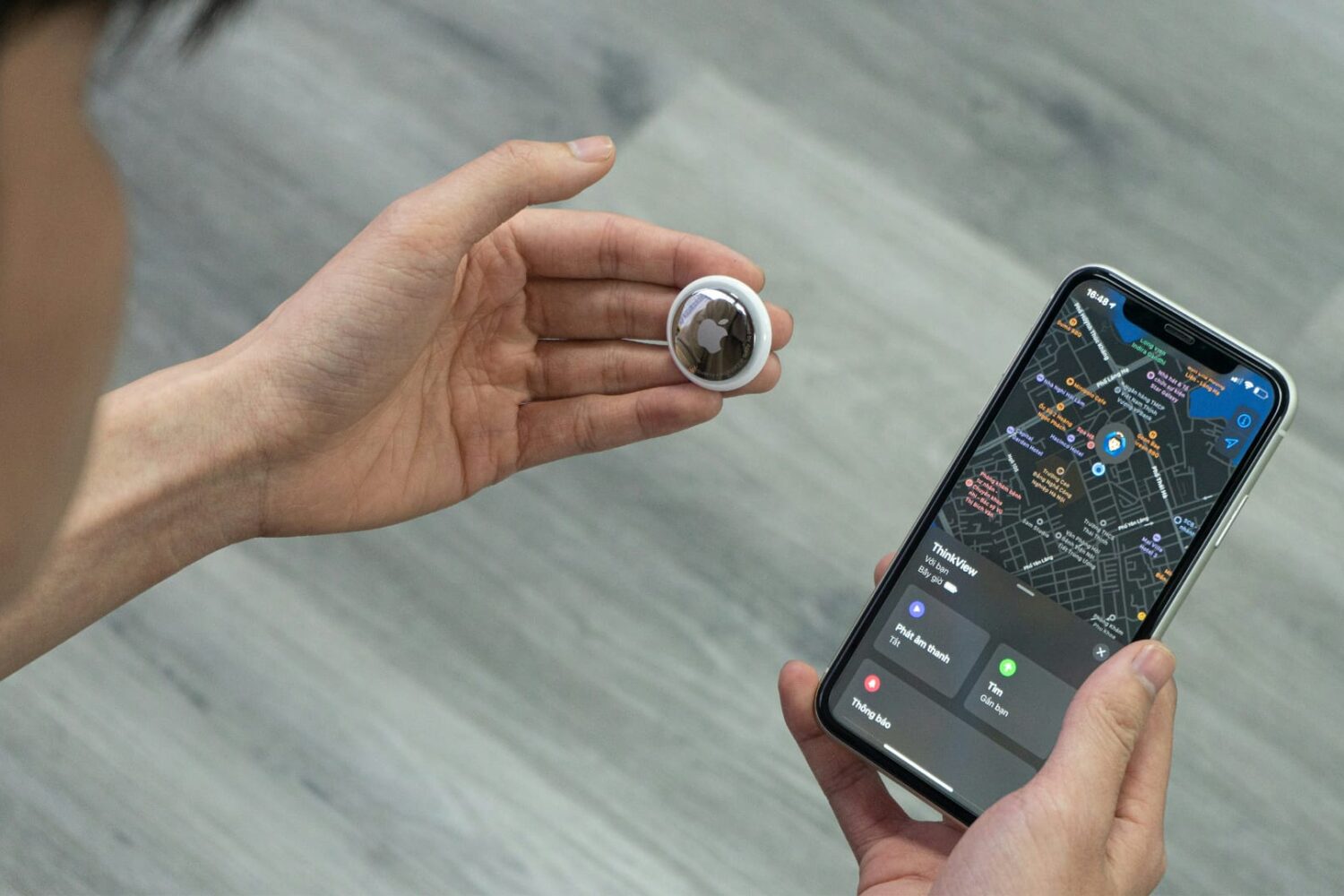
iOS 17.5 expands those "Found Moving With You" privacy alerts to third-party trackers to prevent even more unwanted tracking on iPhones.

If you've encountered issues using USB hubs, Java software or professional audio plug-ins on your Mac, installing macOS Sonoma 14.41 should fix them.
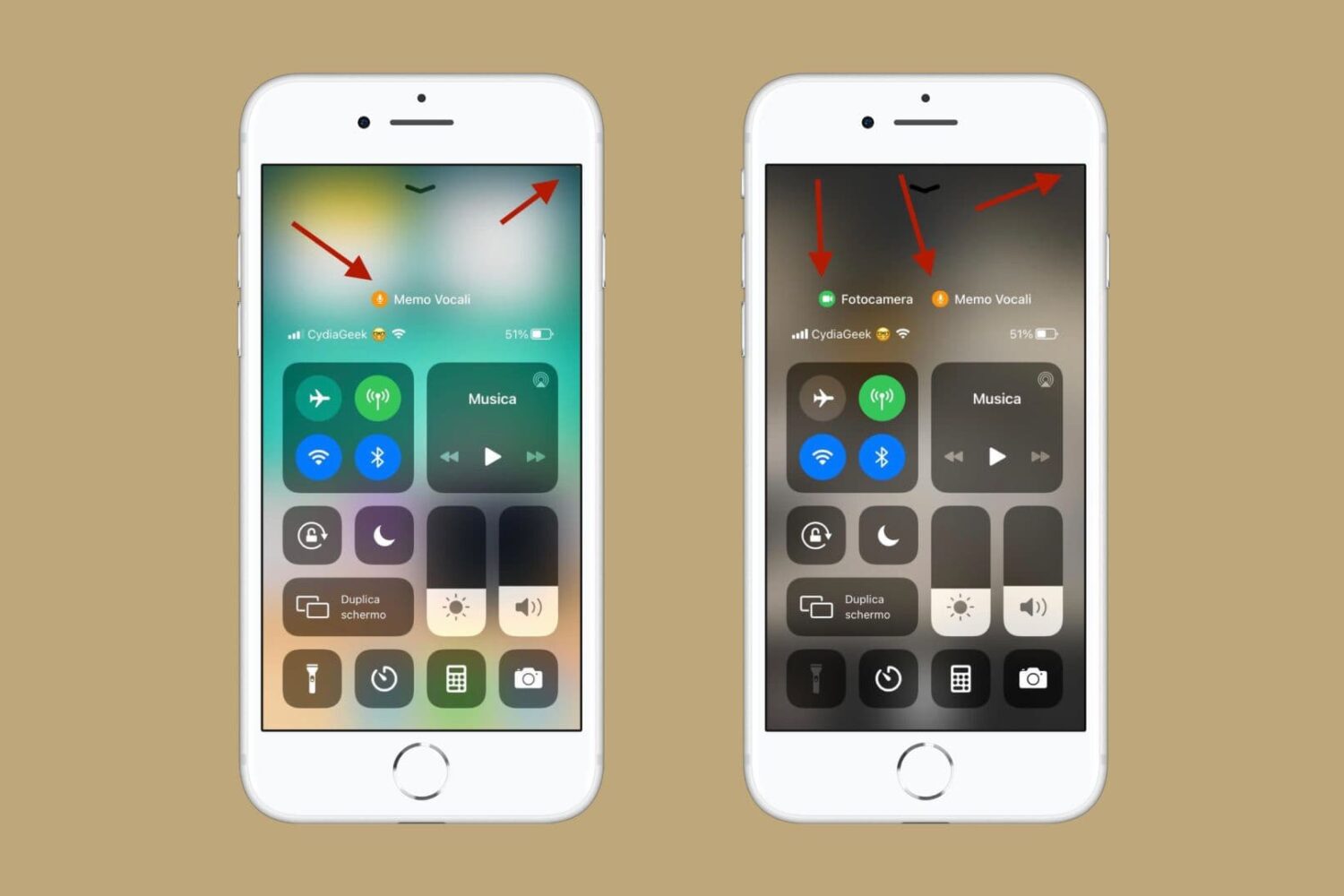
Whenever an app or process begins using your iPhone’s camera or microphone, iOS is programmed to display a certain color dot in the Status Bar and in Control Center to boost user awareness and make it less likely that you’ll be recorded without your knowledge.

Do you have reasons to believe your Facebook account has been compromised? In this guide, we will show you how to see if someone is using your Facebook account and share essential tips to secure it from further unauthorized access.
Although iOS 17.4.1 doesn't introduce any new features, you're recommended to install it to get Apple's latest security patches protecting against threats.
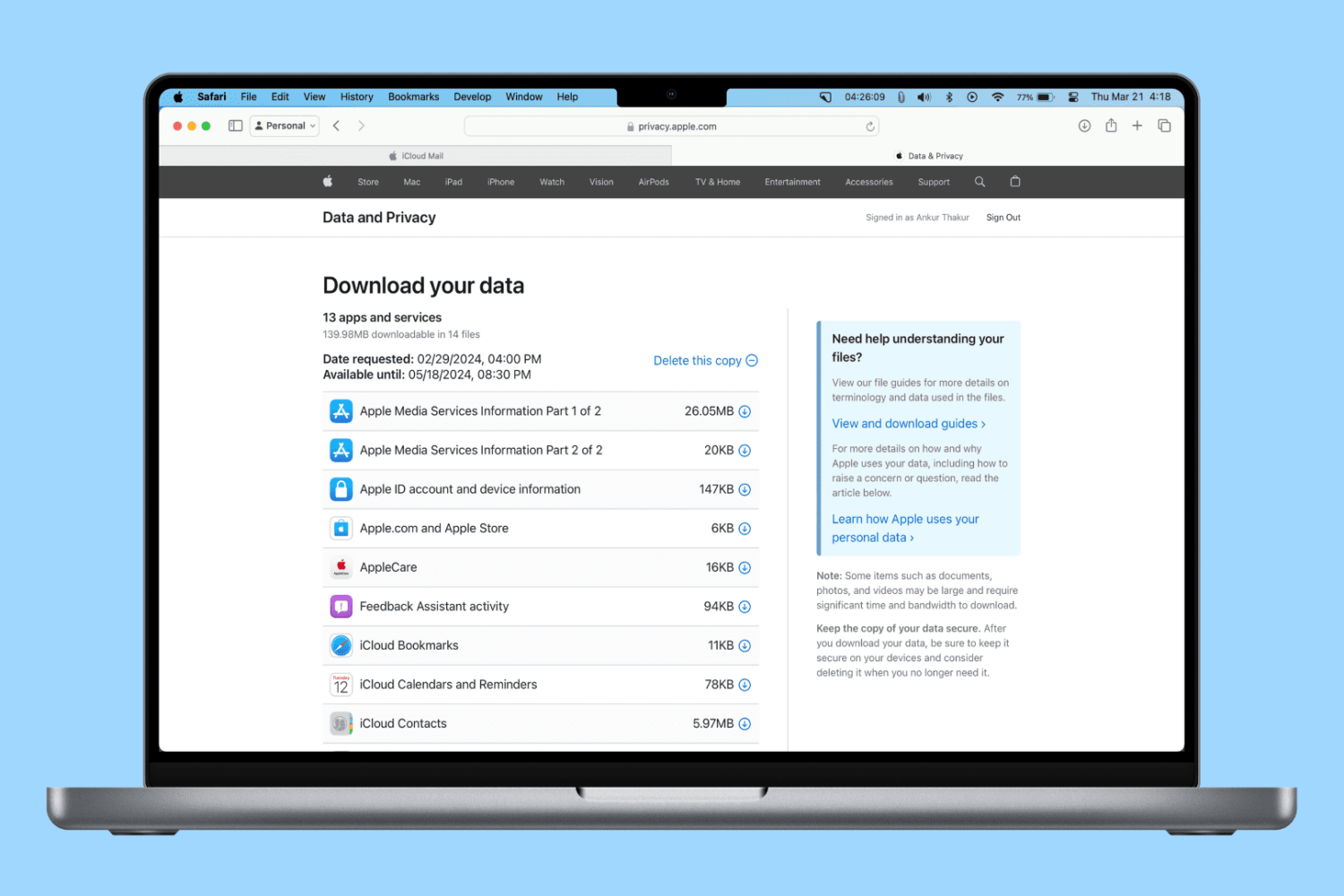
In this step-by-step tutorial, we’ll show you how to get a copy of the personal information Apple has stored about you.
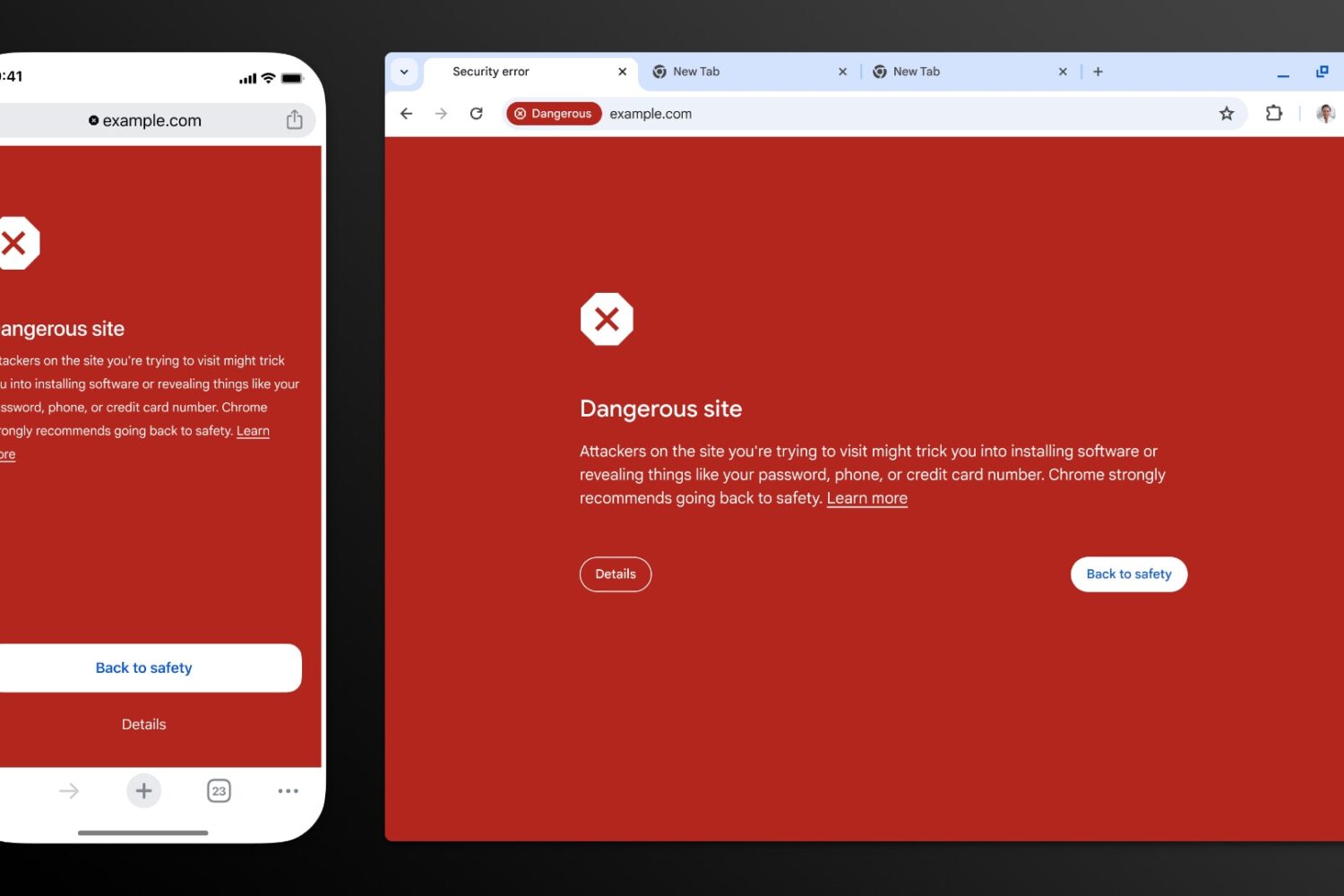
Thanks to recent improvements such as real-time checks, Google Chrome’s Safe Browsing feature now blocks 25 percent more phishing attempts.
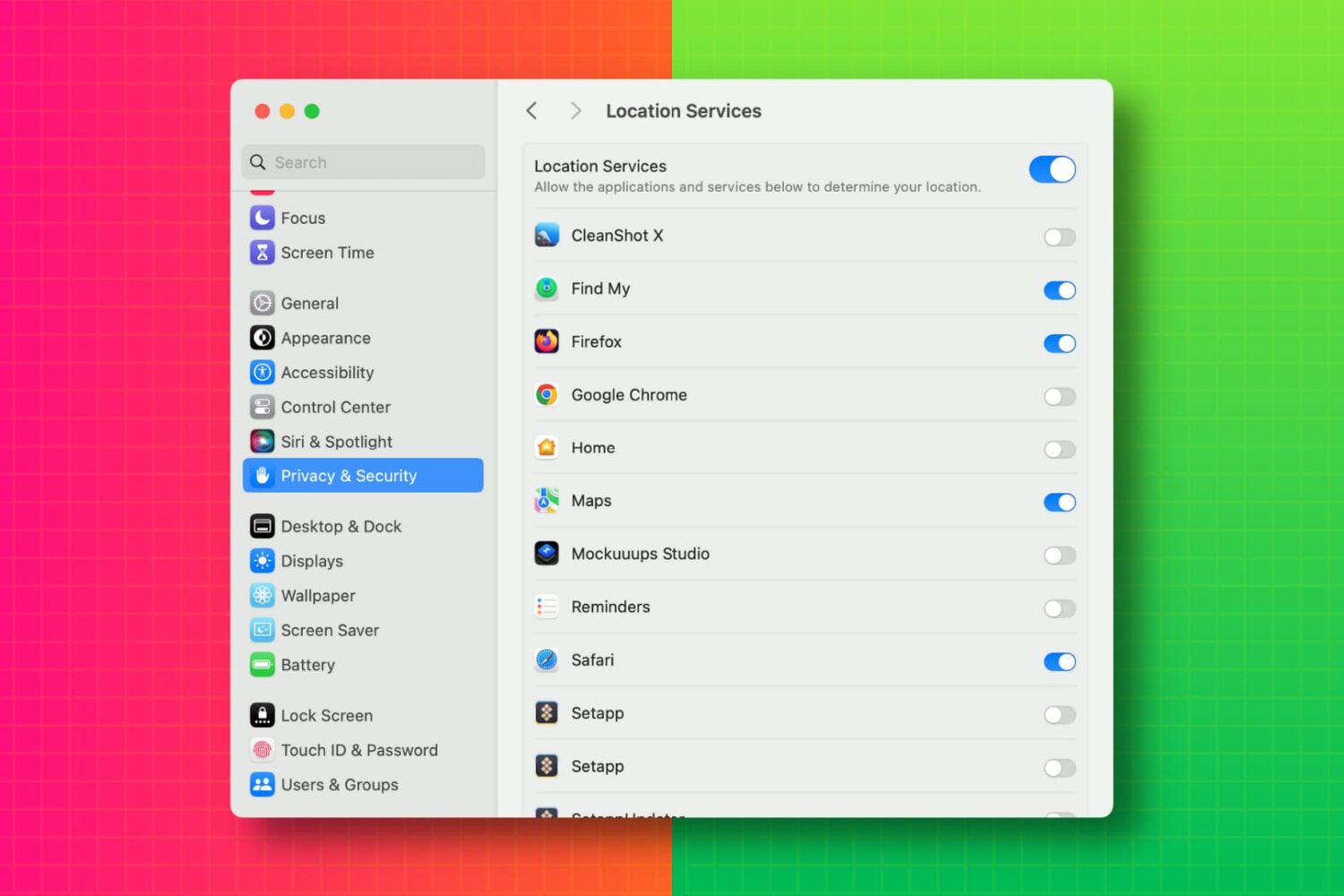
In this tutorial, we’ll show you how to view a list of apps that have access to your photos, camera, microphone, location, contacts, calendar events, Bluetooth, and other such things on your Mac. From there, you can revoke the app’s permission if needed.