iOS 18 will enable compatible third-party Bluetooth and Wi-Fi accessories to pair with an iPhone using a seamless AirPods-like process.
iOS 18 brings the seamless AirPods pairing process to third-party accessories

iOS 18 will enable compatible third-party Bluetooth and Wi-Fi accessories to pair with an iPhone using a seamless AirPods-like process.
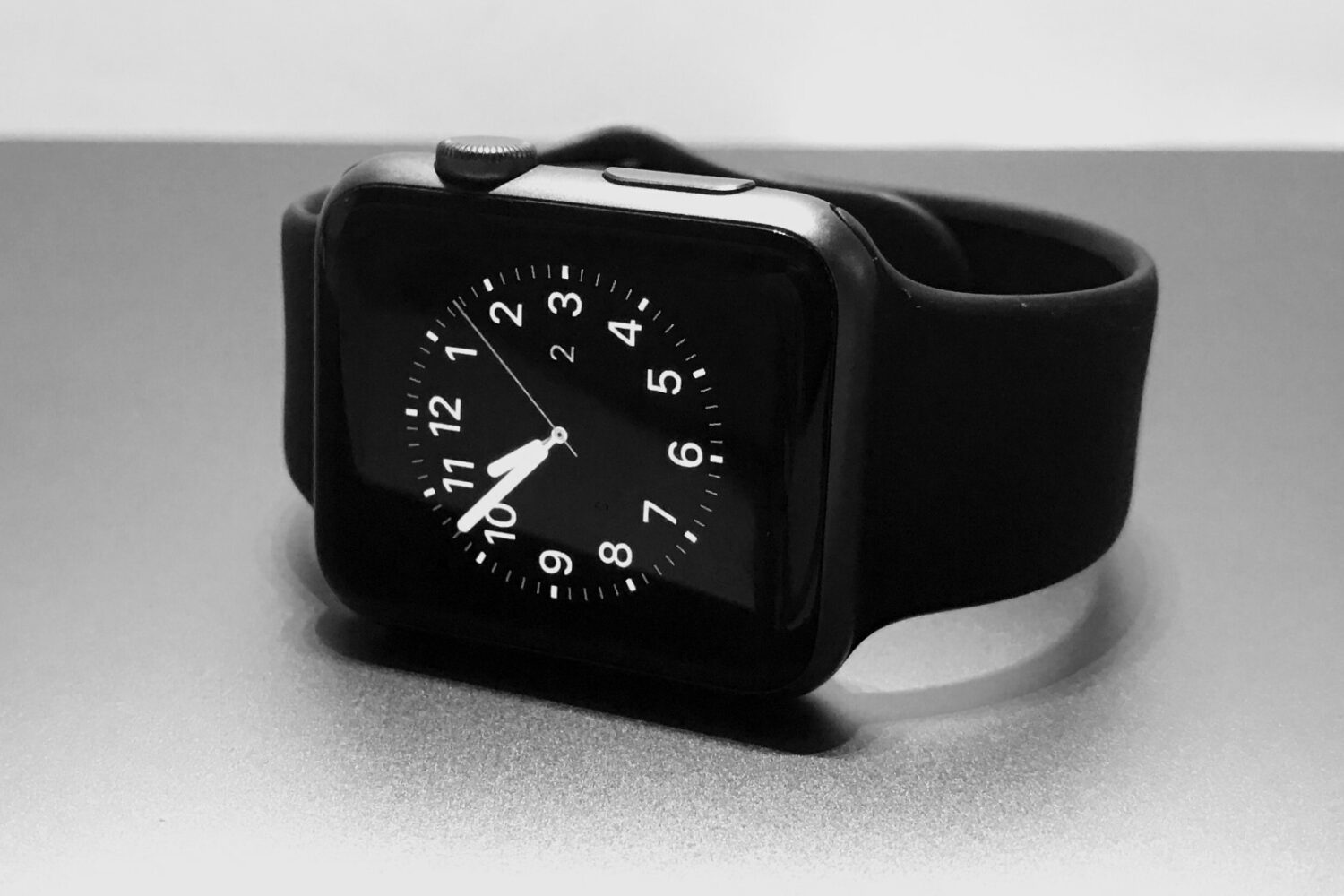
You may soon be able to pair a single Apple Watch with multiple Apple devices instead of a single iPhone.
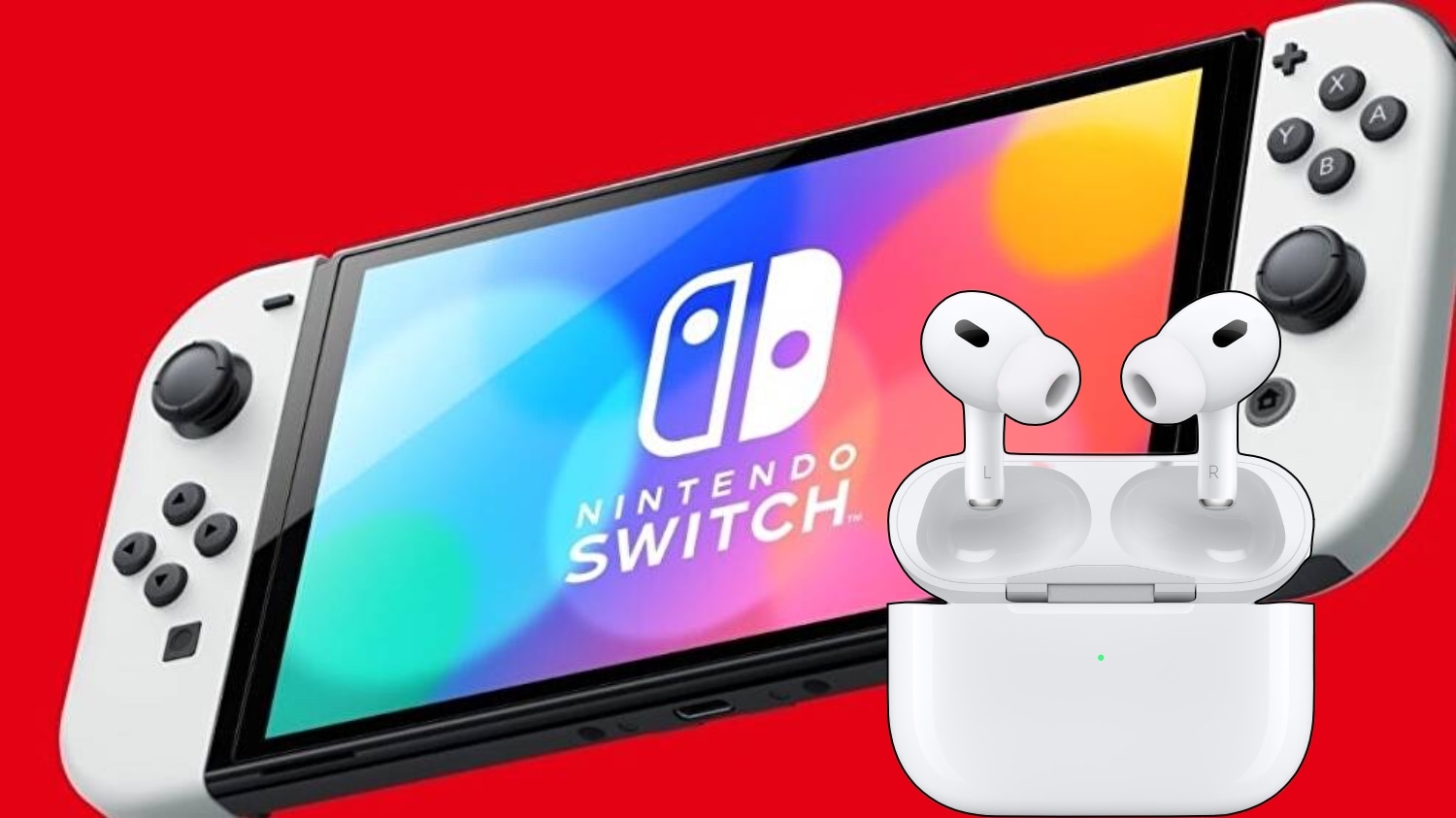
Learn how to connect AirPods and other Bluetooth devices with your Nintendo Switch to enhance the audio aspect of your gaming experience.
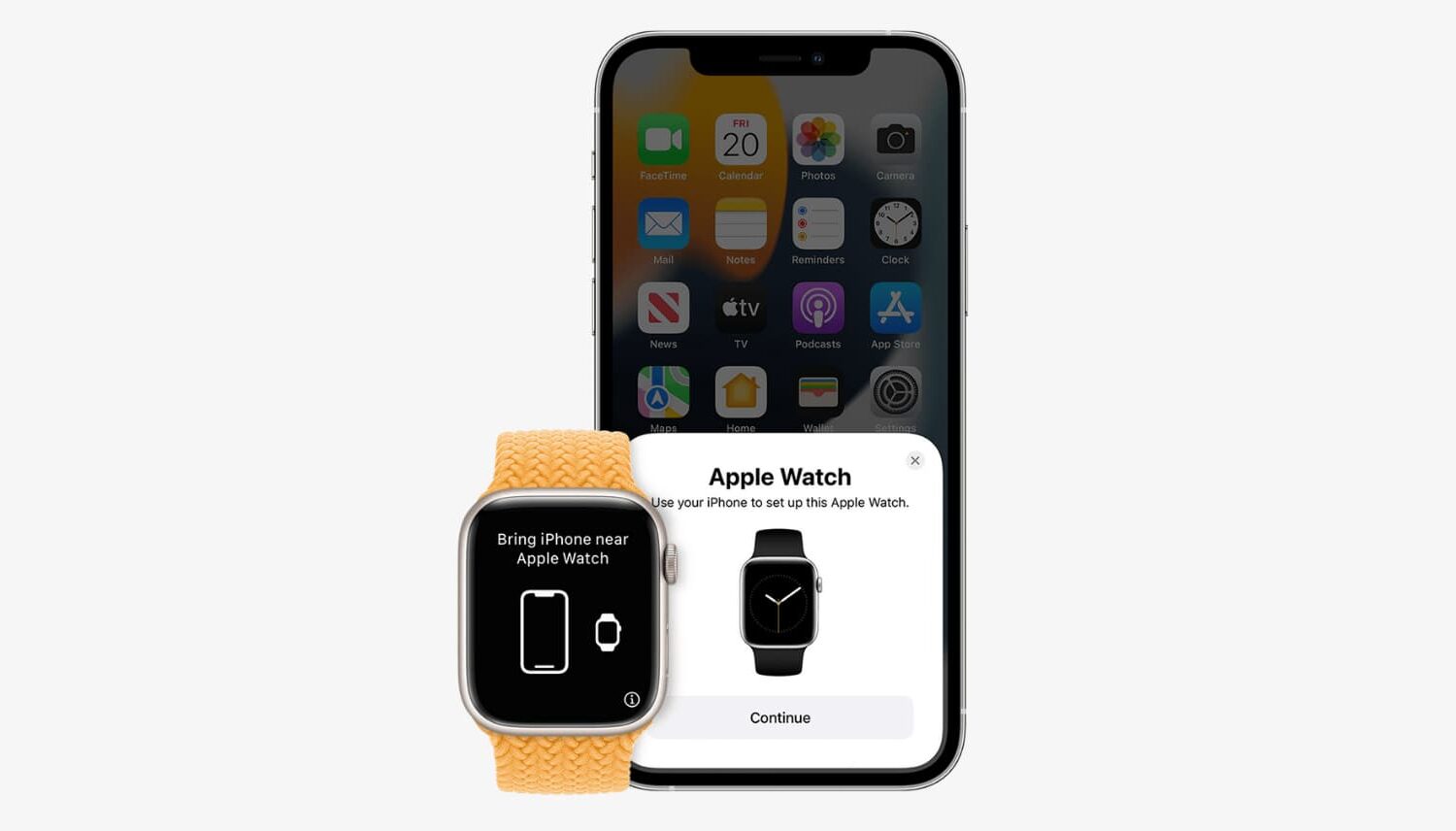
Learn about three ways to unpair your Apple Watch from its paired iPhone. Unpairing the Apple Watch is equivalent to erasing it. And after you do this, you’ll have to set up your Apple Watch again.
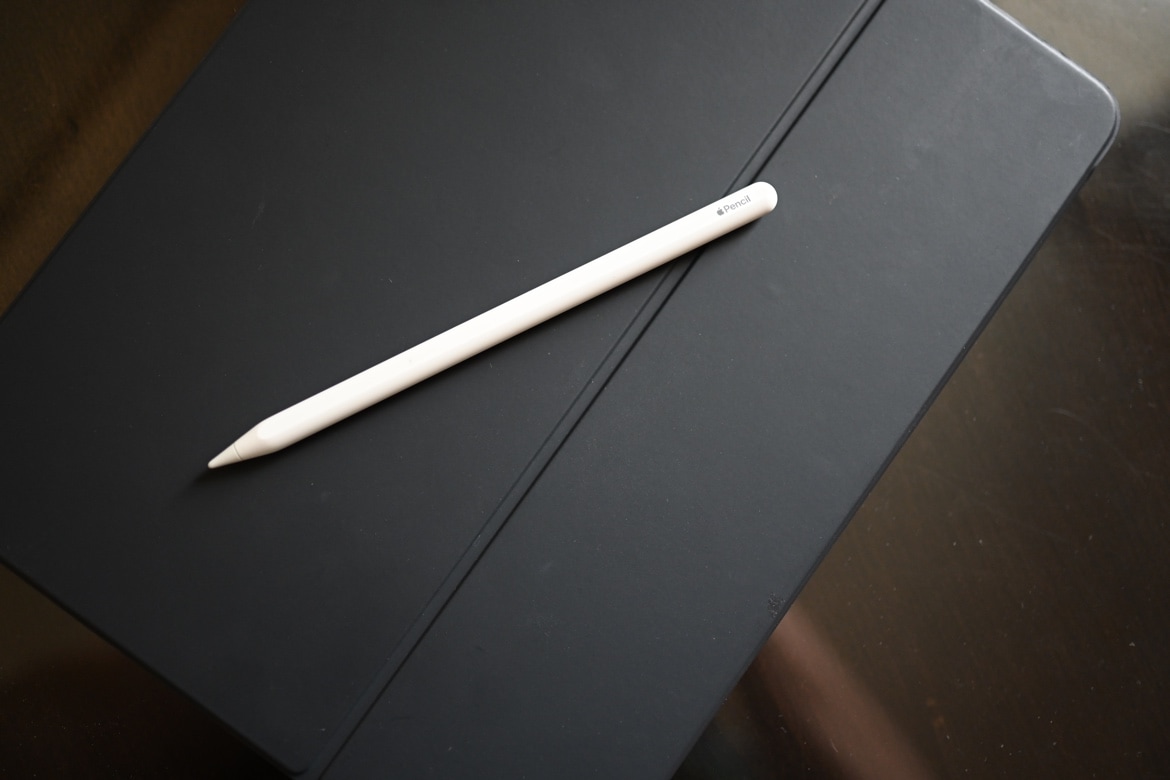
Maybe you just got an Apple Pencil or a new iPad and want to use this convenient combo. But for some reason, unknown to you, you can’t pair your Apple Pencil with your iPad. In this tutorial, we’ll explain several methods to remedy this situation, beginning with which Apple Pencils work with which iPads.
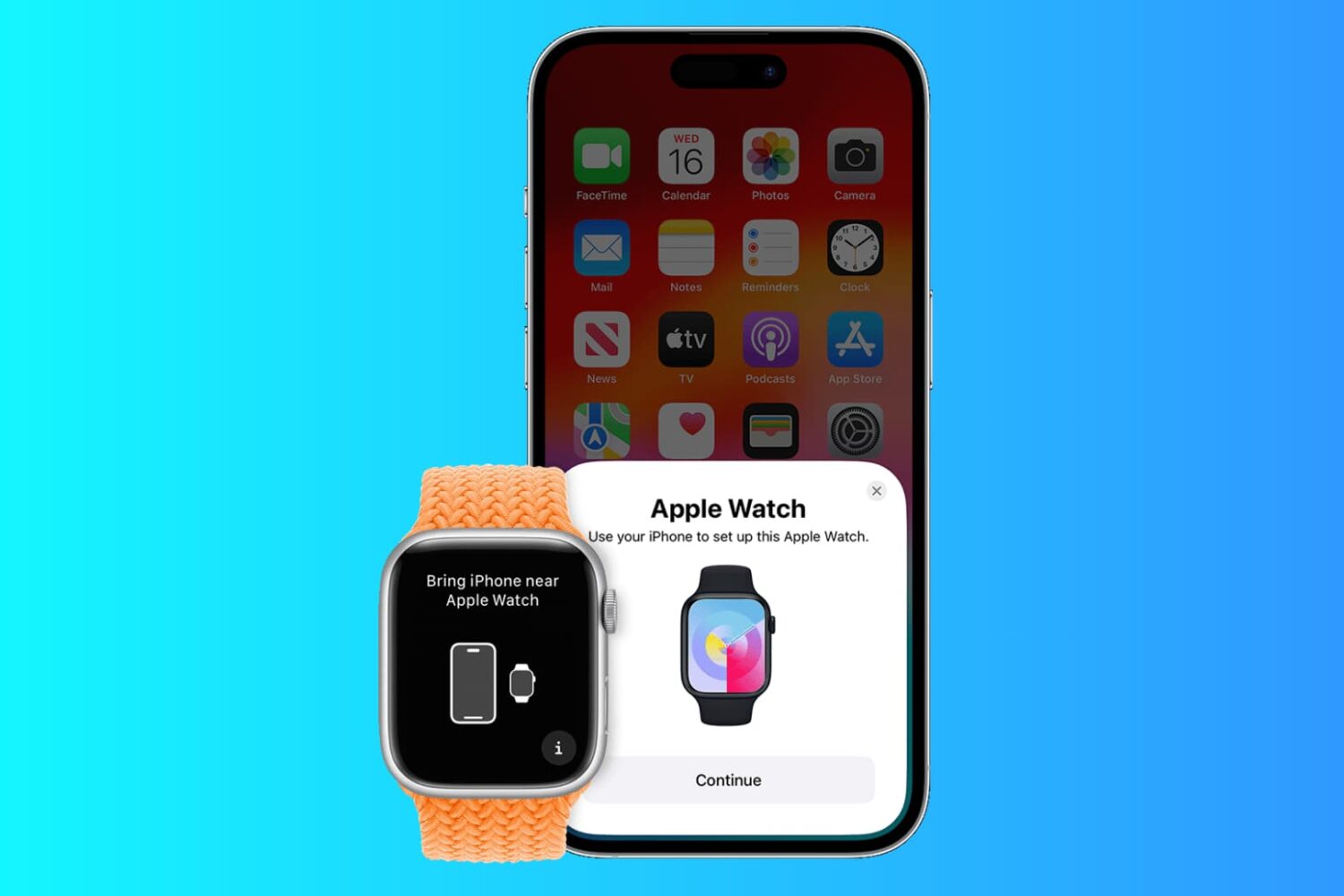
In this post, I'm going to show you how to pair an existing Apple Watch with a new iPhone and make sure you don't lose any data in the process.
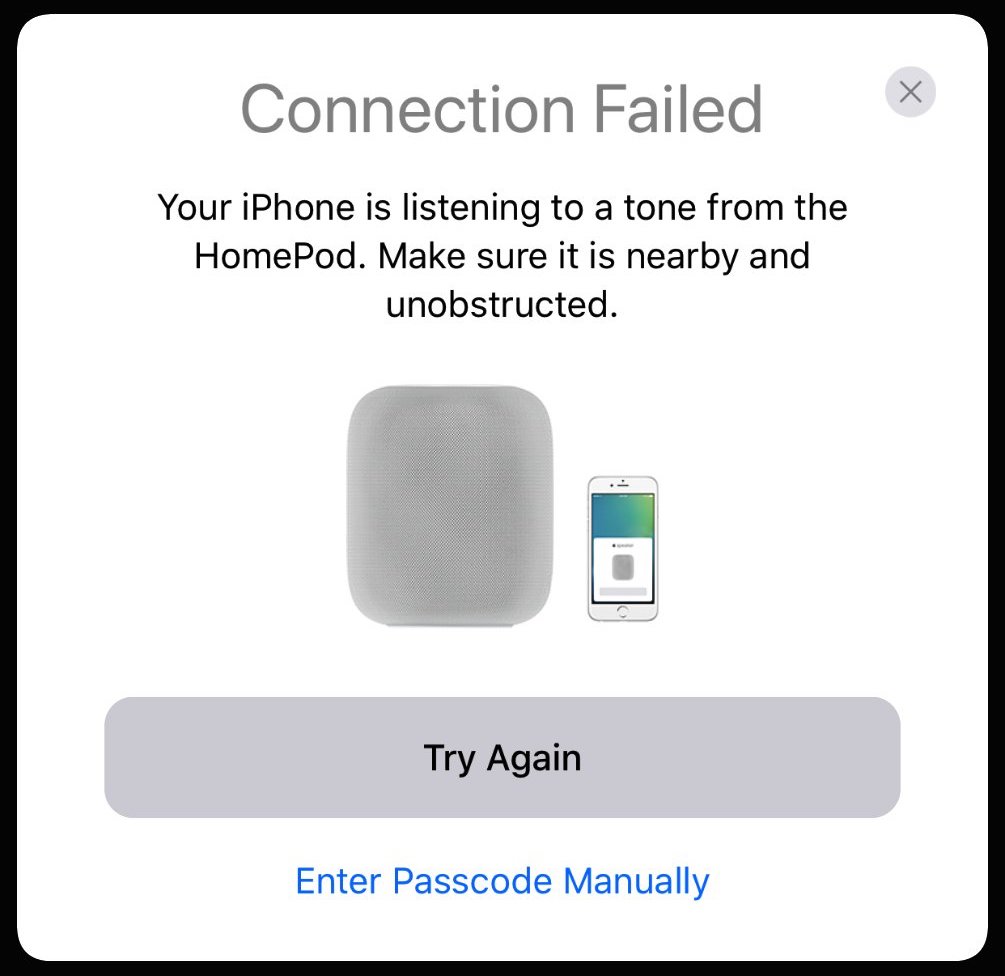
HomePod, Apple's wireless speaker scheduled to arrive this December, will support a new pairing method based on special audio tones generated by it and detected by a host iPhone.
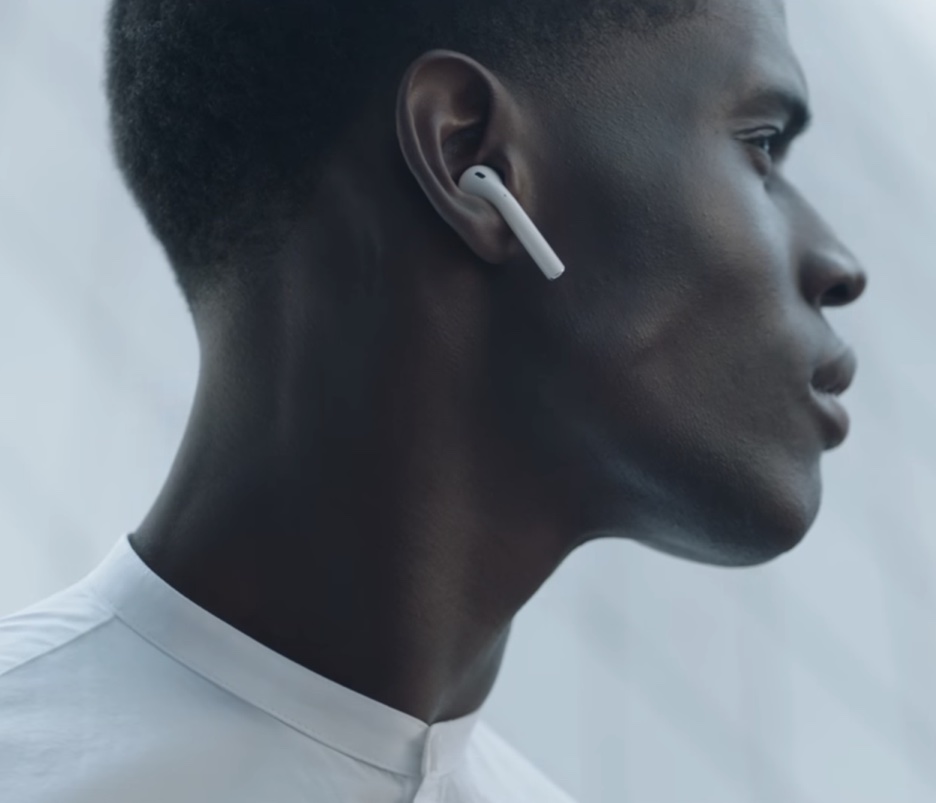
Apple on Saturday shared four brief television commercials for AirPods on its official YouTube channel, running fifteen seconds long each. The videos showcase some of the key user features of the wireless earphones, like accessing Siri with a double-tap and seamless Bluetooth pairing on Apple gear made possible by the firm's in-house designed wireless chip, dubbed the W1. Watch the new ads and let us know how you like them in comments.
In addition to the company's first-ever AirPods ads, they also released a new fitness-focused Apple Watch advertisement which challenges you to close those Activity rings.