Do you like it when your apps take full advantage of your iPhone’s zippy ProMotion display to utilize all 120Hz of beautiful display refresh speeds? If so, then you aren’t going to want to miss this.
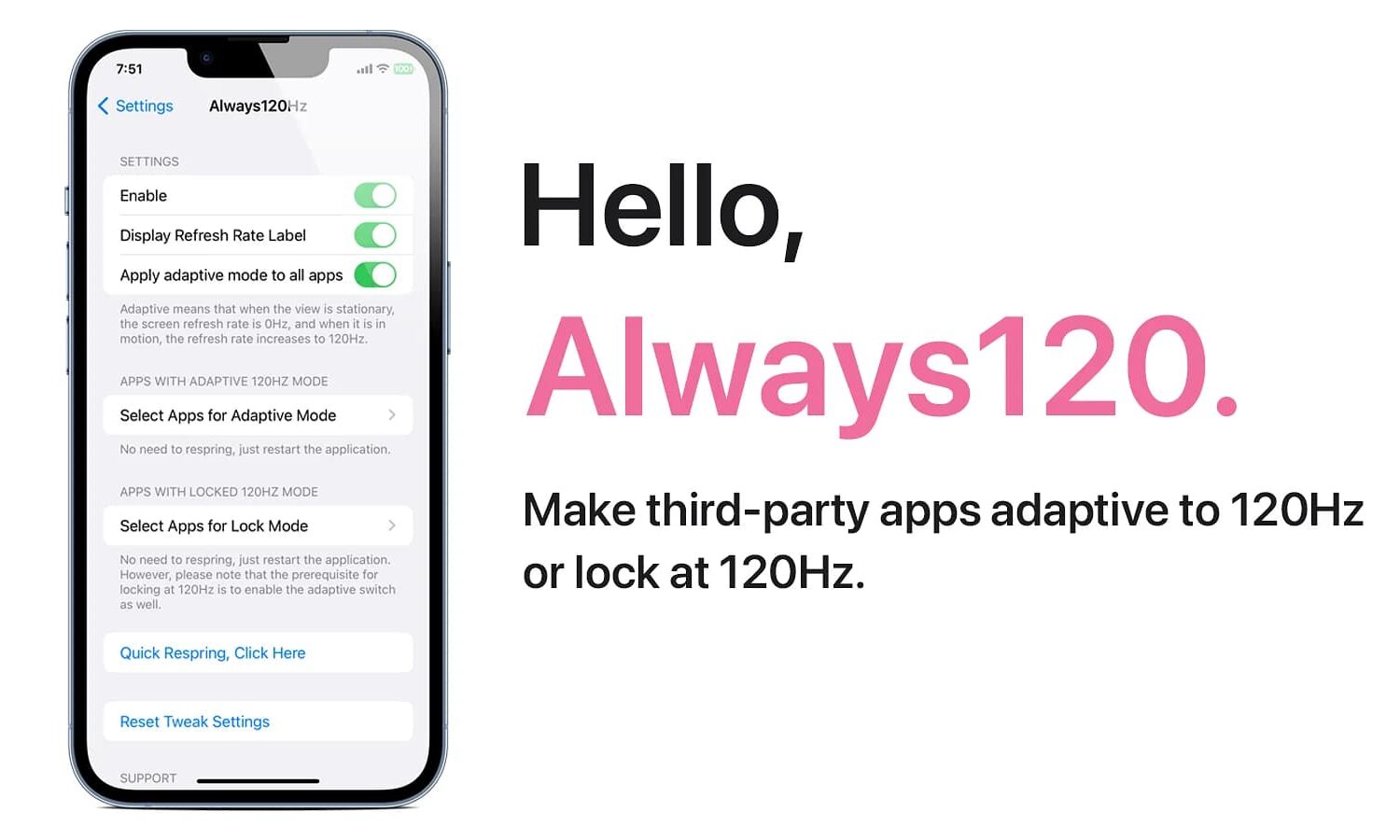
Do you like it when your apps take full advantage of your iPhone’s zippy ProMotion display to utilize all 120Hz of beautiful display refresh speeds? If so, then you aren’t going to want to miss this.
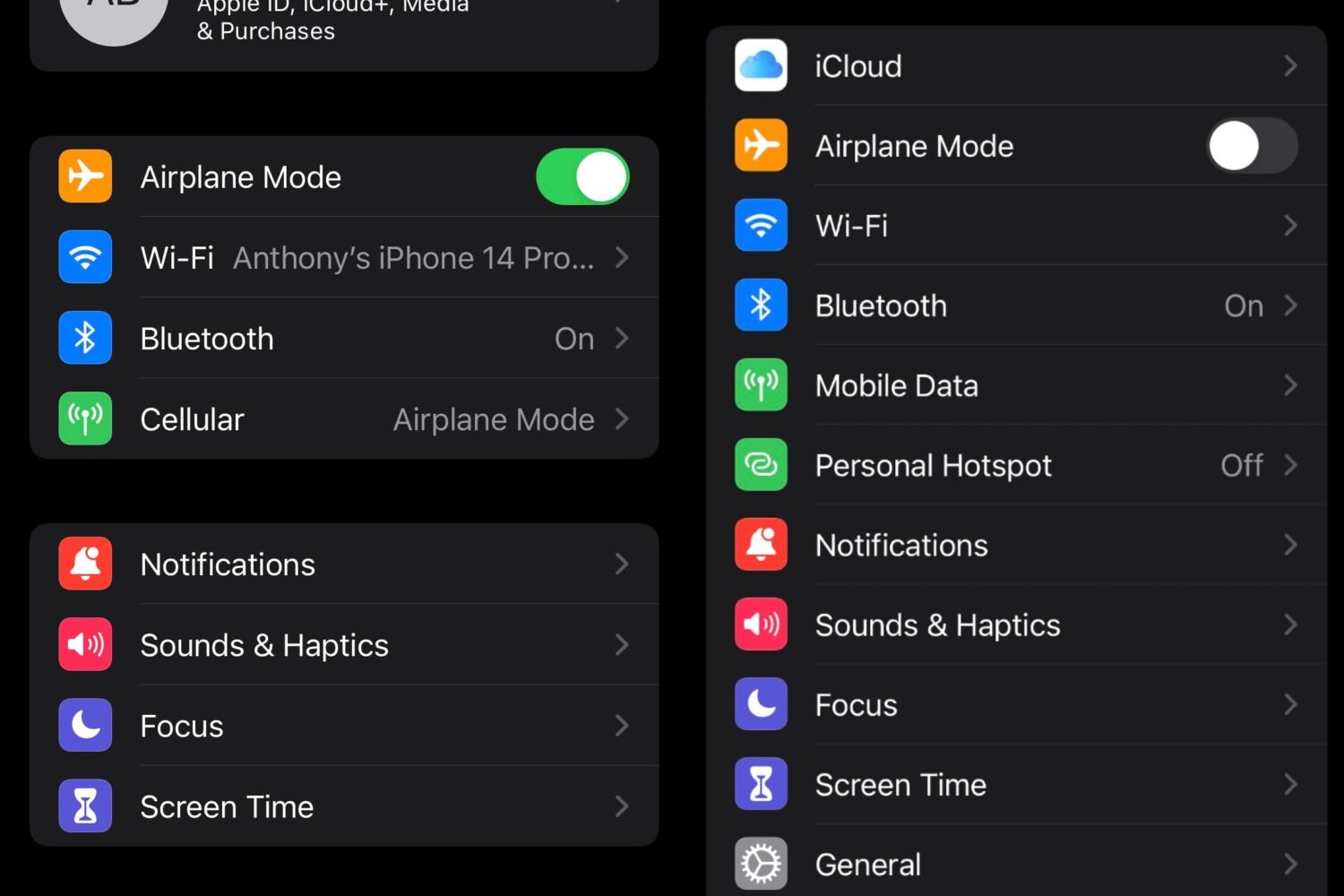
The Settings app is the primary place where iPhone users can change device behavior and options, but depending on your tastes, you might find the organization to be less than optimal.
iOS developer 0xkuj is out this week with a new jailbreak tweak called CCAdsBeGone (rootless) that attempts to limit the number of ads you see when using apps on your jailbroken iPhone or iPad.
Just last week, we showed you a package manager app for MacDirtyCow exploit-susceptible devices called Misakathat could be used to install add-ons for customizing the iOS user interface, and we walked you through the process to install and use it.

One of the brilliant features of tvOS is the uniquely crafted notification system that blurs the background of any prompt to bring your attention directly to the options at hand.

Anyone that has a Face ID-equipped iPhone and runs a MacDirtyCow-susceptible firmware between iOS 15.0-16.1.2 can take advantage of a checkra1n-inspired Face ID glyph animation that replaces the traditional animated Face ID padlock when authenticating themselves.
There’s a lot that you can do with a jailbroken iPhone or iPad, but if you’re new to the hobby or aren’t sure where to begin, then you might need some help keeping up with all the fragmented sources of information that make their way into the general public every now and again.
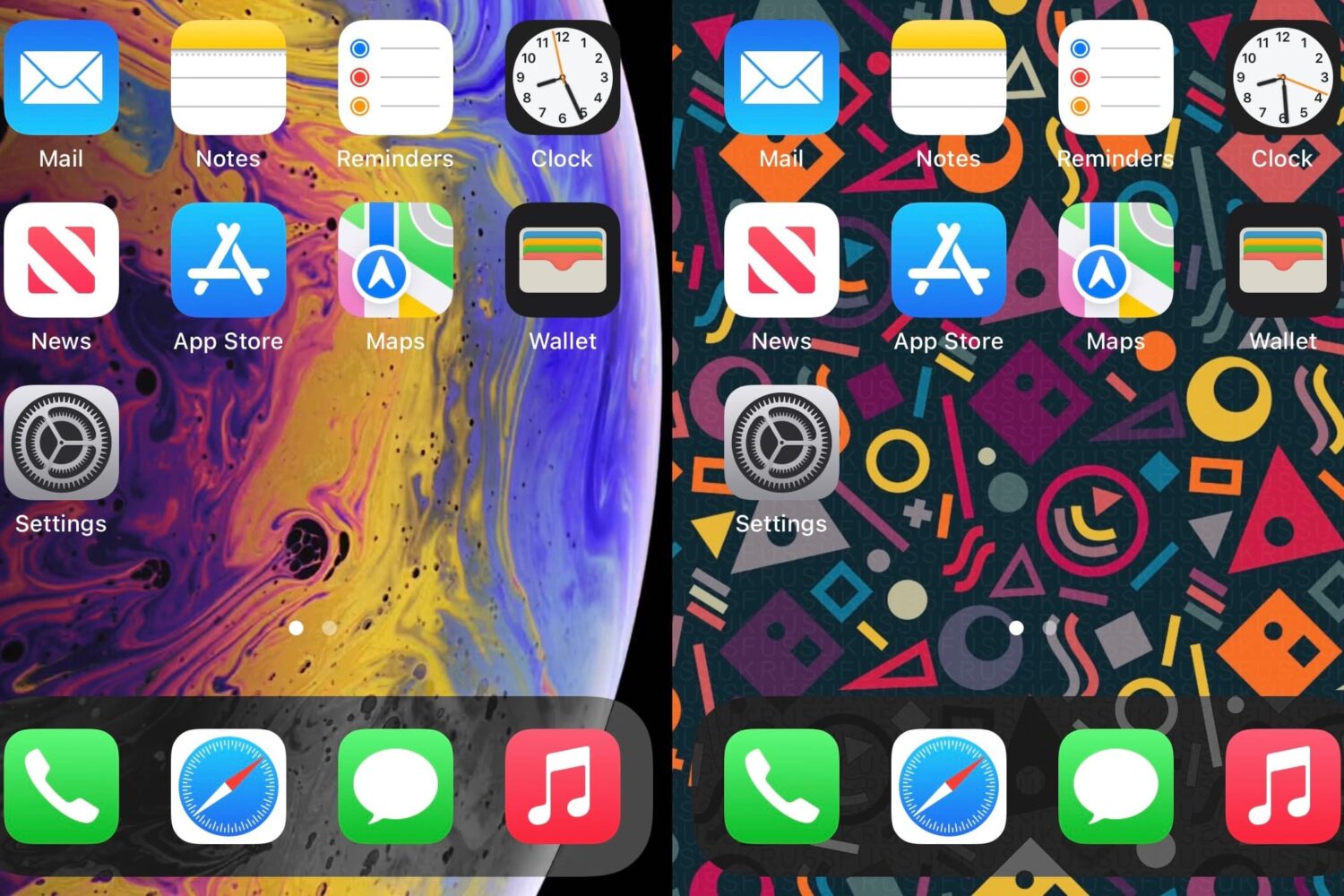
Whether you’re jailbroken or not, if you have a firmware supporting the MacDirtyCow exploit, namely iOS or iPadOS 15.0-16.1.2, then you can take advantage of add-ons that modify the appearance and behavior of your iPhone or iPad.
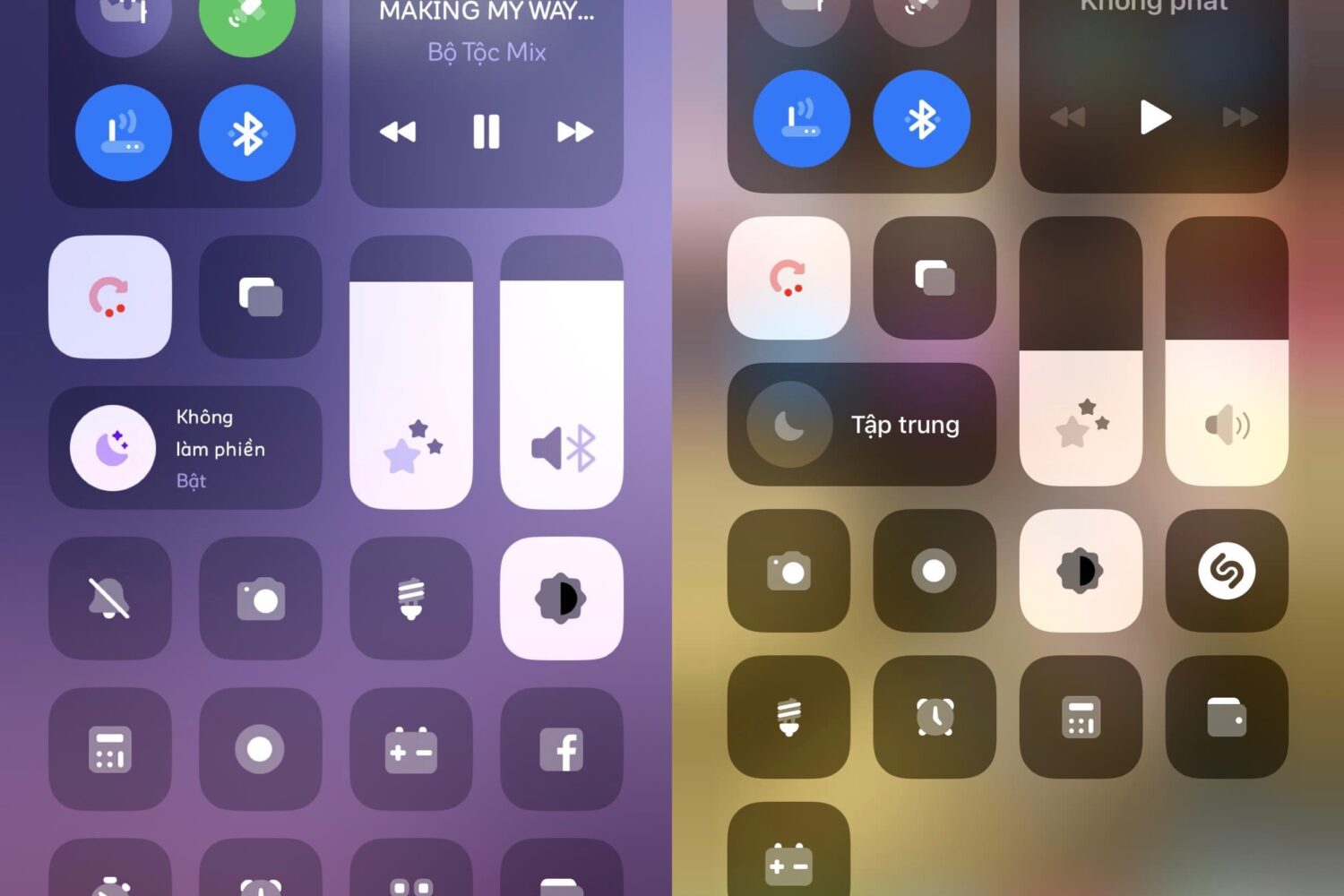
If you’ve got a device running MacDirtyCow-vulnerable firmware, such as iOS or iPadOS 15.0-16.1.2, then you might be excited to learn of a Control Center add-on called Plampy UI Control Center by iOS developer YangJiii.

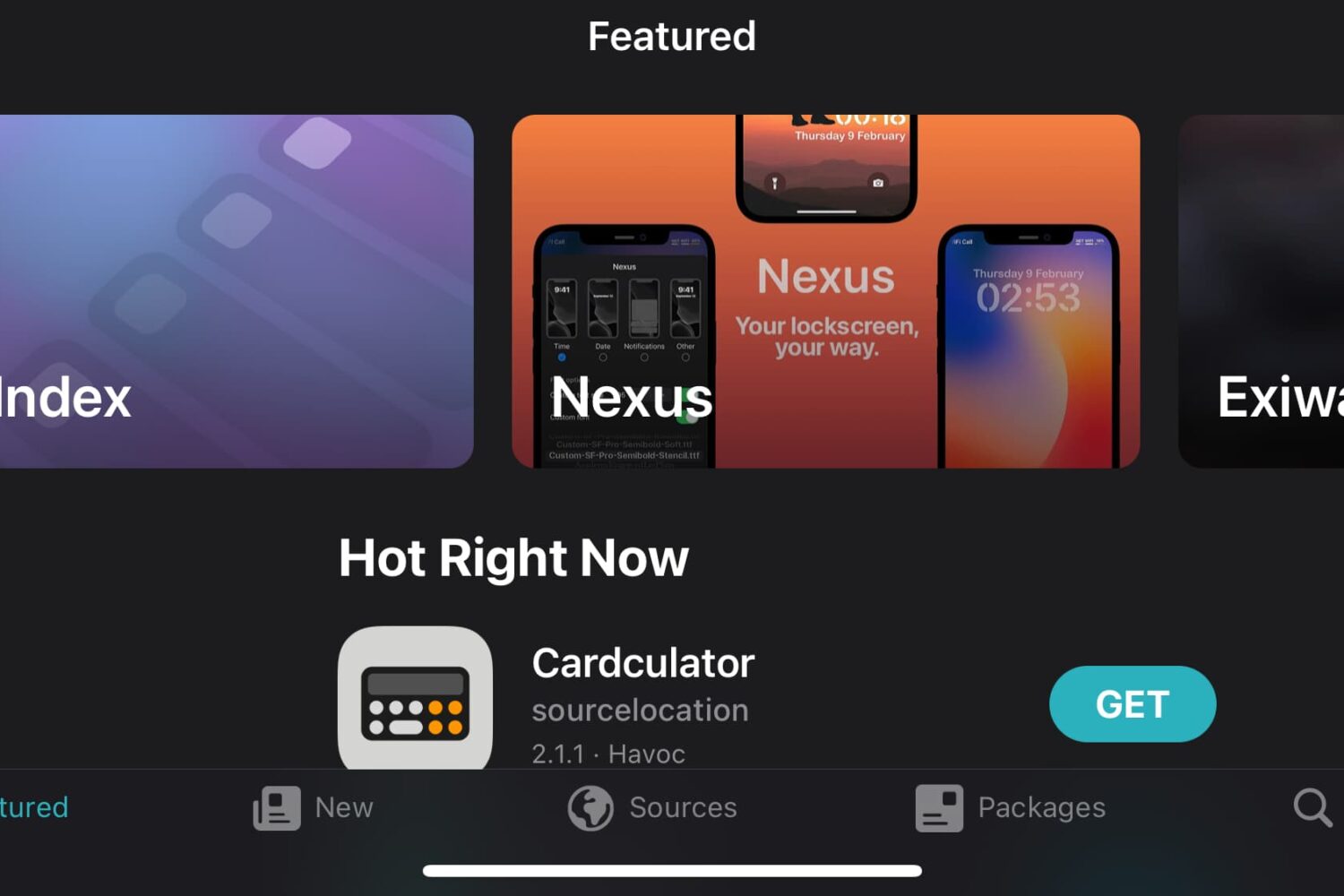
Much like you can install package manager apps like Cydia, Sileo, and Zebra on jailbroken devices, you can also install package manager apps on non-jailbroken devices so that you can take advantage of add-ons for the MacDirtyCow and kfd exploits.
iPhone users are typically accustomed to their apps and user interfaces being designed for portrait orientation use. Occasionally, some iPhone apps may even support landscape orientation. But what if you could force most apps and user interfaces into landscape orientation?
If you frequently depend on iPhone alarms to get you up and out of bed every morning, and you have a rootless iOS 15 or 16 jailbreak at your disposal, then we can strongly recommend a jailbreak tweak called SleeperX by iOS developer joshuaseltzer.