Maps

How to use your iPhone’s compass with Apple Maps

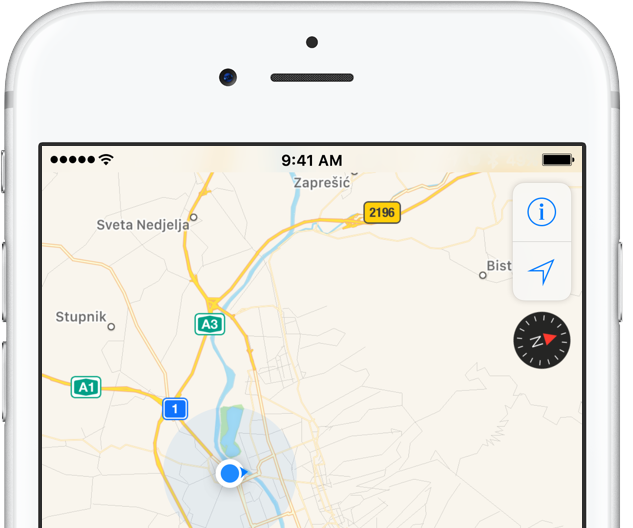
iPhone includes a magnetometer sensor, also known as digital compass. With it, your iPhone can tell the direction it's pointed at. Along with built-in GPS and iOS's Location Services, this allows for some cool navigation capabilities. If you're wondering how to use iPhone compass with Apple Maps, you've come to the right place.

Displaying compass on a map not only helps you orient yourself better and find a route to a location, but also stay on course while navigating to avoid distractions that could lead to dangerous situations. In this tutorial, you'll learn how to display the compass for navigation and use it with Apple Maps turn-by-turn directions.

Apple Maps launches transit directions for Paris

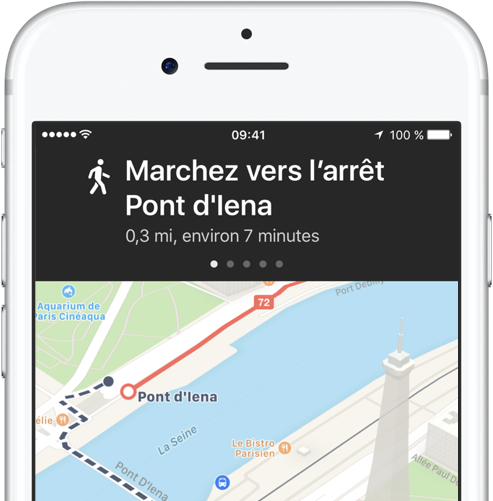
Apple has added transit options to its Maps app for the city of Paris, TechCrunch reported Monday. Customers can now use Apple Maps on their iPhone, iPad, iPod touch, Mac and Apple Watch to calculate itineraries using the available public transportation options which include subway, RER and busses lines, among others.

Apple Maps now shows EV charging stations in UK, bike rental hubs in London, Paris & New York

More than four months after Apple Maps users in the United States gained the ability to locate ChargePoint electric vehicle stations around them, Apple is bringing a similar feature to its customers in the United Kingdom. As a cool bonus, European users can now identify bike rental hubs on a map, too.

According to Bloomberg earlier this week, Apple is using data from German company Cirrantic’s Moovility service, which maintains a detailed list of charging stations for electric vehicles made by Tesla and Nissan, among others.

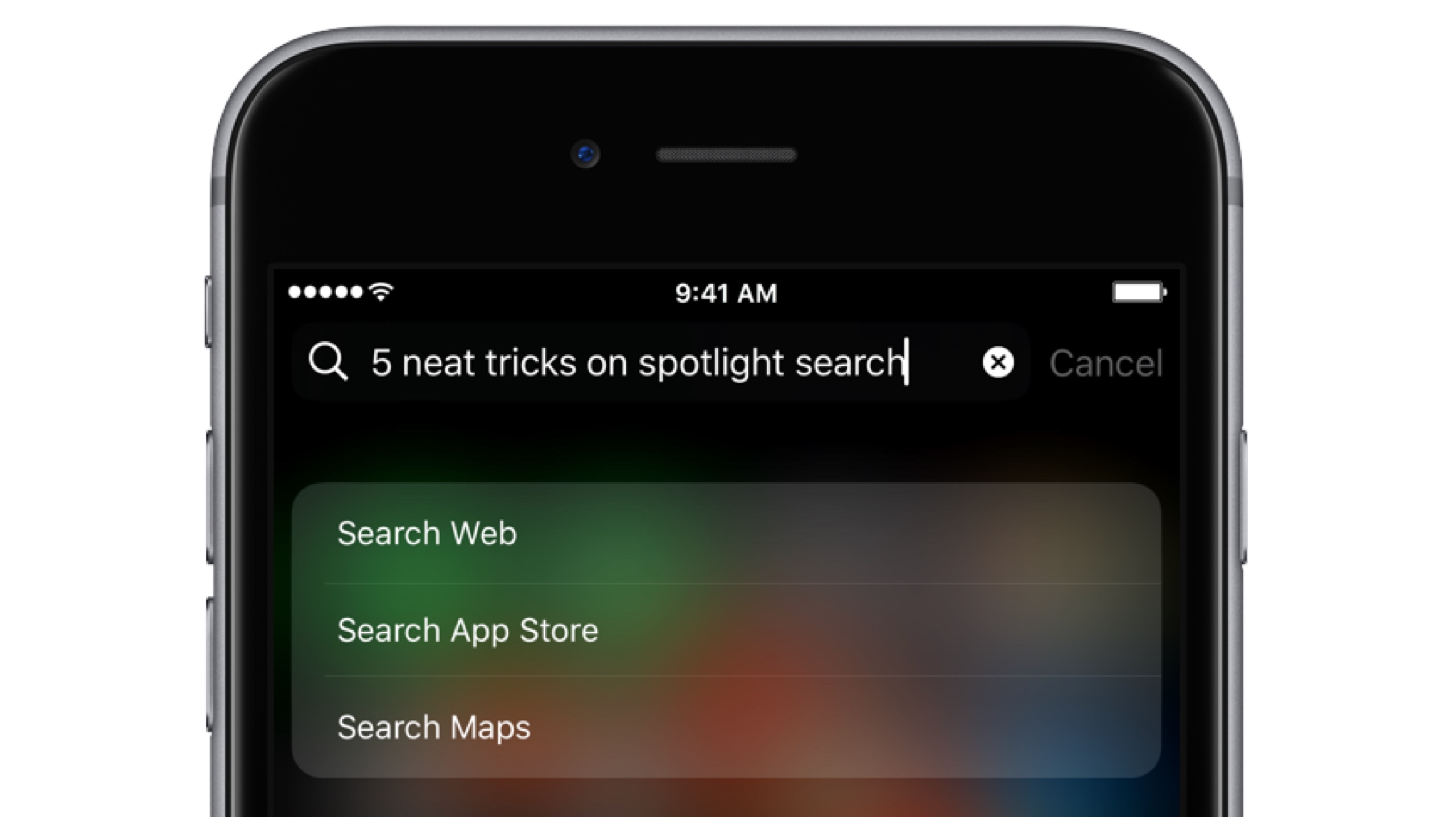
Five neat tricks Spotlight search can do for you on iPhone

Bearing in mind the numerous ways to invoke Spotlight search on your iPhone today, the feature has clearly become a centerpiece of iOS 10th iteration.

That is because for one, it's the fastest way to rifle through your device for any type of information, however it is also incrementally adopting Siri-level intelligence. You might know about using Spotlight for swift currency and measurement conversions by now, but the list does not end here. Largely undiscussed on the web, here are five more cool uses for Spotlight.

How to call your destination when using the Maps app on Apple Watch

It’s the little shortcuts Apple Watch can provide in life that make wearing the device oh so rewarding at times. The most prominent ones have certainly saturated Apple’s marketing and most corners of the internet by now, still many smaller tricks are hardly covered simply because they can be so darn hard to find.

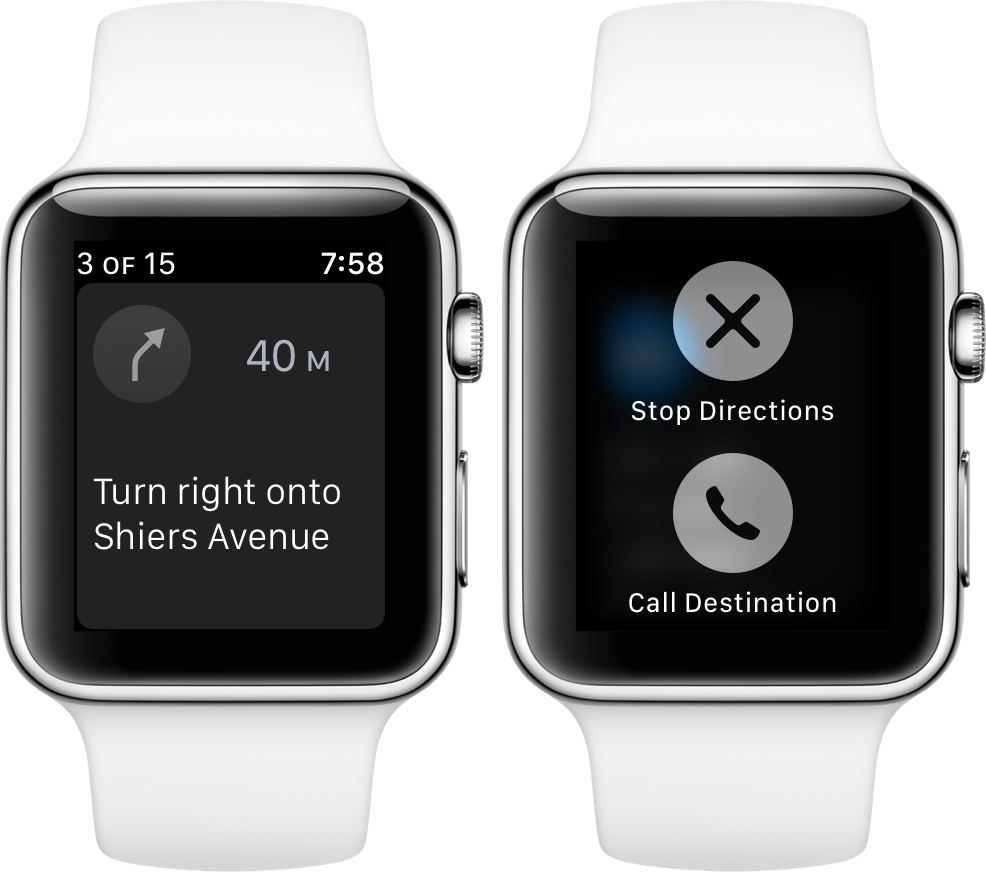
The following one certainly falls into that category, as I had never heard or read about it before, and I frankly came across it by pure chance. If you have to hit the roads regularly and rely on Apple Maps and your watch to get to your destination, it’s a deft shortcut that makes sure you can keep your eyes on the road at all times - even if you need to make a phone call to the place you are currently headed!

How to share your real time location on Google Maps

Google recently introduced a location-sharing feature in the mobile Google Maps app that's somewhat similar in functionality to Apple's Find My Friends app. On your iPhone, iPad, iPod touch, Google Maps allows you to share your location with others for up to 72 hours, choose who can see where you are, hide other people's locations from a map and more.

In this step-by-step tutorial, you'll learn how to share your real-time location on Google Maps with friends and family in case you'd like to let them know where you are and when you’ll get there.

Google Maps gains real time location and trip sharing features

Google today announced that you can now let your friends and family know where you are and when you'll get there, right from Google Maps for iOS and Android. The answer to “where are you?” is only a tap away—with this useful new feature, people you share with can track your real-time location on iPhone, iPad, mobile web and desktop. Additionally, you can share your trip progress from navigation with others.

Google Maps gains 3D Touch place previews

Last week, I whined about Google dragging its feet when it comes to implementing support for important iOS features, like 3D Touch, in apps such as Gmail. Other iPhone and iPad apps from Google have been more aggressive in adopting 3D Touch features, including Maps. In the latest update, Google Maps was bumped to version 4.28 and now allows users who have an iPhone 6s, iPhone 6s Plus, iPhone 7 or iPhone 7 Plus to press places on the map to get quicker access to popular actions.

Apple Maps brings transit directions to Detroit and Windsor metropolitan areas

Hot on the heels of launching transit directions in New Orleans ahead of Mardi Gras and real-time traffic conditions in Argentina, Apple Maps has now gained directions for various public transportation options in Detroit and Windsor. Customers in the Detroit, Michigan metropolitan area and those living in the Canadian city of Windsor, Ontario can now navigate using public transportation such as buses and trains with Apple Maps for iPhone, iPad, Mac and Apple Watch.