Apple will let CarPlay users perform multi-touch gestures like pinching to zoom and pan in compatible mapping and navigation apps, like on their iPhone.
iOS 26 brings multitouch gestures to CarPlay mapping apps

Apple will let CarPlay users perform multi-touch gestures like pinching to zoom and pan in compatible mapping and navigation apps, like on their iPhone.

The Apple Maps web app now works in Apple's Safari browser on the iPhone and iPad, in addition to Mac and Windows computers like before.

Apple has released a new app called Surveyor for collecting ground truth data such as street signs and roadside details, which helps the company improve Apple Maps.

Apple's upcoming iOS update might permit iPhone owners in the European Union (EU) to set default apps for navigation and translation.

The Apple Maps web app now supports Look Around, a Google Street View-like feature that provides high-resolution ground imagery.

iOS 18 introduced a small but useful search tweak when finding places like restaurants and gas stations with a Google Maps-like “Search here” button.

Apple Maps is taking on Google Maps by releasing a web app that can be used in a mobile or desktop browser instead of the native app.

Topographic maps in iOS 18's Maps app should provide more precise navigation for outdoor activities, such as hiking, camping and fishing.
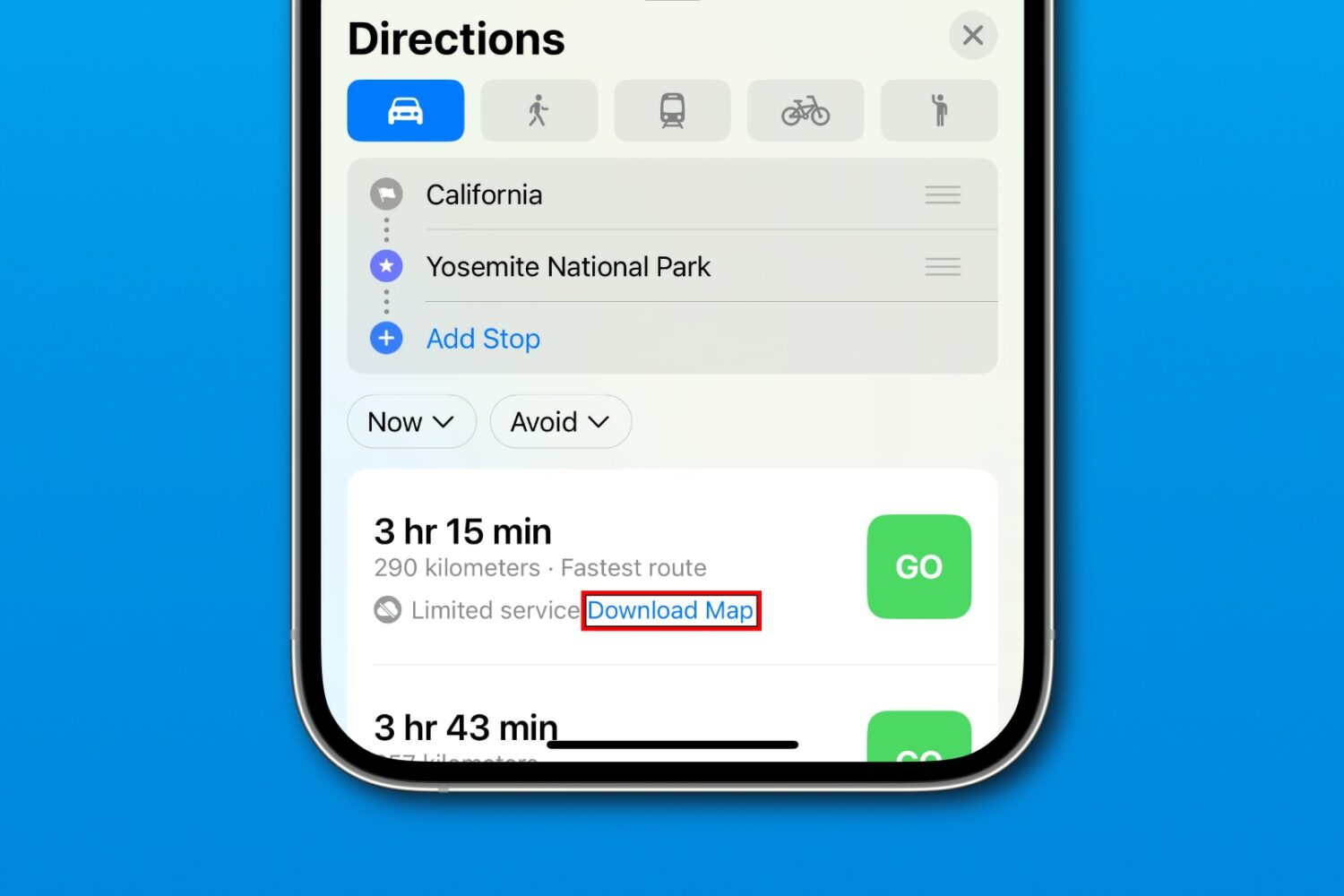
iOS 17’s Apple Maps prompts you to download an offline map when requesting navigation directions to an area with poor cellular reception or Wi-Fi coverage.
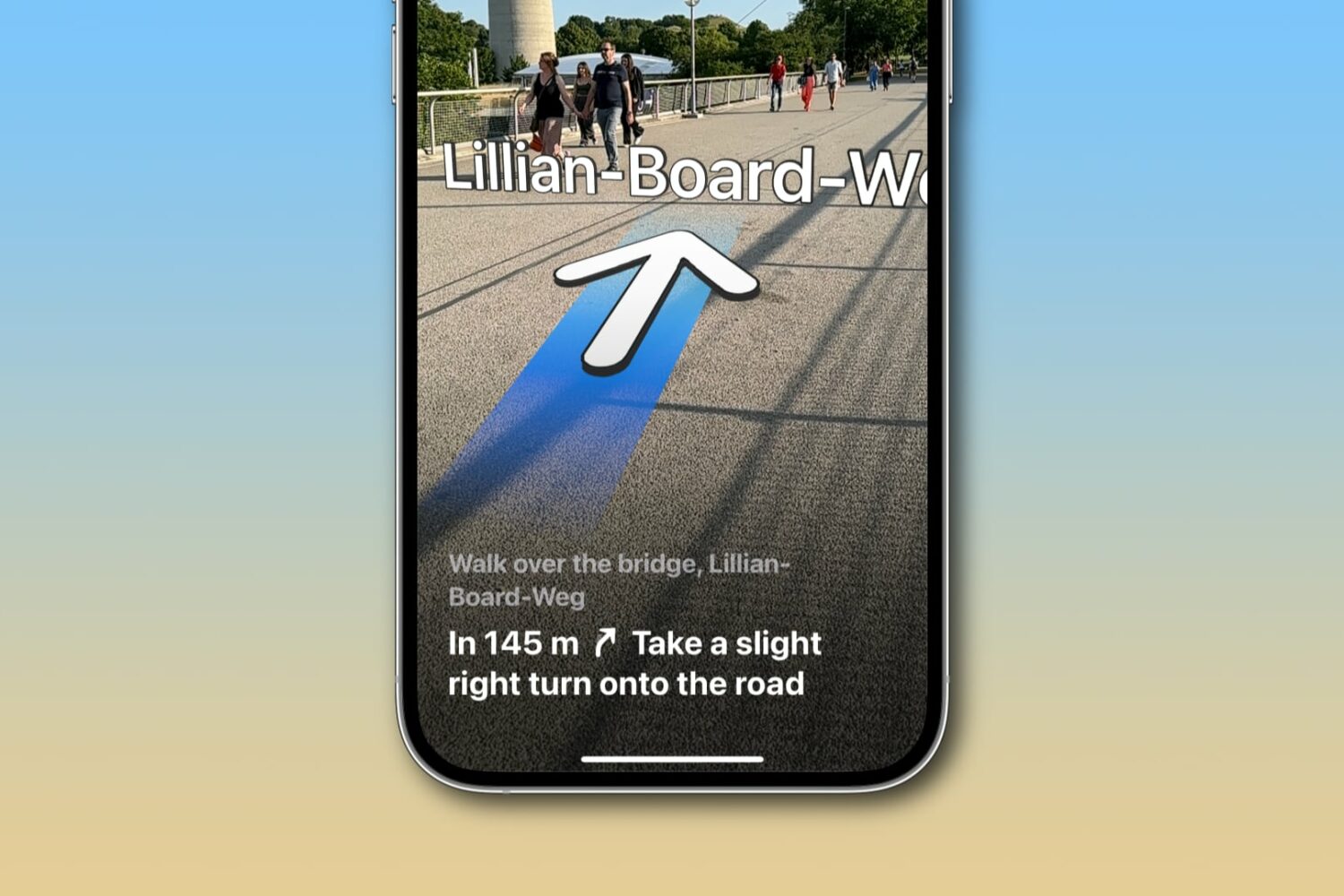
Learn how to get augmented reality walking directions in Apple Maps on your iPhone, and know where to go with the help of immersive instructions made up of big arrows and street names shown right on your live camera view.
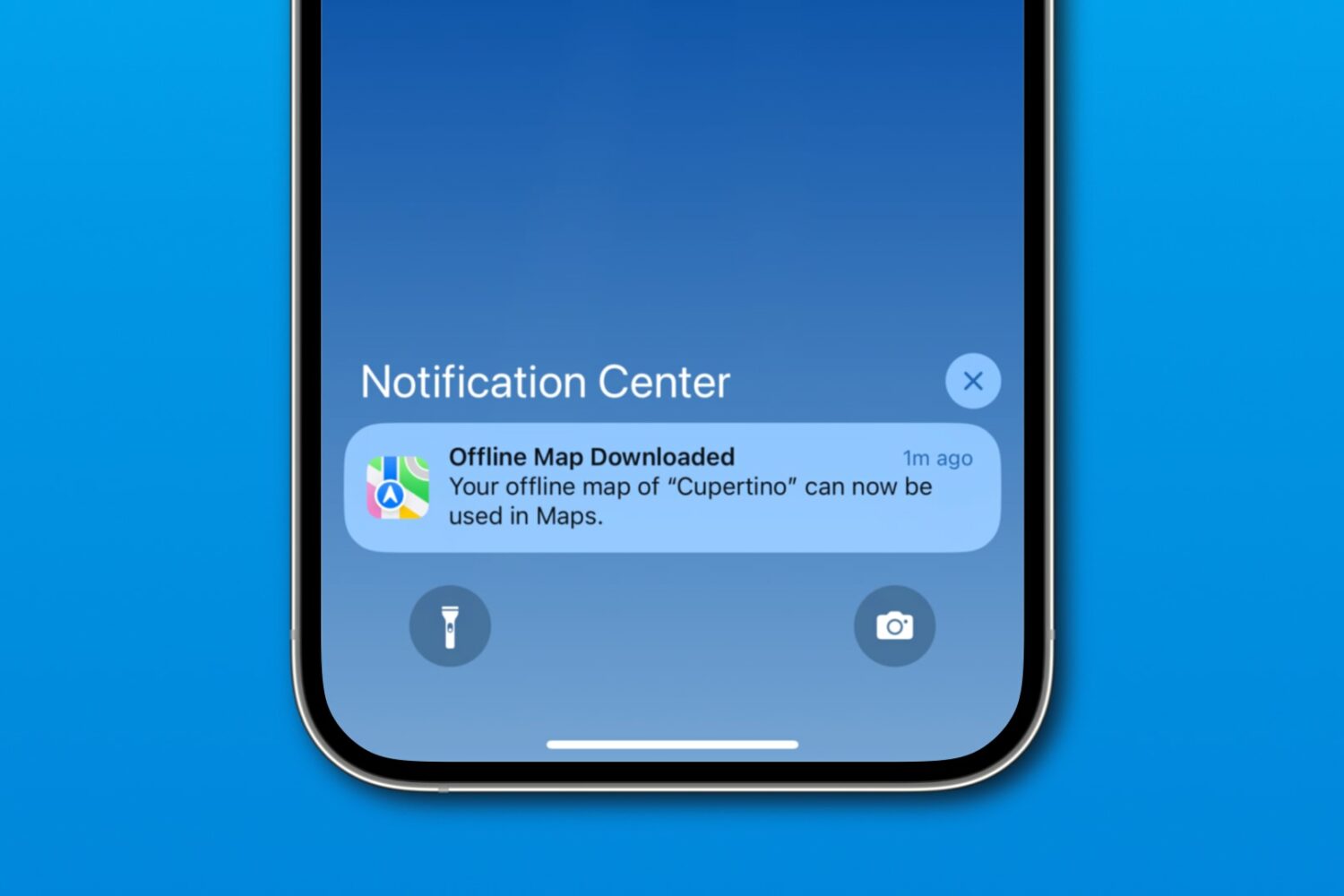
Download a custom region in iOS 17's Apple Maps to navigate offline on your iPhone, iPad or Apple Watch, search for nearby places, and more.
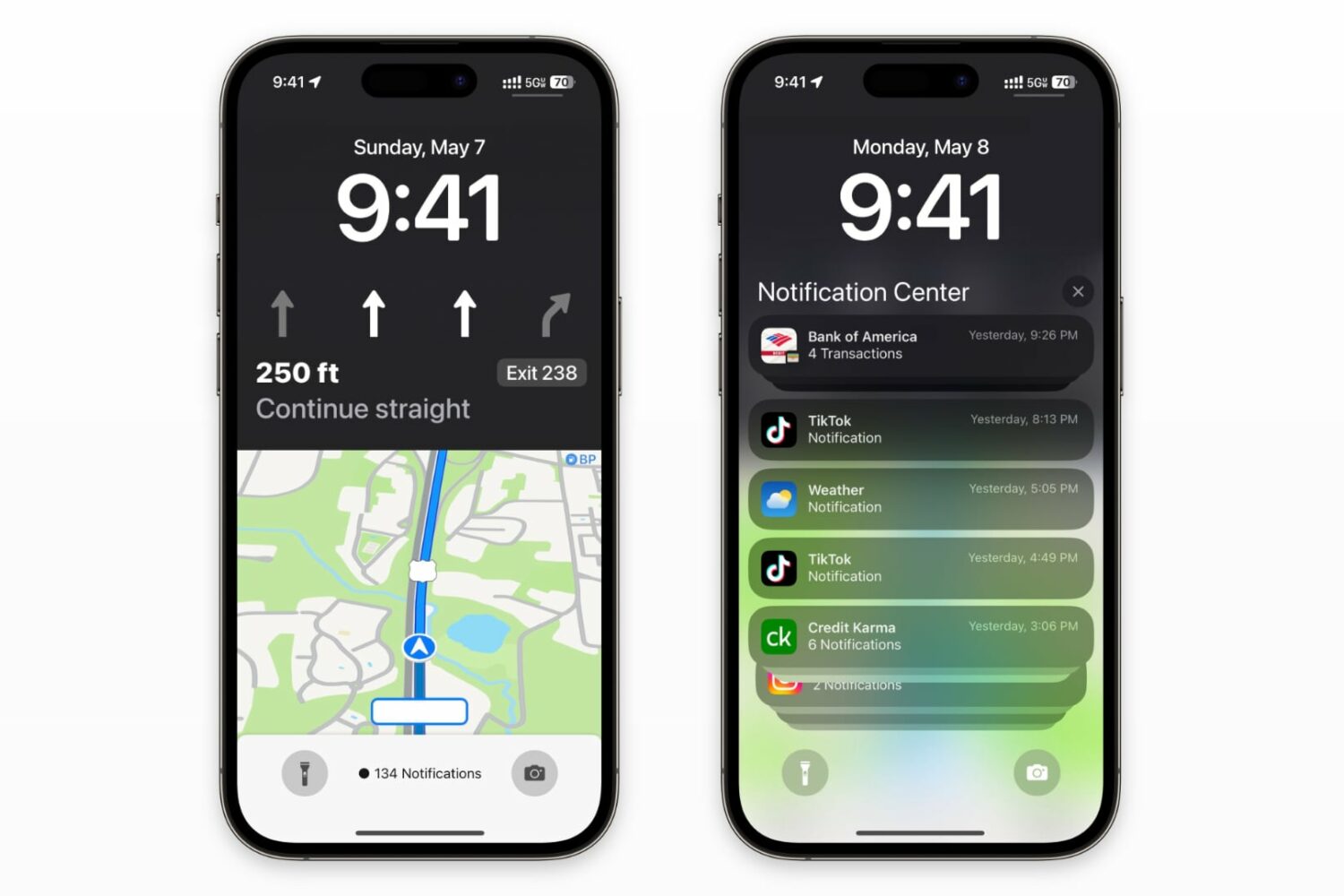
You'll be able to navigate with the Maps live activity widget and still see notifications and the date/time on your iPhone's Lock Screen.