macOS

Apple launches public betas of iOS 11 and tvOS 11

Following the June 5 release of developer-only previews of Apple's four main software platforms at the Worldwide Developers Conference, the Cupertino giant today released first public betas of iOS 11 and tvOS 11.

You must enroll in the official Apple Public Beta Software Program (available at no charge) and download a special configuration profile via the website beta.apple.com to your iPhone, iPad, or the fourth-generation Apple TV.

Sign in with your Apple ID through the website to get started. iOS 11 public beta has the same features as iOS 11 beta 2. The same goes for the tvOS 11 public betas.

After installing a configuration profile (click “Enroll Your Devices”), restart your iPhone, iPad, iPod touch or the fourth-generation Apple TV, then and use the built-in Software Update mechanism in the Settings app to download and install the public beta.

watchOS betas are not available to the general public.

https://www.youtube.com/watch?v=TZ5pwZMPRxI

Subscribe to iDownloadBlog on YouTube.

“If you were testing a prior operating system, please re-enroll your device to start testing the next release,” the company notes.

TUTORIAL: How to unenroll from Apple Beta Software Program

Be sure the check out the official system requirements for iOS 11 before installing their public betas. tvOS 11 requires a fourth-generation Apple TV.

Will you be taking iOS 11 and tvOS 11 for a spin, do you think? If so, what features are you looking forward to the most, and why?

Tell us in comments!

macOS High Sierra beta 2 rolling out

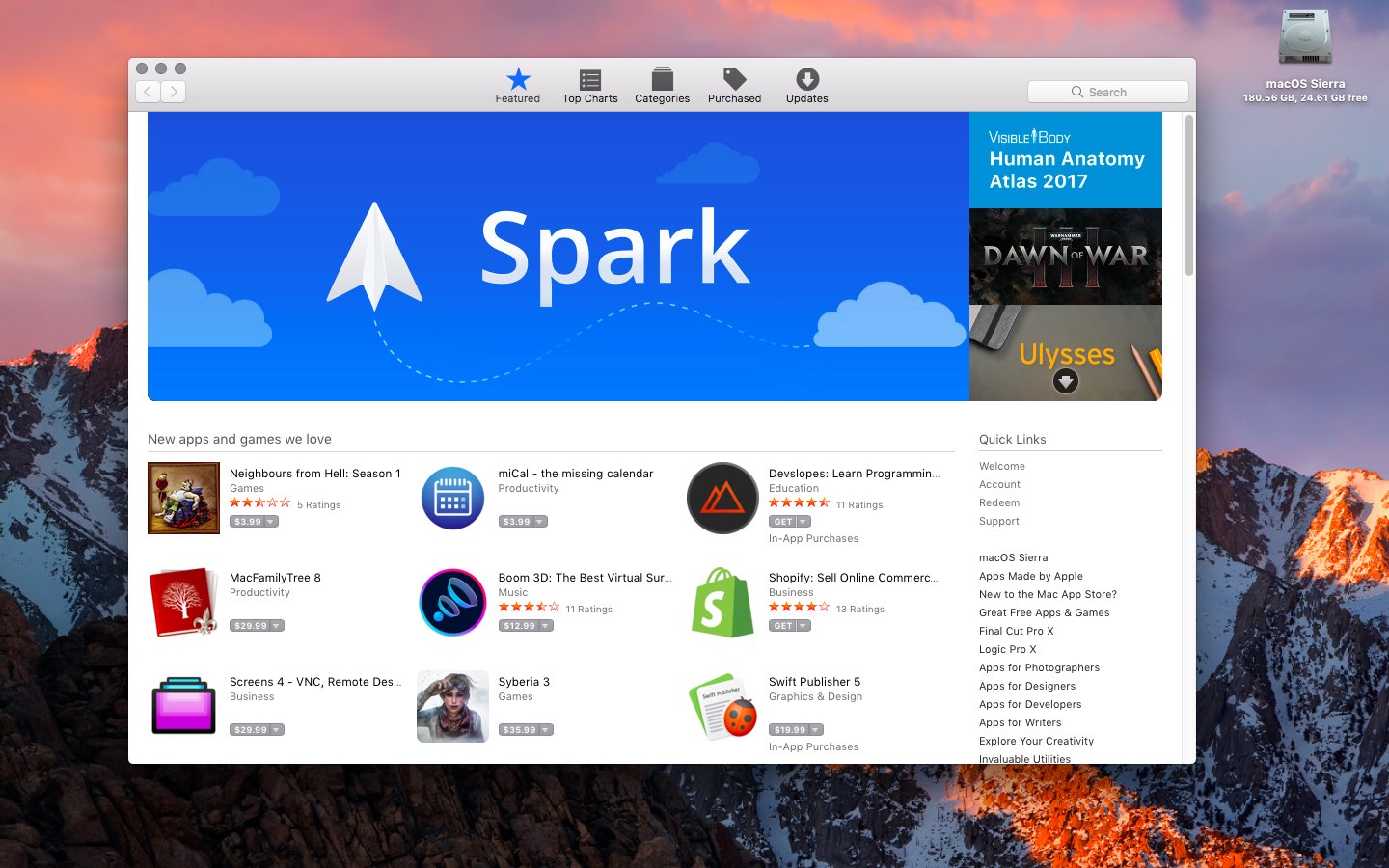
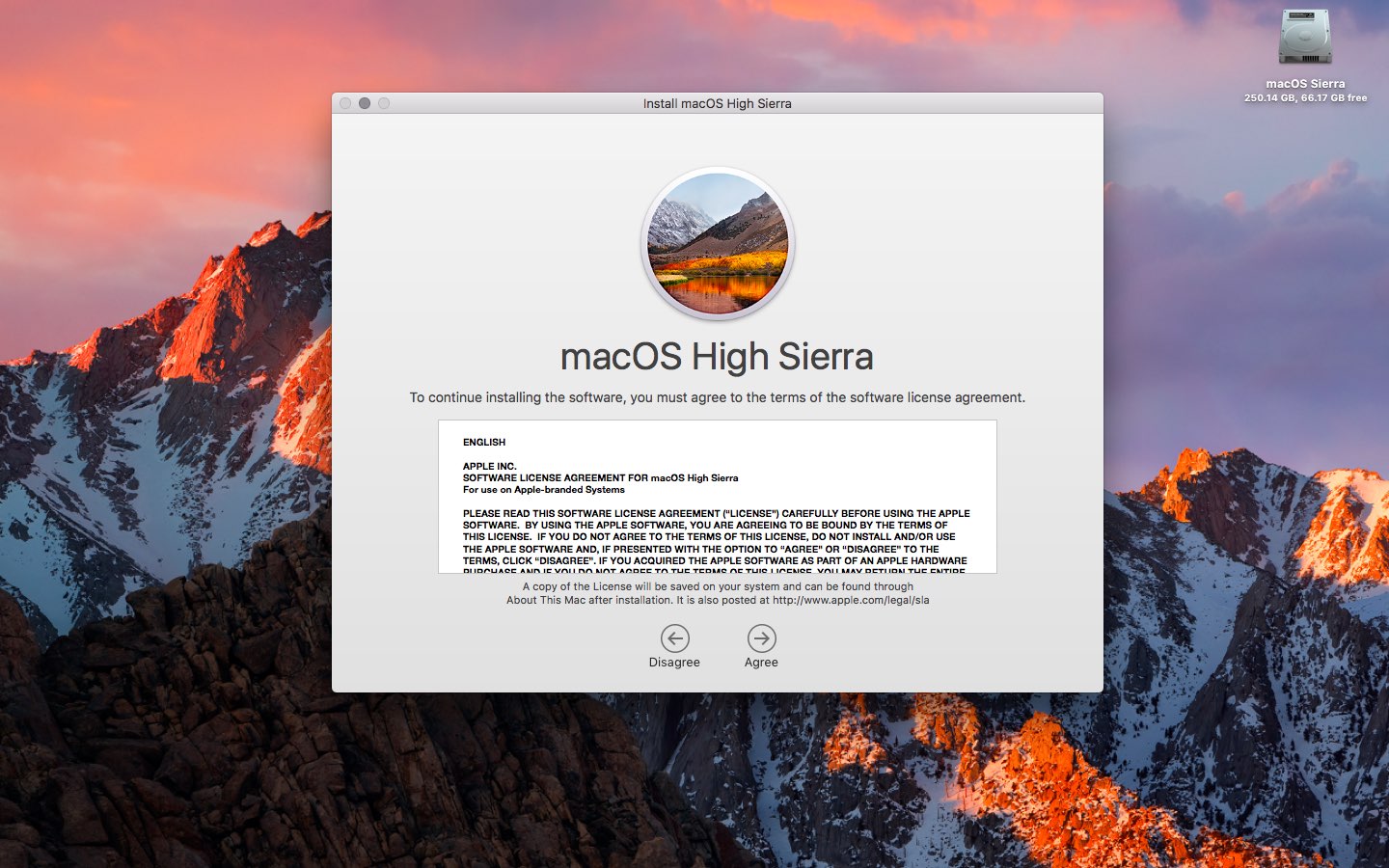
Apple today rolled out a second beta of macOS High Sierra to its registered developers and members of the Apple Developer Program. macOS High Sierra beta 2 is now available via the Updates tab on Mac App Store on your Mac that has an appropriate configuration profile installed, which can be obtained through Dev Center.

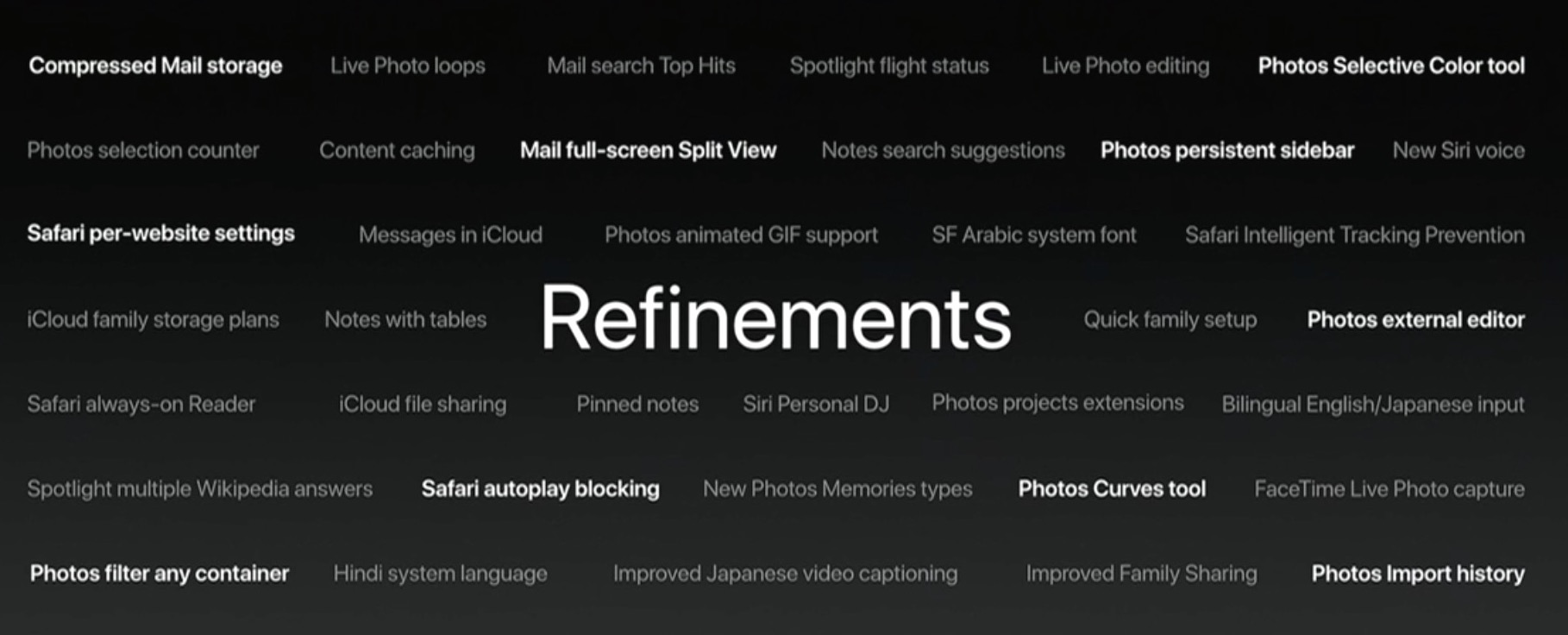
macOS High Sierra 10.3 beta 2 doesn't offer new features, but instead focuses on performance improvements and bug fixes.

The general public should soon have the chance to test-drive macOS High Sierra via the Apple Beta Software Program. macOS High Sierra debuted as a developer-only preview at Apple's Worldwide Developers Conference on June 5. The software update will exit beta and release publicly this fall.

Should you spot new user-facing features and other changes in macOS High Sierra beta 2, ping us on Twitter or shoot us an email via tips@iDownloadBlog.com. Feel free to attach any screenshots, if necessary. We'll be making sure to update the post with any relevant new information, as it becomes available.

Apple seeds fourth macOS Sierra 10.12.6 beta to developers

Apple on Monday released a fourth beta of what would become the sixth major update to macOS Sierra since its official debut last fall. The most recent macOS Sierra 10.12.6 beta 4 (build number 16G18a) is now available through Apple's Software Update feature via Mac App Store's Updates tab on any supported Mac with an appropriate configuration profile installed.

This new build is being released to Apple's registered developers and members of the Apple Developer Program. Public beta testers should see it popping up on their devices later today or tomorrow. When it releases later this summer, macOS Sierra 10.12.6 will be a mostly bug-fix update with security and performance improvements.

macOS Sierra 10.12.6 beta 4 arrived less than a week after the third beta dropped and more than a month after the bug-fix macOS Sierra 10.12.5 update released on Mac App Store.

Apple, of course, previewed macOS High Sierra at the Worldwide Developers Conference.

The next major version of the desktop operating system powering Macs, macOS High Sierra is currently available as a developer-only preview. It should hit Apple Beta Software Program later this month or in July, ahead of its official release this Fall.

iOS 11 and macOS High Sierra automatically update your Apple ID to use Two-Factor Authentication

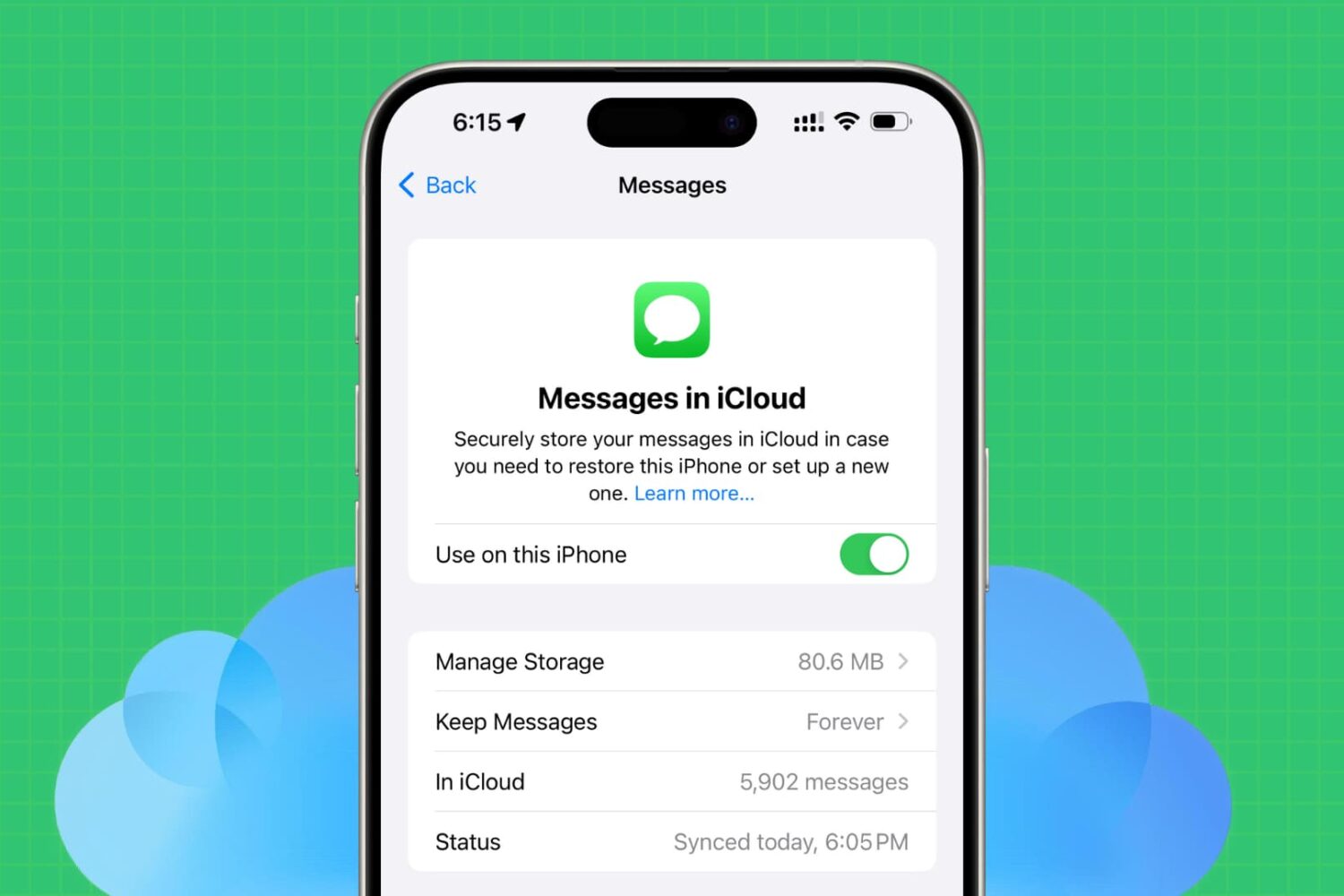
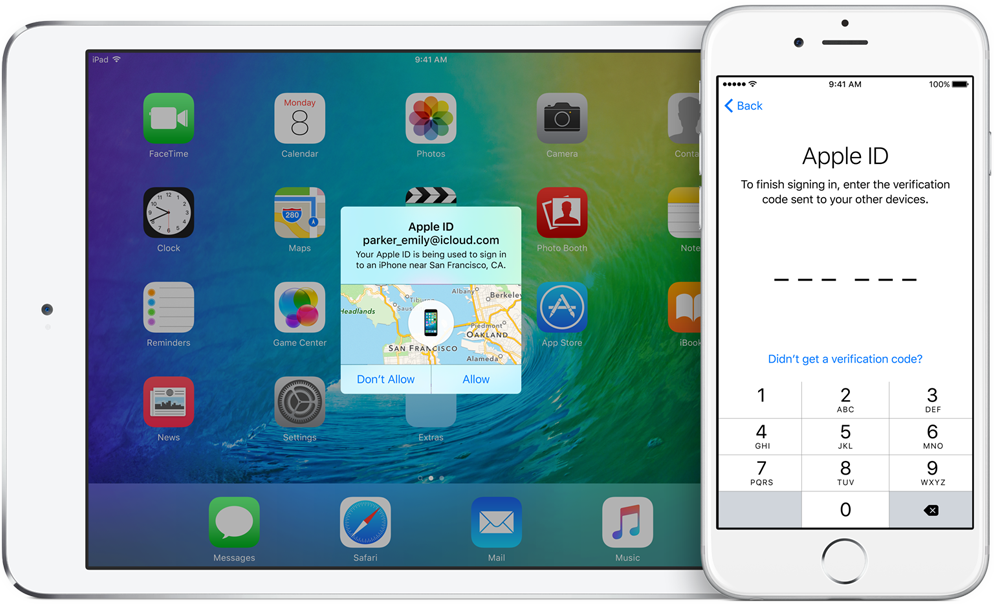
If you haven't upgraded your Apple ID from Apple's older Two-Step Verification system to the more secure Two-Factor Authentication, iOS 11 and macOS High Sierra will do that for your when you install either operating system on your devices.

Apple communicated the change in an email to customers with Two-Step Verification enabled for their Apple ID. Here's the full text of the email communique, as obtained by MacRumors:

If you install the iOS 11 or macOS High Sierra public betas this summer and meet the basic requirements, your Apple ID will be automatically updated to use two-factor authentication. This is our most advanced, easy-to-use account security, and it's required to use some of the latest features of iOS, macOS, and iCloud.

Once updated, you'll get the same extra layer of security you enjoy with two-step verification today, but with an even better user experience. Verification codes will be displayed on your trusted devices automatically whenever you sign in, and you will no longer need to keep a printed recovery key to make sure you can reset a forgotten password.

Significantly improving the security of your Apple ID, Two-Factor Authentication requires both your Apple ID password and a one-time code when you sign in to a new device or browser with your Apple ID.

TUTORIAL: How to protect your Apple ID with Two-Factor Authentication

Unlike Two-Step Verification, which sends a six-digit verification code via SMS, Two-Factor Authentication is deeply integrated in iOS 9, OS X El Capitan, watchOS 2 and tvOS or later and features a mechanism that automatically delivers verification codes via push notifications to all trusted devices registered to a given Apple ID.

If you're not using either system to protect your Apple ID, you're wholeheartedly recommended to enroll your devices in Two-Factor Authentication. If your account isn't eligible for two-factor authentication, you can still use two-step verification to protect your Apple ID information.

One way or another, anyone installing Apple's latest OS updates this fall shall be asked to upgrade their Apple ID to the more modern Two-Factor Authentication system. Two-Factor Authentication is available in more than a hundred countries, listed in Apple's support document.

Apple honors select app developers in its 2017 Design Awards

Unlike the name might imply, Apple’s Design Awards are not exclusively dedicated to chasing the pinnacle of visual design, but more comprehensively appraise other app elements such as user interface innovation, sound design and also gameplay for apps offering unique gaming experiences. The latter, games, have easily stolen the show this year with 5 out of the 12 winners coming from said category.

In a slightly embellished press release, Apple announced the names and links of all twelve winning applications, each coming with a punchy story to explain and celebrate the selection in addition to screenshots and pictures of each developer team.

More macOS High Sierra features that slipped under the radar

Although Apple announced a host of new features for its upcoming macOS High Sierra operating system for Mac computers at WWDC 2017 on Monday, they didn’t quite have time to cover everything.

In this piece, we’ll outline a number of new features that are coming in macOS High Sierra that Apple didn’t demonstrate at the keynote.

Can your Mac run macOS High Sierra?

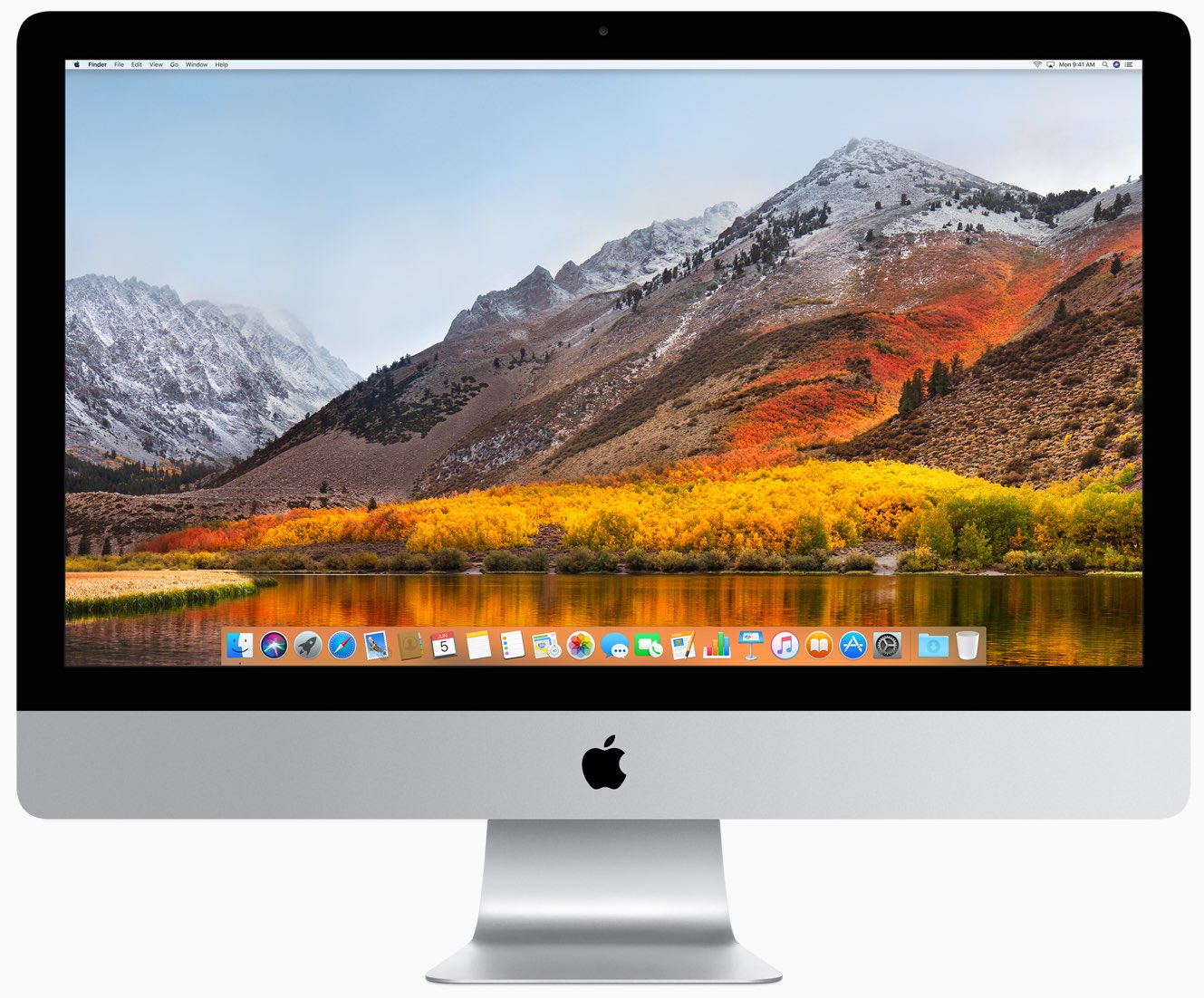
During yesterday's keynote talk at the Worldwide Developers Conference in San Jose, Apple announced macOS High Sierra, the next major version of the desktop operating system powering Mac desktops and notebooks. It packs in a number of new and updated core technologies to help apps get the most out of your Mac's CPU and GPU.

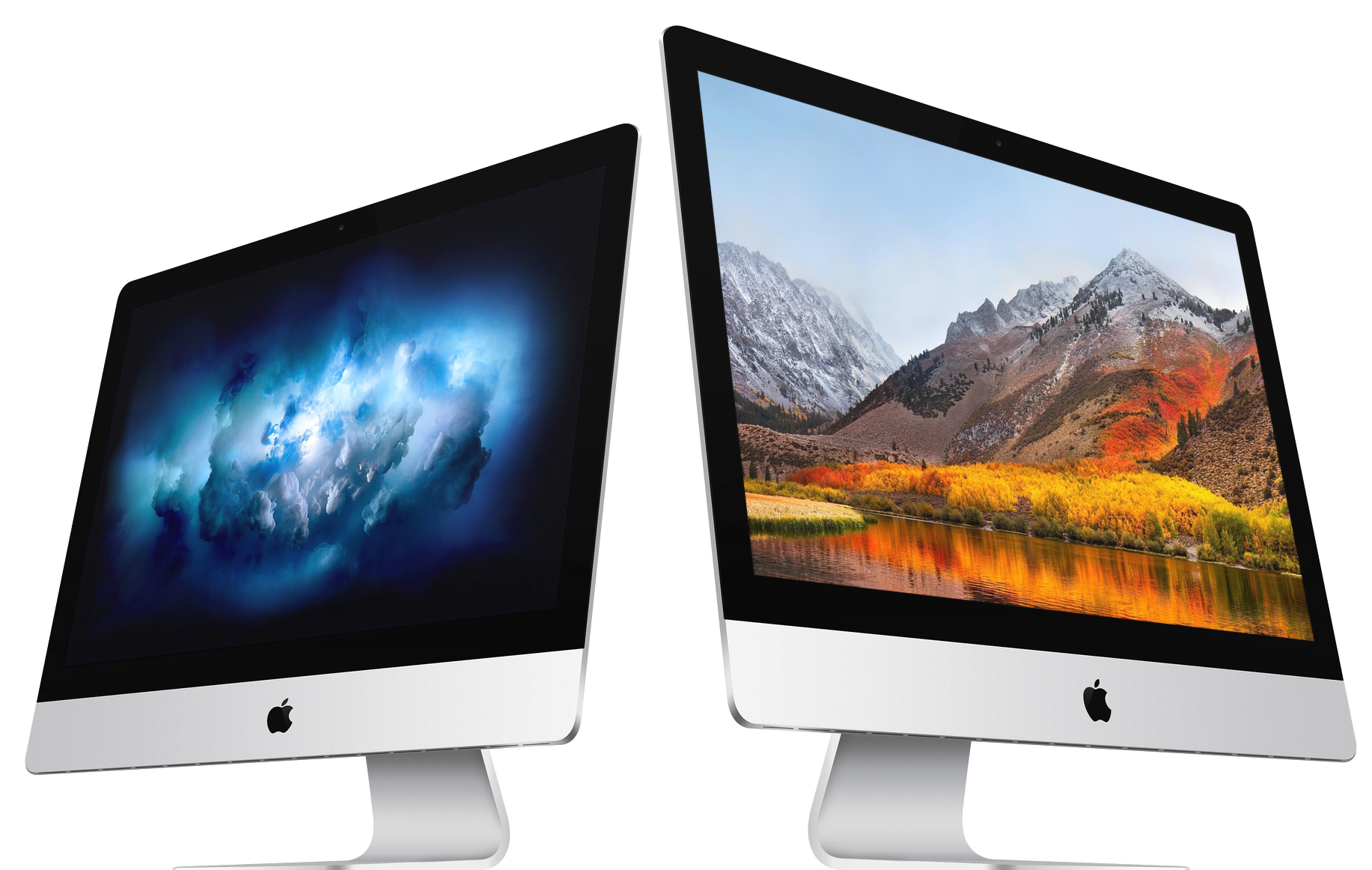
macOS High Sierra sets the stage for more powerful hardware down the road, such as the upcoming iMac Pro. Thanks to the technologies like Metal 2, enhanced GPU support and other core OS improvements, it should let you do things Macs traditionally were not very good at, like AR and VR content creation, high-end gaming and so forth.

But is your rusty old Mac able to run macOS High Sierra?

According to Apple itself, the supported configurations for macOS High Sierra are the same as those for its predecessor, macOS Sierra.

The following Mac models are compatible with macOS High Sierra.

Late 2009 or newer MacBook or iMac 2010 or newer MacBook Air, MacBook Pro, Mac mini or Mac Pro

Bottom line: if your Mac runs macOS Sierra, it's able to run macOS High Sierra as well.

Some features in macOS High Sierra require more modern hardware: a more powerful Mac will deliver better HEVC (H.265) performance, as an example. Speaking of which, playback of 4K HEVC content requires a Mac with a sixth‑generation Intel Core chip or newer.

To see your Mac's model year and other stats, choose About This Mac from the Apple menu.

And now, check if your iPhone, iPad or iPod touch is supported by iOS 11.

Will you be updating to macOS High Sierra when it comes out this fall?

Video: Top 6 WWDC 2017 announcements

Apple had a pretty big day at yesterday's Worldwide Developers Conference in San Jose, revealing a bunch of new or updated products and technologies that have set the stage for other important hardware announcements this fall.

If you didn't have the time to sit through the entire keynote talk and are wondering about the big takeaways, our video editor Andrew O'Hara has put together a short five-minute video highlighting the top six announcements Apple made during the WWDC 2017 keynote.

Andrew's main topics of interest include:

tvOS 11 with Amazon's Prime video-streaming app coming to Apple TV watchOS 11 with all the major improvements for workouts, notifications and more macOS High Sierra and core technologies aimed at AR/VR content creation iOS 11 with all of the improvements for your iPhone and iPad iPad Pro and iMac Pro changes and enhancements HomePod, Apple's high-end Siri-enabled speaker with hi-fi sound

And here's the video:

https://www.youtube.com/watch?v=QQBulSRR9Fc

Subscribe to iDownloadBlog on YouTube

What's your favorite WWDC 2017 announcement so far?

Post a comment below to let us know!

iMac Pro tech specs

Apple discontinued the Mac Pro to work on a completely new kind of all-in-one computer that has comparable specs. They're going ahead and calling it the iMac Pro, and behind that super sexy space gray finish is a ton of computing power that appeals to professionals who need the extra processing power.

In this piece, we'll talk about the tech specs of the iMac Pro, which was just announced by Apple at WWDC 2017.