Learn how to use the new Call Context feature on iPhone in iOS 27 that reminds you of the birthday or anniversary of the person you are talking to.
How to get birthday and anniversary reminder when on call in iOS 27
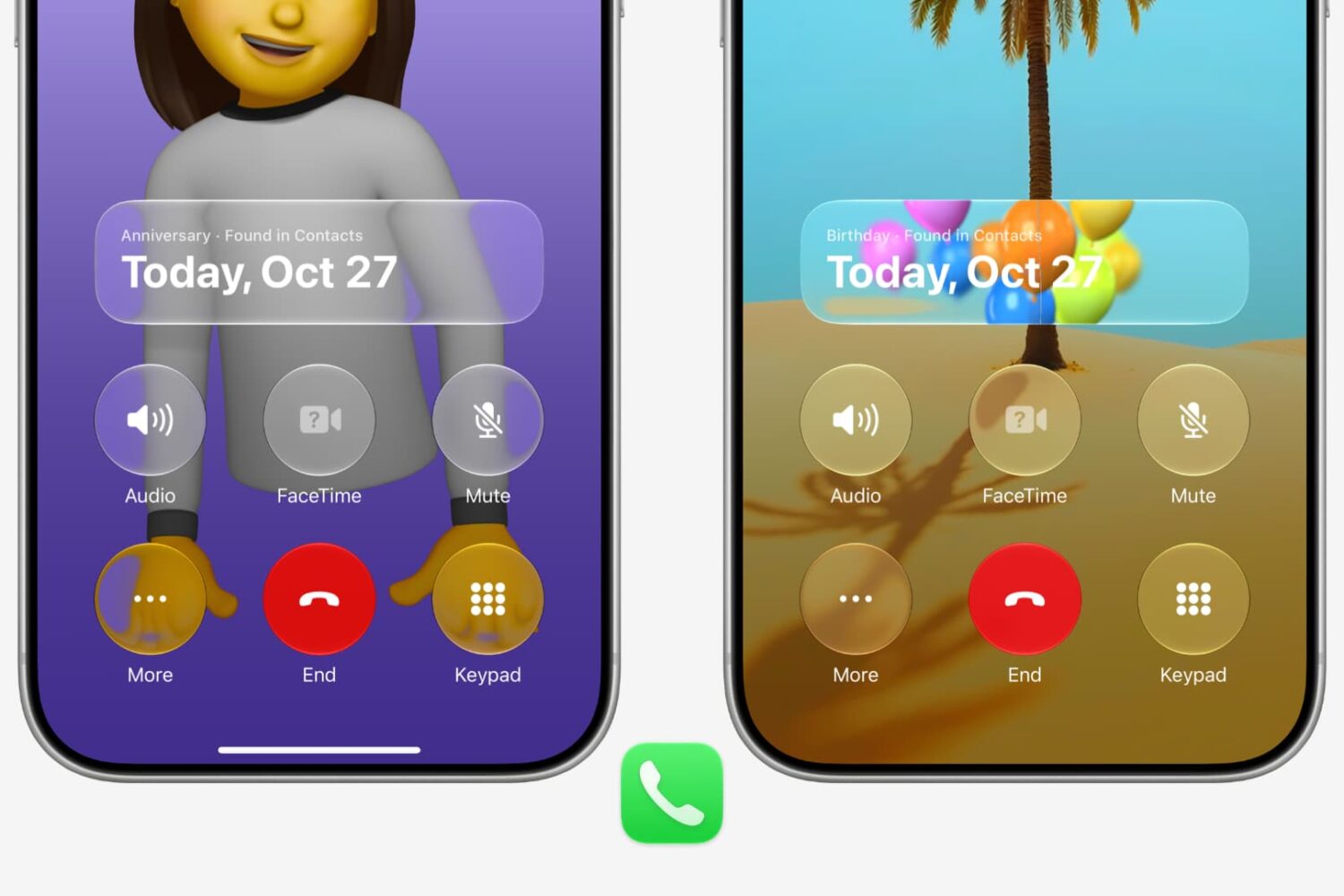
Learn how to use the new Call Context feature on iPhone in iOS 27 that reminds you of the birthday or anniversary of the person you are talking to.
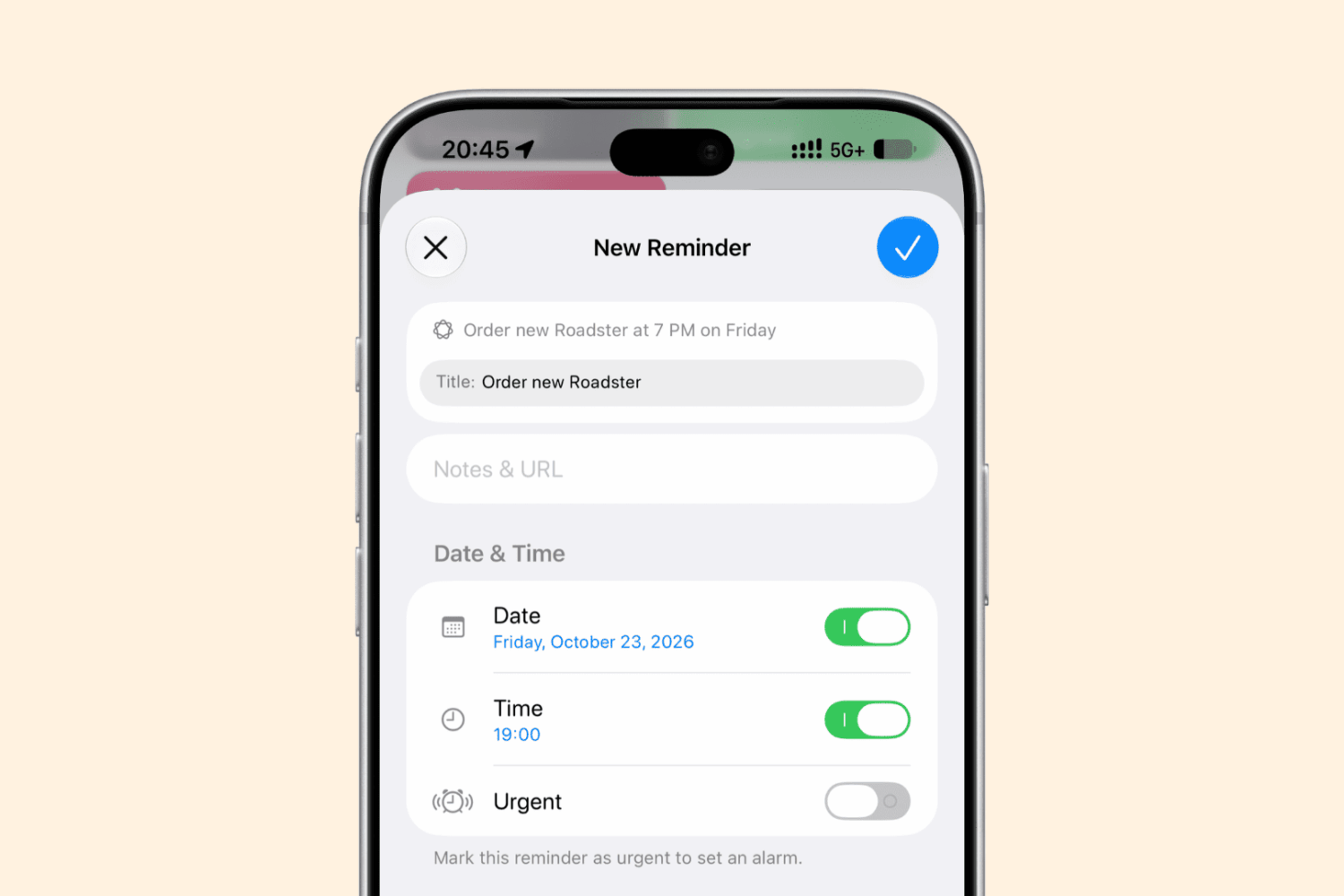
iOS 27, iPadOS 27, and macOS 27 Golden Gate support adding new reminder tasks and calendar events simply by typing in natural language.
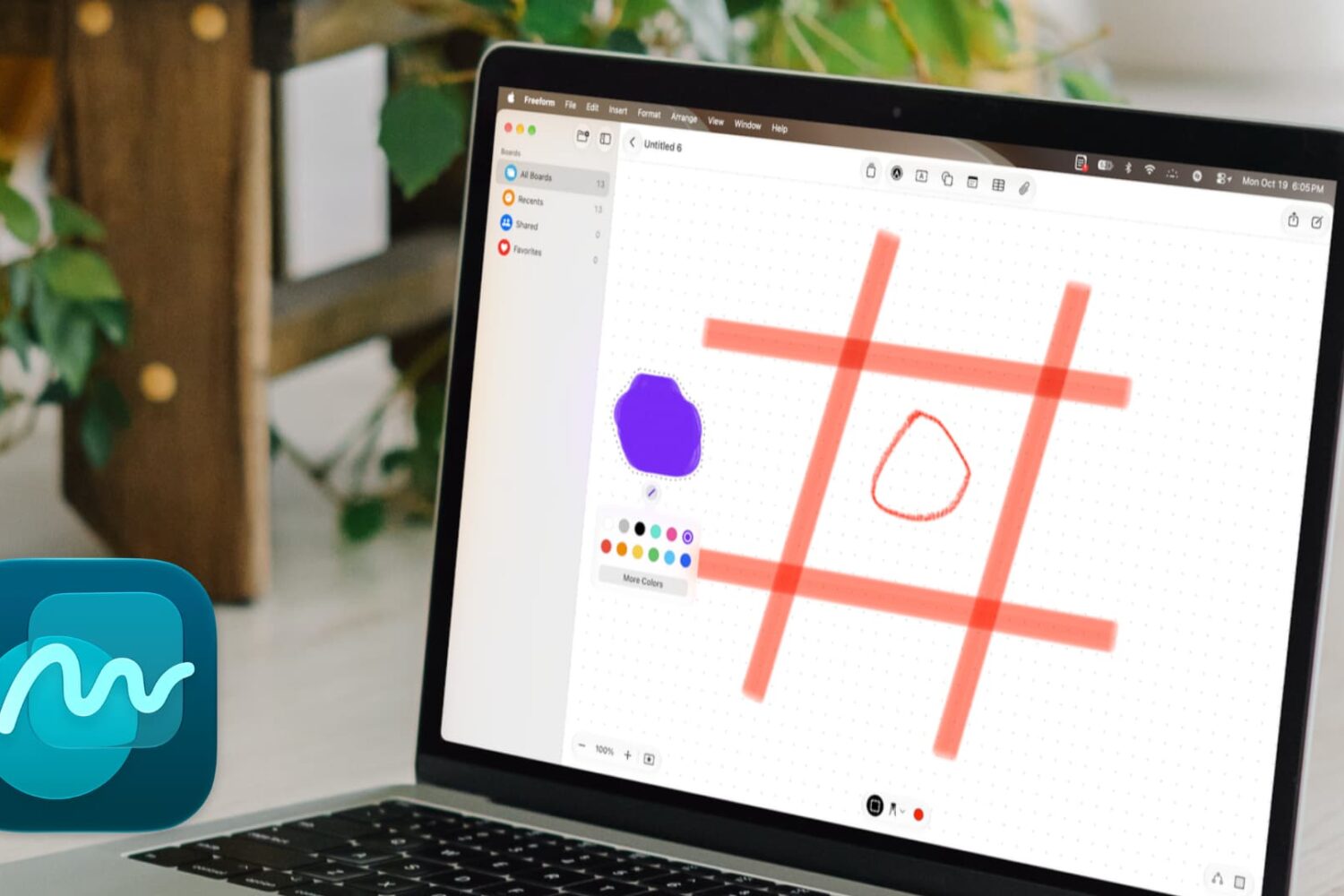
Learn how to use the new drawing and sketching tools in the Apple Freeform app on Mac running macOS 27 Golden Gate.

Enable a hidden Terminal command on your Mac running macOS Golden Gate to quickly insert emojis by typing a colon (:) followed by the emoji’s name.

In this brief guide, we show you how to use the new episode search feature in the Apple Podcasts app on iPhone, iPad, and Mac running iOS 27, iPadOS 27, and macOS 27 Golden Gate.
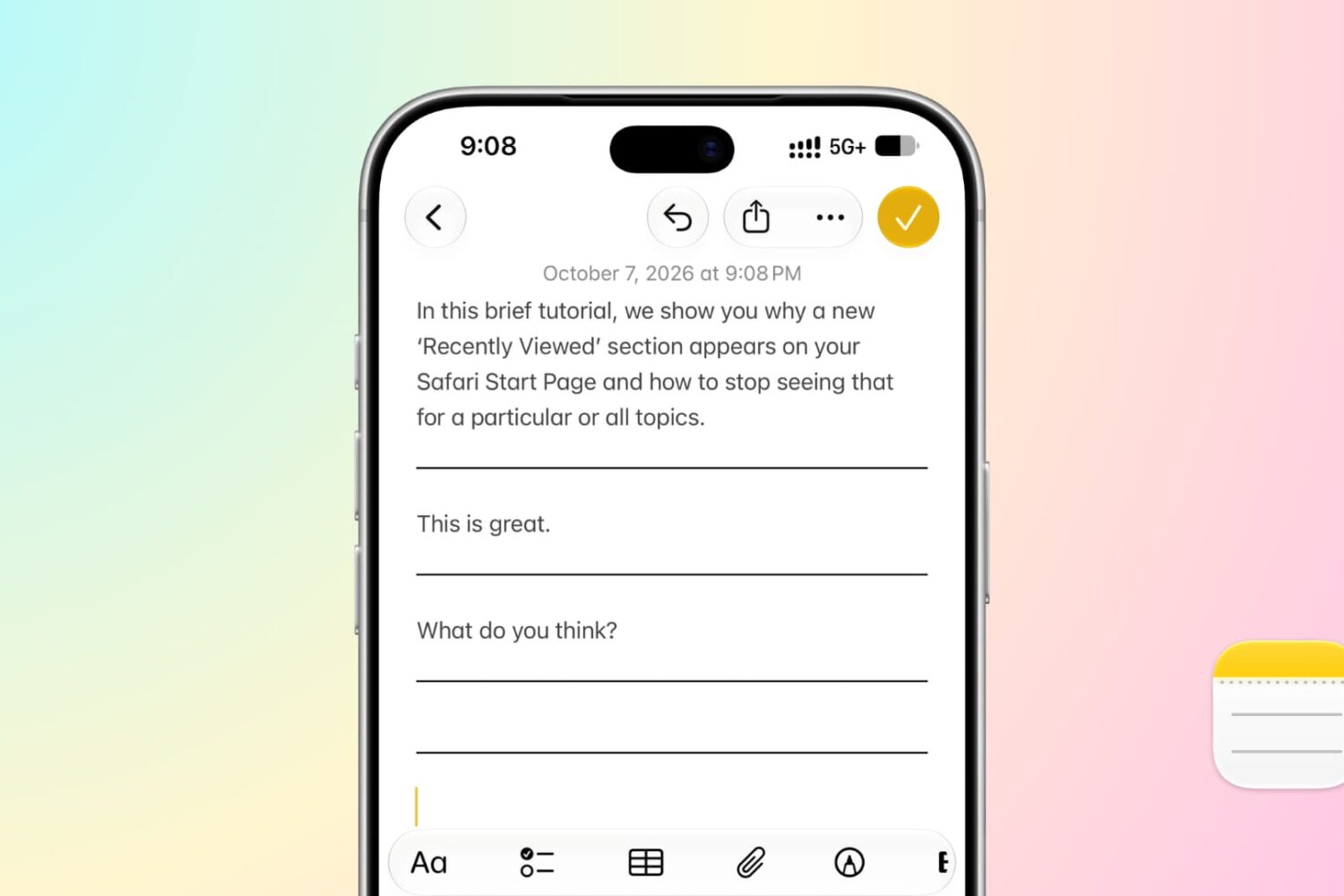
In this brief tutorial, we’ll show you how to add divider lines to a note on iPhone, iPad, and Mac to clearly separate text blocks, drawings, and media for a cleaner, organized, and visually polished layout.

In this brief tutorial, we show you why a new ‘Recently Viewed’ heading appears on your Safari Start Page and how to stop seeing a particular topic or the entire section.
Safari is a core system app on iPhone, iPad, and Mac, and Apple improves it with every major software update. Here’s a list of new features and improvements added to the Safari browser in iOS 27, iPadOS 27, and macOS 27 Golden Gate.

Learn about a quick, built-in way to see the month and year when your Mac was manufactured, as long as it’s running macOS 27 Golden Gate.

In this tutorial, we show you how to adjust the pace and expressiveness of the Siri voice on your iPhone, iPad, and Mac running iOS 27, iPadOS 27, and macOS Golden Gate.

In this brief tutorial, we show you how to enable a buried accessibility feature to add border around interface elements like buttons, app toolbar, windows, etc., or make them easier to see.

In this step-by-step tutorial, we show you how to set up and use Visual Intelligence in macOS Golden Gate so you can ask Siri about anything on your computer screen, do reverse image search, and take quick actions.