PureKFD, the relatively new all-in-one package manager app for the MacDirtyCow and kfd exploits that touts full compatibility with both Misaka and Picasso repositories, was updated Tuesday evening to version 3.4 with more improvements.
KFD
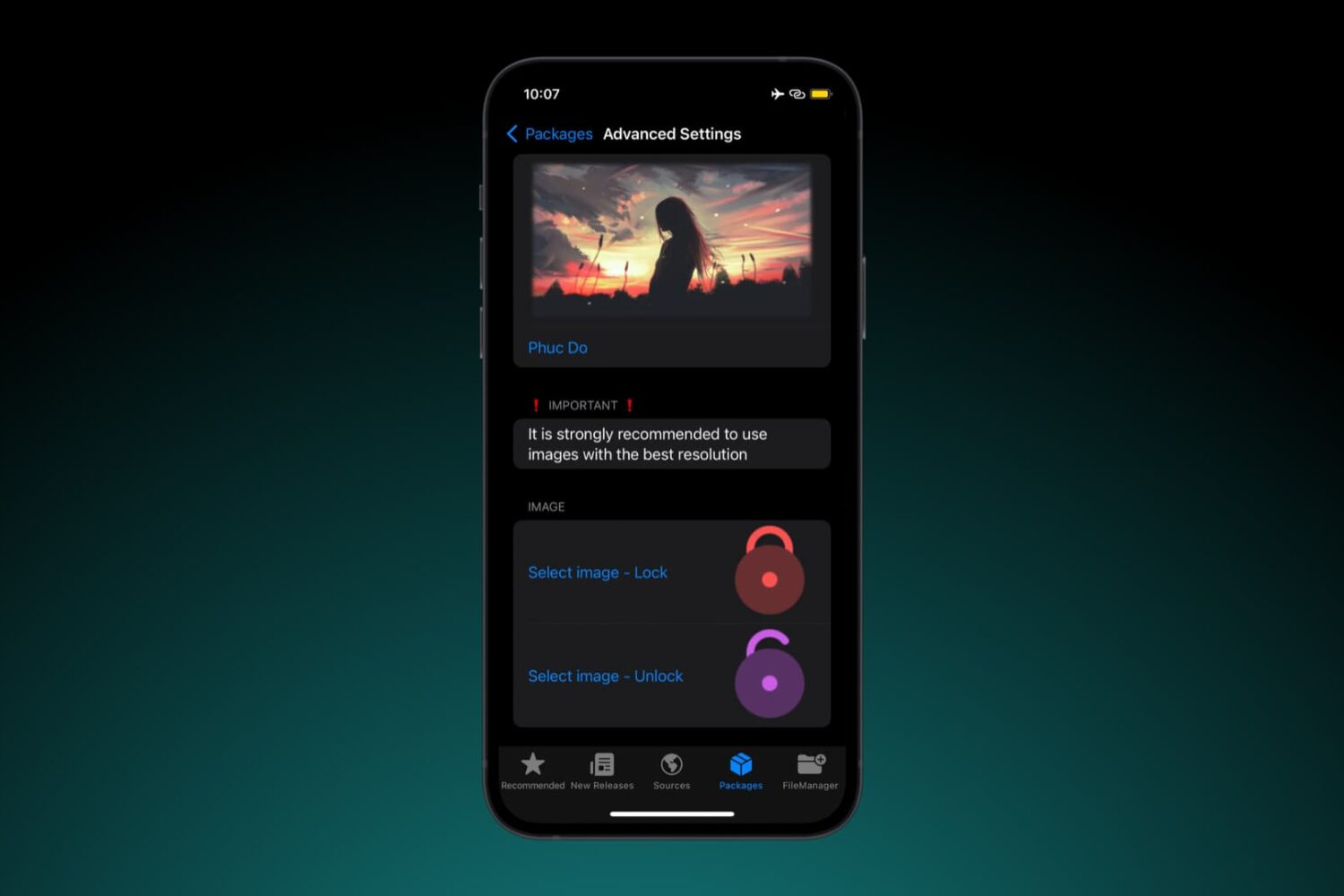
Change up the look and feel of your Lock Screen’s Face ID padlock glyph with Lock Icon Manager
The Lock Screen on Face ID-equipped iPhones displays an animated padlock glyph to indicate when your device is locked or unlocked, but many people have become burnt out from seeing the same glyph over the years, prompting the desire for themes that can make it look different.
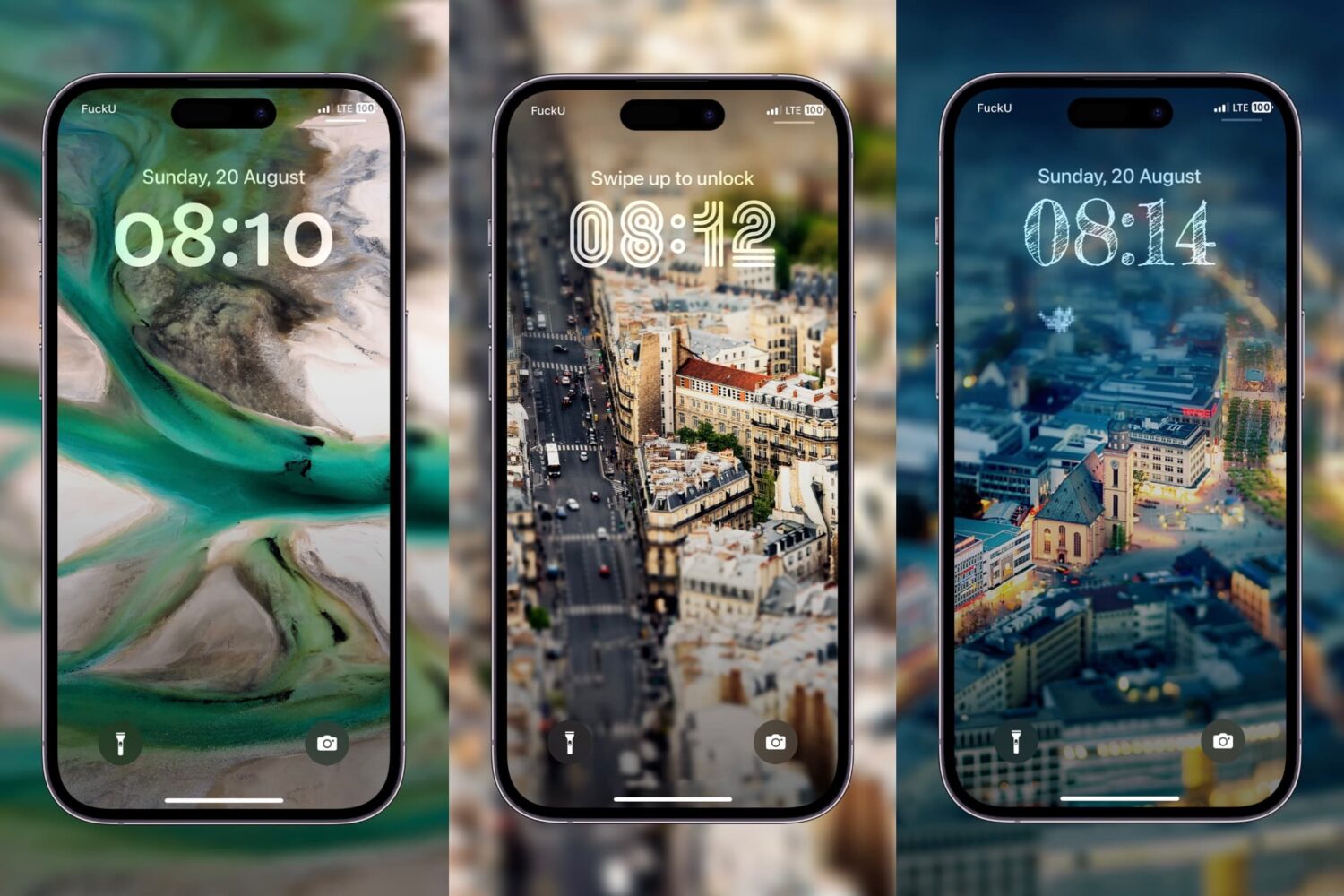
Use the GalaxyFonts add-on for MacDirtyCow & kfd to get Android-inspired Lock Screen time fonts
One of the things you can do with the latest Lock Screen customization features in iOS is change the clock display’s font, but you’re limited in terms of the number of fonts you can pick from out do the box.
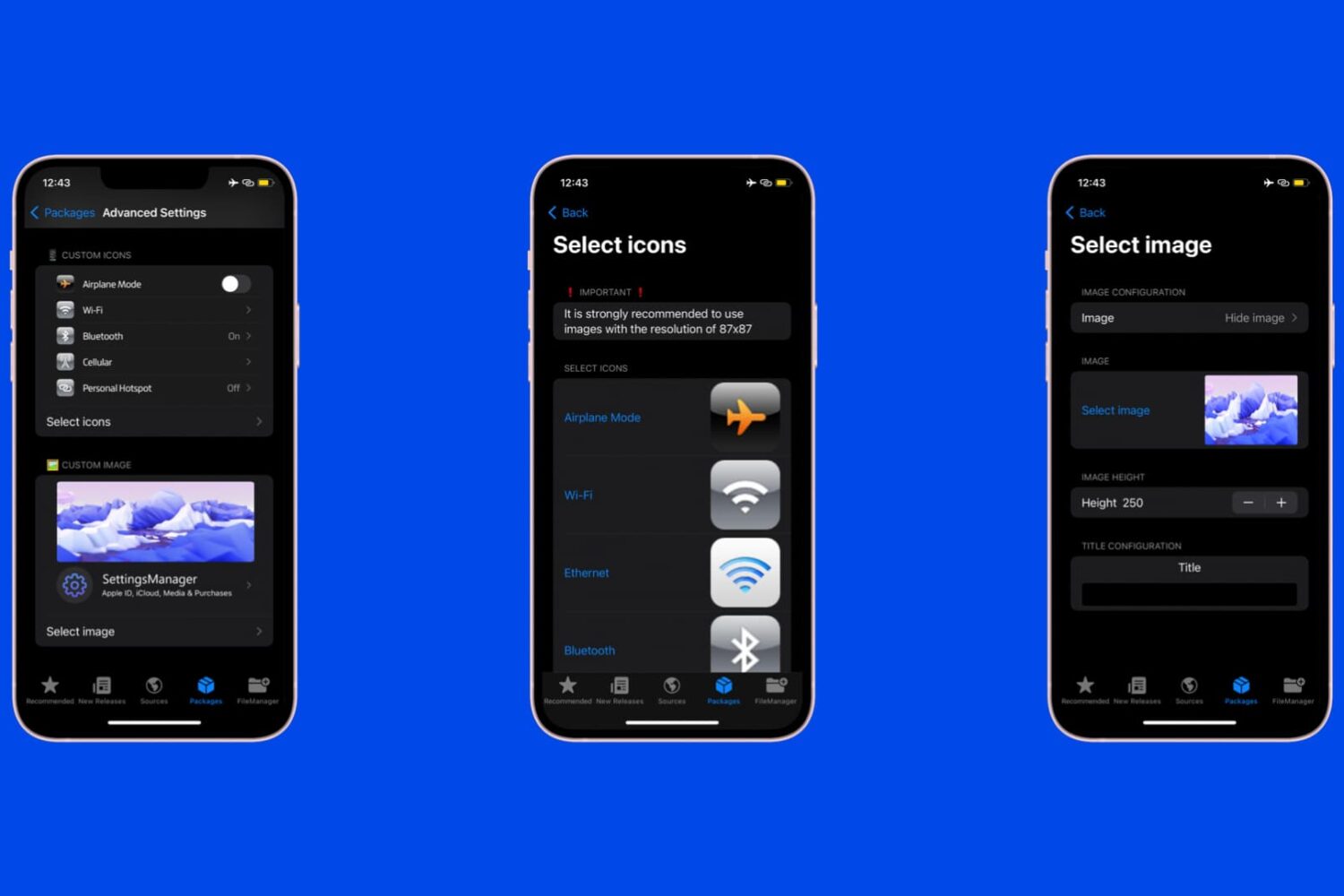
The SettingsManager add-on for MacDirtyCow & kfd lets users personalize the Settings app
Another day, another awesome add-on for devices susceptible to the MacDirtyCow and kfd exploits for iOS & iPadOS 15.0-16.1.2 and 16.0-16.6 beta 1 respectively.
Fast ToolBox is a MacDirtyCow & kfd add-on that offers unique customizations without a jailbreak
Those looking for an add-on for their MacDirtyCow or kfd exploit-enabled device that can do almost any of the heavy-lifting that we’d generally expect from a jailbreak tweak might take a liking to a newly released add-on via the Misakapackage manager app called Fast ToolBox by YangJiii.
PureKFD updates bring bug fixes, stability, and improvements to the platform
PureKFD, a package manager-like app that works with both Misaka and Picasso repositories to offer add-ons compatible with the MacDirtyCow and kfd exploits received a couple of updates over the weekend that might be of interest to users.
Misaka updated to v2.1.1 beta with additional user experience enhancements
The Misaka package manager for users of the MacDirtyCow and kfd exploits for iOS & iPadOS 15.0-16.1.2 and 16.0-16.6 beta 1 respectively has received an update early Monday morning that brings the project up to version 2.1.1 beta.
PureKFD sees update to v3.1 with further user experience improvements
Just yesterday, we showed you a new app called PureKFD that works like a package manager app for non-jailbroken devices running firmware susceptible to the either the MacDirtyCow exploit (iOS 15.0-16.1.2) and kfd exploit (iOS 16.0-16.6 beta 1).
PureKFD is another new add-on manager for the kfd and MacDirtyCow exploits
When it comes to the kfd exploit that everyone’s been ranting and raving about lately, two major players seem to come in to mind: 1) the Misaka package manager; and 2) the Picasso all-in-one system customization app.
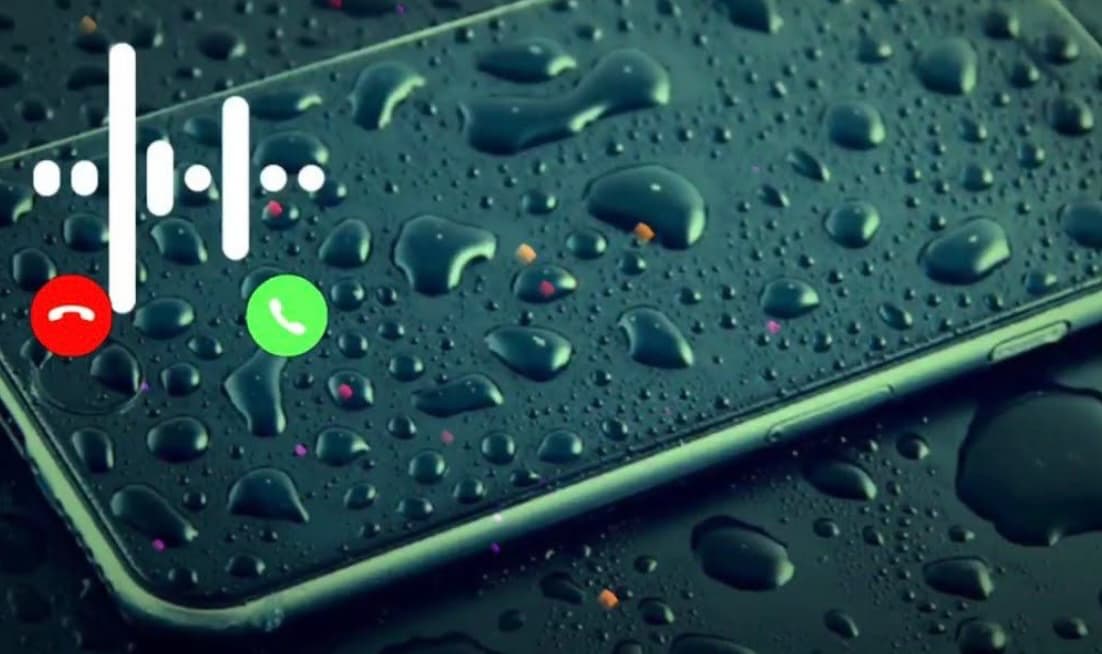
Ringtones Customizer lets non-jailbreakers use the MacDirtyCow or kfd exploits to import and use custom ringtones & alarms
You can effortlessly change your iPhone’s ringtone from the Settings app, but unless you’ve downloaded a third-party ringtone from the iTunes Store or previously synced your own ringtones from your computer, you won’t find an easy way to import your own ringtone files on a non-jailbroken device.
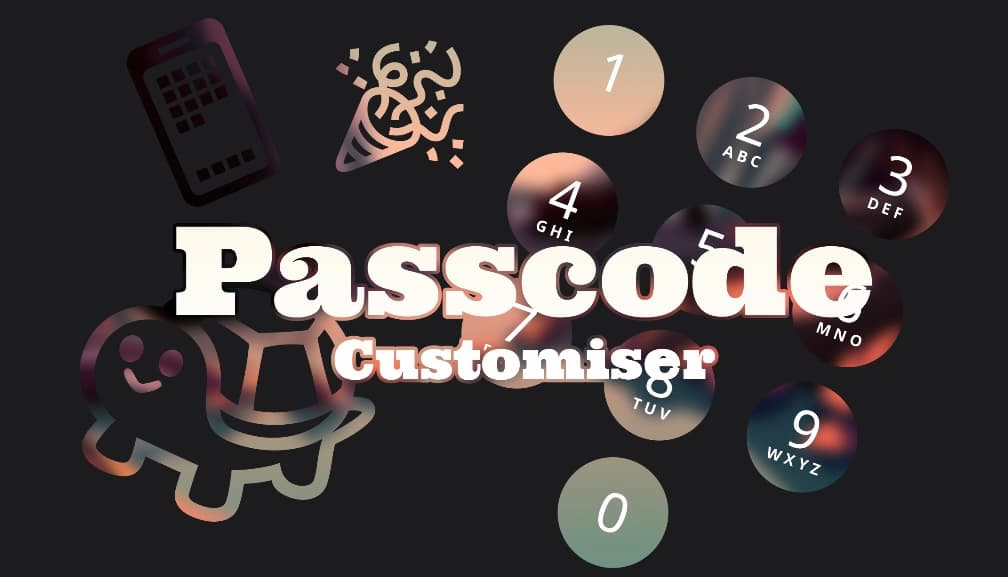
The Passcode Customizer add-on for MacDirtyCow & kfd lets users theme passcode buttons without a jailbreak
One of the neat things you can do with the MacDirtyCow exploit for iOS 15.0-16.1.2 or the kfd exploit for iOS 16.2-16.5 is change the aesthetics of the passcode buttons on your Lock Screen.
Misaka v1.9.7 beta brings support for even more devices, makes app easier to download
The Misaka package manager app that hosts jailed extensions for the MacDirtyCow and kfd exploits present in iOS & iPadOS 15.0-16.1.2 and 16.0-16.5 & 16.6 beta 1 respectively, was updated yet again early Friday morning to version 1.9.7 beta.