macOS

A closer look at Differential Privacy in iOS 10 and macOS Sierra

Making Apple services even smarter and more personalized entails processing troves of information because intelligence is driven by big data. The fact that iOS 9's proactive features don't tap into the cloud has served Apple well thus far. But since Google Assistant came to light, people have been wondering if Apple can compete without resorting to raw data collection Google is infamous for.

iOS 10 and macOS Sierra represent Apple's refined approach to privacy, which revolves around new techniques collectively known as Differential Privacy. An en vogue statistical method, Differential Privacy helps Apple deliver smarter services without compromising privacy of their users.

It's a relatively unproven technique with lots of potential which hasn’t been used to boost Apple's services before iOS 10 and macOS Sierra. Here's a closer look at Differential Privacy, how it powers intelligence and proactiveness and why it should serve Apple better than Google's bulk data collection and analysis.

Apple confirms its new Differential Privacy feature will be opt-in only

iOS 10 and macOS Sierra tap into an interesting technology, called Differential Privacy, which makes possible data collection from a large number of users without compromising individual user's security and privacy. Re/code has now learned from Apple that Differential Privacy will be opt-in only, meaning privacy-minded folks won't be required to use the feature unless they specifically want to.

Bottom line: Apple won’t collect your data to make its services a lot smarter unless you specifically let it.

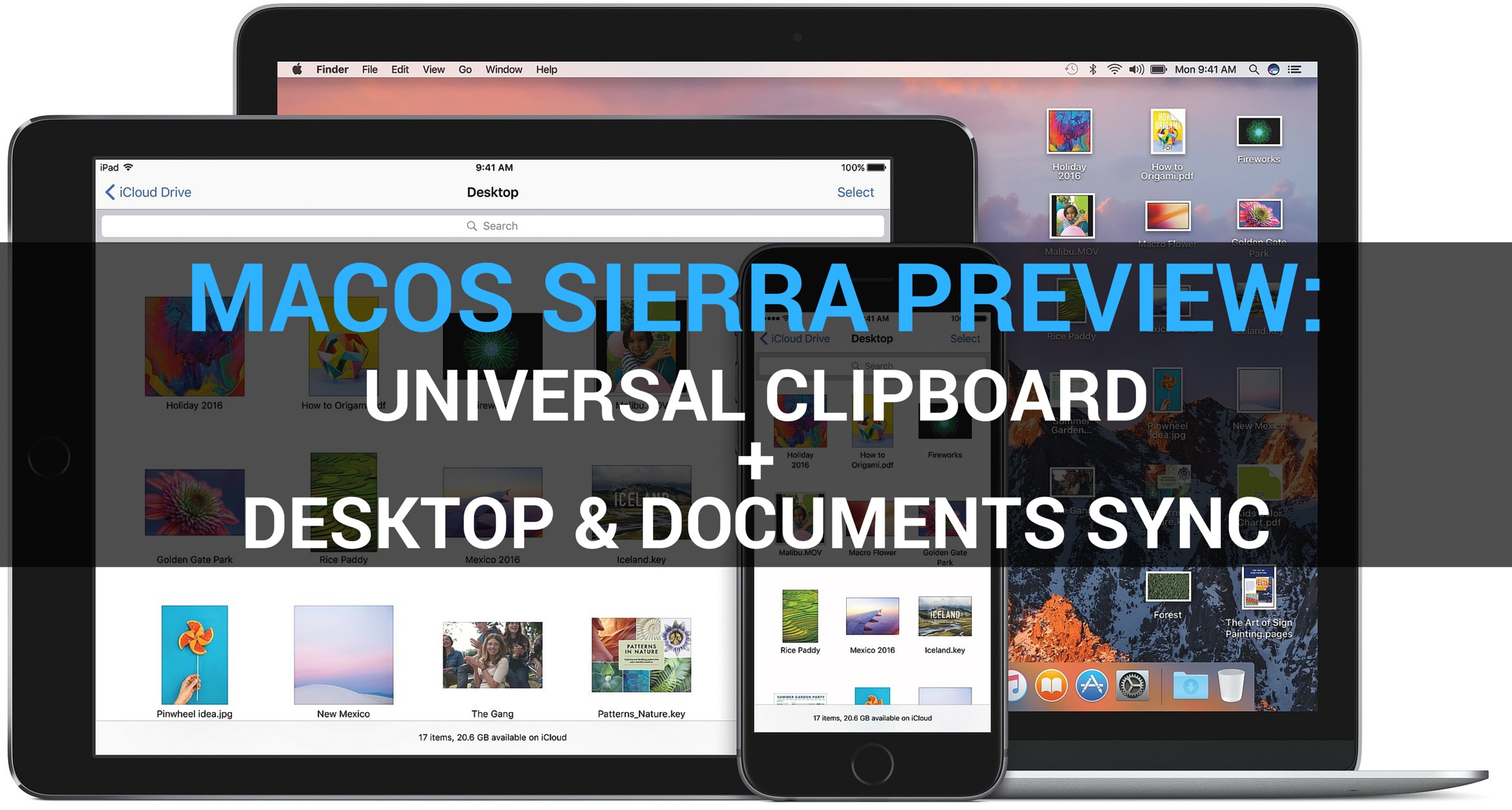
macOS Sierra preview: Universal Clipboard + Desktop & Documents sync

Our ongoing macOS Sierra previews continue unabated as Andrew and I take a closer look at two new useful features in Sierra: Universal Clipboard and shared Desktop. You're definitely going to use Universal Clipboard quite a bit: in addition to being a great time-saver, it “just works”.

Universal Clipboard lets you copy and paste items across your iPhone, iPad, iPod touch devices and Mac computers like a boss. Sierra also puts your iCloud storage to good use by keeping any Desktop items along with the files within the Documents folder synchronized across your other devices.

Does your Mac meet minimum system requirements to run macOS Sierra?

During his WWDC 2016 keynote segment, Apple's software boss Craig Federighi briefly flashed a slide listing Mac models that will be able to run the operating system out of the box when it releases publicly this fall (the macOS Preview webpage does not yet mention anything in terms of the minimum system requirements for the new OS).

It seems that Macs manufactured in 2008 and older models won't be eligible for the new OS. But if your Mac is not on Apple's list, an unofficial option might allow you to run macOS Sierra anyway, with some caveats.

Apple’s updated Photos app recognizes 7 facial expressions, 4,432 objects and scenes

During the WWDC keynote a week ago, Apple announced that iOS 10 and macOS Sierra will bring facial recognition features alongside a brand new Memories tab and other improvements in Photos for iOS 10 and macOS Sierra.

According to a Medium post by Redditor “vista980622,” Photos' facial recognition engine is capable of distinguishing between seven distinct facial expressions and detecting up to 4,432 searchable objects and scenes on your photos.

macOS Sierra preview: Siri comes to the Mac

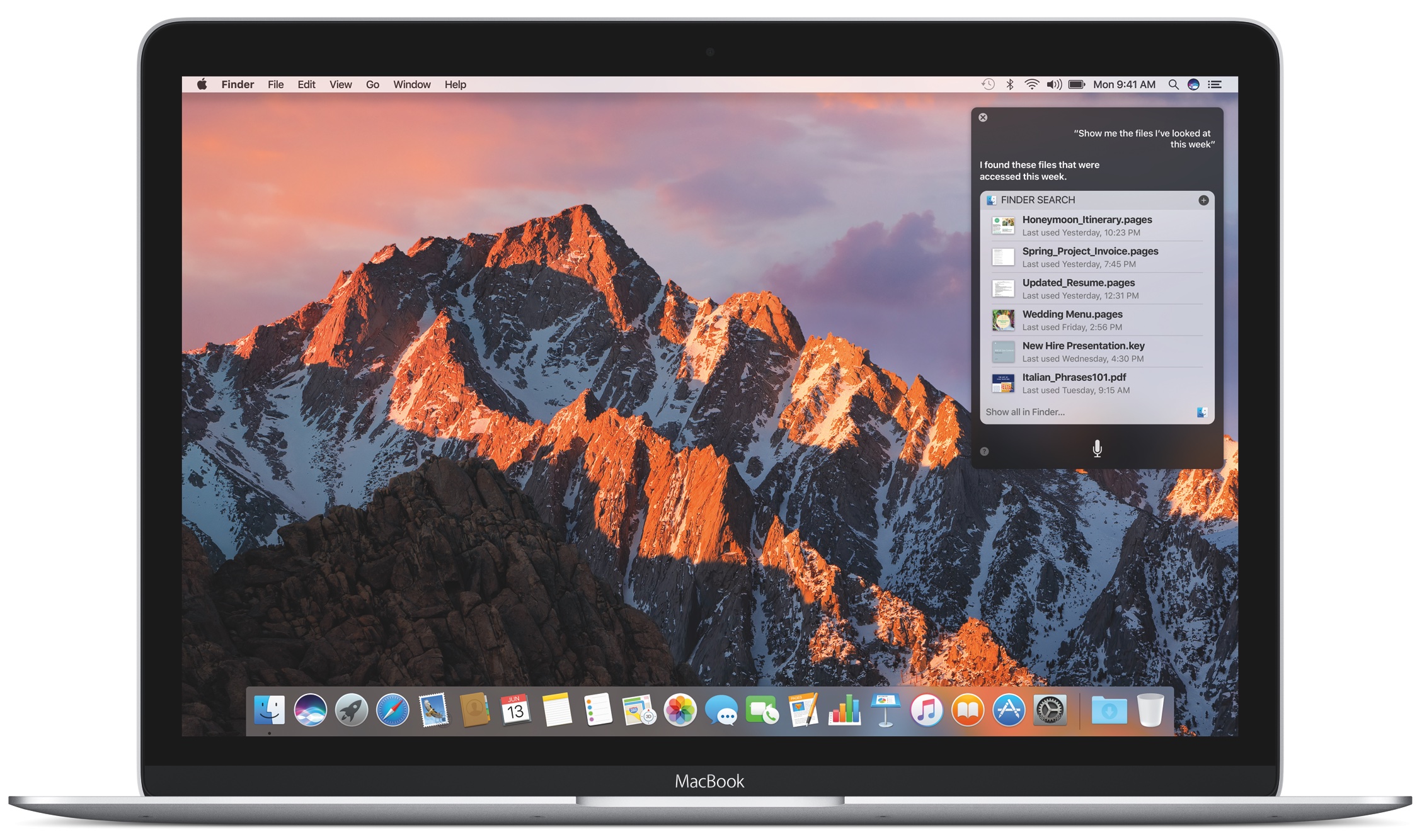
macOS Sierra brings the familiar features of Siri for iOS to the Mac with an attractive user interface, third-party integration and some interesting capabilities specifically designed for the desktop that are not supported on iOS. In addition to standard search queries, you can ask Siri to locate a specific document you worked on last night, add a meeting to your calendar, start a FaceTime call and more.

The Siri interface is interactive, letting you drag and drop items from search results into your documents.

You can even pin Siri searches in the Notification Center with live updating! Here's our quick video preview of Siri for Mac in action and a detailed overview of the supported features that Apple hopes will make you more productive.

CloudClip: Universal Clipboard for your Mac right now

Apple's newly-announced macOS Sierra is set to release to the public this Fall as the company revealed at WWDC 2016 this week, and it includes a variety of improvements that will make using your Mac even better than ever.

One of those improvements is Universal Clipboard, which is a Continuity feature that lets you share your clipboard between your iOS device(s) and your Mac.

But what if we told you that you didn't have to wait until the public release of macOS Sierra to enjoy a similar feature on your Mac?

Code found in macOS Sierra hints at rumored OLED touch bar, Touch ID support

Some evidence has been discovered within the code of the initial macOS Sierra beta that suggests there may be some truth to the rumors that Apple is building a MacBook Pro with a built-in OLED touch bar and Touch ID support. As noted by French site Mac Generation, there are several mysterious 'kHIDUsage_LED' references in macOS, as well as mention of support for "biometric devices."