macOS

Does your Mac support Night Shift?

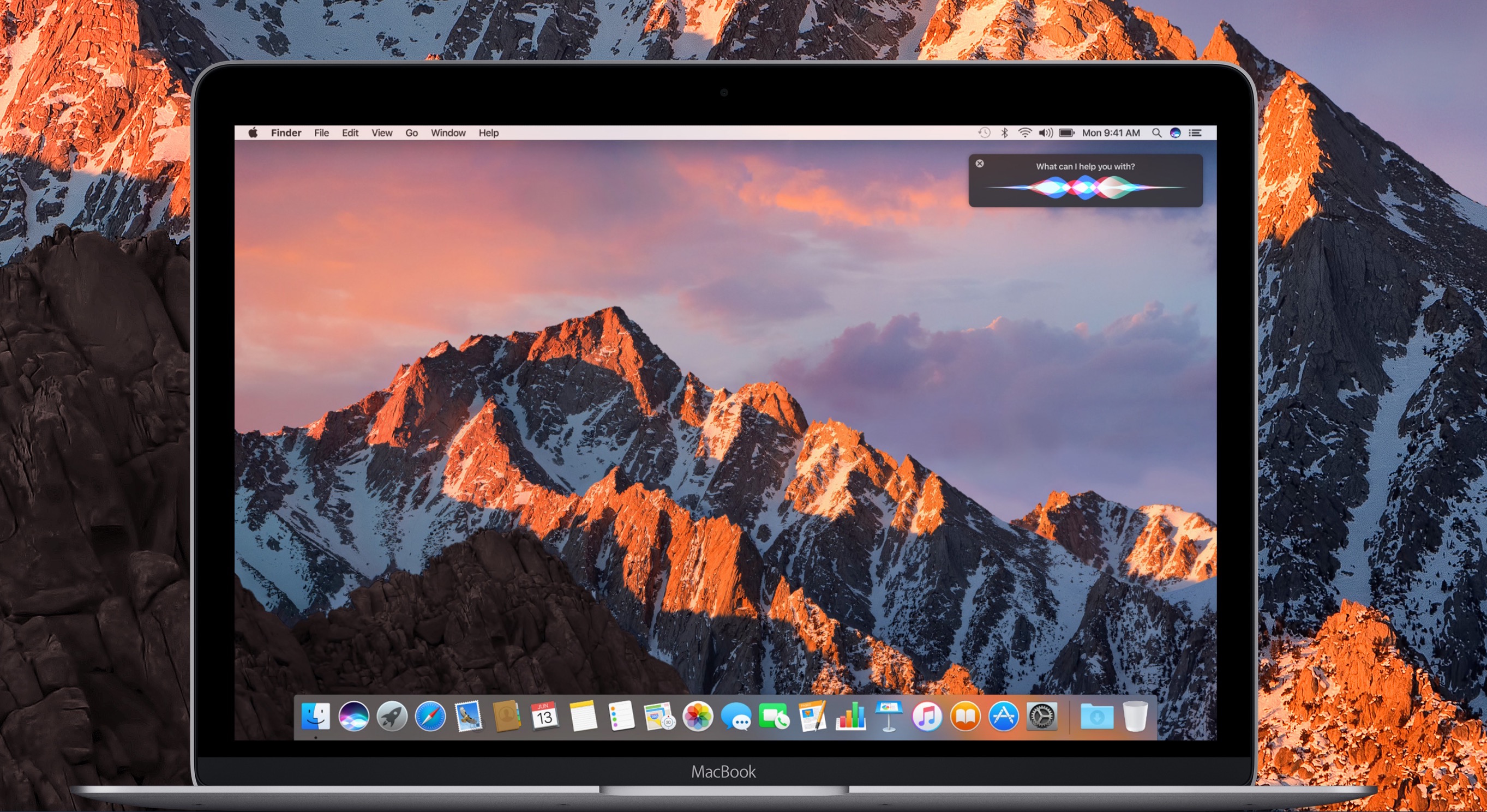
macOS Sierra 10.12.4 brought Night Shift to Mac. As you know, Night Shift debuted on iPhone, iPad and iPod touch with the release of iOS 9 nearly two years ago.

Like with iOS devices, macOS's implementation of the feature automatically shifts your display's colors to the warmer end of the color spectrum after dark, based on your computer's clock and geolocation. This helps cut down on exposure to blue light, which is said to cause sleeping problems.

Your computer must meet certain hardware requirements in order to benefit from Night Shift. Here are the full Mac system requirements for Night Shift and how to find out whether or not your particular Mac model is compatible with this feature.

Don’t want internet providers to sell your browsing data? Use a VPN

While the FCC fought hard to keep your internet browsing data safe from third parties, it appears the United States government has other interests in mind. That said, your internet service provider (ISP) may soon begin selling your personal internet browsing data to third parties, putting your privacy at risk of exploitation.

On the other hand, there's still a way you can protect yourself and your data. Using a Virtual Private Network (VPN) will keep your internet browsing data hidden from your ISP, which in turn keeps it from being sold to third parties.

Everything new in macOS Sierra 10.12.4

Apple yesterday unleashed a barrage of OS updates with iOS 10.3, macOS Sierra 10.12.4, watchOS 3.2 and tvOS 10.2. We've already posted our “What's New in iOS 10.3” hands-on and now our resident video editor Andrew O'Hara has done the same for the latest Sierra update.

Check out everything macOS Sierra 10.12.4 has to offer and let us know what you think in comments.

macOS Sierra 10.12.4 with Night Shift for Mac launches

Hot on the heels of releasing iOS 10.3 with Find My AirPods and other improvements and watchOS 3.2 for Apple Watch with Theater Mode and Siri in apps, Apple also today posted the fourth major update to its desktop operating system powering Macs. The software update is now rolling out via Mac App Store’s Updates tab.

Speed up or slow down iTunes playback for podcasts, audiobooks, and music with Speed-Up

Still enjoying iTunes despite the beautiful mess it has become on macOS? If the answer is yes, perhaps listen up for this one. Every once in a while, seemingly low-key and low-price apps pop up in the market, claiming to have identified an imperfection or gap in Apple’s software, and in the next breath promising the fix for it. Some of these apps are superfluous to the user for the simple reason that the touted feature is already in place in Apple’s mothership software (in some shape or form), other apps are gimmicky or overly flawed.

Speed-Up for Mac firmly sits in the opposite camp, the one where ostensibly small apps are extremely wholesome and deliver on the promised goods. So what does it promise you ask? Put simply, to speed up or slow down your iTunes playback, an option otherwise notably absent on macOS. If this sounds surprisingly succinct or sober to you, that’s because it is.

Speed-Up treasures simplicity over bells & whistles, and is probably worth a look if you have ever caught yourself wishing for a speed lever in the thick of an Audiobook or Podcast session on your MacBook.

How to add Continuity features to older Macs

Most of our readers will be familiar by now with Apple's Continuity suite, a slew of features which were introduced with iOS 8 and OS X Yosemite. These features include Instant Hotspot, a new AirDrop, SMS/Phone calls from Mac, and Handoff. With macOS Sierra and iOS 10, they added Auto Unlock and Universal Clipboard to the group.

The catch is of course that making use of these features requires certain hardware. Therefore, Macs from before about 2010/11 appear not to support some or all of the new functionality. However, it turns out there is a way to enable Continuity on your older hardware. In this guide we'll go through how to do it.

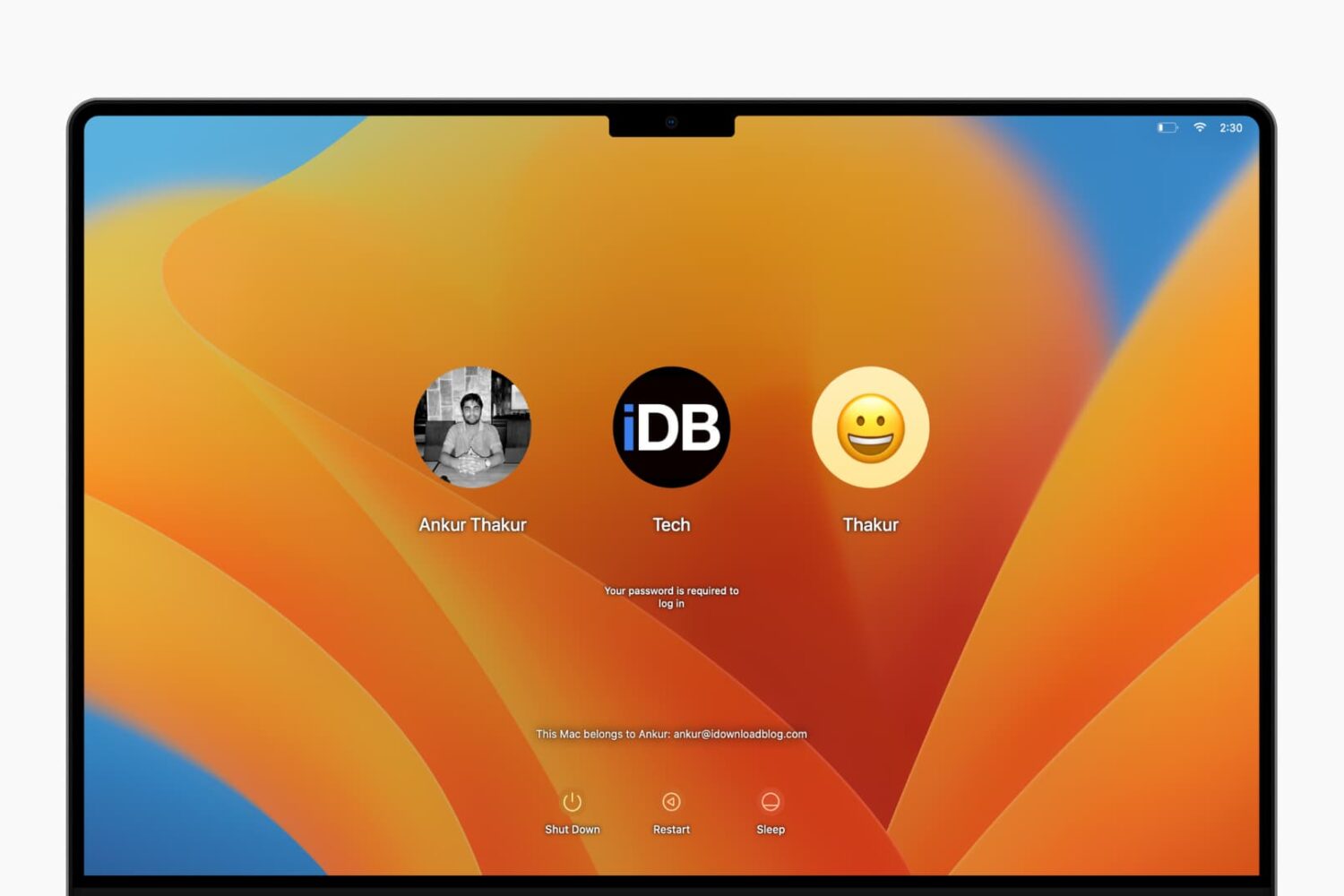
How to show basic system information on your Mac login screen

See System Information on Mac's login screen

If you're one of those who love to tweak every little facet of their Mac experience, then this guide is for you. It brings some system information items, such as your computer name, your current IP address, and your macOS version, right to your login screen where they can be easily referenced. For this modification, all you need is the Terminal application and a few minutes.

Apple seeds macOS Sierra 10.12.4 beta 8 and watchOS 3.2 beta 7

Apple on Monday seeded an eighth beta of macOS Sierra 10.12.4 and a seventh beta of watchOS 3.2 to its registered developers and members of the Apple Developer Program. Both macOS Sierra 10.12.4 beta 8 (build 16E192b) and watchOS 3.2 beta 7 (build 14V5249a) can be deployed over-the-air on devices running a prior beta and a using a special configuration profile that can be downloaded from Apple's portal for developers and beta-testers.