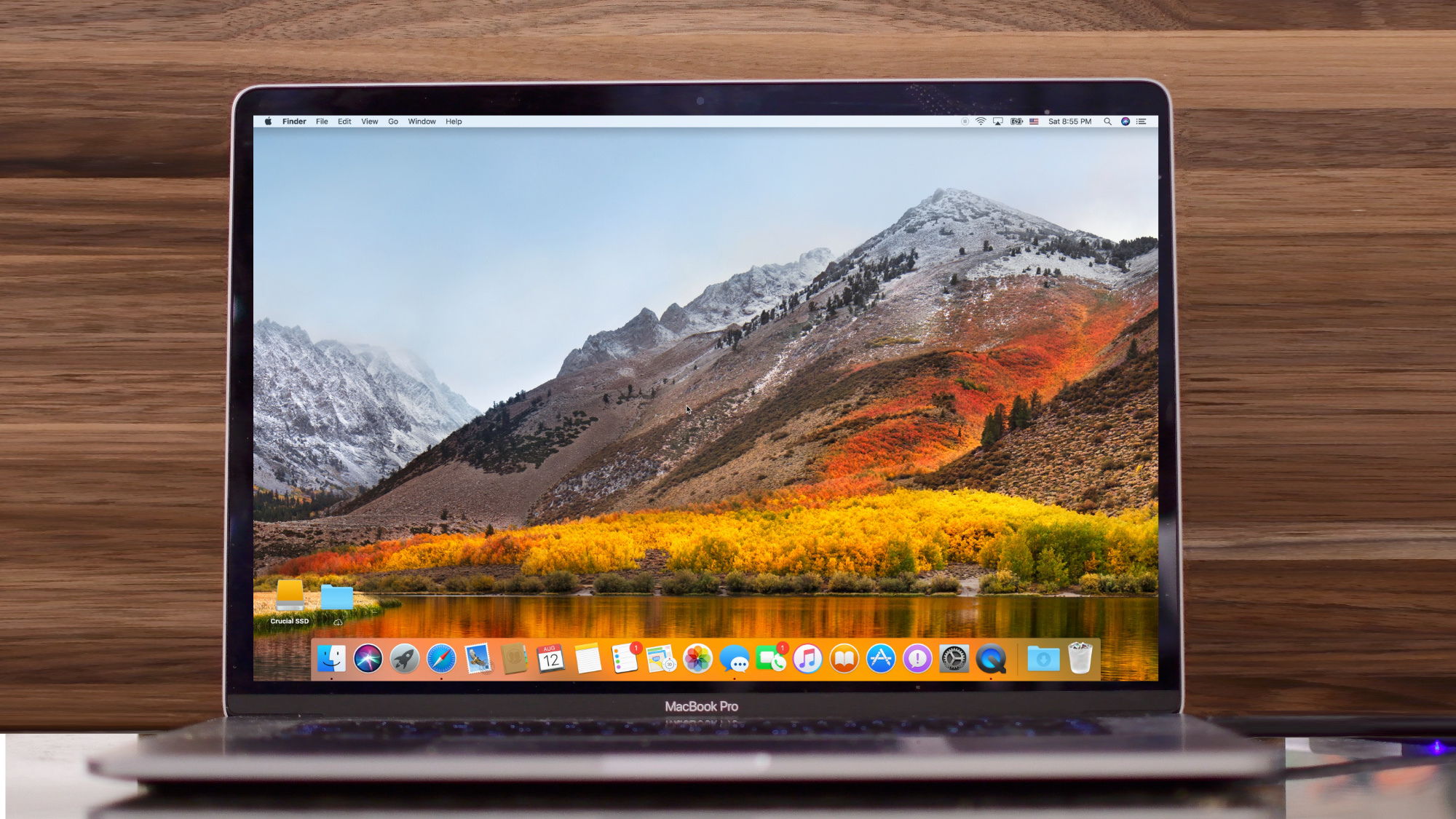
Apple in June announced that macOS High Sierra will come with the new Apple File System (APFS) on all supported Macs following its debut on iOS, watchOS and tvOS last year.
What you need to know about transitioning to APFS in macOS High Sierra
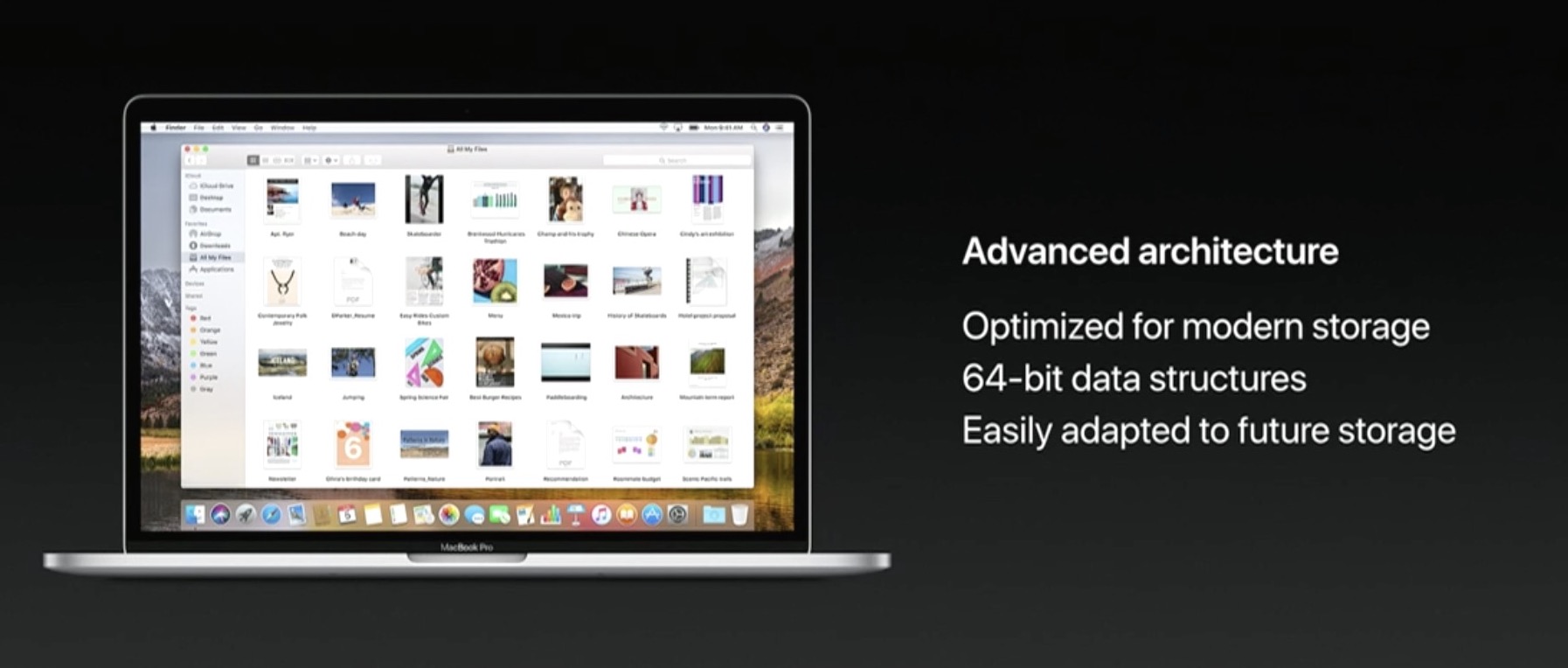
Apple in June announced that macOS High Sierra will come with the new Apple File System (APFS) on all supported Macs following its debut on iOS, watchOS and tvOS last year.

London-based publisher Feral Interactive announced Friday that F1 2017, the official video game of the current 2017 FIA Formula One World Championship, is now available for macOS, coinciding with its debut on Windows PC systems and consoles.
Apple on Monday seeded seventh betas of iOS 11, macOS High Sierra 10.13, watchOS 4 and tvOS 11 to developers.
Apple on Monday released macOS High Sierra 10.13 beta 6, iOS 11 beta 6, watchOS 4 beta 6, and tvOS 11 beta 6 to registered developers. This new round of beta software comes a week after the release of beta 5 for these platforms.
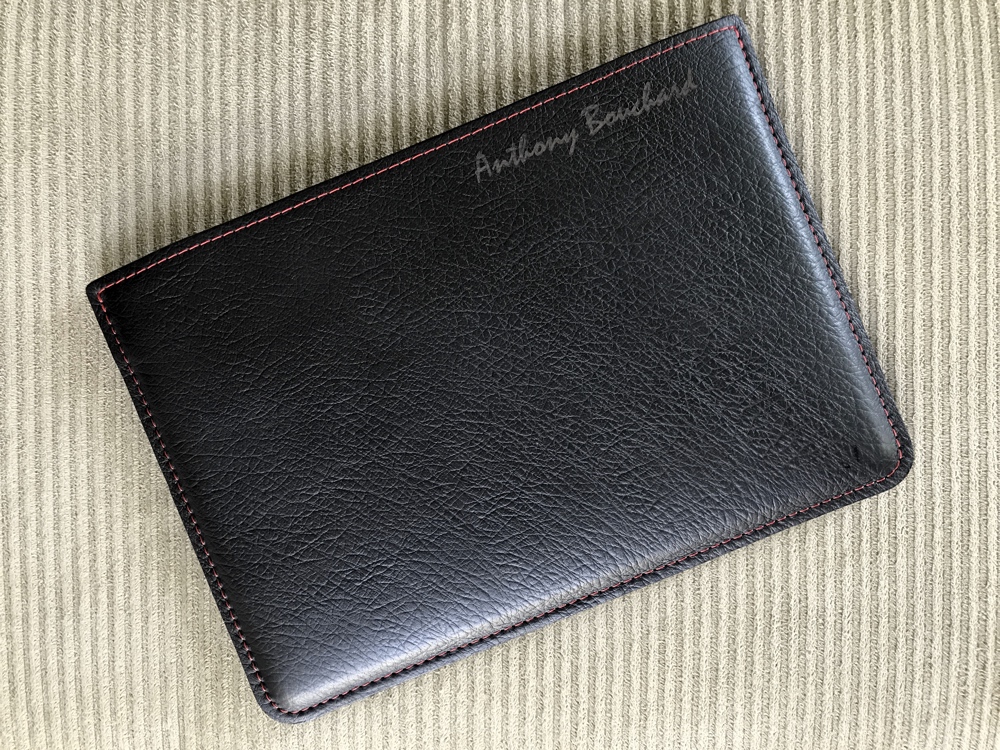
Without protection for your Apple notebook when you’re traveling, hazards that spell out scratches or dents in the aluminum finish lurk around every corner.
The Picaso Lab classic leather sleeve lets you pack your Apple notebook with confidence. Available in a slew of color choices, I opted for the black and coral red option you see above because it's stunning and really pops. I even had my full name engraved in the leather to give it some ownership.
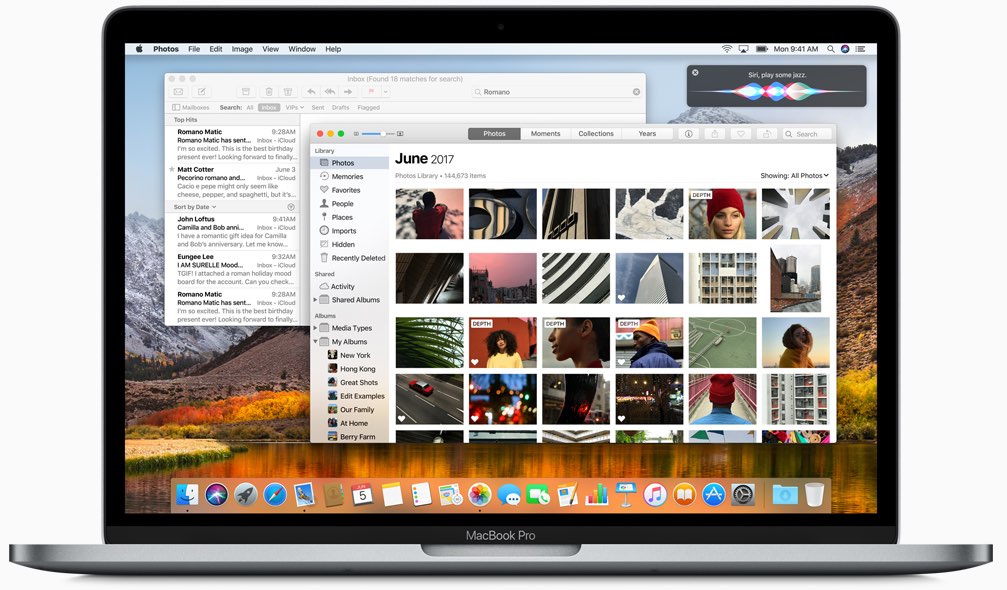
Apple on Tuesday issued a fourth public beta of macOS High Sierra 10.13, packing in the same features and changes as yesterday's macOS High Sierra beta 5 for developers.
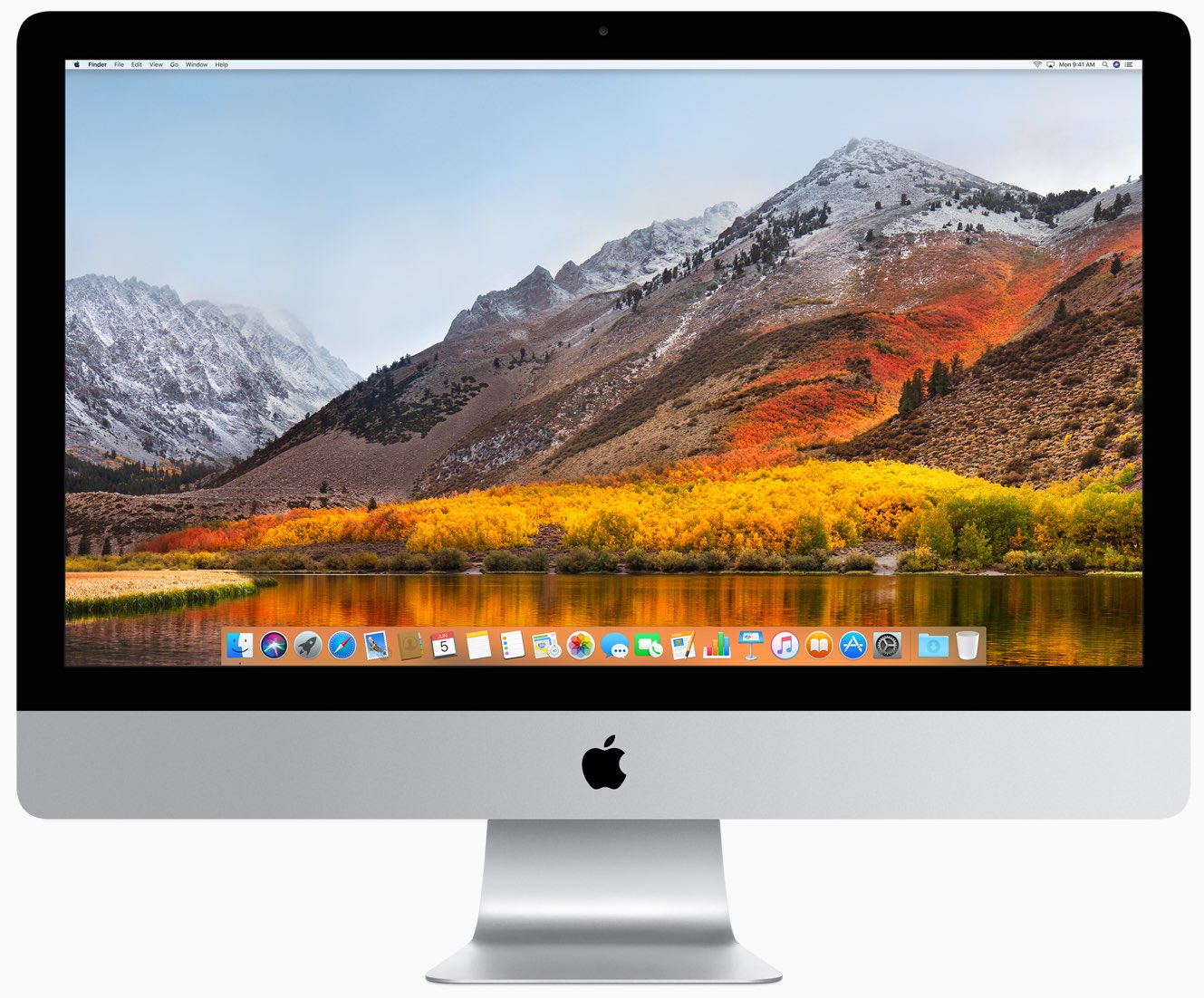
As of today, a fifth beta of the upcoming macOS High Sierra 10.13 software update is available to the registered Mac developers and members of the Apple Developer Program.
Aside from other enhancements, Safari 11 on macOS High Sierra includes a nifty little feature that automatically strips any common webpage prefixes to help declutter the interface while making it easier for you to differentiate between multiple open tabs.
Apple this morning released a third public beta for the forthcoming macOS High Sierra 10.13 software update. macOS High Sierra public beta 3 has the same features and changes as the developer-only macOS High Sierra beta 4 release that dropped on Monday.
Apple today released a fourth beta of the forthcoming macOS High Sierra 10.13 software update to its registered developers and members of the Apple Developer Program.