Mac

Stay up-to-date on the latest Mac news, and tutorials. Get expert tips and tricks to optimize your Mac’s performance and learn about the latest Apple products and software updates. Discover the best Mac apps and accessories to enhance your user experience.

Good deal: 91% off Mac software bundle

Whether you're planning on getting a new Mac for the holidays, or you're just looking for some new apps to increase productivity on your current one, you'll want to check out this big Mac software bundle from Stack Social.

The deal site is currently offering a suite of 10 Apple computer applications, which includes AfterShot Pro, Vitamin-R, skEdit and Compartments, at a steep discount. More details and a full rundown of the apps after the fold...

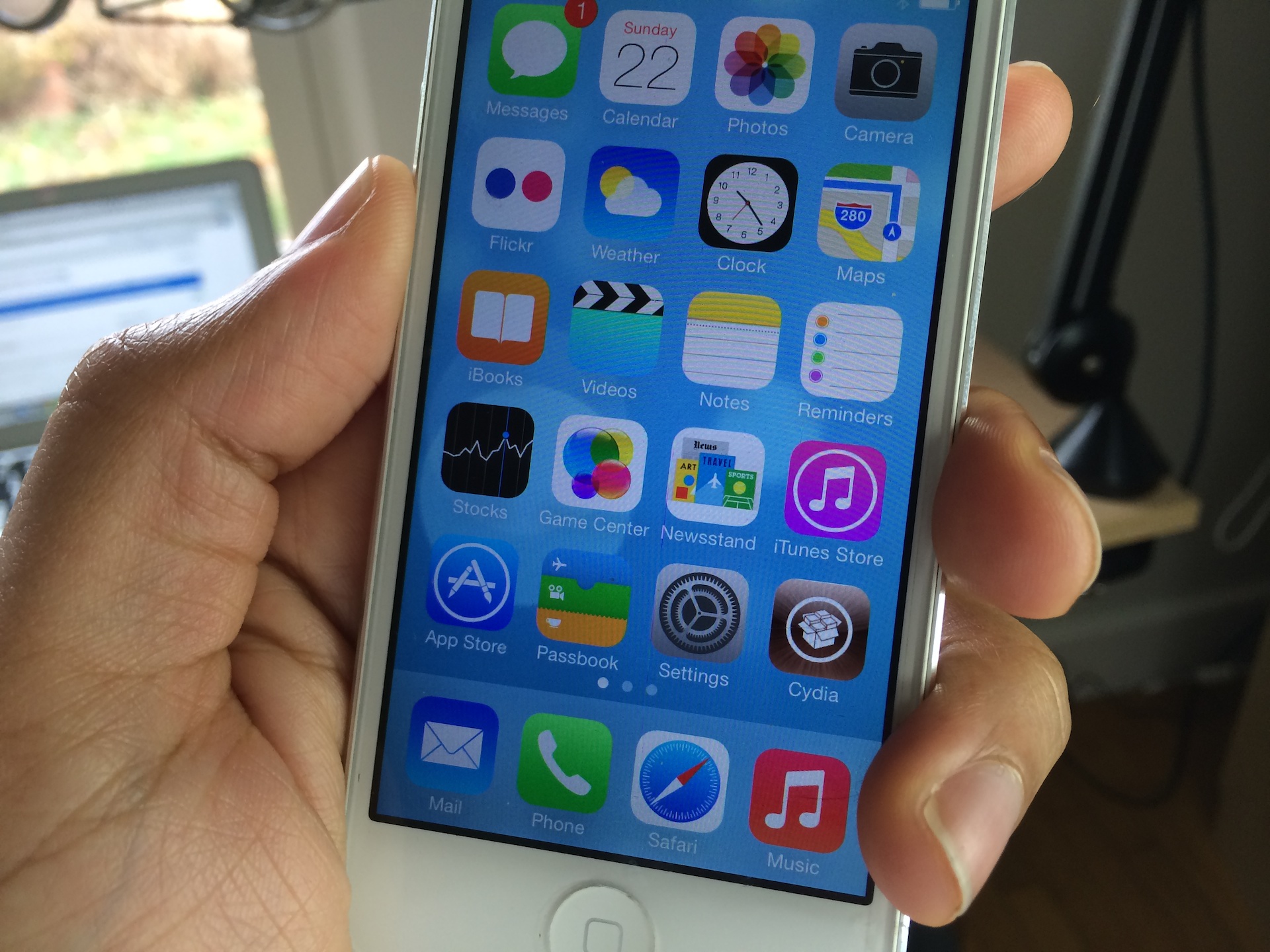
How to record direct feed footage from iOS to a Mac or PC

Lots of people have asked me how I go about recording footage directly from the iPad, iPhone, or iPod touch. The process is one that is simple and straightforward with the help of a couple of hardware and software tools.

From time to time I will record footage directly from an iOS device, while at other times, I like to record the screen using an external camera so that you can see my hands as I work with the device. Depending on the circumstances, I've been known to switch up my methods for doing so.

The bottom line is that there are times in which you should definitely go the direct feed route as opposed to recording the screen externally. As the saying goes, there are many ways to skin a cat, but the method that I've been using has been working quite well for me. Have a look inside as I spill the details on what makes a successful iOS device recording setup.

1Password for Mac gains custom password fields, better search, auto-save and more

AgileBits' 1Password is my favorite program to manage all of my secure notes, passwords, logins, credit card information and other sensitive data.

The developer in mid-October updated the 1Password for iPhone and iPad client with local Wi-Fi sync, improved iCloud support and other tweaks and today a major new version of 1Password for Mac is scheduled to go live in the Mac App Store.

1Password 4.1 for Mac, which has been in beta testing for weeks, includes a host of changes and improvements, like the all-new custom password fields which vastly expands the software's usefulness, an improved search, an auto-save feature and lots more. Go past the fold for the full breakdown...

Bluetooth SIG introduces Bluetooth 4.1 with new features, improved usability

It seems like it wasn't too long ago that Bluetooth only existed to connect tacky headsets to cell phones. But these days, the wireless technology is used for connecting peripherals, data transfers, and nearly everything in between.

This week, the Bluetooth Special Interest Group (SIG) announced the latest update to the Bluetooth specification, bringing it to version 4.1. The update features a number of enhancements, like improved data transfers and more...

“Fatal” Apple ID error preventing purchases from iTunes and the App Store on iOS and Mac

Last night, I tweeted a picture of an error message I received while trying to download an app from the App Store. The error was: FATAL::Unable to process your request. Please try again.

I had never encountered that error message until then, and I chalked it up to the random iOS 7 problem. After rebooting my phone and logging out of my Apple ID account via Settings > iTunes & App Store, I was met with the same exact error message. Even when trying on another device the error message persisted. I decided to go to bed, hoping that everything would be okay in the morning.

Well, I just tried to download an app again, and was met with the same exact error message. I thought to myself, "Okay, perhaps this is an iOS 7 issue since I had only tried it on iOS 7 enabled devices up to that point." Nope. After trying it on my iPod touch, which is still running iOS 6, I was met with the exact same FATAL error message. In fact, I was met with the same error on my Mac when attempting to download from the Mac App Store. So what gives? Apple's System Status page is showing everything is okay, but that's obviously not the case...

Macs overtake Dells and HPs of this world as most sought-after PCs this holiday season

As per its annual survey of top consumer electronics that are planned for holiday purchases, Market research firm Parks Associates reported that Mac desktops for the first time have usurped Dell and other competitors such as Hewlett-Packard and Acer as the most sought-after desktop PCs this holiday shopping season.

Back in 2012, Apple was ranked second so this jump in popularity clearly indicates that a lot of people are now digging Apple's latest desktop Mac hardware. Back in 2011, Apple was ranked third in the category.

Not only is the sweet victory a nice testament to Apple's design and engineering prowess, it's humiliating to Dell, the computer maker whose CEO fifteen years ago infamously advised leadership of the then-nearly bankrupt Apple to sell off the company and return the money to shareholders...

How to control your Nest thermostat from the menu bar

I wouldn’t call myself a Nest Learning Thermostat early adopter, but I did acquire one fairly early in the game, and I haven’t looked back. The Nest, as you’re likely well aware of, is the new-aged thermostat from iPod designer Tony Fadell. The Nest allows users to control the thermostat from anywhere in the world using a web browser, or by using an iOS app for the iPad or iPhone.

Mac users have sort of been left out in the cold; pun intended. Desktop users have basically been relegated to using the web browser in order to control the Nest, as there is no official Nest app available for OS X. The good news is that developer Joseph Workman has taken the initiative to wrap the Nest’s web interface into a handy utility called Climate, and it runs in the Mac’s menu bar. This makes it so that you can quickly access the Nest’s temperature controls and other features from anywhere on your Mac.

We’ve taken the initiative to create a video walkthrough in order to showcase to you how Climate works, and why it’s so beneficial to Mac users. Jump past the break to see all the details.

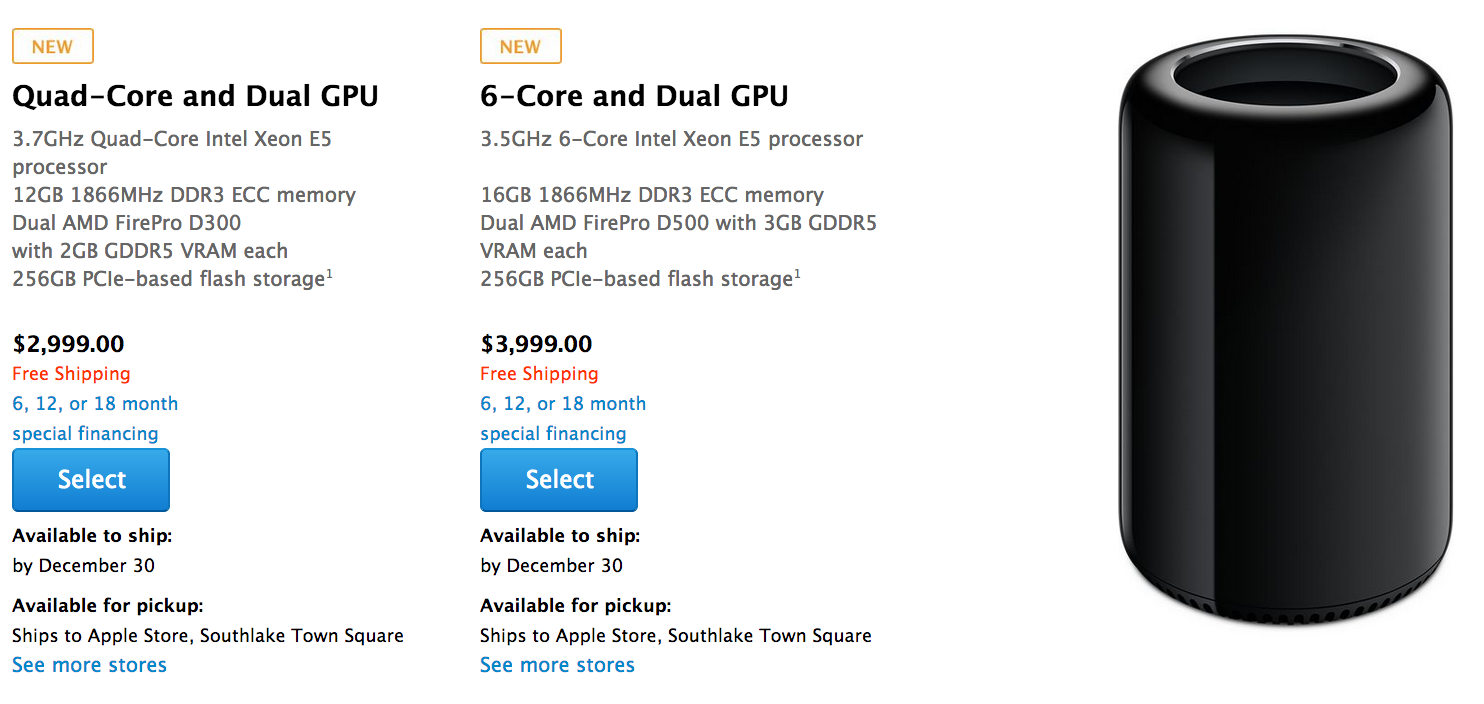
German retailer begins taking Mac Pro pre-orders

During its October iPad event, Apple confirmed that its redesigned Mac Pro would be available in December, but it wouldn't get any more specific than that. The month has already started, so technically, we could see it any day now.

But according to German retailer Conrad Electronic, we still have about two weeks before we see the highly anticipated desktop. Conrad has begun taking pre-orders for the computer, and says it's officially launching on December 16...

How to keep your MacBook awake while its lid is closed

NoSleep is a handy menu bar utility that I use each and every day to keep my MacBook Air awake. It’s like speed for your Mac. Even with the lid on the MacBook closed, it stays awake.

The best thing about this utility is that it can be easily toggled on or off by means of a single click on its menu bar icon. NoSleep is a simple tool, yet it does feature a few options to customize the way it works. Have a look inside as I showcase NoSleep on video.

Shiori: my favorite Pinboard utility for the Mac

In episode 002 of Let’s Talk iOS we talked about Pinboard, and why it’s such a useful service for saving bookmarks. I won’t get too much into the specifics about Pinboard on this post, so I urge you to listen to that episode if you haven’t already. The episode does a good job of explaining the methodology behind Pinboard, pricing, etc.

What I do want to talk about is an awesome Pinboard utility called Shiori. A free download for OS X, Shiori is a Pinboard utility that allows you to quickly add new bookmarks to your Pinboard account and just as quickly search all of the contents of your account.

Shiori runs in the menu bar, and both its add and search functions can be accessed by a pair of useful keyboard shortcuts. Have a look inside as we go hands on with Shiori on video. If you’re at all interested in saving bookmarks for the longterm, then I’m positive you’ll find Shiori useful.